Page 1 of 2

Posted:
Wed Jul 12, 2006 8:57 pmby ardypilot
After spending a large percentage of my flights taking screenshots, a question popped into my head: What is the most popular viewpoint to fly your aircraft from?
Different people will obviously have different preferences, but for me, I favour the spot view. I know its not the most realistic, but I like the ability to pan around the aircraft and scenery. Secondly, I'd choose the VC- with the ability to pan again, and in Carenados aircraft, the most realistic view.
Your thoughts...
Posted:
Wed Jul 12, 2006 9:32 pmby Jimmy
Hi
Being more of the "its gota be realistic" jet pilot flight simmer, I like to 2D best as I can easily access every thing I need, where as in a 3d cokpit some swithches can be hard to get to. Be cause of my slow pc I havnt had a true insite on what a virtual cokpit can be like, im sure when I get my next computer I may fly from the 3d more.(its also hard to see all the important gauges at once in the 3d)
Oh and I can't see myself flying that 763 from the spot view

Apart from whenI do some vfr bush flying i like to spot to have a good look at the scenery B)
well thats my very long winded opinion ,sorry I had a lo to say (i could say more i love this subject!)
Posted:
Wed Jul 12, 2006 10:37 pmby ZK-MAT
2D panel for IFR with VC for any VFR hand flown planes for me.
Posted:
Wed Jul 12, 2006 11:05 pmby Muppet
ZK-MAT wrote: 2D panel for IFR with VC for any VFR hand flown planes for me.
Same here, I chose 2D though as I fly IFR heavy metal a lot more at the moment

Posted:
Thu Jul 13, 2006 8:46 amby ardypilot
Is it just me who hits W in the 2D panel mode when on appoach to just display the gauges?
Posted:
Thu Jul 13, 2006 8:49 amby Muppet
Trolly wrote: Is it just me who hits W in the 2D panel mode when on appoach to just display the gauges?
I don't, I actually find it easier landing with the dash in front of me - better perception of height or something I think

Posted:
Thu Jul 13, 2006 11:08 amby ZK-MAT
I only use the 'gauges only' view (w) when messing about (ie checking scenery) in a chopper. I find it hard to land in anything other than a cockpit view (2D or VC), and lose all sense of height if landing in spot view - but my kids always use an external view when landing. The kids also drive cars using the view from behind mode where I have to be in the driver's seat so I guess different people see things differently!
Posted:
Thu Jul 13, 2006 11:20 amby steelsporran
Spot for me, I think it's all about seeing the model.
Posted:
Thu Jul 13, 2006 3:36 pmby Jimmy
kids always use an external view when landing
haha not this kid.
for me 2d is best for landing ,some time the shift-enter comand helps with some panels that are a bit high for landing , just focus on the ai to get a sense of pitch attitude.
Posted:
Thu Jul 13, 2006 3:53 pmby ZK-MAT

Nice quote edit ... MY kids lol (15 and 1o years old, mainly the 10 year old is into FS)
Posted:
Thu Jul 13, 2006 4:00 pmby steelsporran
You're supposed to LAND as well?
Incidentally ZK-MAT, I find having aircraft shadow on helps.
Posted:
Thu Jul 13, 2006 5:22 pmby Jimmy
lol I just qouted that part zk-mat as its mostly the same with all kids, when I used(yes used ) to have friends they thort I was so stopid wanting to see the instraments "its not anyfun" .

now whats not fun in a ils aproch with 2mi visibilty lol
Posted:
Sat Jul 15, 2006 11:40 amby Alex
I like the VC but don't really spend a lot of time in it. I find it much easier in the 2D cockpit as all the instruments and toggles, switches etc are laid out exactly where I expect them to be. I dunno, I suppose the VC throws me off a bit with its angle.
Alex
Posted:
Sat Jul 15, 2006 2:06 pmby Bazza
I use the lot when pottering about. The spot sometimes helps me find out where the hell I am, I use the VC to try and turn onto the runway at the right (correct) angle, then bang back to 2D to land. Has anyone ever found a way to have the VC remain at about 60/70% so you can see a good range of gauges without reverting to 100% after each flight ?
Posted:
Sat Jul 15, 2006 3:51 pmby Alex
You could probably sort it out using the fs9.cfg file but I would have no idea how to.
Alex
Posted:
Sat Jul 15, 2006 8:36 pmby ardypilot
Has anyone ever found a way to have the VC remain at about 60/70% so you can see a good range of gauges without reverting to 100% after each flight ?
Yep.
Instead of hitting just '+' or '-' to increase and decrease the magnification your view, press 'shift' and '+' or '-' to zoom at a slower rate.
I always use 70% magnification for the VC, but in the 2D panel I keep it at 100%
Posted:
Mon Jul 17, 2006 9:47 pmby creator2003
to change the pan rate in fs vc
just go to the fs9.cfg file and scroll till you see the text "pan rate" and change it from what ever it is now to something like 800 or 900. save and start the sim that will speed it up and about 400 slows it down abit .
I can't find an fs9.cfg ?
First you have to have hidden folders visible.
Go to "My Computer"
then "Local Disk" (C: for me)
"Documents and Settings"
"Your User Name" (ie the profile that you log into windows with)
"Application Data"
"Microsoft"
"FS9"
You should see a .cfg file in there labeled FS9.
i use active camera in vc all the time gives head movement and you are able to move your head with mouse ,scroll in and out with the wheel and number arrows buttons moves me around inside and outside,
also has walk function but has hip cip in NZ so doesnt work to well
has movement tower camera will change tower view random to what ever time i set it too 5 seconds 10 1min etc doesnt matter where you at gives a good tower view
good payware and nice to make movies with ..
Posted:
Wed Jul 19, 2006 10:21 amby SUBS17
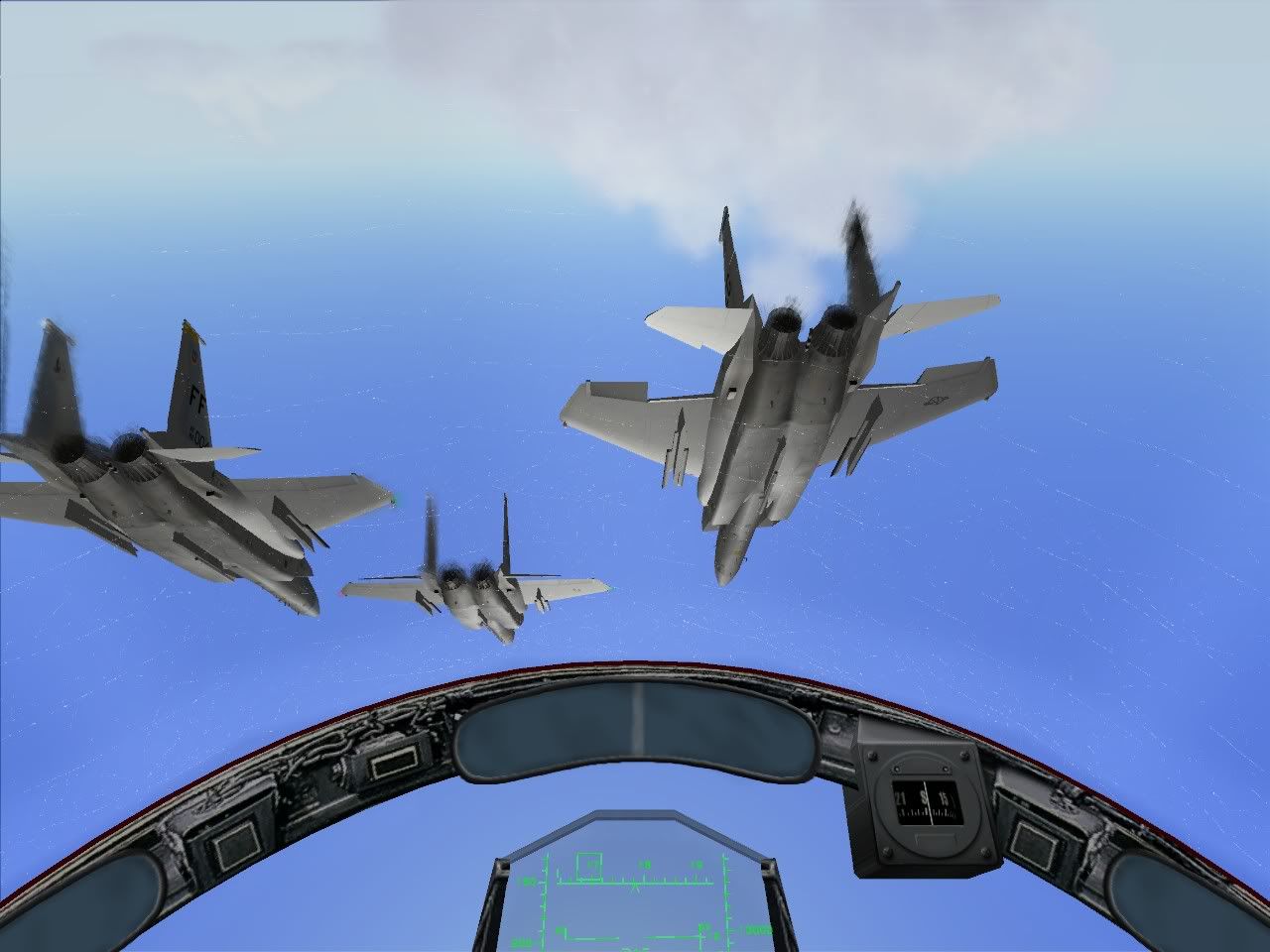
3d pit with trakir
Posted:
Wed Jul 19, 2006 5:12 pmby FlyingKiwi
I always fly from the 2D panel view.
Posted:
Fri Jul 21, 2006 9:16 pmby Codge
I love watching in spot too but for realism it has to be virtual cockpit. 2D and W so it's just scenery is what I'll usually have on one of my monitors and gauges and GPS on another.