 Posted: Sun Feb 11, 2007 3:33 pm
Is it possible to remove a single gauge from an aircraft's panel, so it won't be visable in both 2D and VC views?
I am trying to get rid of the attitude indicator in the Airhead Decathlon found here: airhead.hfdd.com/airworthy/04_8kcab.htm to resemble ZK-CIT, which does not have that gauge.
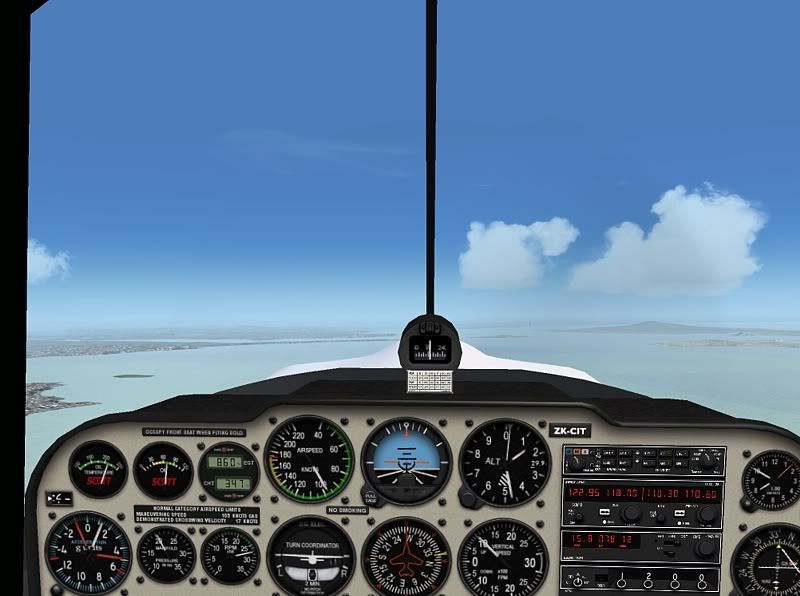
Any tips or guides would be much appreciated,
cheers!
I am trying to get rid of the attitude indicator in the Airhead Decathlon found here: airhead.hfdd.com/airworthy/04_8kcab.htm to resemble ZK-CIT, which does not have that gauge.
Any tips or guides would be much appreciated,
cheers!

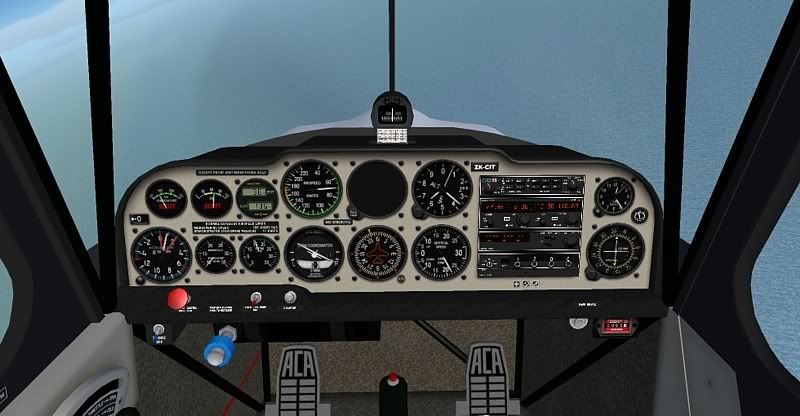
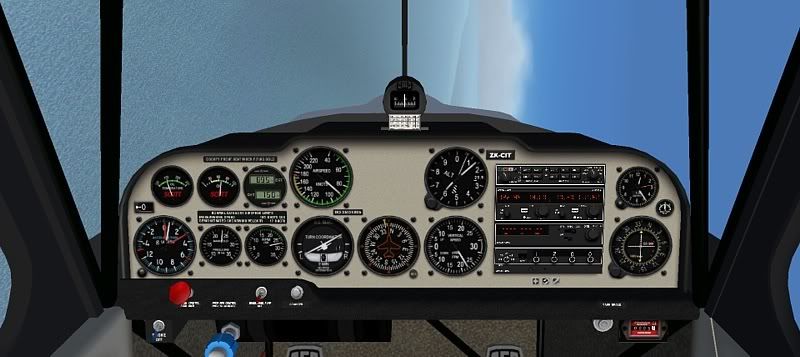
 I must do that to some of my aircraft as when I did my introductry flight last year the instructor went on and on about my looking at the instruments to much and shoudl use the horizon for referance, well easy solution for that, remove the whole gauges folder