A bit more on AI 3D model generation
 Posted: Thu May 14, 2026 2:10 pm
Back whenever I built the first Taieri (20 years?), I modelled a rudimentary log loader at the timber yard. I was never happy with this, but it just didn't warrant the effort to make a nice model. However.... now that we have AI to help, I thought I'd give it a go.
First problem was that I didn't have a decent photo of the actual loader. I tried giving AI a text prompt, but it just couldn't get the hang of the log attachment, it only gave me buckets at the front. I went to the timber yard's website, and grabbed their banner image which included a low res loader, this was reasonably successful but as it was low-res the wheels were bumpy and bits were missing.
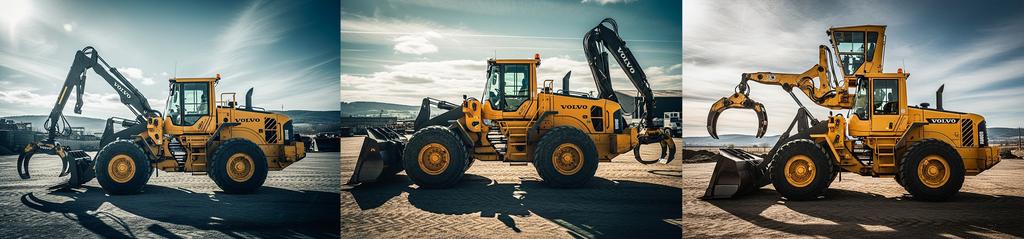
I then gave this image to a prompt creation tool, which built a nice prompt describing the loader, and it picked up that it was had a log attachment. I then used this prompt to create an AI image, which actually worked well eventually. Again, though, lots of weird attempts before it got it right:
Finally it came up with a good result:
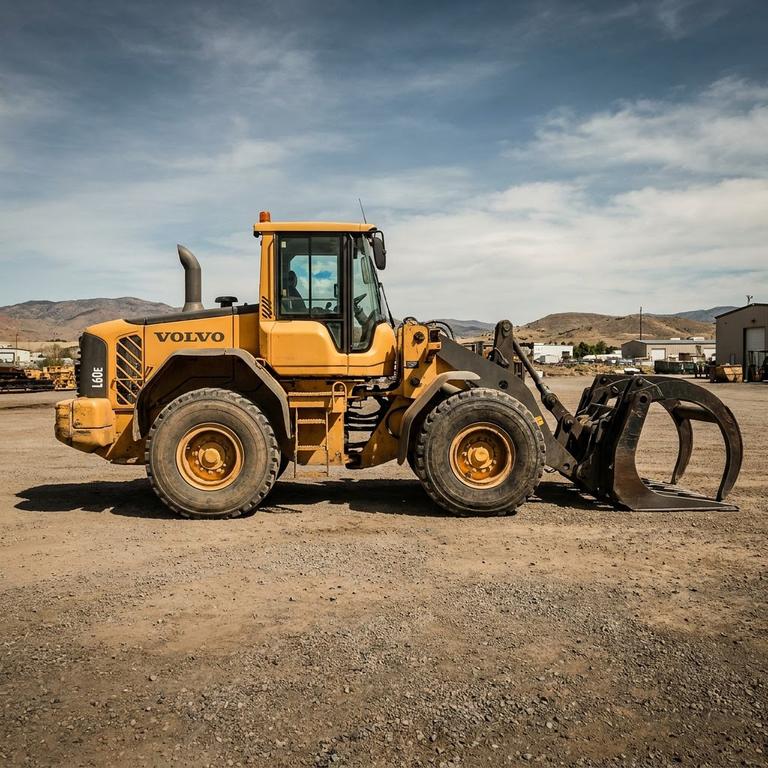
I gave this image to the 3D tool, and finally it built a decent model.
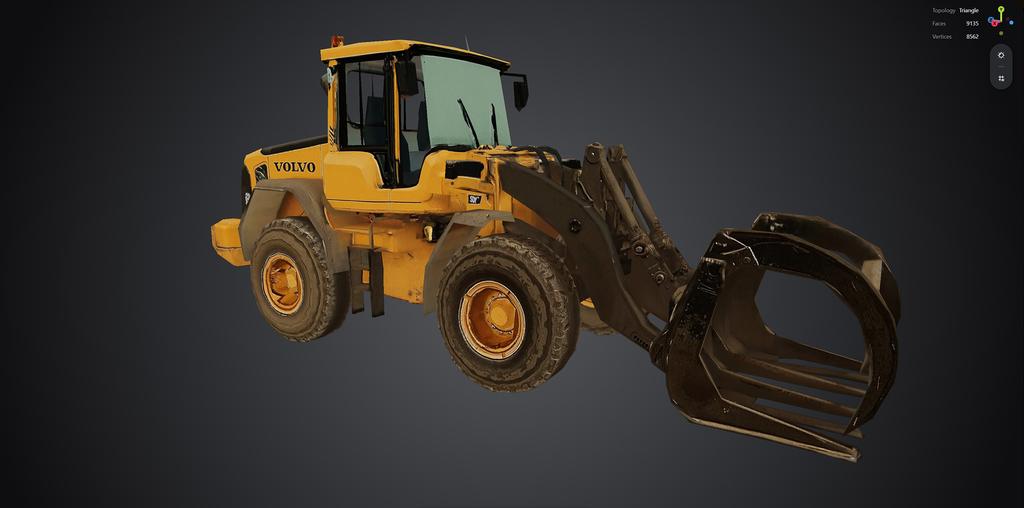
Here's a screenshot from the sim, this model needed to be reduced in complexity hugely, so it does suffer a bit in the sim, but the originally model was great. I had even told the AI image tool the model number of the Volvo, and it has sort of included that in the texture.
.jpg)
Certainly a fun exercise, middling annoying, and I'm sure that AI won't take over the world any time soon. Ok, the people who create and use it might, but that's just business as usual.
First problem was that I didn't have a decent photo of the actual loader. I tried giving AI a text prompt, but it just couldn't get the hang of the log attachment, it only gave me buckets at the front. I went to the timber yard's website, and grabbed their banner image which included a low res loader, this was reasonably successful but as it was low-res the wheels were bumpy and bits were missing.
I then gave this image to a prompt creation tool, which built a nice prompt describing the loader, and it picked up that it was had a log attachment. I then used this prompt to create an AI image, which actually worked well eventually. Again, though, lots of weird attempts before it got it right:
Finally it came up with a good result:
I gave this image to the 3D tool, and finally it built a decent model.
Here's a screenshot from the sim, this model needed to be reduced in complexity hugely, so it does suffer a bit in the sim, but the originally model was great. I had even told the AI image tool the model number of the Volvo, and it has sort of included that in the texture.
Certainly a fun exercise, middling annoying, and I'm sure that AI won't take over the world any time soon. Ok, the people who create and use it might, but that's just business as usual.
 Watch on