Hi,
This will no doubt be boring to most people....sorry. It's a huge challenge for me though as I attempt to fly from Auck to Queenstown. I will be making touch and go's at Hamilton, Rotorua, Palmerston North and a fullstop landing at Wellington. I haven't got a SI flight plan yet.
I was going to take the 172 because I am most familiar with that type, but it's a bit slow so I am taking the Mooney Bravo.
My navigation will be with VOR only....so I hope we will get to where I want to go! I had a short flight yesterday and I attempted to get the Autopilot to fly to the VOR (Nav 1) setting, but it seems determined to take another heading for some reason, so all I can use AP for is altitude hold. Strange.
The weather is real time weather so it's a bit cloudy.
I'll try and insert some screenshots of the progress. hmmmm......well there's the first problem.....how to insert a screenshot??
First adventure
38 posts
• Page 1 of 2 • 1, 2
 by realjumper » Mon Jun 03, 2013 11:19 am
- realjumper
- Member
- Topic author
- Joined: Fri May 10, 2013 12:57 am
- Posts: 53
- Location: Palmerston North
by realjumper » Mon Jun 03, 2013 2:45 pm
Ian Warren wrote:QUOTE (Ian Warren @ Jun 3 2013,11:54 AM) <{POST_SNAPBACK}>Good luck on your mission and plenty of screens please
Thank you.....here we go...hope the screenshots work!
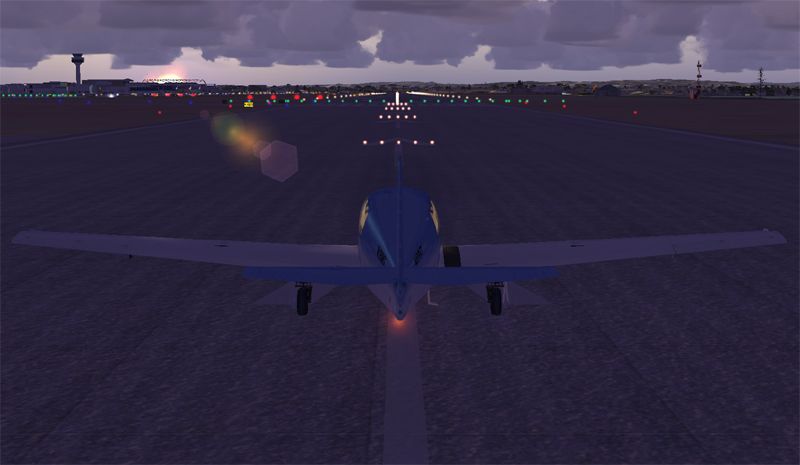
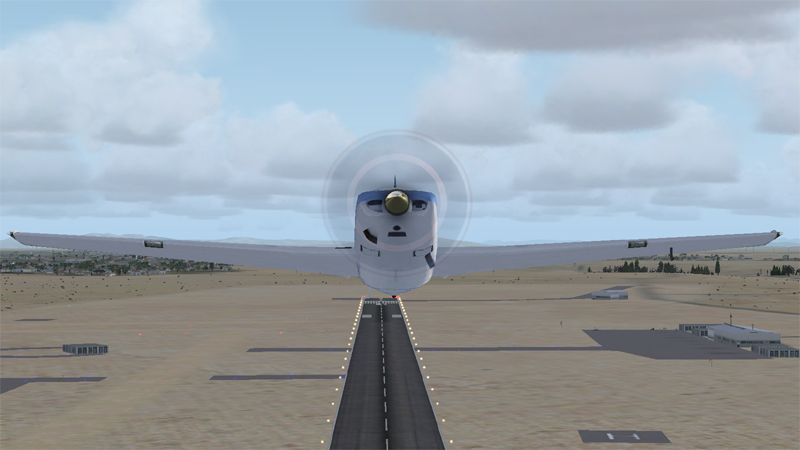
Here's the first leg....Auckland to Hamilton.....here we are about to depart Auckland:
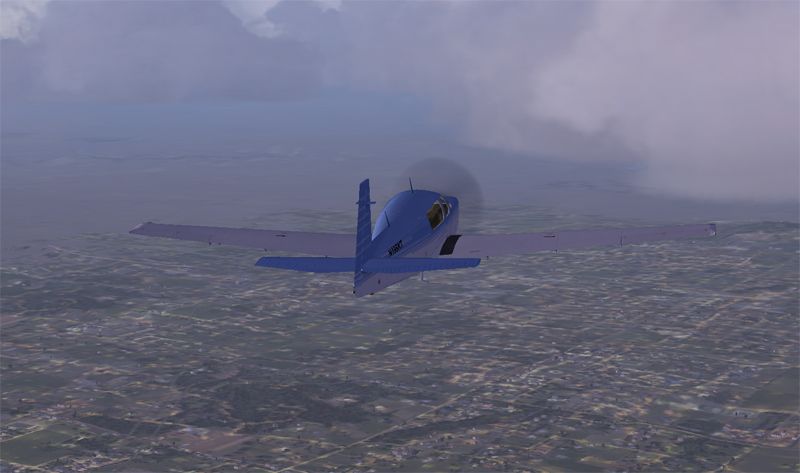
The weather isn't too flash, but we settle at 5,000' and see how we go
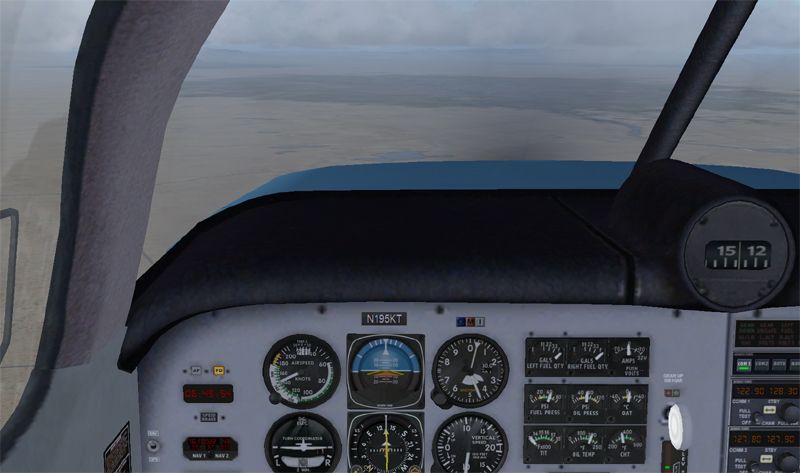
That must be Hamilton up ahead.....
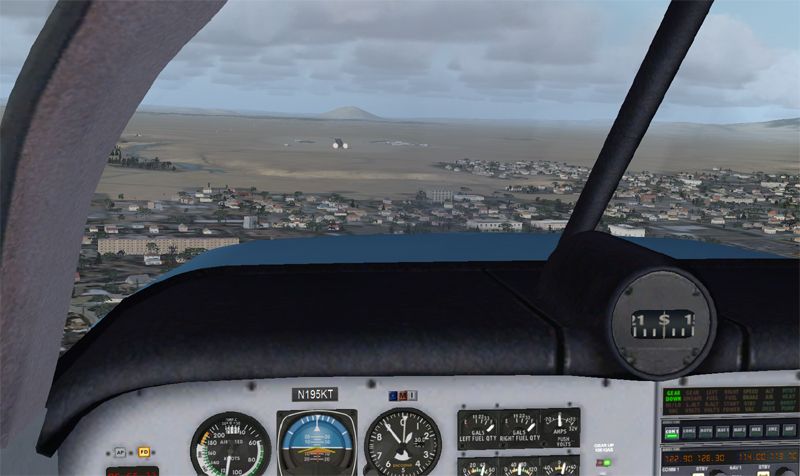
Approaching Hamilton Airport....a little low....
....but we made a successful touch and go......and so now off to Rotorua
- realjumper
- Member
- Topic author
- Joined: Fri May 10, 2013 12:57 am
- Posts: 53
- Location: Palmerston North
by realjumper » Mon Jun 03, 2013 2:56 pm
Not much to see on the short hop to Rotorua....mostly was cloudy so I'm guessing that I'm approaching Rotorua here.....
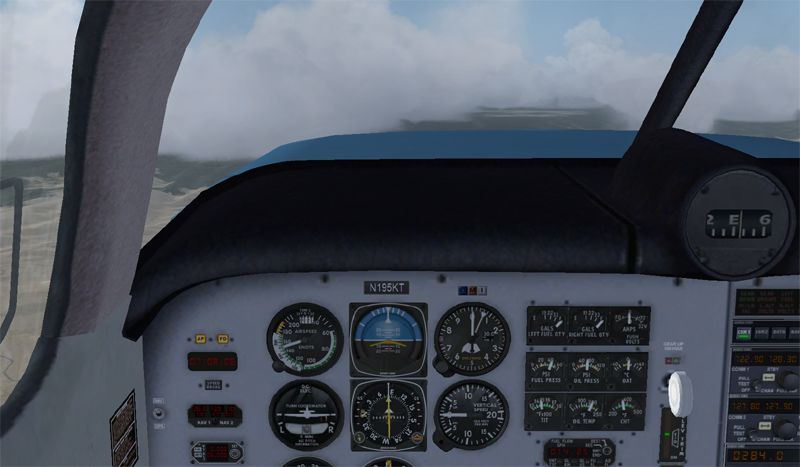
A bit lower now and I recognise this part.....we're on the right track
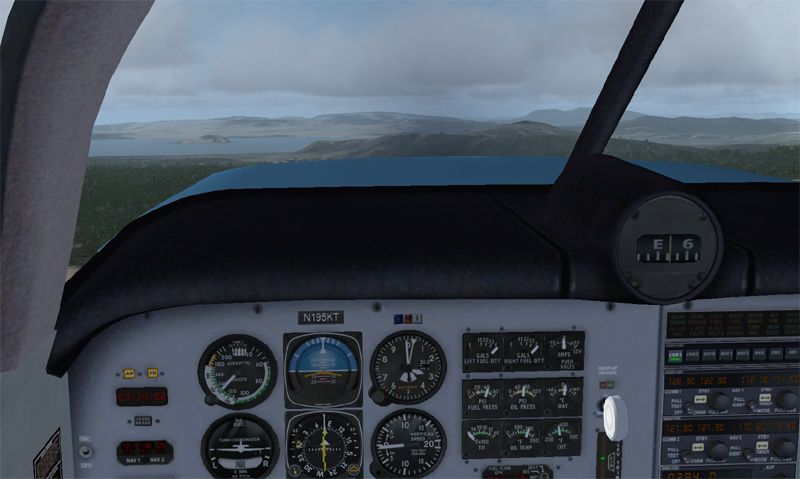
Here comes the approach....I've made a few skydives here in the past....
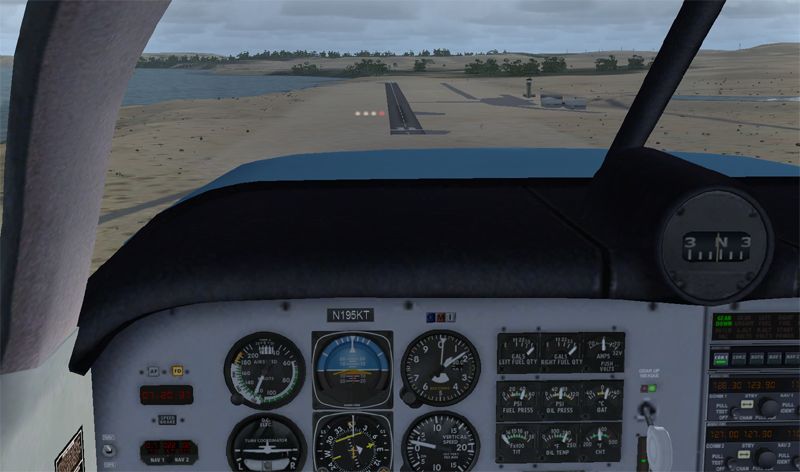
Very nice touch and go...even if I do say so myself...which I do!! Now we're off to Palmy and seeing as it's a reasonable trip we'll try and get about the clouds and go for 10,000'
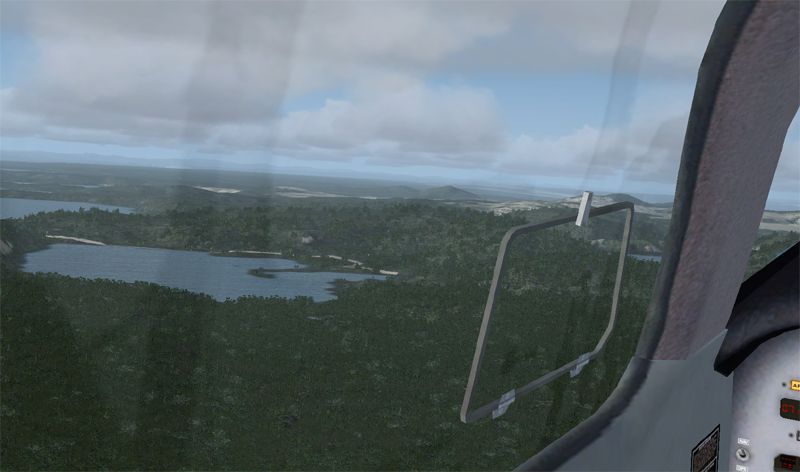
A bit lower now and I recognise this part.....we're on the right track
Here comes the approach....I've made a few skydives here in the past....
Very nice touch and go...even if I do say so myself...which I do!! Now we're off to Palmy and seeing as it's a reasonable trip we'll try and get about the clouds and go for 10,000'
- realjumper
- Member
- Topic author
- Joined: Fri May 10, 2013 12:57 am
- Posts: 53
- Location: Palmerston North
by Ian Warren » Mon Jun 03, 2013 2:58 pm
With your Mooney , You could do transit practice flights , between Hamilton and Taupo , already mention - Great freeware airports in photoreal landscape .. ideal distance for your flight training and a prize to look at on approach , also gives you the chance to learn installing scenery making your flights and screens really something for yourself to look at 

-

Ian Warren - NZFF Pro
- Joined: Fri May 05, 2006 5:23 pm
- Posts: 41187
- Location: AREA 51
by realjumper » Mon Jun 03, 2013 3:07 pm
Climbing through 8,000' and that's Lake Taupo out to the right.....
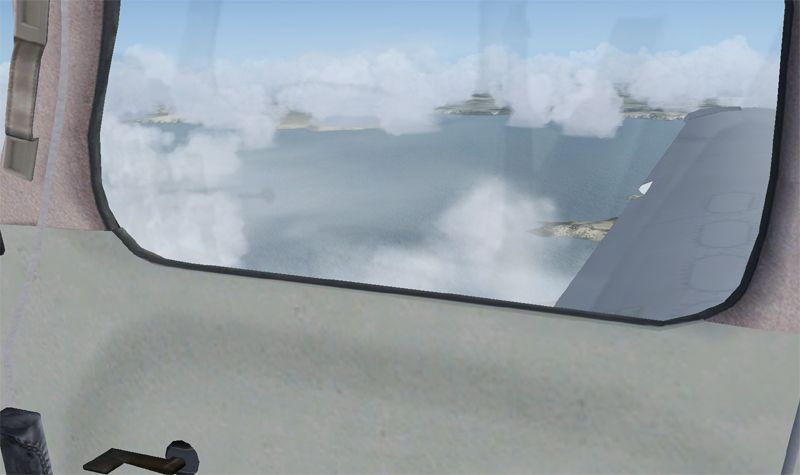
Lot's of cloud on this leg of the journey. I caught a glimpse of Ruapehu, but too late for a photo. This is heading across Rangitikiei......I'm guessing about Mangaweka or somewhere....
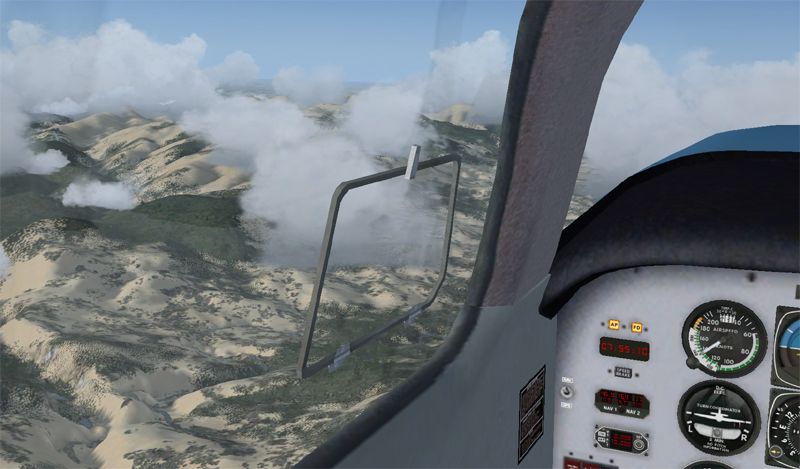
25 miles out from Palmy....cr@p weather....
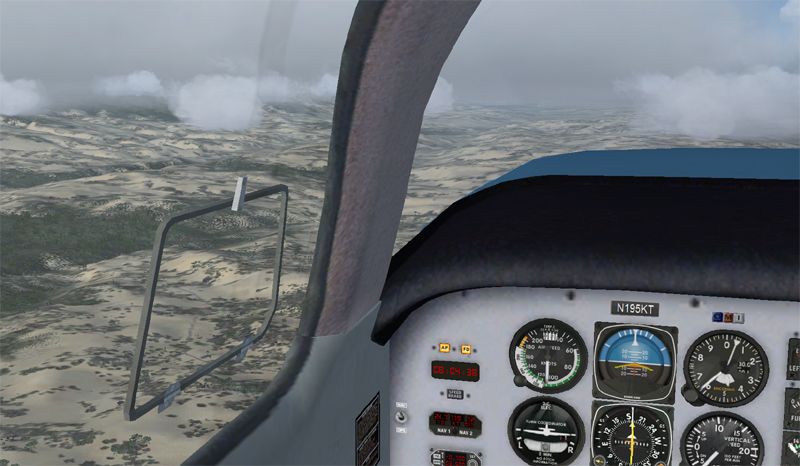
Can just see Palmy Airport out to the right....
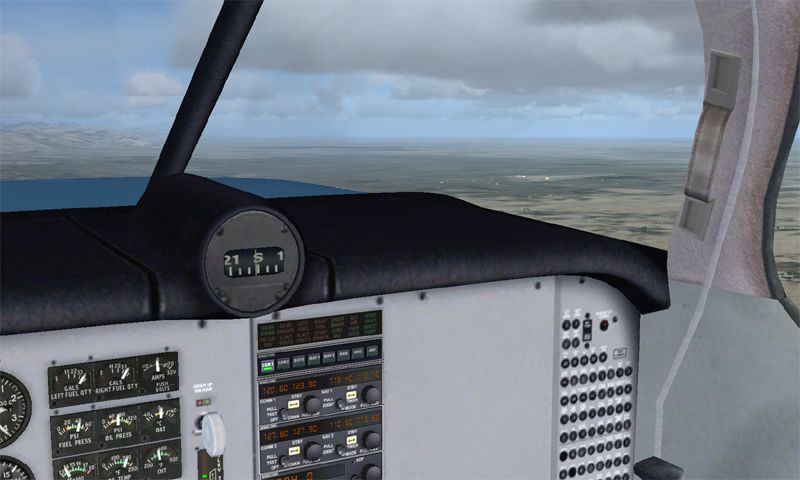
Final approach into Palmy.....then off over the Tararuas to Wellington for the night
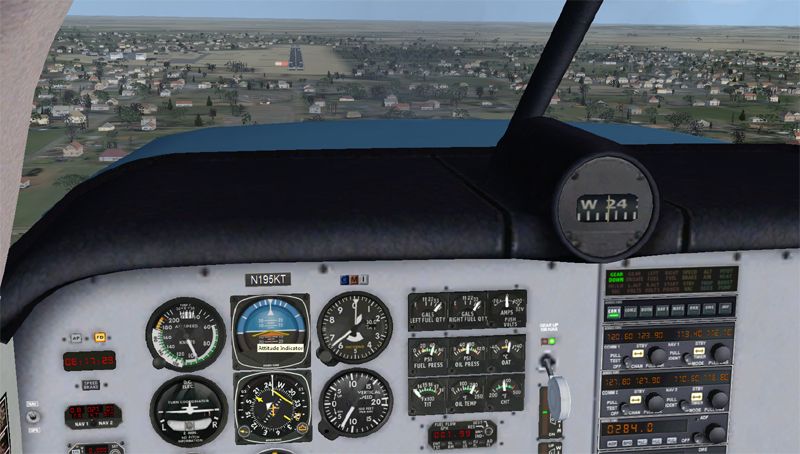
Lot's of cloud on this leg of the journey. I caught a glimpse of Ruapehu, but too late for a photo. This is heading across Rangitikiei......I'm guessing about Mangaweka or somewhere....
25 miles out from Palmy....cr@p weather....
Can just see Palmy Airport out to the right....
Final approach into Palmy.....then off over the Tararuas to Wellington for the night
- realjumper
- Member
- Topic author
- Joined: Fri May 10, 2013 12:57 am
- Posts: 53
- Location: Palmerston North
by Ian Warren » Mon Jun 03, 2013 3:17 pm
Looking great RJ .. on a low budget the best and cheapest NZ addon with all the bells and whistles and looks a requirement is VLC , this will change both your terrain features and airport details a little , might be the call of the day .
-
Ian Warren - NZFF Pro
- Joined: Fri May 05, 2006 5:23 pm
- Posts: 41187
- Location: AREA 51
by realjumper » Mon Jun 03, 2013 3:28 pm
Here go.....heading over the Tararua's......very cloudy and no doubt bumpy
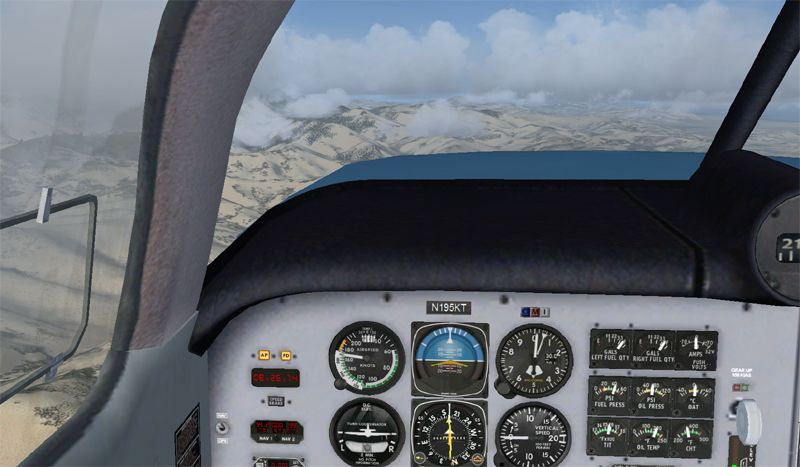
Can just get a quick look at Kapiti Island here
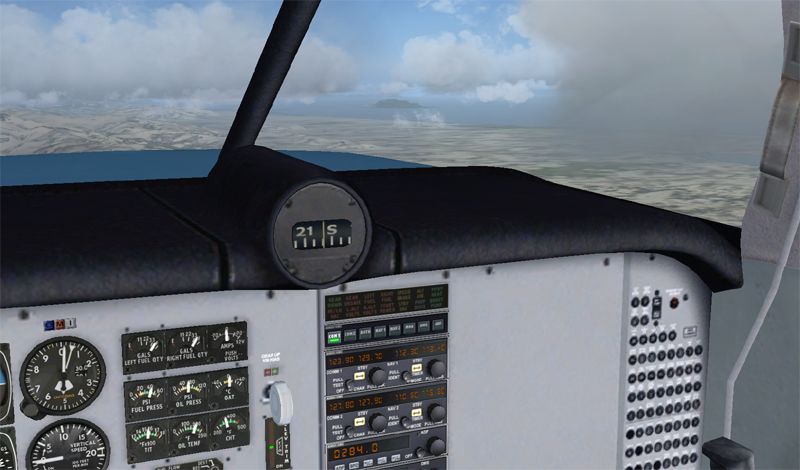
Up ahead is Wellington....all clagged in.....looks like a cloud burst over the city at the moment
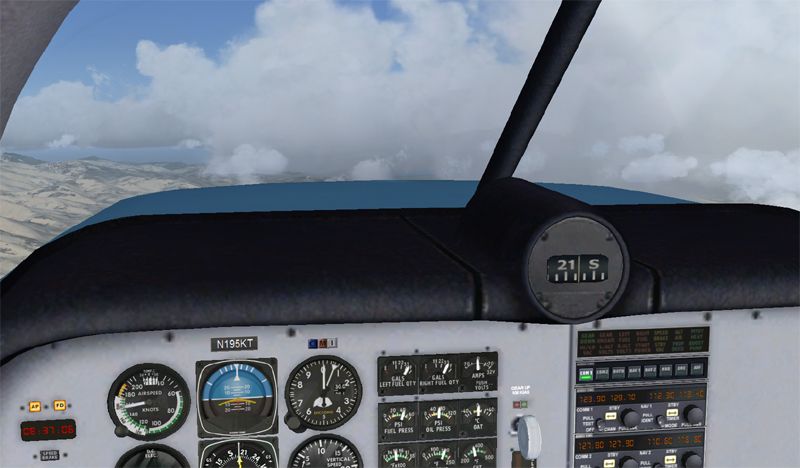
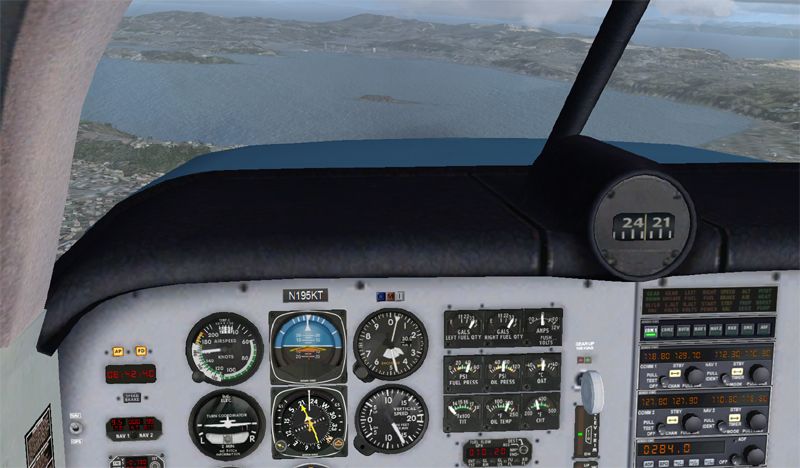
Here we are, about to cross Wellington Harbour and to make a left hand approach to runway 16 as instructed
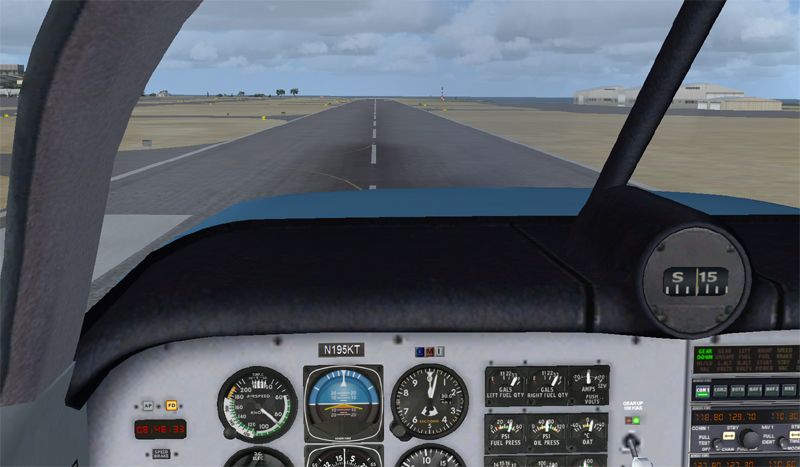
And here we are....just about to touch down at Wellington for a full stop landing. Tomorrow we'll come up with a plan to get to Queenstown
Can just get a quick look at Kapiti Island here
Up ahead is Wellington....all clagged in.....looks like a cloud burst over the city at the moment
Here we are, about to cross Wellington Harbour and to make a left hand approach to runway 16 as instructed
And here we are....just about to touch down at Wellington for a full stop landing. Tomorrow we'll come up with a plan to get to Queenstown
Ian Warren wrote:QUOTE (Ian Warren @ Jun 3 2013,2:58 PM) <{POST_SNAPBACK}>With your Mooney , You could do transit practice flights , between Hamilton and Taupo , already mention - Great freeware airports in photoreal landscape .. ideal distance for your flight training and a prize to look at on approach , also gives you the chance to learn installing scenery making your flights and screens really something for yourself to look at
Tomorrow we can do some low level flying around Christchurch and see the scenery I have installed with thanks to DougIan Warren wrote:QUOTE (Ian Warren @ Jun 3 2013,3:17 PM) <{POST_SNAPBACK}>Looking great RJ .. on a low budget the best and cheapest NZ addon with all the bells and whistles and looks a requirement is VLC , this will change both your terrain features and airport details a little , might be the call of the day .
Thanks Ian.....I will certainly do that....I have read lots about it. For the moment though, I want to get this navigation/AutoPilot stuff sorted out.......Last edited by realjumper on Mon Jun 03, 2013 3:25 pm, edited 1 time in total.
- realjumper
- Member
- Topic author
- Joined: Fri May 10, 2013 12:57 am
- Posts: 53
- Location: Palmerston North
by scaber » Mon Jun 03, 2013 5:44 pm
Hey RJ, it looks like you're having fun while learning at the same time. Good stuff, and I did notice that in most shots the needle was pointing the right way so it seems you are getting the idea of this navigation stuff.


|---------- Virtual Tour and Panoramic Photography ---------|
|-------------------- greg mckenzie, Christchurch -------------------|
-

scaber - Senior Member
- Joined: Mon Feb 08, 2010 9:51 am
- Posts: 1417
- Location: Christchurch
by realjumper » Mon Jun 03, 2013 5:55 pm
scaber wrote:QUOTE (scaber @ Jun 3 2013,5:44 PM) <{POST_SNAPBACK}>Hey RJ, it looks like you're having fun while learning at the same time. Good stuff, and I did notice that in most shots the needle was pointing the right way so it seems you are getting the idea of this navigation stuff.
Yes.....I'm kind of getting the hang of the VOR/NAV1 settings to get where I want to go. I wonder if you could answer a question for me?......If I set the ILS frequency into NAV1 and set the Auto Pilot, once I'm within range of the ILS beam, it will look after the heading and height etc, and I look after the rest. That's all good. I (maybe incorrectly) then assumed that is I set the NAV1 to the VOR frequency and set the Auto Pilot, then I should not need to have 'hands on' to keep the heading correct. During my cross country today, the altitude would hold, but the AP was determined to go on a different heading to that of the VOR. Obviously I'm making a mistake here....can you shed any light on it?
Cheers
- realjumper
- Member
- Topic author
- Joined: Fri May 10, 2013 12:57 am
- Posts: 53
- Location: Palmerston North
by scaber » Mon Jun 03, 2013 7:07 pm
realjumper wrote:QUOTE (realjumper @ Jun 3 2013,5:55 PM) <{POST_SNAPBACK}>Yes.....I'm kind of getting the hang of the VOR/NAV1 settings to get where I want to go. I wonder if you could answer a question for me?......If I set the ILS frequency into NAV1 and set the Auto Pilot, once I'm within range of the ILS beam, it will look after the heading and height etc, and I look after the rest. That's all good. I (maybe incorrectly) then assumed that is I set the NAV1 to the VOR frequency and set the Auto Pilot, then I should not need to have 'hands on' to keep the heading correct. During my cross country today, the altitude would hold, but the AP was determined to go on a different heading to that of the VOR. Obviously I'm making a mistake here....can you shed any light on it?
Cheers
Not exactly sure what you're doing in your set up but it seems to me that you may not have entered the appropriate bearing into your ILS. Typically I would have the runway heading already entered into the ILS (suing the OBS knob) so that when I turn onto finals everything should line up though I'm usually hand flying at that stage so wouldn't be using the autopilot. However to use the autopilot I would also be entering the required bearing there as well if I thought that was what I wanted to do.
As I said, not exactly sure what you are doing so you may have already done all this; however, when things don't go right for me it's usually because I've mucked up the required bearing for where I want to go.
|---------- Virtual Tour and Panoramic Photography ---------|
|-------------------- greg mckenzie, Christchurch -------------------|
-
scaber - Senior Member
- Joined: Mon Feb 08, 2010 9:51 am
- Posts: 1417
- Location: Christchurch
by realjumper » Mon Jun 03, 2013 7:16 pm
scaber wrote:QUOTE (scaber @ Jun 3 2013,7:07 PM) <{POST_SNAPBACK}>Not exactly sure what you're doing in your set up but it seems to me that you may not have entered the appropriate bearing into your ILS. Typically I would have the runway heading already entered into the ILS (suing the OBS knob) so that when I turn onto finals everything should line up though I'm usually hand flying at that stage so wouldn't be using the autopilot. However to use the autopilot I would also be entering the required bearing there as well if I thought that was what I wanted to do.
As I said, not exactly sure what you are doing so you may have already done all this; however, when things don't go right for me it's usually because I've mucked up the required bearing for where I want to go.
Perhaps I was unclear in my post. I don't have a problem with ILS.
What I'm having a problem with is setting NAV1 to the VOR frequency, and then expecting the AP to track to that VOR.
I can get NAV1 and ILS with the AP to perform well, no problem there....but the AP just ignores the VOR setting in NAV1 and goes to a different heading, which means I have to manually fly to the VOR. So for instance, from Hamilton I set NAV1 to 112.1 (Rotorua VOR), and then set the AP to NAV (as I would for ILS) and I expect the AP to track straight and true to the Rotorua VOR......but it doesn't. The AP immediately goes to a completely different heading, which leaves me to manually track to the Rotorua VOR.
Does that make sense?Last edited by realjumper on Mon Jun 03, 2013 7:16 pm, edited 1 time in total.
- realjumper
- Member
- Topic author
- Joined: Fri May 10, 2013 12:57 am
- Posts: 53
- Location: Palmerston North
by dbcunnz » Mon Jun 03, 2013 7:28 pm
Hi Neil looking at your cockpit screens it looks like you only have Com1 turned on, on the radio so that would have something to do with your AP not picking up your Nav1 with your VOR frequency

-

dbcunnz - NZFF Pro
- Joined: Thu Feb 21, 2008 12:56 pm
- Posts: 4016
- Location: Blenheim New Zealand
by realjumper » Mon Jun 03, 2013 7:33 pm
dbcunnz wrote:QUOTE (dbcunnz @ Jun 3 2013,7:28 PM) <{POST_SNAPBACK}>Hi Neil looking at your cockpit screens it looks like you only have Com1 turned on, on the radio so that would have something to do with your AP not picking up your Nav1 with your VOR frequency
Hi Doug,
I'm confused. Com 1 is for talking, no? And Nav 1 is for navigation.....or is that just my ignorance? I assumed that the AP will follow the NAV 1 setting as it does when I enter the ILS setting....although....a thought just crossed my mind.....when the AP follows the ILS setting in NAV1, COM1 is tuned in to the ATC. Does that have something to do with it perhaps?Last edited by realjumper on Mon Jun 03, 2013 7:33 pm, edited 1 time in total.
- realjumper
- Member
- Topic author
- Joined: Fri May 10, 2013 12:57 am
- Posts: 53
- Location: Palmerston North
by Ian Warren » Mon Jun 03, 2013 7:33 pm
realjumper wrote:QUOTE (realjumper @ Jun 3 2013,8:16 PM) <{POST_SNAPBACK}>What I'm having a problem with is setting NAV1 to the VOR frequency, and then expecting the AP to track to that VOR.
I can get NAV1 and ILS with the AP to perform well, no problem there....but the AP just ignores the VOR setting in NAV1 and goes to a different heading, which means I have to manually fly to the VOR. So for instance, from Hamilton I set NAV1 to 112.1 (Rotorua VOR), and then set the AP to NAV (as I would for ILS) and I expect the AP to track straight and true to the Rotorua VOR......but it doesn't. The AP immediately goes to a completely different heading, which leaves me to manually track to the Rotorua VOR.
On the early or low end GA AP's you track on the heading and use your navigational beacons to triangle you position , using all beacons to give you a point of reference , I like the old AP's on example the old 737-200s a Captain Sim model but for example i can track into Queenstown using my flight map i did back from the old days of FS6/98 .. you are still required to track and adjust small fix's to headings , all practice .
The A4 desktop maps and frequence's are easy d/load from Flightsim.com .. ideal for learning
-
Ian Warren - NZFF Pro
- Joined: Fri May 05, 2006 5:23 pm
- Posts: 41187
- Location: AREA 51
by scaber » Mon Jun 03, 2013 7:59 pm
A clarification, the ILS will/should work without having to dial in the bearing. A 2nd point, in the aircraft I fly the ILS is linked to the Nav2 radio so maybe that's something to check out.
|---------- Virtual Tour and Panoramic Photography ---------|
|-------------------- greg mckenzie, Christchurch -------------------|
-
scaber - Senior Member
- Joined: Mon Feb 08, 2010 9:51 am
- Posts: 1417
- Location: Christchurch
by realjumper » Mon Jun 03, 2013 8:10 pm
scaber wrote:QUOTE (scaber @ Jun 3 2013,7:59 PM) <{POST_SNAPBACK}>A clarification, the ILS will/should work without having to dial in the bearing. A 2nd point, in the aircraft I fly the ILS is linked to the Nav2 radio so maybe that's something to check out.
ILS is fine...no issue whatsoever.
It's getting the AP to track to the VOR setting is what I'm trying to do
- realjumper
- Member
- Topic author
- Joined: Fri May 10, 2013 12:57 am
- Posts: 53
- Location: Palmerston North


by scaber » Mon Jun 03, 2013 8:34 pm
realjumper wrote:QUOTE (realjumper @ Jun 3 2013,8:10 PM) <{POST_SNAPBACK}>ILS is fine...no issue whatsoever.
It's getting the AP to track to the VOR setting is what I'm trying to do
hmm, this may be another 'obvious' one, but you are pressin gthe Nav button on the GPS I presume? I've just done a flight in the default 172 into Wellington and all works as it should.
|---------- Virtual Tour and Panoramic Photography ---------|
|-------------------- greg mckenzie, Christchurch -------------------|
-
scaber - Senior Member
- Joined: Mon Feb 08, 2010 9:51 am
- Posts: 1417
- Location: Christchurch
by realjumper » Mon Jun 03, 2013 8:34 pm
Hmmm......I still have a lot to learn. Thank you....I'll keep on researching....
Last edited by realjumper on Mon Jun 03, 2013 8:39 pm, edited 1 time in total.
- realjumper
- Member
- Topic author
- Joined: Fri May 10, 2013 12:57 am
- Posts: 53
- Location: Palmerston North
38 posts
• Page 1 of 2 • 1, 2
Return to All Flight Simulators
Who is online
Users browsing this forum: No registered users and 36 guests