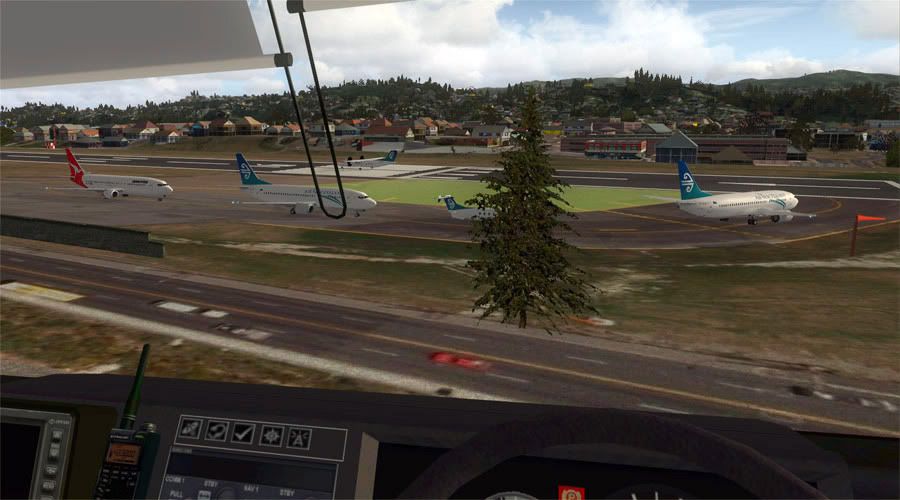
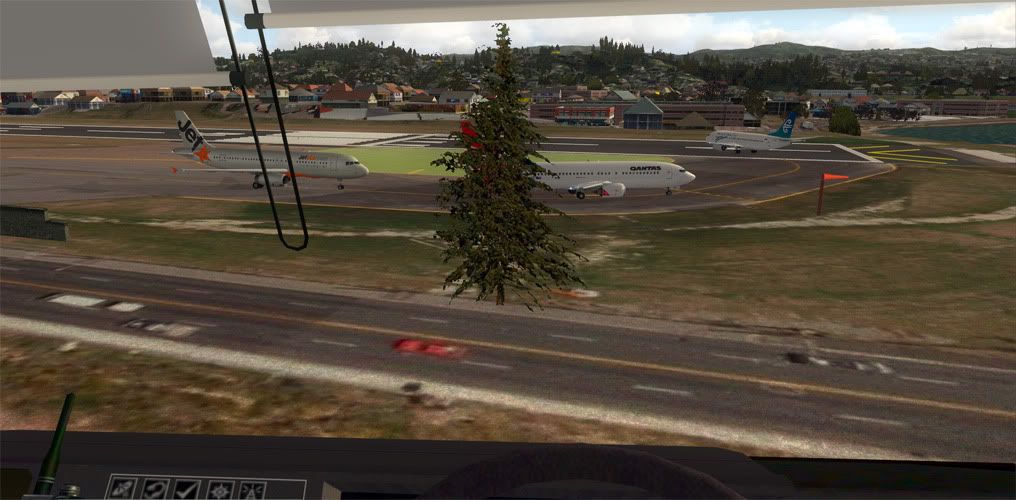
I only copied (so far) the HTAI aircraft over..this helped me heaps and got rid of a few issues when I copied them over
* copy all folders in [FS9]\Aircraft starting with "HTAI" into [FSX]\SimObjects\Airplanes
* copy Traffic_HTAI_CSEP.bgl from [FS9]\Scenery\World\scenery into [FSX]\Scenery\World\scenery
The flightplan bgl file is in FS9-format, which will deactivate all your FSX-format flightplans, including default. Thus, you need to convert Traffic_HTAI_CSEP.bgl into FSX format using AIFPC -
http://www.fsdeveloper.com/forum/showthread.php?t=4746 - or alternative tools.
Also, for me at least, the prop discs showed up as all black, so I made my own that I've attached below; you'll need to replace each instance of prop-hs.bmp in the aeroplane texture subfolders. The one I made is for a two-blade prop so you may want to add a different one for the three-blade variants.
Finally, you want to assign the appropriate sound files to each aircaft type. To do that create an empty "soundai" folder in each aircraft folder then copy the soundai.cfg file from the [FSX]\SimObjects\Airplanes\C172_LFH\soundai folder. For the bigger Cessnas replace the "C172" in the cfg file with "C208B" (use Wordpad or Notepad for that
there also are five "fx_ga_*" .fx files in [FS9]\Effects that you should copy into [FSX]\Effects."[/quote]
If you search the Orbx forums (you will need to register ther if you haven't already) Holger has posted a file you can download that fixes the prop issue in FSX
Cheers
 Posted: Fri Aug 21, 2009 10:22 am