Sorry I didn't include this earlier, but I've only just now been able to check this out. Here's the install instructions from the Norfolk Island manual:
QUOTE
Installation
1. Copy & Paste the “norfolk-island †folder into your FSX/Addon Scenery Folder.
2. Copy & Paste the “static-library-objects†folder into your FSX/Addon Scenery Folder.
3. Copy & Paste the "YSNF_ADX_GVF_ALT" file into your FSX/Scenery/World/Scenery"
Folder.
4. Activate the “norfolk-island†& “static-library-objects†as you would any new scenery in
FSX[/quote]
Step 3 installs the mini AFCAD. If you haven't done this, just find the file in the install zip file, and put it into Scenery\World\Scenery.
 Posted: Thu Jun 09, 2011 2:15 pm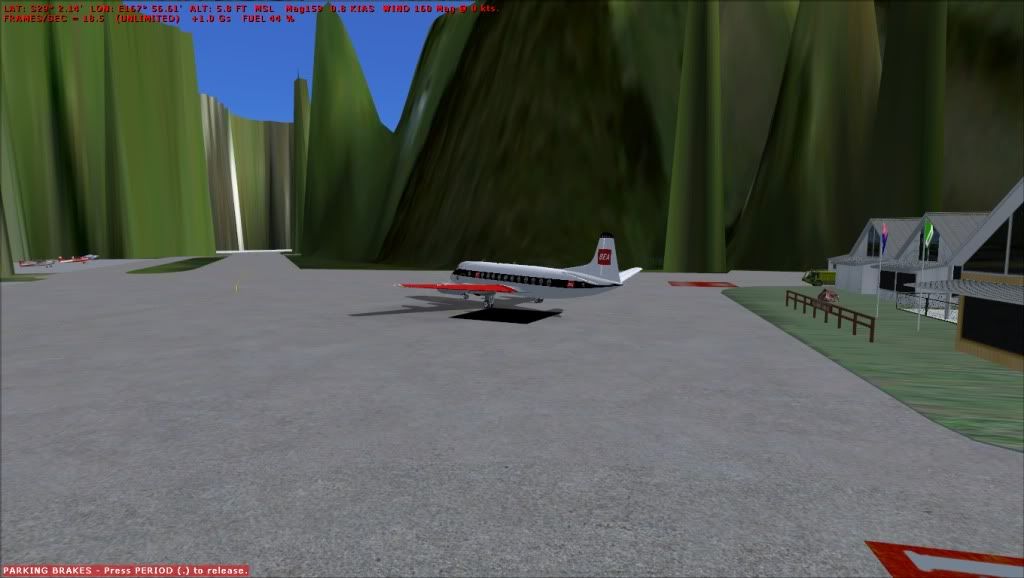
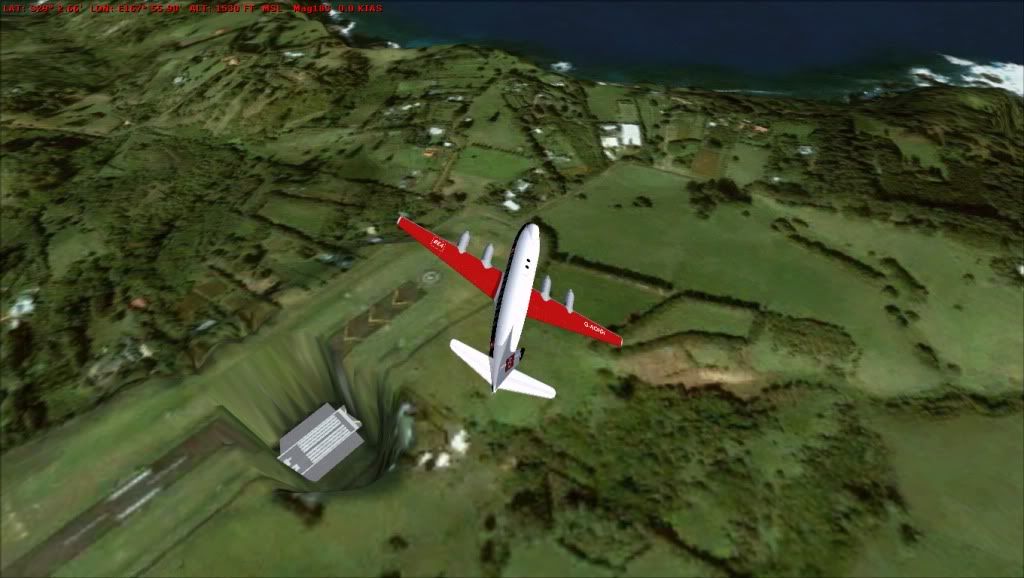
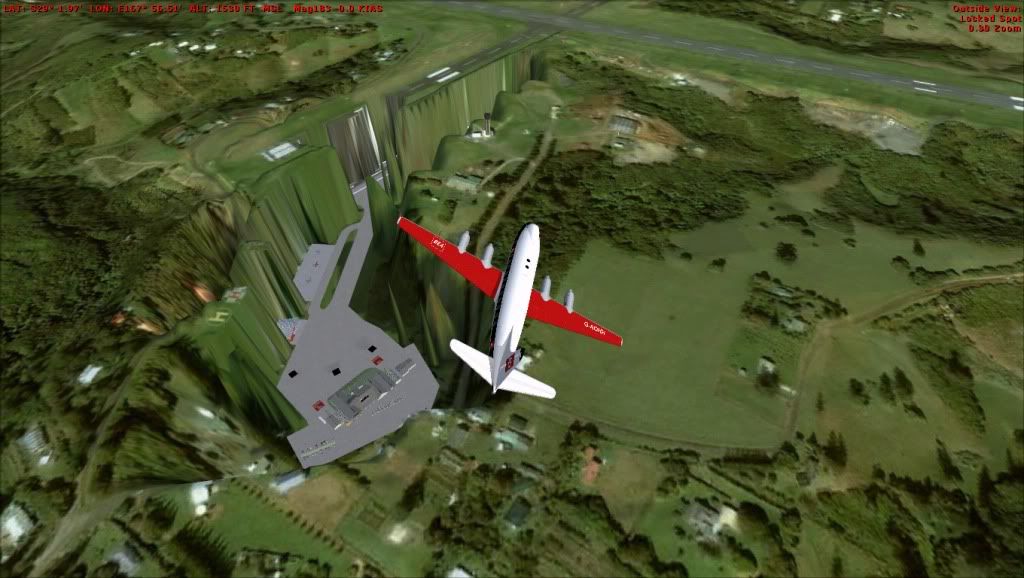
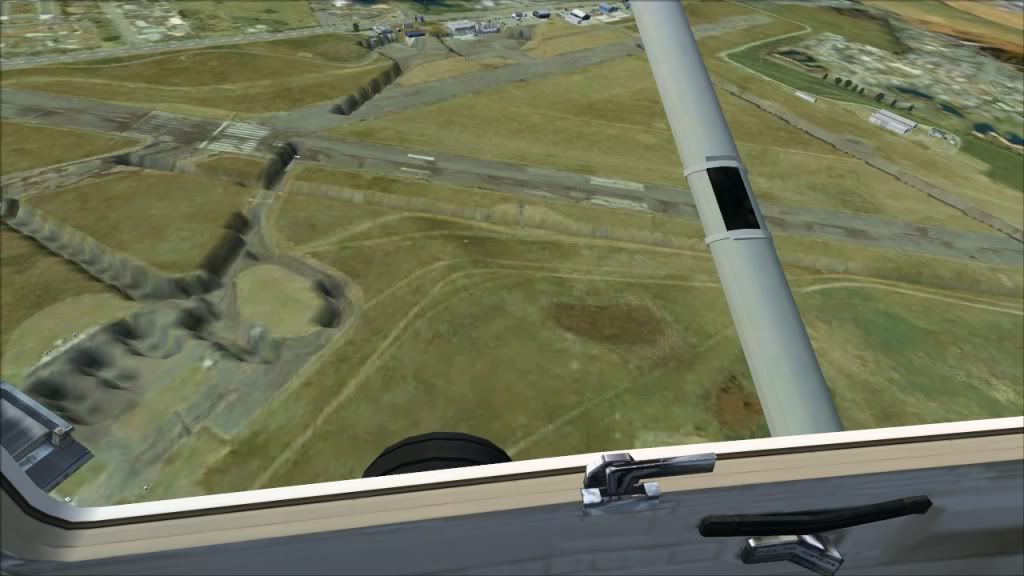
 thanks for the help guys