Page 1 of 1

PostPosted: Sun Jul 24, 2011 9:12 pm
by Snowman
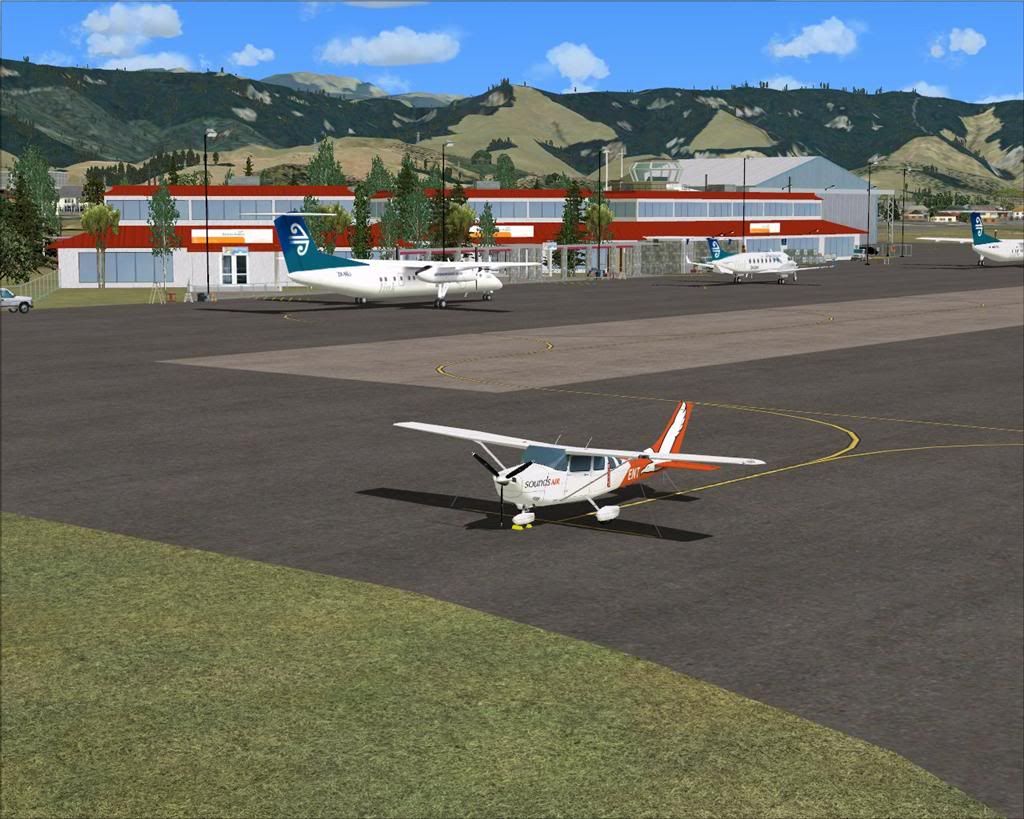
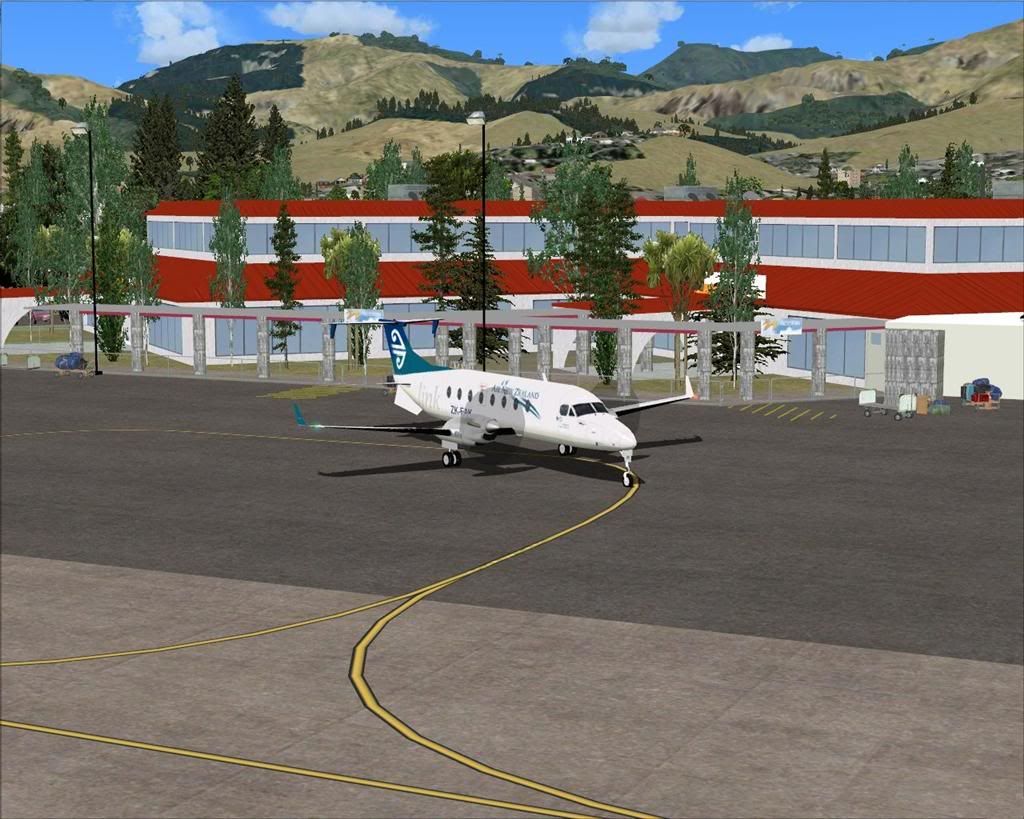
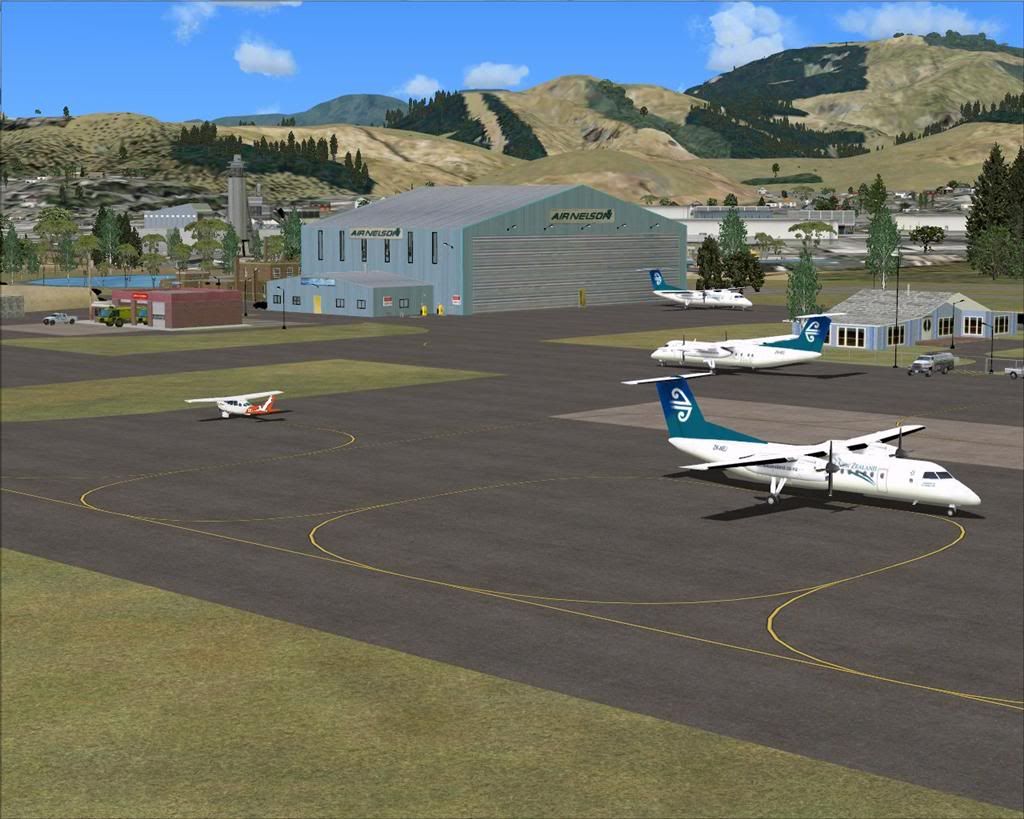
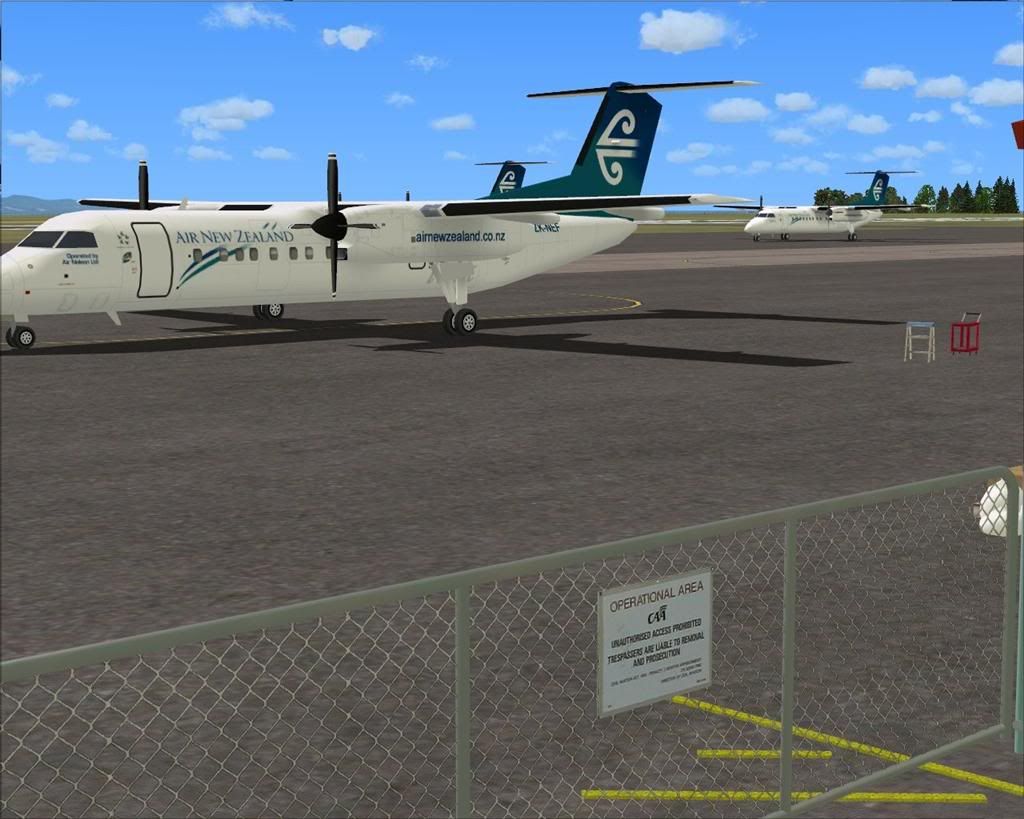
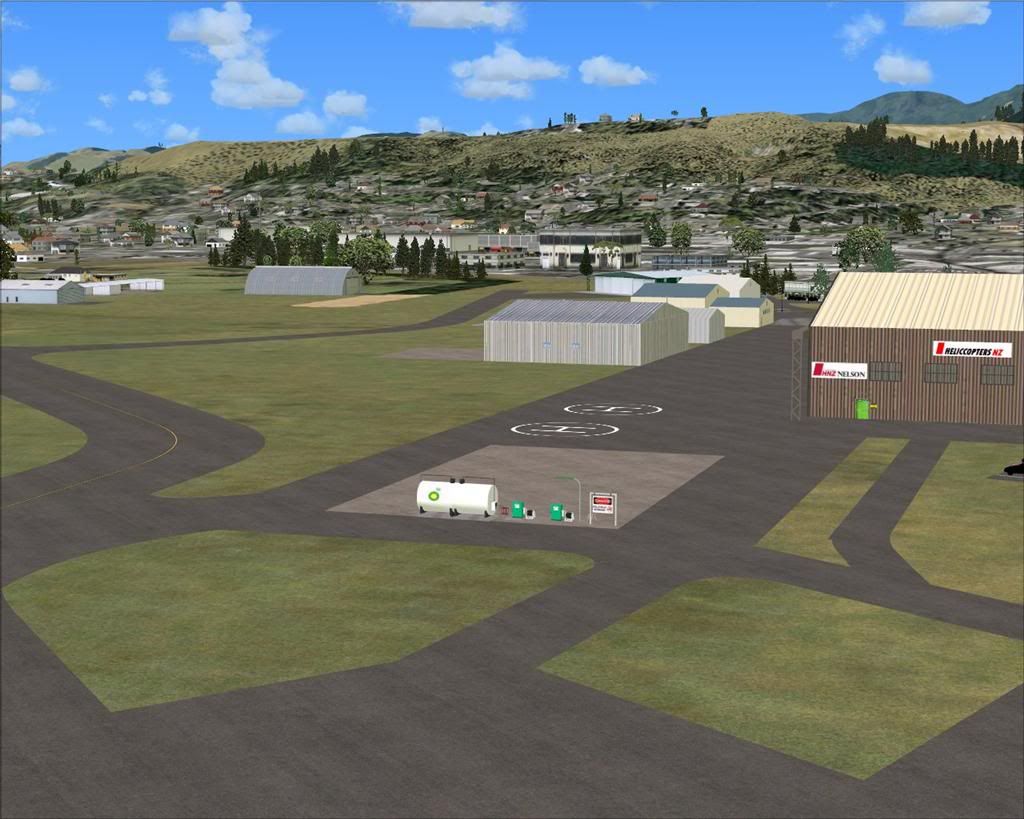
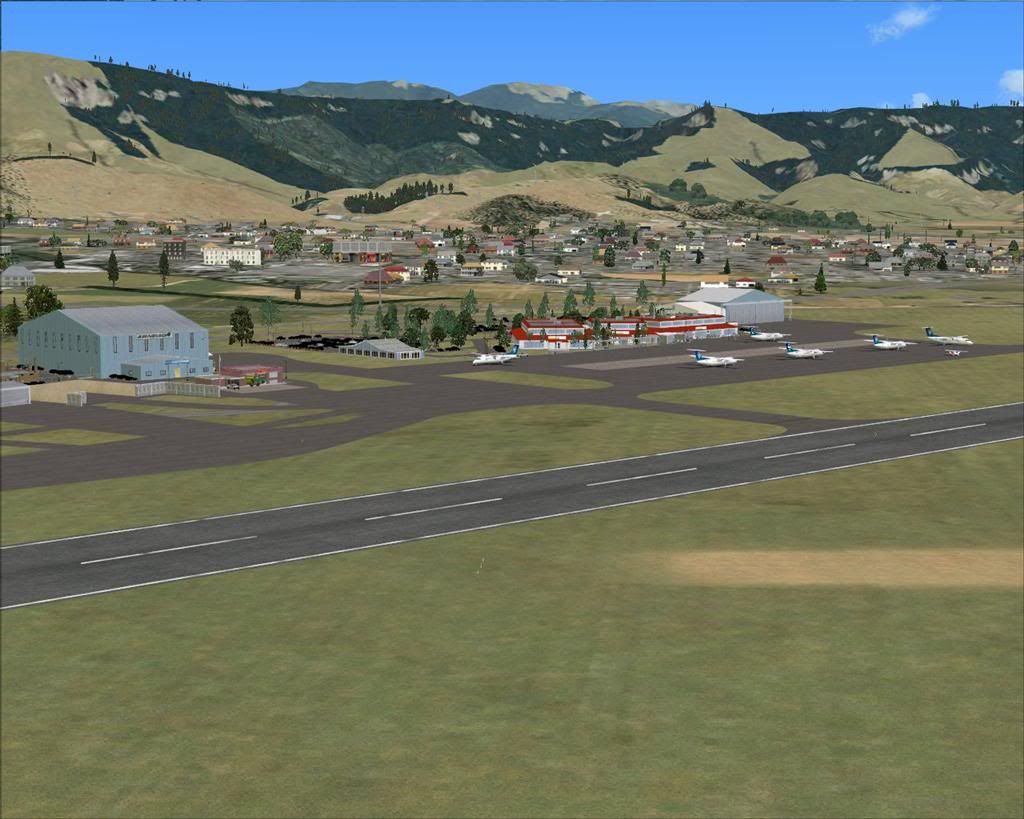
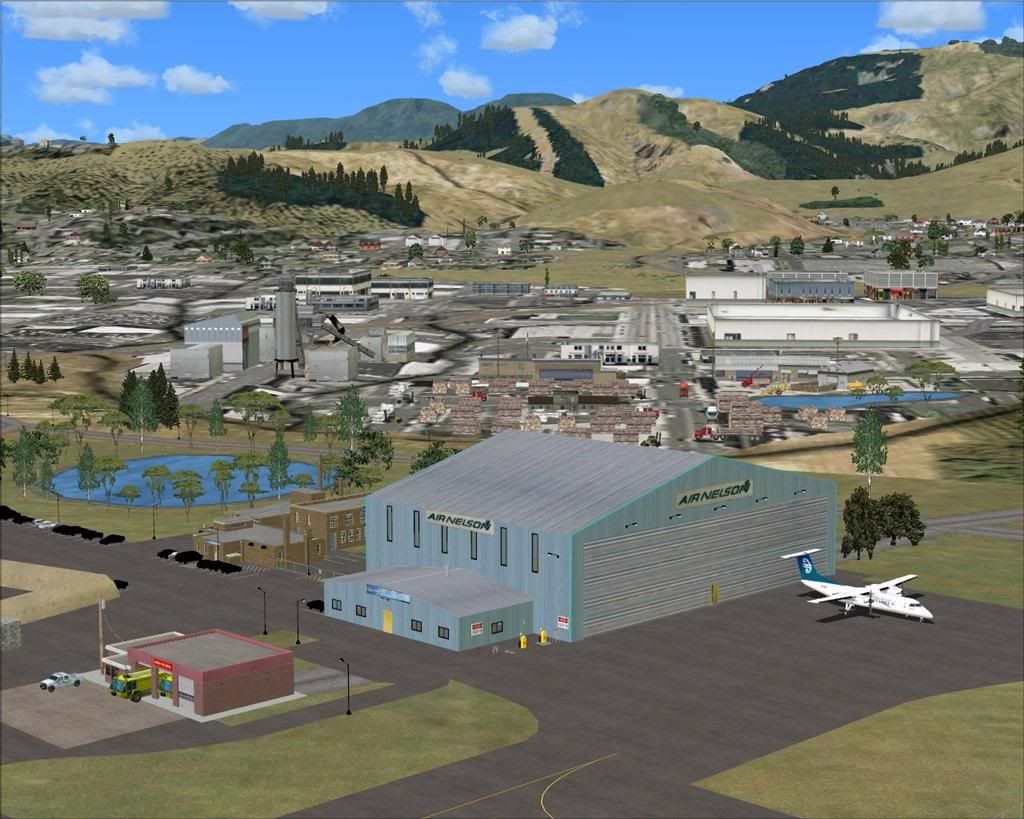
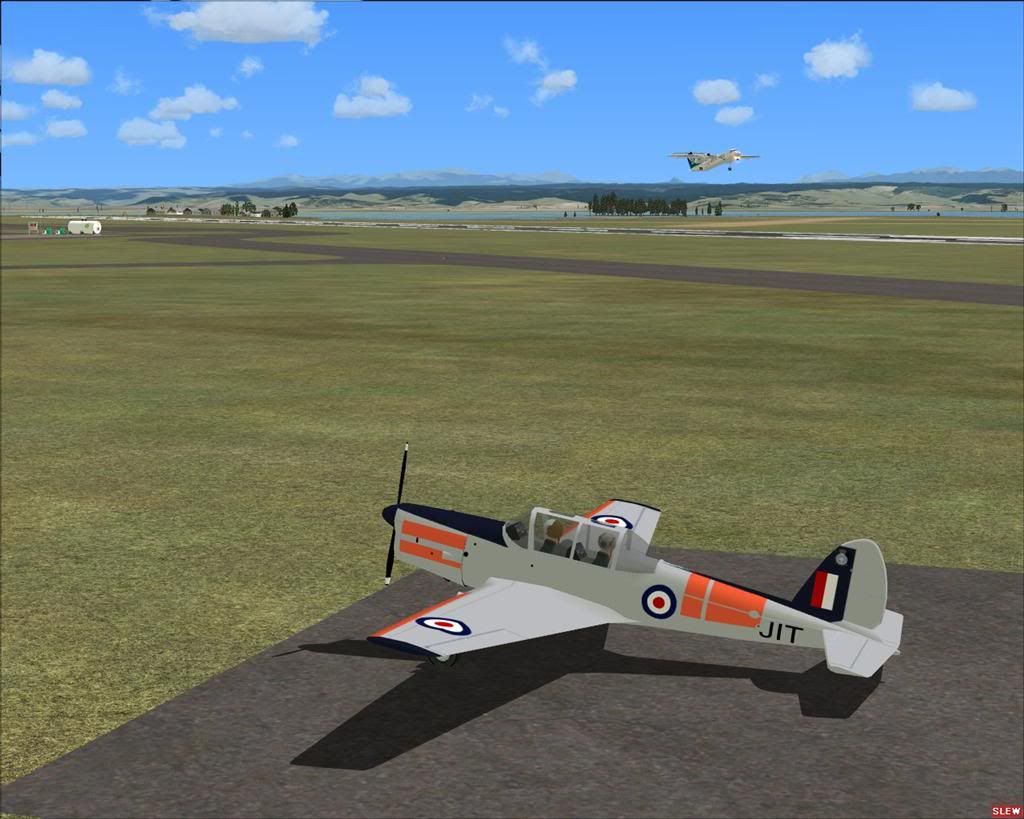
Just uploaded to my website, and now available for download,...................

NZNS Nelson Regional Airport for FSX.
Requires FSX SP-2 and VLC Installed.


Lawrie. New_Zealand_etc.gif

PostPosted: Sun Jul 24, 2011 9:28 pm
by Ian Warren
Nice Scenery Lawrie , many will be so happy smile.gif

PostPosted: Sun Jul 24, 2011 9:33 pm
by Snowman
Ian Warren wrote:
QUOTE (Ian Warren @ Jul 24 2011,9:28 PM) <{POST_SNAPBACK}>
Nice Scenery Lawrie , many will be so happy smile.gif


Thanks Ian,.......... it will fill the gap for now, until Robin's RealNZ Nelson masterpeice is ready.

Lawrie. New_Zealand_etc.gif

PostPosted: Sun Jul 24, 2011 10:06 pm
by Ian Warren
My word off the last couple off months .. a Stopgap smile.gif , sure many will use it as this one has no dollar to it cool.gif

PostPosted: Sun Jul 24, 2011 10:36 pm
by Nzeddy
Thanks! biggrin.gif

PostPosted: Mon Jul 25, 2011 10:01 am
by rayclyde
Thank you. I have a problem with the terminal building. It is not there. Where it should be is the facade of a building with a control tower [floating off the ground!] in the middle of the space, a Nelson airport sign, and sundry objects. All other buildings etc appear ok. I have all your Object library File items - freshly downloaded and installed so as to ensure an up to date version. As much as I can I have no other NZNS files in FSX.

I like the beach take off - reminds me of the Wellington Aero Club visits to the beach at Durville Island in the 60s'.

Clyde Williams
Levin

PostPosted: Mon Jul 25, 2011 3:23 pm
by Bazza
Clyde,

I had a similar problem but have solved same with the help of Snowman, who is just a phonecall away from my place....

Have a look in Addon Scenery / Static Objects Library / Scenery and see if you have a file in there called Airport Restaurants SS Bgl.

For some mysterious reason mine was missing but I D/L'd it from Avsim. If you need it it is by Sidney Schwartz.

Good Luck.

PostPosted: Mon Jul 25, 2011 3:35 pm
by Snowman
Sorry guys,............... my error here.
There may be an object set missing from the FSX Static Objects Library on my website.
It was a new object set that i hadnt used before, and i dont think it made it into the FSX Static Objects Library before it was uploaded to my website.
The object set is called "Airport Restaurants 1.1' by Sidney Schwartz. Its available on Avsim here...........................

http://library.avsim.net/download.php?DLID=140066

Unzip it, move the BGL file named "airport_restaurants_ss.bgl" into the FSX / Addon Scenery / Static Objects Library / Scenery folder.
Move all the textures (.bmp files) into FSX / Addon Scenery / Static Objects Library / Texture folder.
The main terminal building should now show next time you visit Nelson in the sim.

Lawrie. New_Zealand_etc.gif

PostPosted: Mon Jul 25, 2011 7:05 pm
by rayclyde
[quote name='Snowman' date='Jul 30 2011,4:35 AM' post='8289623']
Sorry guys,............... my error here.
etc

Thanks Lawrie and also to you Bazza. Terminal OK now. A couple of small [!] things. In my installation: (a) in front of the Air Nelson hanger there are placed 2 small default buildings, and (b) to the north of (a) and at the parked Mooney Bravo's 4-5pm position there 2 large default buildings. They do look out of place - am I right in assuming this is a small oversight.

Clyde Williams
Levin

PostPosted: Mon Jul 25, 2011 10:18 pm
by ZK-MAT
Hi Lawrie mate

Just a quick (dumb) question. Do we add the SOL as if it was scenery and activate it in the sim like normal sceneries?

Cheers!

Matt

PostPosted: Tue Jul 26, 2011 2:45 pm
by Snowman
ZK-MAT wrote:
QUOTE (ZK-MAT @ Jul 25 2011,10:18 PM) <{POST_SNAPBACK}>
Hi Lawrie mate

Just a quick (dumb) question. Do we add the SOL as if it was scenery and activate it in the sim like normal sceneries?

Cheers!

Matt


Hiya Matt. Yes mate, add the SOL as if it were any other addon scenery, and activate like any other normal scenery.

Lawrie. New_Zealand_etc.gif

PostPosted: Tue Jul 26, 2011 3:03 pm
by Snowman
rayclyde wrote:
QUOTE (rayclyde @ Jul 25 2011,7:05 PM) <{POST_SNAPBACK}>
Thanks Lawrie and also to you Bazza. Terminal OK now. A couple of small [!] things. In my installation: (a) in front of the Air Nelson hanger there are placed 2 small default buildings, and (b) to the north of (a) and at the parked Mooney Bravo's 4-5pm position there 2 large default buildings. They do look out of place - am I right in assuming this is a small oversight.

Clyde Williams
Levin


Hi Clyde. Um,........ no oversite there,....... i dont have any default buildings showing at Nelson in my sim at all.
All default buildings on the airport were excluded.

Lawrie. New_Zealand_etc.gif

PostPosted: Wed Jul 27, 2011 8:11 am
by rayclyde
Snowman wrote:
QUOTE (Snowman @ Jul 31 2011,3:03 AM) <{POST_SNAPBACK}>
Hi Clyde. Um,........ no oversite there,....... i dont have any default buildings showing at Nelson in my sim at all.
All default buildings on the airport were excluded.

Lawrie. New_Zealand_etc.gif


Thanks. Um-Um! I must have some other NZNS file somewhere. I'll start digging

Clyde Williams
Levin

PostPosted: Sat Aug 27, 2011 3:44 pm
by rayclyde
[quote name='Snowman' date='Jul 30 2011,4:35 AM' post='8289623']
Sorry guys,............... my error here.
etc

[Thanks Lawrie and also to you Bazza. Terminal OK now. A couple of small [!] things. In my installation: (a) in front of the Air Nelson hanger there are placed 2 small default buildings, and (b) to the north of (a) and at the parked Mooney Bravo's 4-5pm position there 2 large default buildings. They do look out of place - am I right in assuming this is a small oversight.

Clyde Williams
Levin]

Refer to the above post - Solved it - I had "scenery complexity" set to 'maximum'; when reduced to 'dense' the default buildings that presented a problem have disappeared

Clyde Williams
Levin