Issue With Nzaa And Surrounding Area

Information and support relating to this forthcoming New Zealand Vector Land Class addon.

Postby scon » Tue Feb 08, 2011 8:57 pm

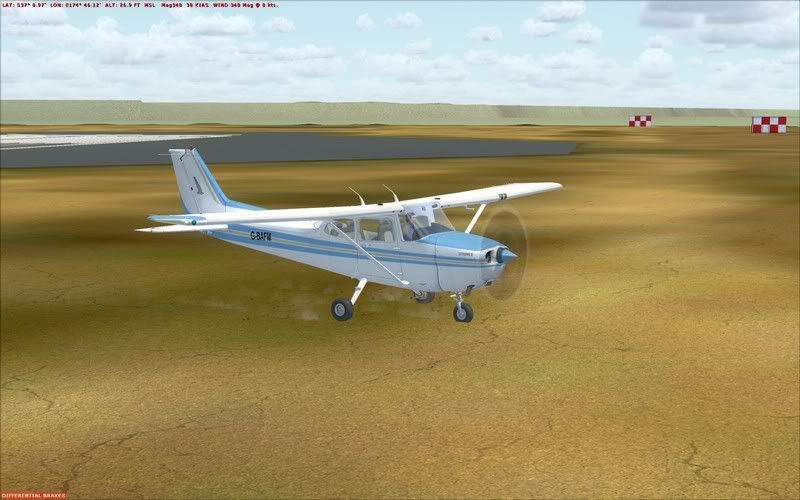
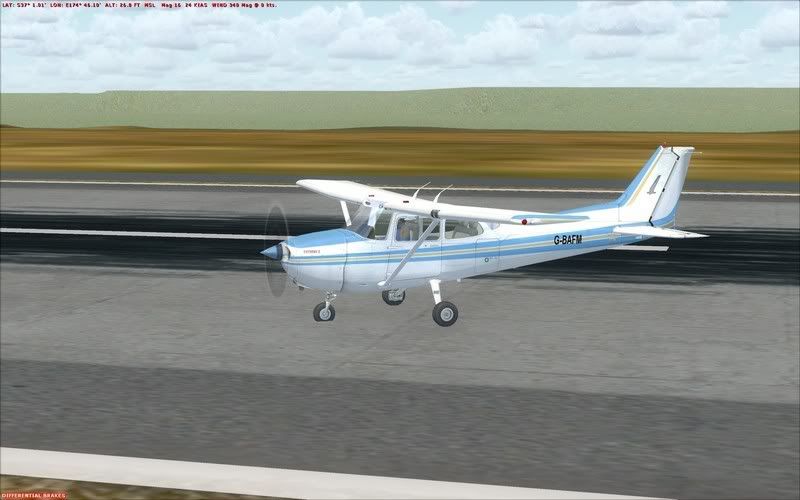
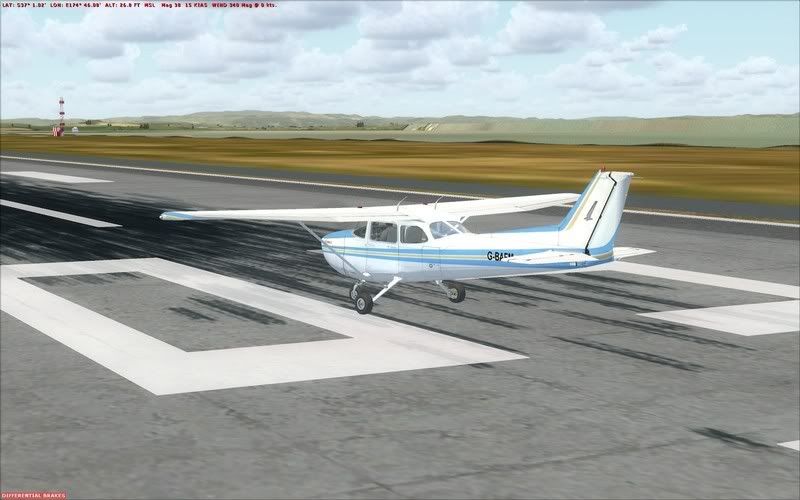
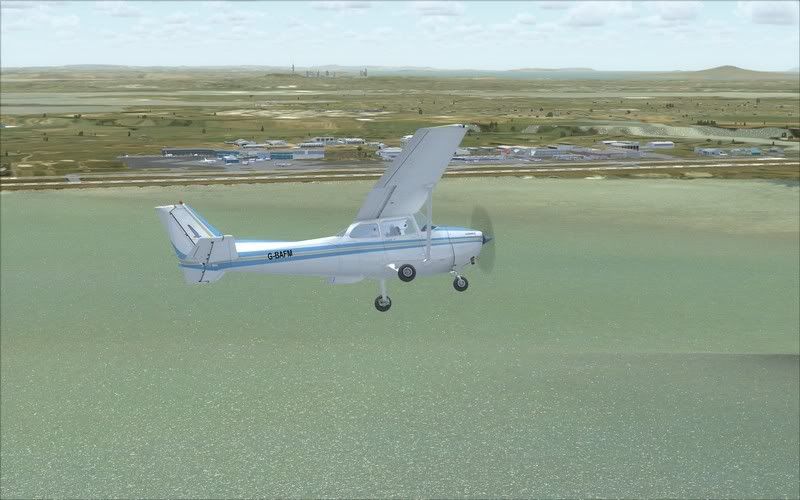
I have recently noticed (so not sure if this is post VLC patch or not) large square elevation jumps surrounding NZAA. They seam to start at about 1-2nm from the airport and rise up about 50 feet, this includes water also. Once the elevation has 'jumped' it seams to continue on at this level. As if where there should be a gradual rise in terrain it is increasing sharply. What is odd that I have not seen before is water affected by this.


Now my first instinct was this was an AFCAD elevation issue, so I went back to the default NZAA AFCAD and had the exact same issue. Both the default and the 3rd party one I use have the airport elevation at 23 feet which is correct and in accordance with the AIP, while I understand that this altitude may differ in the real world by 1 or 2 feet in certain locations, the elevation jump I am getting as shown above is much greater.
I also tried deactivating the flatten I had created for my NZAR scenery and that also made no difference.
I have checked though all my scenery files to make sure there is no other conflicting mesh e.t.c and could not find anything. I do however have RealNZ Supercity installed.

Any ideas?


Regards, Scott
Last edited by scon on Tue Feb 08, 2011 8:58 pm, edited 1 time in total.
scon
Sim-holic
 
Topic author
Joined: Mon Oct 16, 2006 7:16 pm
Posts: 963
Location: NZ

Postby Timmo » Wed Feb 09, 2011 12:18 am

hmm I'm not seeing this on a fairly fresh VLC install (V1.01) with or without Supercity active so I think your hunch about an errant flatten or AFCAD from another addon is correct- Can you double check (including in scenery/world/scenery)

Cheers
Timmo
NZFF Pro
 
Joined: Wed Oct 25, 2006 6:28 pm
Posts: 2056
Location: Tauranga

Postby toprob » Wed Feb 09, 2011 4:58 pm

scon wrote:
QUOTE (scon @ Feb 8 2011, 09:57 PM) <{POST_SNAPBACK}>
Now my first instinct was this was an AFCAD elevation issue, so I went back to the default NZAA AFCAD and had the exact same issue.


I wouldn't rule that out -- these AFCADs are sneaky little beggars, so may be anywhere. Try a search for 'NZAA' within the FSX folder.
User avatar
toprob
NZFF Pro
 
Joined: Sat Apr 29, 2006 4:56 pm
Posts: 6711
Location: Upper Hutt

Postby scon » Thu Feb 10, 2011 11:46 am

Well, despite me thinking I removed all possible other AFCADS / Flattens e.t.c, it looks as if there was one still in my scenery/world/scenery folder. Not one I had created and had a code like file name, the only reason I found it was I resorted to going through a trial and error process with all my scenery. But anyways the issues is resolved on my end.


Thanks for your help.
scon
Sim-holic
 
Topic author
Joined: Mon Oct 16, 2006 7:16 pm
Posts: 963
Location: NZ


Return to Vector Land Class

Who is online

Users browsing this forum: No registered users and 3 guests