Page 1 of 1

PostPosted: Sun Jun 03, 2012 9:32 pm
by gojozoom
Hi guys,

I tried the ORBX support forum, but even after registering and signing in, it keeps saying that I'm a guest and I should register.

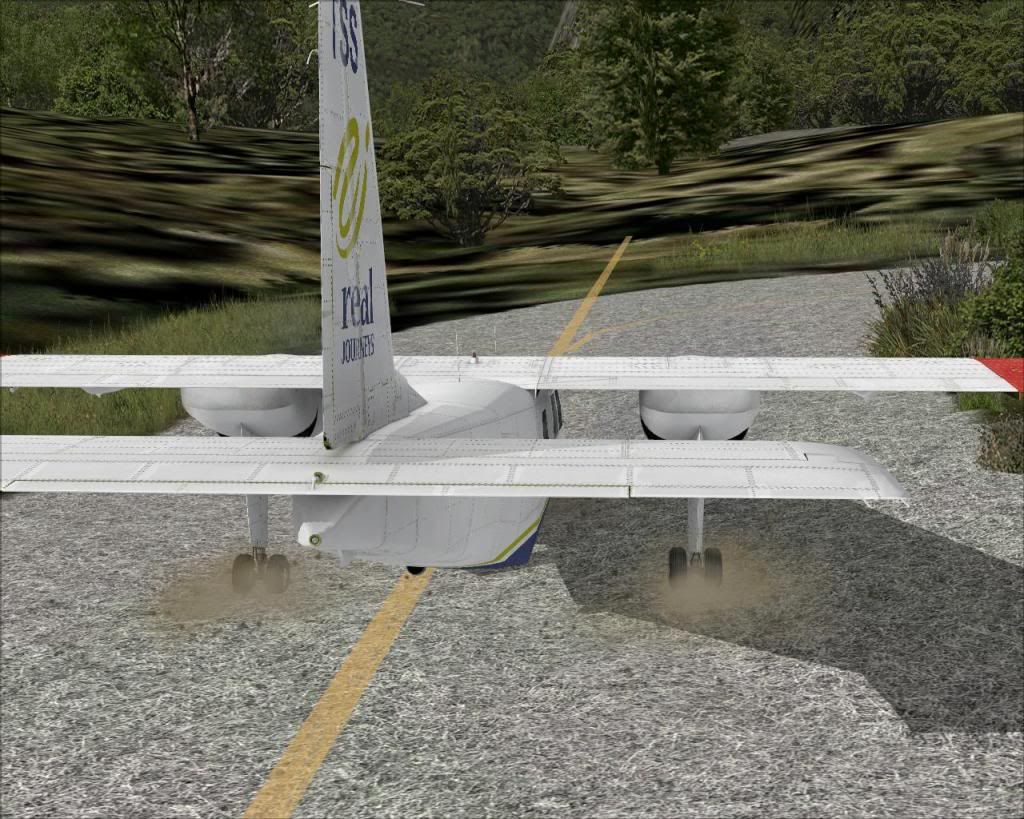
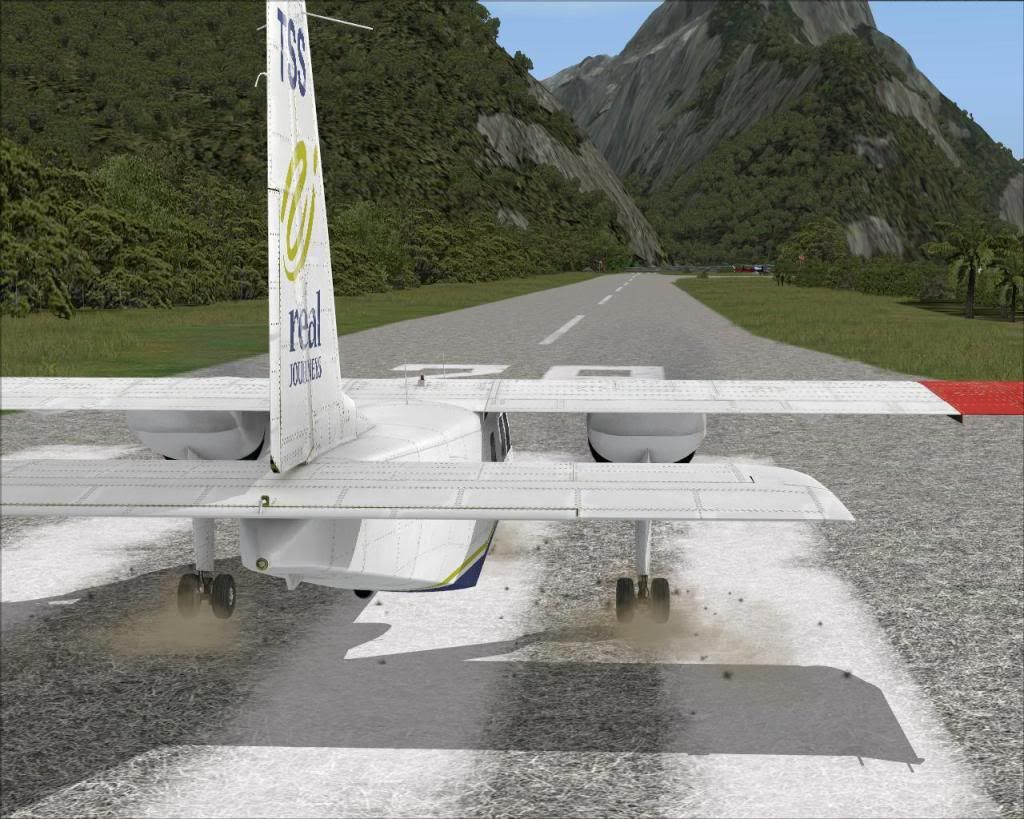
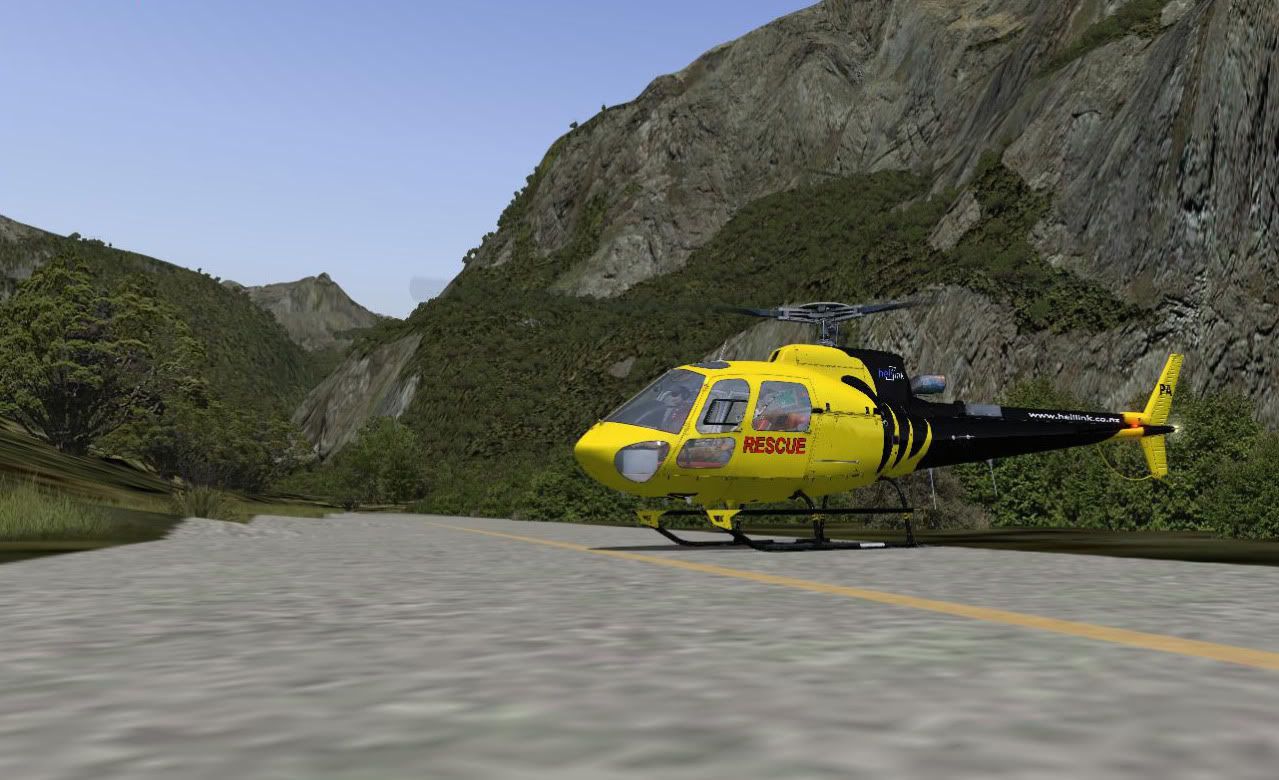
Anyways, I've got a couple of problems with NZMF: Bumps on the taxiway, elevation problems, grass runway (see pictures below).

Please note that I installed ORNX NZSI on a clean FSX install, no other scenery is turned on.
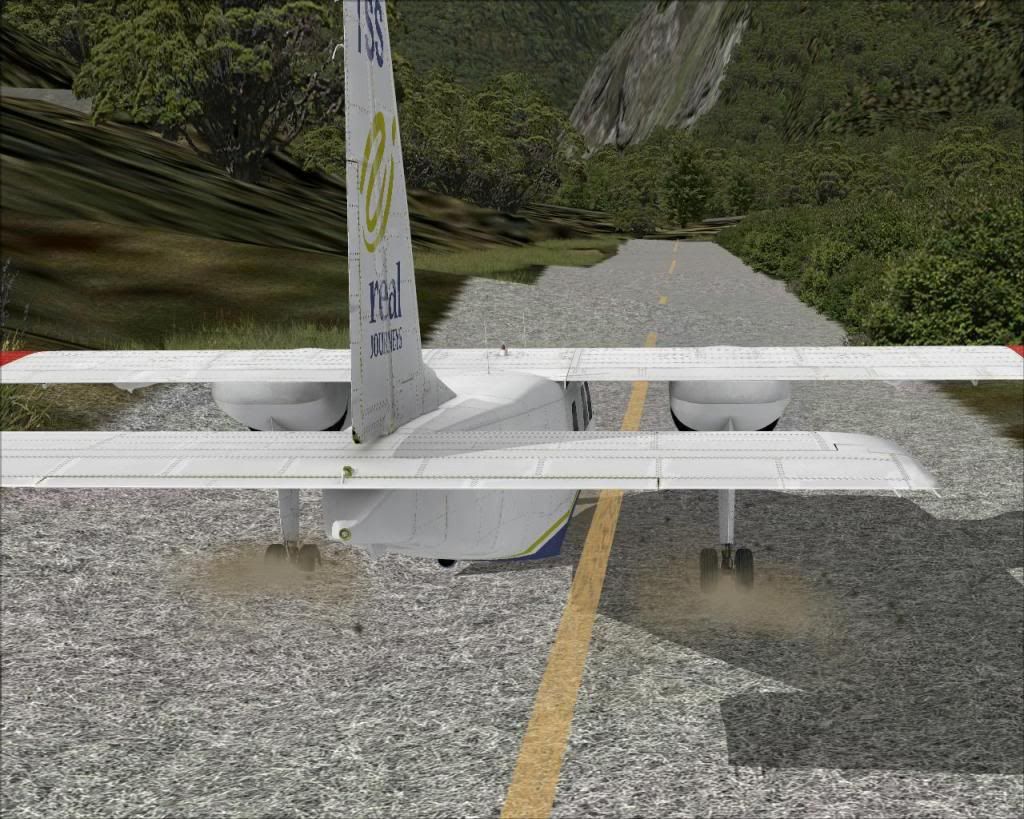


I re-installed NZSI and the patch again but no luck...

Any thoughts?

PostPosted: Sun Jun 03, 2012 10:57 pm
by Adamski
No other NZ scenery of any kind? Set to "Oceania" in the FTX Controller thingie? Hmmmmm .... doesn't look good, I have to say.

As to the forum - did you receive an email activation+link? Most forums/BB's only use that as a way of confirming your email address is valid. Apologies if this is falls into the "sucking eggs" category laugh.gif ... but you never know!

PostPosted: Sun Jun 03, 2012 11:30 pm
by Naki
Have you installed the latest Orbx library updates?

PostPosted: Sun Jun 03, 2012 11:55 pm
by Ian Warren
Recommendation .. at Flightsim.com .. winkyy.gif
Name: nzmo_nzmc_nzci_nzmf.zip

PostPosted: Mon Jun 04, 2012 12:11 am
by creator2003
I didnt fix taxiways so the problem would still show up ,needs a widen but that is truly a orbx issue ,lodge a ticket if you can get registered so maybe they will patch it one day .

PostPosted: Mon Jun 04, 2012 7:17 am
by MurrayH
I have ORBX NZSI and when I fly NZMF I do not experience the problems you are reporting.

You probably have something in your scenery folders that is causing the problem.

Using Windows Explorer, search your Flight Simulator X folder for all files with NZMF in the name of the file.

Look for anything out of place. All files should have ORBX or FTX in their name.

Also, you could try opening FTX Central, then going to Tools - Scenery Library Configuration - Validate scenery.cfg and ensure it is validated.

Good luck.

PostPosted: Mon Jun 04, 2012 9:28 am
by creator2003
He does say above
QUOTE
Please note that I installed ORNX NZSI on a clean FSX install, no other scenery is turned on.[/quote]


My Install is fresh also and i get the same problems ,grass in the air about a foot above level along that part and the bumps ,mesh is set to 10meters which should auto pick up .


I read somewhere they maybe doing a pay version of this airport ..

PostPosted: Mon Jun 04, 2012 10:26 am
by gojozoom
Ok guys, I found all the answers:

1.) To be able to see the support forum topics, you need to post your order number in a validation topic first.

2.) To fix the elevation issue, the FSX mesh resolution needs to be set to 10m or below (5, 3, etc)

3.) The grass runway texture is caused by a the 'REX Grass' texture I use. You can use FTX Aero (in the tools menu of FTX Central) to choose another texture - it's called "Detail Bump Map".

I'm a happy camper again smile.gif

PostPosted: Mon Jun 04, 2012 10:35 am
by MurrayH
OK - my Mesh Resolution is set to 1 meter and I don't get the issue.

I changed my Mesh to 10 meter and I see the issue.

At 5 meter Mesh Resolution or below it disappears.

So the solution is to go down to at least 5 meter mesh resolution in the Display Settings.

PostPosted: Mon Jun 04, 2012 11:36 am
by creator2003
ah k i should have checked that myself though they say its 10meter mesh so go figure it works better for some areas set at 1m ,I work with photoreal alot so changing this setting from 10m to 1m can create water ride ups more along coastlines so i tend to keep it at 10m .
i do not to use taxiways so this does not effect me i just hover out winkyy.gif