Page 1 of 1

PostPosted: Mon Jan 29, 2007 9:48 pm
by brownbox
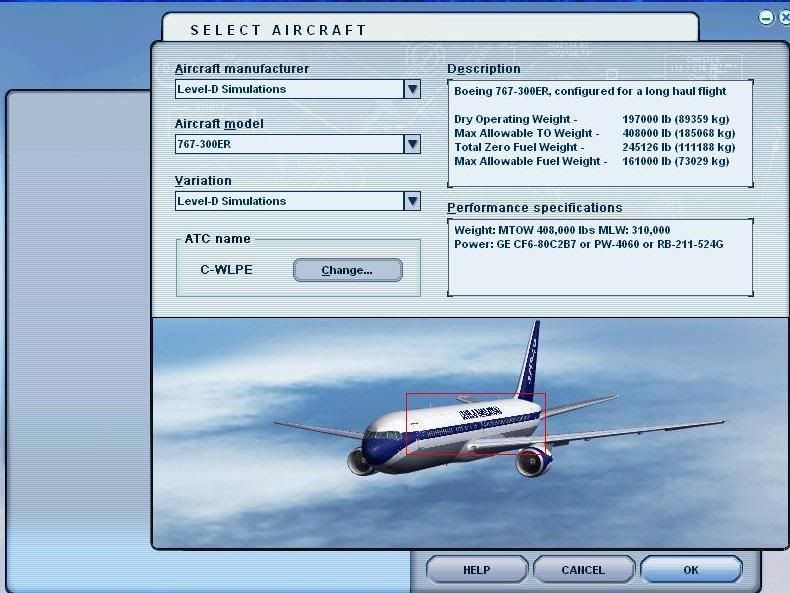
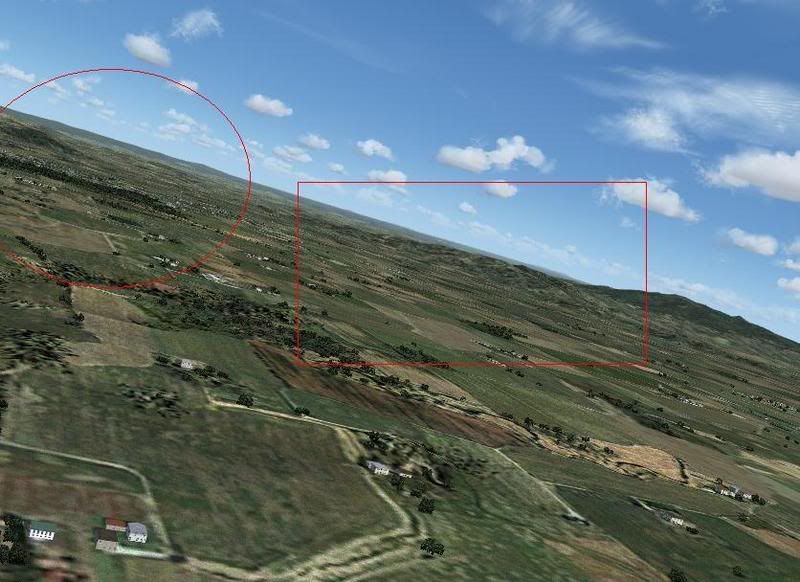
Look at the shots
user posted image
user posted image

These unclear spots are driving me crazy. Whats it caused by? I have MiPMapping set to 8, AA set to 4x, and AF set to 8x.

Cheers
BB

PostPosted: Mon Jan 29, 2007 9:50 pm
by Alex
I'm sorry, I can't really see very well what you mean, it looks like the image is compressed just a wee bit too much, and its hard to see the difference between the bits inside and outside the red lines... ;)

Alex

PostPosted: Mon Jan 29, 2007 10:03 pm
by brownbox
ok forget about the red lines. Its not compressed or anything, thats really what my flight sim looks like. :o I only used the boxes to show examples ;) Its almost as if its pixelised kind of.... I dunno :(

PostPosted: Mon Jan 29, 2007 10:09 pm
by Jimmy
What did you use to upload the photos? Somethings like photoshop will automaticly compress the image if its too large.

PostPosted: Mon Jan 29, 2007 10:10 pm
by ZK-MAT
My pick is it's AF set too high, and mip mapping is trying too hard to render everything.

In simple terms, AA makes lines blend together (ie removes jaggies), AF sharpens things a bit. Try a lower AF setting. Mip mapping is designed to give the 'illusion of distance'. Knock it back a bit - to 6 or 5.


Edit: Take a look here

It's not a bad resource.

PostPosted: Mon Jan 29, 2007 10:30 pm
by creator2003
have ya got mip mapping set on the card or auto in the sim ?

PostPosted: Mon Jan 29, 2007 10:35 pm
by brownbox
i didnt even know the card had a mip mapping setting :blink:

ATI control panel was better than Nvidias in my oppionion :)