Starting over in scenery development

A forum for everything else that does not fit into the other categories

Starting over in scenery development

Postby toprob » Sat Aug 10, 2024 3:41 pm

I'm of an age where if someone talks about '30 years ago', I think of the 70s, but really they've talking about the 90s. My next milestone will be 70, so I can still remember the 60s. So it surprises me that I've only been interesting in flightsim scenery for 20 years, seems like forever. Of course I've retired now, so anything I do now will be just an old bloke pottering away in his shed.
This month my 3DS Max subscription is due, and I had saved to cover it, but then I thought hey, why spend money on it if I don't have to. The indie version already saves me a lot of money, only $450 a year compared to the normal $3000, but while it used to be easy to justify the cost as part of the business, now it's just a very expensive tool for mostly model railway stuff:)
The answer, apparently, is Blender. This is free, and everybody uses it these days, plus Asobo now support it for MSFS development. I've tried it before, and couldn't make it do anything, but last month I tried again, and after a lot of false starts, I'm starting to make progress. Youtube is great, as always, and I've been following the donut tutorial by Blender Guru, hours and hours of video just to model a donut. I didn't really have any use for a donut in my scenery, but I persevered.
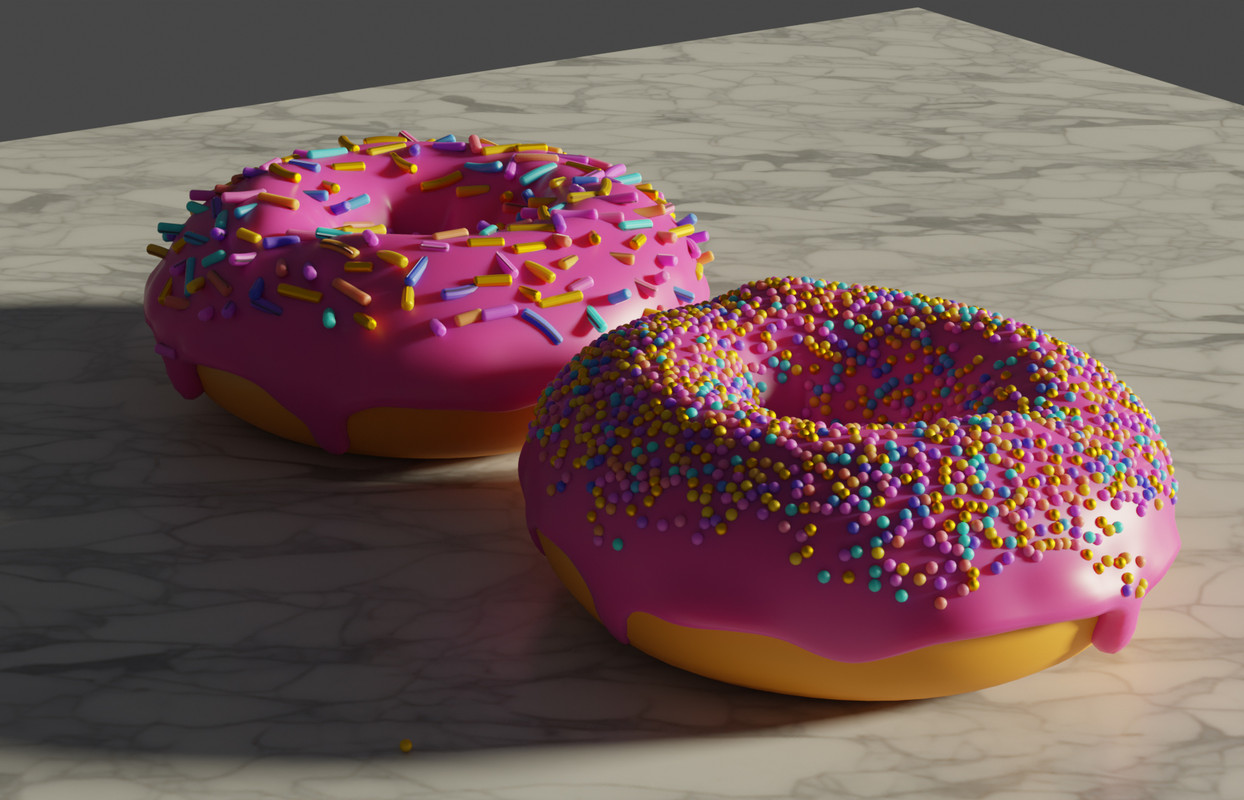
Here's the result, just to prove how far I've come:
Image
Anyone can make their own donut, you just need to download Blender for free, and spend hours and hours frustratingly trying to follow the tutorial. All good clean fun, and non-fattening, apart from all that sitting.
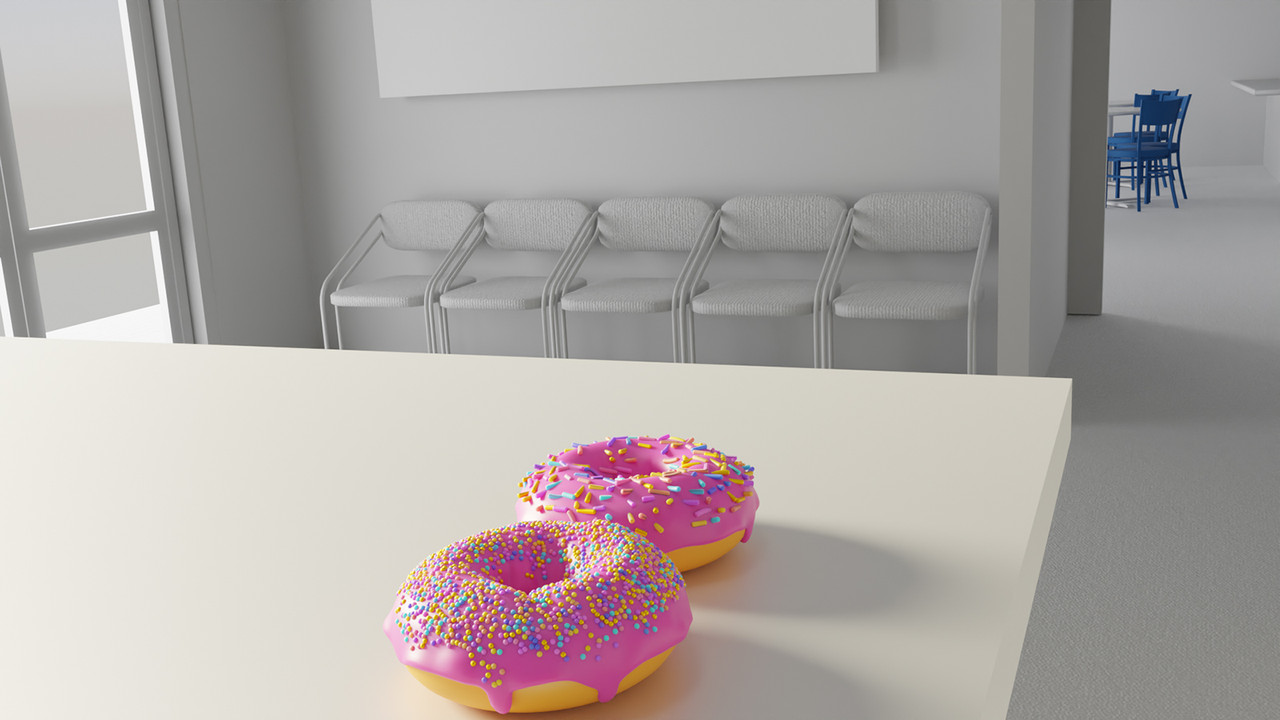
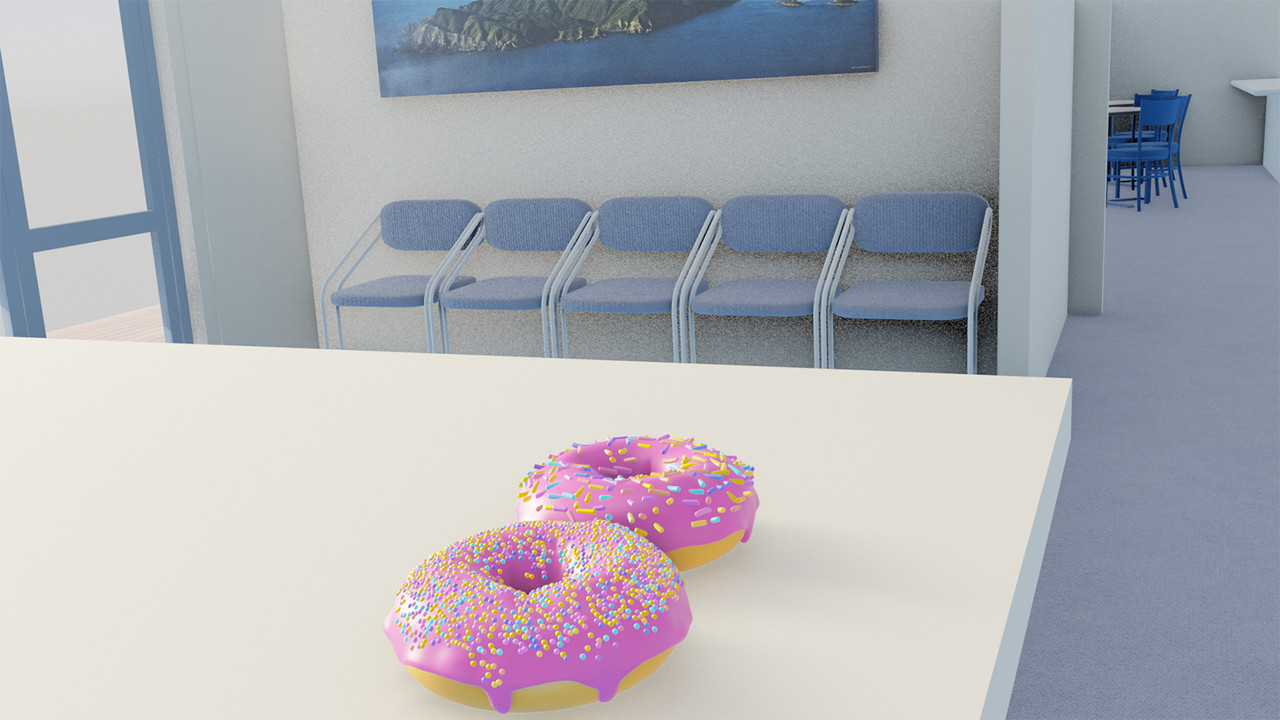
Of course you can't even pop your finished donut into MSFS, as the sim doesn't support the required geometry nodes (something you'll learn about). The first screenshot is using Blender's 'quality' renderer, which doesn't like MSFS textures, although it does handle the normals -- again, you'd learn all this if you had a go.... The second shot is the quick and dirty Eevee renderer, which doesn't look as good but has all the textures.
Image
Image

If you exported this for the sim, you'll lose the sprinkles, though, so I won't be releasing Rob's Flying Donuts any time soon.

I use Blender 3.3, which is the officially supported version for MSFS, plus the latest 4.2. You can install whatever and however many versions you like. When I did a search for version 3.3 the first result was the Microsoft Windows store, which is weird, but it's great to have it installed as a Windows app.

Get Blender here.

And here's the donut bloke on youtube.

At the moment I'm trying to finish NZPP using Blender, but still in that awkward phase where everything is difficult, and I keep forgetting how I just did something. Some weird happenings, with tools just disappearing, and it isn't as 'polished' as the expensive 3DS Max. At one point I was zoomed in on a cabinet to tidy up the mapping and one of the office chairs just cruised through the view. It is either haunted or somehow I accidentally added an animation keyframe, probably the former.

A huge benefit of moving to Blender is that I get to exercise my brain, and get to recall a lot of swear words from the old GMAX days.
User avatar
toprob
NZFF Pro
 
Topic author
Joined: Sat Apr 29, 2006 4:56 pm
Posts: 6711
Location: Upper Hutt

Re: Starting over in scenery development

Postby deeknow » Sat Aug 10, 2024 3:51 pm

Great stuff Rob !!! sure we won't see a flying donut maybe? :D

PS need to catch ya some time for some pointers on my wee project, have started learning Blender for that too
Deans repaints: http://www.deeknow.com/
X570 Mini-ITX m/b - Ryzen7 5700X3D (8c/16t) - RTX 2060-super - 32GB 3600MHz DDR4 - Win10 - P3Dv5.3
User avatar
deeknow
NZFF Pro
 
Joined: Tue Sep 18, 2007 10:15 pm
Posts: 4447
Location: NZHN

Re: Starting over in scenery development

Postby cowpatz » Sat Aug 10, 2024 7:55 pm

deeknow wrote:Great stuff Rob !!! sure we won't see a flying donut maybe? :D

PS need to catch ya some time for some pointers on my wee project, have started learning Blender for that too


Are you making donuts too? An amazing bit of modelling there Rob. Enough to make me want to grab one.
User avatar
cowpatz
NZFF Pro
 
Joined: Wed Mar 07, 2007 3:28 pm
Posts: 3739

Re: Starting over in scenery development

Postby emfrat » Sat Aug 10, 2024 9:22 pm

I remember making a screenshot comp entry, featuring this aircraft over the Pancake Islands on the coast near Greymouth. But it was an FSX model, and nobody made the connection, anyway.
https://airandspace.si.edu/collection-o ... 9610120000
I have, and am trying to learn Blender. One of the great features is a shared library of 3D buildings from Blender community members. I want to upgrade my AFS2 Chatham Islands scenery for AFS4, but until I can get access to the Airport Creation Tool SDK, there is not much I can do :(
MikeW
'Propliner' is actually short for 'Proper airliner, with big rumbly radials'

Image
OnlineUser avatar
emfrat
NZFF Pro
 
Joined: Sat May 07, 2011 7:41 pm
Posts: 4098
Location: 50 DME YBBN

Re: Starting over in scenery development

Postby Charl » Sun Aug 11, 2024 1:21 pm

toprob wrote: everything is difficult, and I keep forgetting how I just did something... A huge benefit of moving to Blender is that I get to exercise my brain, and get to recall a lot of swear words from the old GMAX days.
They say the absolute best way to ward off Alzheimer's is to flex the brain into something new and uncomfortable!
Great post, and links that I am going to fall for at some point.

What got me initially interested was that you can use Blender on its own, just to do MSFS repaints!
(No Photoshop which really excites me as Adobe is on my Utterly Evil nix list.)
https://www.youtube.com/watch?v=YApTF2Cn1tQ

We could have a Friday coffee club, complete with Blender.
OnlineUser avatar
Charl
NZFF Pro
 
Joined: Mon May 01, 2006 8:28 am
Posts: 9687
Location: Auckland


Return to Off Topic

Who is online

Users browsing this forum: No registered users and 10 guests
