FSX water

Post and comment on screen captures from the beautiful game here. Home of the monthly screenshot competition

Postby gokanru » Fri Jul 20, 2007 12:28 am

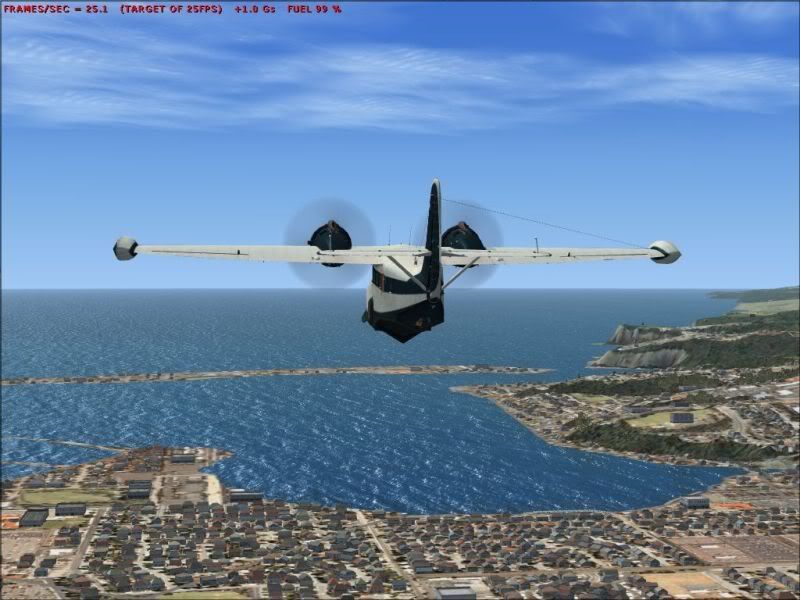
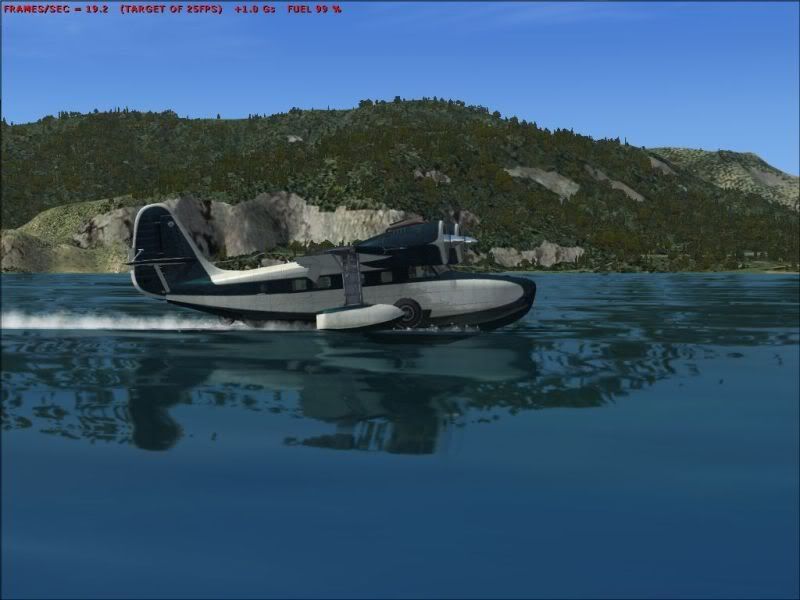
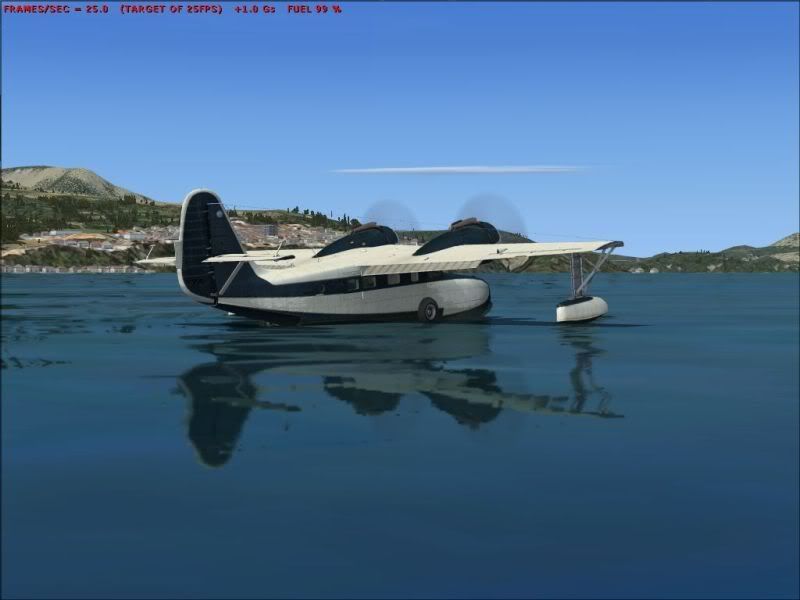
Here are some screenshots of reduced texture size,the water slider for the first 3 was set at Mid 2.x


These next shots were with the slider set to high 2.x
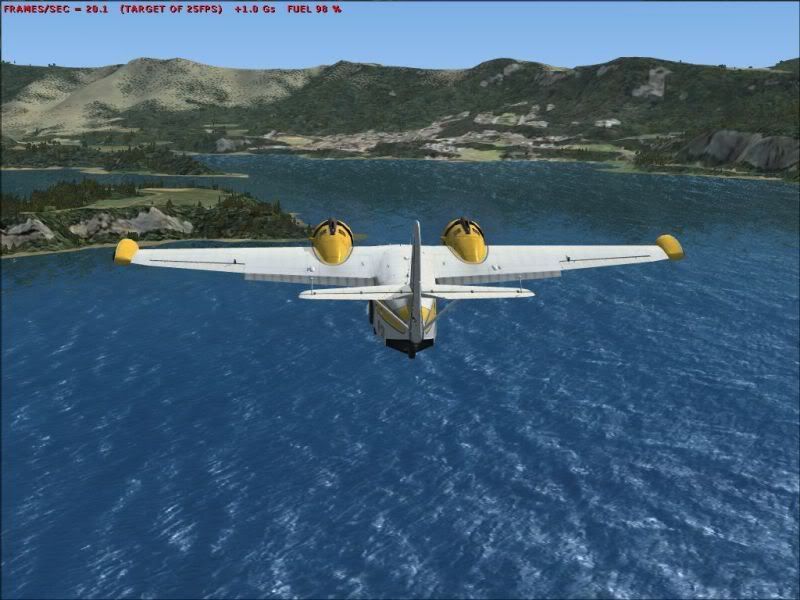
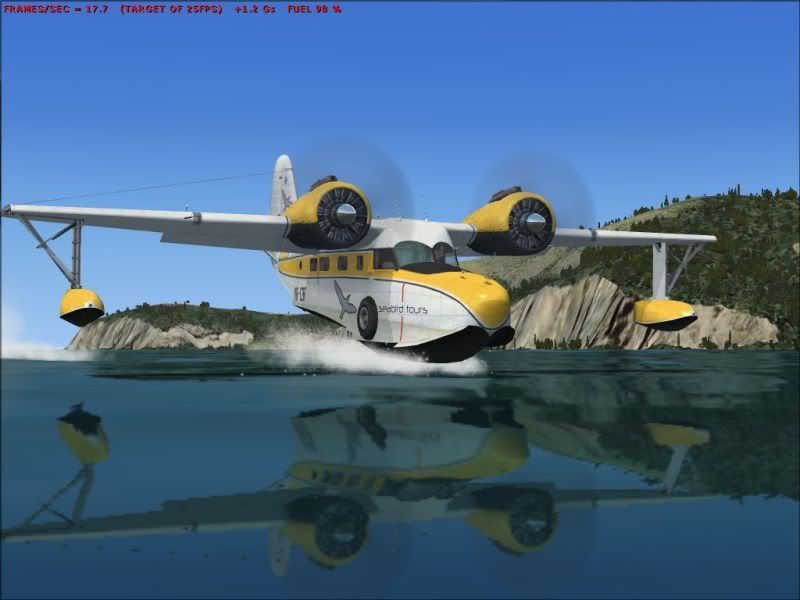
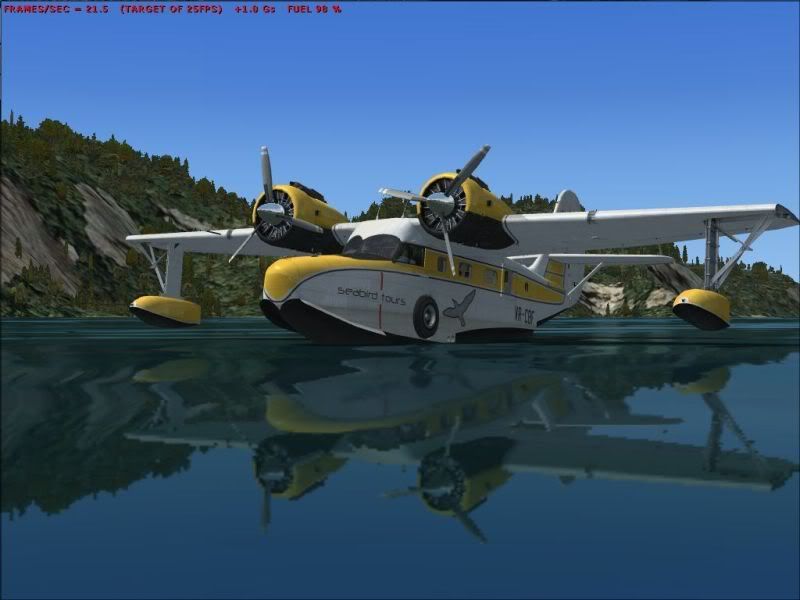
These next ones are with the water slider still set to high 2.x but we added some clouds in which were set to medium high.
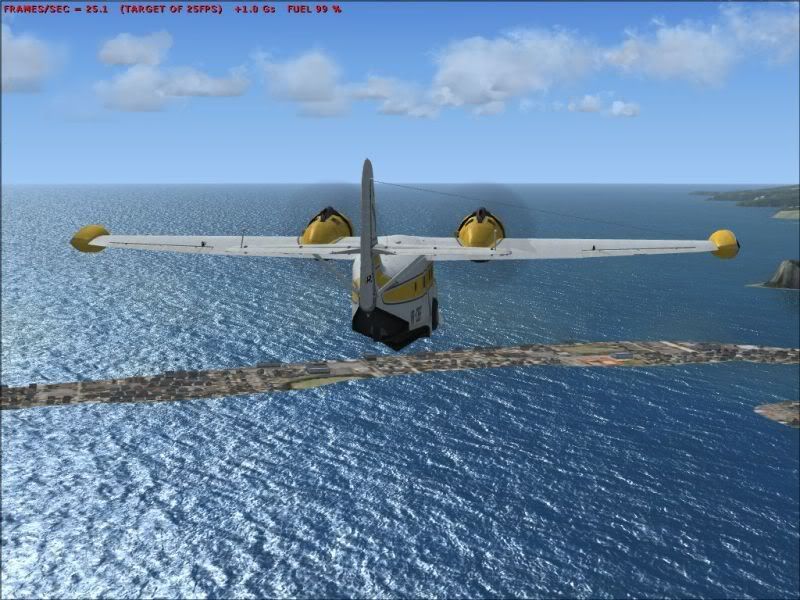
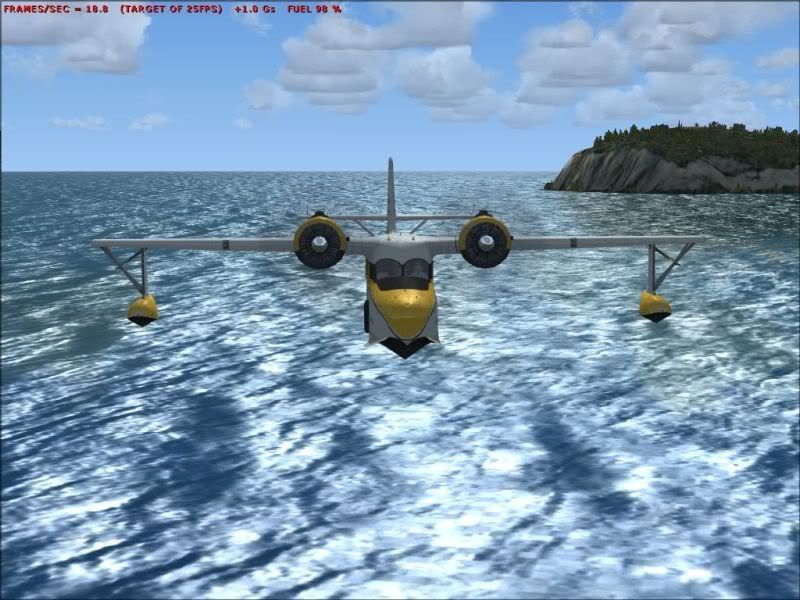
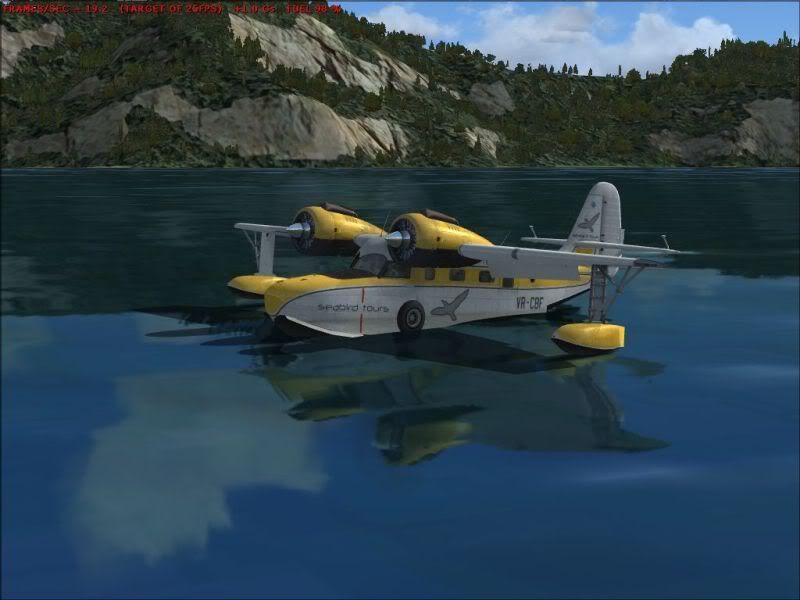
Even the clouds show up quite good,and the fps stayed at a good level.
Last edited by gokanru on Fri Jul 20, 2007 12:32 am, edited 1 time in total.
gokanru
 

Postby HardCorePawn » Fri Jul 20, 2007 8:42 am

Here are some screenshots of reduced texture size


Can you define 'reduced texture size'?
"Son, we are about the break the surly bonds of gravity, and punch the face of God." -- Homer Simpson

Image
User avatar
HardCorePawn
Senior Member
 
Joined: Fri Sep 01, 2006 4:18 pm
Posts: 1277
Location: 2500' above Godzone

Postby creator2003 » Fri Jul 20, 2007 9:24 am

problery there is a new texture water set out there that has been reduced in format sizes ie 1024x1024 to 256x256 ,giving alittle more performance ,i still dont like the colour of the water from a height looks to blue and fake ,but the reflection is awesome one of the best features for fsx with the dds
User avatar
creator2003
NZFF Pro
 
Joined: Fri Jun 16, 2006 12:08 am
Posts: 4633
Location: Cant U C im LOCO

Postby gokanru » Fri Jul 20, 2007 10:31 am

Natas 2003 hit the nail on the head.The water textures have been reduced from 1024x1024 to 512x512 and was done for performance purposes.I agree about the colour of the water,I'm not crazy about them either,but as I am working on the performance side of FSX it was worth trying them out.Yes I did a backup of the old textures and they are now back in my computer.The other thing I noticed was the difference in the reflections between mid 2.x and high 2.x.

One has to try these things,you never know, we might find something that works for most of us. :rolleyes:
gokanru
 

Postby creator2003 » Fri Jul 20, 2007 11:21 am

Yeah i wonder if you got the new textures and just tinted them alittle darker in photoshop if it would make much difference ?? would be nice to know that you guys that are using fsx had really really nice water textures and ofcourse frame friendly , anyway i love the aircraft reflection in the lower shots just looks awesome :thumbup:
User avatar
creator2003
NZFF Pro
 
Joined: Fri Jun 16, 2006 12:08 am
Posts: 4633
Location: Cant U C im LOCO

Postby ardypilot » Sun Jul 22, 2007 4:11 pm

I can't tell those textures apart from all the other FSX screenies I have ever seen, so if it increases FPS then that's brilliant!
User avatar
ardypilot
NZFF Pro
 
Joined: Wed Apr 26, 2006 10:01 am
Posts: 6802
Location: Auckland

Postby ZKTOM » Sun Jul 22, 2007 4:39 pm

Does water affects affect the frame rate much?
ZKTOM(FS)-Qualified Flight Simmer

"If it ain't Boeing, It ain't going"
Image
ZKTOM
Forum Addict
 
Joined: Wed Mar 21, 2007 4:53 pm
Posts: 328
Location: Computer Room

Postby creator2003 » Sun Jul 22, 2007 7:03 pm

yup water does effect frames ,just try turning them up and down and you will see ....the smaller the texture the better in some cases they also do this with runways and others ,
with the water there are bump maps and animations to them the lower the setting you can see the changes ,,most are pretty ugly ,lots of ppls over time have modded the default textures for improvment of draw rates ,this will continue as always with fsx and fs9 ,
User avatar
creator2003
NZFF Pro
 
Joined: Fri Jun 16, 2006 12:08 am
Posts: 4633
Location: Cant U C im LOCO

Postby Jimmy » Sun Jul 22, 2007 8:11 pm

So what sort of improvement in perforamce are you getting?

I proably wont go fiddleing with my water, the reason we change to new sims is because of all the new and wounderful things the aparently offer, so I like to keep the new things at their best, like the water, I wont sacrifice my fsx water, always MAX. :D Love the water, its great. A bit bright at times but usualy awsome, cloud shadows rock.

I do get the problem with my water of it being really really pixilated, it looks really bad up close. I asked about it here on the forum ages ago but noone could find the problem, im not to concerned thow, im sure it wont be there by the time im a full fsx convert with DX10 graphics. :P

James
Jimmy
 

Postby gokanru » Sun Jul 22, 2007 11:12 pm

Jimmy wrote:
QUOTE(Jimmy @ Jul 27 2007, 09:11 AM) <{POST_SNAPBACK}>
So what sort of improvement in perforamce are you getting?


I will run some checks and get back to you on that one James.I have put the default textures back in but it is no problem putting in the smaller textures just to compare the FPS.I think doing it on the open water would probably be the best way,That way the autogen won't effect things at all.

The default textures were 1.33MB 512x512 in size.The ones that I used are 341KB 256x256.Using the default textures I am getting about 4 fps.4fps up is better than 4fps down biggrin.gif
Last edited by gokanru on Mon Jul 23, 2007 11:19 pm, edited 1 time in total.
gokanru


Return to Screenshots

Who is online

Users browsing this forum: No registered users and 6 guests