100% ad-free
 by Ian Warren » Sun Nov 13, 2011 8:28 am
AndrewJamez wrote:QUOTE (AndrewJamez @ Nov 13 2011,8:18 AM) <{POST_SNAPBACK}>what air show scenery is that ?
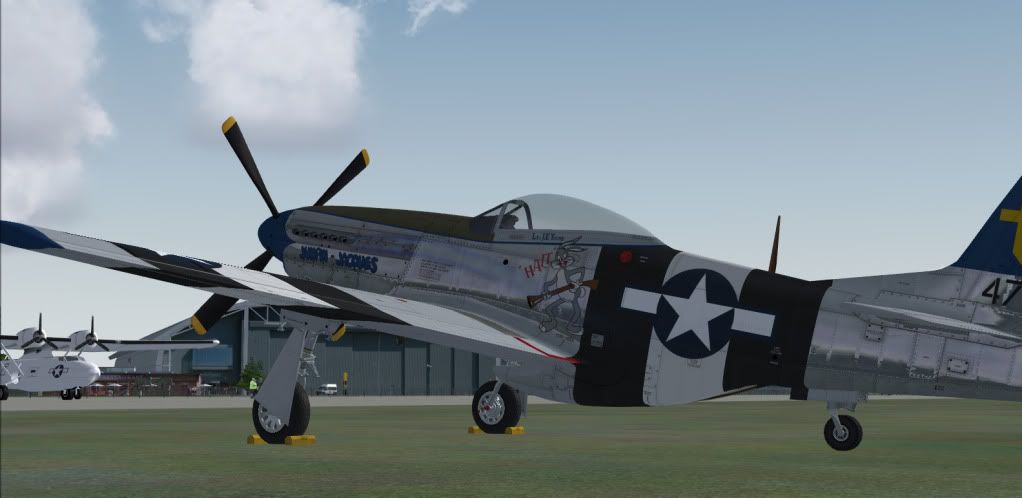
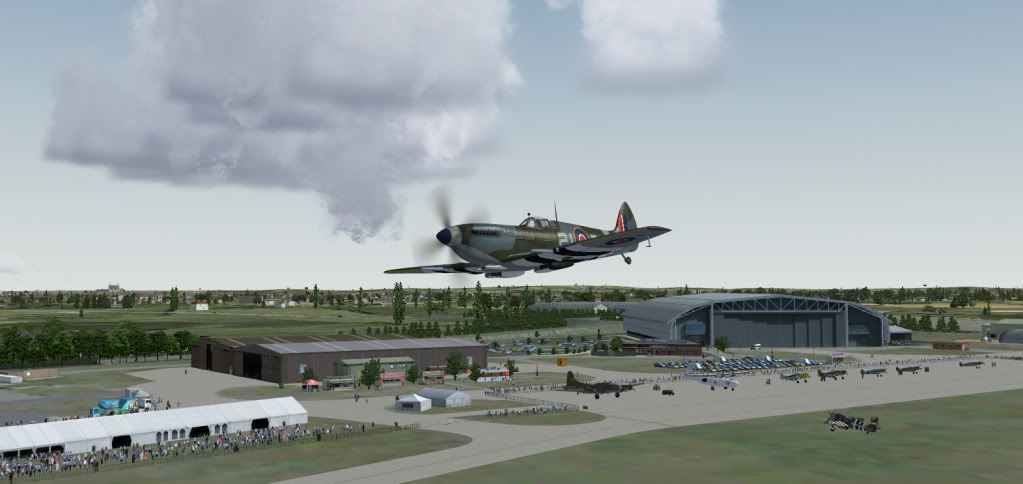
That,s your week or so back release at 81MB of Duxford IWM and really requires a MP .. wont see Paul there but sure as hell get a few NZFFers in there

by Charl » Sun Nov 13, 2011 9:29 am

by creator2003 » Sun Nov 13, 2011 12:00 pm

by Olderndirt » Sun Nov 13, 2011 2:26 pm


by Naki » Mon Nov 14, 2011 8:13 am
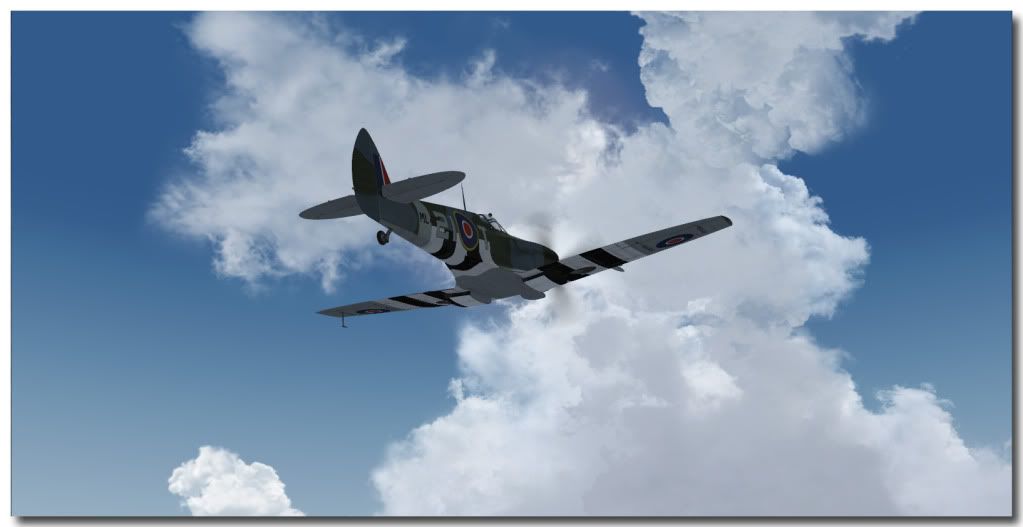
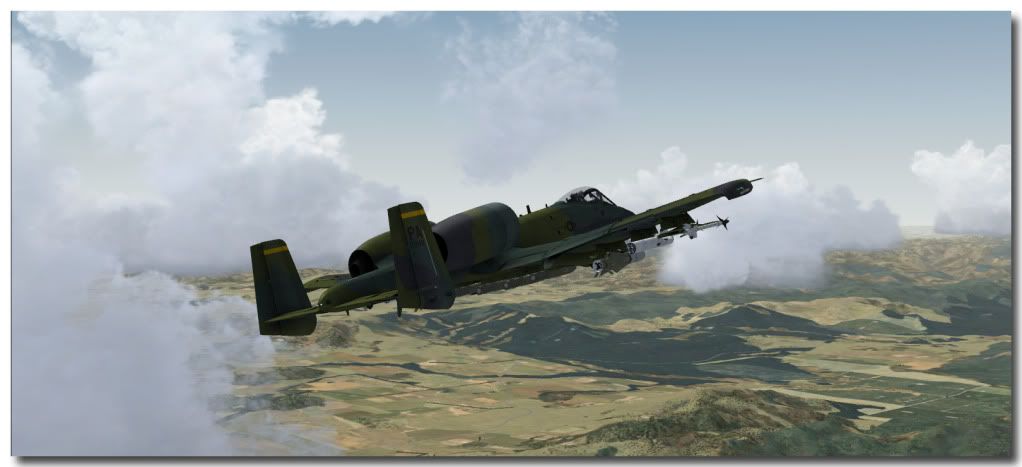
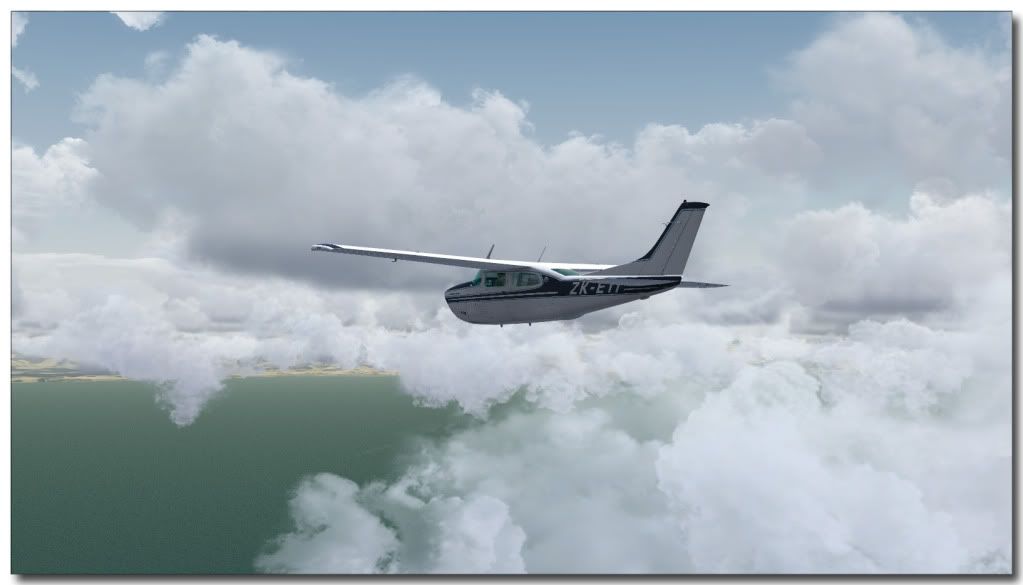
Charl wrote:QUOTE (Charl @ Nov 13 2011,10:29 AM) <{POST_SNAPBACK}>Great sky shots Paul.
I am wondering... many FSX screens I've seen recently do not have ground shadows enabled!
Do they cause a huge performance hit, as they did in FS2004? or is there another reason.
I fly FS2004 with shadows, and to me it looks strange to see the hi-res realism of FSX, but with half the lighting missing!
My system isn't the best so I disbale shadows for my Orbx scenery and other heavy hitters as I need all the FPS I can get to make smooth enough - I just forget to turn them back on when in other scenery (or aircraft) - I dont usually have a probelm with VLC scenery with shadows on - the Duxford scenery is probably okay too as its really FPS friendlyOlderndirt wrote:QUOTE (Olderndirt @ Nov 13 2011,3:26 PM) <{POST_SNAPBACK}>Love that Duxford. Other than placing the airshow above the airport in 'scenery library', what's the trick to activating the AI and airshow?
IIRC - the airshow scenery is the "other" Duxfod scenery in your scenery selection menu. An AI package comes with your download and should be installed sperately with a self installer - this is actiavetd the same way as any other scenery
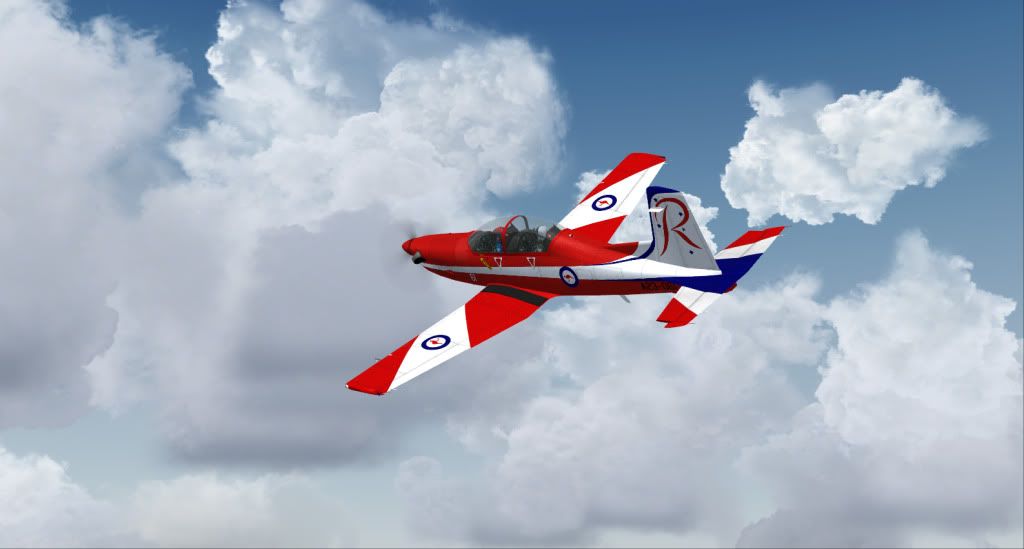
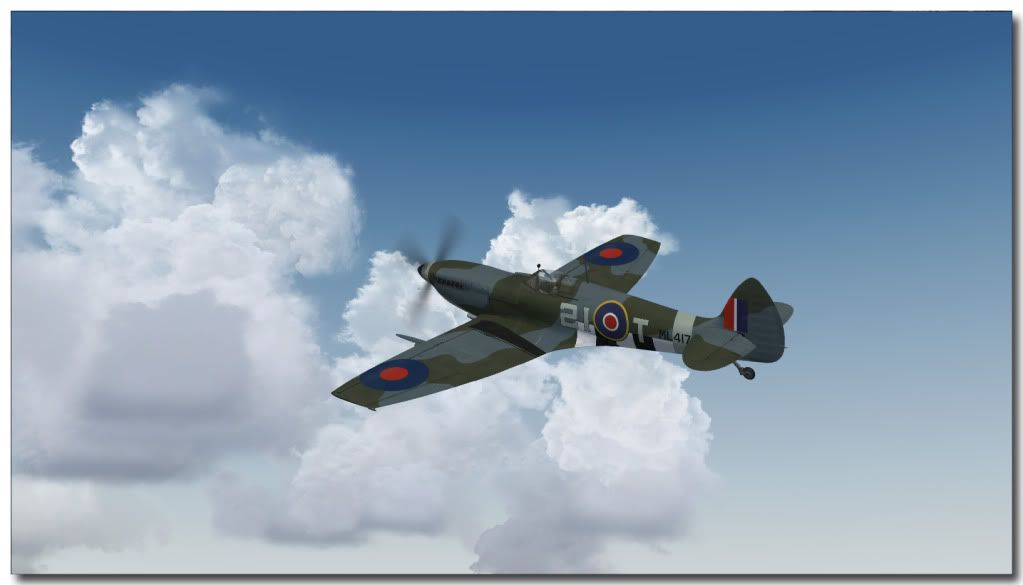
Just noticed that the clouds are the same in two of the above shots! - even though they are seperate flights...REX generic clouds I guessLast edited by Naki on Mon Nov 14, 2011 8:14 am, edited 1 time in total.
Naki- NZFF Pro
- Topic author
- Joined: Sat Aug 05, 2006 10:03 pm
- Posts: 7170
- Location: Tauranga
Users browsing this forum: No registered users and 12 guests


 great stuff.....more !!


