More Mosquito, Non NZ, Screen Heavy!

Post and comment on screen captures from the beautiful game here. Home of the monthly screenshot competition

Postby Mynameisnemo » Mon Dec 17, 2012 11:44 am

Another set of this superb Freeware Mosquito (better than payware quality!), from Duxford (EGSU) Liverpool (EGGP):

Spitfire, Sabre & Hurricane taxi:
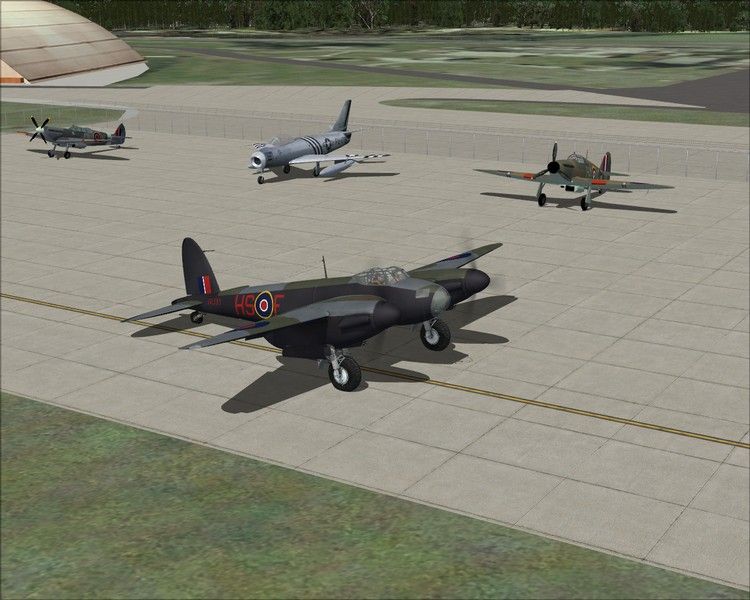
Taxing Past Sally B/Memphis Belle, The Catalina and SNAFU:
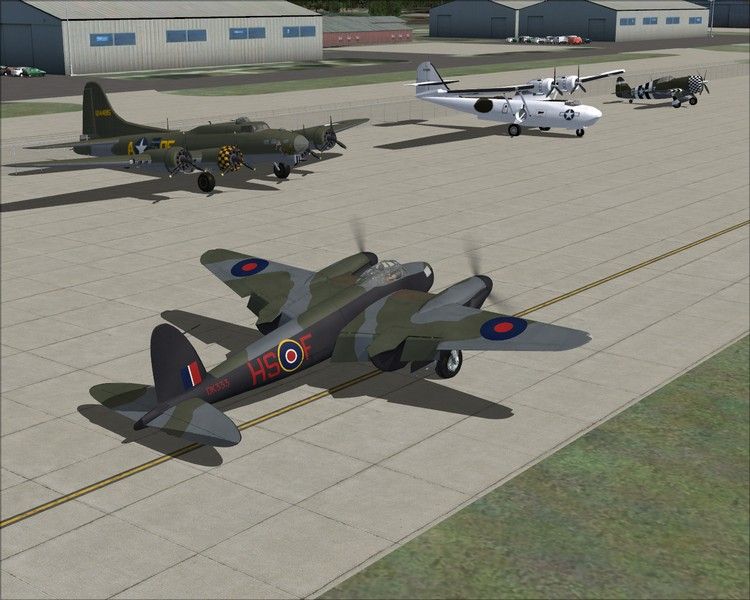
Another Taxi shot, this time past "Ferocious Frankie", MH434 Spitfire & a Harvard:
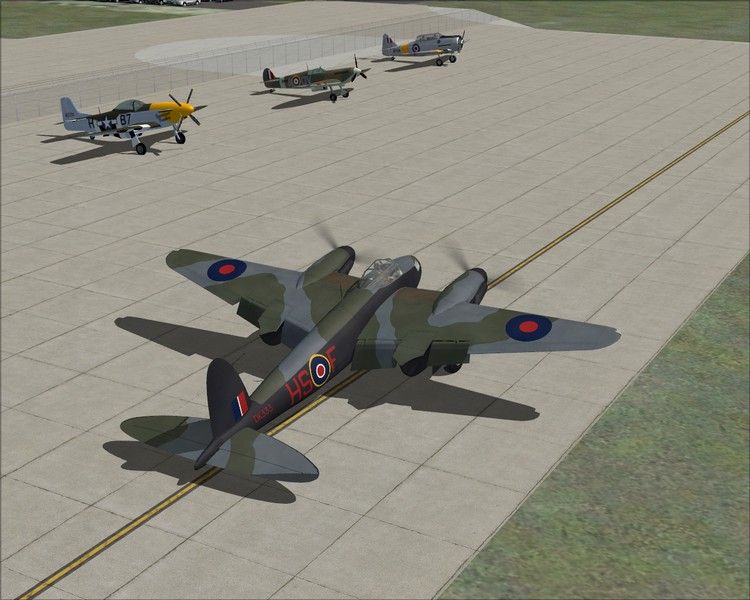
Lined up ready for Take off at Duxford:
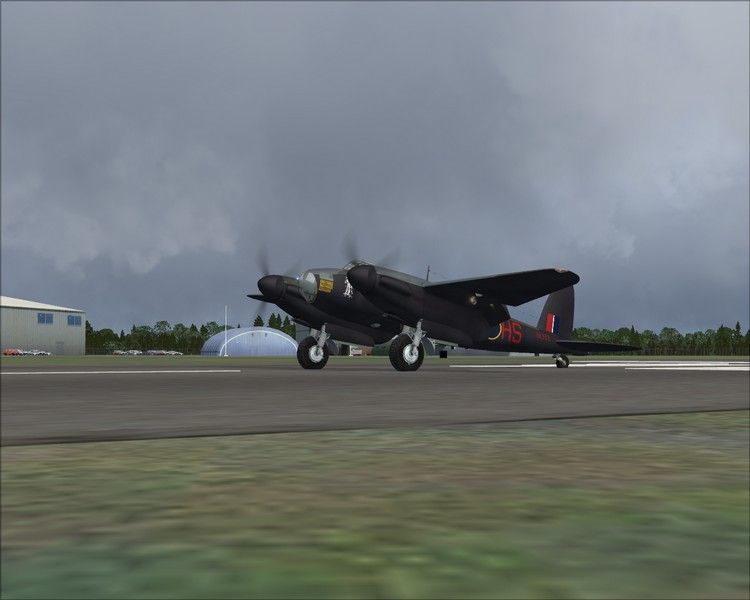
Almost there:
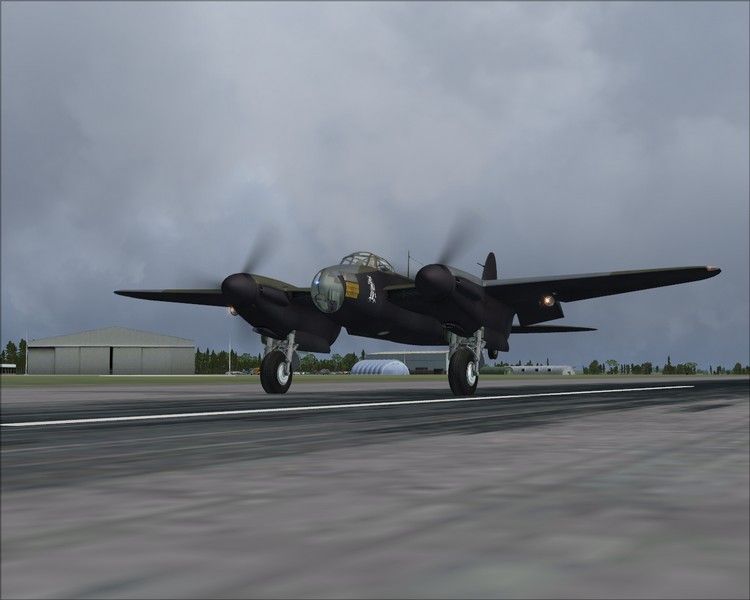
Up, Up and Away!
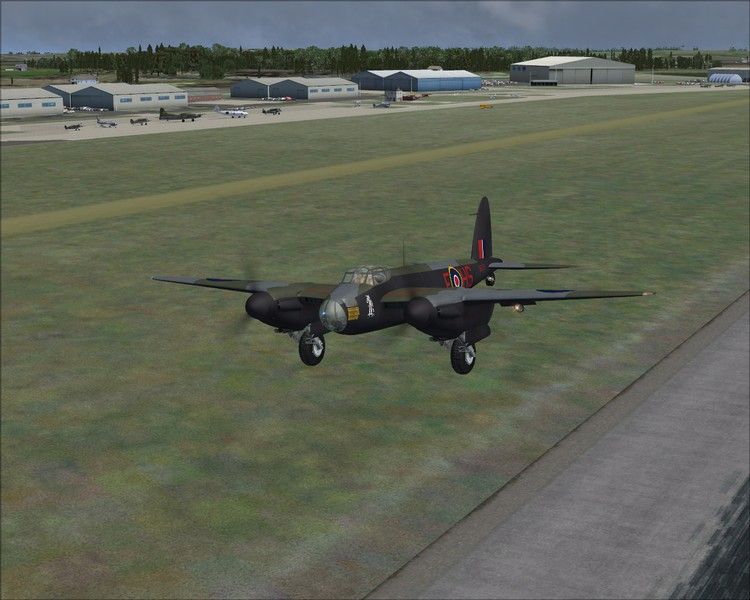
Climbing over Duxford to get to cruising Altitude of 7500ft
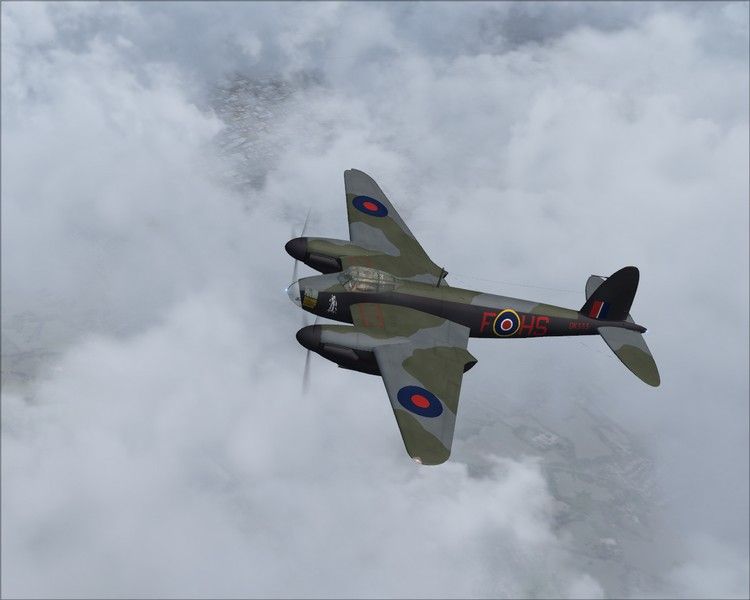
Turning out to be a very Cloudy Flight:
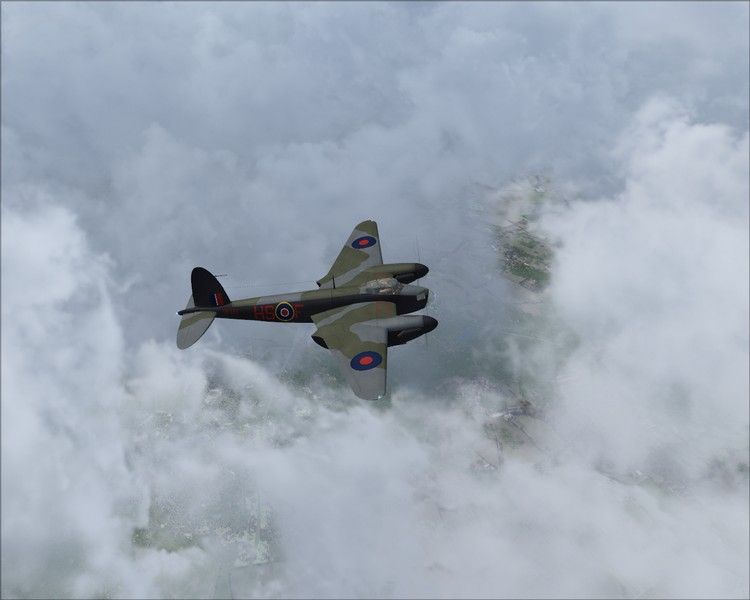
Can you do an inverted run with your Bomb Bay open?
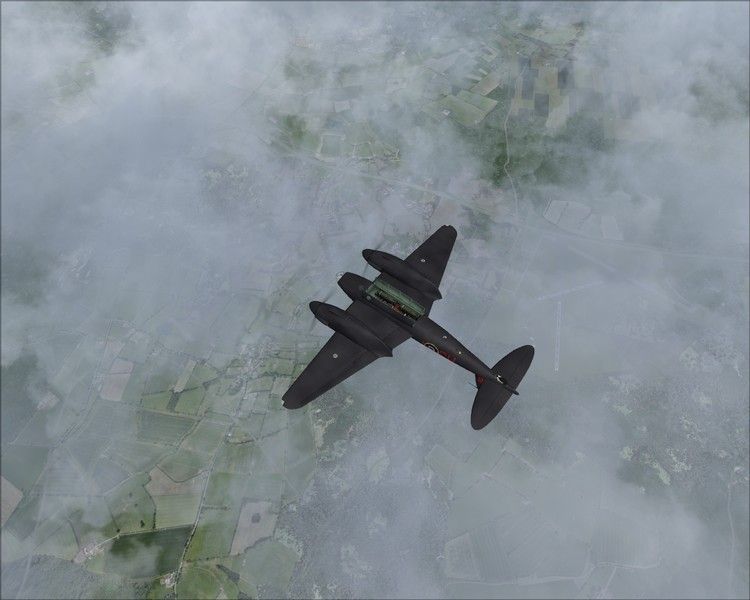
Hmmm I wonder if this break in the clouds will stay like this all the way in to Liverpool:
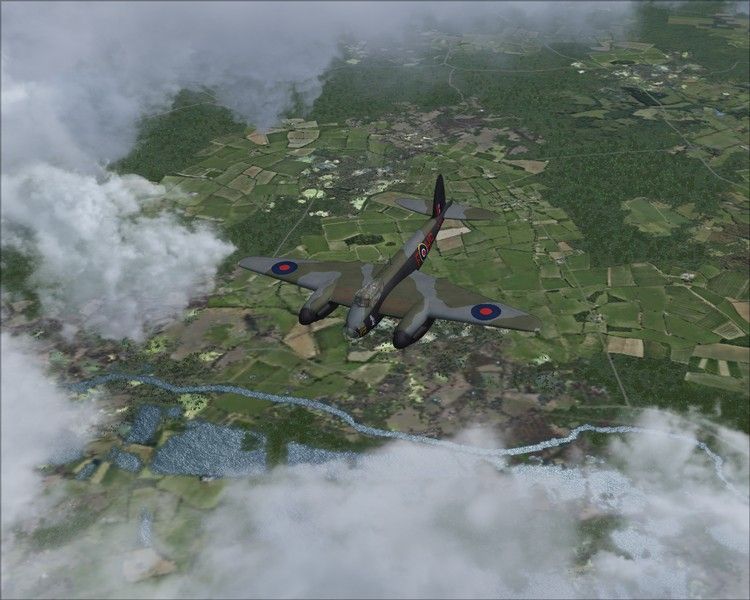
Arty Cloudy View:
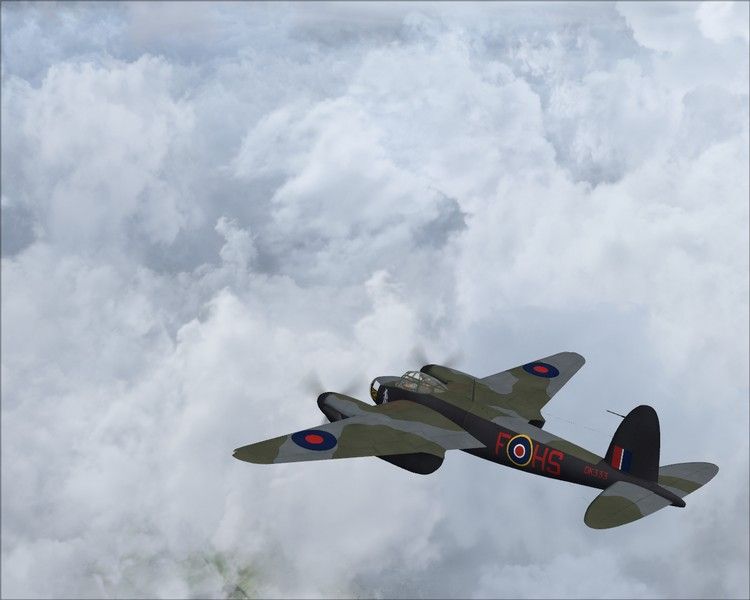
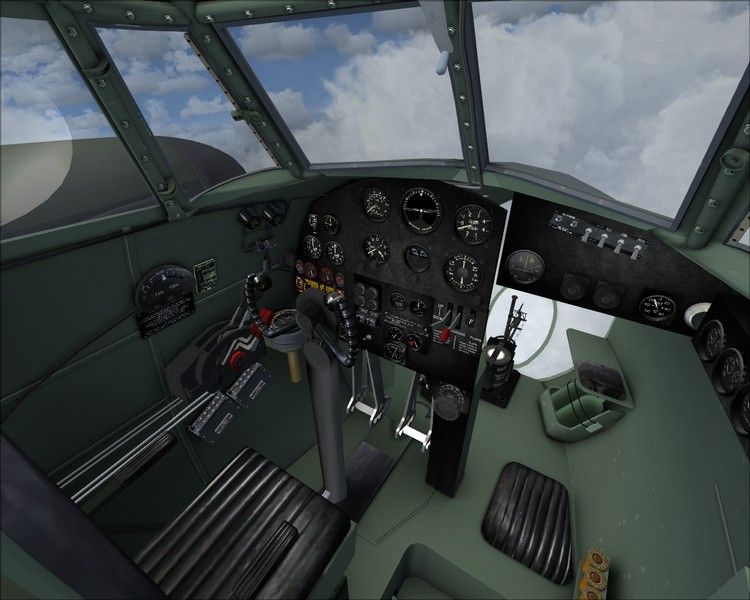
View from the Pilots Chair
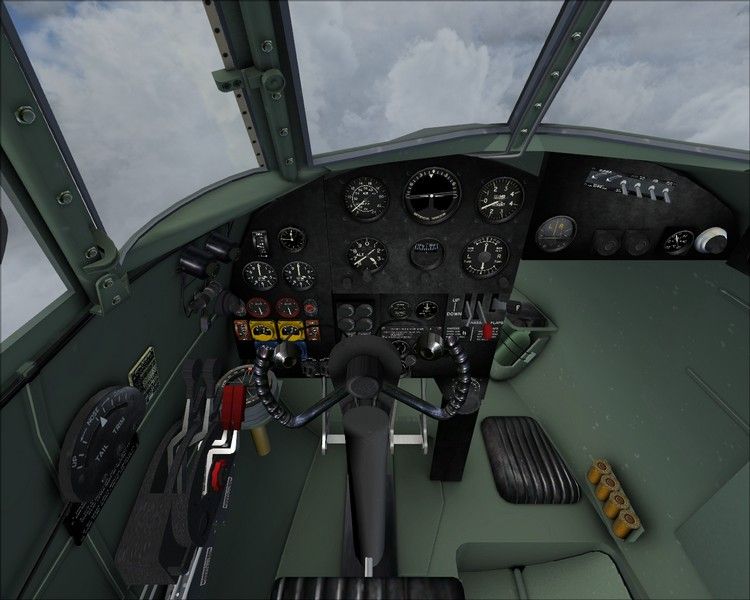
Co-pilot/Navigators Seat:
More Clouds:
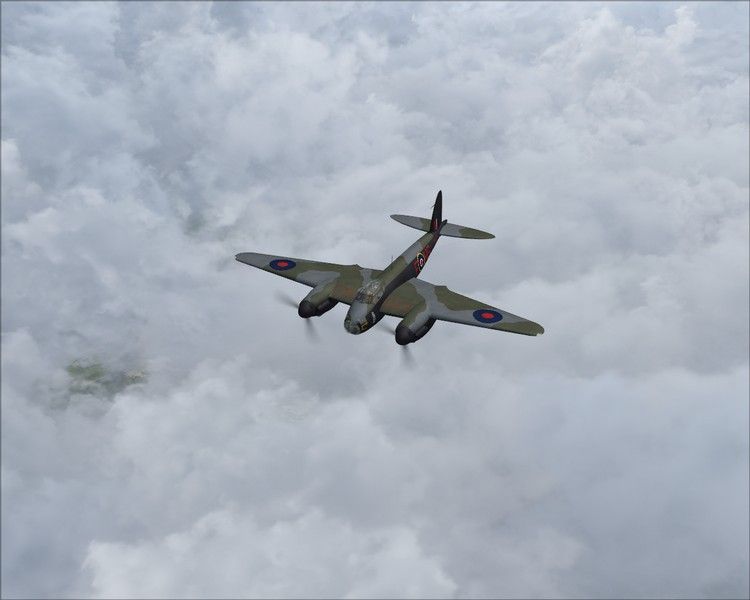
Somewhere over Manchester
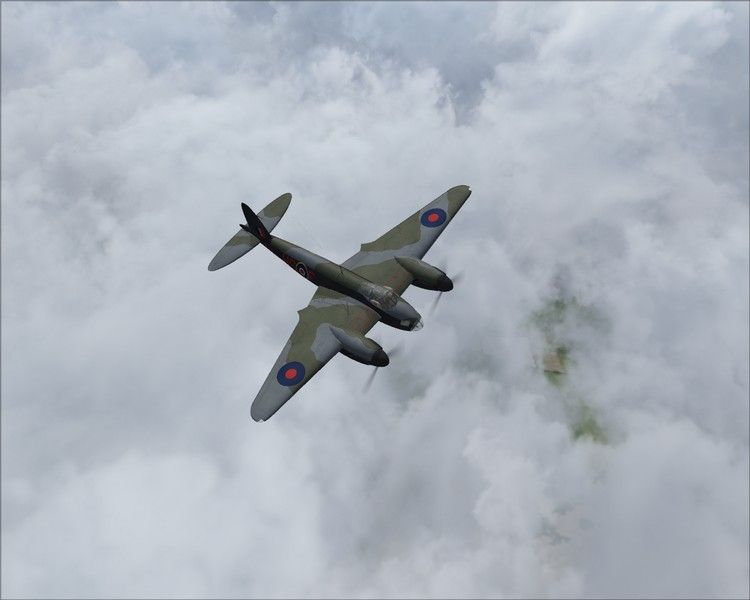
Closing in on Liverpool
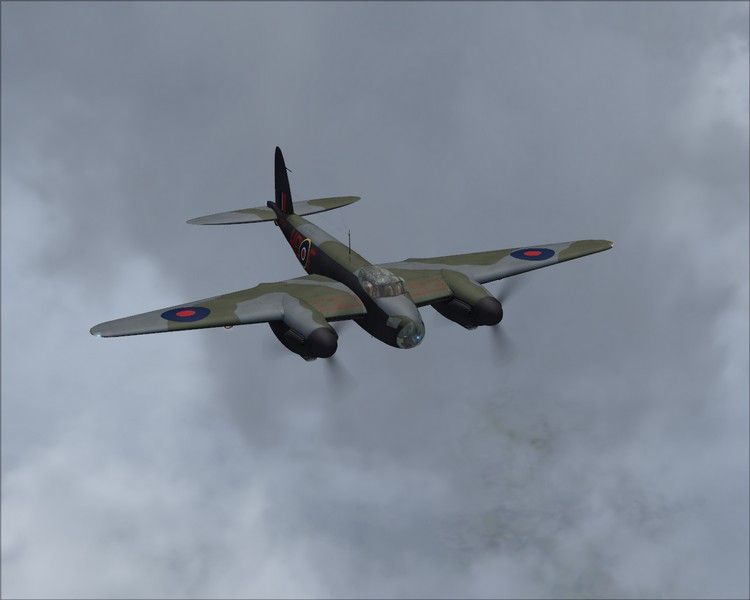
Running Break on the camera ship:
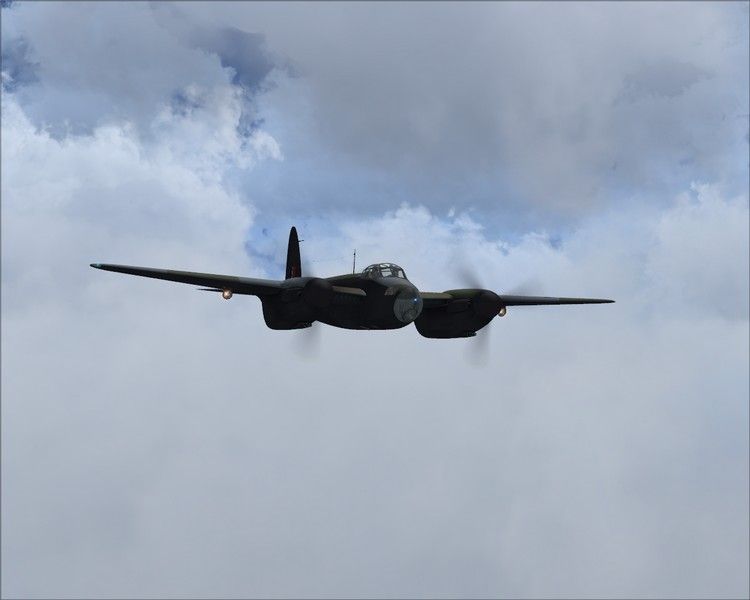
Flyby before Landing
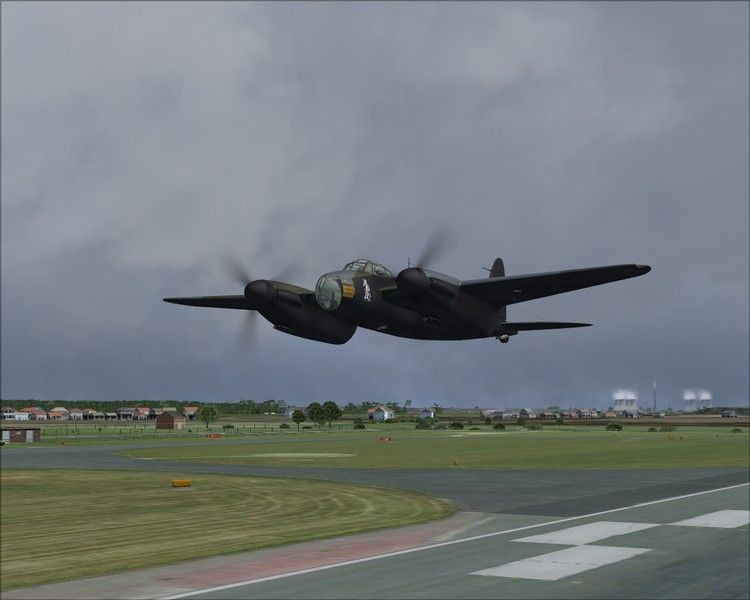
From the Security Guard's 4x4:
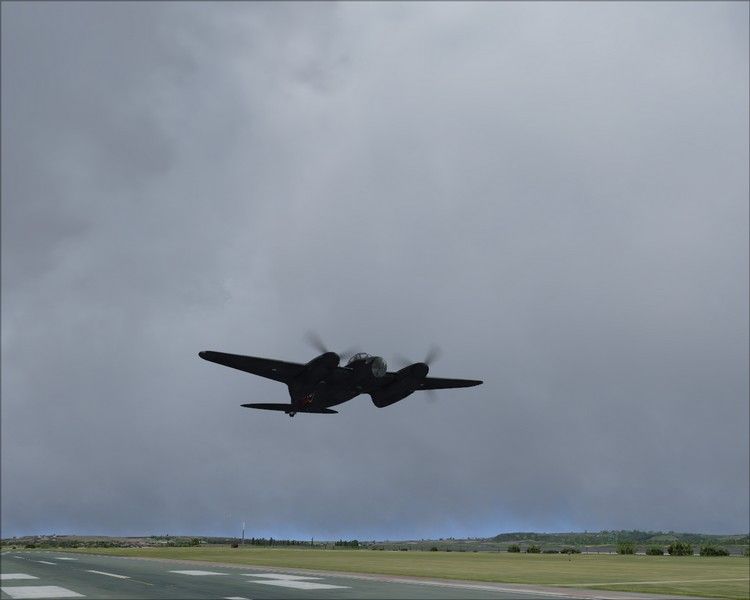
Flyby over Meerkat (spotter) Mound at Liverpool Airport
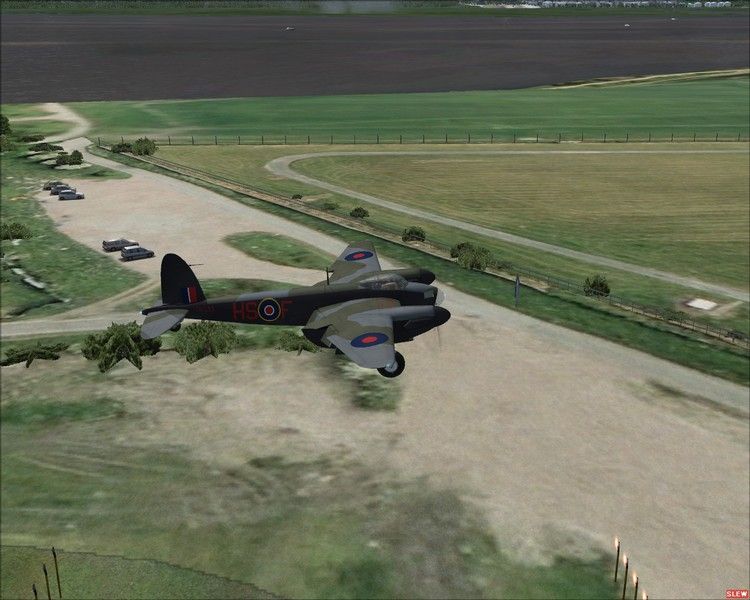
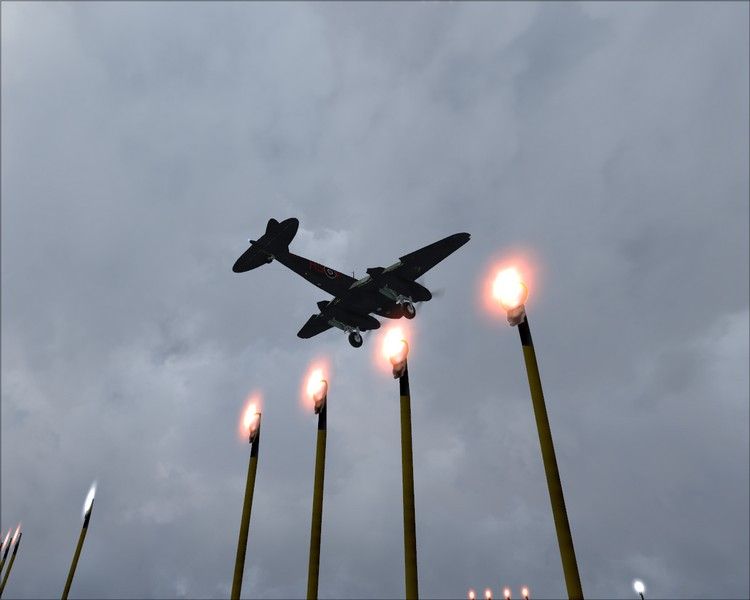
Finals over the PAPI Lights, taken by a keen spotter:
Safely Down:
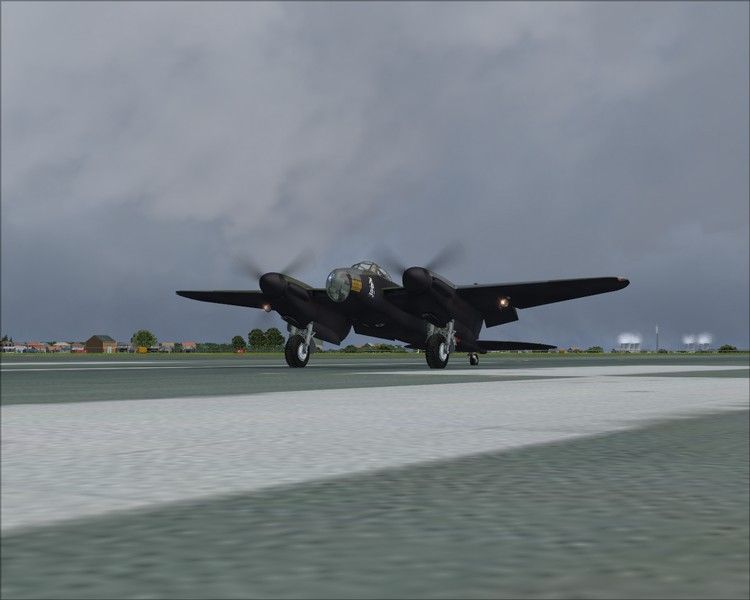
Shutting down the engines and restarting them again! Smokey Start-up!:
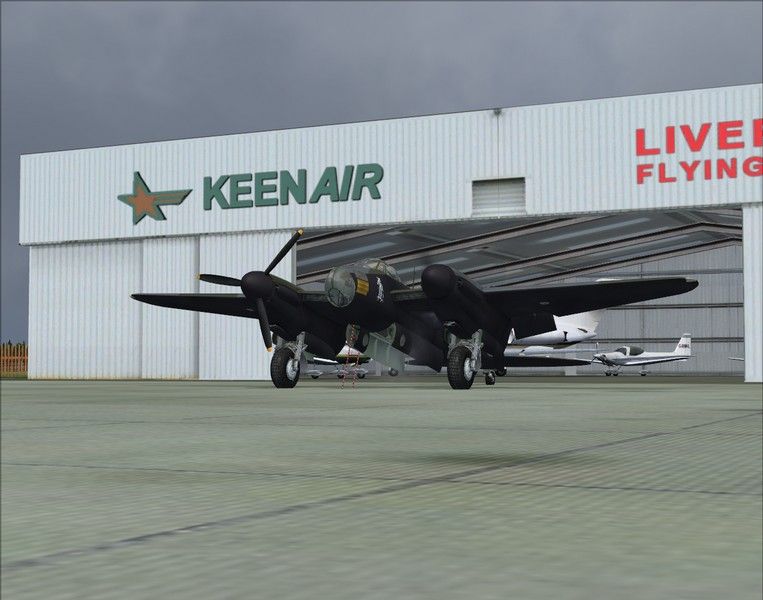
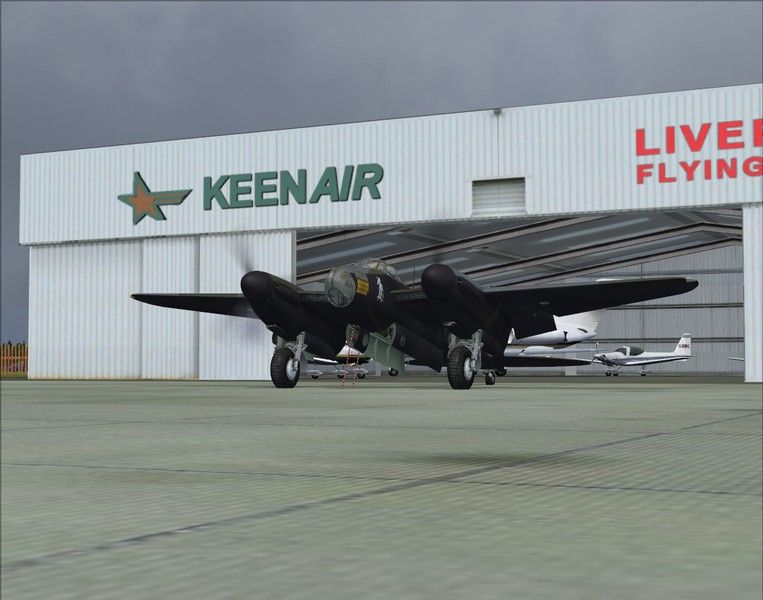
Parked outside of Keenair for the night
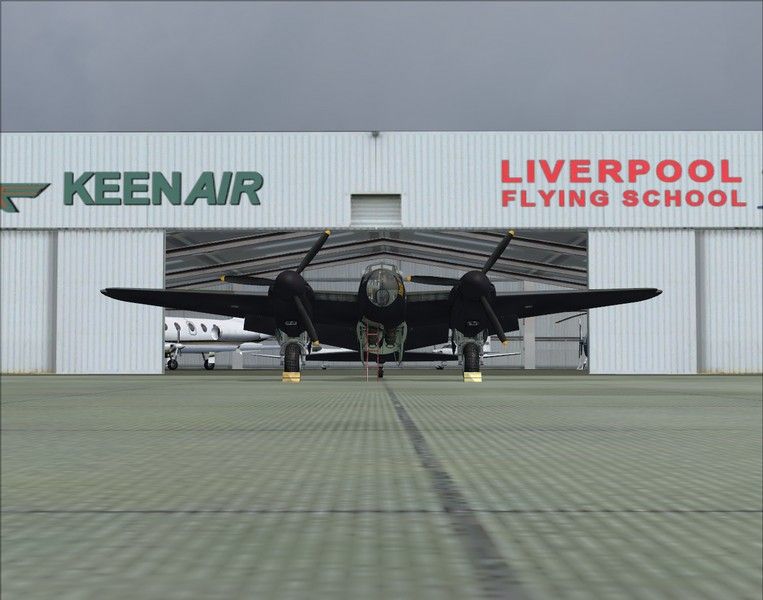

Total logged time in this mosquito 6 hours!

Thanks for looking!
PC Spec's: Deep Cool Tesseract case, Asrock B450-pro4 motherboard, AMD Ryzen 5 2600x, 32GB DDR4 3000mhz, Gigabyte RTX 2060 v2 OC 6GB, 2x2TB Seagate, 1x 3TB Seagate drives
Mynameisnemo
Forum Addict
 
Topic author
Joined: Wed Jan 19, 2011 12:06 pm
Posts: 215
Location: Runcorn, Near Liverpool John lennon Airport

Postby IslandBoy77 » Mon Dec 17, 2012 12:27 pm

Nice post. I especially like the clouds that show in different ways - especially those "broody" lower-level clouds in shots 4, 5 & 6. thumbup1.gif
User avatar
IslandBoy77
Senior Member
 
Joined: Tue Feb 03, 2009 2:23 pm
Posts: 1020
Location: Napier, New Zealand

Postby Ian Warren » Mon Dec 17, 2012 5:05 pm

Nice Screenies John , i was playing with this brilliant freeware this morn ... lotta fun cool.gif
Image
User avatar
Ian Warren
NZFF Pro
 
Joined: Fri May 05, 2006 5:23 pm
Posts: 41187
Location: AREA 51

Postby Splitpin » Mon Dec 17, 2012 7:35 pm

"better than payware quality" ....100% agree, we are so lucky to have the likes of Dave G thumbup1.gif thumbup1.gif

Im working on some screens of the Moz....but they have too be right...have too do justice to this one.
User avatar
Splitpin
NZFF Pro
 
Joined: Mon Aug 03, 2009 12:15 pm
Posts: 21339
Location: Christchurch NZ

Postby TonyM » Mon Dec 17, 2012 8:26 pm

So...


how do you droppa da bombs ???????

Cheers

TonyM
TonyM
Member
 
Joined: Sun Aug 08, 2010 11:30 pm
Posts: 100
Location: Perth, WA

Postby deeknow » Mon Dec 17, 2012 9:11 pm

Great stuff Nemo, you're like a one-man-air-show :-)
Deans repaints: http://www.deeknow.com/
X570 Mini-ITX m/b - Ryzen7 5700X3D (8c/16t) - RTX 2060-super - 32GB 3600MHz DDR4 - Win10 - P3Dv5.3
User avatar
deeknow
NZFF Pro
 
Joined: Tue Sep 18, 2007 10:15 pm
Posts: 4449
Location: NZHN

Postby DaveG » Tue Dec 18, 2012 12:48 am

TonyM wrote:
QUOTE (TonyM @ Dec 17 2012,8:26 AM) <{POST_SNAPBACK}>
So...


how do you droppa da bombs ???????

Cheers

TonyM


You read the readme file winkyy.gif

Nice to see everyones enjoying her smile.gif
User avatar
DaveG
Member
 
Joined: Thu May 22, 2008 11:52 pm
Posts: 33

Postby TonyM » Tue Dec 18, 2012 8:57 am

Dave,

Must have missed something in the readme....

Maybe a good nights sleep and a re read might help.

This is one awesome model, excellent work, thanks .

Cheers

TonyM
TonyM
Member
 
Joined: Sun Aug 08, 2010 11:30 pm
Posts: 100
Location: Perth, WA

Postby DaveG » Tue Dec 18, 2012 10:03 am

TonyM wrote:
QUOTE (TonyM @ Dec 17 2012,8:57 PM) <{POST_SNAPBACK}>
Dave,

Must have missed something in the readme....

Maybe a good nights sleep and a re read might help.

This is one awesome model, excellent work, thanks .

Cheers

TonyM


From the readme:
QUOTE
Droppable weapons. The bombs can be made to drop in mission mode by editing a save flight file.
Save flights are usually found in C:\Documents and Settings\~username~\My Documents\Flight Simulator X Files and have a .FLT extension.

To use droppable bombs add:

[DroppableObjects.0]
ObjectSet.0=500lb bomb, 4[/quote]

You may need to assign a keystroke or button for the "release droppable objects" command.
User avatar
DaveG
Member
 
Joined: Thu May 22, 2008 11:52 pm
Posts: 33


Return to Screenshots

Who is online

Users browsing this forum: No registered users and 22 guests