[quote="toprob"][quote="Charl"]
What else are you playing with in MSFS?[/quote]
Personally, I don't have any time for MSFS, until I finish the installer for P3Dv5 NZCH. However I would think that some other NZ developers are having fun....
If I did have time for MSFS, I'd probably continue my NZTI project, just to see if it all works as expected. NZTI has some nice features which make it ideal for MSFS's realistic visuals.
[img]https://i.postimg.cc/B6n9VrpZ/Taieri04.jpg[/img][/quote]
Fair enough. I may have a look at some point.
Your screenshot here.
96 posts
• Page 4 of 5 • 1, 2, 3, 4, 5
Re: Your screenshot here.
 by Kelvinr » Sun Aug 30, 2020 2:08 pm
-

Kelvinr - Sim-holic
- Joined: Sat May 03, 2008 1:06 pm
- Posts: 904
Re: Your screenshot here.
by Splitpin » Sun Aug 30, 2020 2:49 pm
Tin shed is now my wallpaper ...love it.
-

Splitpin - NZFF Pro
- Topic author
- Joined: Mon Aug 03, 2009 12:15 pm
- Posts: 21383
- Location: Christchurch NZ
Re: Your screenshot here.
by toprob » Sun Aug 30, 2020 3:30 pm
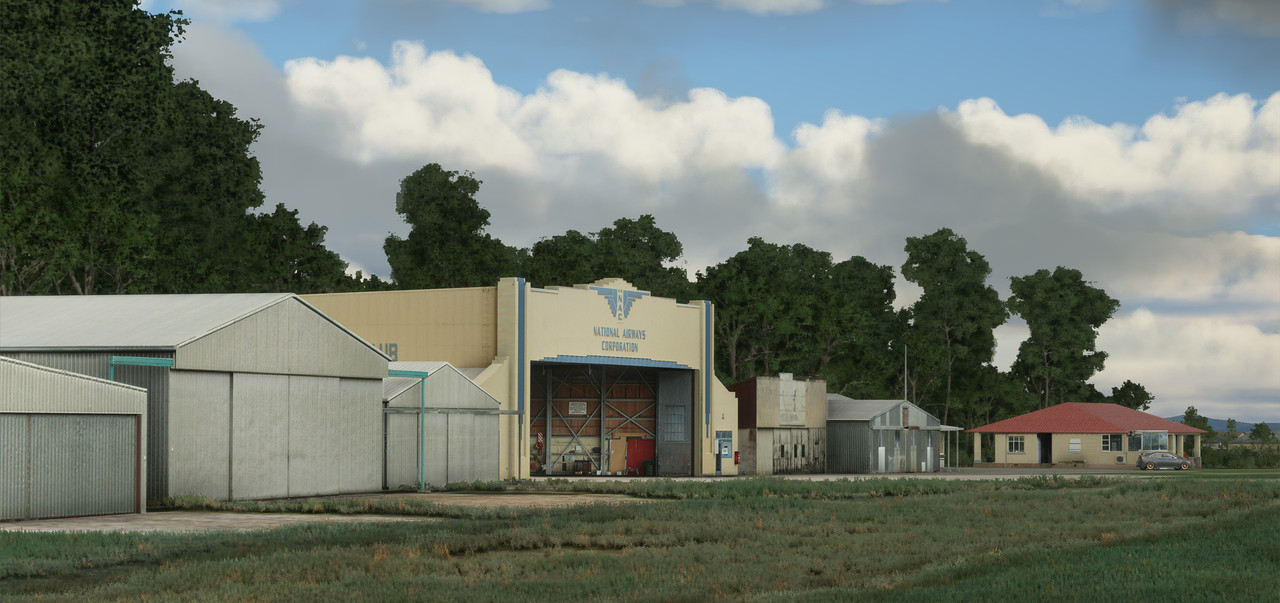
Cheers, Marty. I learnt a way to transfer GMAX files to 3DS Max, I didn't think you could do it, but luckily it's easy-ish. I wanted to create some PBR textures for that shed, just to see if it was possible, so I had a look for the GMAX file on my on computer. I searched for 'shed' which should have found it, but turns out the file is called RustyJesus, as there's a graffiti on the side saying 'Jesus Saves':)
I was beginning to think that I was getting too old to learn anything new, but so far I'm having a lot of fun.
Kelvin -- I actually meant that post about no time for MSFS as a joke -- I'm kind of obsessed, really. There's plenty to do for NZ, so keen to keep up with your progress!
I was beginning to think that I was getting too old to learn anything new, but so far I'm having a lot of fun.
Kelvin -- I actually meant that post about no time for MSFS as a joke -- I'm kind of obsessed, really. There's plenty to do for NZ, so keen to keep up with your progress!
-

toprob - NZFF Pro
- Joined: Sat Apr 29, 2006 4:56 pm
- Posts: 6718
- Location: Upper Hutt
Re: Your screenshot here.
by Splitpin » Sun Aug 30, 2020 3:57 pm
toprob wrote:Cheers, Marty. I learnt a way to transfer GMAX files to 3DS Max, I didn't think you could do it, but luckily it's easy-ish. I wanted to create some PBR textures for that shed, just to see if it was possible, so I had a look for the GMAX file on my on computer. I searched for 'shed' which should have found it, but turns out the file is called RustyJesus, as there's a graffiti on the side saying 'Jesus Saves':)
I was beginning to think that I was getting too old to learn anything new, but so far I'm having a lot of fun.
Kelvin -- I actually meant that post about no time for MSFS as a joke -- I'm kind of obsessed, really. There's plenty to do for NZ, so keen to keep up with your progress!
Never stop learning Rob ...once that happens it's probably all over. I make it a point to learn/find out about soething new everyday . It helps that I have a huge range of interests I suppose ...like today, for example, I learnt that one of Rembrandt's wives name was Saskia , tuck that away for future reference

-
Splitpin - NZFF Pro
- Topic author
- Joined: Mon Aug 03, 2009 12:15 pm
- Posts: 21383
- Location: Christchurch NZ
Re: Your screenshot here.
by Alex » Mon Aug 31, 2020 9:43 pm
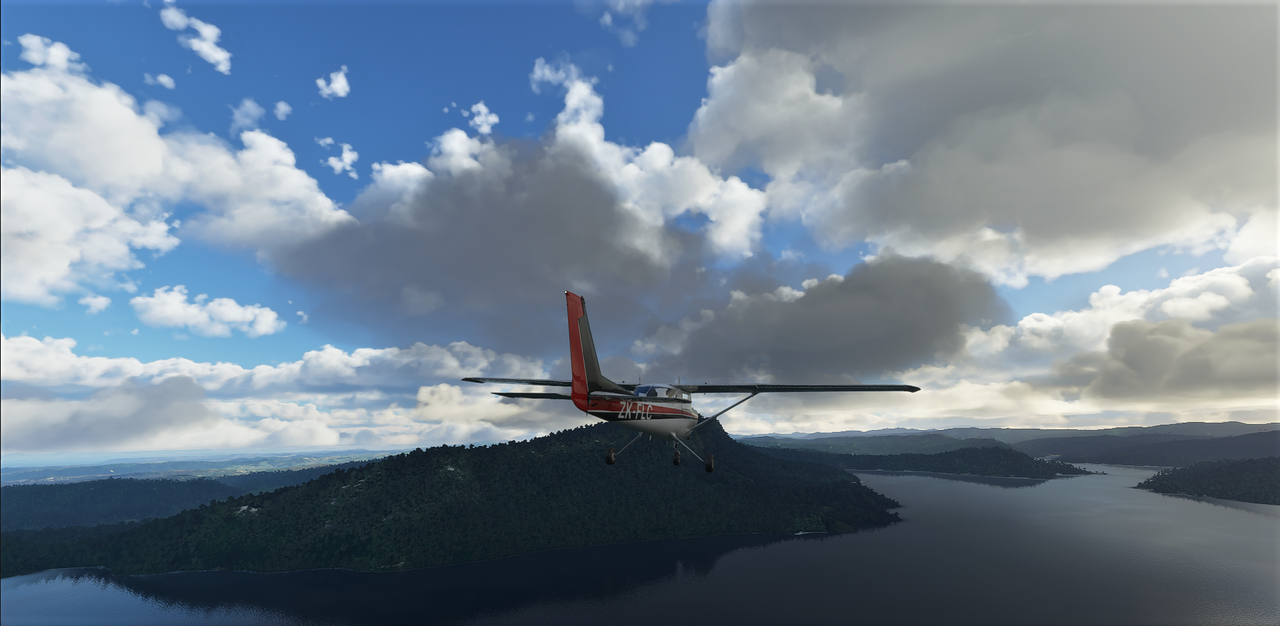
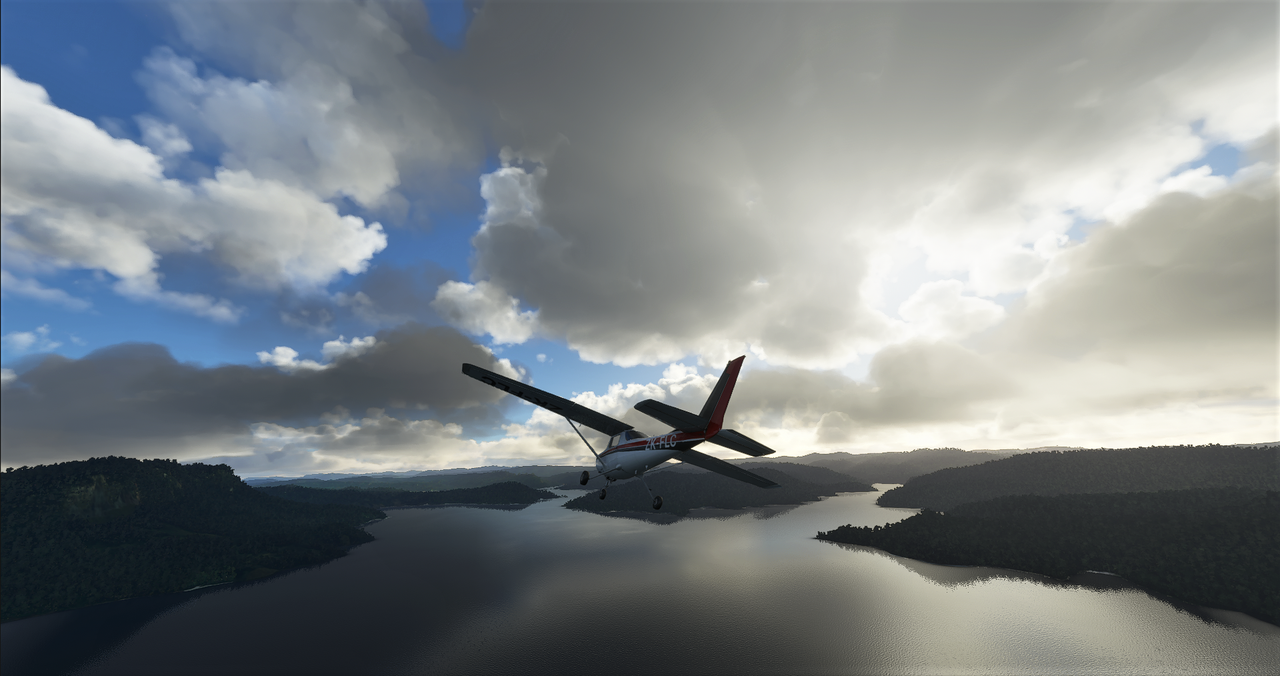
How good is this new sim, right?? Had a great time on the weekend checking out a few spots down low at 90 kts..
- Alex
- NZFF Pro
- Joined: Fri Jul 14, 2006 3:39 pm
- Posts: 3620
Re: Your screenshot here.
by Kelvinr » Mon Aug 31, 2020 10:52 pm
I should have got a clue on that one hehe.toprob wrote:Cheers, Marty. I learnt a way to transfer GMAX files to 3DS Max, I didn't think you could do it, but luckily it's easy-ish. I wanted to create some PBR textures for that shed, just to see if it was possible, so I had a look for the GMAX file on my on computer. I searched for 'shed' which should have found it, but turns out the file is called RustyJesus, as there's a graffiti on the side saying 'Jesus Saves':)
I was beginning to think that I was getting too old to learn anything new, but so far I'm having a lot of fun.
Kelvin -- I actually meant that post about no time for MSFS as a joke -- I'm kind of obsessed, really. There's plenty to do for NZ, so keen to keep up with your progress!
I'm really curious about how the vegetation can be fixed but for now the whole chapter is missing from the sdk. It seems we have a file for tree values and a file for biomes in which trees exist so I'm keeping an eye on this as I'm keen to sort out misplaced trees i.e swamp lands which shouldn't be full of trees. Would be good if we can generate vegetation based on LINZ data which is far more accurate but I'm fearful that the imagery is too old and won't match up.
Sent from my SM-G975F using Tapatalk
--------------------------------------
-
Kelvinr - Sim-holic
- Joined: Sat May 03, 2008 1:06 pm
- Posts: 904
Re: Your screenshot here.
by Adamski » Tue Sep 01, 2020 12:37 am
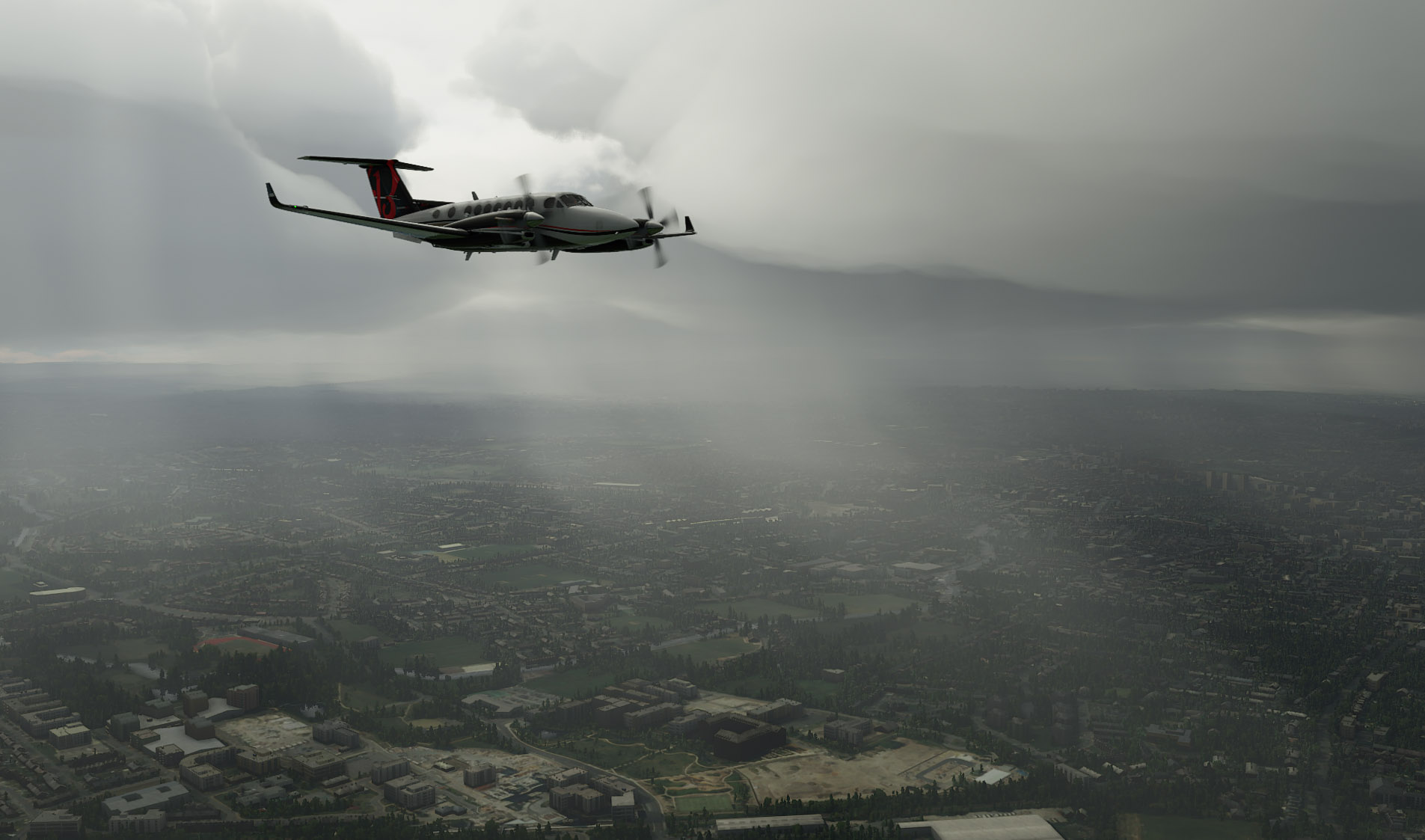
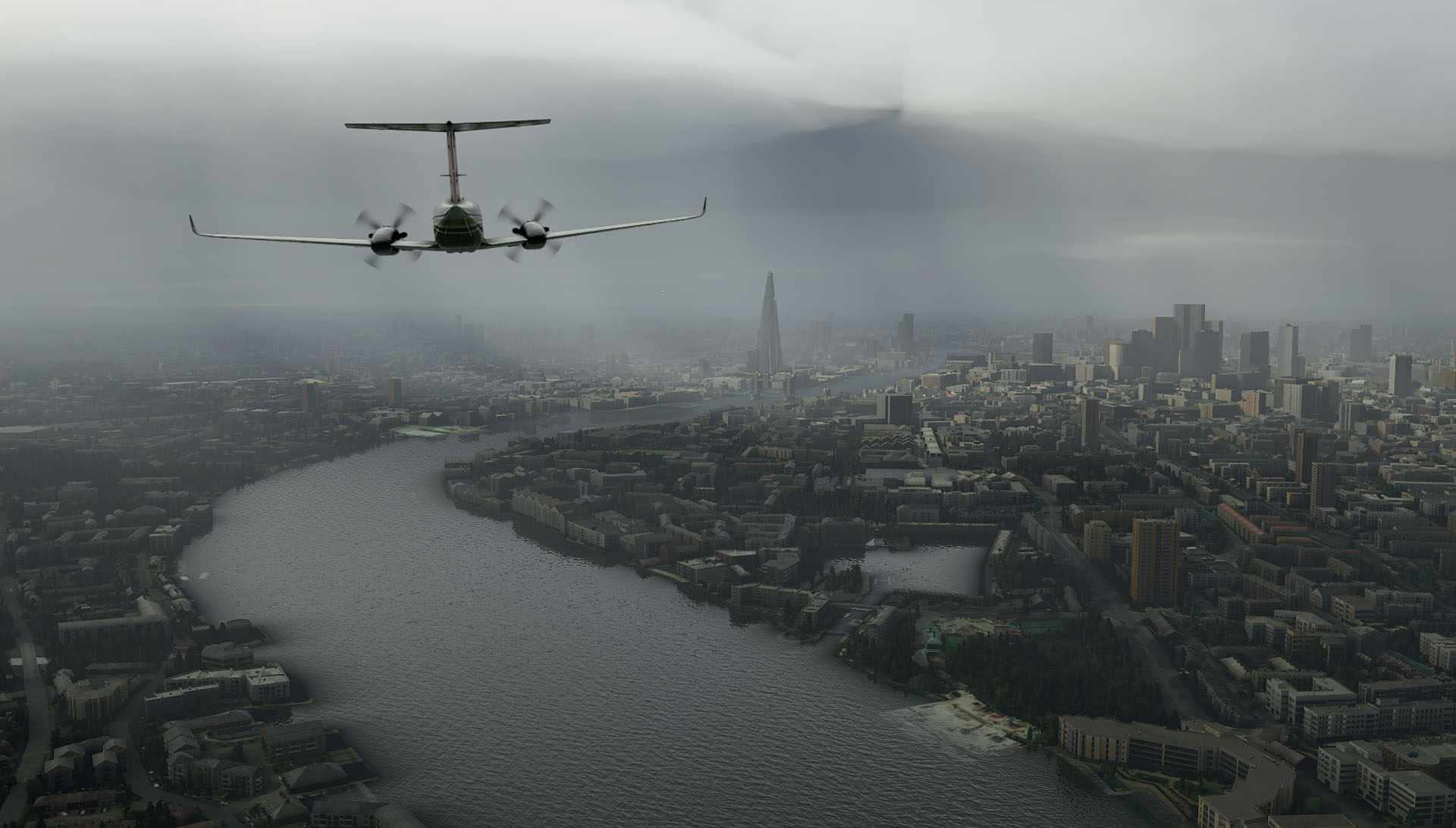
Just to add a few more of my own from MSFS 2020. The atmospherics are truly superb - and this is totally without any of the usual add-ons:
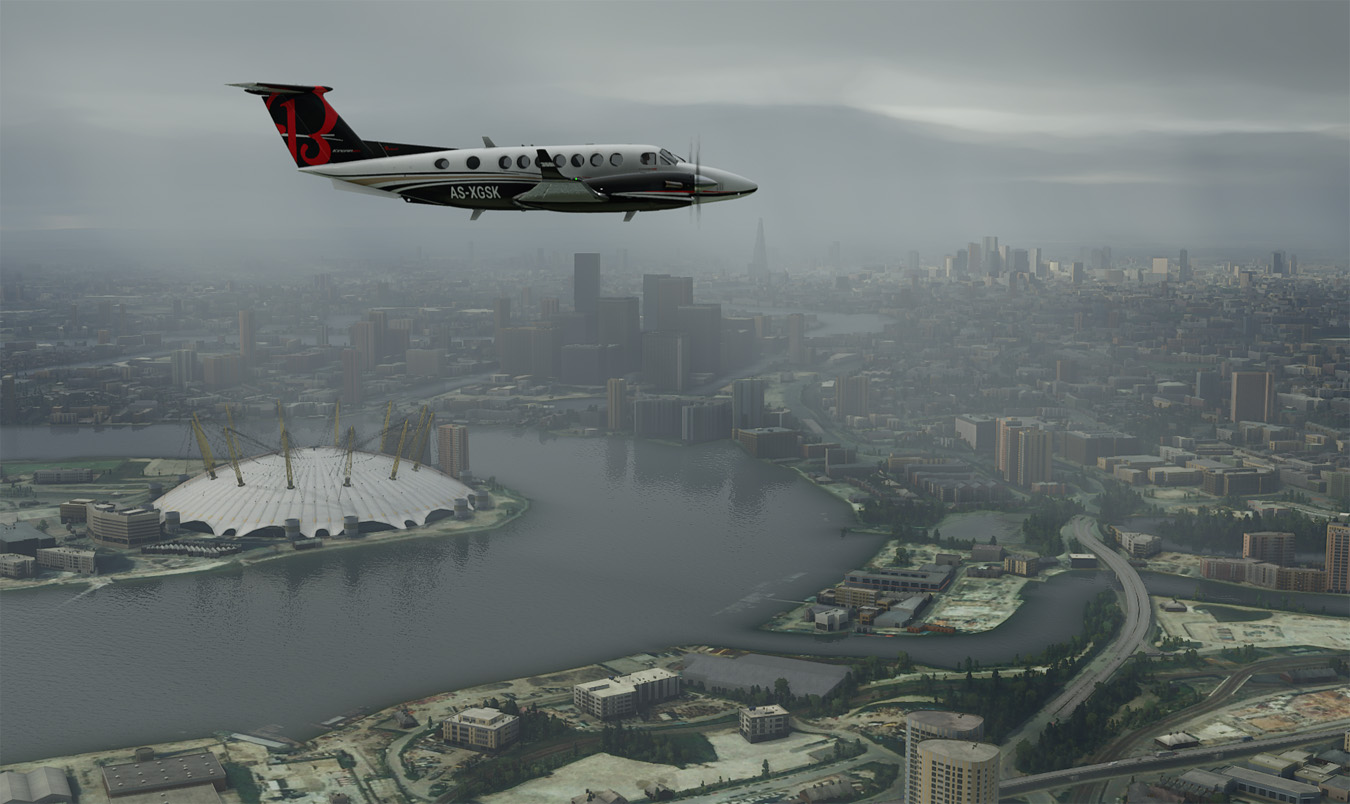
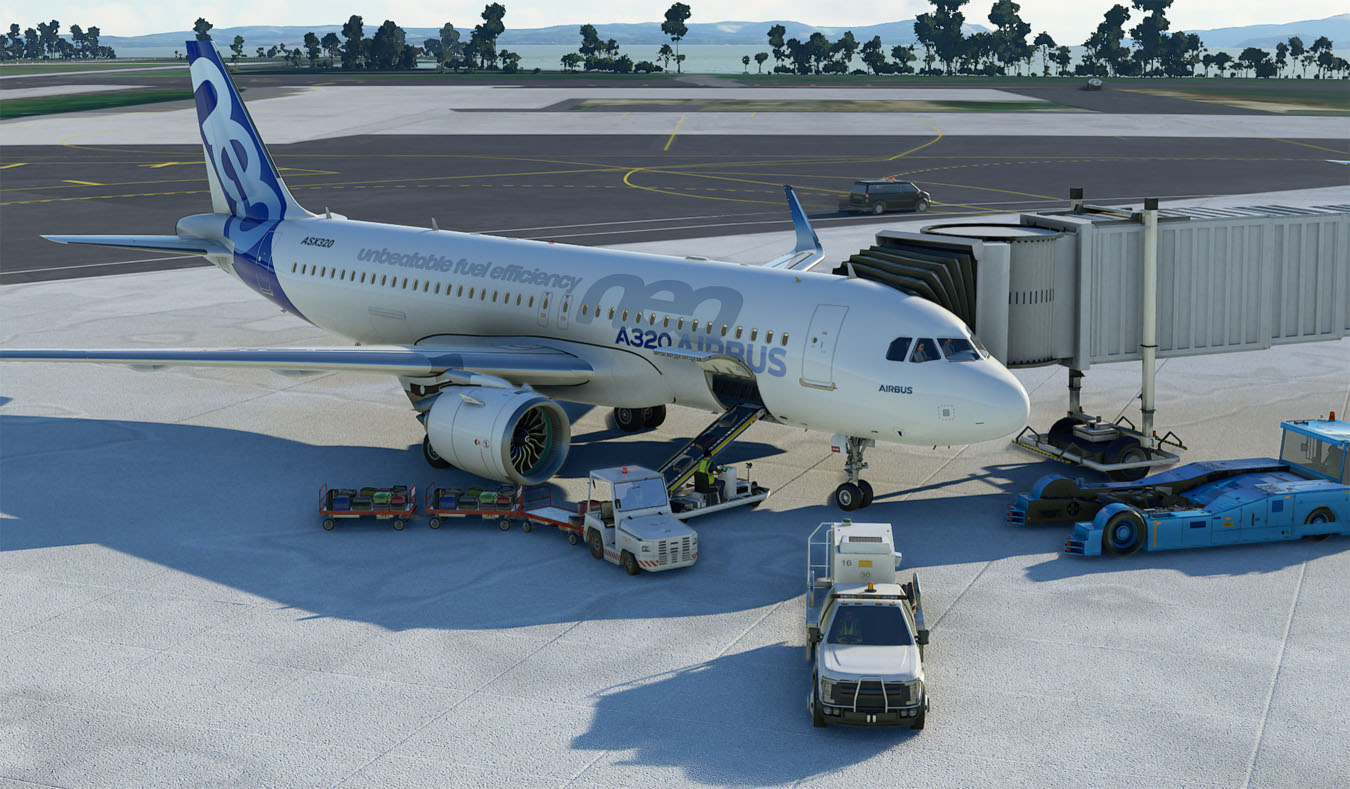
Detail for ground services is great:
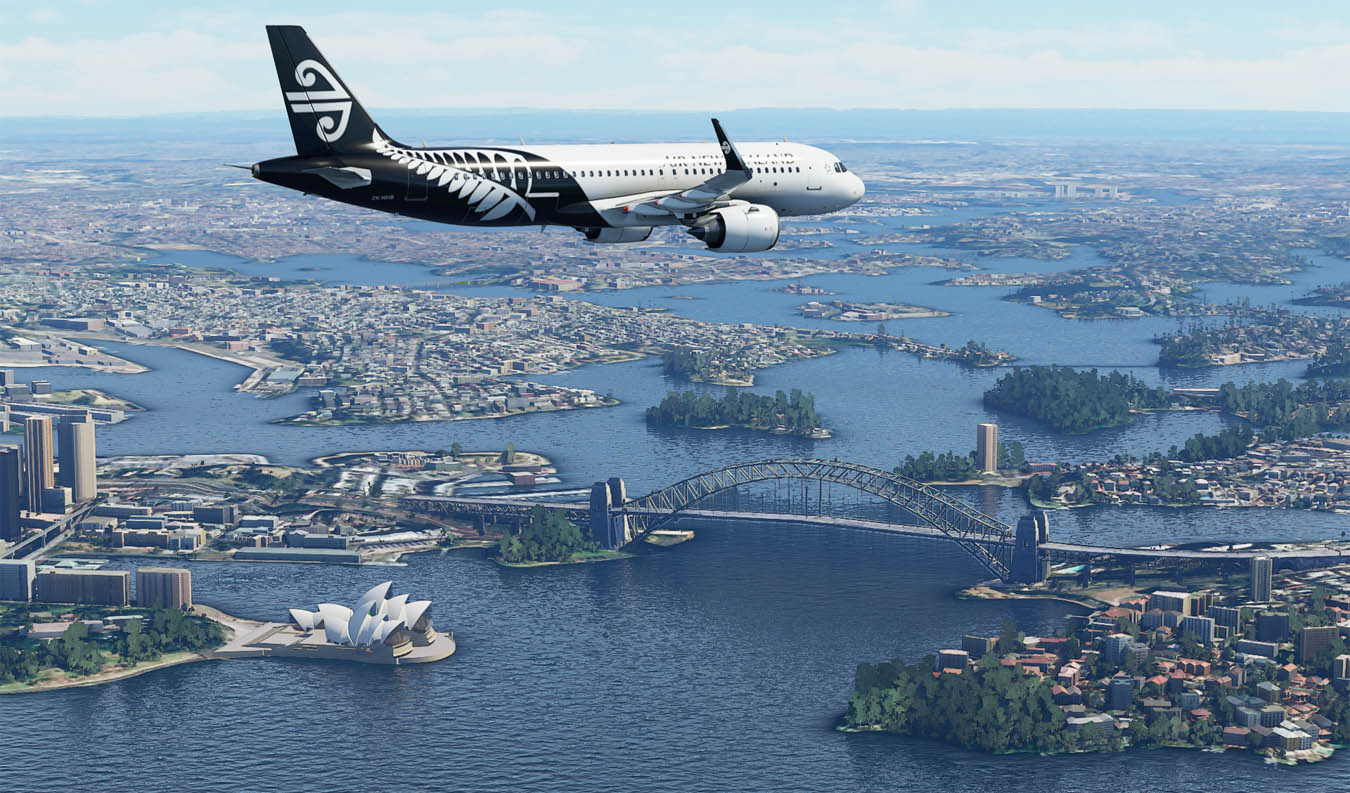
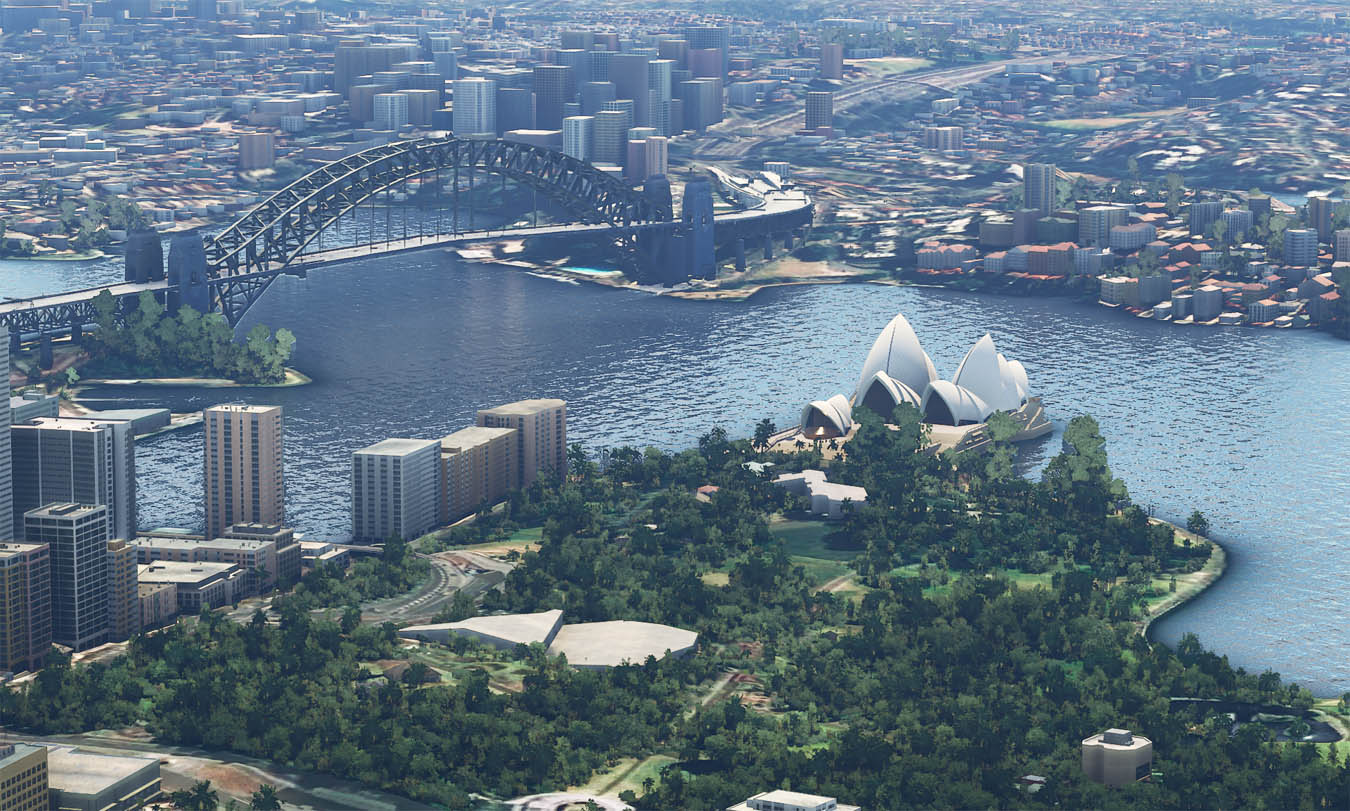
Here's Sydney (though the bridge had to be added by a bit of freeware!!):
.... another "moody" one to finish off with!
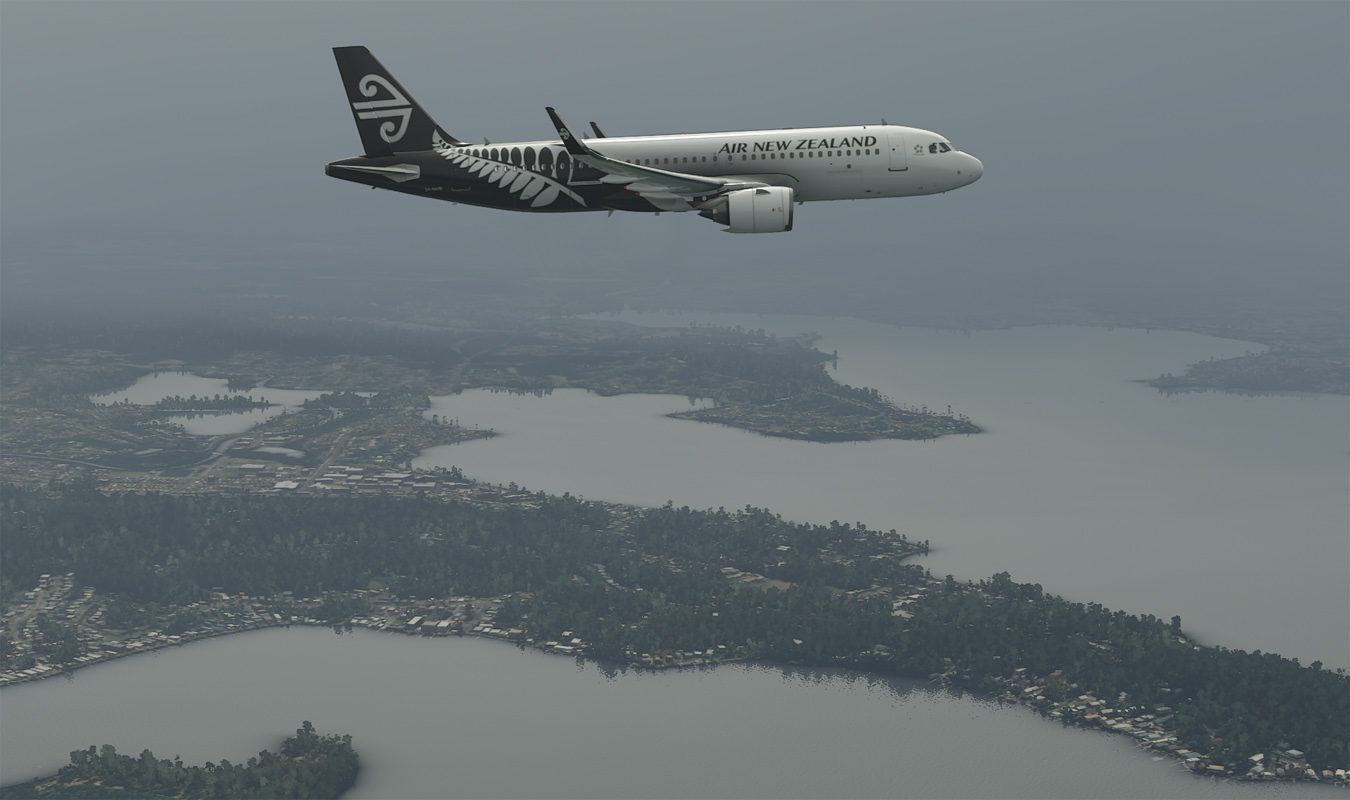
Adam.
Detail for ground services is great:
Here's Sydney (though the bridge had to be added by a bit of freeware!!):
.... another "moody" one to finish off with!
Adam.

-

Adamski - NZFF Pro
- Joined: Thu Nov 01, 2007 2:22 am
- Posts: 5047
- Location: Birkenhead, Auckland
Re: Your screenshot here.
by Kelvinr » Tue Sep 01, 2020 8:43 am
Adamski wrote:Just to add a few more of my own from MSFS 2020. The atmospherics are truly superb - and this is totally without any of the usual add-ons:
Detail for ground services is great:
Here's Sydney (though the bridge had to be added by a bit of freeware!!):
.... another "moody" one to finish off with!
Nice shots Adam
-
Kelvinr - Sim-holic
- Joined: Sat May 03, 2008 1:06 pm
- Posts: 904
Re: Your screenshot here.
by toprob » Tue Sep 01, 2020 9:00 am
Adam, that sim looks to be made for you!
-
toprob - NZFF Pro
- Joined: Sat Apr 29, 2006 4:56 pm
- Posts: 6718
- Location: Upper Hutt
Re: Your screenshot here.
by Charl » Tue Sep 01, 2020 9:03 am
You guys are going to use up all the screenshots before I even get this installed!
Adam the Sydney shots look different - did you apply any post processing to those?
Adam the Sydney shots look different - did you apply any post processing to those?
-

Charl - NZFF Pro
- Joined: Mon May 01, 2006 8:28 am
- Posts: 9747
- Location: Auckland
Re: Your screenshot here.
by emfrat » Tue Sep 01, 2020 11:46 am
In olden days, when you had to put film in a camera and get it processed and printed, one of the best pics I posted to Scotland was taken on top of Australia Square Tower (which is round) looking down to Circular Quay (which is rectangular) 
MikeW
'Propliner' is actually short for 'Proper airliner, with big rumbly radials'

'Propliner' is actually short for 'Proper airliner, with big rumbly radials'
-

emfrat - NZFF Pro
- Joined: Sat May 07, 2011 7:41 pm
- Posts: 4129
- Location: 50 DME YBBN
Re: Your screenshot here.
by Adamski » Tue Sep 01, 2020 12:48 pm
toprob wrote:Adam, that sim looks to be made for you!
Too right!!! Incredibly, it allows me to do the usual "Adam thing" ... to move all the sliders completely right!
Charl wrote:You guys are going to use up all the screenshots before I even get this installed!
Adam the Sydney shots look different - did you apply any post processing to those?
Nope! Stock MS2020 all the way!
I've just installed GeForce Experience, which allows you to use "Freestyle" (a "Reshade" implementation). This is just out of curiosity, as I've never felt the need to do any post-processing in all my MSFS sessions so far.
Adam.
-
Adamski - NZFF Pro
- Joined: Thu Nov 01, 2007 2:22 am
- Posts: 5047
- Location: Birkenhead, Auckland
Re: Your screenshot here.
by Splitpin » Tue Sep 01, 2020 4:17 pm
Adam ...wow. If i could just have that atmospheric stuff, I could live without the rest ....great work old girl. 
-
Splitpin - NZFF Pro
- Topic author
- Joined: Mon Aug 03, 2009 12:15 pm
- Posts: 21383
- Location: Christchurch NZ
Re: Your screenshot here.
by deaneb » Tue Sep 01, 2020 8:48 pm
Great shots! I'm loving this sim too. Adam - where did you get the repaint for the Airbus? I have only seen the all black one, but want the white and black. Cheers Deane
-

deaneb - Senior Member
- Joined: Sat Aug 12, 2006 4:40 pm
- Posts: 1562
- Location: Blenheim
Re: Your screenshot here.
by Kelvinr » Tue Sep 01, 2020 9:05 pm
Adamski wrote:toprob wrote:Adam, that sim looks to be made for you!
Too right!!! Incredibly, it allows me to do the usual "Adam thing" ... to move all the sliders completely right! :DCharl wrote:You guys are going to use up all the screenshots before I even get this installed! :D
Adam the Sydney shots look different - did you apply any post processing to those?
Nope! Stock MS2020 all the way!
I've just installed GeForce Experience, which allows you to use "Freestyle" (a "Reshade" implementation). This is just out of curiosity, as I've never felt the need to do any post-processing in all my MSFS sessions so far.
Adam.
Adam, this NVIDIA freestyle tool, is it persistent in the sim and how do you enable this?
-
Kelvinr - Sim-holic
- Joined: Sat May 03, 2008 1:06 pm
- Posts: 904
Re: Your screenshot here.
by Adamski » Tue Sep 01, 2020 10:07 pm
Kelvinr wrote:Adam, this NVIDIA freestyle tool, is it persistent in the sim and how do you enable this?
Freestyle only becomes available if you install GF Experience. It then operates as an overlay - which you can tweak live. There are various effects, filters etc. you can add (and edit) - and the whole effect can be toggled on/off with a hotkey. Screenshots/videos saved via GFE retain the filtered effects. Nothing is persistent as such (ie. no core files are touched). You can save four (or is it 6?) presets within Freestyle and even switch between them "live" via a hotkey.
Freestyle is basically a collection of Reshade-style shaders. As in Reshade, you can stack them in any order you like (in case one affects the other further down the "tree").
There's also a facility to use certain "true" Reshade shader .fx files - by placing them in an "Ansel" sub-folder - but I haven't got this to work yet. Not all Reshade shader scripts are available/allowed as some are considered to give an unfair advantage in multiplayer games. Sadly, nVidia, MS or whoever it is, has classed MSFS 2020 as an online-multiplayer "game" ... grrrrr ...
After only a short "play" with Freestyle, I can see that it does offer a fair bit of control over the palette etc. - and is quite easy/intuitive to use. However - I'm not sure I'll be using it that much as I find default MSFS lighting really good.
Adam.
P.S. My reluctance to install GFE because it's over-rated, useless and bloated junkware is [apparently] down to old urban myths (yeah, right!).
-
Adamski - NZFF Pro
- Joined: Thu Nov 01, 2007 2:22 am
- Posts: 5047
- Location: Birkenhead, Auckland
Re: Your screenshot here.
by Kelvinr » Tue Sep 01, 2020 10:17 pm
Wlel thanks for that detailed explanation, very much appreciated.
I do like the idea of sharpening as I find it gives the sim more clarity but each to their own.
I'll give it a try to at least see what can be done with it, I like playing with certain things when they're not broke hehe.
Either way, we have a beautiful sim here and the potential is mind blowing.
Sent from my SM-G975F using Tapatalk
I do like the idea of sharpening as I find it gives the sim more clarity but each to their own.
I'll give it a try to at least see what can be done with it, I like playing with certain things when they're not broke hehe.
Either way, we have a beautiful sim here and the potential is mind blowing.
Sent from my SM-G975F using Tapatalk
--------------------------------------
-
Kelvinr - Sim-holic
- Joined: Sat May 03, 2008 1:06 pm
- Posts: 904
Re: Your screenshot here.
by toprob » Fri Sep 04, 2020 9:29 pm
Didn't have much spare time this week (visiting Christchurch to buy a car) but when I've got a minute I add a bit more detail to Taieri....
-
toprob - NZFF Pro
- Joined: Sat Apr 29, 2006 4:56 pm
- Posts: 6718
- Location: Upper Hutt
Re: Your screenshot here.
by Adamski » Fri Sep 04, 2020 10:06 pm
GULP!!! 
Is this the beginning of a new direction for Godzone?
Is this the beginning of a new direction for Godzone?
-
Adamski - NZFF Pro
- Joined: Thu Nov 01, 2007 2:22 am
- Posts: 5047
- Location: Birkenhead, Auckland
Re: Your screenshot here.
by Kelvinr » Fri Sep 04, 2020 11:16 pm
-
Kelvinr - Sim-holic
- Joined: Sat May 03, 2008 1:06 pm
- Posts: 904
96 posts
• Page 4 of 5 • 1, 2, 3, 4, 5
Who is online
Users browsing this forum: jankees and 26 guests