Page 1 of 2

PostPosted: Sat Jul 18, 2009 6:06 am
by creator2003
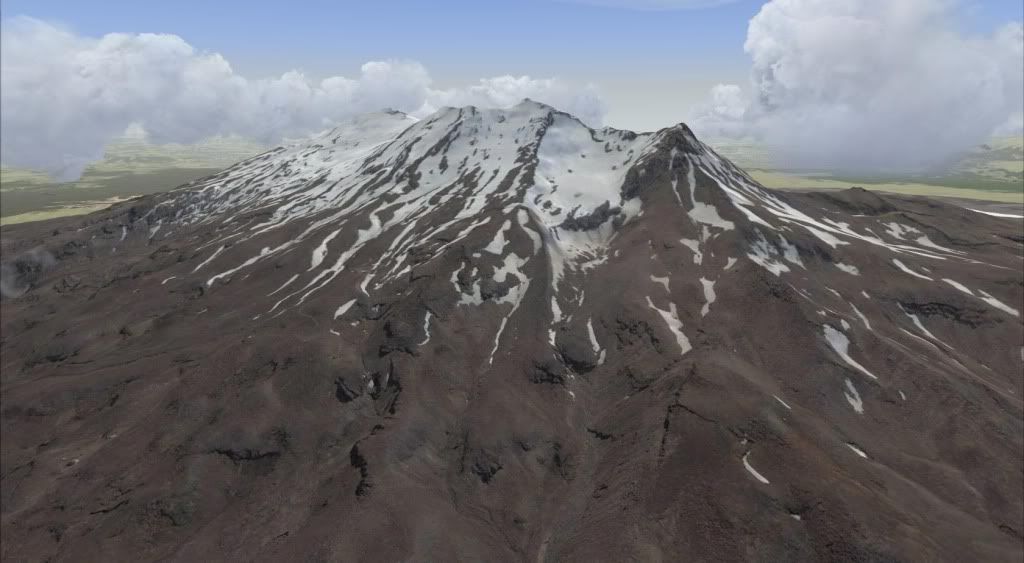
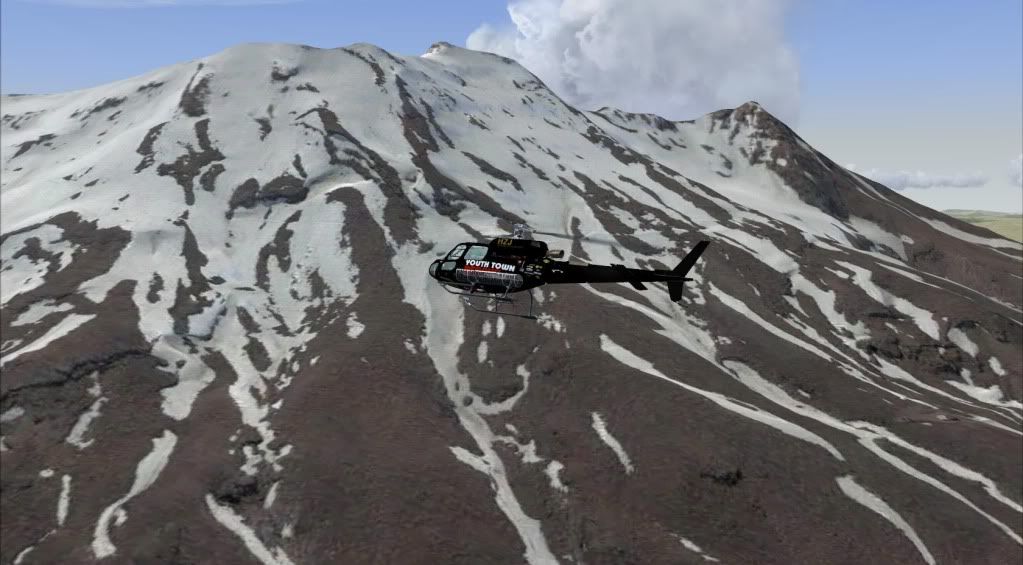
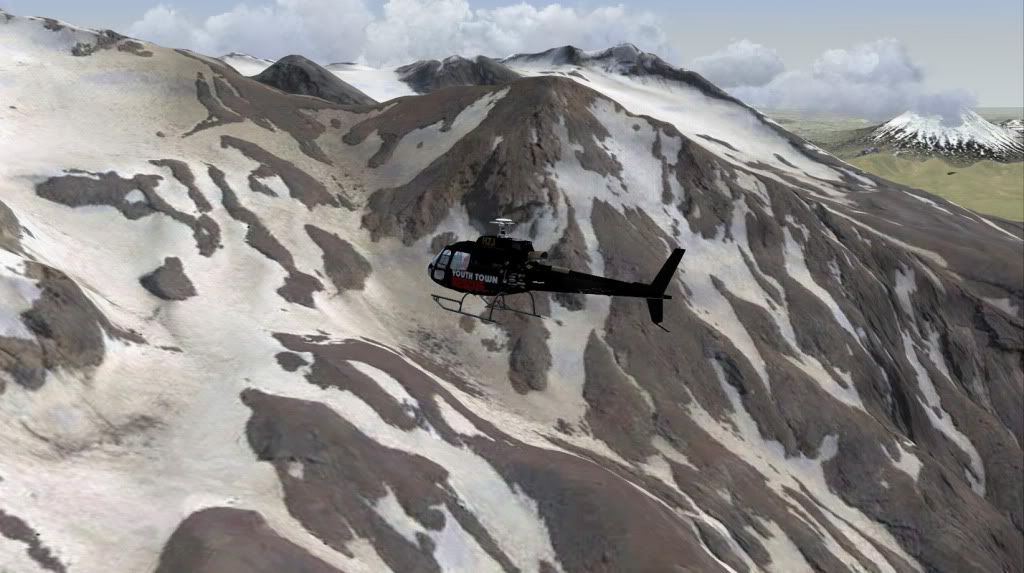
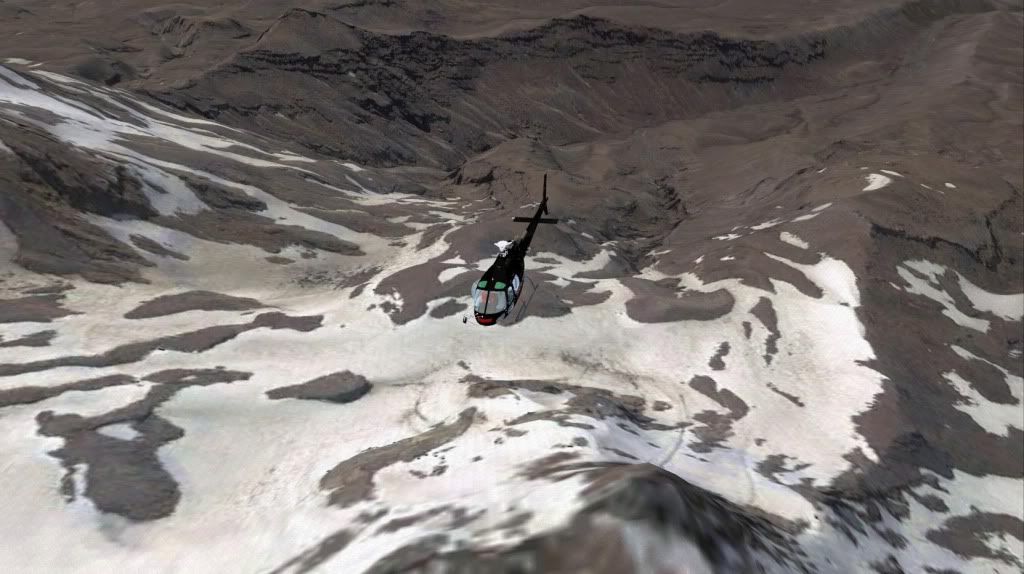
Its amazing what some freeware tools like SbuilderX does for your FSX install ,i thought id just help my heli simming experience on my own install by using some goggle earth photoreal tiles installed and complied by freeware tools to create one of my fav areas to fly around ,due to copyright i will not be releasing this as you could just make it yourself if you had enough will anyway plus many other areas ..
the screenshots are not edited and to me look amazing
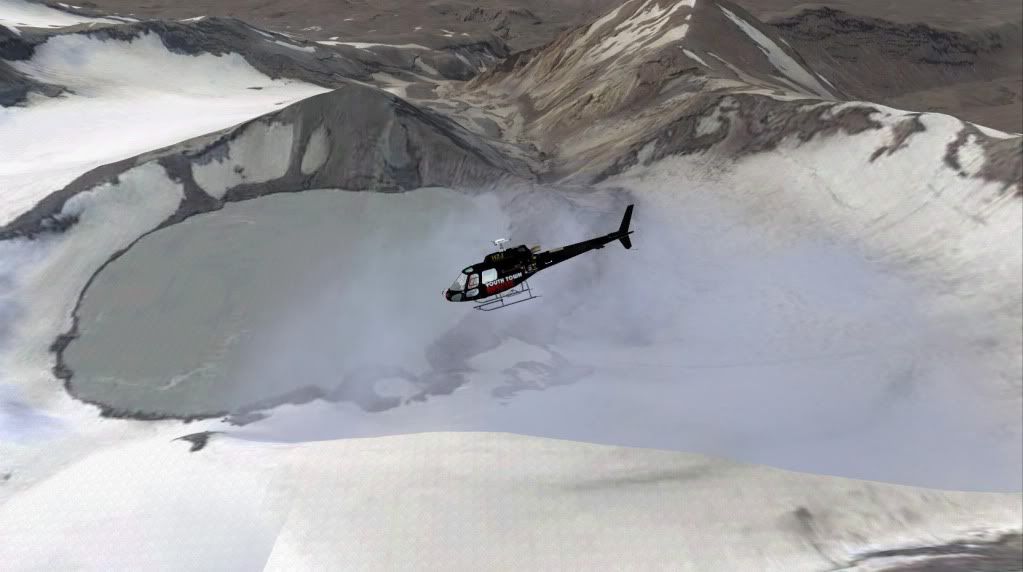
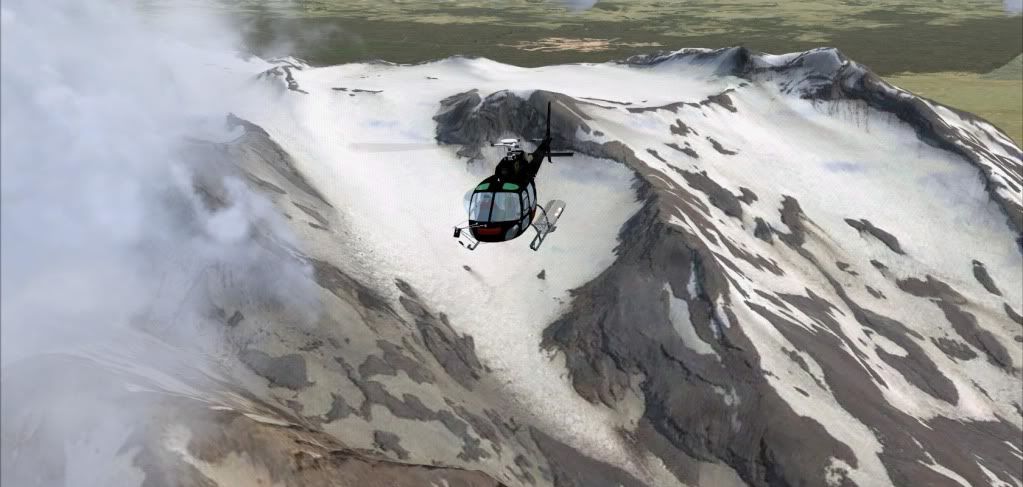
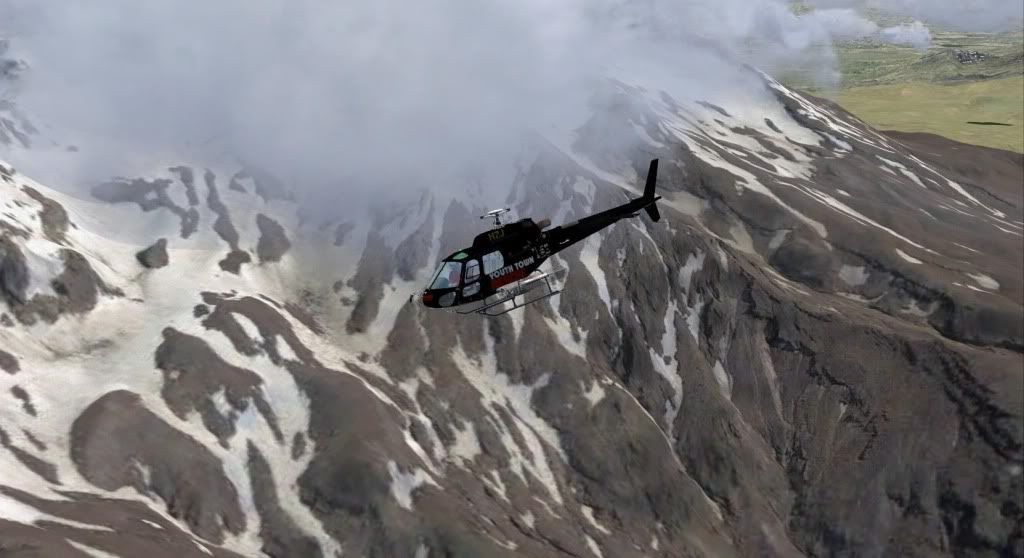
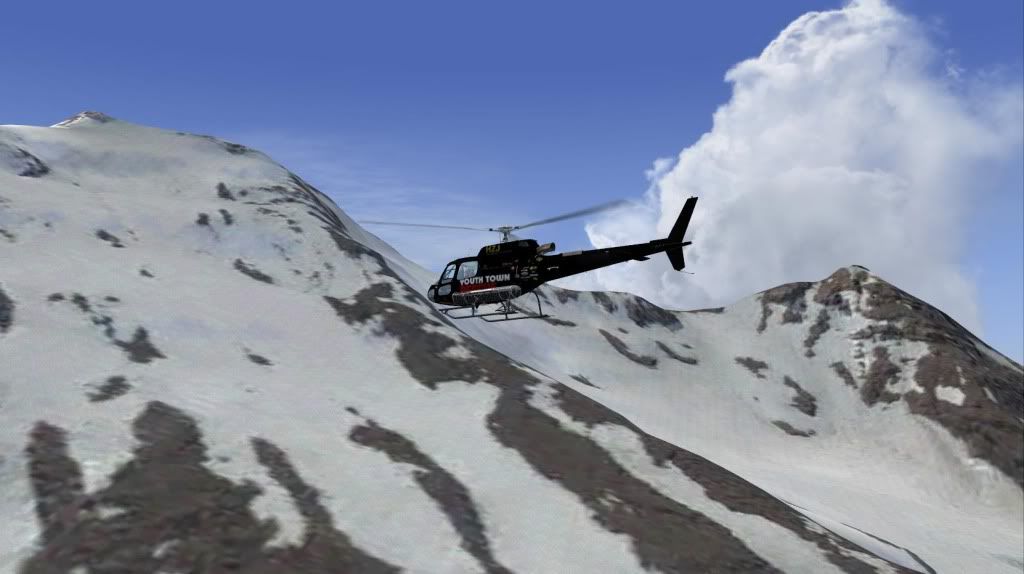
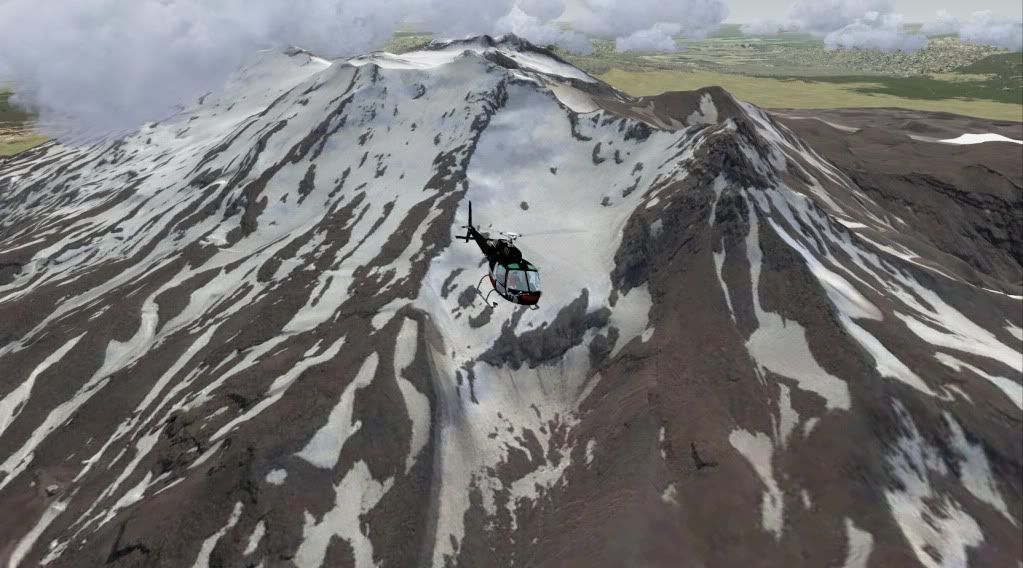
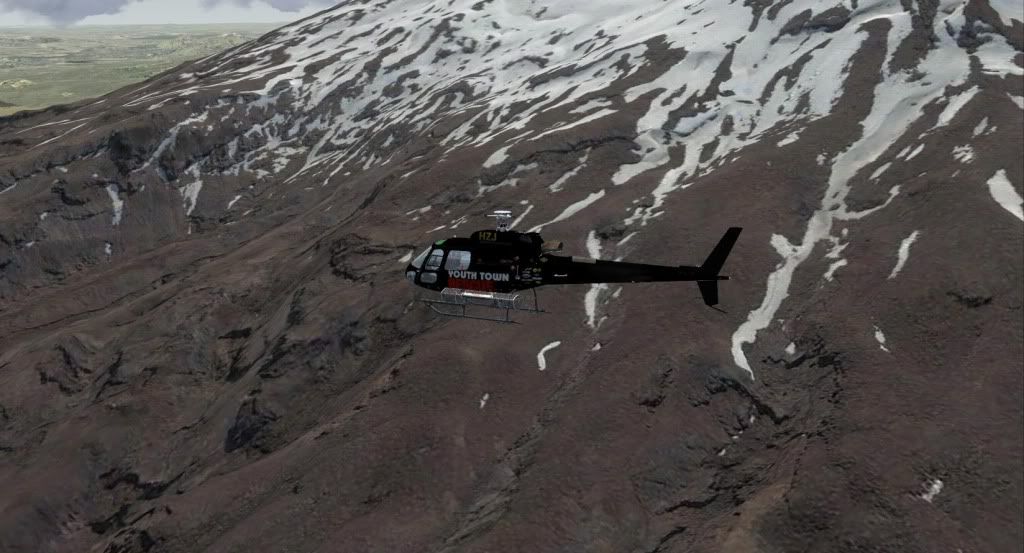


hope you liked ..

PostPosted: Sat Jul 18, 2009 8:48 am
by brownbox
very, very nice drool.gif

PostPosted: Sat Jul 18, 2009 11:53 am
by Adamski
creator2003 wrote:
QUOTE (creator2003 @ Jul 18 2009, 06:06 AM) <{POST_SNAPBACK}>
Its amazing what some freeware tools like SbuilderX does for your FSX install ,i thought id just help my heli simming experience on my own install by using some goggle earth photoreal tiles installed and complied by freeware tools to create one of my fav areas to fly around ,due to copyright i will not be releasing this as you could just make it yourself if you had enough will anyway plus many other areas ..
the screenshots are not edited and to me look amazing

Very nice!! Is it much of a mission to do all this??

PostPosted: Sat Jul 18, 2009 1:16 pm
by creator2003
Pretty simple really ,its not the normal tool i use but managed to do this and another area for my heli trips within 2 hours ,that includes learning and installing it ..
I suppose some general knowledge on scenery does help ,just understanding whats happening and how ini files work..

PostPosted: Sat Jul 18, 2009 1:38 pm
by Ian Warren
creator2003 wrote:
QUOTE (creator2003 @ Jul 18 2009, 07:06 AM) <{POST_SNAPBACK}>
goggle earth ................. photoreal tiles installed and complied by freeware tools to create one of my fav areas to fly around ,due to copyright

The old look but don't touch ! rolleyes.gif Great screens Mike cool.gif

PostPosted: Sat Jul 18, 2009 2:08 pm
by creator2003
No AGNs needed for this harsh land winkyy.gif

PostPosted: Sat Jul 18, 2009 2:14 pm
by Adamski
creator2003 wrote:
QUOTE (creator2003 @ Jul 18 2009, 01:16 PM) <{POST_SNAPBACK}>
Pretty simple really, its not the normal tool i use but managed to do this and another area for my heli trips within 2 hours ,that includes learning and installing it ..
I suppose some general knowledge on scenery does help ,just understanding whats happening and how ini files work..

Apart from SBuilder, what did you use? What did you use to translate the Google Earth tiles?

PostPosted: Sat Jul 18, 2009 3:22 pm
by NZ255
SBuilderX does it all for you.

Download it: http://www.ptsim.com/sbuilderx/SBuilderX310.zip

Then start it > click 'view' > 'show background'
you should see the world, then scroll and move (by holding in the scroll button and moving the mouse) till you see the area you want, then when you have get everything you want in view > click "file" > "add map" > "from background" a window will pop up, draw a box of what you want to download and select the zoom level, around 16-18/19 depending on how big or small the area is. It will also depend on what the source imagery is like.

When it has downloaded and you see a square of imagery on a white background, select the box of imagery and click on the green arrow labelled "compile" (when you hover over it). A black cmd box will pop up and this is resampling it to a bgl. There is a percentage to tel you how far it is done. It will be saved to sbuilder > tools > work and look for the bgl with the project name you gave it. Copy that to fsx > addon scenery > scenery. start FSX and fly to that area. enjoy

PostPosted: Sat Jul 18, 2009 3:57 pm
by creator2003
I used map2bgl checkout this topic here http://aussiex.org/forum/index.php?showtopic=525 or there is a Fsx photoscenery maker on one of the download sites ..

PostPosted: Sat Jul 18, 2009 4:33 pm
by Adamski
NZ255 wrote:
QUOTE (NZ255 @ Jul 18 2009, 03:22 PM) <{POST_SNAPBACK}>
SBuilderX does it all for you.

Thanks for all that, Nick .. I'll give it a whirl! smile.gif

PostPosted: Sat Jul 18, 2009 5:31 pm
by larral1123
Amazing shots
Looks very much like the real thing

PostPosted: Sun Jul 19, 2009 7:57 pm
by greaneyr
Nice work Mike. I'm very impressed. There's something about either the choice of imagery, or the angle of the surface that it is tiled onto that all but rids this scenery of the dreaded 'depicting 3-dimensions in two dimensions' distortion that always riddles photoreal scenery. Usually, photoreal scenery only looks accurate when viewed from directly above, but this looks accurate no matter where you view it from. It might also be that you're using a decent mesh, so where there is a bump in the image, there's a bump in the scenery to match it too. Usually with photoreal scenery, it's trying to depict buildings that aren't shaped into the default mesh.

Great work.

PostPosted: Sun Jul 19, 2009 8:02 pm
by shotgun
Wow ill be trying it now!

PostPosted: Sun Jul 19, 2009 11:14 pm
by INTOX
Does Google and SBuilderX still work ?
Cus I cannot get past 2x zoom before it says cannot download images

Intox

PostPosted: Mon Jul 20, 2009 4:36 pm
by NZ255
Try this:
http://www.ptsim.com/sbuilderx/TileServerPack_v4.zip

Put them in SbuilderX > Tiles

Remember to backup the old ones just in case

PostPosted: Mon Jul 20, 2009 5:07 pm
by INTOX
Seems to work for a little then goes back to cant find images again ?
The New DLL's didnt work .....but I removed and reinstalled the app and it ran for a little bit but I got to 5x zoom and it started breaking up
Now I cant get past 2x zoom again

Are you guys still able to use google erth as a source ?
cheers
Intox

PostPosted: Mon Jul 20, 2009 5:37 pm
by NZ255
I can but where I was NZQN, could only download zoom 13, could get more a the start but I waited too long.

Try again another day maybe? It usually clears up after a couple of days

PostPosted: Wed Jul 22, 2009 5:33 pm
by pilotgallagher01
Wicked Shots!!
I would love to be able to do that but I don't think I would be able to do that lol

PostPosted: Wed Jul 22, 2009 6:57 pm
by creator2003
It really is easy and it does it mostly itself ,follow the li8nk i posted about maps2bgl and you should be able to work it out ,

QUOTE
Does Google and SBuilderX still work ?
Cus I cannot get past 2x zoom before it says cannot download images[/quote]
the zoom would be about 16x 17x any lower and it will come up with the "tiles can not be shown " this is because of the resolution of the image ,another error is that goggle thinks you area virus and blocks the IP thus causing the tiles not to downlload ,just reset IP and connect again ..

maps2bgl is the best one ive used and it downloads quicker for me ,plus it uses a kml file to find the area i want to cover instead of trying to pan in sbuilderX ,kml can be saved out of goggle earth as a polygon or pin area easy...

PostPosted: Thu Jul 23, 2009 5:14 pm
by resq.me
Hey man were can you get that AS350?

Cheers clapping.gif tim