
I have recently installed the iFly 747-400 package and the first service pack. This is the 3rd time Iv installed it into my sim on (I try it everytime I have a better pc lol) and now I am able to get reasonable fps, around 10-17
 So I decided to do a full flight and see how much I can make my pc screem for forgiveness! (I mean to see how well my computer handles it) note: I used the model with just a 2d panel and no virtual cockpit/cabin so it performs a lot better
The iFly 747 is well knowen for being a frame hog so I was expecting low performace and set most sliders to the left except for the scenery compx (cant go with out those handy taxiway signs!)
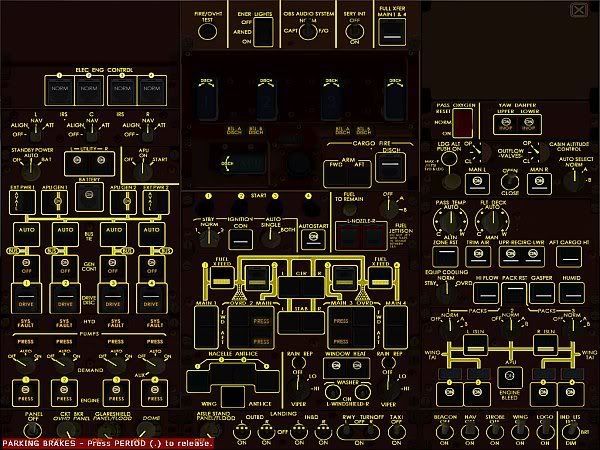
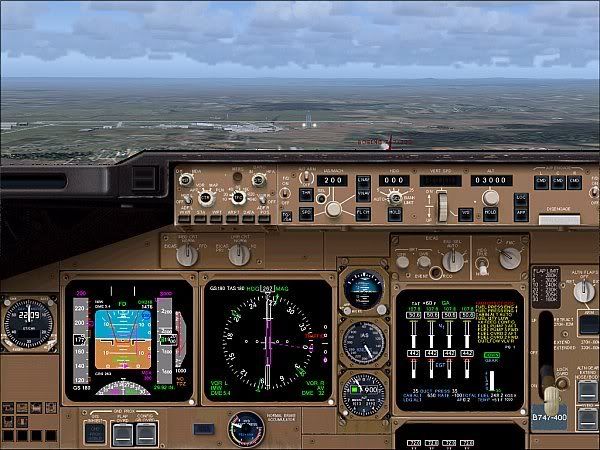
Look at all those BUTTONS!!!
 early morning at yssy, going threw the 6pages of preflight checklists (I think I may have used all the ink in dads printer printing all the checks
  "yes Dad, only a few pages " hehe)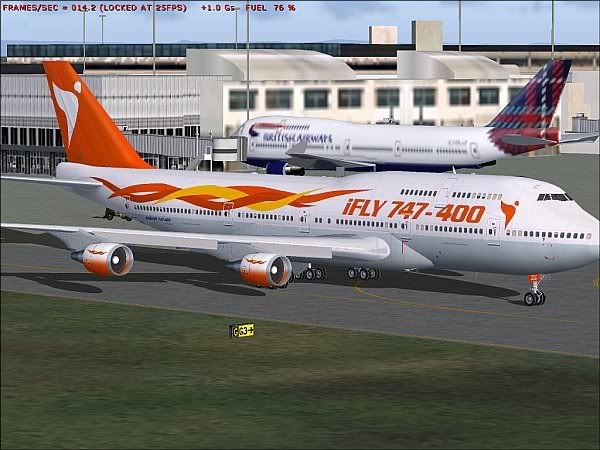
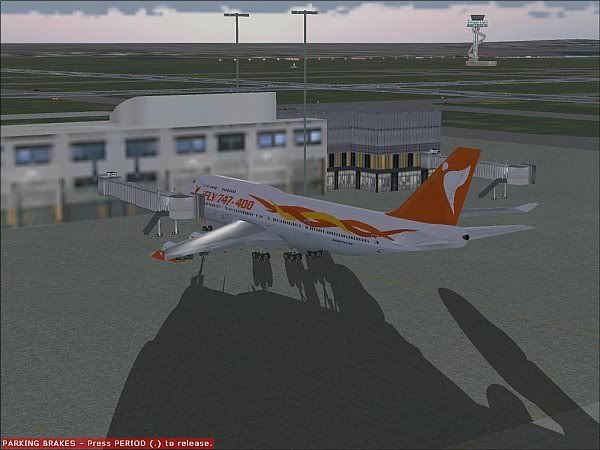
btw I did the prelflight checks on wednessday and the actul flight today , the preflight prestart procedures took me 2 hours!! here I am taxing to the active...
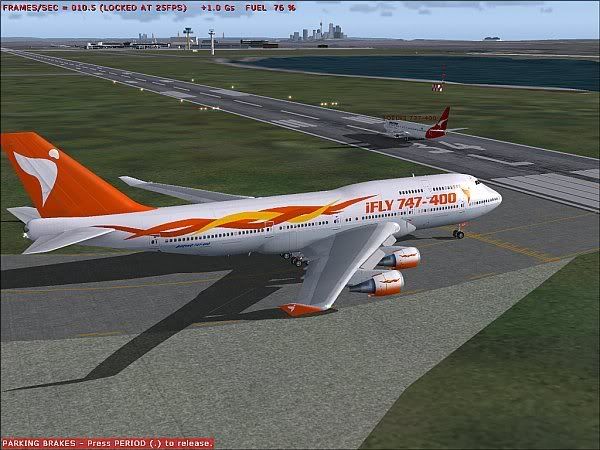
fps during taxi was about 10, in both spot and panel. Waiting for a ai traffic to t/o at 34L
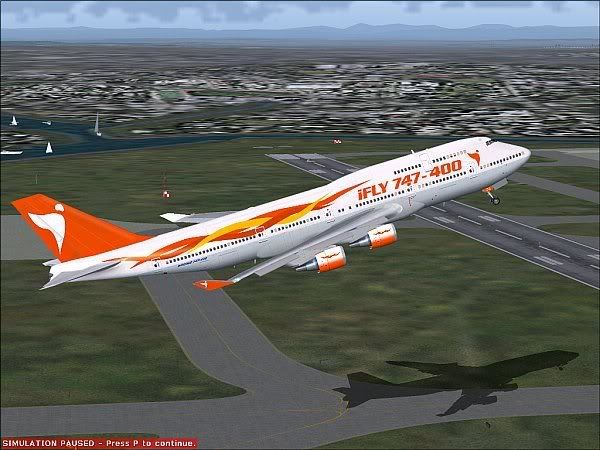
Air borne!!!!!!!!!!!! Look at that shadow

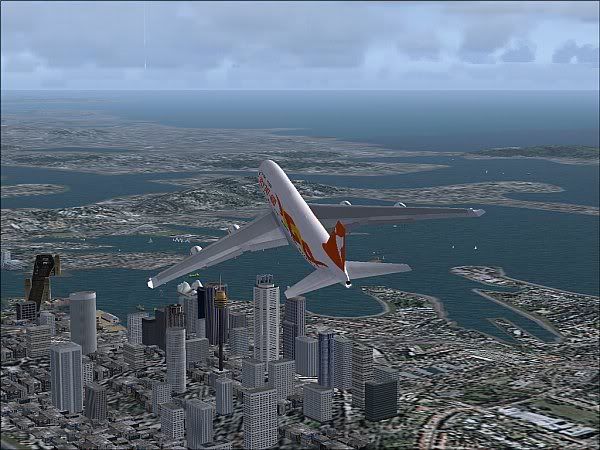
Over sydney CBD, look quite good, I think I may be clicmbing to steply...
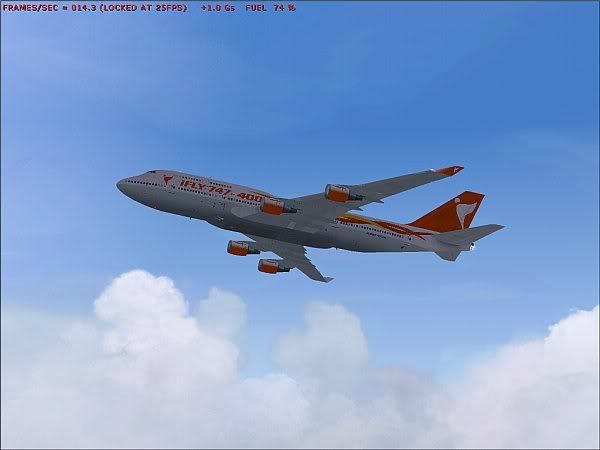
Now to see if I understand how this FMC works, I think im going the right way.
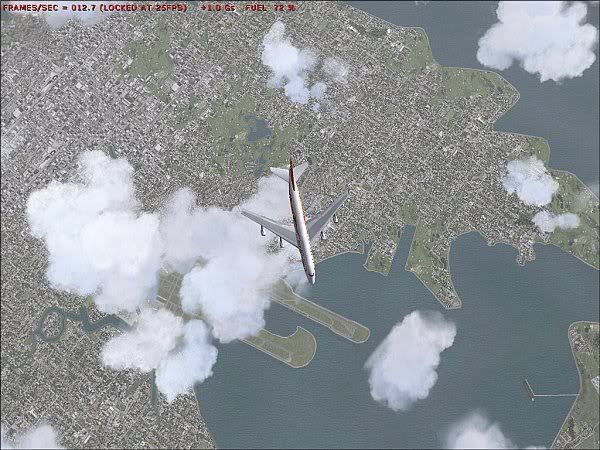
Okay... lets go this direction instead.
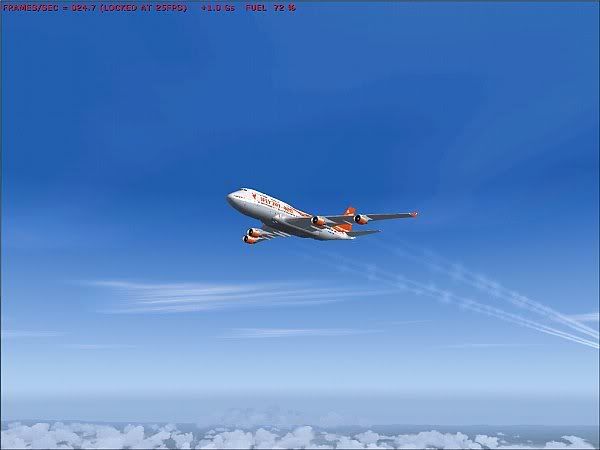
Finaly got the L nav figured out and time to see if I know how V nav works
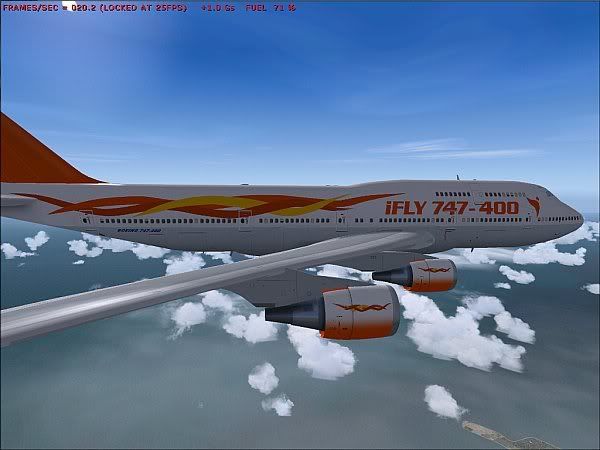
No No dont Desent yet!

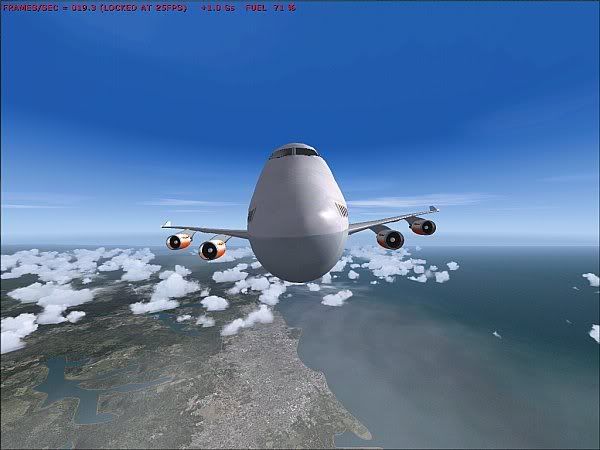
looks like its smileing.
So I have this panel with sooo many buttons yet I still dont have anything to do during cruise ):
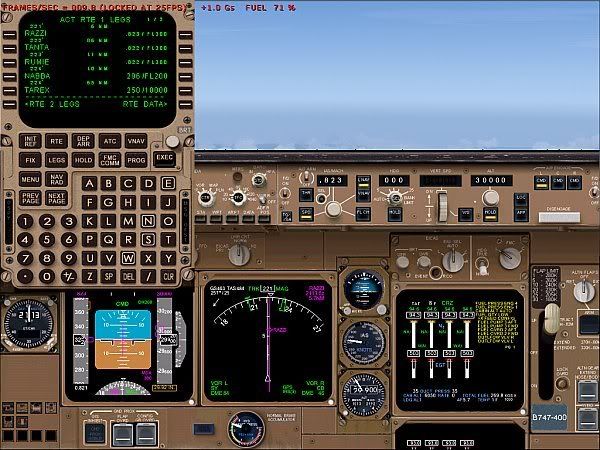
Amzing panel in this, and intirly FREEWARE! this is the first time iv used a FMC in fs9, who remembers Navdash 2.5 for fs98
that was brilliant, certainly tuaght me the basics of fmc opertation but Iv never encounterd all this other stuff neat stuff that ifly FMC has, just a pity its so hard on the performace.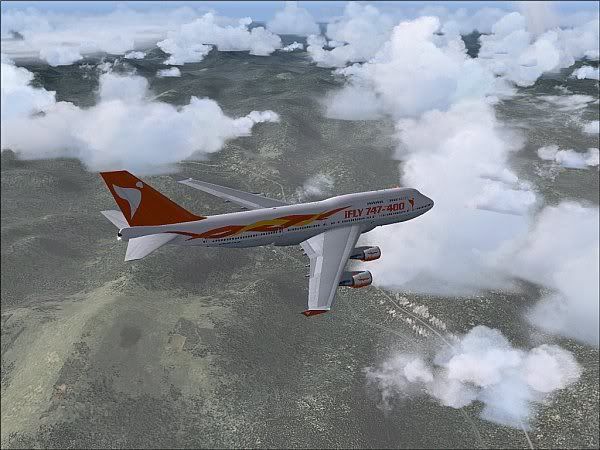
Looks like were descending then
 What happend to haveing to set altitudes in the MCP, do I have to anything????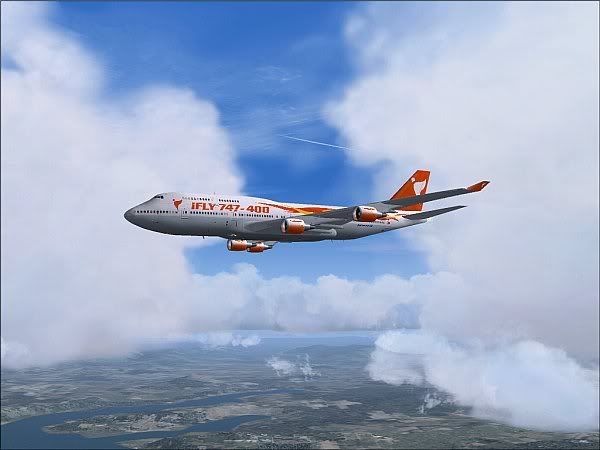
ow look an other ac's contrail! I quite like this ai traffic.
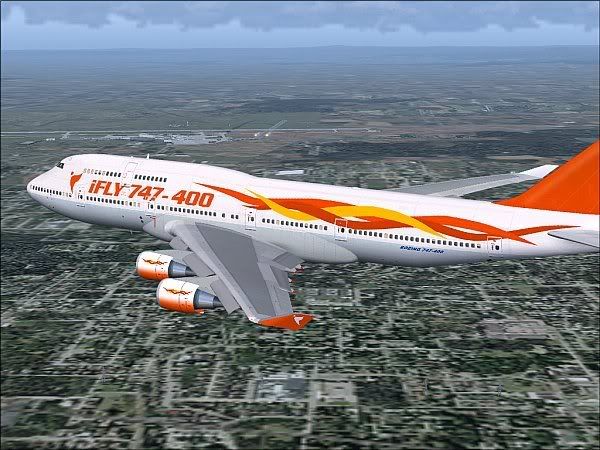
Such a great looking model, on the other side of the aircraft you can see the rwy well be landing on shortly but...
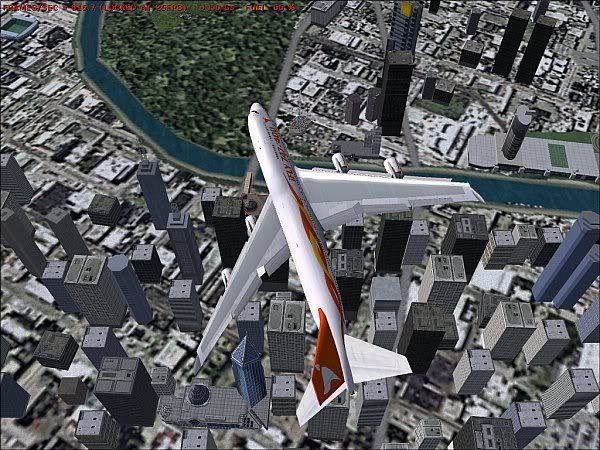
I have to go look at the city first
 Lets play "how many audio alarms can you make go at once"! All part of testing how good this panel really is haha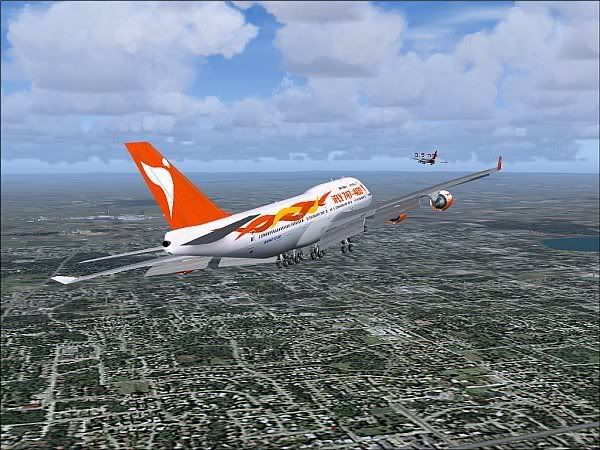
This should be interesting.
Thats Ai for ya, certainly got the TCAS very excited!
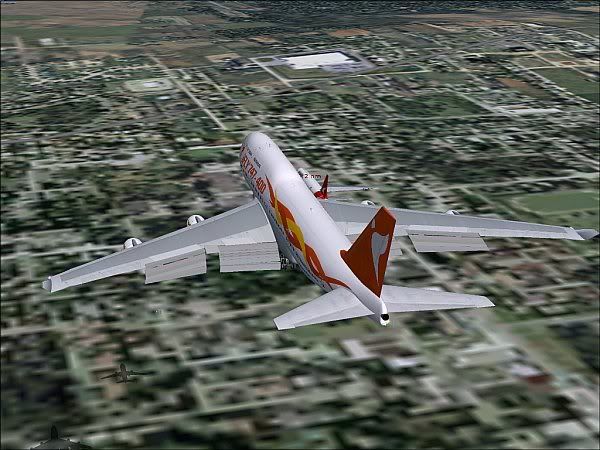
Racing time! look at the shadows
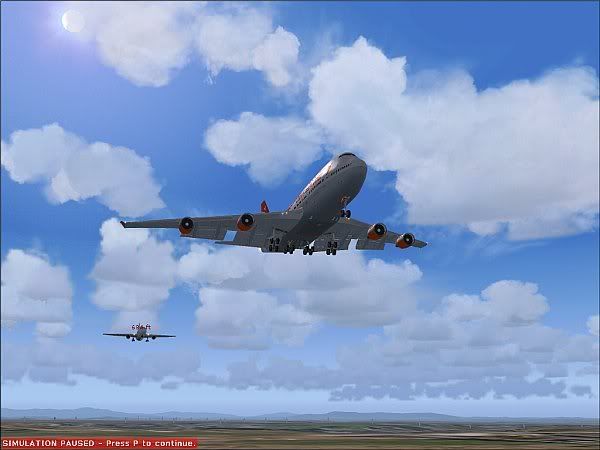
haha bet ya!
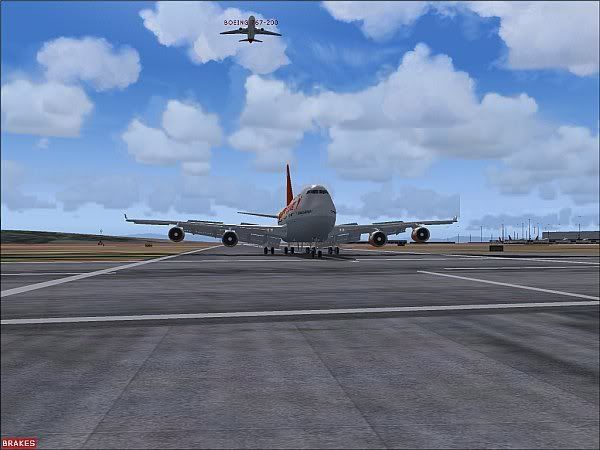
The "Virtaul" atc finaly looked at there scope and told that 762 to go around.
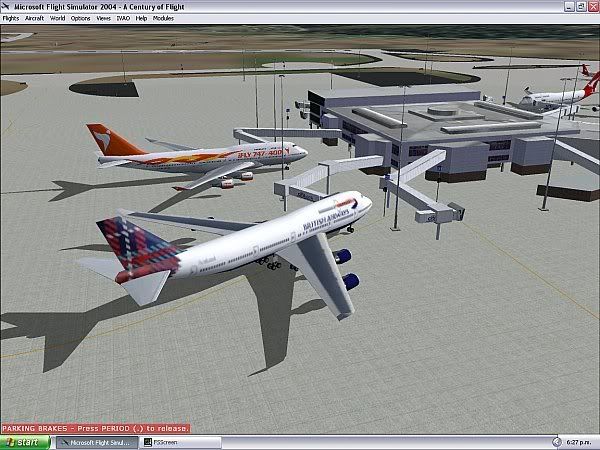
parked up at the gate, I must have programed the FMC corectly after all. unless this isn't melborne!
Aircraft: Ifly 744, search "ifly" on avsim
Scenery: Voz 1.1 , I did not have any textures "vozed" for this flight
Weather: I downloaded real weather except when I loaded up I found the presure was at standerd and only a bit of wond and cloud, there must have been a fualt so i just added some more clouds so as to see how this panel would perform with clouds in the sky too as clouds are what kill my frames

Ai traffic; PAI with slider at 46%
Display settings: AA on this time, no autogen, scenery complx at very dense no water detail and medium max texture size, mipping 4 and 1024x768 resolution (full screen)
Overall impression of ifly aircraft: outstanding panel just a killer on the fps, I would have loved to try the vc but my system would not alow, I enjoyed flying this aircraft but may put it in he back of the hanger untill Iget a new vid card and more RAM.
My average fps guess: it hoverd between 10-15
Feal free to ask any questions.
Hope you enjoyed looking

James
PS: I have not edit these pics nor have I tried to make them look spectaculer when taking them, I just took them whenever I felt like to show what this aircraft really looks like with out all the perfectly aligned lighting clouds in the shot etc...

 So I gavce up on the idea of a flight today as flying with 5fps would be a little umm frustrating