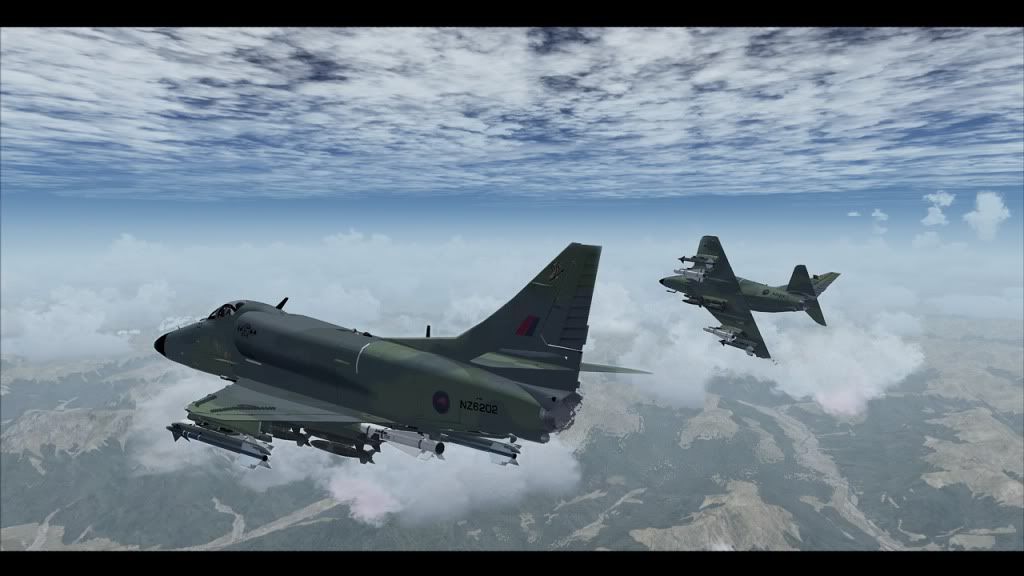
ya Gonna like these!

Post and comment on screen captures from the beautiful game here. Home of the monthly screenshot competition

Postby brendan » Tue Mar 29, 2011 8:53 pm

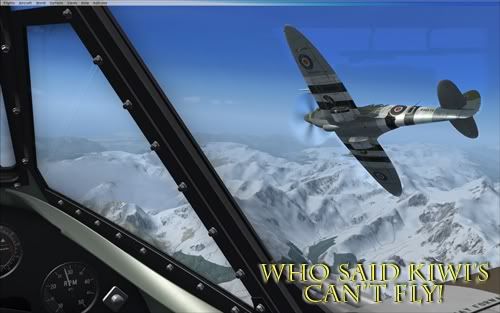
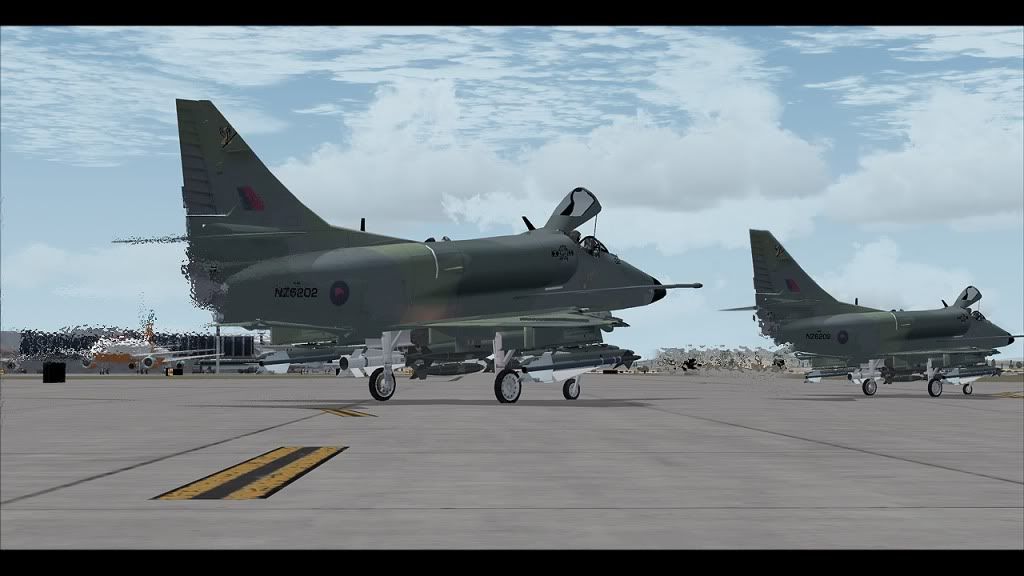
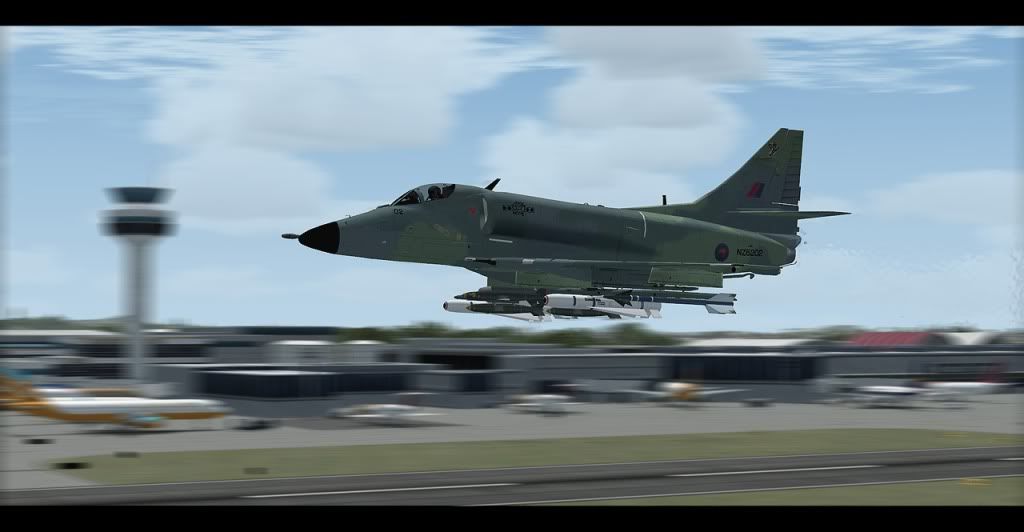
My mate had this on his fsx, took some screens and brought them home and photoshopped em.


http://secure.simmarket.com/frat-bros-desi...u-package.phtml
Image
brendan
Member
 
Topic author
Joined: Fri Sep 24, 2010 2:12 am
Posts: 108
Location: Born in Invercargill, live in Aus.

Postby Ian Warren » Tue Mar 29, 2011 9:23 pm

Now where have i seen those before , ninja.gif .. seem to all white last i saw .
Image
User avatar
Ian Warren
NZFF Pro
 
Joined: Fri May 05, 2006 5:23 pm
Posts: 41187
Location: AREA 51

Postby brendan » Wed Mar 30, 2011 1:02 am

Lets pool all our money together and buy one off em LOL!

be like unwrapping a massive Xmas present
Image
brendan
Member
 
Topic author
Joined: Fri Sep 24, 2010 2:12 am
Posts: 108
Location: Born in Invercargill, live in Aus.

Postby Kahu » Wed Mar 30, 2011 7:27 am

Now thats a work of art, should be in a gallery biggrin.gif
Image
User avatar
Kahu
Sim-holic
 
Joined: Sat May 05, 2007 3:59 pm
Posts: 578
Location: Tauranga

Postby Naki » Wed Mar 30, 2011 8:35 am

Great pics...must have a go at the heat haze thing sometime
User avatar
Naki
NZFF Pro
 
Joined: Sat Aug 05, 2006 10:03 pm
Posts: 7170
Location: Tauranga

Postby Splitpin » Wed Mar 30, 2011 9:35 am

whathesaid.gif and the speed blur thing....how do you do that guys?.....Brendan thumbup1.gif thumbup1.gif awesome shots, that #2 is my new wallpaper winkyy.gif
User avatar
Splitpin
NZFF Pro
 
Joined: Mon Aug 03, 2009 12:15 pm
Posts: 21333
Location: Christchurch NZ

Postby Naki » Wed Mar 30, 2011 9:48 am

Marty ...you must of been in "earthquake mode" when this was posted but Brendon has posted a tutorial a few weeks back - I've pinned it so it's easy to find:

http://nzff.org/forum/viewtopic.php?t=14022&st=0

I do my "blurs" a bit different but the results are the same
User avatar
Naki
NZFF Pro
 
Joined: Sat Aug 05, 2006 10:03 pm
Posts: 7170
Location: Tauranga

Postby Ian Warren » Wed Mar 30, 2011 1:08 pm

Naki wrote:
QUOTE (Naki @ Mar 30 2011,10:48 AM) <{POST_SNAPBACK}>
I do my "blurs" a bit different but the results are the same

So do i , I simply land on my head blink.gif then look at the screen tongue.gif
Image
User avatar
Ian Warren
NZFF Pro
 
Joined: Fri May 05, 2006 5:23 pm
Posts: 41187
Location: AREA 51

Postby Splitpin » Thu Mar 31, 2011 10:39 am

Naki wrote:
QUOTE (Naki @ Mar 30 2011,10:48 AM) <{POST_SNAPBACK}>
Marty ...you must of been in "earthquake mode" when this was posted but Brendon has posted a tutorial a few weeks back - I've pinned it so it's easy to find:

http://nzff.org/forum/viewtopic.php?t=14022&st=0

I do my "blurs" a bit different but the results are the same

unsure.gif doh....sorry Paul.....and thanks thumbup1.gif
User avatar
Splitpin
NZFF Pro
 
Joined: Mon Aug 03, 2009 12:15 pm
Posts: 21333
Location: Christchurch NZ


Return to Screenshots

Who is online

Users browsing this forum: No registered users and 24 guests