Adamski wrote:OK ... great. Sorry to labour his one, though (I'm senile, don't forget!!) ... is VLC "more advanced" in that respect? I mean if a user in the current N.American timezone goes to a default NZ location (ie. without VLC) they would be seeing the wrong season textures?
I think the confusion is down to the way you assume that FSX handles textures. It's difficult to explain because of the different perceptions of how it works, so here's my FSX seasons 101. I'm no expert on seasons, so anyone who knows better feel free to clarify or correct...
FSX has a set of ground textures, some of which have different seasonal variations. These textures normally have a file name made up of a 3 digit number, a world zone, the digit '2' for some reason, then a seasonal code, an lastly a variation number to make up a set.
So a typical ground texture file name might be 040b2fa8.bmp, where:
040 is a set name;
'b' is a zone;
'2' is, um something else;
'fa' is a seasonal variation, in this case 'fall'.
'8' is the eighth texture in the set.
Now I didn't include this to complicate matters, so don't worry about coming to terms with that, it's just there to show what 'choices' FSX has to display a specific texture.
Now all these textures are always available to FSX, FSX doesn't globally 'switch' texture sets at the change of a season, for example. By this, I mean it doesn't wake up on the first day of spring and think 'hey, time to replace all my textures with a different set' and then proceed to shift files around.
If you fly south from the northern hemisphere through the equator, you may -- and probably will -- see the adjacent textures which use the same texture set (because they use the same landclass) change to a different seasonal variation.
So, what determines how FSX knows which season to display for any one texture? This is controlled by a 'seasons' scenery file, which looks a bit like this:

...if you were to visualise the file as a colour-coded bitmap of the world -- which you can handily do using TMFViewer. New Zealand doesn't show clearly, but you can see Australia in the bottom right corner as a red blob.
Now this represents the month of March, and this can change for every other month. For example, here's September:

White represents Hard Winter;
Grey represents Mild Winter;
Red represents Autumn;
Green is Summer;
Yellow is Spring.
As you can see, this doesn't really divide the world into seasons, it divides it into what Microsoft consider an appropriate season texture choice for each month. So when FSX says 'Spring', that's just for your information, it doesn't change much internally, the 'seasons' file does that. And contrary to popular belief, there is no setting in FSX which affects the seasons based on location.
Of course seasonal autogen is a bit different, and we won't get into that here...
Now this is the default global seasons file, you can make your own, and you can make them better and more fine-tuned, and Tim has done this with VLC.
So now you should understand that if you take off on a nice summer's day in the northern hemisphere and fly to New Zealand, it will look and feel like winter -- kind of like today really, even though it's autumn....
 Posted: Sun Apr 17, 2011 1:33 pm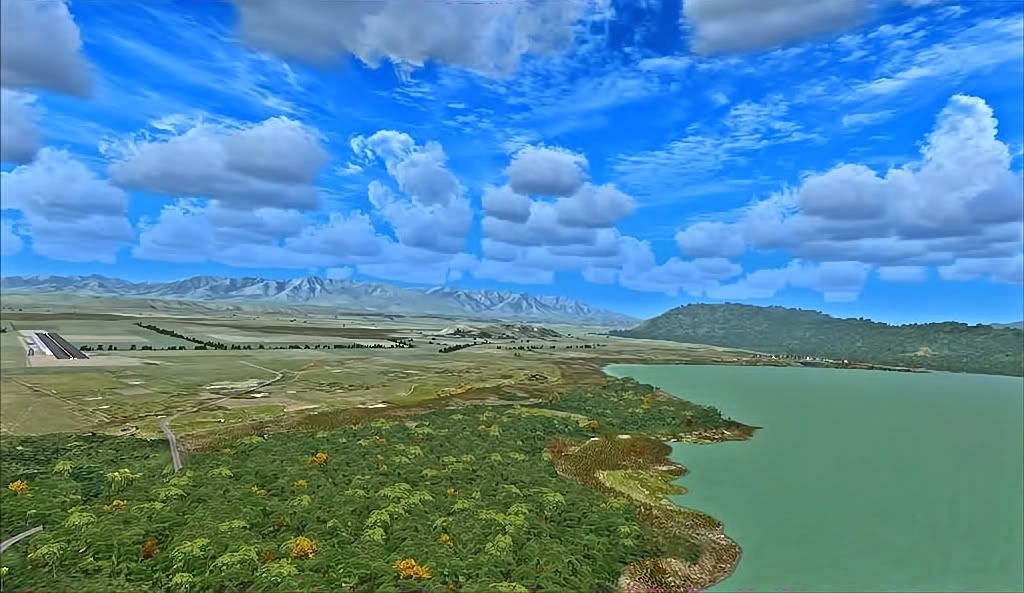
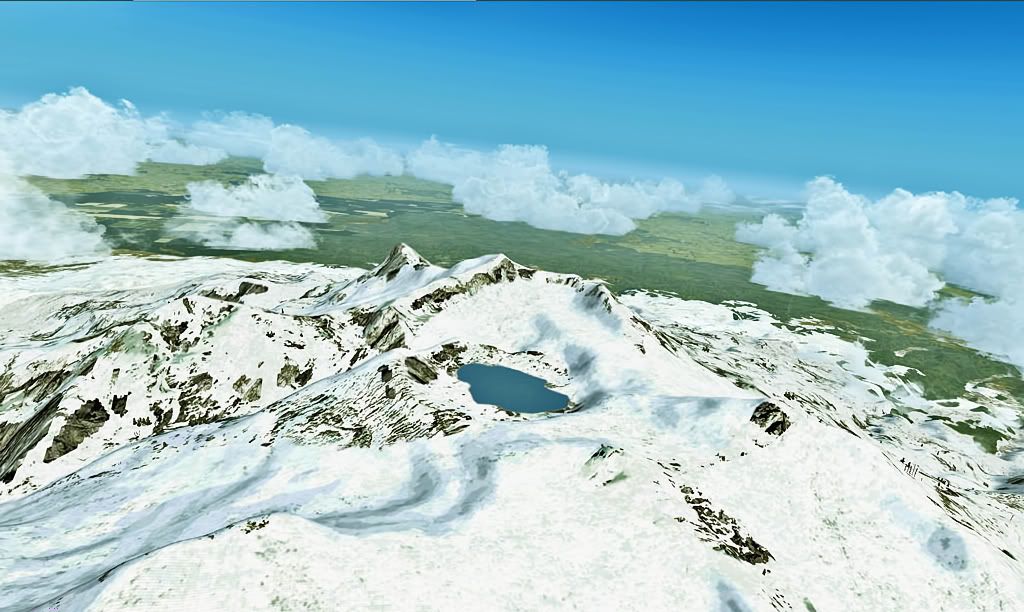
 , you really love New Zealand , the best scenery , food , airshows and the Flightsim community
 as ive said before Dave...your a virtual landscape artist.....beautiful


 .. what were you thinking ... jeezzzz do that ya die