 Posted: Fri Apr 22, 2011 8:25 pm
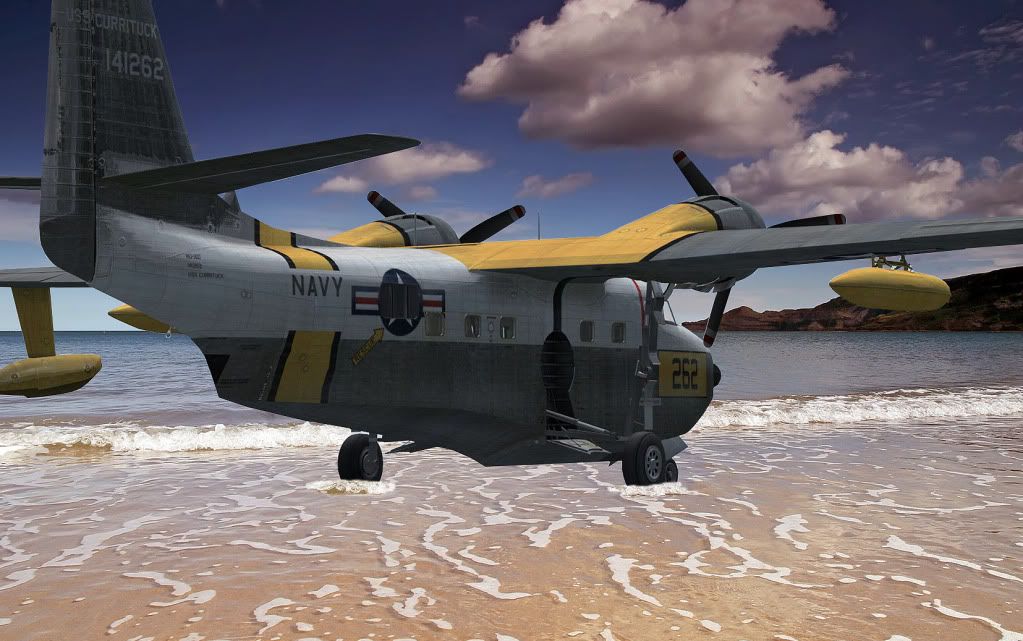
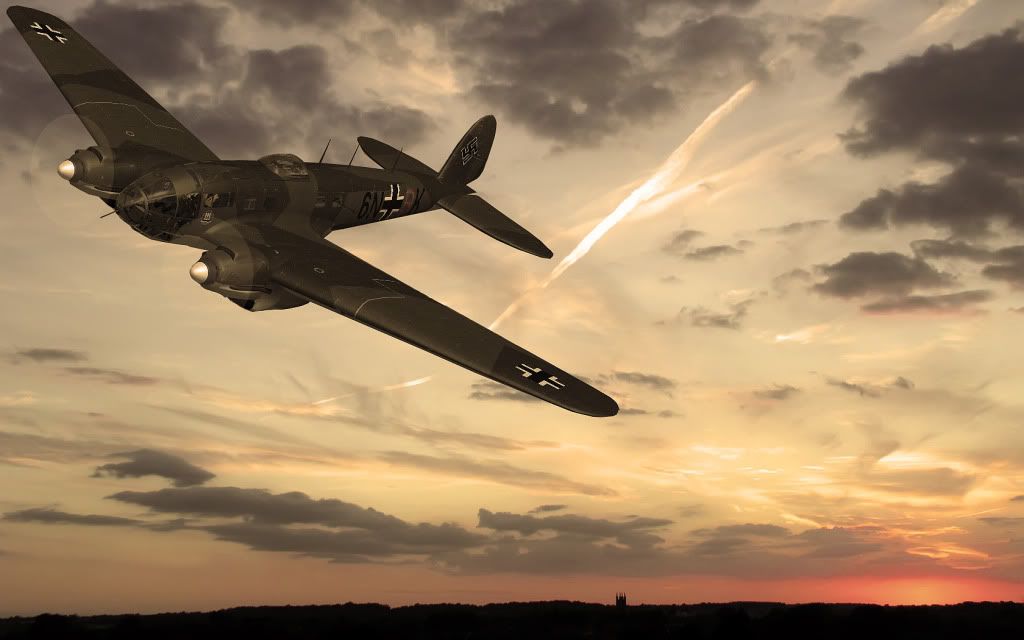
Getting the hang of this now... I'd say the hardest part is lining up the initial capture with the right perspective. Next on the improvement list is creating suitable shadows, where they would fall.
Posted: Fri Apr 22, 2011 8:25 pmPosted: Fri Apr 22, 2011 11:14 pmPosted: Sat Apr 23, 2011 2:14 amPosted: Sat Apr 23, 2011 11:36 am Posted: Sat Apr 23, 2011 12:18 pm
Alfashark wrote:QUOTE (Alfashark @ Apr 22 2011,4:36 PM) <{POST_SNAPBACK}>Thanks!Not long ago "Adamski" mentioned that most screenshots are better done in layers, each layer edited separately to avoid aeroplane enhancements screwing up the scenery or vice versa. Makes sense to me
Yes, I am using layers... But only in the most basic sense - cut the aircraft from the original screenshot, then paste that as a layer over the picture.
Trim away any excess and then used the clone-stamp tool to create the wavelets
Posted: Sat Apr 23, 2011 7:52 pm Jeez, i just push the "v" key........good job Alpha
  i need to go back too photoshop school.Posted: Sun Apr 24, 2011 7:42 pm