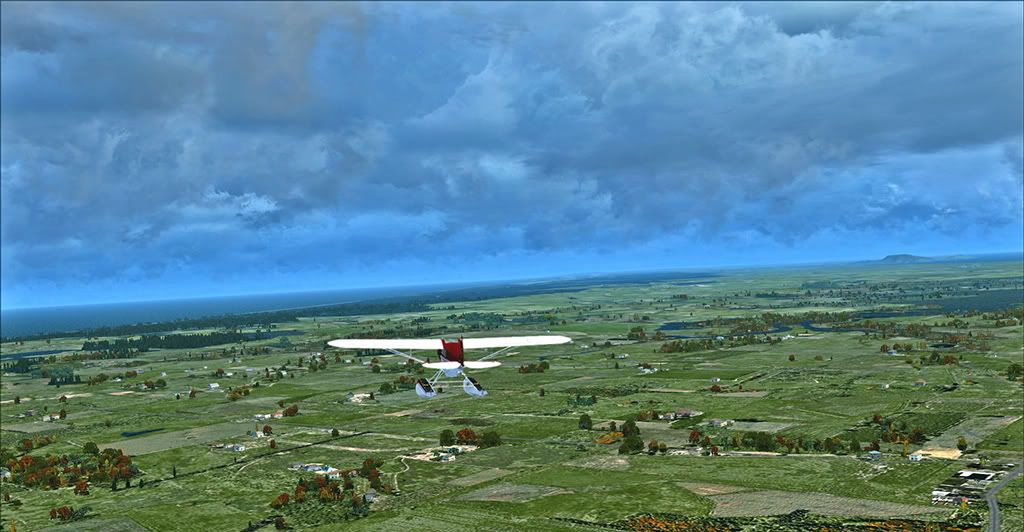
Off Kaitaia headed northwest.
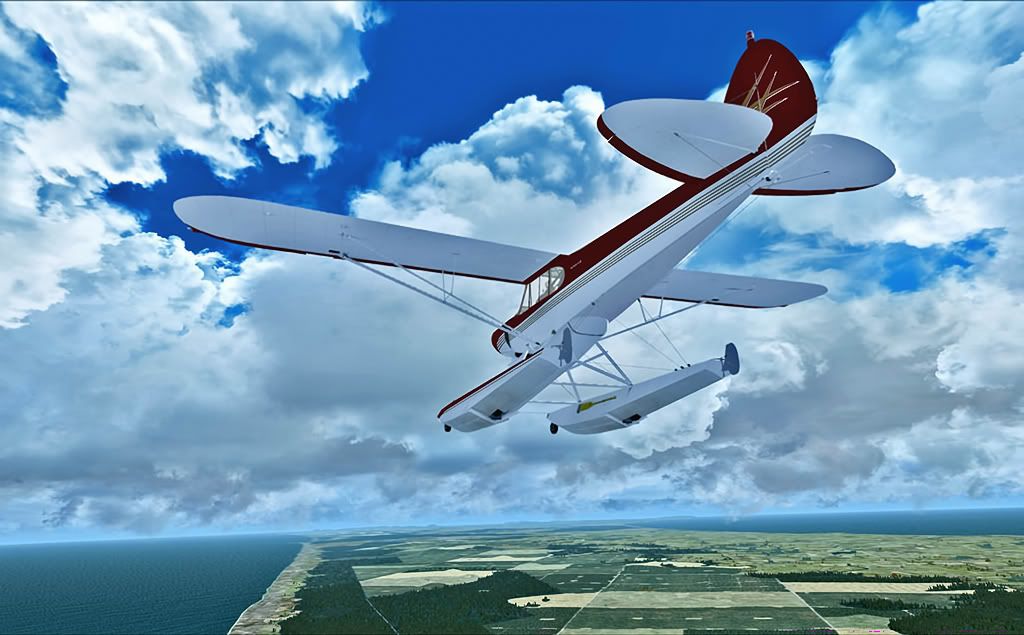
Along the ninety mile beach.
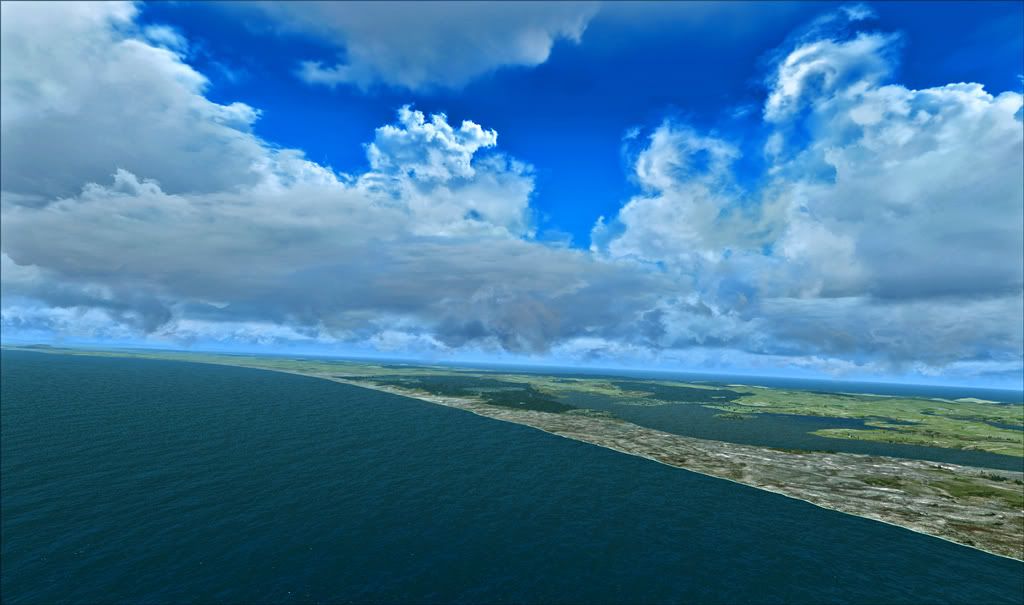
Looking back at Great Exhibition Bay.
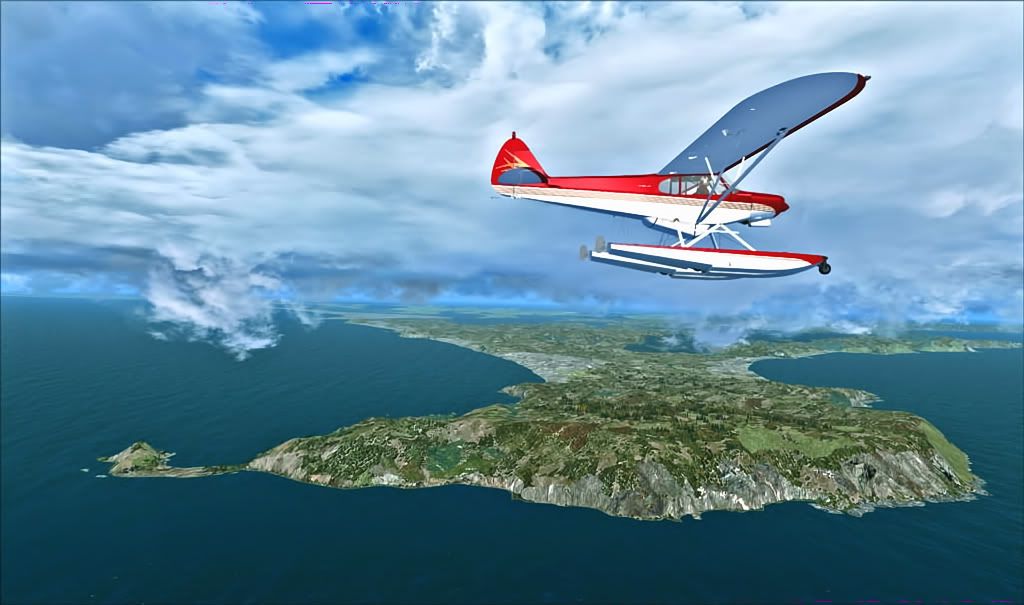
North Cape, reputedly the most northerly point of New Zealand.
100% ad-free
 by Olderndirt » Wed Apr 27, 2011 3:12 pm


by Ian Warren » Wed Apr 27, 2011 3:17 pm



by Olderndirt » Thu Apr 28, 2011 2:18 am
Adamski wrote:QUOTE (Adamski @ Apr 27 2011,12:30 AM) <{POST_SNAPBACK}>Here Dave ... have you been getting cloud tutorials from Splitpin?His version of REX and mine are from the same batch. After all the diddling around, trying to create a visually acceptable screenshot, having to reduce it to jpeg almost breaks my heart
Great pics - they remind me of the summer we just had!.
by Adamski » Thu Apr 28, 2011 1:20 pm
Olderndirt wrote:QUOTE (Olderndirt @ Apr 28 2011,2:18 AM) <{POST_SNAPBACK}>His version of REX and mine are from the same batch. After all the diddling around, trying to create a visually acceptable screenshot, having to reduce it to jpeg almost breaks my heart
I know what you mean

by Olderndirt » Thu Apr 28, 2011 1:59 pm
Adamski wrote:QUOTE (Adamski @ Apr 27 2011,6:20 PM) <{POST_SNAPBACK}>I know what you meanStart out with .bmp from the 'V' and keep it there while I diddle with it. When I go to the almost final 'save as' it becomes JPEG. After that I run it through 'TOPAZ dejpeg' filter to see if I can clean it up which returns it to PSD. Once more back to JPEG and I'm done.Last edited by Olderndirt on Thu Apr 28, 2011 2:01 pm, edited 1 time in total.
by Adamski » Thu Apr 28, 2011 2:26 pm
Olderndirt wrote:QUOTE (Olderndirt @ Apr 28 2011,1:59 PM) <{POST_SNAPBACK}>Start out with .bmp from the 'V' and keep it there while I diddle with it. When I go to the almost final 'save as' it becomes JPEG. After that I run it through 'TOPAZ dejpeg' filter to see if I can clean it up which returns it to PSD. Once more back to JPEG and I'm done.
I'm wondering whether that final .psd > .jpg step is re-introducing JPEG artefacts <?>. What's your main GFX program? I use Photoshop and find the .jpg export function quite good.
by Adamski » Thu Apr 28, 2011 8:20 pm
Splitpin wrote:QUOTE (Splitpin @ Apr 28 2011,8:13 PM) <{POST_SNAPBACK}>Book yourself a holiday down here , and have a look at the real thing....plenty of us here to look after you.
Plenty of people North *and* South, I suspect. I volunteer for the AKL area! We could do NZAA, NZAR, NZWP, NZNE ... maybe even Coromandel and Waiheke! Sadly all by car, I'm afraid ... unless you want to bring your aircraft with youLast edited by Adamski on Thu Apr 28, 2011 8:21 pm, edited 1 time in total.
by Olderndirt » Fri Apr 29, 2011 2:22 am
Adamski wrote:QUOTE (Adamski @ Apr 27 2011,7:26 PM) <{POST_SNAPBACK}>I'm wondering whether that final .psd > .jpg step is re-introducing JPEG artefacts <?>. What's your main GFX program? I use Photoshop and find the .jpg export function quite good.This TOPAZ thing is supposed to help remove artifacts and other baddies. It has preview settings to show what you have and what you'll get. When I zoom, it all looks pretty clean but I know each jpeg save you lose a little. I inherited Photoshop Elements 7 from the wife - has most of the PS features. Normal routine is OPEN .bmp - CROP, ENHANCE etc .bmp - RESIZE .bmp, set pixelsperinch to 360 for 1024 width then bicubic sharper. - SAVE AS .jpeg then the TOPAZ DEJPEG and since it's a plugin it comes back as .PSD so it's once more SAVE AS jpeg. Ready for Photobucket.
by Adamski » Fri Apr 29, 2011 5:07 am
Olderndirt wrote:QUOTE (Olderndirt @ Apr 29 2011,2:22 AM) <{POST_SNAPBACK}>This TOPAZ thing is supposed to help remove artifacts and other baddies. It has preview settings to show what you have and what you'll get. When I zoom, it all looks pretty clean but I know each jpeg save you lose a little. I inherited Photoshop Elements 7 from the wife - has most of the PS features. Normal routine is OPEN .bmp - CROP, ENHANCE etc .bmp - RESIZE .bmp, set pixelsperinch to 360 for 1024 width then bicubic sharper. - SAVE AS .jpeg then the TOPAZ DEJPEG and since it's a plugin it comes back as .PSD so it's once more SAVE AS jpeg. Ready for Photobucket.
Hmmm ... how do they look without the TOPAZ step?
You say "pixels per inch to 360" <?> ... I think you can safely leave this at 72 dpi. 300 or 360 is mainly for *print* resolution. Don't forget to set your colour profile to sRGB (or you'll find browsers remapping colours). That setting's usually in the "Save as" dialog.
I tend to use "bicubic (for smooth gradients)" when resizing, then applying any local or total image sharpening with the filter **immediately after the resize**. If you do it straight away, the filter works on the *original size* (which is still in the memory buffer) and does much better interpolation. Do a few edits and you'll lose that (larger) buffer and the sharpen won't be quite as good.
I save to .jpg at round 9-12 quality (rarely less than 9) and don't see any flattening of gradients or artefacts. If you can grab any of my images and open then in your Elements, see what info they carry over - then maybe re-save a few times with different filters/settings/+-TOPAZ and compare.
EDIT: Forgot to add ... my brother uses Elements (quite an early version) and it does seem to perform in a similar way to my PS CS5. He does a lot of photography and gets by quite well without all the fancy doodads of the full-blown Photoshop.Last edited by Adamski on Fri Apr 29, 2011 5:10 am, edited 1 time in total.
by cowpatz » Fri Apr 29, 2011 9:42 am


by Timmo » Fri Apr 29, 2011 11:59 am
cowpatz wrote:QUOTE (cowpatz @ Apr 29 2011,9:42 AM) <{POST_SNAPBACK}>Where's the light house?
There seems to be a lot of blue tone in your shots there Olderndirt....some almost appear as a water colour painting.
I actually removed them from the dataset at beta stage in VLC because the models in the default library aren't particularly NZ looking..... Modelling some typical NZ lighthouse designs could be a good project for someone to do in the future?
by Olderndirt » Fri Apr 29, 2011 12:10 pm
cowpatz wrote:QUOTE (cowpatz @ Apr 28 2011,2:42 PM) <{POST_SNAPBACK}>Where's the light house?Don't know nuthin' about no lighthouse. Must've been one of my 'blue' days. Sometimes I'm accused of being overly green - so far I don't think I've OD'd on red
There seems to be a lot of blue tone in your shots there Olderndirt....some almost appear as a water colour painting.
Users browsing this forum: No registered users and 9 guests






