Posted:
Mon May 20, 2013 7:51 pmby ScottyB
Posted:
Mon May 20, 2013 8:15 pmby deeknow
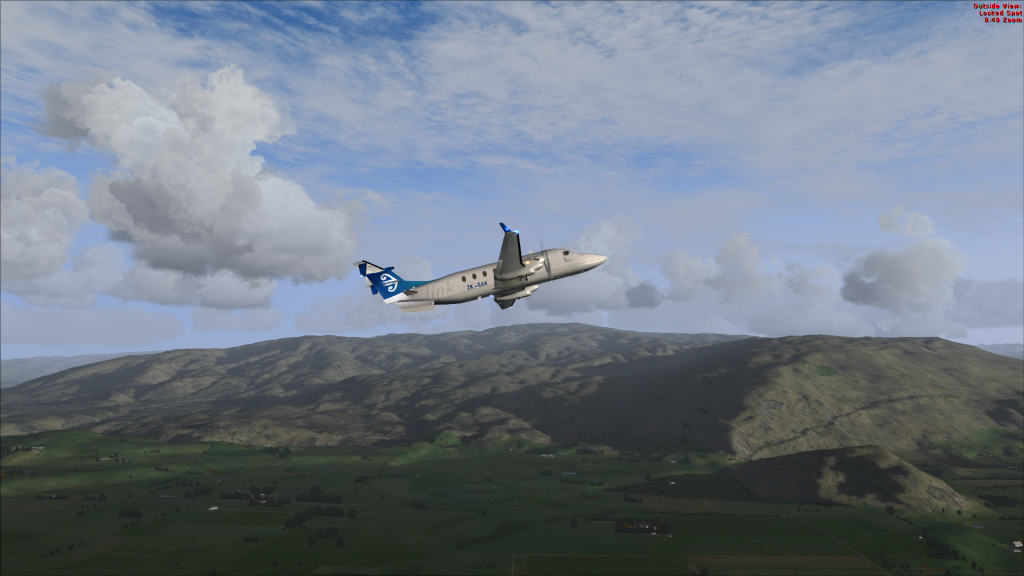
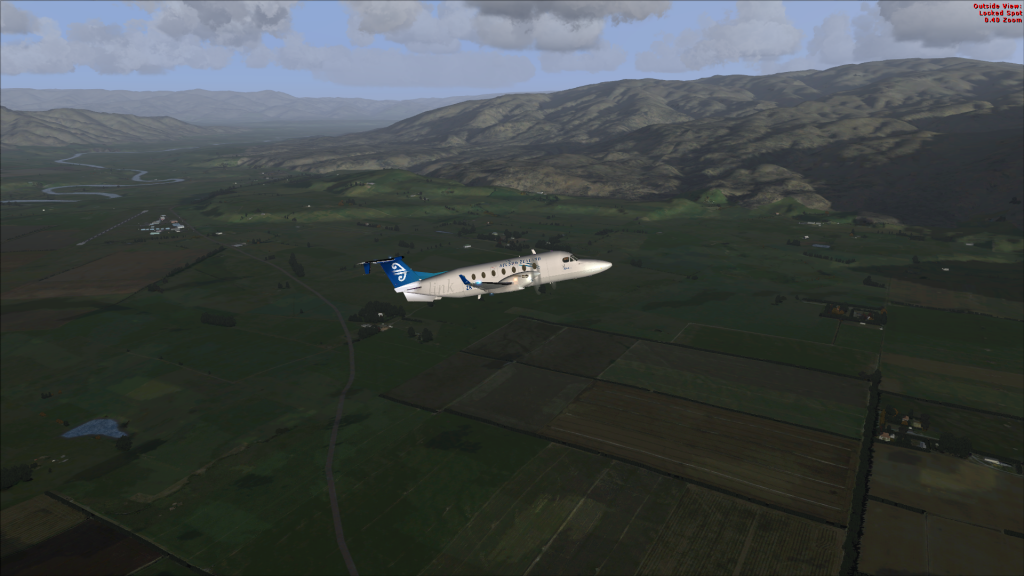
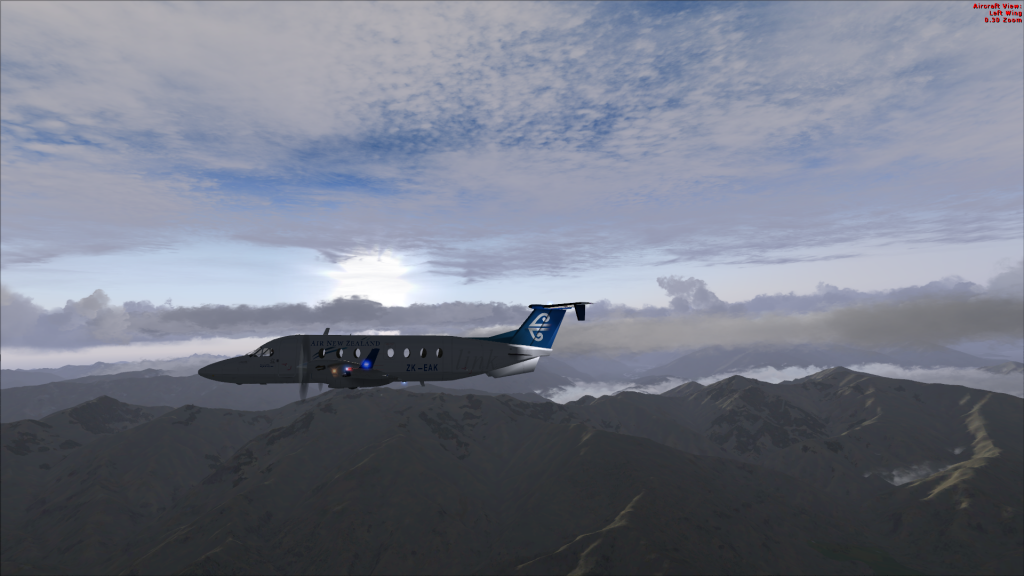
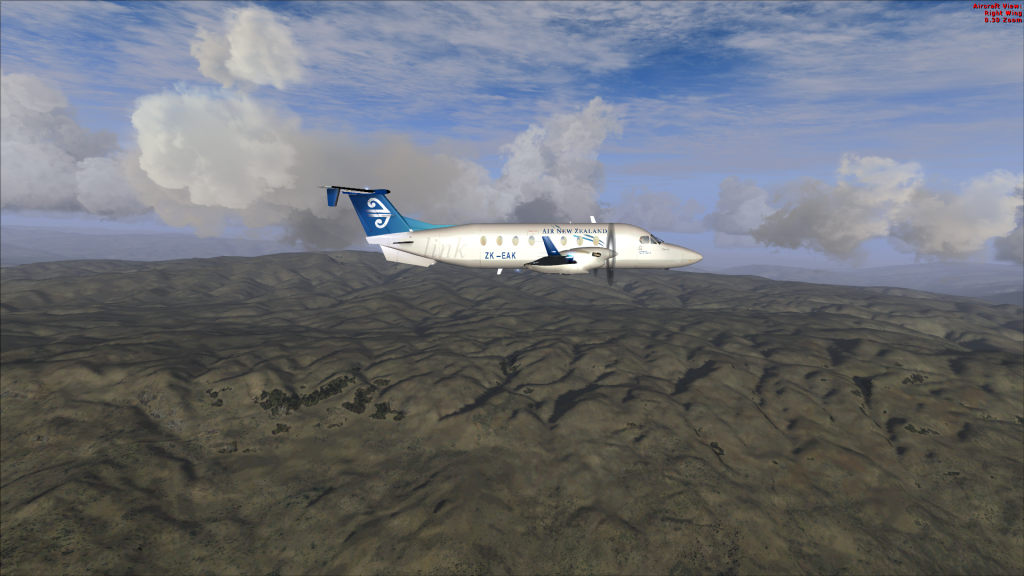
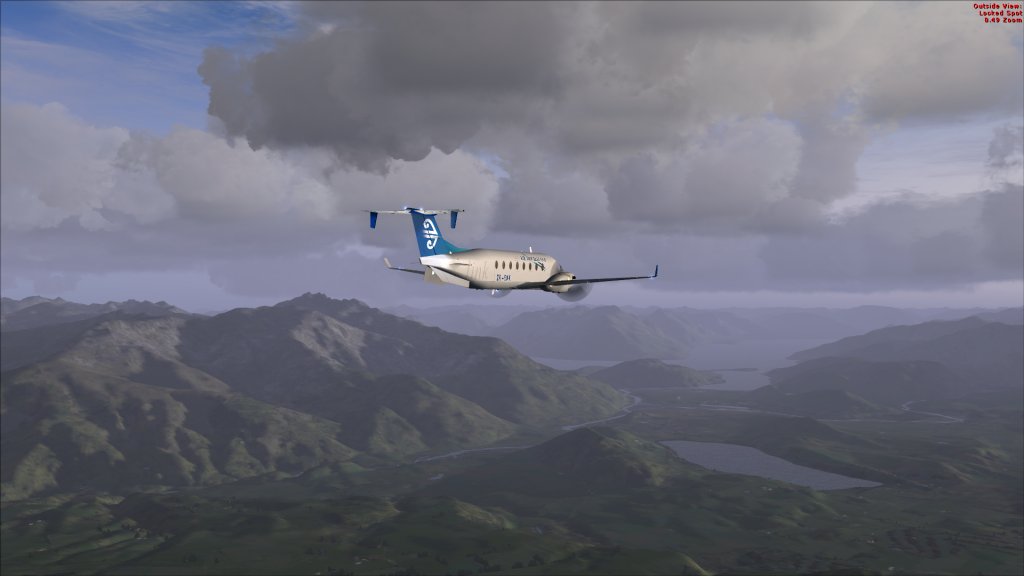
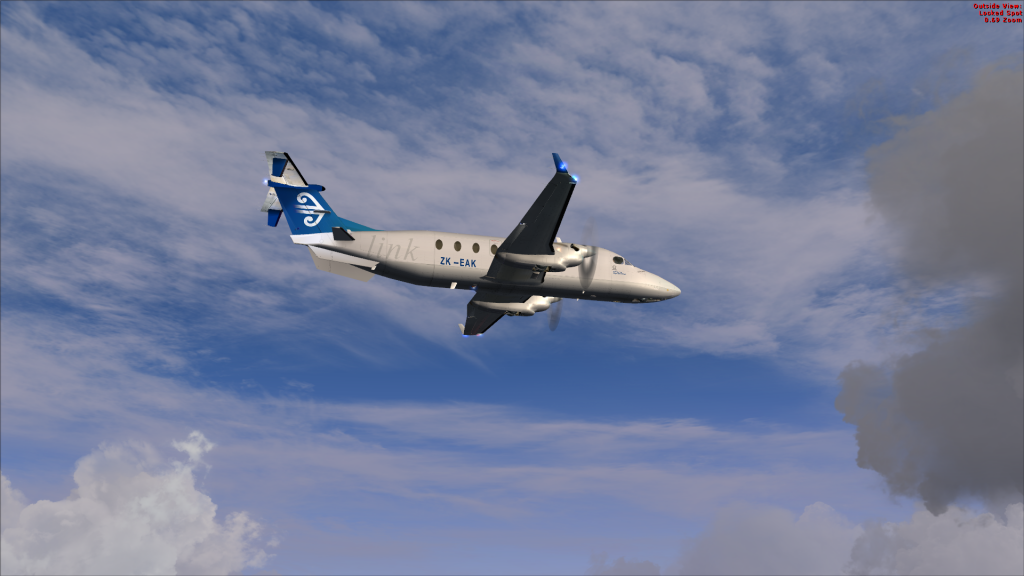
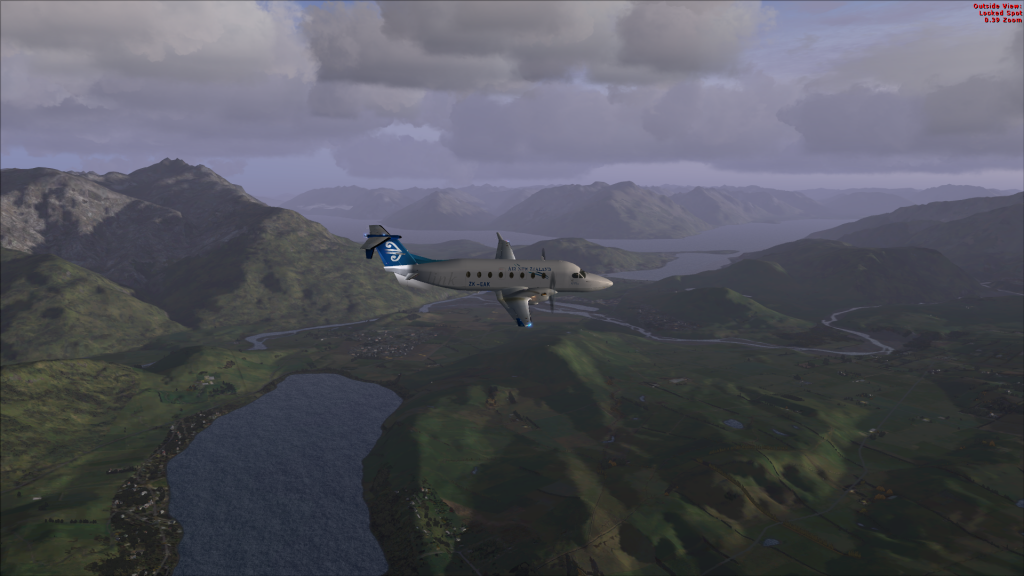
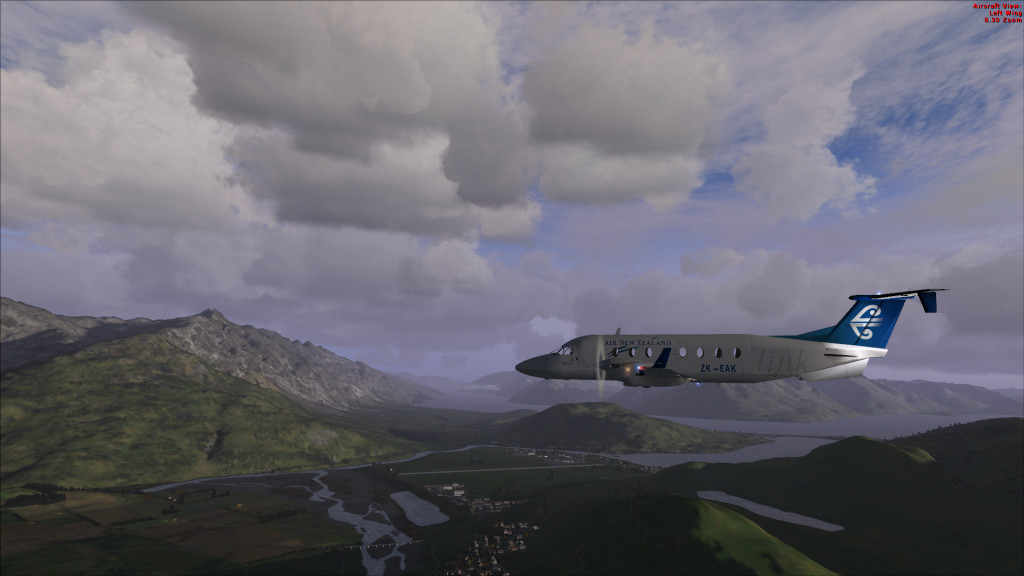
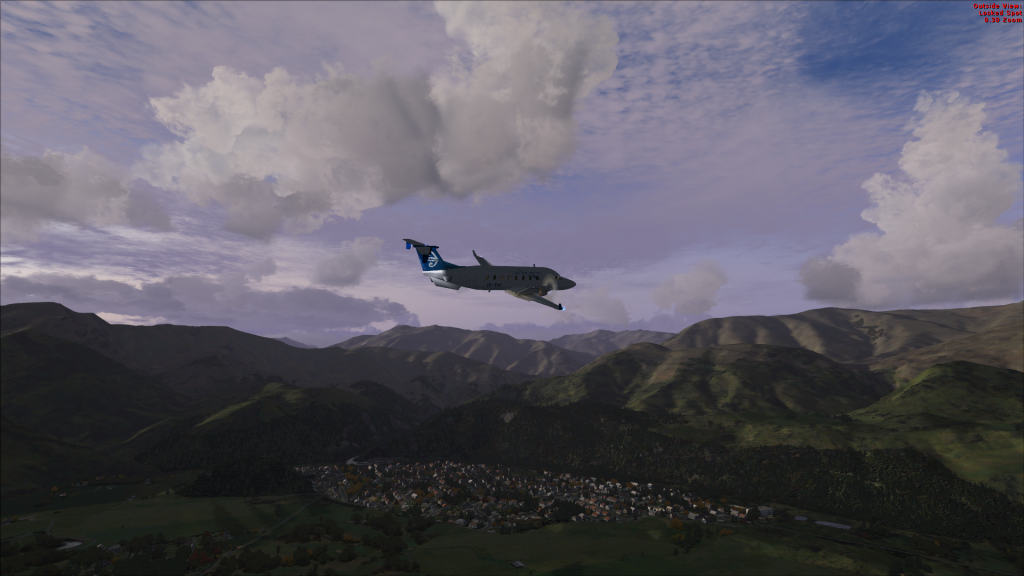
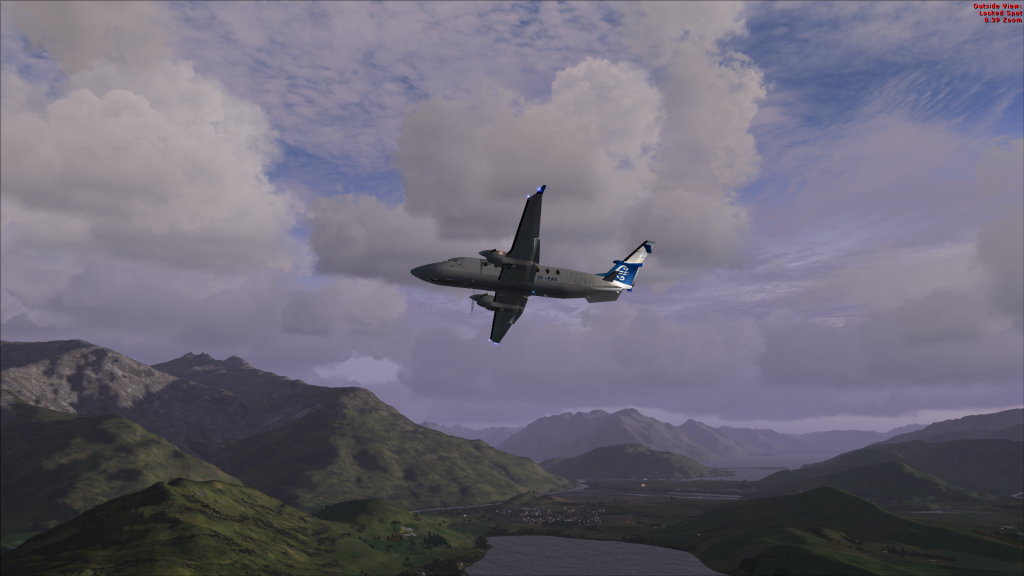
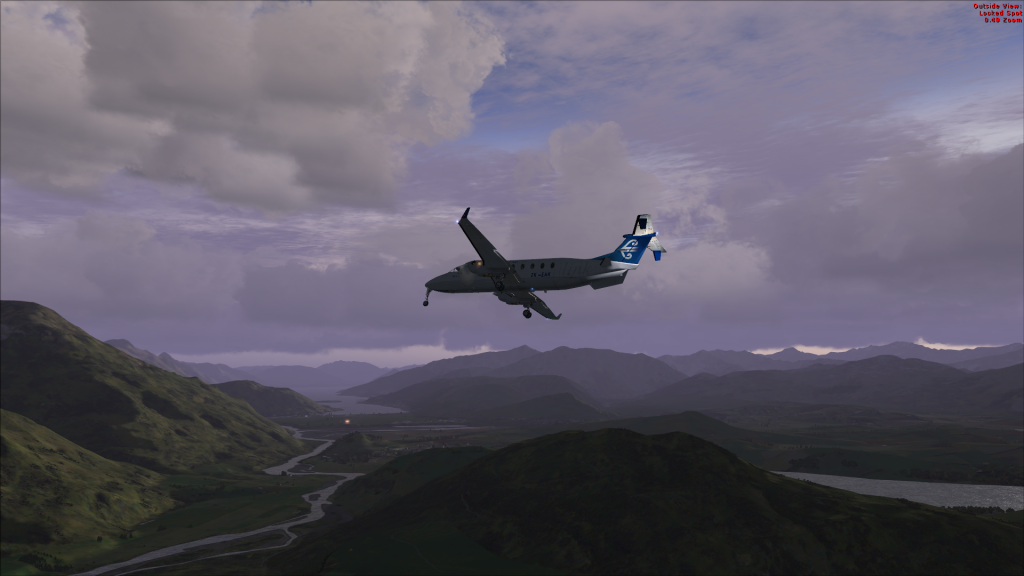
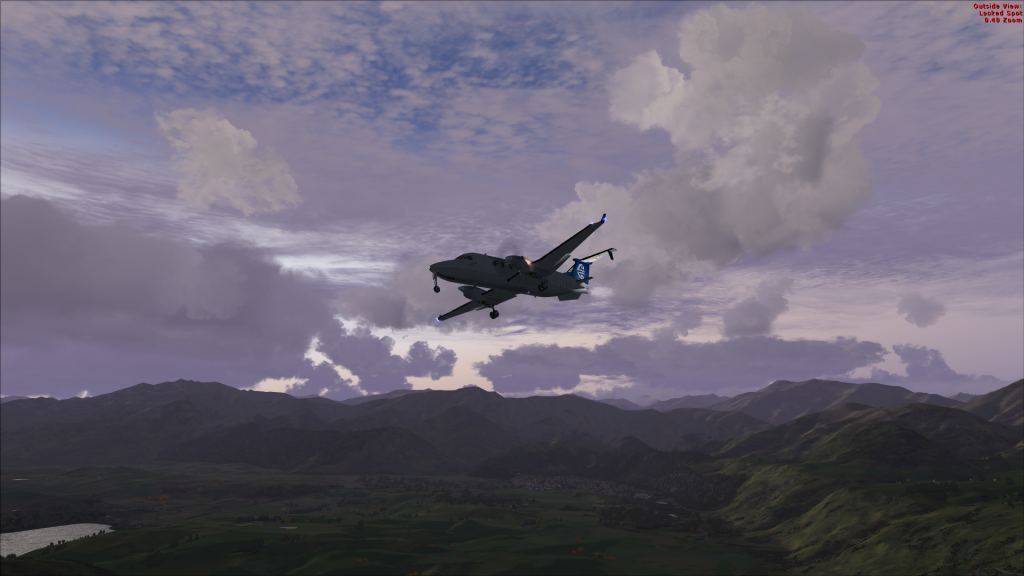
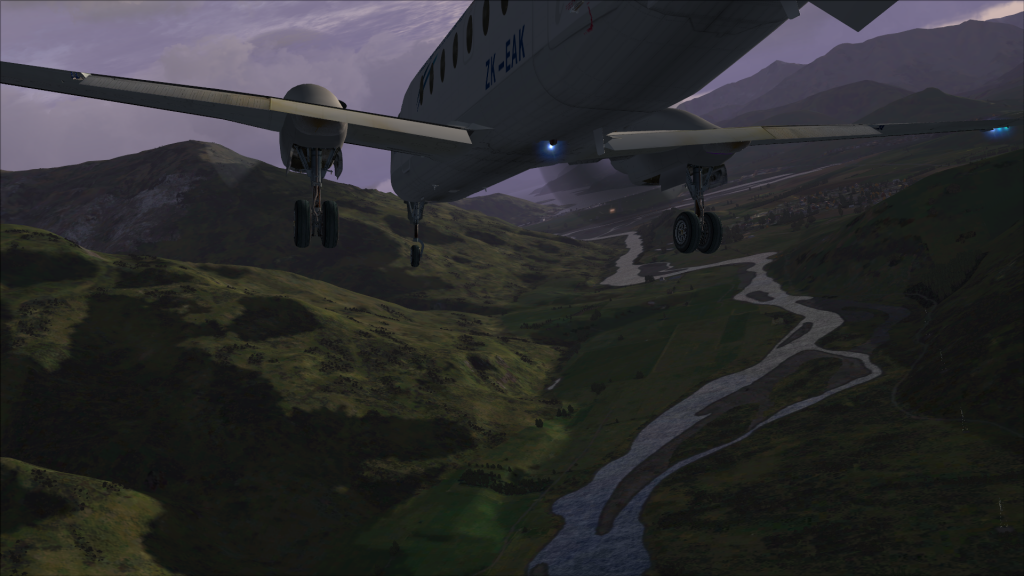
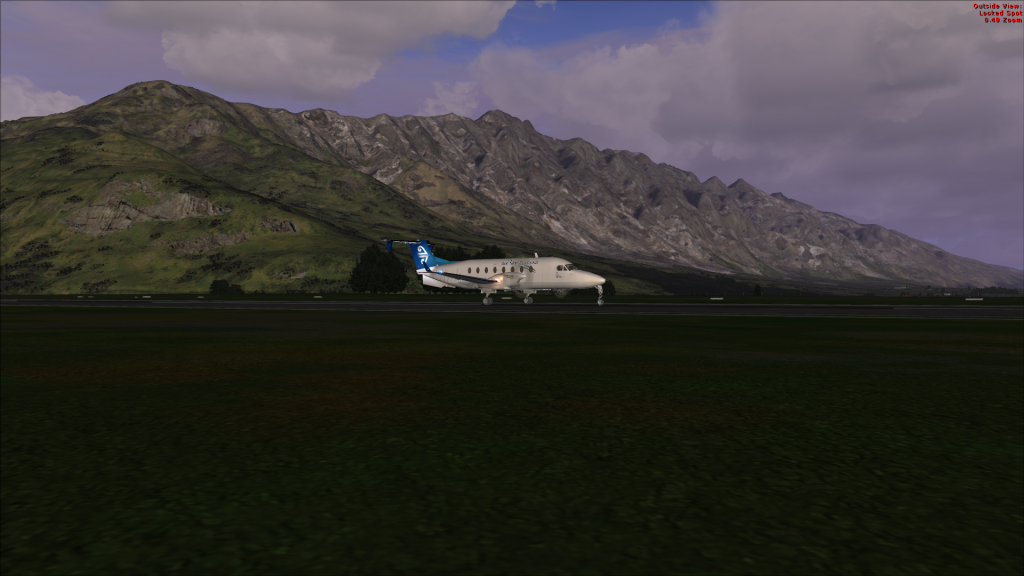
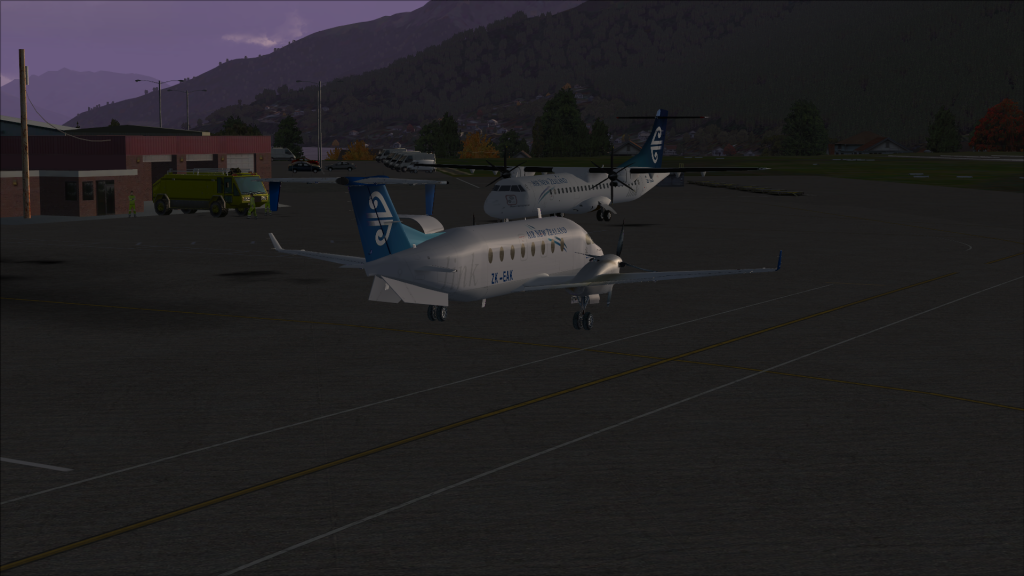
Wicked pics Scotty, love the lighting !!!
Posted:
Mon May 20, 2013 8:58 pmby Ian Warren
Now your really cooking

, Your PC screens just simply get better and better , the little PMDG Beech ideally suited to the terrain ....
OK guys like me i those horrid top right corner text .. i simply edit them out ... now who has the Cfg. writing to delete these out of screens .. and when we find it lets put it to a list of fix's and pin it for us screenie peoples

Posted:
Mon May 20, 2013 9:49 pmby emfrat
They're a damnuisance at times - this is in my FSX.CFG:
[Display]
ChangeTime=4.000000
TransitionTime=4.000000
ActiveWindowTitleTextColor=255,255,255
ActiveWindowTitleBackGroundColor=0,28,140,64
NonActiveWindowTitleTextColor=255,255,255
NonActiveWindowTitleBackGroundColor=24,33,87,64
InfoUpperRightTextColor=255,0,0
InfoUpperRightBackGroundColor=0,0,0,0
InfoLowerLeftTextColor=255,255,255
InfoLowerLeftBackGroundColor=255,0,0,128
InfoLowerRightTextColor=255,255,255
InfoLowerRightBackGroundColor=255,0,0,128
InfoBrakesEnable=True
InfoParkingBrakesEnable=True
InfoPauseEnable=True
InfoSlewEnable=True
InfoStallEnable=True
InfoOverspeedEnable=True
I strongly suspect if you made the text colour the same as the background colour, the message would become invisible. I haven't tried this.
Can't find anything corresponding in my FS9.cfg, but there is a fix to hide the BRAKES messages on most of the main sites, so there must be a similar logic to disappear the others.
EDIT: Found it
SUMMARY
When you apply the brakes in Flight Simulator, the screen displays a message.
RESOLUTION
To disable this message, open the FS9.CFG file which is available in C:\Documents and Settings\username\Application Data\Microsoft\FS9
Add the following to the [SIM] section of the FS9.CFG File
show_brake_message=0
and for the others:
Q) How can i get rid of this red message bars ?
A) Open up fs9.cfg with notepad scroll down to [main] and add this entry after the last one in the group
"HideInfoText=1" //without quotes
This removes all red messages
Posted:
Tue May 21, 2013 11:15 amby nzav8tor
Looks like landing after 30 mins before ECT, didn't go to well for the last chap who tried that! (Although that was a takeoff...)
Posted:
Tue May 21, 2013 11:21 amby Ian Warren
nzav8tor wrote:Looks like landing after 30 mins before ECT, didn't go to well for the last chap who tried that! (Although that was a takeoff...)
I'm just sending Scotty the court charges and fines as we speak

... funny how the night lightning dose not quiet equal the real world ... guess we can't have everything .
Posted:
Tue May 21, 2013 5:56 pmby Splitpin
Well done

Great set..... now just relax

Posted:
Tue May 21, 2013 6:09 pmby Timmo
Are you using the 'Shade' addon Scotty?
Posted:
Tue May 21, 2013 6:16 pmby ScottyB
Timmo wrote:Are you using the 'Shade' addon Scotty?
Hi Timmo, well I do have Shade, however it has been causing "flickering" off runway centre lines etc recently (well, I think the culprit is Shade). Normally to use it, I click on the Shade.exe on my desktop, which then starts FSX and injects Shade into it. I am almost 100% sure I started up FSX without Shade before this flight (didn't ant flickers), but these shots really look like it was activated doesn't it?
Sorry I can't be more of a help!
Posted:
Wed May 22, 2013 1:41 pmby nzav8tor
If the shade dll is in your FSX route directory it should load with FSX.exe everytime. I thinks its shift-F9 or F12 to toggle it on and off in the sim.
EDIT, I was thinking of the EMB series shader, disregard.
Posted:
Wed May 22, 2013 4:42 pmby ScottyB
I have the Mogwaisoft (Spelling?) Shader, will that do the same thing?