Page 1 of 1

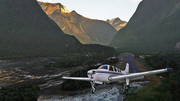
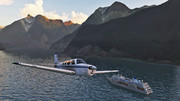
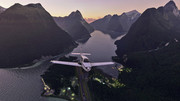
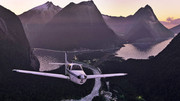
My (re)visit to Milford Sound in default Beech Baron36

PostPosted: Wed Sep 29, 2021 9:49 pm
by ikbenik
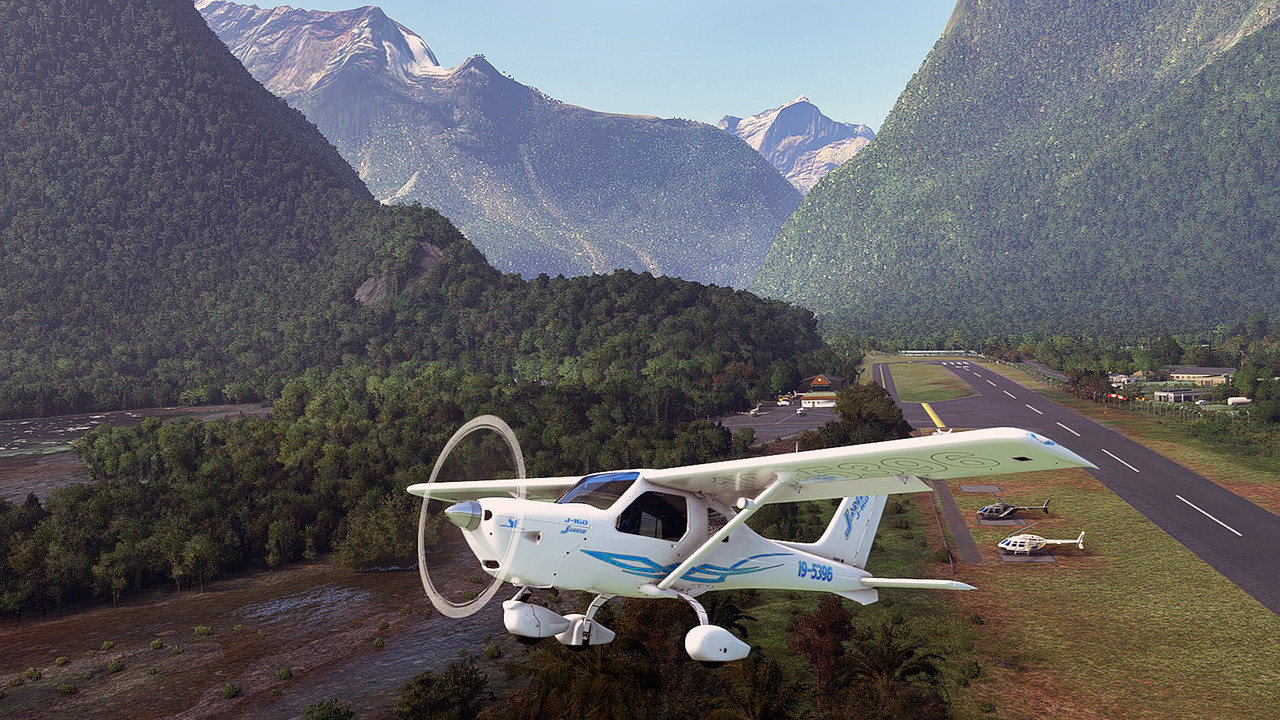
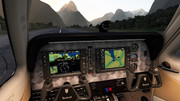
As I'm form the other side of our globe, It's always fine to fly over the wonderful New Zealand landscape. I was permitted a late afternoon flight at Milford Sound
in a Beech Baron-36 but I must hurry to be back before sunset:
Image

Image

Image

Image

Image

Image

---> why are the posted screenshots via the link 'Add images to post' so small? <---

Re: My (re)visit to Milford Sound in default Beech Baron36

PostPosted: Thu Sep 30, 2021 6:23 am
by Sonnyj
Really like that shot in the sound with the cruise liner. :thumbup:

Re: My (re)visit to Milford Sound in default Beech Baron36

PostPosted: Thu Sep 30, 2021 8:13 am
by cowpatz
ikbenik wrote: ---> why are the posted screenshots via the link 'Add images to post' so small? <---
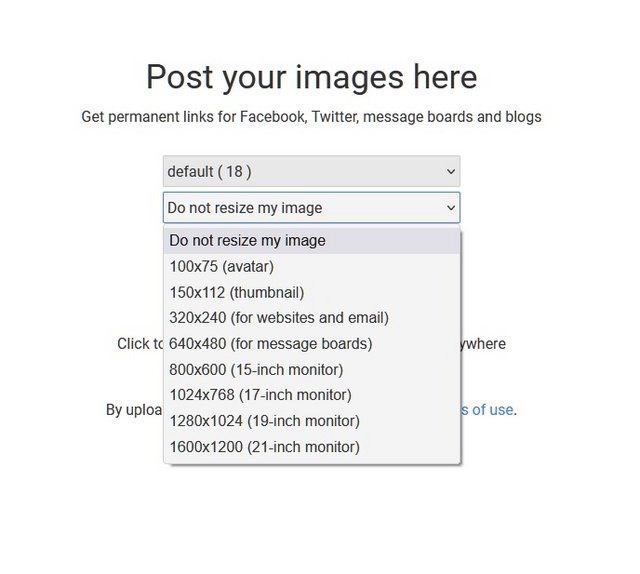

Probably because you are posting them as thumbnails. There should be various forum posting options in Postimage to use.

Re: My (re)visit to Milford Sound in default Beech Baron36

PostPosted: Thu Sep 30, 2021 9:23 am
by ikbenik
cowpatz wrote:
ikbenik wrote: ---> why are the posted screenshots via the link 'Add images to post' so small? <---


Probably because you are posting them as thumbnails. There should be various forum posting options in Postimage to use.


I had no option to choose in what format or definition. After clicking the (in blue) marked link 'Add image to post' the upload-url-line was set in the post, how to control/alter the format?

Re: My (re)visit to Milford Sound in default Beech Baron36

PostPosted: Thu Sep 30, 2021 9:40 am
by cowpatz
Take a look here:
Posting images

When you log into Postimage you should also have a drop down selection as per below.
Unless you have something really special try and post images as jpegs. They load much faster.

Image

Re: My (re)visit to Milford Sound in default Beech Baron36

PostPosted: Thu Sep 30, 2021 9:55 pm
by ikbenik
I left the option (as standard already shown)set to that option 'do not resize my image'. Despite that it shows thumbnail-size! That's my issue about and remains unclear to me :angry:

Re: My (re)visit to Milford Sound in default Beech Baron36

PostPosted: Fri Oct 01, 2021 7:15 am
by emfrat
Hello ikbenik - a few years back, the maximum size for the screenshot forum was increased to 1280w. Around the same time, the photo storage provider NZFF was using stopped allowing free storage, so Dan revised things to make PostImage the default provider used when you clicked the 'Insert Image' link. I don't know what defaults that forum link uses - Dan (gojozoom) is the man to ask. Personally, I had been using PostImage before the changeover so I just kept to my old method of resizing full screen to 1280w using Irfan View, and uploading that with 'Do not resize' selected, and then using 'Direct Link' from PostImage to put in my forum post between [img]and[/img] tags. For the occasional shots that need the full 1920w, I post the 1280w pics along with a link for the full size versions if people want it and have bandwidth to spare.

Adamski investigated the options and posted about them here: viewtopic.php?f=9&t=28020

ATB
MikeW

Re: My (re)visit to Milford Sound in default Beech Baron36

PostPosted: Sat Oct 02, 2021 2:00 am
by ikbenik
On other forums I use 'postimage' without any issues regarding the size-restriction because my shots are all in 1920px wide format and posting them are all successful done sofar.
Hereby my try via the external use of postimage with the use of 'Hotlink for fora':
Image

Looking forward to the outcome when I submit now this reply.... :unsure:

Re: My (re)visit to Milford Sound in default Beech Baron36

PostPosted: Sat Oct 02, 2021 2:02 am
by ikbenik
Yes....it works in that way...so, I never use again the in blue marked option in the posting itself.... :D

Re: My (re)visit to Milford Sound in default Beech Baron36

PostPosted: Sat Oct 02, 2021 3:15 pm
by Adamski
My method for Postimages (which is my default online images provider) is this:

1) After uploading your pic, right mouse click on the thumbnail (when in gallery view) and choose to "Open in a new tab".

2) In that (full size) view, right mouse click on the "Download original image" button in the top menu (it should turn blue), then use "Copy link".

Paste that link here, surrounded by the (manually inserted) opening and closing codes:

Code: Select all
[img]paste here[/img]


... which should look like:
Code: Select all
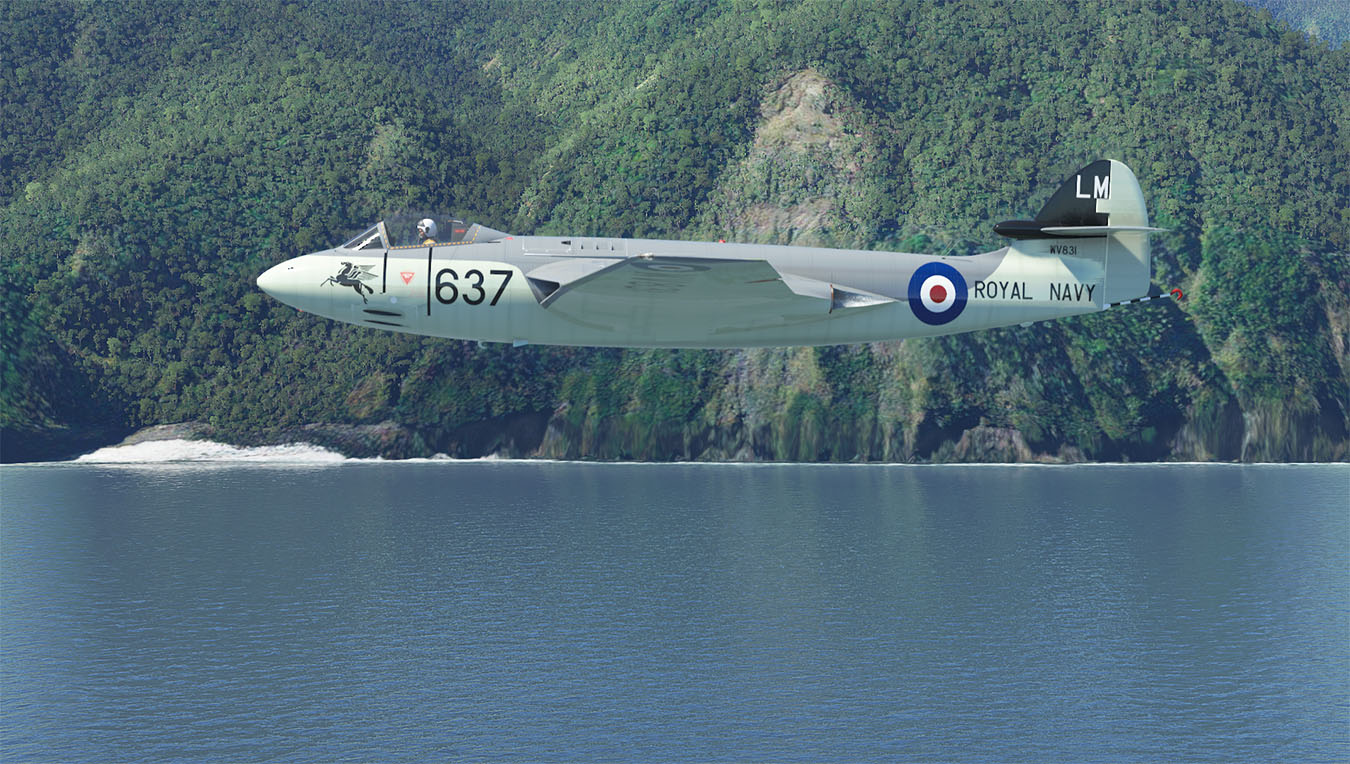
[img]https://i.postimg.cc/tRpDBVT2/Sea-Hawk-NZMF-01-1350.jpg?dl=1[/img]


... giving you the image at its full size, like so:
Image

I think you can get rid of the "?dl=1" parameter, but I usually don't bother:
Code: Select all
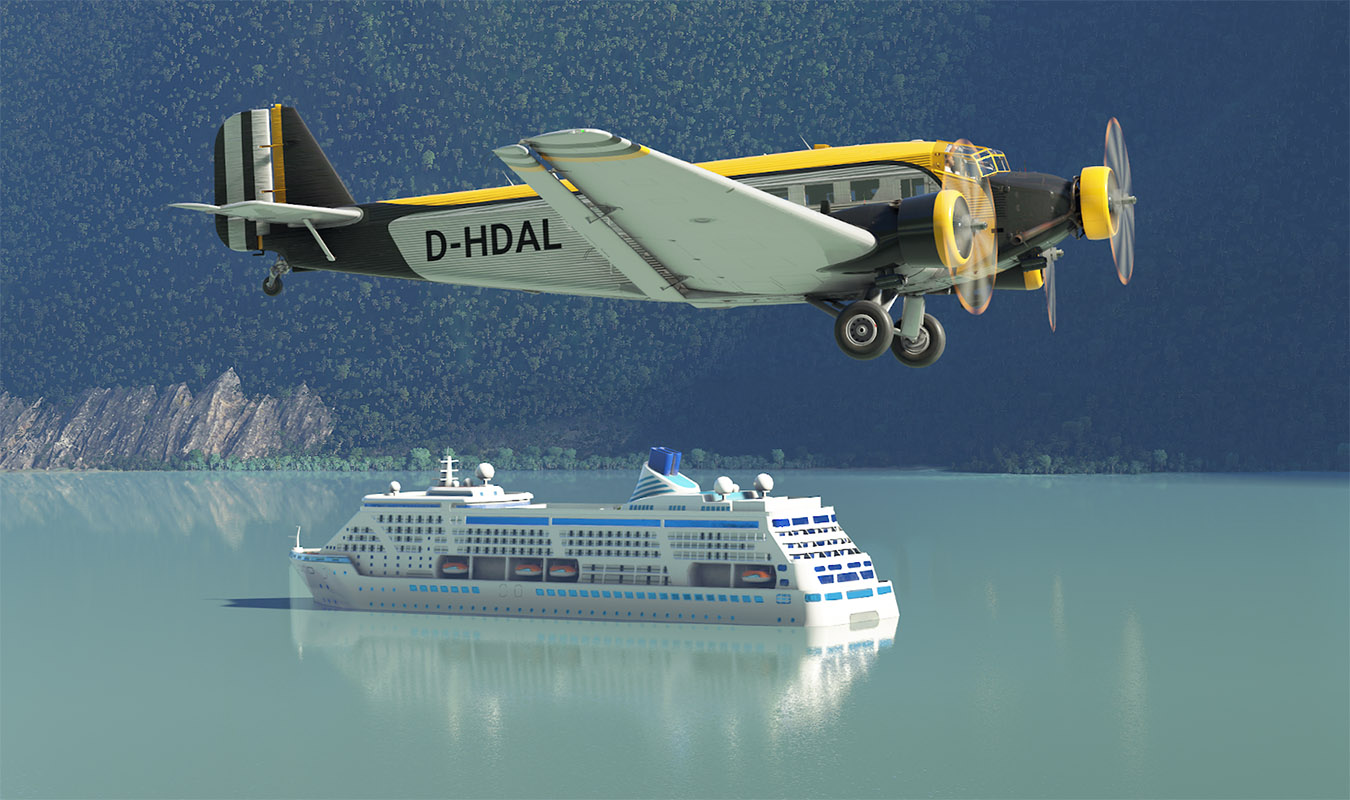
[img]https://i.postimg.cc/qJXx6MLn/Ju52-NZMF-05-1350.jpg[/img]


Image

The instructions are for when using Firefox, though I expect other browsers will do the same - even if the wording is slightly different.

Adam.