MSFS 2020 Loading screens

Post and comment on screen captures from the beautiful game here. Home of the monthly screenshot competition

MSFS 2020 Loading screens

Postby Adamski » Mon Nov 04, 2024 4:11 pm

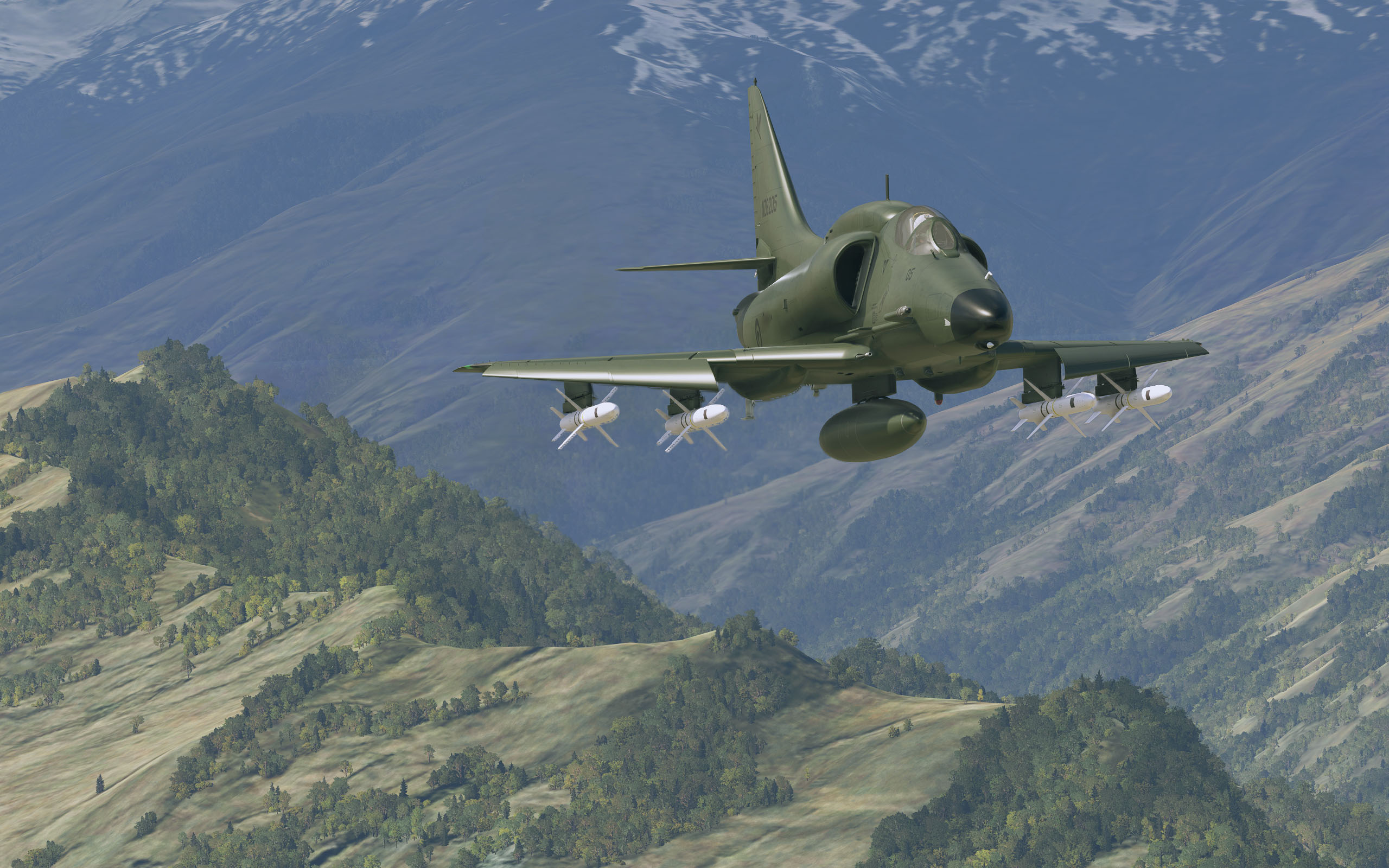
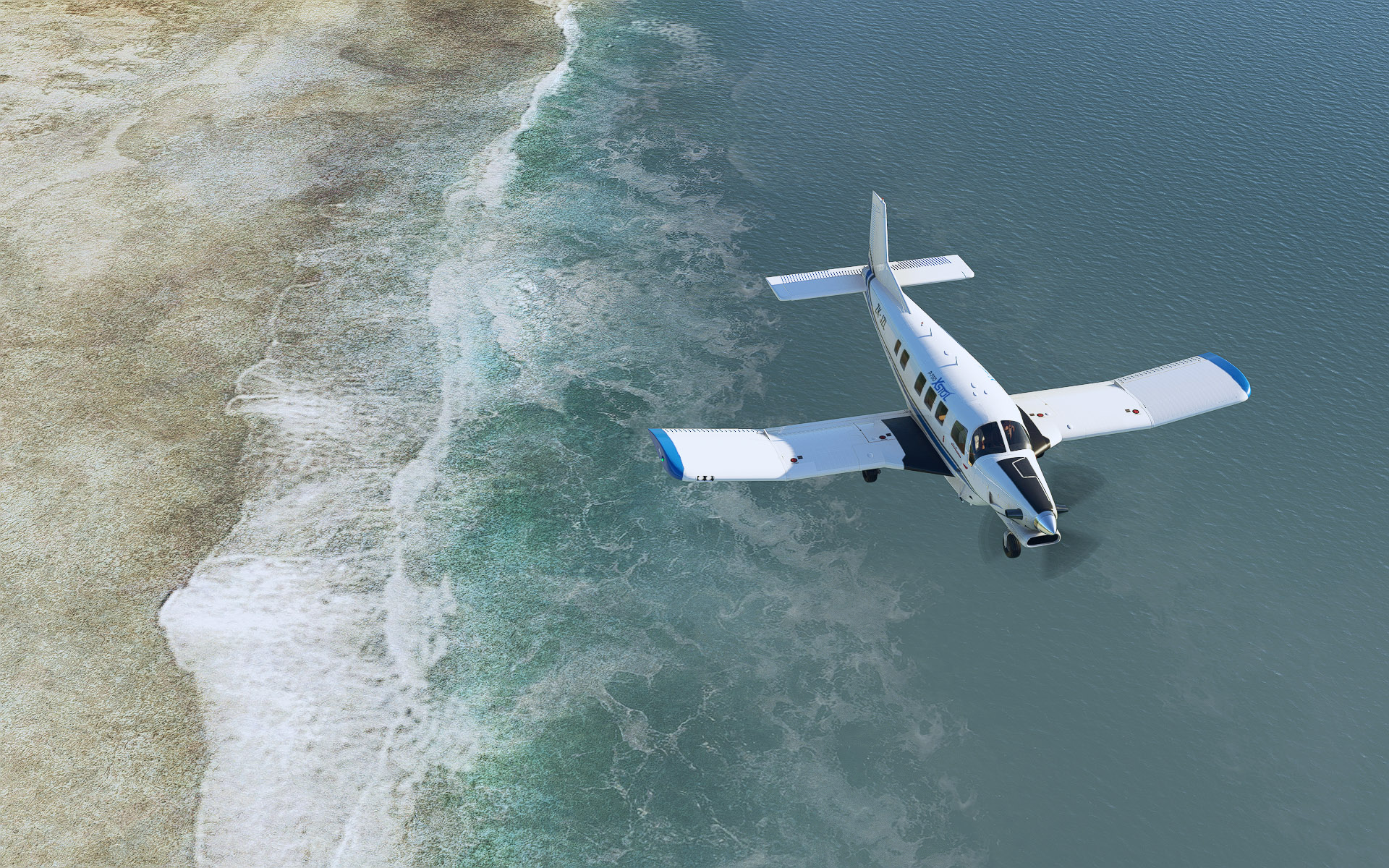
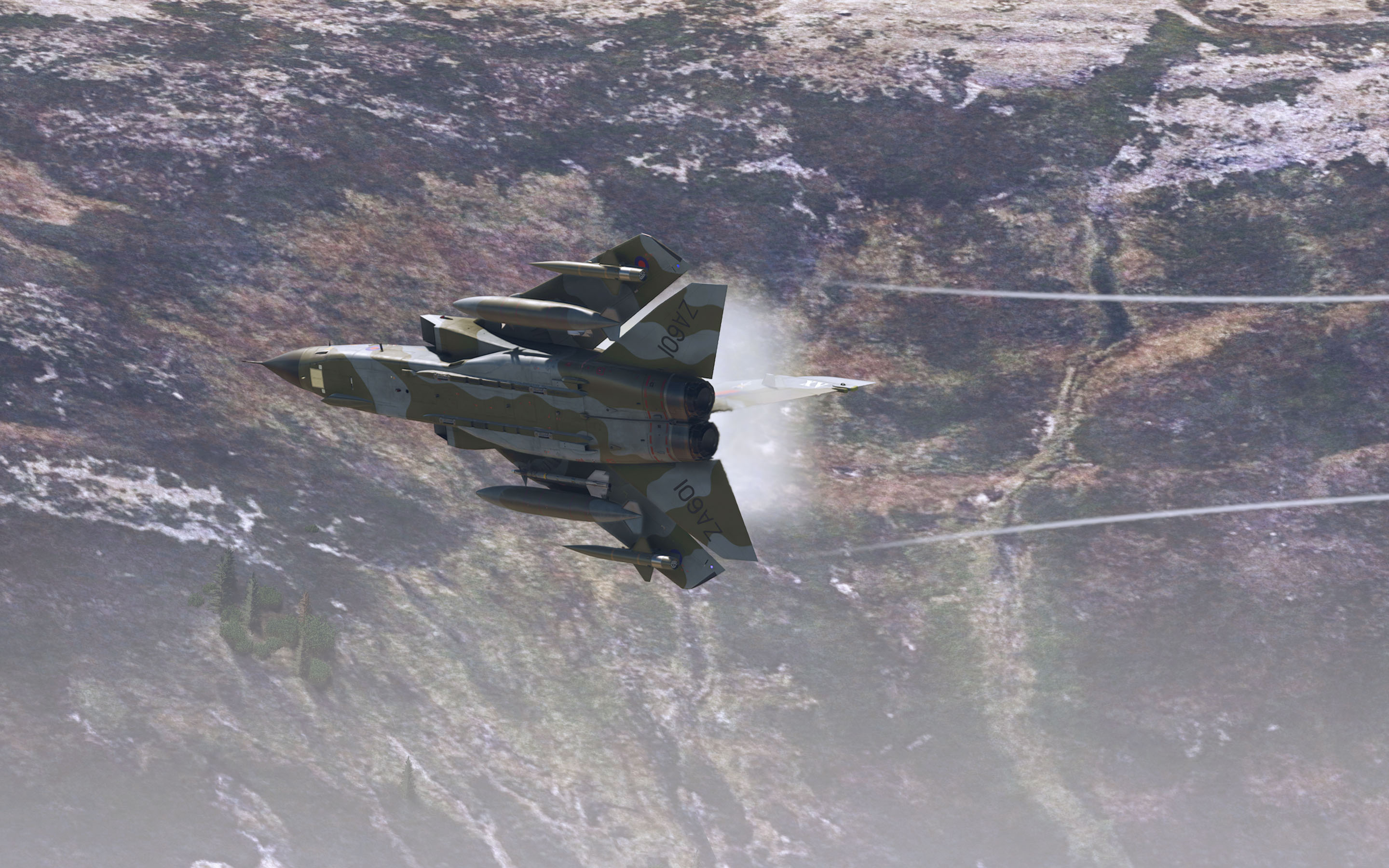
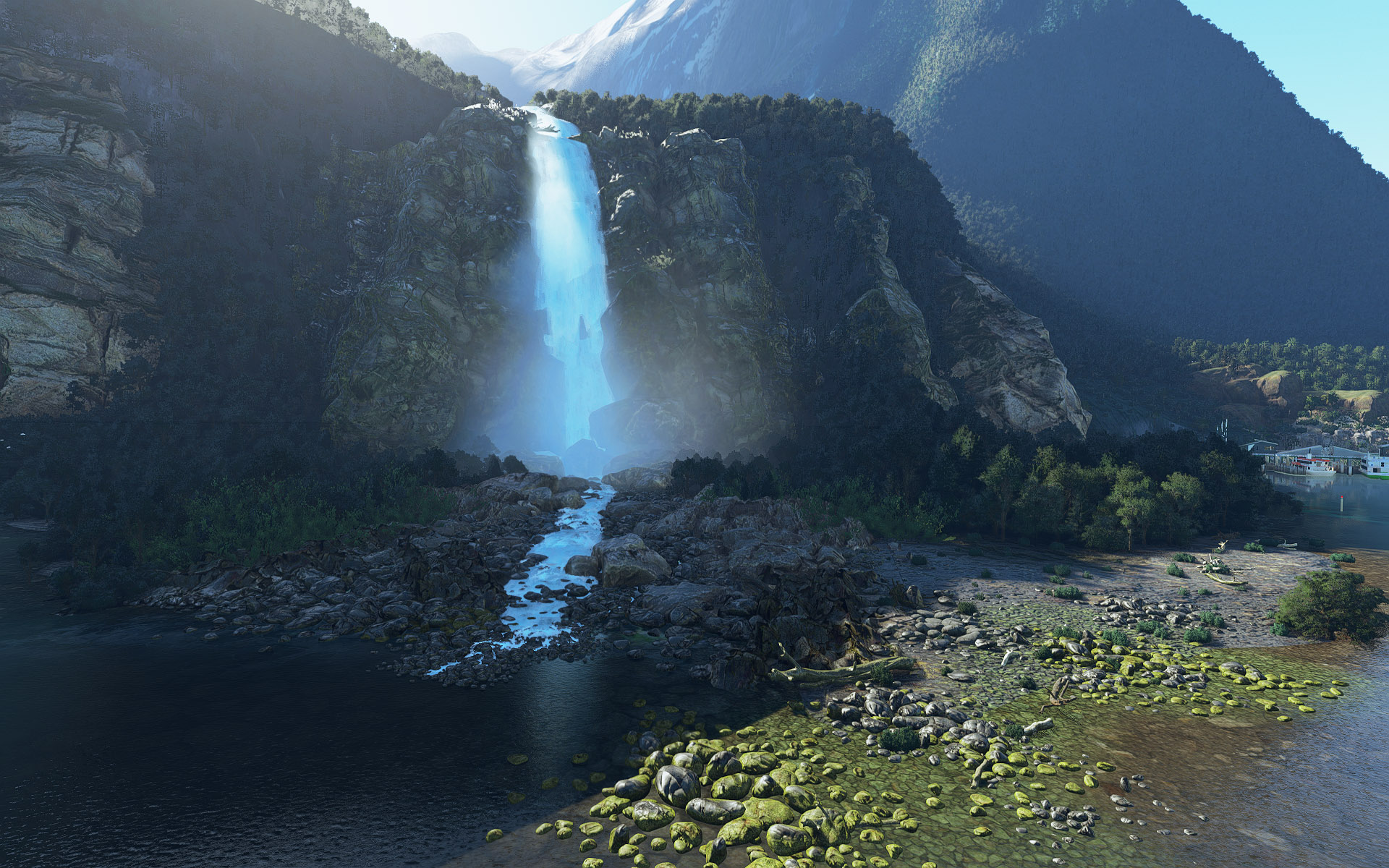
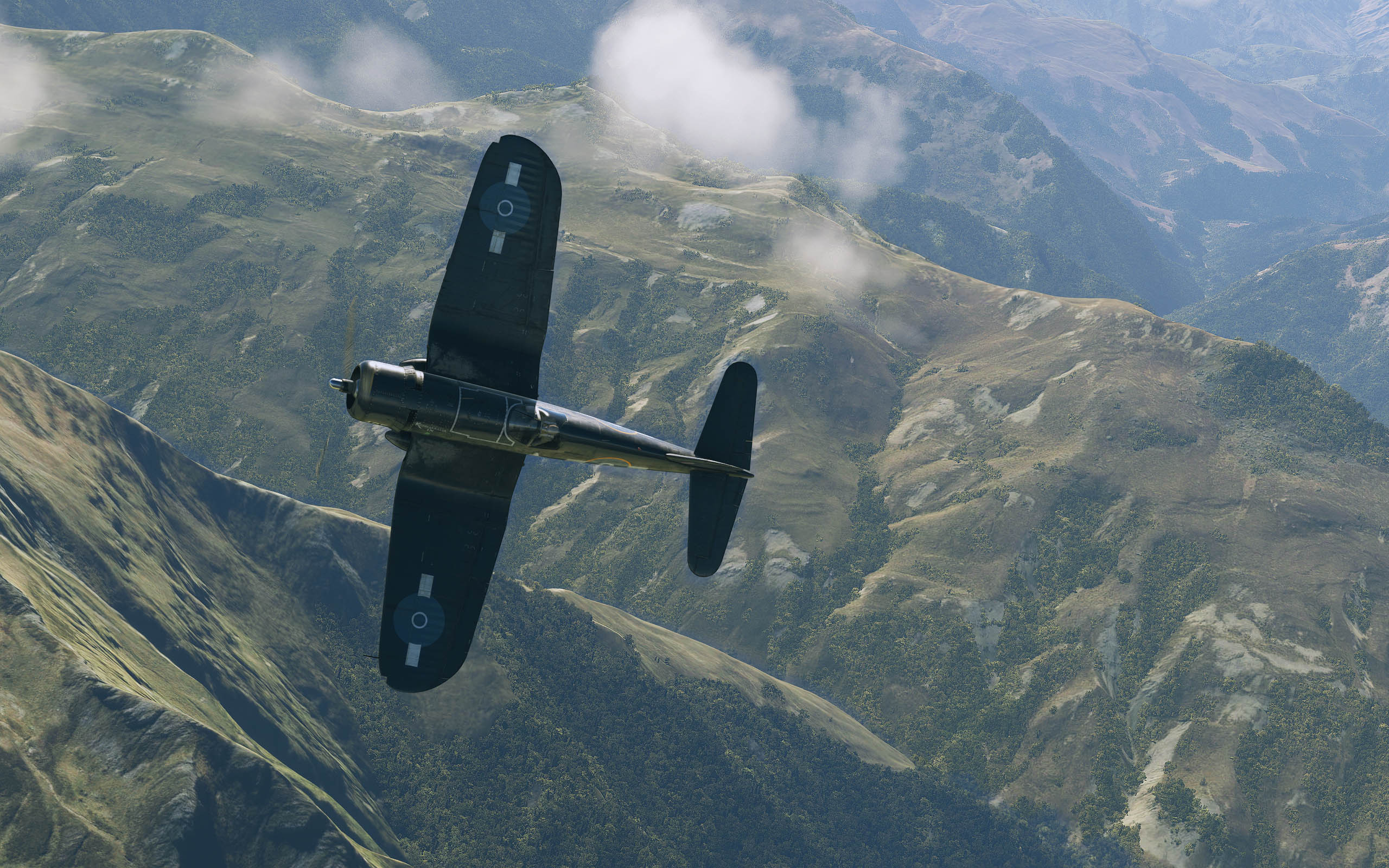
I've created a set of 67 replacement loading screens (the ones just before the "Ready to Fly" button) for MSFS 2020 - mainly NZ based, but some UK.

It's a whopping 75Mb download, so I've put it on DropBox:
https://www.dropbox.com/scl/fi/dwtujvzr ... u2la0&dl=0

Instructions are included in the archive. Here are a few of the images:
Image

Image

Image

Image

Image

Adam.
Image
User avatar
Adamski
NZFF Pro
 
Topic author
Joined: Thu Nov 01, 2007 2:22 am
Posts: 5029
Location: Birkenhead, Auckland

Re: MSFS 2020 Loading screens

Postby Charl » Mon Nov 04, 2024 7:48 pm

Excellent initiative!
In 2024 I am hoping to short circuit the whole circus (as we did in FS9), and just get to the dam aeroplane.
User avatar
Charl
NZFF Pro
 
Joined: Mon May 01, 2006 8:28 am
Posts: 9691
Location: Auckland

Re: MSFS 2020 Loading screens

Postby Adamski » Mon Nov 04, 2024 9:45 pm

Charl wrote:Excellent initiative!
In 2024 I am hoping to short circuit the whole circus (as we did in FS9), and just get to the dam aeroplane.

Aaah but Grasshoppa ... we need to show you something while we download the usual terabyte from the Cloud :D :lol: :o
Image
User avatar
Adamski
NZFF Pro
 
Topic author
Joined: Thu Nov 01, 2007 2:22 am
Posts: 5029
Location: Birkenhead, Auckland

Re: MSFS 2020 Loading screens

Postby Adamski » Tue Nov 05, 2024 9:44 pm

If anyone fancies grabbing the 67 replacement images, they're now here:
https://www.nzfsim.org/msfs-utilities/msfs-2020-loading-screens/

Image
I've managed to reduce the archive down to a mere 50Mb (gasp!!).
Image
User avatar
Adamski
NZFF Pro
 
Topic author
Joined: Thu Nov 01, 2007 2:22 am
Posts: 5029
Location: Birkenhead, Auckland

Re: MSFS 2020 Loading screens

Postby Charl » Fri Nov 15, 2024 6:52 pm

For Steam installations:
I suspect the destination folder might be:

"C:\Users\YourUsername\AppData\Roaming\Microsoft Flight Simulator\Packages\Official\Steam\fs-base\missions\Common\LOADING\FreeFlight"
User avatar
Charl
NZFF Pro
 
Joined: Mon May 01, 2006 8:28 am
Posts: 9691
Location: Auckland

Re: MSFS 2020 Loading screens

Postby Adamski » Sat Nov 16, 2024 8:37 am

Charl wrote:For Steam installations:
I suspect the destination folder might be:
"C:\Users\YourUsername\AppData\Roaming\Microsoft Flight Simulator\Packages\Official\Steam\fs-base\missions\Common\LOADING\FreeFlight"

Thanks, Charl. I'll amend the instructions and will upload with the next update ;)
Image
User avatar
Adamski
NZFF Pro
 
Topic author
Joined: Thu Nov 01, 2007 2:22 am
Posts: 5029
Location: Birkenhead, Auckland


Return to Screenshots

Who is online

Users browsing this forum: No registered users and 7 guests