FS X Demo

Post and comment on screen captures from the beautiful game here. Home of the monthly screenshot competition

Postby cirrusnature » Sun Aug 13, 2006 4:32 pm

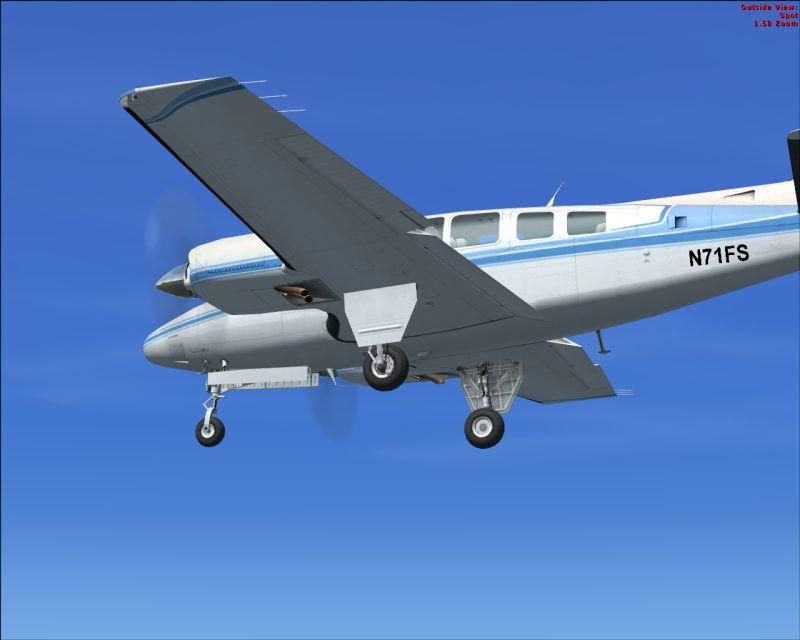
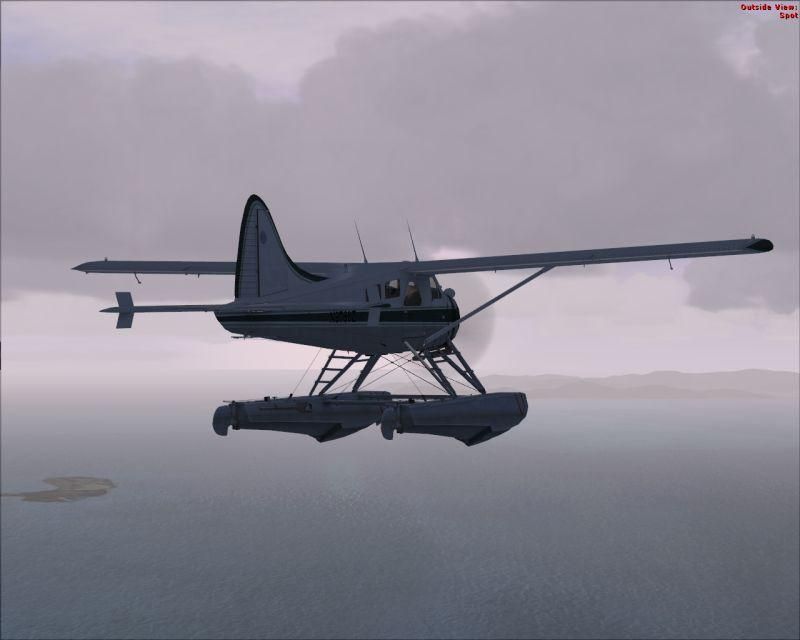
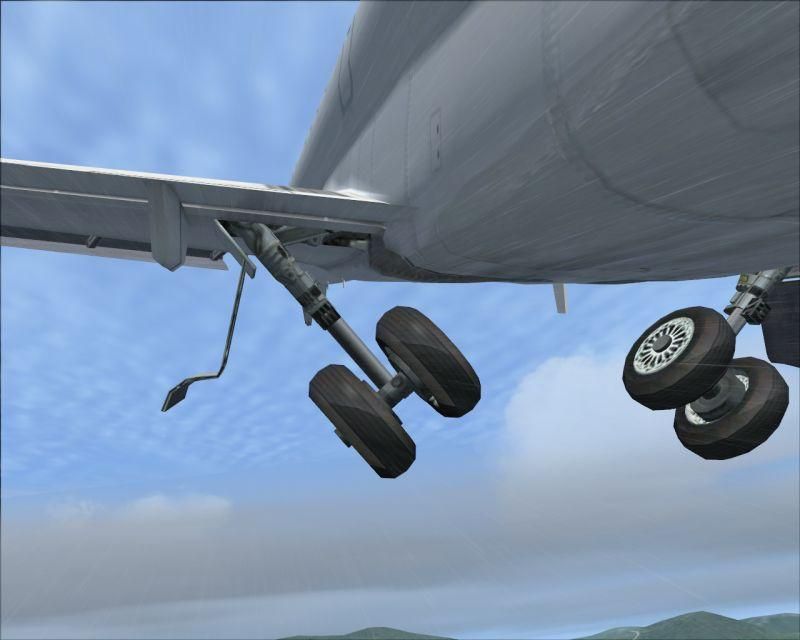
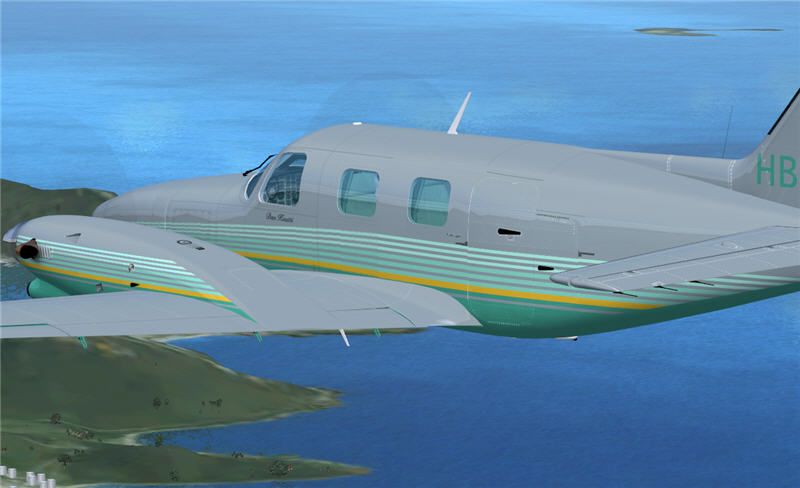
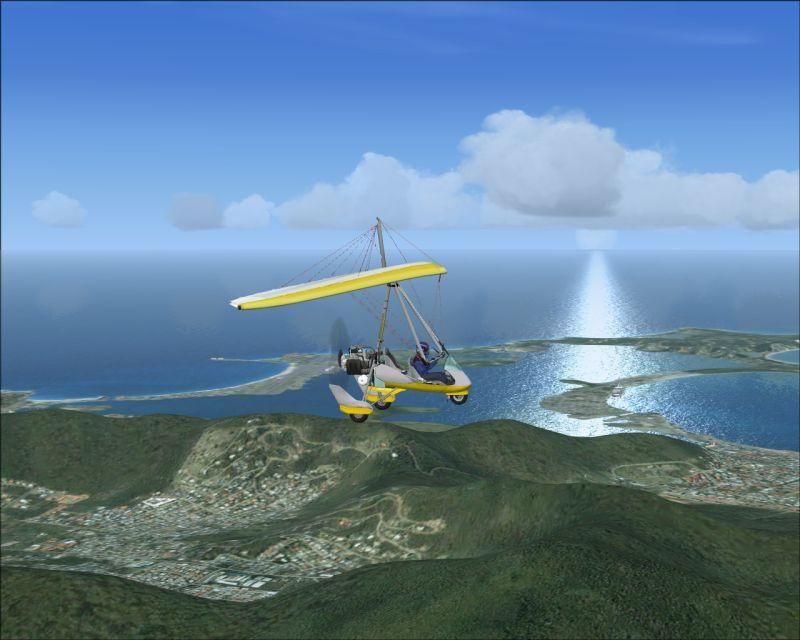
Hello everyone. Been messing around with the demo this weekend as it's too cold to do anything else. At first I wasn't too sure about it but after playing around with the sliders I managed to get it running smoothly. The demo is a bit rough but it does give you an idea of what's coming.

user posted image

user posted image

Look at the detail on the ground. Reminds me of something off Google Earth
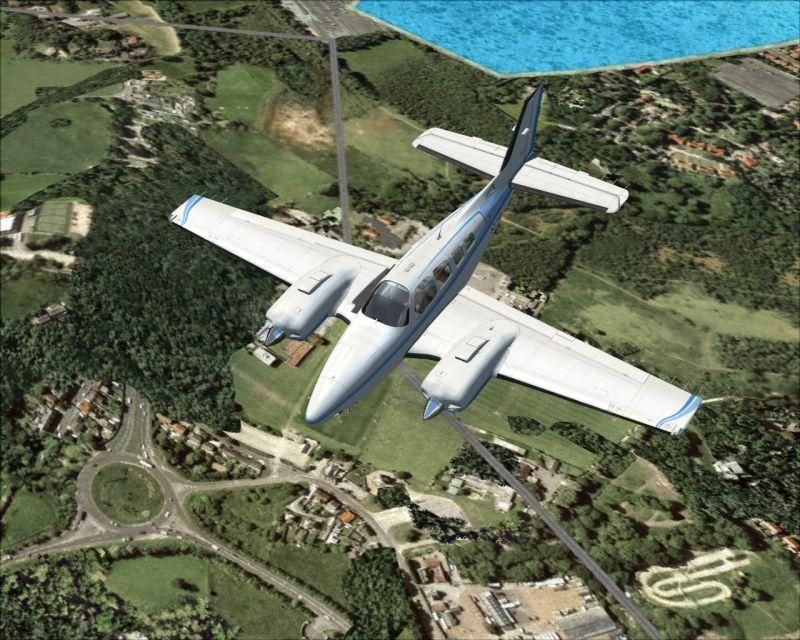
user posted image

user posted image

user posted image

user posted image

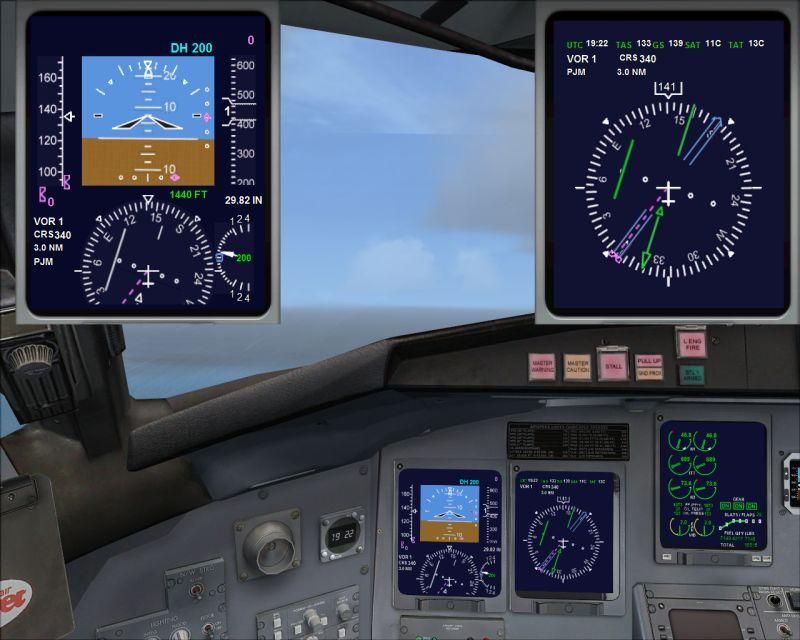
pop ups from the VC
user posted image
User avatar
cirrusnature
Forum Addict
 
Topic author
Joined: Thu Apr 27, 2006 7:54 pm
Posts: 232

Postby ardypilot » Sun Aug 13, 2006 4:39 pm

Nice shots, CN- thanks for sharing.

What is with the ground textures at St Marteen? I know they are photoreal, it is really obvious and imo really un realistic... as are the cloud reflections.

How did you get the Piper and Beaver into the game as well? I thought the demo only came with a jet and ultralight?
User avatar
ardypilot
NZFF Pro
 
Joined: Wed Apr 26, 2006 10:01 am
Posts: 6802
Location: Auckland

Postby cirrusnature » Sun Aug 13, 2006 4:51 pm

Hi Trolly
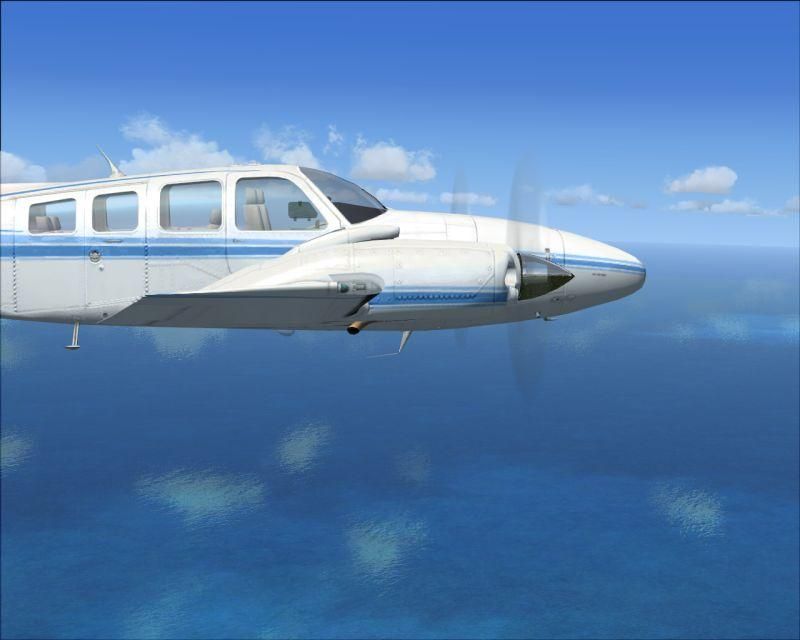
The demo gives you the ultralight,CRJ700,Baron 58 and the Beaver. Are you refering to the Baron intead of Piper?. The visuals takes a bit getting used to but it does grow on you. I'm looking forward to this one but unfortunately my wallet is cringing at thought of the inevitable upgrade to accomadate Vista & DX10.

Take care
User avatar
cirrusnature
Forum Addict
 
Topic author
Joined: Thu Apr 27, 2006 7:54 pm
Posts: 232

Postby Jimmy » Sun Aug 13, 2006 4:54 pm

Nice shots!
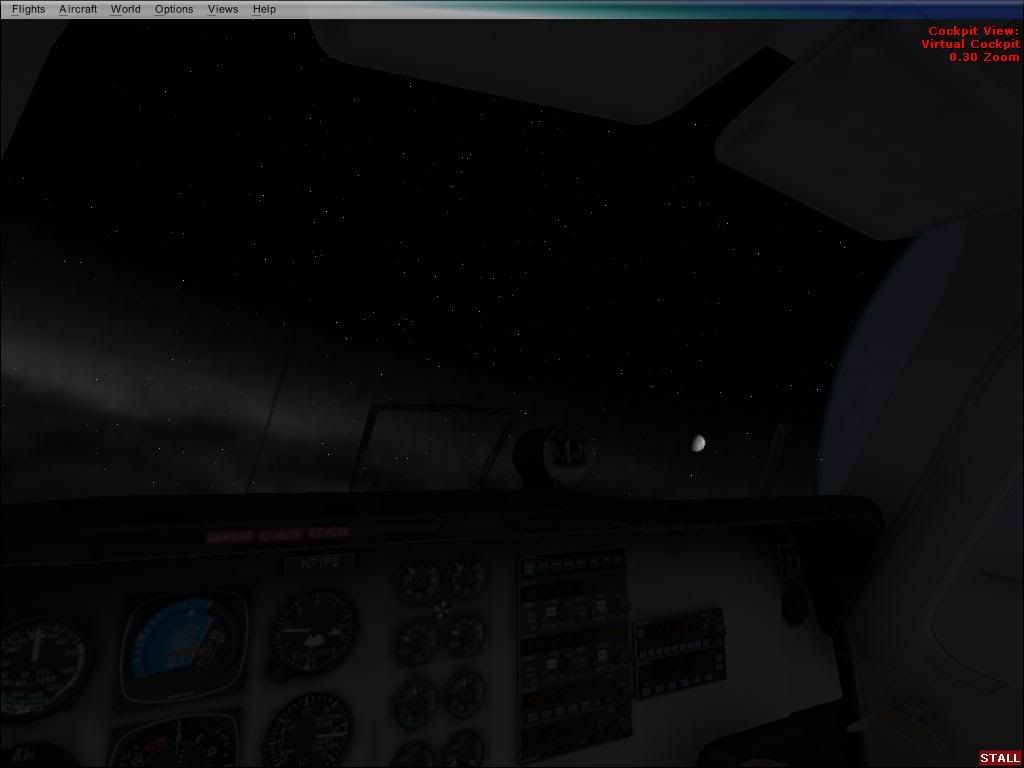
have you tried going into space yet lol

user posted image

err captain ,do you think were at cruise altitude yet? :lol:
Jimmy
 

Postby ardypilot » Sun Aug 13, 2006 7:03 pm

My mistake, yep it is the baron I was talking about- looks very nice from that angle CN! Is that activecamera or the default FSX view?

Love your shot too Jimmy, what is the altitude on fsx?
User avatar
ardypilot
NZFF Pro
 
Joined: Wed Apr 26, 2006 10:01 am
Posts: 6802
Location: Auckland

Postby brownbox » Sun Aug 13, 2006 7:16 pm

well, looks like im going to have to hold off fsx till i upgrade my pc :(
Desktop:Core 2 Duo E4300 1.8@ 3.0Ghz@ 1.36v. 4Gb Supertalent DDR2-800 2.1v@ 5-5-5-15. Asus P5N-E SLI Pencil Modded. Corsair TX 650. 512MB Palit Geforce 8800GT. 2x200GB IDE+640GB SATAII. Windows Vista Ultimate X86. Samsung SH-S222A
Phone:Nokia N900 Vodafone
Car: 1993 Mitsubishi Mirage Asti Z. Steel Blue Pearl

1996 Toyota Curren 2.0L 5 Spd Manual Silver. 205/50/R16 on Enkei K-95. Lowered on Jamex Superlows. Remote locking. Remote boot release. Cruise control
1996 Mitsubishi GTO MR

Image
User avatar
brownbox
Senior Member
 
Joined: Thu Apr 27, 2006 10:55 pm
Posts: 1318

Postby cirrusnature » Sun Aug 13, 2006 7:45 pm

That's actually default views.There's several other ones but haven't looked into it yet. Jimmy,did you hitch a ride on the back of a space shuttle :lol:
User avatar
cirrusnature
Forum Addict
 
Topic author
Joined: Thu Apr 27, 2006 7:54 pm
Posts: 232

Postby FlyingKiwi » Mon Aug 14, 2006 11:53 am
Looks pretty good to me, the VC certainly looks like it's a big improvement.
User avatar
FlyingKiwi
Senior Member
 
Joined: Mon May 29, 2006 4:17 pm
Posts: 1688
Location: Auckland

Postby deaneb » Mon Aug 14, 2006 12:33 pm

Yes the VC are a lot better. In fact you can even select 2D and 3D pits on/off so if like me you use the 3d all the time, the 2d does not display at all when scrolling thru the views.

I only wish that you could make VC's as a seperate model file from the aircraft, so designers could modify or make there own to add to a good visual model. Sometimes good models have crap VC's

Deane
Image
User avatar
deaneb
Senior Member
 
Joined: Sat Aug 12, 2006 4:40 pm
Posts: 1561
Location: Blenheim

Postby Cbris » Mon Aug 14, 2006 5:19 pm

Trolly wrote: Nice shots, CN- thanks for sharing.

.......

How did you get the Piper and Beaver into the game as well? I thought the demo only came with a jet and ultralight?
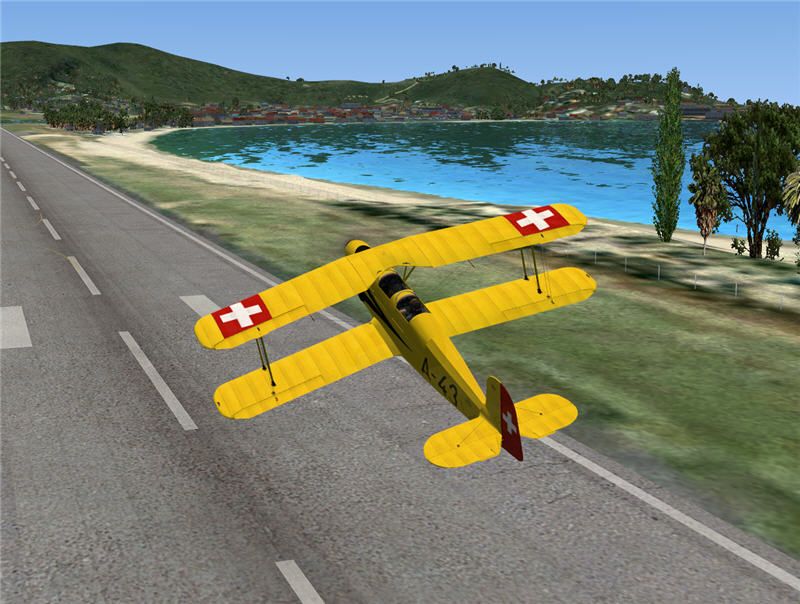
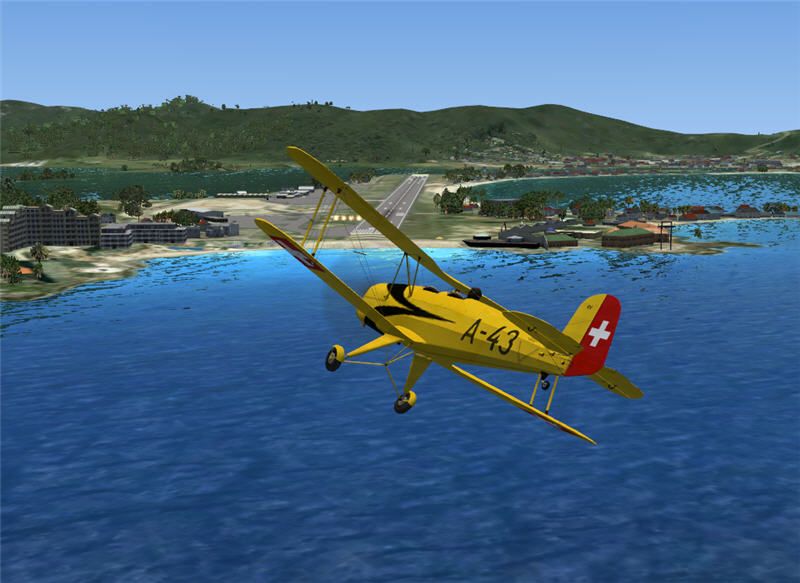
You can put most planes into the demo. What you do need to know is how the FS9 version installed, i.e. what files went where during the install and then copy these into the appropriate folders in the demo.

I say "most" but I have only tried a couple. It works easiest with freeware planes of course, because these mostly involve unzipping to the FS9 root folder. If you simply install / unzip to a dummy folder, you get to see the structure.

Payware and aircraft that use an installer are more difficult, you will have to do a "before and after" comparison - a lot of work, but not worth it really. Some payware's "park" files in the most unlikely of places.

What does work - just copy the aircraft's folder into FSX - but then you don't get guages, sounds, whatever - but you can "fly" over the islands

If you háve too reflective textures on your FS9 models in the demo, there is a fix. MS forgot to include the file "envmap.bmp" in the demo. Simply go to your FS9 folder, locate the main "textures" folder and copy the original "envmap.bmp" to the texture folder in the demo.

Have fun.

user posted image

user posted image

user posted image

user posted image

user posted image

user posted image

OK, the Cheyenne was an excercise in simply copying the "aircraft" folder - the cockpit panel was devoid of instruments.
Chris Brisland a.k.a. 'EagleSkinner' or 'Dances with Paintbrushes'

Visit my site below (Click the pic) for all my latest FSX paints and much more

Image

Drop by my blog sometime

[url=http://www.facebook.com/christopher.brisland?ref=name#!/pages/Eagleskinner/119483578109942]Follow me on Facebook too[/url]
User avatar
Cbris
Forum Addict
 
Joined: Sat Aug 12, 2006 9:43 pm
Posts: 399
Location: EGNE - well, 7 1/2 miles from threshhold of 03

Postby cirrusnature » Mon Aug 14, 2006 5:28 pm

If you want gauges to show just move the entire Gauge's content from FS 9 into the one in FS X but don't overwrite the one's already in there. Now whatever plane you put in FS X will have gauges. As long as it is already installed in FS 9 prior to copying.
User avatar
cirrusnature
Forum Addict
 
Topic author
Joined: Thu Apr 27, 2006 7:54 pm
Posts: 232

Postby ardypilot » Mon Aug 14, 2006 5:43 pm

Very nice shots Cbris!

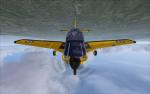
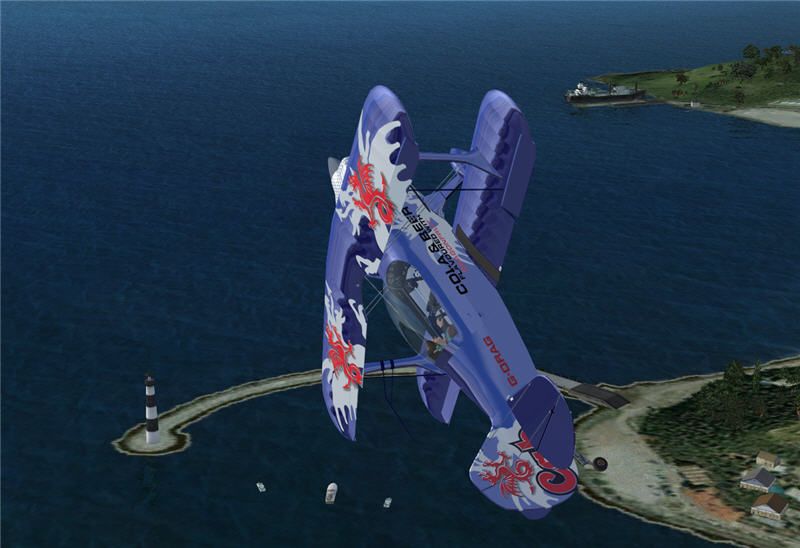
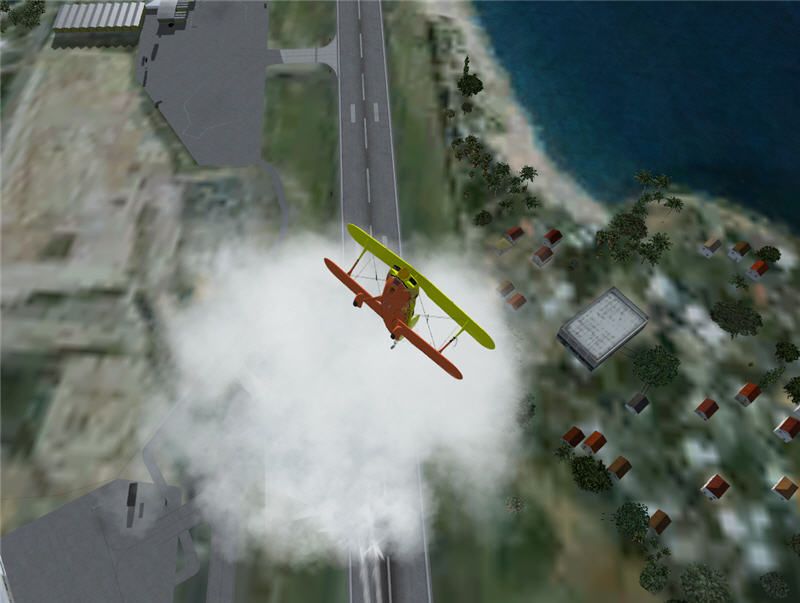
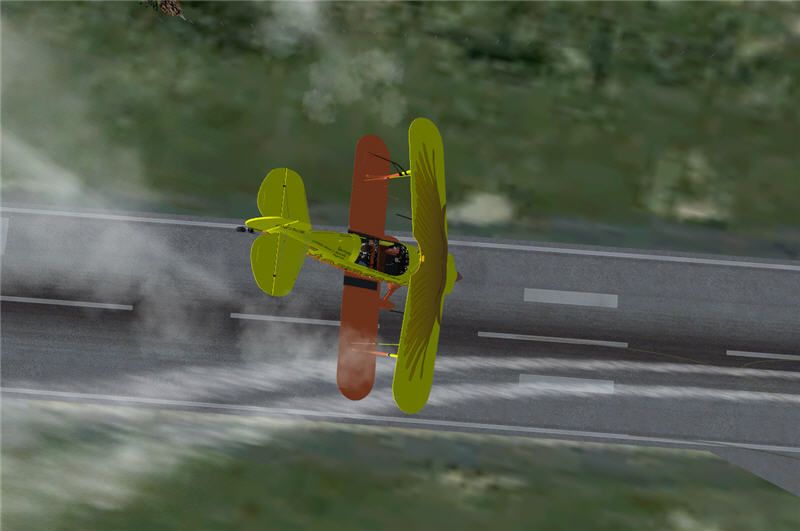
What is the bi plane in your first screenie? And what version of the Pitt's is that in the 3rd and 4th shots?

I am looking into buying the Flight1 Pitts Special, and would like to see it painted in the ZK-MAD livery (hint hint ;) )

Also, is it possible to copy aircraft from FSX into FS9?

One more thing, would it be possible to copy the FSX runway textures into FS9- they look like the best I have ever seen, much better than AEU7!
Last edited by ardypilot on Mon Aug 14, 2006 5:45 pm, edited 1 time in total.
User avatar
ardypilot
NZFF Pro
 
Joined: Wed Apr 26, 2006 10:01 am
Posts: 6802
Location: Auckland

Postby Jimmy » Mon Aug 14, 2006 5:51 pm

Umm i beleve that screenie was at 40 million feet or something.
I still haven't found the "top" of the sim yet.
Nope no spaceshuttle involved, just that little "y" key and a bit of the "F4" key and some of the "r+" got me up in no time :lol:

James
Jimmy
 

Postby K5054NZ » Mon Aug 14, 2006 7:49 pm

Trolly, my bet's on a Bucker Jungmann (or is it Jungmeister? One's radial, the other inline).

Great pics Cbris - man, talk about whetting the collective appetite! A mate is going to download the demo for me........if he can remember to.........
User avatar
K5054NZ
Senior Member
 
Joined: Sun Jul 30, 2006 4:53 pm
Posts: 1036
Location: NZOM

Postby deaneb » Mon Aug 14, 2006 8:31 pm

cirrusnature wrote: If you want gauges to show just move the entire Gauge's content from FS 9 into the one in FS X but don't overwrite the one's already in there. Now whatever plane you put in FS X will have gauges. As long as it is already installed in FS 9 prior to copying.

Tried that with both the default Jetranger and my own UH-1H and the gauges don't show. It appears FSX needs them to be in Cab format

Deane
Image
User avatar
deaneb
Senior Member
 
Joined: Sat Aug 12, 2006 4:40 pm
Posts: 1561
Location: Blenheim

Postby Cbris » Tue Aug 15, 2006 12:40 am

Trolly...

The first biplane is a Buecker Jungmann - 131. You can get that freeware from Junkers-52.de along with a pretty good model of the Ju 52.

The Pitts is a Christen ;)

Long Island Classics Christen Eagle. Freeware from Avsim. For information about the Long Island Classics team visit their website here

It's a beautiful little plane to fly. And of course, she's the one I have skinned most - hence my website name ;)
Chris Brisland a.k.a. 'EagleSkinner' or 'Dances with Paintbrushes'

Visit my site below (Click the pic) for all my latest FSX paints and much more

Image

Drop by my blog sometime

[url=http://www.facebook.com/christopher.brisland?ref=name#!/pages/Eagleskinner/119483578109942]Follow me on Facebook too[/url]
User avatar
Cbris
Forum Addict
 
Joined: Sat Aug 12, 2006 9:43 pm
Posts: 399
Location: EGNE - well, 7 1/2 miles from threshhold of 03


Return to Screenshots

Who is online

Users browsing this forum: No registered users and 17 guests