Fin-Tang

Post and comment on screen captures from the beautiful game here. Home of the monthly screenshot competition

Postby ardypilot » Fri Jan 18, 2008 11:45 pm

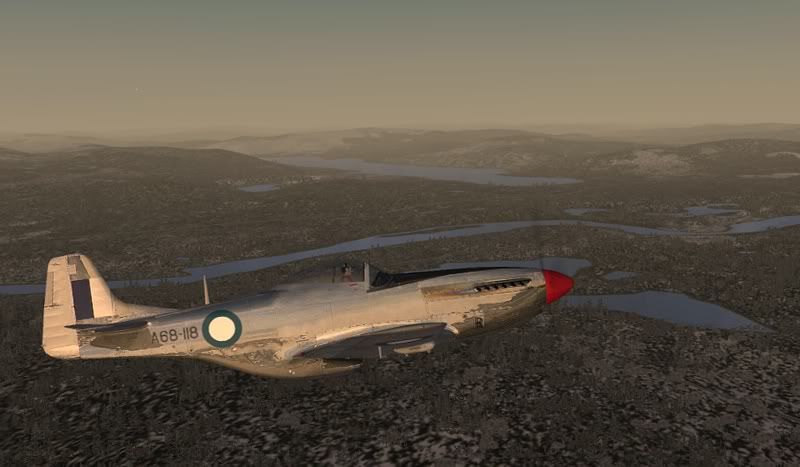
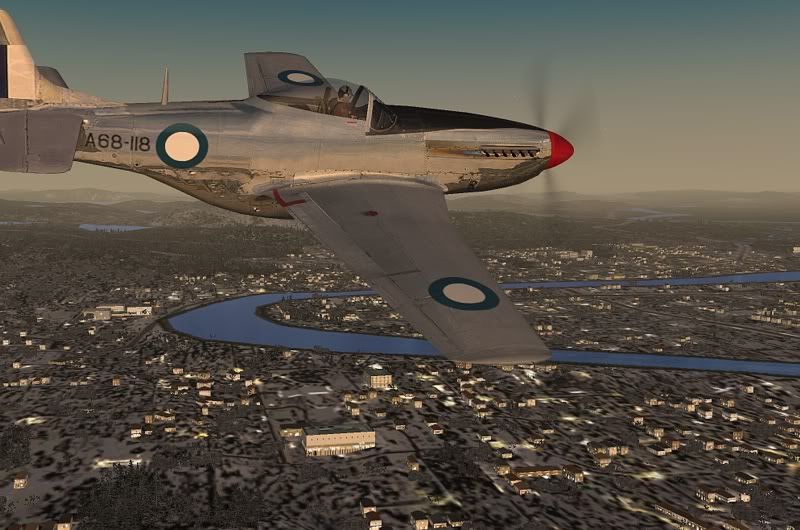
Location: Ivalo, Finland
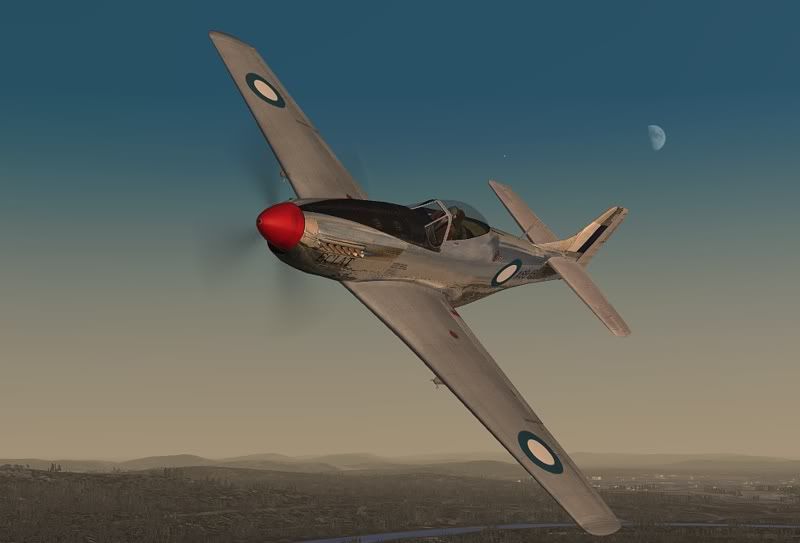
Aircraft: Warrick Carter's freeware P51
Time: 11.30am, sunrise in the Arctic Circle


A perfect excuse for a jaunt around town:
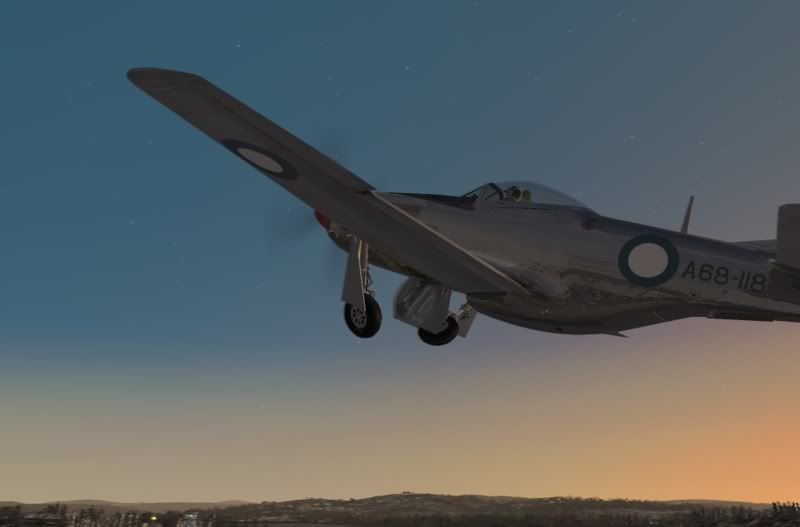


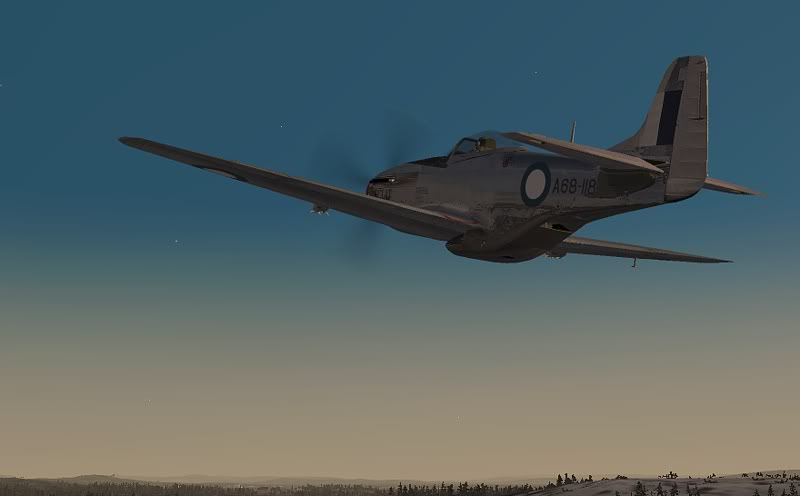
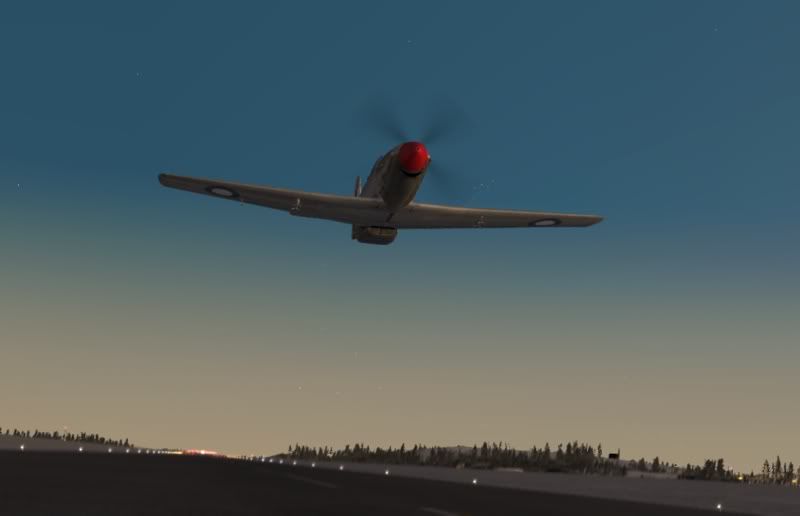
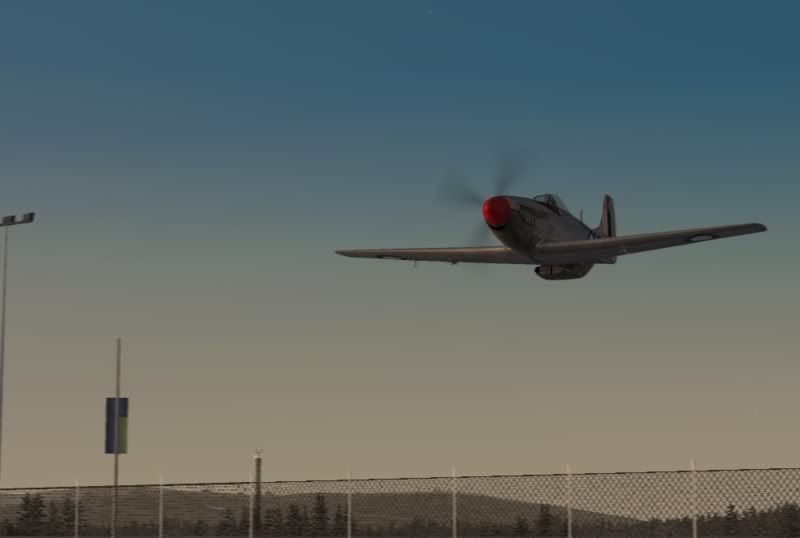
A low fly-by over the airport:
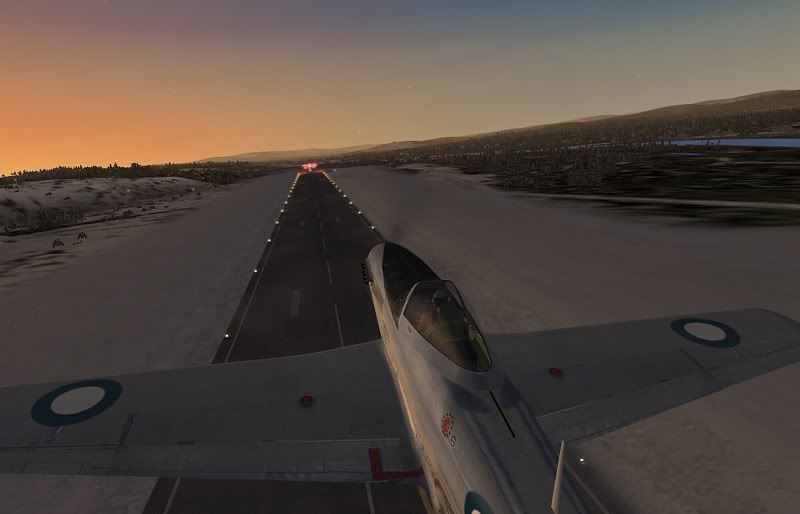


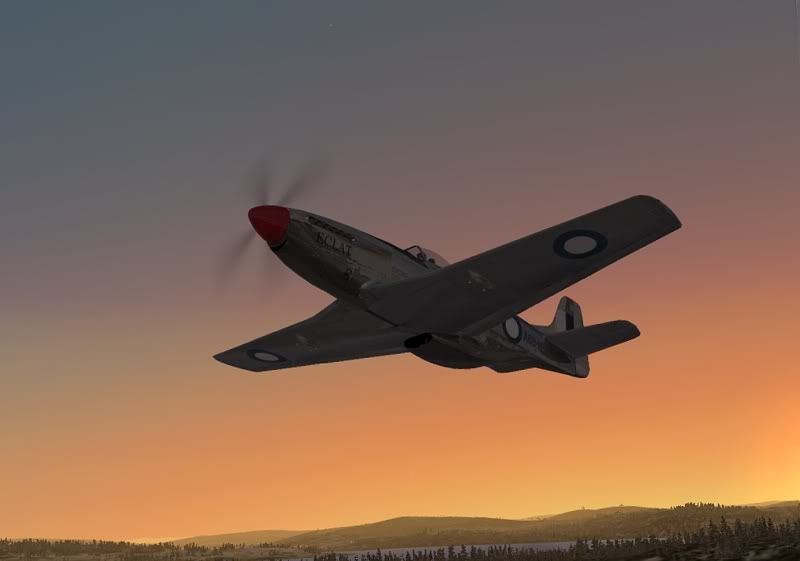
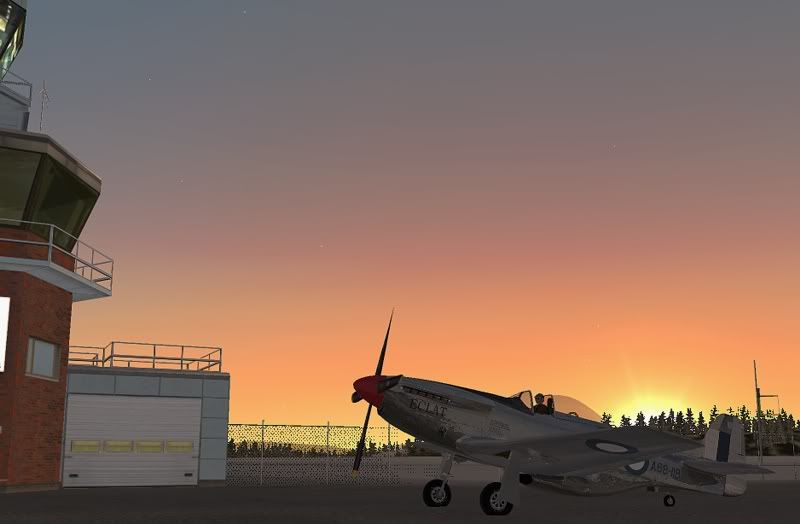
And back to base:
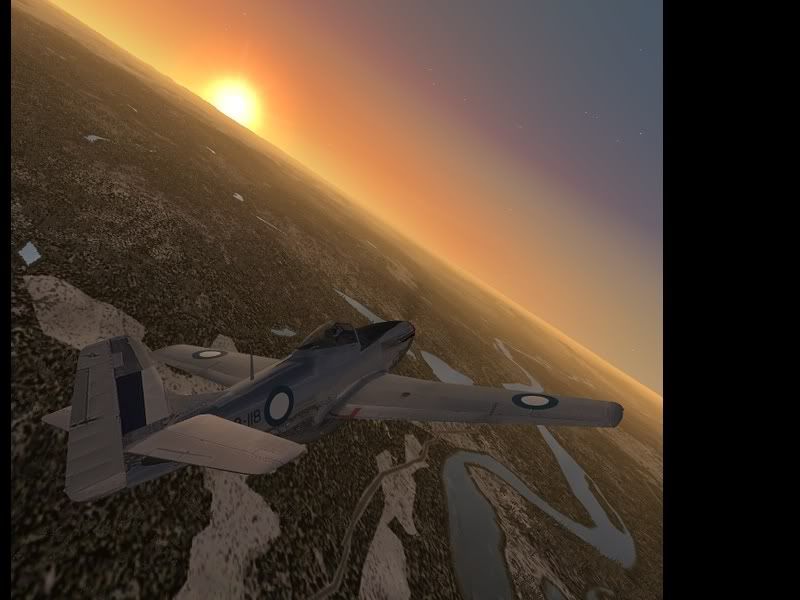


Was meant to upload these yesterday but ran out of time- the snowy Lapland winter depicted above is quite the contrary to today’s weather, what a scorcher! I've still got my ranch sliders wide open at 12.44am! B-)
Last edited by ardypilot on Sun Jan 20, 2008 7:27 pm, edited 1 time in total.
User avatar
ardypilot
NZFF Pro
 
Topic author
Joined: Wed Apr 26, 2006 10:01 am
Posts: 6802
Location: Auckland

Postby creator2003 » Sat Jan 19, 2008 12:21 am

The low fly-by over the airport is a nice shot gotta love those p51 s :thumbup: that shot is almost real looking :blink:
User avatar
creator2003
NZFF Pro
 
Joined: Fri Jun 16, 2006 12:08 am
Posts: 4633
Location: Cant U C im LOCO

Postby ardypilot » Sat Jan 19, 2008 1:12 am

QUOTE
gotta love those p51 s[/quote]
Yeah, I can't get enough of these old warbirds at the moment- Just loving the grunty gurgle of that merlin engine roaring out through my computer speakers as I zoom around! B-)
Last edited by ardypilot on Sat Jan 19, 2008 1:12 am, edited 1 time in total.
User avatar
ardypilot
NZFF Pro
 
Topic author
Joined: Wed Apr 26, 2006 10:01 am
Posts: 6802
Location: Auckland

Postby cowpatz » Sat Jan 19, 2008 1:44 am

Andrew is that FS9 and what are your computer specs? The shots are so sharp.
Remember the 50-50-90 rule. Anytime you have a 50-50 chance of getting something right, there's a 90% probability you'll get it wrong!

Image
User avatar
cowpatz
NZFF Pro
 
Joined: Wed Mar 07, 2007 3:28 pm
Posts: 3739

Postby AlisterC » Sat Jan 19, 2008 7:32 am

Why would you buy a Mustang when you can have that beauty for free :D
I'm going to go download it again and go for a flight this morning! Cheers (for the inspiration lol)
Image
User avatar
AlisterC
NZFF Pro
 
Joined: Thu Jul 20, 2006 11:13 am
Posts: 2543
Location: Nelson, NZ

Postby Ian Warren » Sat Jan 19, 2008 10:04 am

Fin-Tang , thought you were flying a Chinese Muzzie :lol: great shots Andrew :thumbup:
Image
User avatar
Ian Warren
NZFF Pro
 
Joined: Fri May 05, 2006 5:23 pm
Posts: 41187
Location: AREA 51

Postby K5054NZ » Sat Jan 19, 2008 12:04 pm

Trolly wrote:
QUOTE (Trolly @ Jan 19 2008, 02:12 AM) <{POST_SNAPBACK}>
Yeah, I can't get enough of these old warbirds at the moment- Just loving the grunty gurgle of that merlin engine roaring out through my computer speakers as I zoom around! B-)

Another Mustang pilot for Fly-In 2008 then? :D

Nice shots dude - it's good to see Jeff Trappett go on holiday to Helsinki AND take his Mustang with him....good man!!!! ;)
User avatar
K5054NZ
Senior Member
 
Joined: Sun Jul 30, 2006 4:53 pm
Posts: 1036
Location: NZOM

Postby ardypilot » Sat Jan 19, 2008 12:39 pm

QUOTE
Andrew is that FS9 and what are your computer specs[/quote]
Sure is FS9, my computer is too old to run FSX. My specs are very low, only a Celaron 2.4Ghz processer with 1.5GB RAM and a GeForce 5600 video card. I can only get my sim running smooth like this in locations such as Finland with little complex scenery around to start my framerates lagging! :wacko:
User avatar
ardypilot
NZFF Pro
 
Topic author
Joined: Wed Apr 26, 2006 10:01 am
Posts: 6802
Location: Auckland

Postby cowpatz » Sat Jan 19, 2008 7:20 pm

That is great Andrew. I have a supposedly better system but I dont get anywhere near the clarity of picture as you do. The anti aliasing is great. Did you touch the screenies up with an image editor of any sort?
Remember the 50-50-90 rule. Anytime you have a 50-50 chance of getting something right, there's a 90% probability you'll get it wrong!

Image
User avatar
cowpatz
NZFF Pro
 
Joined: Wed Mar 07, 2007 3:28 pm
Posts: 3739

Postby ardypilot » Sun Jan 20, 2008 12:28 pm

I've edited my fs9.cfg to enhance my graphics a little, and only have anti aliasing set to 4x as that is as much as my mobo can handle. The only editing I have done to my shots were a 10% sharpen and resize to 800 pixels wide. I've also added motion blur to the terrain section of shots number 1, 7, and 10 for added effect. However, the quality is pretty much the same as they originally appear in my sim, the reason for the sharpen edit was to compensate for the clarity lost during resizing. :)
User avatar
ardypilot
NZFF Pro
 
Topic author
Joined: Wed Apr 26, 2006 10:01 am
Posts: 6802
Location: Auckland

Postby cowpatz » Sun Jan 20, 2008 6:37 pm

Can you recall the specific edits you made to the fs9.cfg file? What screen resolution are you using?
Remember the 50-50-90 rule. Anytime you have a 50-50 chance of getting something right, there's a 90% probability you'll get it wrong!

Image
User avatar
cowpatz
NZFF Pro
 
Joined: Wed Mar 07, 2007 3:28 pm
Posts: 3739

Postby ardypilot » Sun Jan 20, 2008 7:24 pm

QUOTE
Can you recall the specific edits you made to the fs9.cfg file?[/quote]
See the 'Maximise Your Settings Guide' and 'Get Rid of Photoreal Blurries Guide'

QUOTE
What screen resolution are you using?[/quote]
Only 1024x768
Last edited by ardypilot on Sun Jan 20, 2008 7:37 pm, edited 1 time in total.
User avatar
ardypilot
NZFF Pro
 
Topic author
Joined: Wed Apr 26, 2006 10:01 am
Posts: 6802
Location: Auckland


Return to Screenshots

Who is online

Users browsing this forum: No registered users and 8 guests