
Posted:
Wed Mar 05, 2008 2:20 pmby happytraveller
A few screenshots from the new Aerosoft LHR Heathrow add-on. Tried out the airport in blue sky weather with empty skies, which would make the newspaper headlines in Britain. Waiting to get some good add-on AI to really bring it to life. The screenshots give you a good idea of the quality of this add-on, which is not too hard on frame rates. Comments welcome as always!!
(FSX shots with the default 747-400, post SP2 installation).
Nvidia 8600Gt graphics card and 4GB RAM.


Smooth landings.
Posted:
Wed Mar 05, 2008 2:27 pmby Q300
Nice that actuly looks realy cool

What were your frames this time?
I think im gona go ahead and buy FSX and see what transpires, Ill be running on my FS comp once its fixed and thats got an 8800 but only 1.5G of ram so im not sure what the out come will be

Posted:
Wed Mar 05, 2008 2:39 pmby happytraveller
I was getting frame rates of around 20-25 in the air, but this is in clear weather so with 3D clouds this would drop a bit. Also the frame rates drop when you approach the terminals, but they are still acceptable. Also, what others is said is true, lower frame rates in FSX are fine, as they are still very useable whereas in FS9 it would stutter far too much.
An excellent add-on again, and it convinces me even more about FSX. I am gradually deleting FS9, as the improvements with FSX are so clear. Try running FSX for a time, then go back and try a similar flight on FS9. Soon I will take the plunge and totally delete FS9, then wait for the new add-ons to appear for FSX.
Smooth landings.
Posted:
Wed Mar 05, 2008 3:04 pmby Q300
Alright dude 20-25 thats more than I get at Heathrow in FS9

Mind you it was in PMDGs 744


Posted:
Wed Mar 05, 2008 3:16 pmby happytraveller
At the moment I have the traffic setting right down, and the shots were also taken in clear skies. Once the clouds are added and the traffic increased, then the frame rates will fall, but they should still be ok.
One point to watch if you order a new computer, I think that 32 bit Vista will only support 3.5GB RAM maximum, so if, like me, you get 4GB then you might not be able to use all of it.
Smooth landings.
Posted:
Wed Mar 05, 2008 5:13 pmby ardypilot
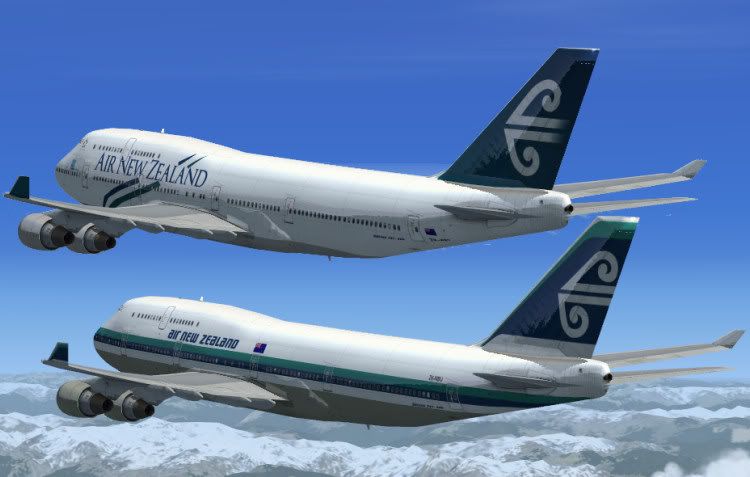
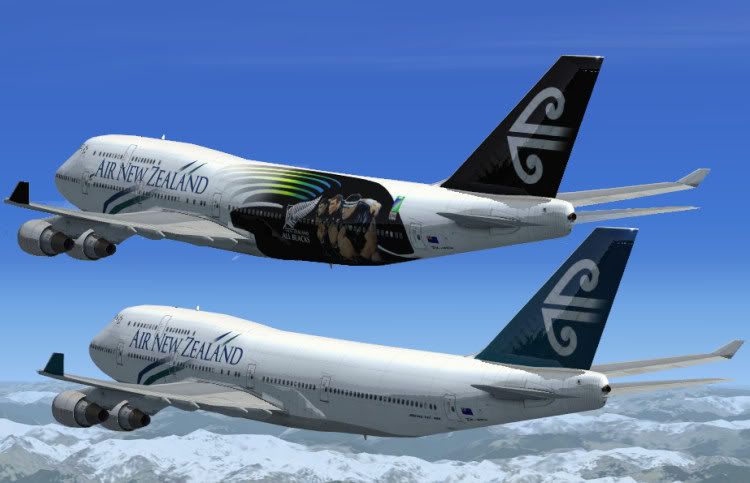
Cool screenshots, I'll be a passanger on a real ANZ 747 into Heathrow later this year

 , thanx Tim