 Posted: Tue Dec 30, 2008 4:24 pm
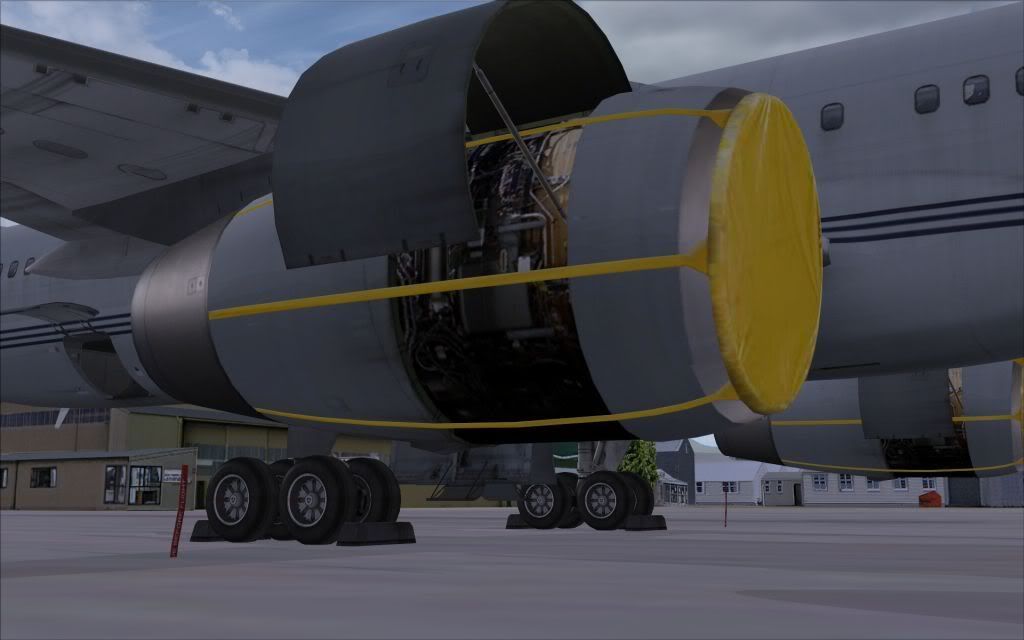
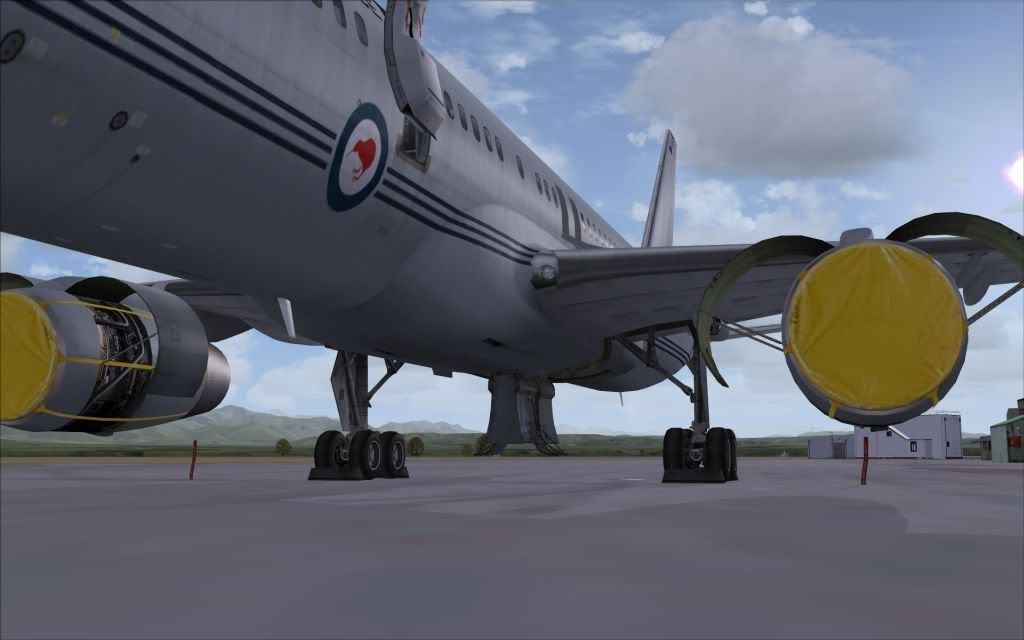
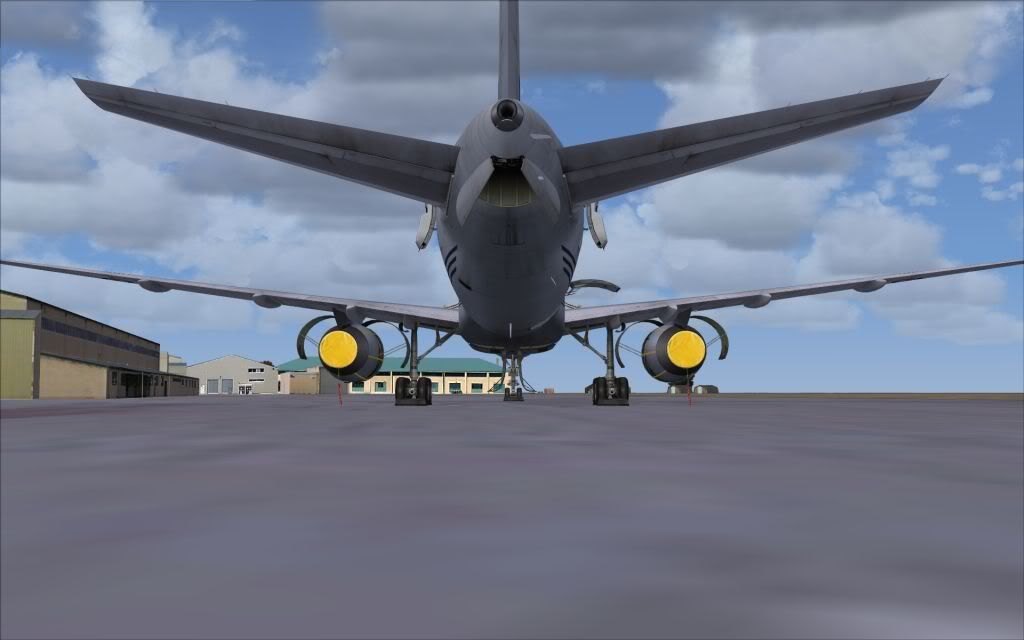
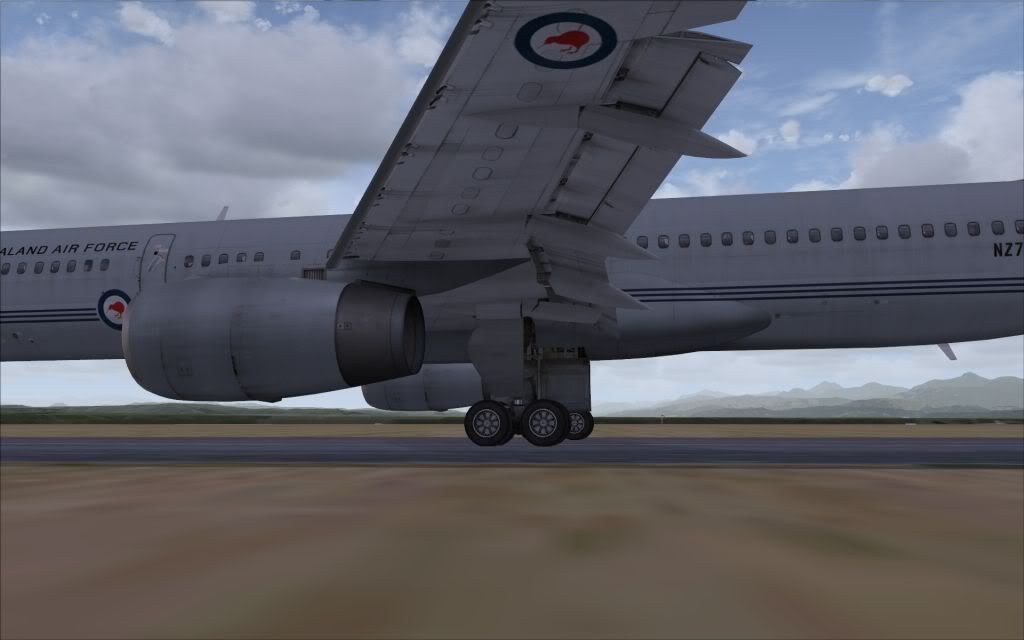
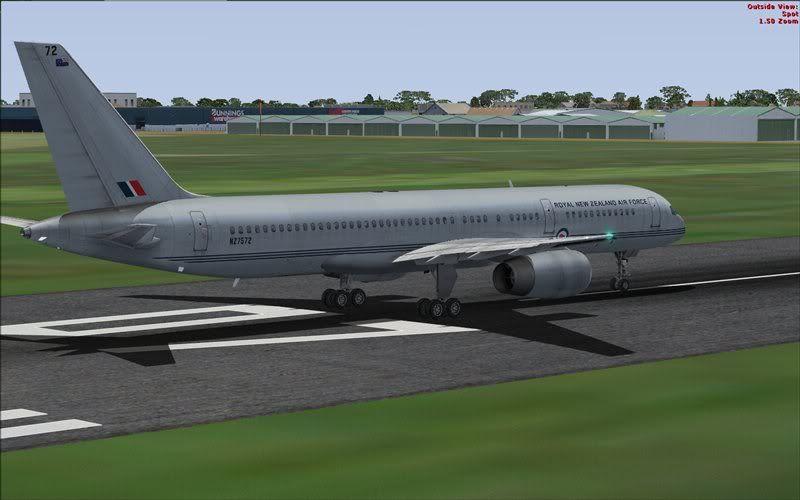
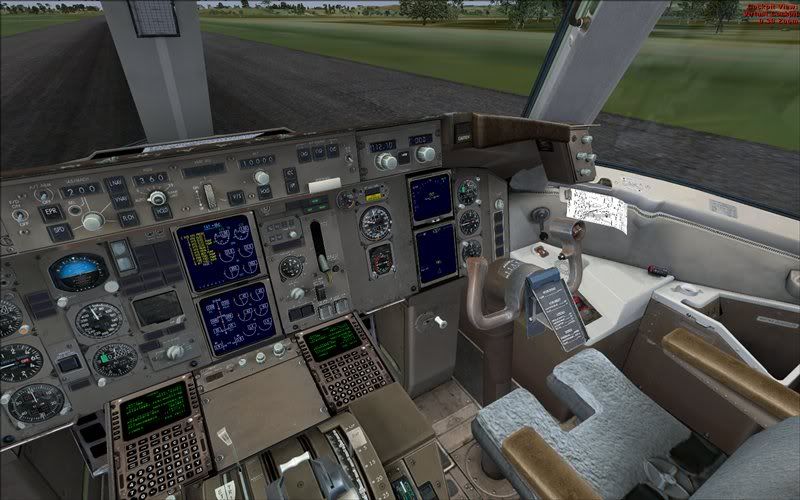
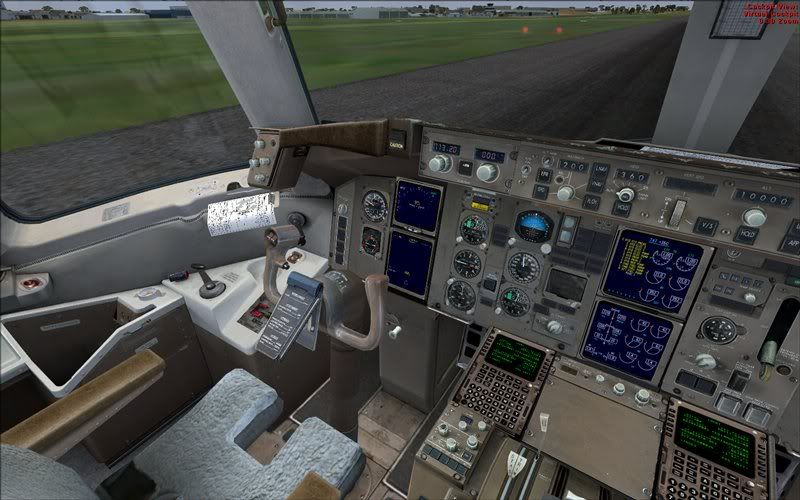
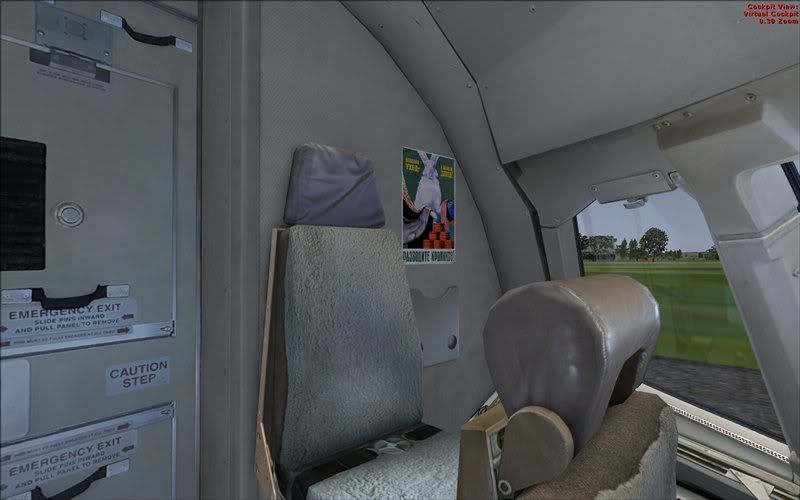
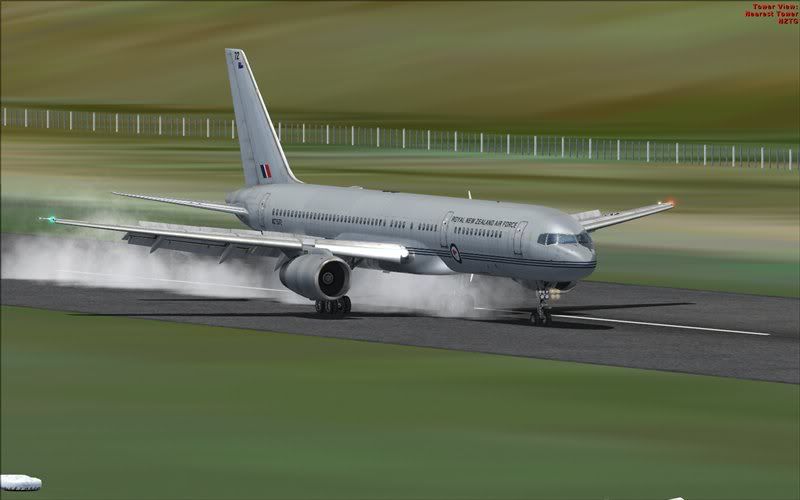
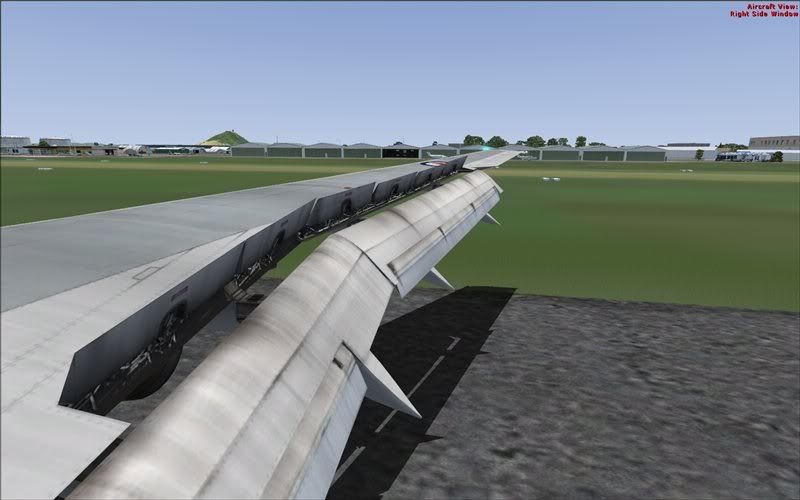
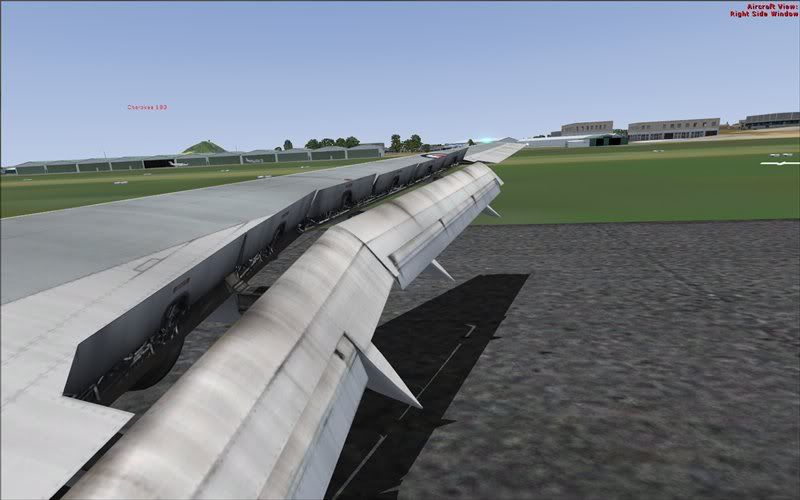
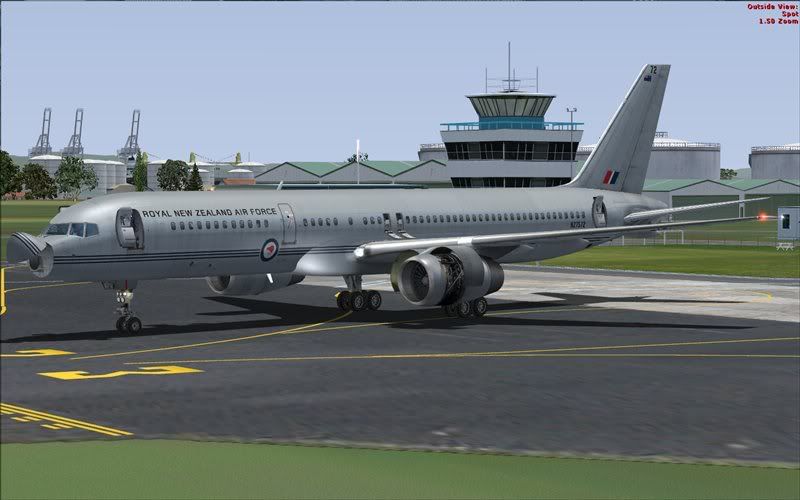
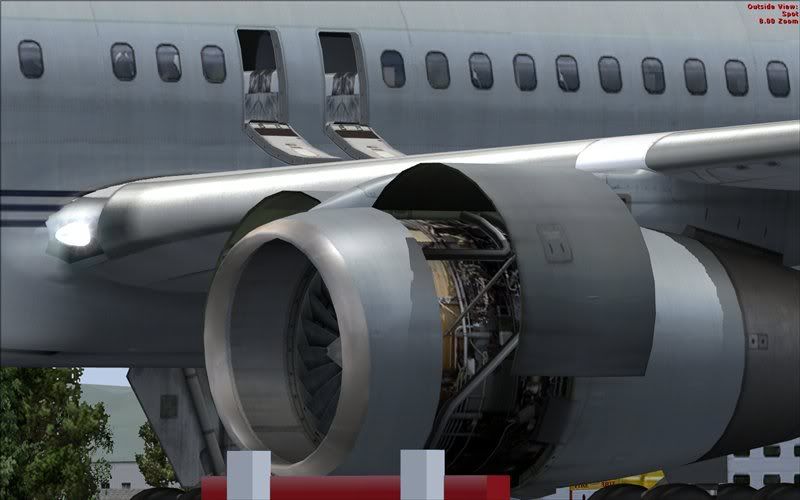
She's just arrived with the wrapping still on.  A couple of pre flight checks to make sure everything's there and off we go...
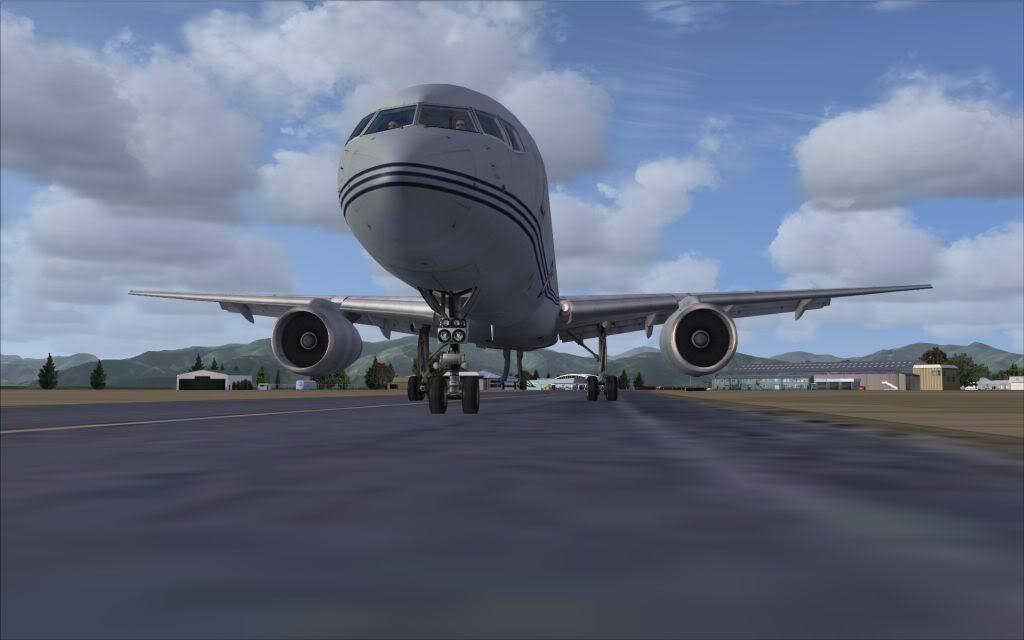
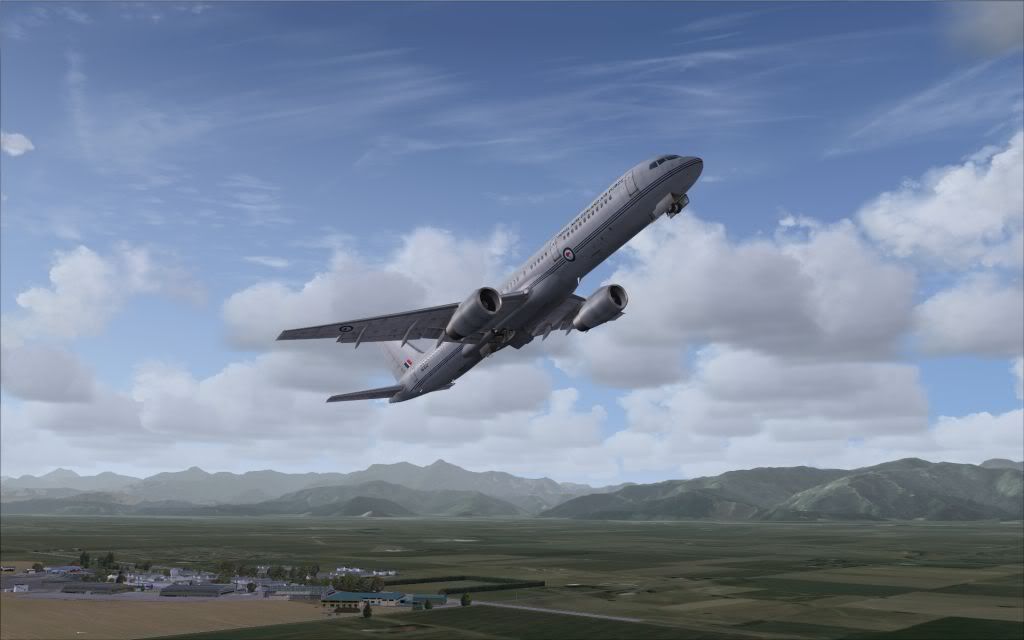
A couple of pre flight checks to make sure everything's there and off we go...Posted: Tue Dec 30, 2008 4:24 pm A couple of pre flight checks to make sure everything's there and off we go...Posted: Tue Dec 30, 2008 4:46 pm , best 25 bucks ya spent all holiday season
  Posted: Tue Dec 30, 2008 5:24 pmPosted: Tue Dec 30, 2008 5:49 pmPosted: Tue Dec 30, 2008 6:10 pm
pilotgallagher01 wrote:QUOTE (pilotgallagher01 @ Dec 30 2008, 06:49 PM) <{POST_SNAPBACK}>Does that repaint come with it?
Comes with it in the FS9 version. Not so sure about those Yellow engine covers tho
Posted: Tue Dec 30, 2008 7:32 pm
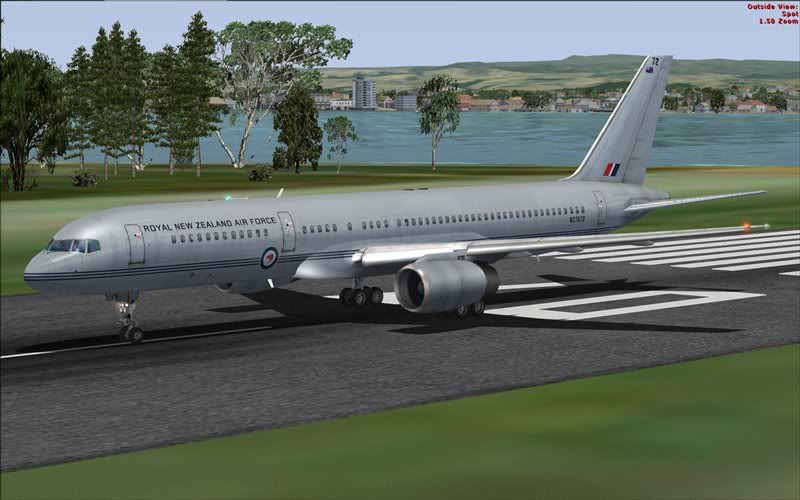
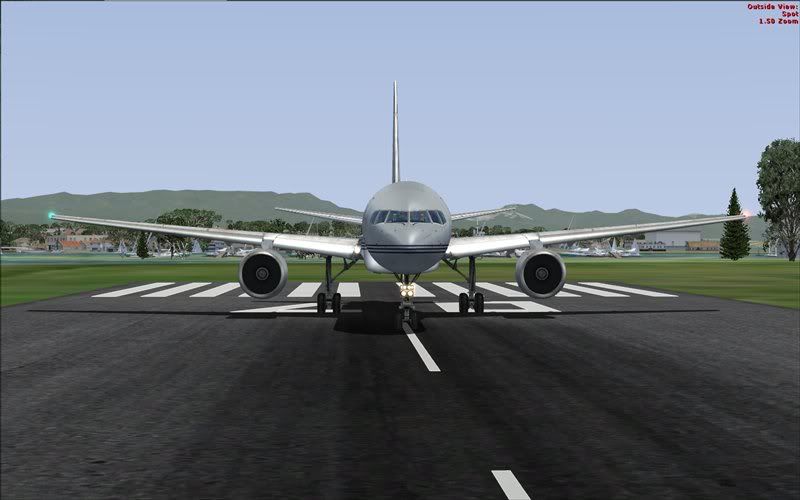

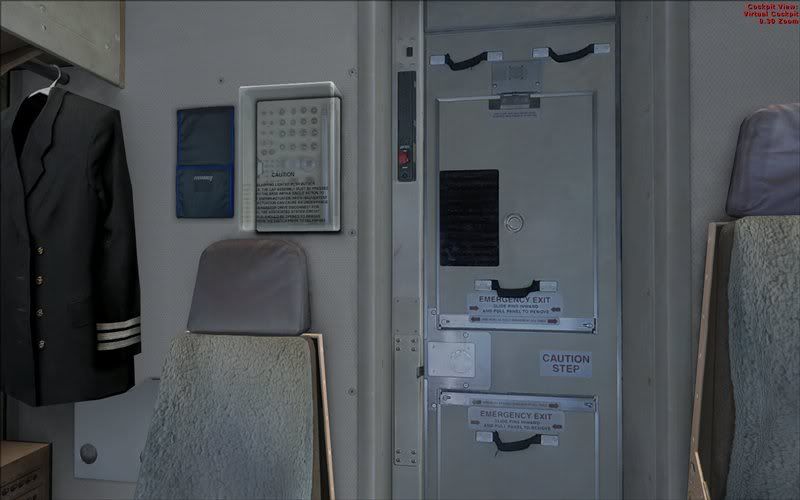
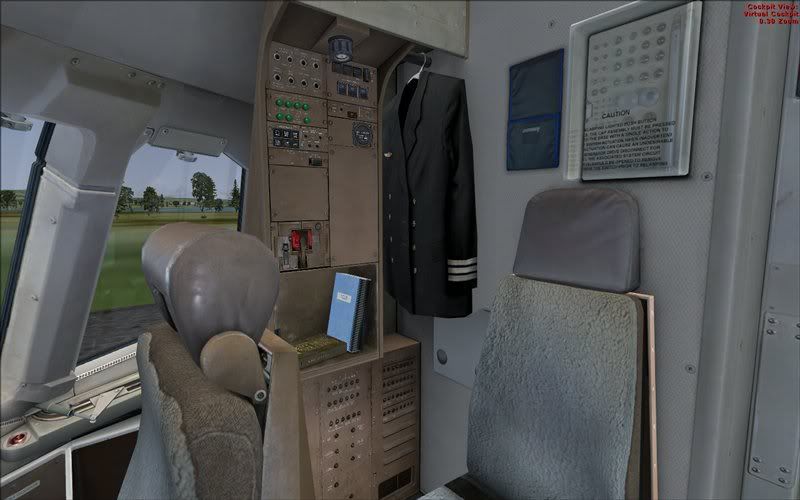
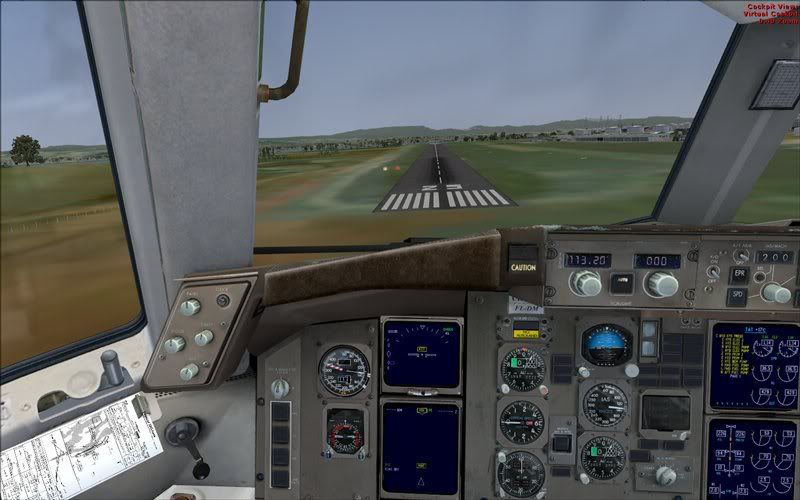
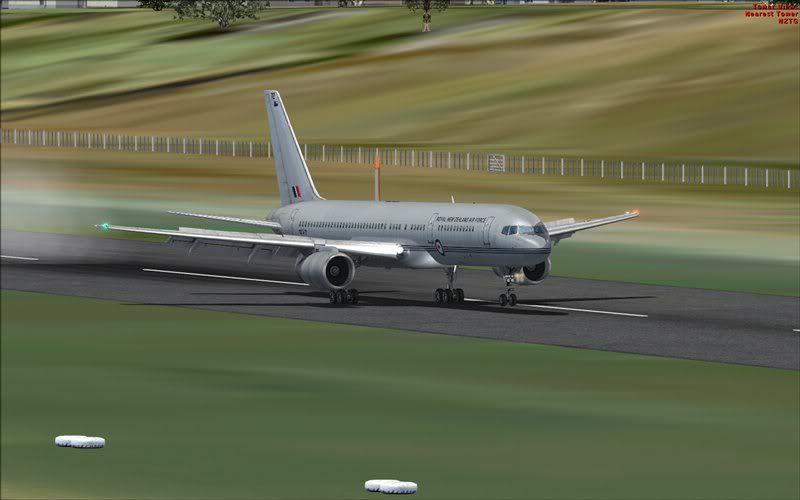
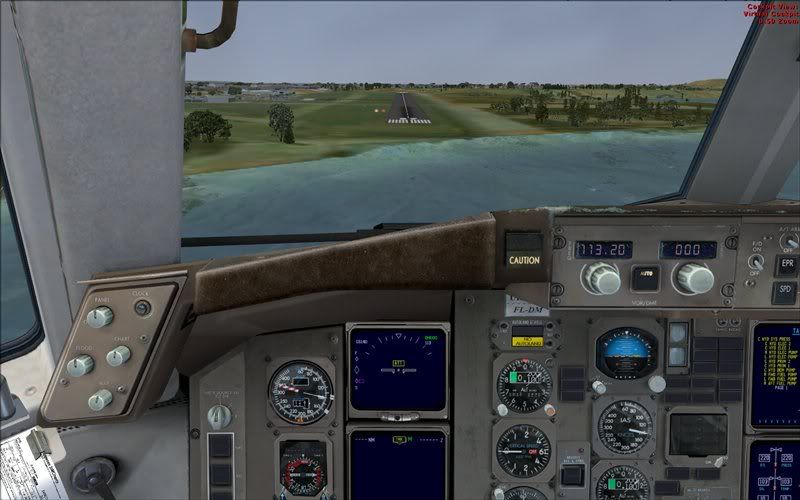
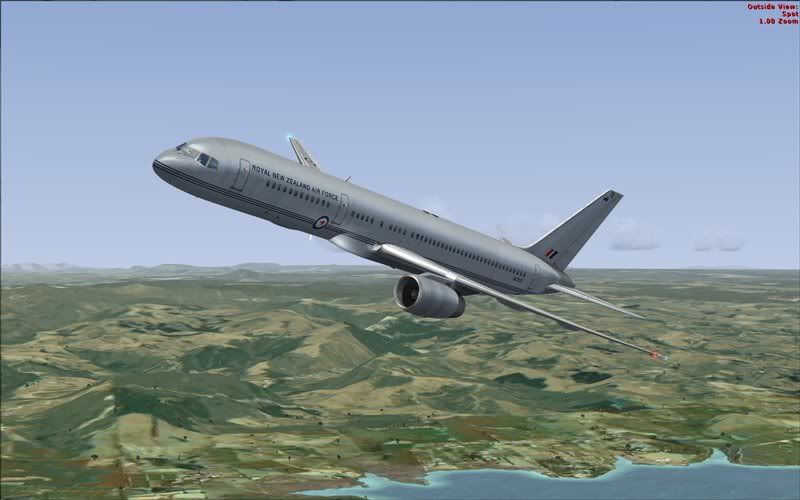
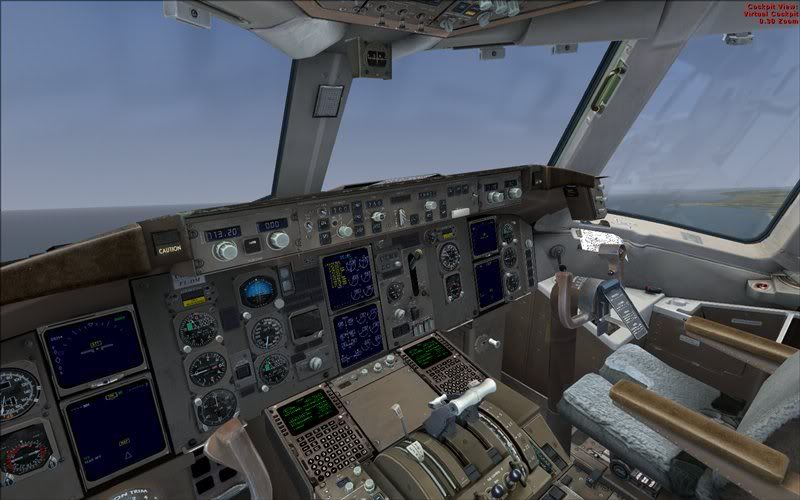
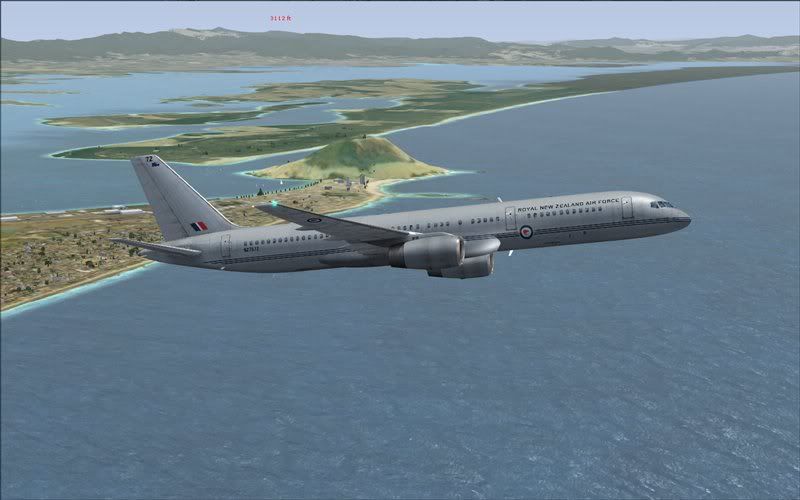
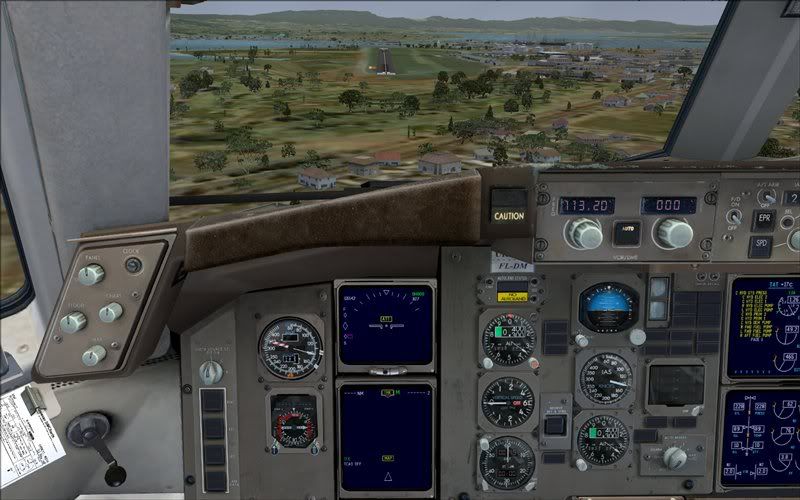
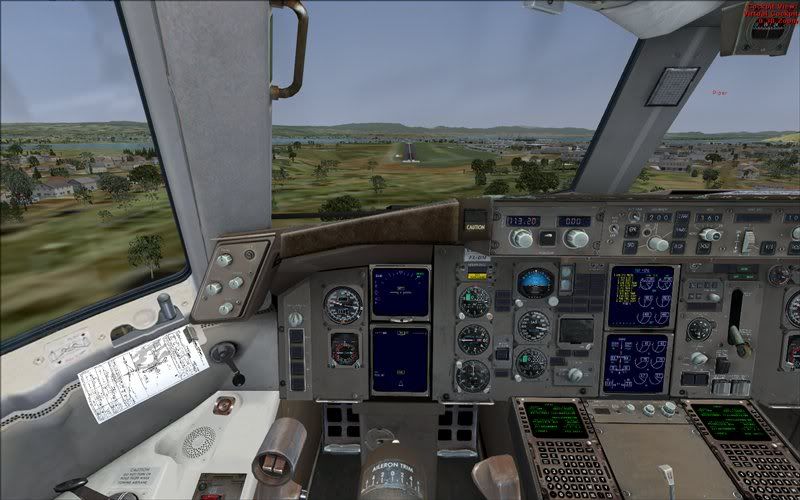
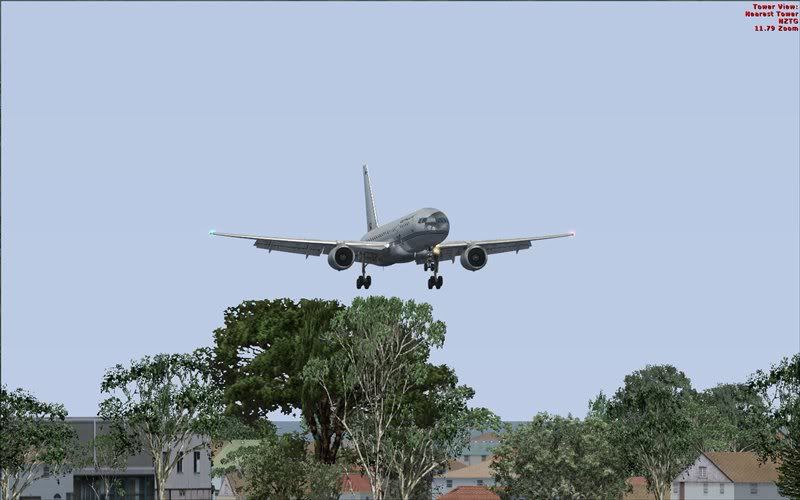
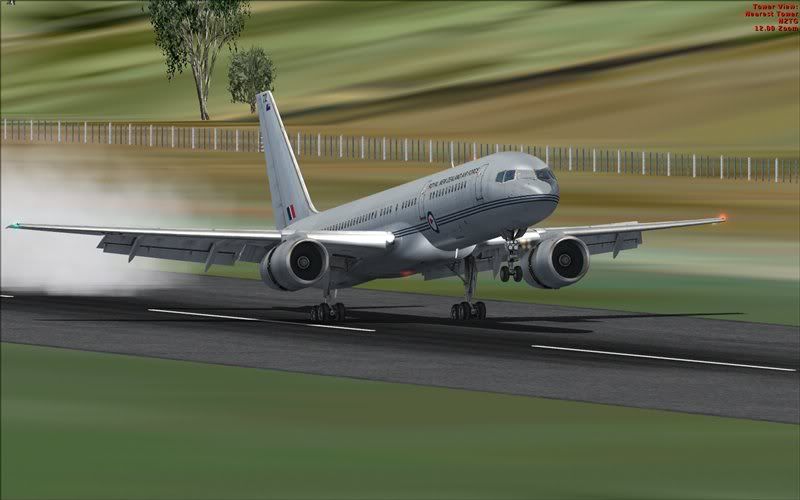
 Posted: Tue Dec 30, 2008 7:38 pm
pilotgallagher01 wrote:QUOTE (pilotgallagher01 @ Dec 30 2008, 06:49 PM) <{POST_SNAPBACK}>I also heard that ther Herc Repaints for FS9 (RNZAF) work in FSX perfect
Do you know what the filename(s) are for the NZ C-130 repaint? I'd be interested to try it on the FSX version.
EDIT: Found them! ... but I'll post in the other CS C-130 thread
Posted: Tue Dec 30, 2008 8:02 pm bargain of the year in IMO. That paint comes with the FSX version as well.Posted: Tue Dec 30, 2008 8:14 pmPosted: Tue Dec 30, 2008 10:27 pmPosted: Tue Dec 30, 2008 10:54 pmPosted: Wed Dec 31, 2008 12:20 am
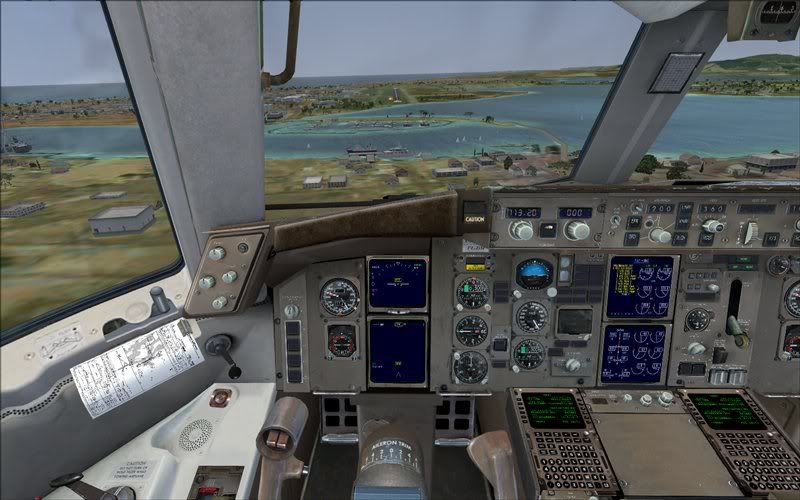
NZ255 wrote:QUOTE (NZ255 @ Dec 30 2008, 11:27 PM) <{POST_SNAPBACK}>How come our instruments aren't working in the cockpit?
Do you have to program the FMC first or something?
Actually I think I'll have to read the manual.
How come our instruments aren't working in the cockpit?
Do you have to program the FMC first or something?
Actually I think I'll have to read the manual.
Basically, you go into the top panel and flip every switch you can see
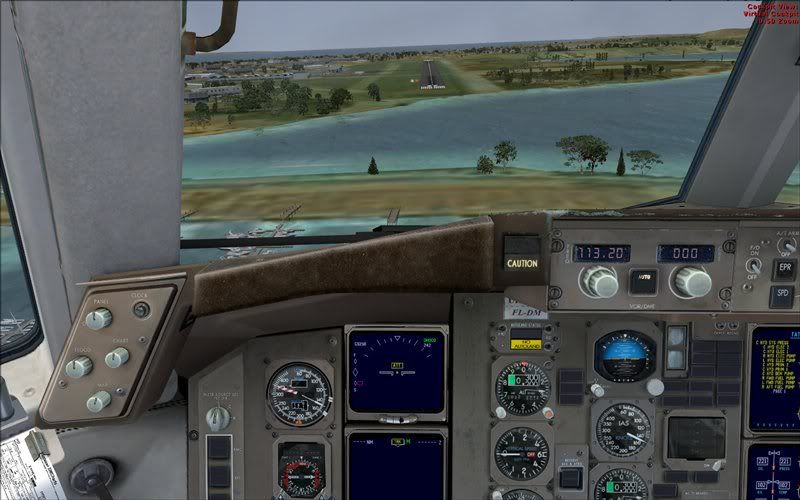
The most important, though, as benwyn says - is to align the IRS (top left). Switch all three one notch to align - then once the indicator lights disappear, switch them to "nav". Have yet to work out what "Att" stands for. No - I haven't read the manual either
I found the easiest way was to create an IFR flight plan in FS, then it comes up in one of the menus in the FMC (to import). All the waypoints come over - but sadly no SID/STAR information, so you still have to do manual approaches. That said, using LNAV and VNAV (or whatever they are called) works well. The autopilot will follow all the waypoints happily. You do have to set the altitudes manually (as with many FMC's I think). ie. If the next waypoint is 8k and you're still stuck up at 21k, you'll need to set the a/p altitude to 8k for the FMC to kick in and reduce height.
It's a great plane to "fly" and I'm delighted it has a native RNZAF skin. Thanks to Trolly(I think) for the original heads-up on the bargain!
Posted: Wed Dec 31, 2008 12:50 am

 Posted: Wed Dec 31, 2008 9:02 am
Adamski wrote:QUOTE (Adamski @ Dec 31 2008, 01:50 AM) <{POST_SNAPBACK}>I hope they made tons of money!
Heck they would of too!
OK thanks for the info on the IRS, I've tried aligning it in the past but the lights don't seem to go out no matter how long you wait (well that might be a bit of an exaggeration)
How long should it take?
What, no Sid/Star on the FMC? Oh well, that'll give me something to do in the cruise I guess
Thanks
Nick
BTW, my fps are quite high! about 30 in Wellington which is good enouhg for me (running 1920x1080)
Posted: Wed Dec 31, 2008 9:27 amPosted: Wed Dec 31, 2008 11:58 amPosted: Wed Dec 31, 2008 3:12 pmChairman wrote:QUOTE (Chairman @ Dec 31 2008, 12:58 PM) <{POST_SNAPBACK}>Couple of things to watch about aligning IRS's - if they lose power at any point or if the aircraft moves at all during the align process it will fail.
Yeah, thats the case with the PIC 737 on cold startup, you have to remain stationary
Posted: Wed Dec 31, 2008 3:36 pmPosted: Wed Dec 31, 2008 4:33 pmpilotgallagher01 wrote:QUOTE (pilotgallagher01 @ Jan 4 2009, 09:14 AM) <{POST_SNAPBACK}>hey mate is your E4600 a Core 2 Duo?? BTW
I'm hopeing to overclock mine to 4GHZ
Yep ,the E8600 is a Core2 Duo. What's your system spec?.
Posted: Wed Dec 31, 2008 5:23 pm