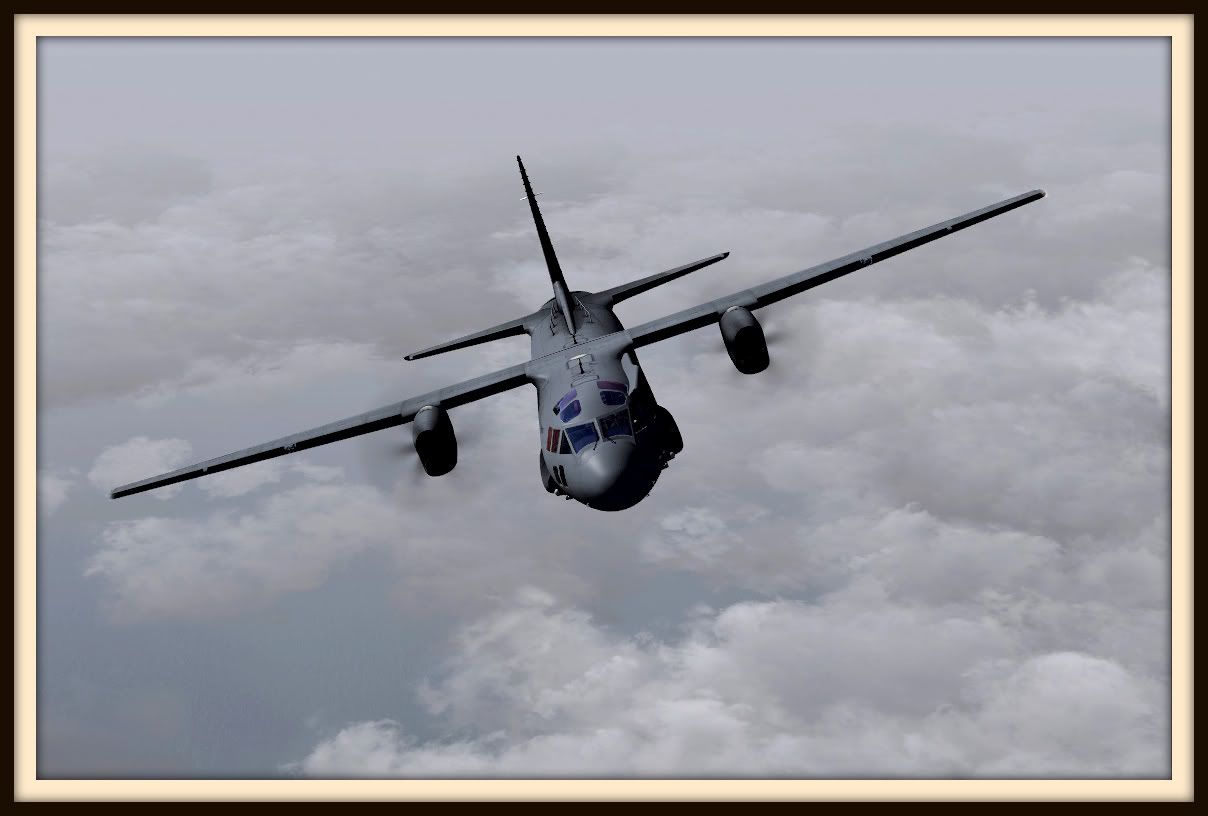
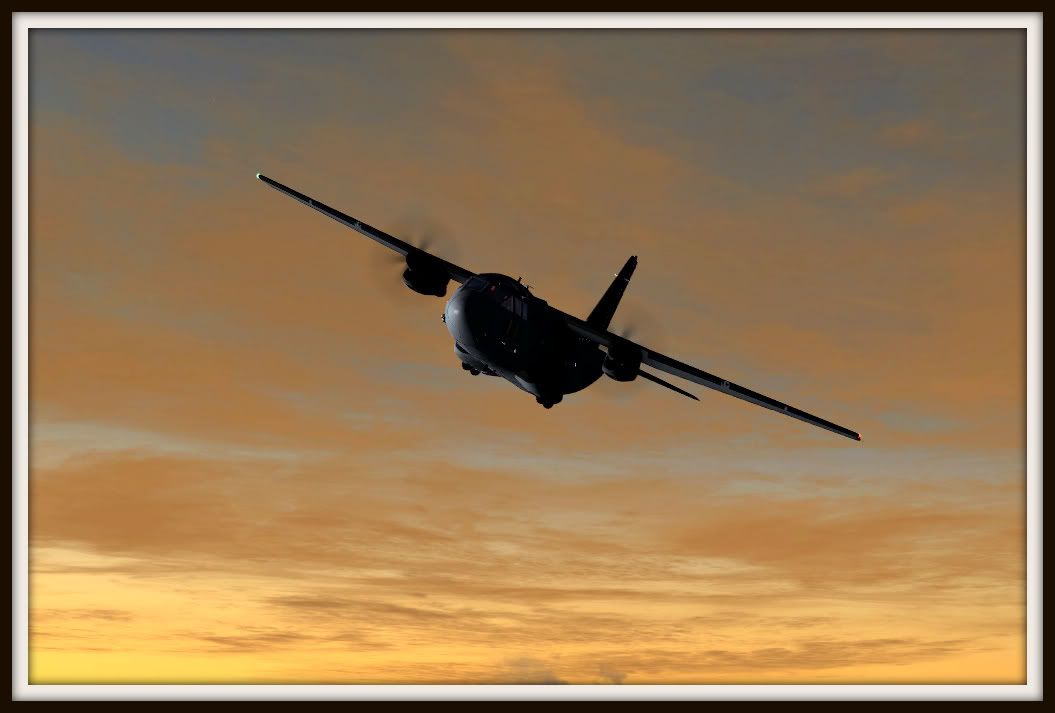
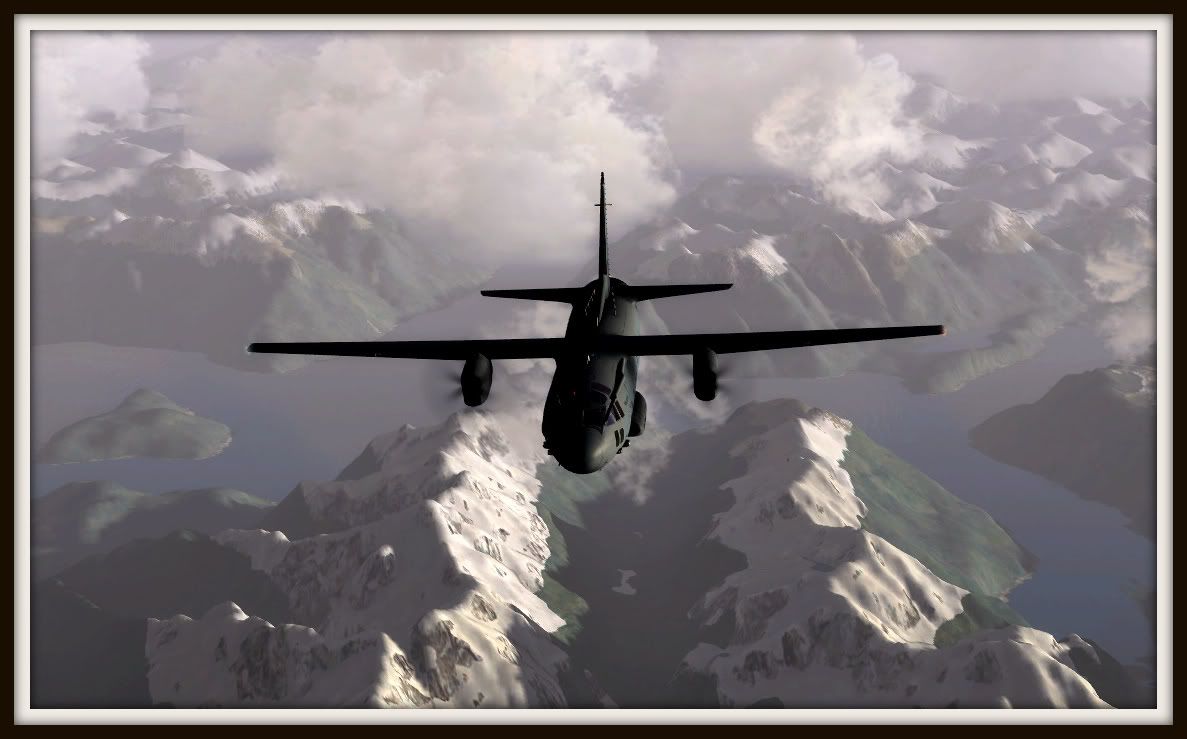
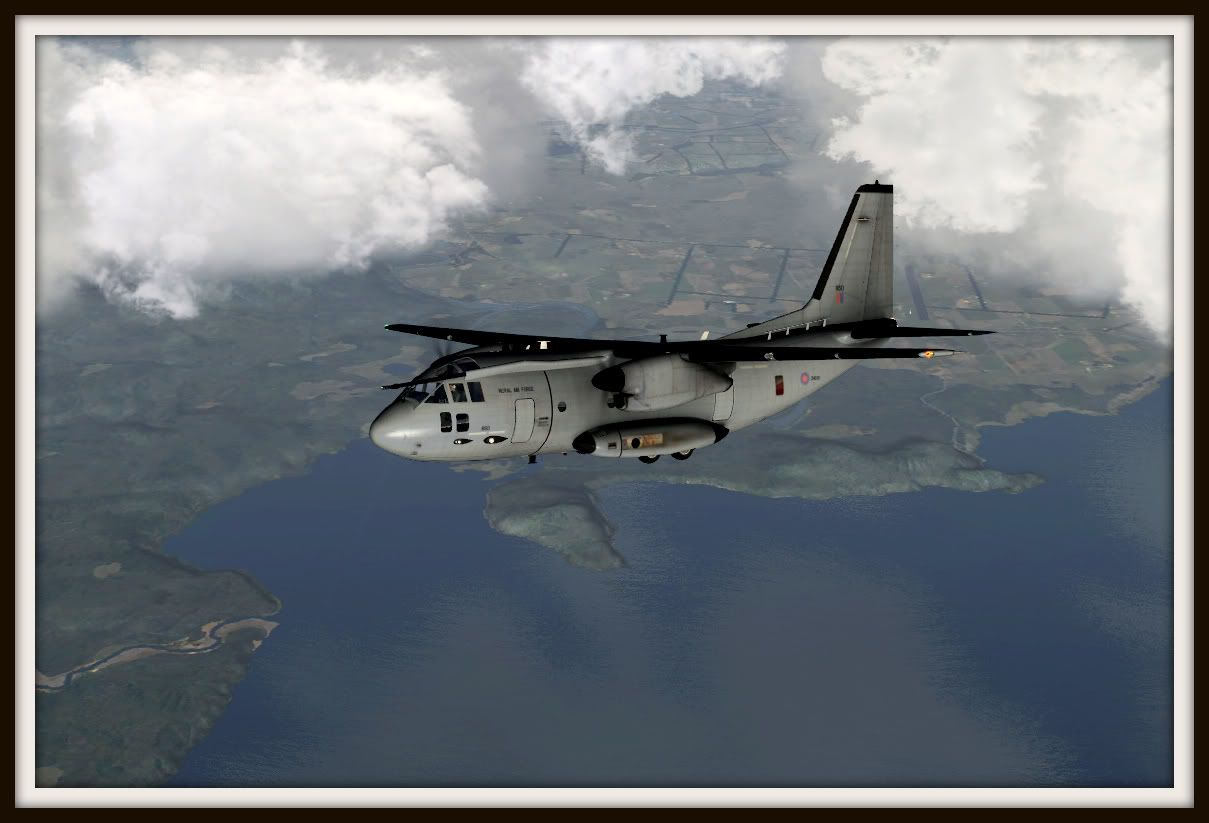
FSX, VLC, REX, IRIS.
100% ad-free
 by Ian Warren » Fri Sep 23, 2011 7:31 pm
 , Marty , 'Jeansy' did a great little lets surpose RNZAF .

by Splitpin » Fri Sep 23, 2011 7:48 pm
Ian Warren wrote:QUOTE (Ian Warren @ Sep 23 2011,7:31 PM) <{POST_SNAPBACK}>NICE
Thanks Ian.....I'll grab that paint soon.

by Scupper » Fri Sep 23, 2011 9:38 pm
by Splitpin » Fri Sep 23, 2011 10:13 pm
Naki wrote:QUOTE (Naki @ Sep 23 2011,7:53 PM) <{POST_SNAPBACK}>Wow...those r great
Thanks Nakiman.....its a great little aircraft.
by Splitpin » Fri Sep 23, 2011 10:18 pm
Scupper wrote:QUOTE (Scupper @ Sep 23 2011,9:38 PM) <{POST_SNAPBACK}>Very nice shots, - not sure how you get so much contrast, - HDRI? My graphics cards are only capable of DX9 so I can't get that and I'm never happy with my shadows. Might be time for an upgrade.
Scupper, thanks for the comment.......Im not sure what HDRI is......but i dont think Ive got it. I just edit in photoshop and some times picasa......at the moment my system is maxed out.....some of these screens take 10 mins just to "take"....and then edit.
by Scupper » Fri Sep 23, 2011 10:44 pm
Splitpin wrote:QUOTE (Splitpin @ Sep 23 2011,10:18 PM) <{POST_SNAPBACK}>Scupper, thanks for the comment.......Im not sure what HDRI is......but i dont think Ive got it. I just edit in photoshop and some times picasa......at the moment my system is maxed out.....some of these screens take 10 mins just to "take"....and then edit.
HDRI is high dynamic range image. It's like you take 4 or so shots, - an overexposed picture, a slightly overexposed picture, a slightly underexposed picture and an undersexposed picture and put them together so you get a range of light that approximates what we actually see, so you get detail in the light areas as well as the dark shadows. You could take an interior picture with a strongly backlit window and still be able to see the view outside as well as things inside the room.
I think Direct X 10 and over can render that way but I don't think I can get shadows as dark as yours even with Photoshop ...so well done!Last edited by Scupper on Fri Sep 23, 2011 10:44 pm, edited 1 time in total.
by Bugdani » Sat Sep 24, 2011 4:36 am

by Splitpin » Sat Sep 24, 2011 9:38 am
Scupper wrote:QUOTE (Scupper @ Sep 23 2011,10:44 PM) <{POST_SNAPBACK}>HDRI is high dynamic range image. It's like you take 4 or so shots, - an overexposed picture, a slightly overexposed picture, a slightly underexposed picture and an undersexposed picture and put them together so you get a range of light that approximates what we actually see, so you get detail in the light areas as well as the dark shadows. You could take an interior picture with a strongly backlit window and still be able to see the view outside as well as things inside the room.
I think Direct X 10 and over can render that way but I don't think I can get shadows as dark as yours even with Photoshop ...so well done!
Thanks Scupper....now i know what your talking about....i havent tried it. ....i think i will.Bugdani wrote:QUOTE (Bugdani @ Sep 24 2011,4:36 AM) <{POST_SNAPBACK}>Very nicely done !!!
Dani.
Thanks Bug.....Im going to have fun with this one....screens up very well..
Splitpin- NZFF Pro
- Topic author
- Joined: Mon Aug 03, 2009 12:15 pm
- Posts: 21390
- Location: Christchurch NZ
by Ian Warren » Sat Sep 24, 2011 9:50 am
Splitpin wrote:QUOTE (Splitpin @ Sep 23 2011,11:18 PM) <{POST_SNAPBACK}>....some of these screens take 10 mins just to "take"....and then edit.
I can see ya with an old box camera on a tripod , thro a cloth over your head while holding a tray of gun powder 'Poof' cloud of smoke , one screenie
by Splitpin » Sat Sep 24, 2011 10:09 am
Ian Warren wrote:QUOTE (Ian Warren @ Sep 24 2011,9:50 AM) <{POST_SNAPBACK}>
pretty much like that....sometimes it takes a few minutes for all the scenry to "appear" thats why i dont use the trees to much. I have to stop spending on addons and send some up north so i get the upgrade done....
....uncle D is waiting to supercharge me
Last edited by Splitpin on Sat Sep 24, 2011 2:54 pm, edited 1 time in total.
by Olderndirt » Sat Sep 24, 2011 12:21 pm


by Splitpin » Sat Sep 24, 2011 2:55 pm
Olderndirt wrote:QUOTE (Olderndirt @ Sep 24 2011,12:21 PM) <{POST_SNAPBACK}>Those frames add some of that 'je ne sais quois' that Ian includes in his posts. Is it possible to change mat colors to enhance the picture?
Yes it is Dave....just having a play with those settings now....
by Splitpin » Sun Sep 25, 2011 7:56 pm
Ian Warren wrote:QUOTE (Ian Warren @ Sep 23 2011,8:31 PM) <{POST_SNAPBACK}>NICE
Got that paint Ian......its the best one of the lot, should send a screen off to MOD....see what they think......a perfect andover replacement.
by scaber » Sun Sep 25, 2011 9:26 pm


by Splitpin » Mon Sep 26, 2011 5:50 pm
zkcav wrote:QUOTE (zkcav @ Sep 25 2011,10:20 PM) <{POST_SNAPBACK}>Fantastic shots - what does she fly like?
Thanks zk........fly's nice......a little more than meets the eye.....but nice.scaber wrote:QUOTE (scaber @ Sep 25 2011,10:26 PM) <{POST_SNAPBACK}>Some most impressive shots. Looks like a nice model too.
Cheers Greg........it is just that......maybe a little expensive....but nice.
jeansy wrote:QUOTE (jeansy @ Sep 25 2011,11:53 PM) <{POST_SNAPBACK}>nice work
i will try and get around to updating the paint in the next week so it supports V1.2 in case you you want to use the boom model
Thanks Jeansy.....great work from you too....and not just this oneconnor wrote:QUOTE (connor @ Sep 26 2011,9:57 AM) <{POST_SNAPBACK}>Looks great, I love the glass in that model.
Cheers Connor......me too, you get it in the right light.....its great......thanks again .
Splitpin- NZFF Pro
- Topic author
- Joined: Mon Aug 03, 2009 12:15 pm
- Posts: 21390
- Location: Christchurch NZ
20 posts • Page 1 of 1Who is online
Users browsing this forum: No registered users and 11 guests