fsx,rex, CaptainSim.
100% ad-free
 by AlisterC » Mon Oct 10, 2011 6:23 pm



by Splitpin » Mon Oct 10, 2011 6:30 pm
AlisterC wrote:QUOTE (AlisterC @ Oct 10 2011,7:23 PM) <{POST_SNAPBACK}>Lovely
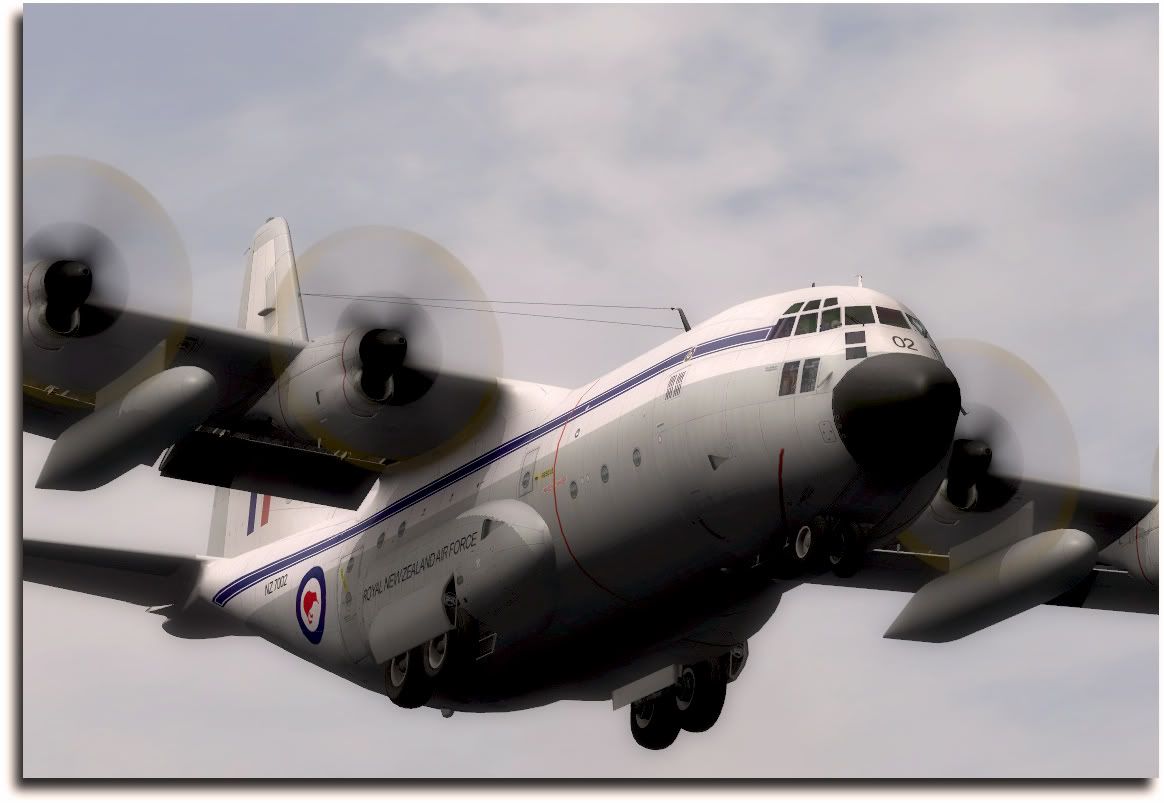
You've captured the "plane spotter viewpoint" very very well!
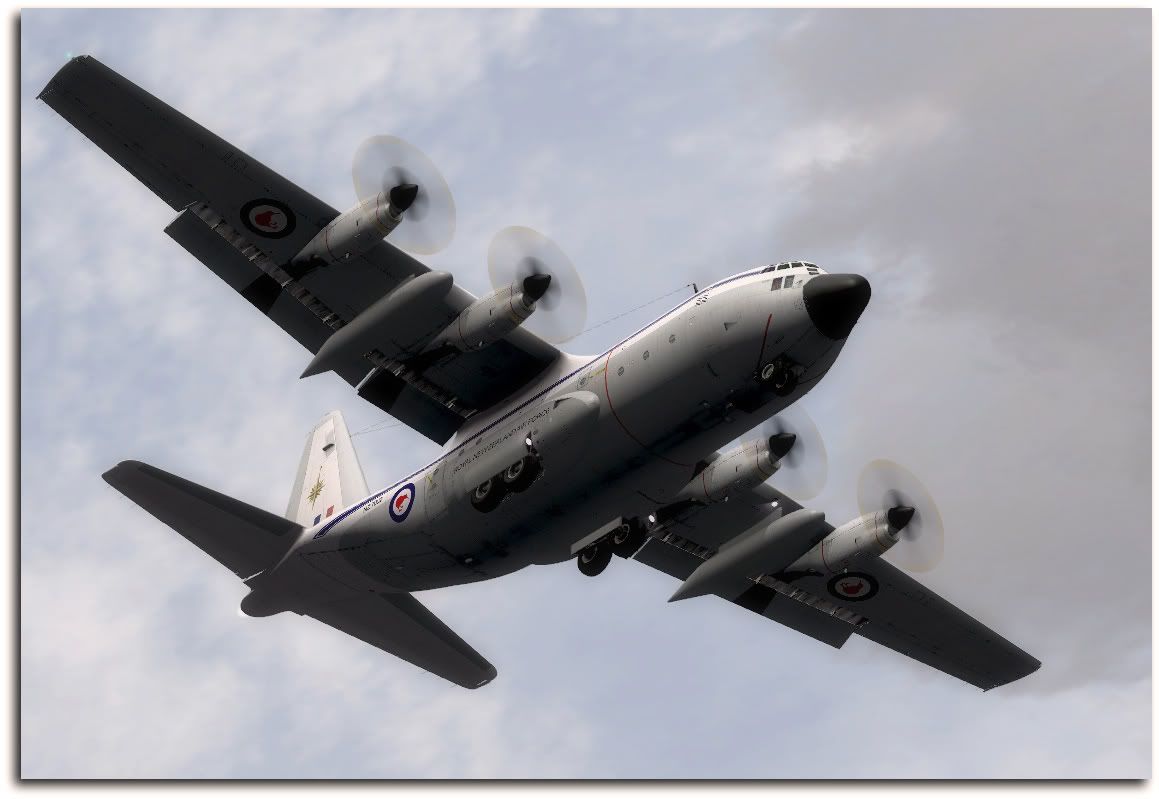
Mind doing an experiment for me SP? I see you have "aircraft casts shadows on itself" turned on. Care to see for me how your FPS are with this turned on, against with it turned off? Just curious to see if you notice a difference (I do)
Cheers!
Get back to you Al.....And thanks for looking.

by cowpatz » Mon Oct 10, 2011 7:02 pm


by Charl » Mon Oct 10, 2011 7:24 pm
cowpatz wrote:QUOTE (cowpatz @ Oct 10 2011,8:02 PM) <{POST_SNAPBACK}>Do you know if that livery is available for the FS9 Captain Sim C130?
Yup, if I am not mistaken it is a "Dax" Sweetman work:Last edited by Charl on Mon Oct 10, 2011 7:27 pm, edited 1 time in total.

by zkcav » Mon Oct 10, 2011 7:50 pm


by Ian Warren » Mon Oct 10, 2011 7:54 pm



by Splitpin » Mon Oct 10, 2011 8:00 pm
cowpatz wrote:QUOTE (cowpatz @ Oct 10 2011,8:02 PM) <{POST_SNAPBACK}>Nice shot Splitpin.
Do you know if that livery is available for the FS9 Captain Sim C130?
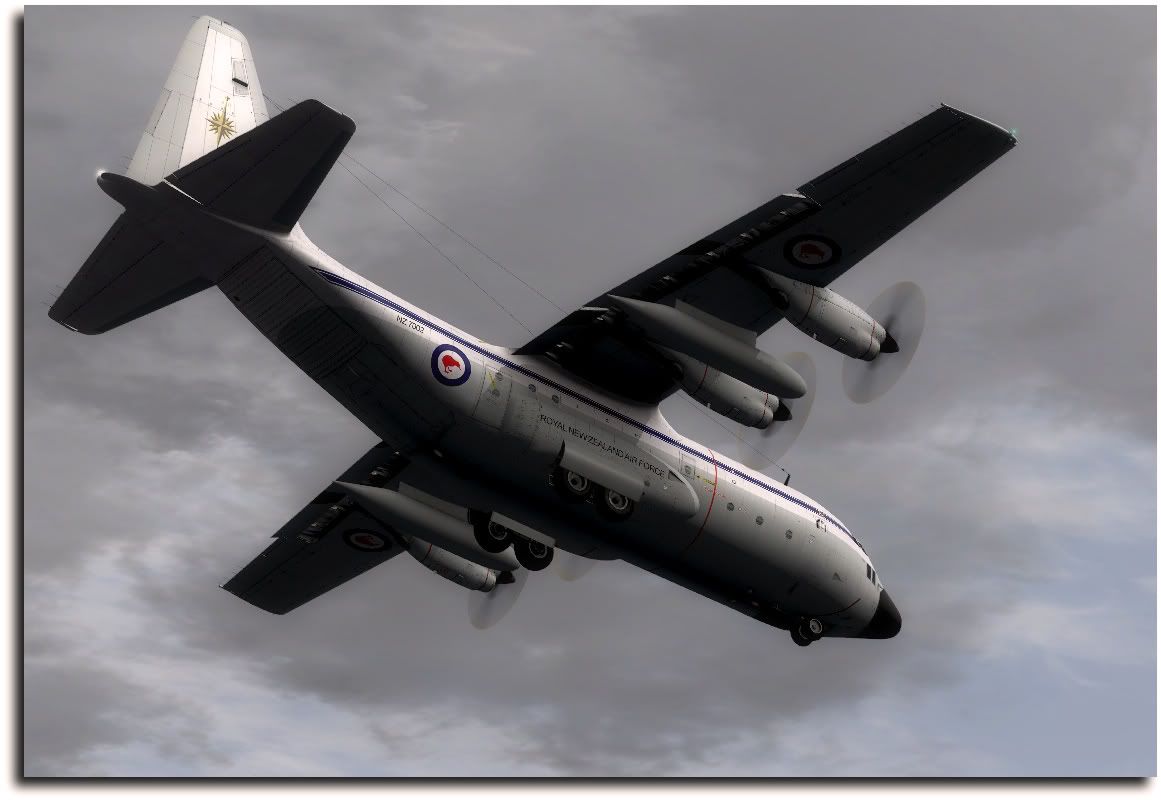
CP....Im not sure,.....sorry.... but someone here will know.zkcav wrote:QUOTE (zkcav @ Oct 10 2011,8:50 PM) <{POST_SNAPBACK}>Mate - Great shots of a classic thanks for posting.
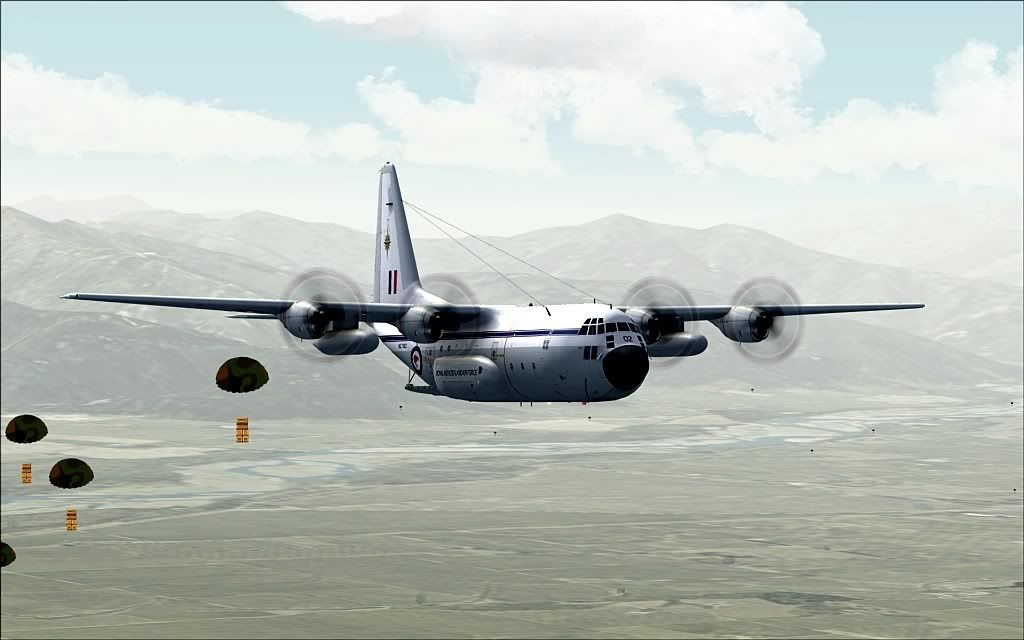
Charl -WTF? have you got some droppable objects for this lady???
Where did you get them, cause I need to requal my loadie status
Thanks ZKCharl wrote:QUOTE (Charl @ Oct 10 2011,8:24 PM) <{POST_SNAPBACK}>Wot's this? a screenshot series of the Capsim Herc, and no 5stars??
OK fixed now... very nice Marty.
Yup, if I am not mistaken it is a "Dax" Sweetman work:
Charl....thanks very much.....nice screen from you as well.
Splitpin- NZFF Pro
- Topic author
- Joined: Mon Aug 03, 2009 12:15 pm
- Posts: 21390
- Location: Christchurch NZ
by Charl » Mon Oct 10, 2011 8:06 pm
Ian Warren wrote:QUOTE (Ian Warren @ Oct 10 2011,8:54 PM) <{POST_SNAPBACK}>CHARL ... hope that is special OIL anti blob glue collection property type people don,t want to talk about
Well, it's not Agent Orange...
On which topic, watch this space as Vlad has updated his C-123zkcav wrote:QUOTE (zkcav @ Oct 10 2011,8:50 PM) <{POST_SNAPBACK}>Charl -WTF? have you got some droppable objects for this lady???
Where did you get them, cause I need to requal my loadie status
I've been tidying up the hangar, and found some effects like this one.
I can't recall where from, but I see there's a similar Heather Sherman one at AVSIM:
Filename: fxad-01.zip
I also found some flare effects for my C-17 - it's all I can do to stop myself flying loops at dusk...Last edited by Charl on Mon Oct 10, 2011 8:09 pm, edited 1 time in total.
Charl- NZFF Pro
- Joined: Mon May 01, 2006 8:28 am
- Posts: 9752
- Location: Auckland
by Splitpin » Tue Oct 11, 2011 5:02 pm
cowpatz wrote:QUOTE (cowpatz @ Oct 10 2011,8:02 PM) <{POST_SNAPBACK}>Nice shot Splitpin.
Do you know if that livery is available for the FS9 Captain Sim C130?
CP.....Im sorry, i dont know.
by AlisterC » Tue Oct 11, 2011 8:26 pm
by Bugdani » Tue Oct 11, 2011 9:10 pm

by Splitpin » Wed Oct 12, 2011 3:09 pm
Bugdani wrote:QUOTE (Bugdani @ Oct 11 2011,10:10 PM) <{POST_SNAPBACK}>Mmmmm !!!!
Bug.
Thanks Bug....your a man of few words
by Splitpin » Sun Oct 16, 2011 9:24 am
AlisterC wrote:QUOTE (AlisterC @ Oct 11 2011,9:26 PM) <{POST_SNAPBACK}>Cowpatz that one must have been lost in the avsim hack, but you can find it for FS2004 on flightsim.com
Just do the advanced search option, and search for "dax zealand" and you'll find the FS2004 version. (rnzaf_60.zip)
Enjoy
Thanks for helping out there Al, and I'll check those frames rates for you later today.
by Bugdani » Tue Oct 18, 2011 11:28 pm


by Splitpin » Wed Oct 19, 2011 4:30 pm
Bugdani wrote:QUOTE (Bugdani @ Oct 19 2011,12:28 AM) <{POST_SNAPBACK}>
i know what you meant Bug.....
AlisterC wrote:QUOTE (AlisterC @ Oct 17 2011,12:58 AM) <{POST_SNAPBACK}>Thanks if you do, no pressure!
Al....i cant detect any change in frame rates....mind you, my system is far from being a benchmark....Im getting between 5 and 7 !! with all the settings the way i like them......hence the 15mins per screen
Splitpin- NZFF Pro
- Topic author
- Joined: Mon Aug 03, 2009 12:15 pm
- Posts: 21390
- Location: Christchurch NZ
by AlisterC » Wed Oct 19, 2011 8:47 pm
That's what I figure I lost having aircraft shadows on. Well, I couldn't tell from your great shots that you were down that low so big thumbs up from me  Thanks for testing for me.
by Bugdani » Thu Oct 20, 2011 8:07 am
Splitpin wrote:QUOTE (Splitpin @ Oct 12 2011,5:09 AM) <{POST_SNAPBACK}>Thanks Bug....your a man of few words
Yes, I know but it's hard to me to explain exactly what I feel in english, sorry....
W10 P3D v3.4.9, FSX SP2 DX10 Steve 2.9 , Intel I7 Sandy Bridge 2600K GTX1080 372.90 Nvidia inspector 1.9.7.6 8Gb Corsair2000 SSD 480Go Intel SSD 512 Crucial Philips 21:9 Ultra wide Logitech Z906 CH product set TrackIR 4 Pro.
Users browsing this forum: No registered users and 2 guests