Carrier Ops

Post and comment on screen captures from the beautiful game here. Home of the monthly screenshot competition

Postby chopper_nut » Sat Jan 24, 2015 11:38 pm


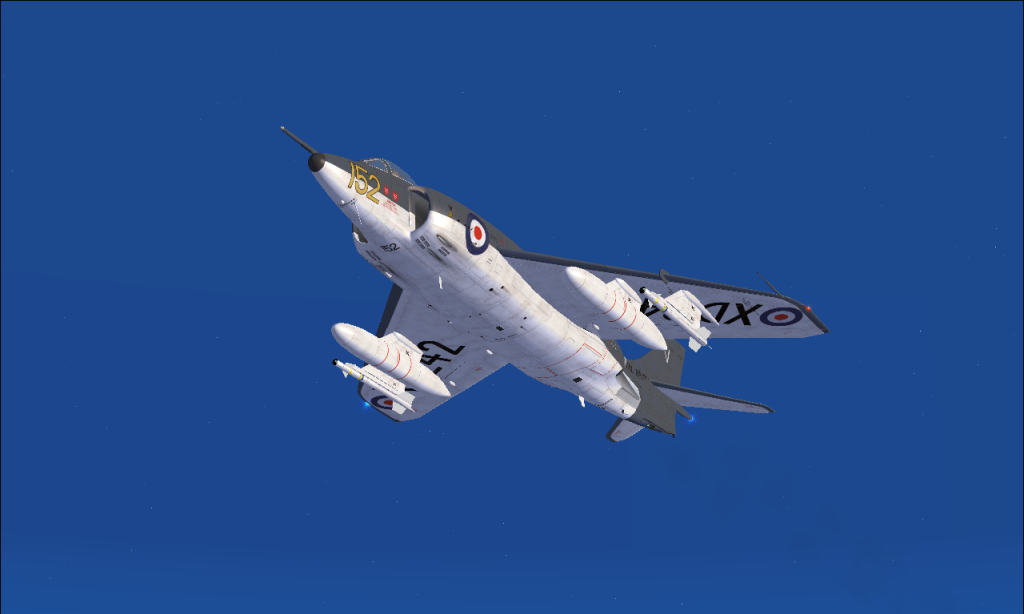
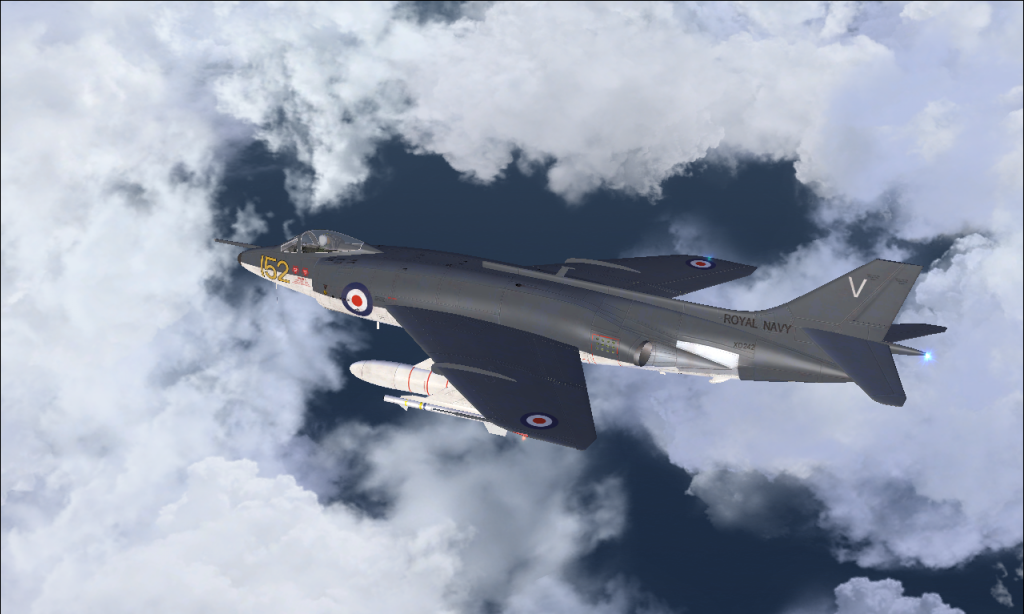
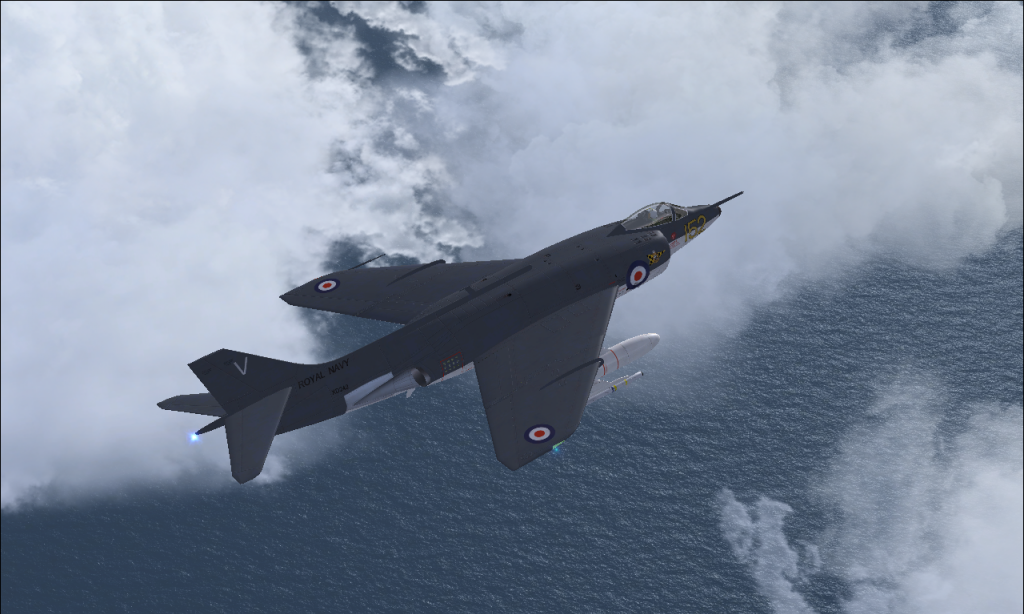
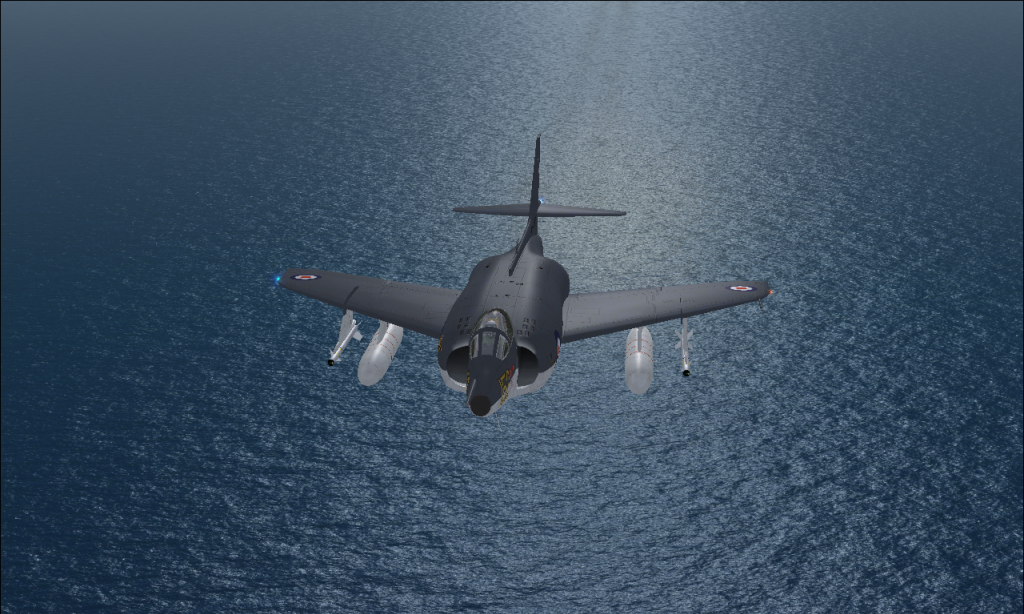
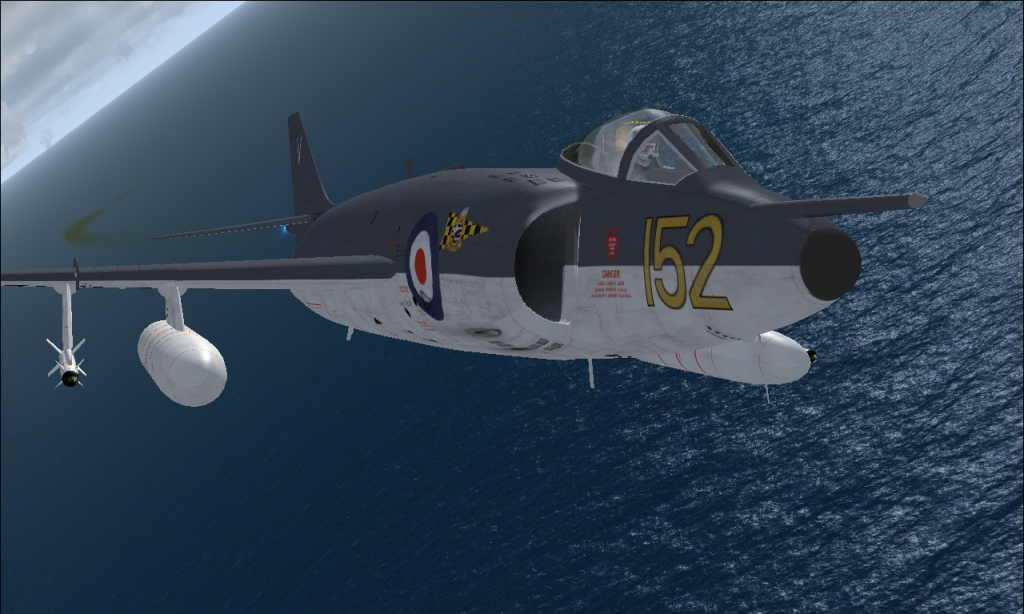
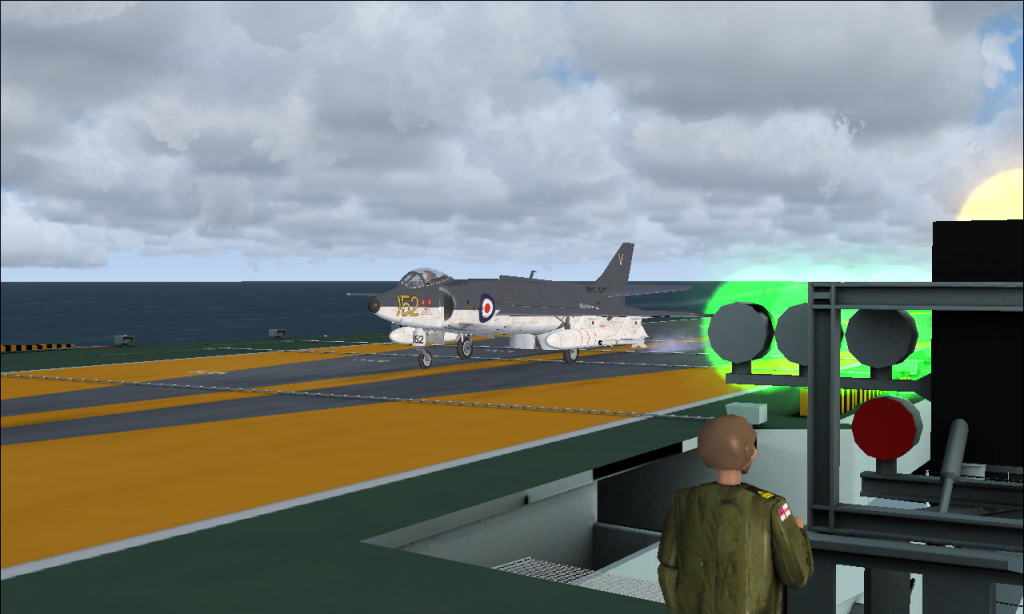
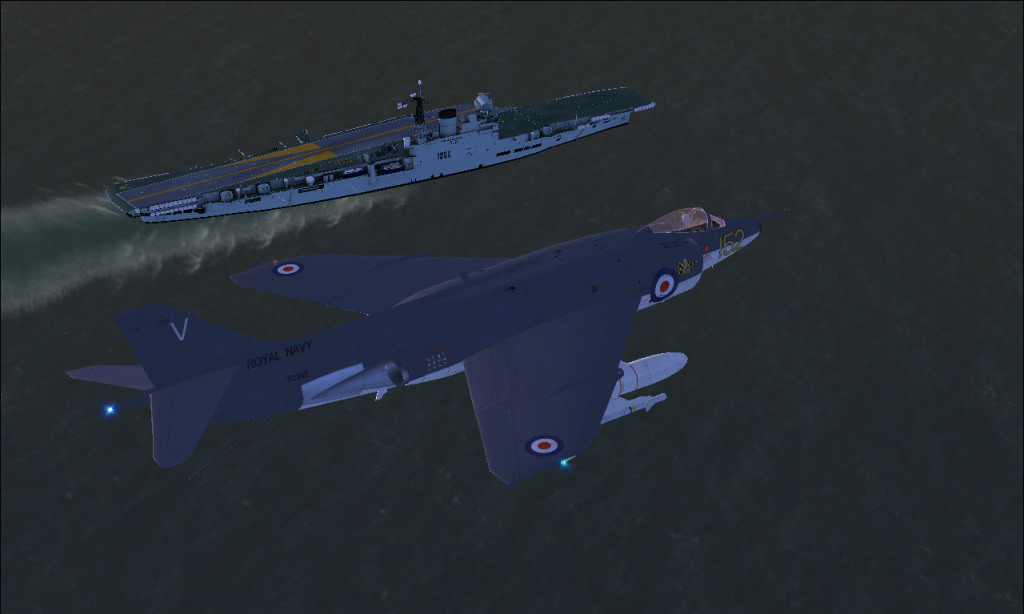
Scimitar entering the racetrack pattern for the Vic C1960
Image
Image
Image
User avatar
chopper_nut
NZFF Pro
 
Topic author
Joined: Wed Oct 25, 2006 9:58 pm
Posts: 2977
Location: Wherever the work is

Postby Ian Warren » Sun Jan 25, 2015 8:18 am

Nice Screen cool.gif That is one Scimitar I do have, the 1960s Vic is a little more detailed than the Ark, later on I'll get the drivable version for a MP.

Image
User avatar
Ian Warren
NZFF Pro
 
Joined: Fri May 05, 2006 5:23 pm
Posts: 41187
Location: AREA 51

Postby johnkiwi » Sun Jan 25, 2015 11:55 am

I just downloaded the viking, and having some fun with her... only thing is i cant work out how to adjust hdg and crs on the hsi. Any pointers would be appreciated...
johnkiwi
Forum Addict
 
Joined: Sat Jul 19, 2014 1:04 pm
Posts: 326
Location: NZFF ( Forest Field )

Postby chopper_nut » Sun Jan 25, 2015 12:10 pm

2D panel?
Image
Image
Image
User avatar
chopper_nut
NZFF Pro
 
Topic author
Joined: Wed Oct 25, 2006 9:58 pm
Posts: 2977
Location: Wherever the work is

Postby johnkiwi » Sun Jan 25, 2015 12:24 pm

Good thought, but either it doesnt have one or i got a corrupted download. Everything else sems to work, and i can select the crs, hdg or alt on the pushbutton selector but cant alter them...

EDIT stop looking, i found it... the D buttons on the selector panel... right back into it!
Last edited by johnkiwi on Sun Jan 25, 2015 12:33 pm, edited 1 time in total.
johnkiwi
Forum Addict
 
Joined: Sat Jul 19, 2014 1:04 pm
Posts: 326
Location: NZFF ( Forest Field )

Postby chopper_nut » Sun Jan 25, 2015 12:56 pm

Don't forget to post screenshots
Image
Image
Image
User avatar
chopper_nut
NZFF Pro
 
Topic author
Joined: Wed Oct 25, 2006 9:58 pm
Posts: 2977
Location: Wherever the work is

Postby Ian Warren » Sun Jan 25, 2015 1:22 pm

whathesaid.gif Surely John you have your screenie problem fixed..... the Viking pirate.gif Be a goodie to add to Carrier Madness
Last edited by Ian Warren on Sun Jan 25, 2015 1:23 pm, edited 1 time in total.
Image
User avatar
Ian Warren
NZFF Pro
 
Joined: Fri May 05, 2006 5:23 pm
Posts: 41187
Location: AREA 51

Postby johnkiwi » Sun Jan 25, 2015 1:36 pm

I actually managed to get a screenie a few days ago... my first! Now i need to run through how to resize and upload them, will check out the relevant post maybe tonight.
Yeah, with a bit of practice i might get on a carrier with the viking, only 25% success rate so far, with 596 landings to go...
johnkiwi
Forum Addict
 
Joined: Sat Jul 19, 2014 1:04 pm
Posts: 326
Location: NZFF ( Forest Field )

Postby Ian Warren » Sun Jan 25, 2015 1:39 pm

That is good news you got the screenies working , first time out appears a little daunting ... think its just getting the correct code but after that , just like falling off a log smile.gif ... If you need a hand just give us call or better still, hook into NZFF Team Speak.
Last edited by Ian Warren on Sun Jan 25, 2015 1:41 pm, edited 1 time in total.
Image
User avatar
Ian Warren
NZFF Pro
 
Joined: Fri May 05, 2006 5:23 pm
Posts: 41187
Location: AREA 51

Postby chopper_nut » Sun Jan 25, 2015 4:53 pm
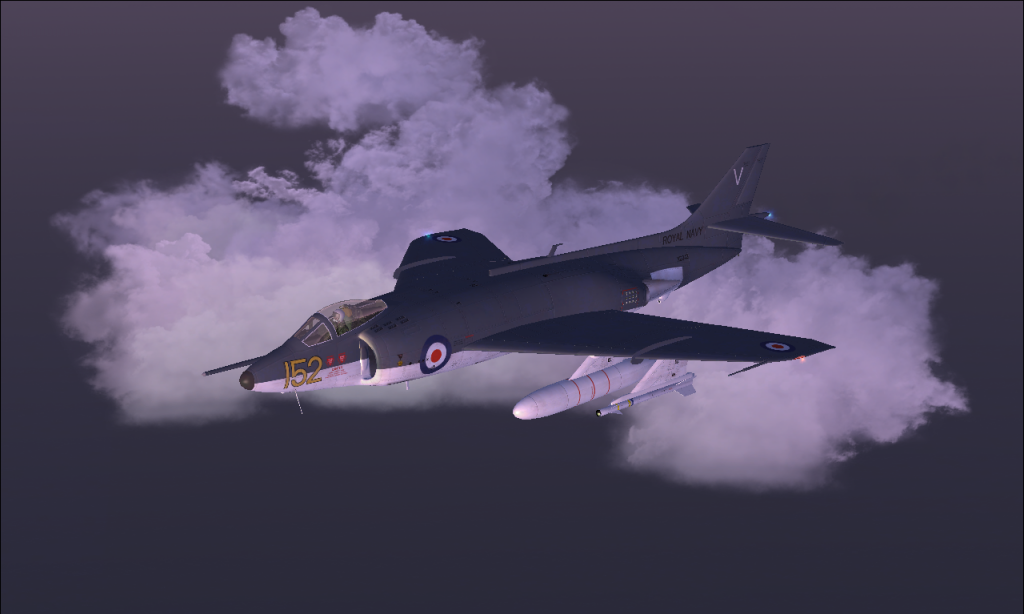
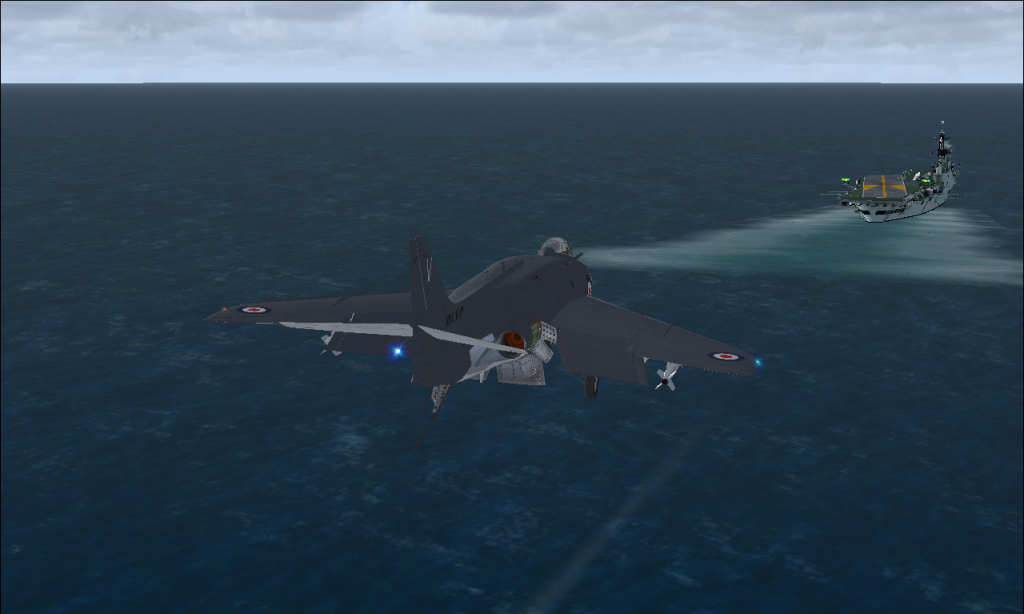
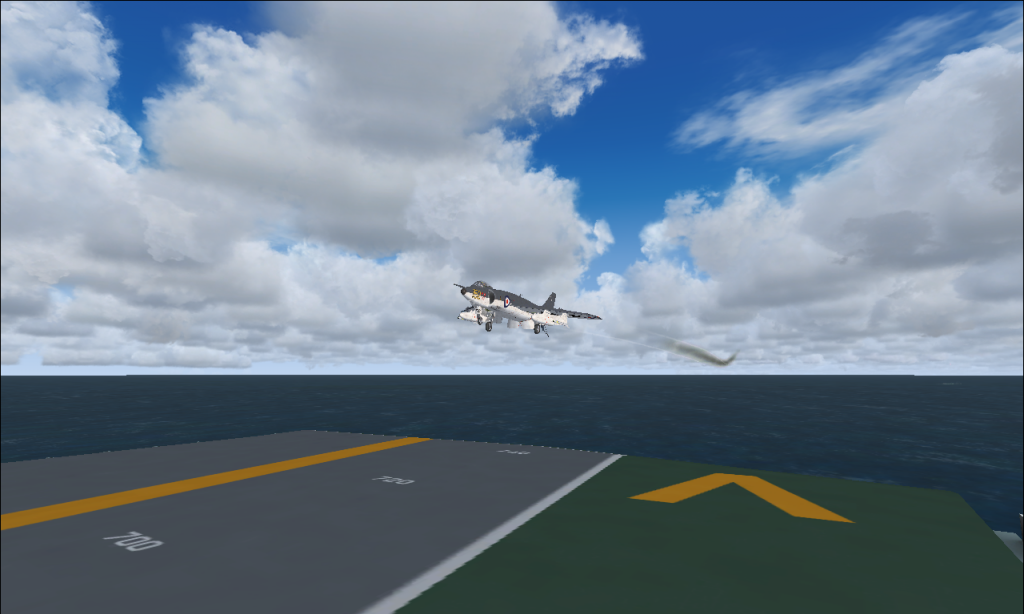
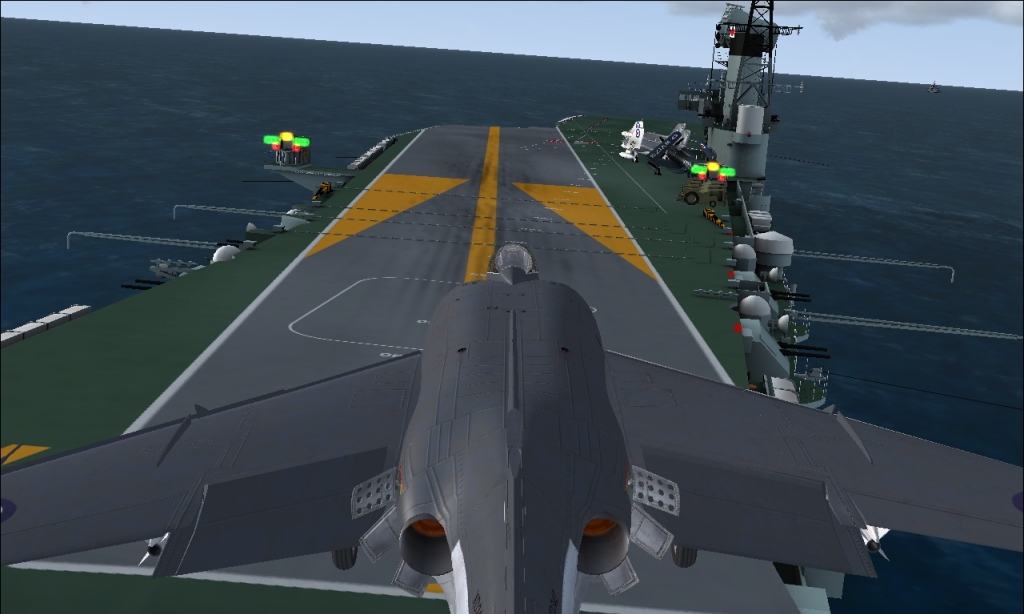
Some screens from this mornings sortie into the Bay of Biscay. After leaving Guz yesterday morning, Vic steamed into the Western Approaches and then SW en-route to Gibraltar.


Entering the race track for landing


Got a bit low on the glide slope and only just managed to catch it laugh.gif


Still a little low but getting better


Probably going to get reamed out by the LSO...
Image
Image
Image
User avatar
chopper_nut
NZFF Pro
 
Topic author
Joined: Wed Oct 25, 2006 9:58 pm
Posts: 2977
Location: Wherever the work is

Postby johnkiwi » Sun Jan 25, 2015 5:12 pm

Wow! Stunning shots, 2,3 & 4 are all equally nice. Maybe one day i will get to see the green lights on flare winkyy.gif
johnkiwi
Forum Addict
 
Joined: Sat Jul 19, 2014 1:04 pm
Posts: 326
Location: NZFF ( Forest Field )

Postby chopper_nut » Sun Jan 25, 2015 5:18 pm

Cheers for that. Are you using the RFN TACAN gauge?
Last edited by chopper_nut on Sun Jan 25, 2015 5:19 pm, edited 1 time in total.
Image
Image
Image
User avatar
chopper_nut
NZFF Pro
 
Topic author
Joined: Wed Oct 25, 2006 9:58 pm
Posts: 2977
Location: Wherever the work is

Postby Ian Warren » Sun Jan 25, 2015 5:19 pm

cool.gif Great ! another couple of types to see yet ... SUPER to see Carrier Op's rejuvenated cool.gif
Image
User avatar
Ian Warren
NZFF Pro
 
Joined: Fri May 05, 2006 5:23 pm
Posts: 41187
Location: AREA 51

Postby chopper_nut » Sun Jan 25, 2015 5:24 pm

The flying stations mod makes it fun for me. I reckon its better than AI Carriers, more difficult to use but it's more realistic.
Image
Image
Image
User avatar
chopper_nut
NZFF Pro
 
Topic author
Joined: Wed Oct 25, 2006 9:58 pm
Posts: 2977
Location: Wherever the work is

Postby Ian Warren » Sun Jan 25, 2015 5:47 pm

Your going to be well practice in the art off landing on fishing boats biggrin.gif
Image
User avatar
Ian Warren
NZFF Pro
 
Joined: Fri May 05, 2006 5:23 pm
Posts: 41187
Location: AREA 51

Postby johnkiwi » Sun Jan 25, 2015 5:53 pm

chopper_nut wrote:
QUOTE (chopper_nut @ Jan 25 2015,6:18 PM) <{POST_SNAPBACK}>
Cheers for that. Are you using the RFN TACAN gauge?

I downloaded it but haven't installed as yet, still trying visually, might have yonlook into that when i get a spare evening. It has to be installed in every aircraft .cfg file right?
johnkiwi
Forum Addict
 
Joined: Sat Jul 19, 2014 1:04 pm
Posts: 326
Location: NZFF ( Forest Field )

Postby chopper_nut » Sun Jan 25, 2015 5:57 pm

johnkiwi wrote:
QUOTE (johnkiwi @ Jan 24 2015,6:53 PM) <{POST_SNAPBACK}>
I downloaded it but haven't installed as yet, still trying visually, might have yonlook into that when i get a spare evening. It has to be installed in every aircraft .cfg file right?


It's a bit difficult to use the mirror until you're quite close to the ship. The gauge gives you the needles from as far away as you want. I fly the needles up until about half a mile and then I'm on the mirror. Also good if you fly away from the ship as it gives you direction, ship heading and distance. It has to be installed into every panel.cfg. Pretty easy once you've done a couple.
Image
Image
Image
User avatar
chopper_nut
NZFF Pro
 
Topic author
Joined: Wed Oct 25, 2006 9:58 pm
Posts: 2977
Location: Wherever the work is

Postby Ian Warren » Sun Jan 25, 2015 5:57 pm

The AI carriers are restricted , you modify some cfgs , I guess it depends on experience simply doing eyeball landing for the starters.
Image
User avatar
Ian Warren
NZFF Pro
 
Joined: Fri May 05, 2006 5:23 pm
Posts: 41187
Location: AREA 51

Postby johnkiwi » Sun Jan 25, 2015 6:05 pm

QUOTE
Pretty easy once you've done a couple[/quote]
like the first couple of wines... Worth a go then...might have look later on
Last edited by johnkiwi on Sun Jan 25, 2015 6:09 pm, edited 1 time in total.
johnkiwi
Forum Addict
 
Joined: Sat Jul 19, 2014 1:04 pm
Posts: 326
Location: NZFF ( Forest Field )

Postby Ian Warren » Sun Jan 25, 2015 6:10 pm

johnkiwi wrote:
QUOTE (johnkiwi @ Jan 25 2015,7:05 PM) <{POST_SNAPBACK}>
like the first couple of wines... Worth a go then...might have look later on

Good start to keep your eyeballs on the meatball is using the Milton Tracker or Piglets Skyraider .
Last edited by Ian Warren on Sun Jan 25, 2015 6:10 pm, edited 1 time in total.
Image
User avatar
Ian Warren
NZFF Pro
 
Joined: Fri May 05, 2006 5:23 pm
Posts: 41187
Location: AREA 51

PreviousNext

Return to Screenshots

Who is online

Users browsing this forum: No registered users and 16 guests