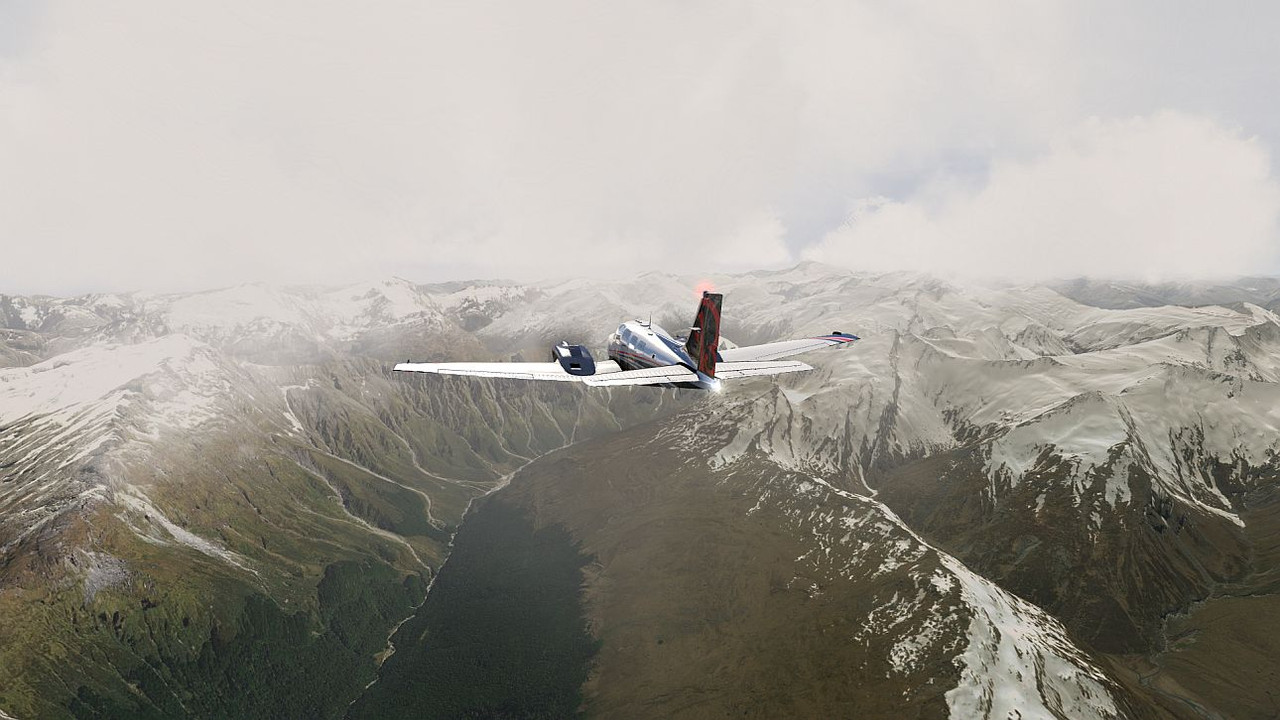
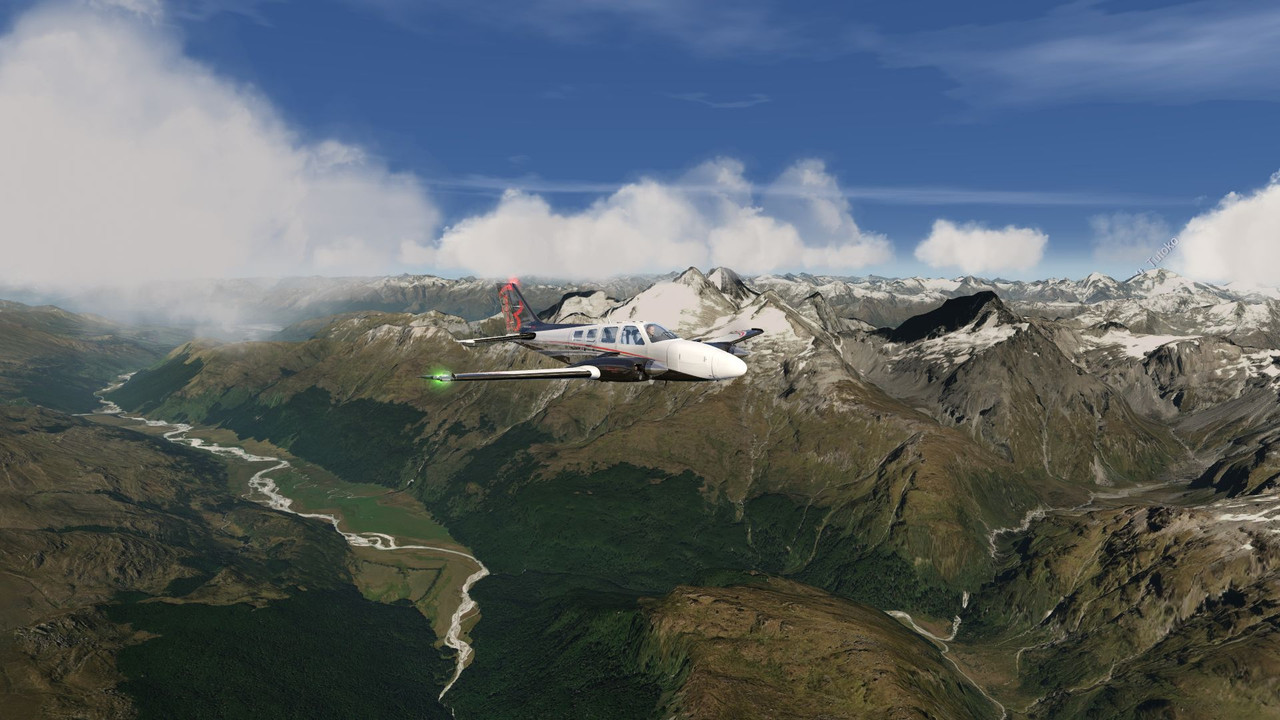
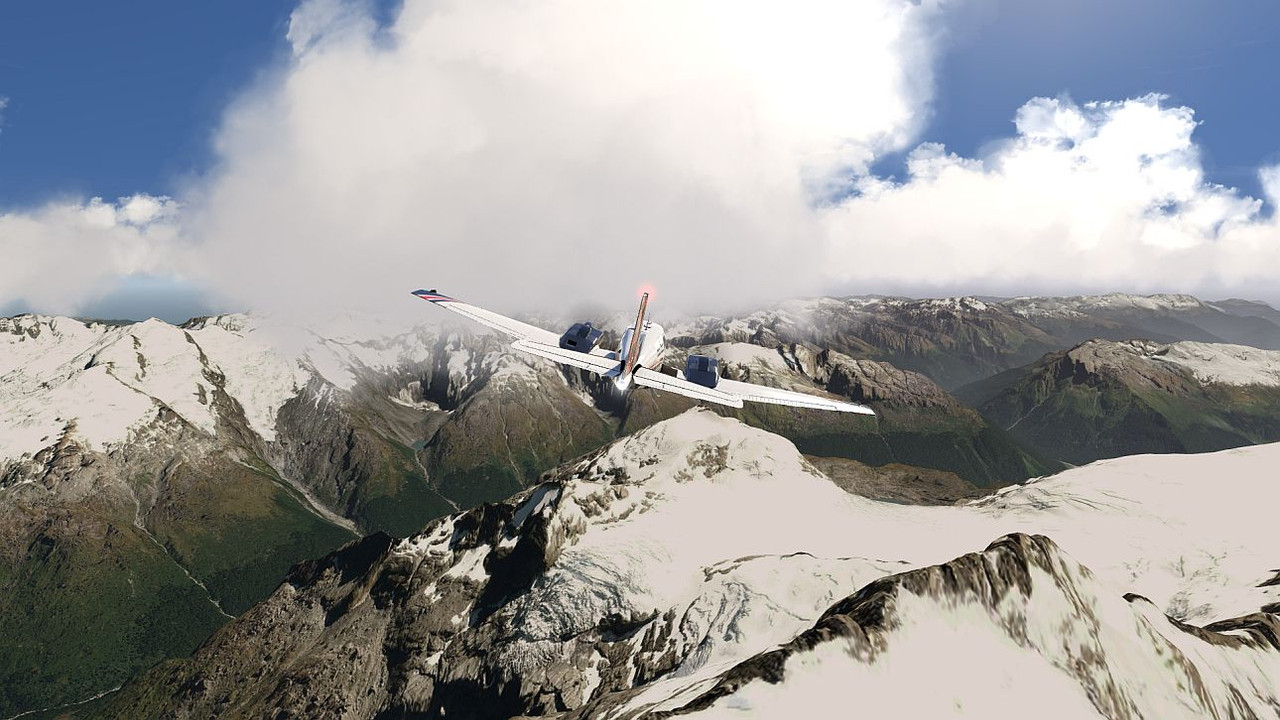
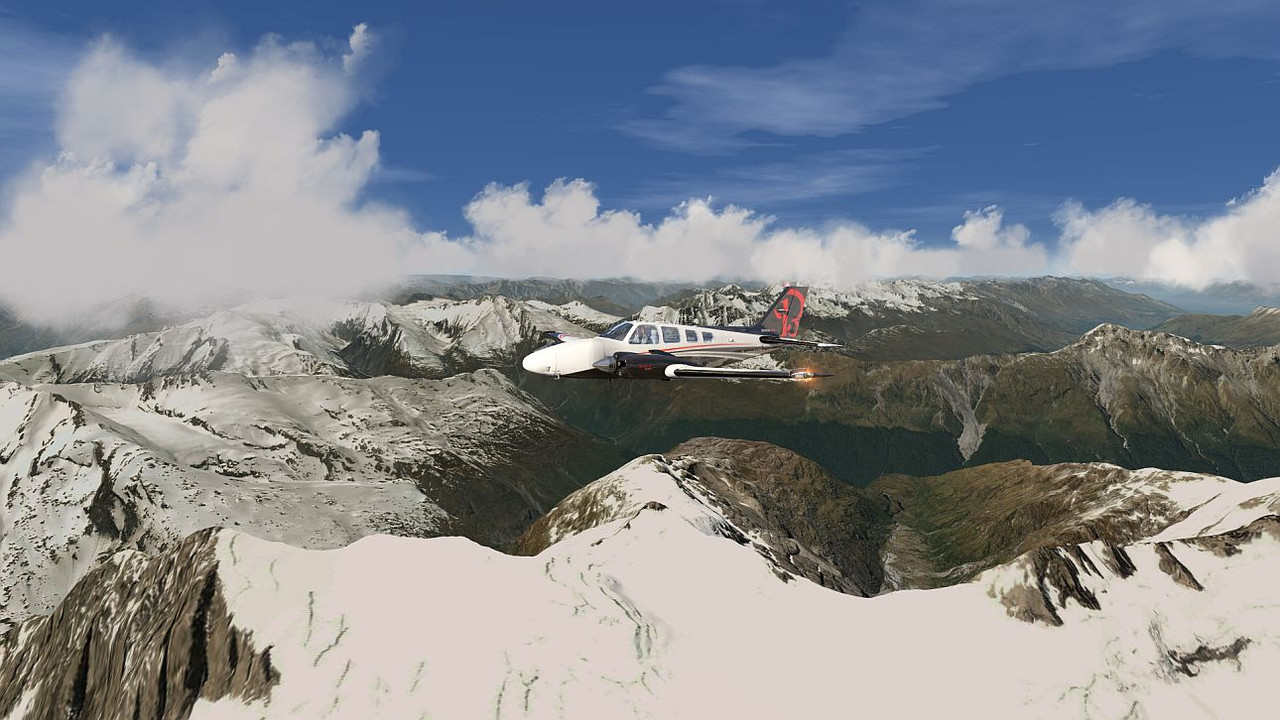
AFS2 NZQN to NZMC more or less

Post and comment on screen captures from the beautiful game here. Home of the monthly screenshot competition

AFS2 NZQN to NZMC more or less

Postby emfrat » Tue Jul 26, 2022 3:23 pm

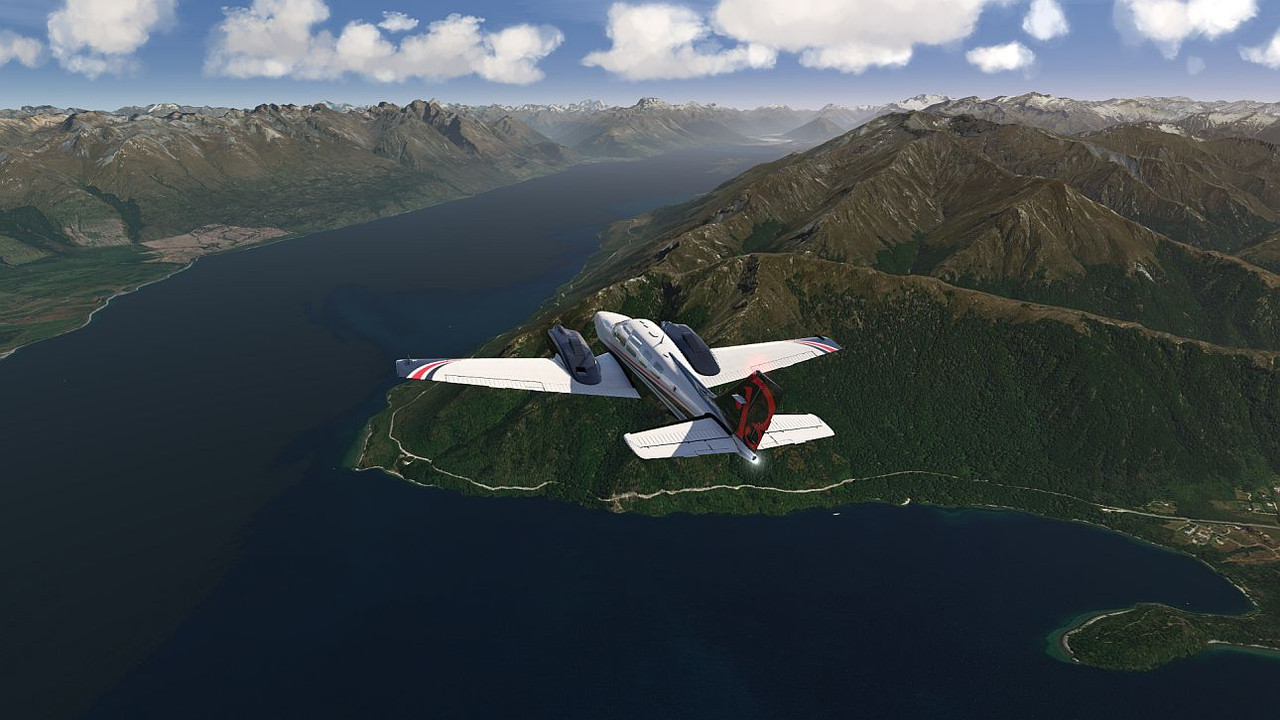
Some more in the mountains :rolleyes:

Image

Image

Image

Image

Image
MikeW
'Propliner' is actually short for 'Proper airliner, with big rumbly radials'

Image
User avatar
emfrat
NZFF Pro
 
Topic author
Joined: Sat May 07, 2011 7:41 pm
Posts: 4098
Location: 50 DME YBBN

Re: AFS2 NZQN to NZMC more or less

Postby Charl » Tue Jul 26, 2022 6:24 pm

It's purty.... goodness, even the clouds!
User avatar
Charl
NZFF Pro
 
Joined: Mon May 01, 2006 8:28 am
Posts: 9691
Location: Auckland

Re: AFS2 NZQN to NZMC more or less

Postby Splitpin » Tue Jul 26, 2022 6:46 pm

:bow: Mike, when you have time, are you able to run me through obtaining and installing that.
User avatar
Splitpin
NZFF Pro
 
Joined: Mon Aug 03, 2009 12:15 pm
Posts: 21332
Location: Christchurch NZ

Re: AFS2 NZQN to NZMC more or less

Postby Charl » Tue Jul 26, 2022 8:01 pm

:hesaid:
User avatar
Charl
NZFF Pro
 
Joined: Mon May 01, 2006 8:28 am
Posts: 9691
Location: Auckland

Re: AFS2 NZQN to NZMC more or less

Postby emfrat » Tue Jul 26, 2022 8:26 pm

Splitpin wrote::bow: Mike, when you have time, are you able to run me through obtaining and installing that.


Sure can, Marty. This will get you started.
Geoff_Kiwi has done mesh for both islands and photoscenery for the South Island.

North Island:
https://flight-sim.org/filebase/index.p ... -11-12-13/

South Island:
https://flight-sim.org/filebase/index.p ... s-9-10-11/

https://flight-sim.org/filebase/index.p ... o-scenery/

Michael (IZ0JUB) has done photoscenery and cultivation (=autogen) for the North island. I invited him to use my stuff if he wanted, which he did, and he fixed a horrible mess I had made of Manakau Harbour.
https://flight-sim.org/filebase/index.p ... th-island/

When you installed AFS2, it created a root folder as C:\Program Files\AFS2 Flight Simulator. This is for 'official' stuff only.
The install also creates a similar folder in C:\Users\username\Documents\AFS2_Flight_Simulator\addons\ . This is where the 'third-party' stuff belongs.
If you put third-party stuff in the 'official' area, it will get wiped out when an official update comes along and you install it.

Have fun, don't stay up too late. More detail tomorrow.

ATB
Mike
MikeW
'Propliner' is actually short for 'Proper airliner, with big rumbly radials'

Image
User avatar
emfrat
NZFF Pro
 
Topic author
Joined: Sat May 07, 2011 7:41 pm
Posts: 4098
Location: 50 DME YBBN

Re: AFS2 NZQN to NZMC more or less

Postby emfrat » Wed Jul 27, 2022 1:40 pm

OK, this is where it gets tricky, for me anyway. I know nothing about using Steam, nor what OS you have -Win7, Win 10, Mac etc. All I can do is show you how the file structures look on my Win10 flying machine.

There are some basic rules, but AFS2 is very tolerant of variations within those rules. This leads to a lot of confusion as those few devs who do provide readme instructions seem to be giving conflicting advice.

First of all, bring your AFS2 up to date (Steam should have done this for you)
Updates for AFS2 DVD installs can be downloaded here:
https://www.aerofly.com/support/downloads/
These are cumulative updates i.e. each one includes the earlier stuff. You don't need to get them all, just the latest one.

Unzip the downloaded files. I use an empty folder named Area0 for this, so I can check the structure before I move the new stuff into AFS2.

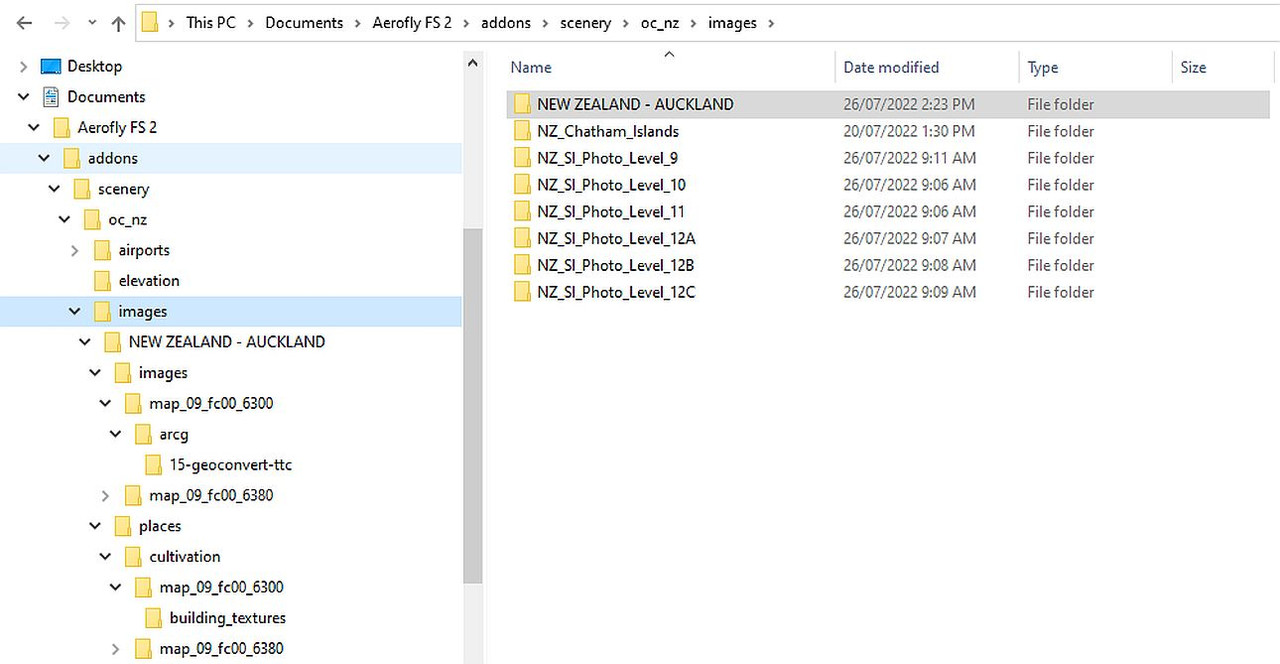
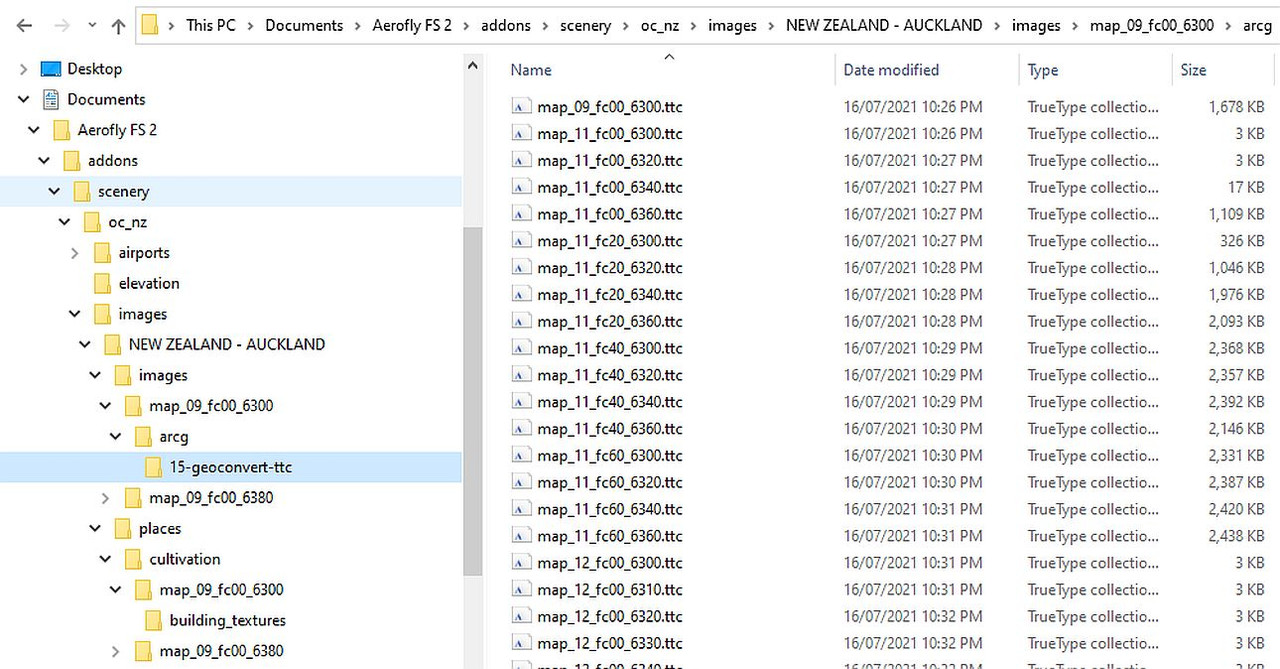
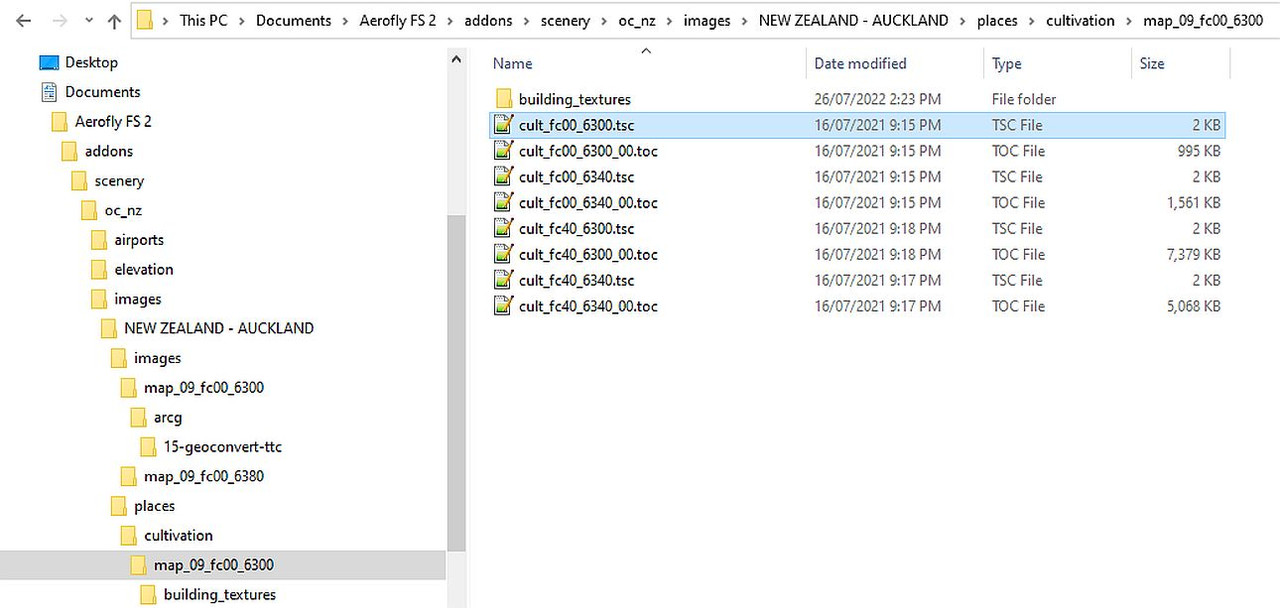
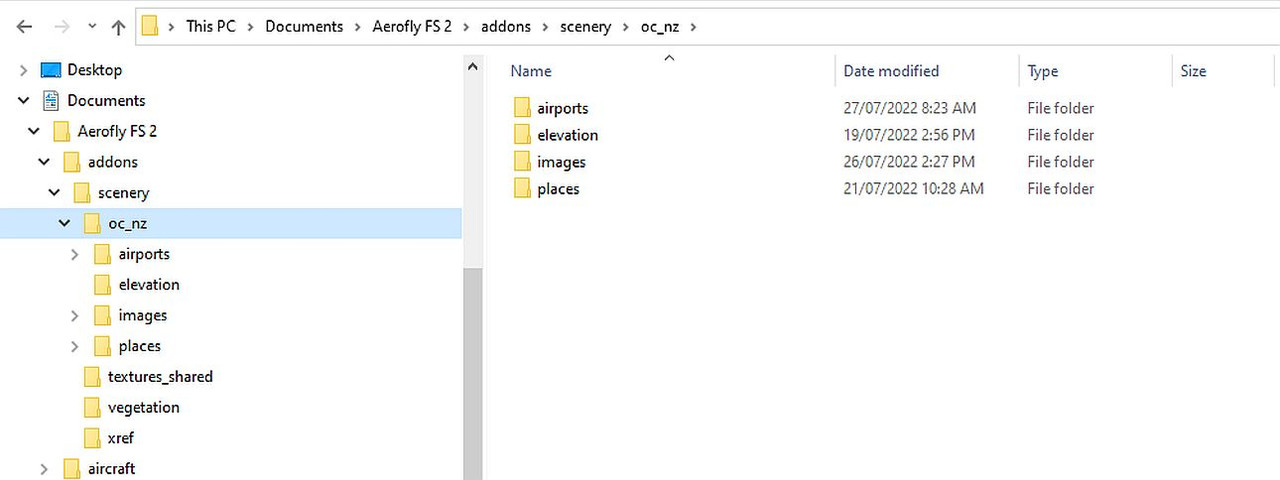
Next, remember this is third-party scenery so it goes in the Documents\AFS2 path, not the Program Files one. IZ0JUB and GeoffKiwi use slightly different methods of grouping their files, but both work.
In the images below, oc_nz is the new naming style. It used to be just nz and AFS2 loaded all the world, nomatter where you chose as a start location. Now it is oc_nz (= Oceania_NZ) which speeds up loading time because AFS2 will load just the Oceania region if you choose to start in NZ, not the whole world.

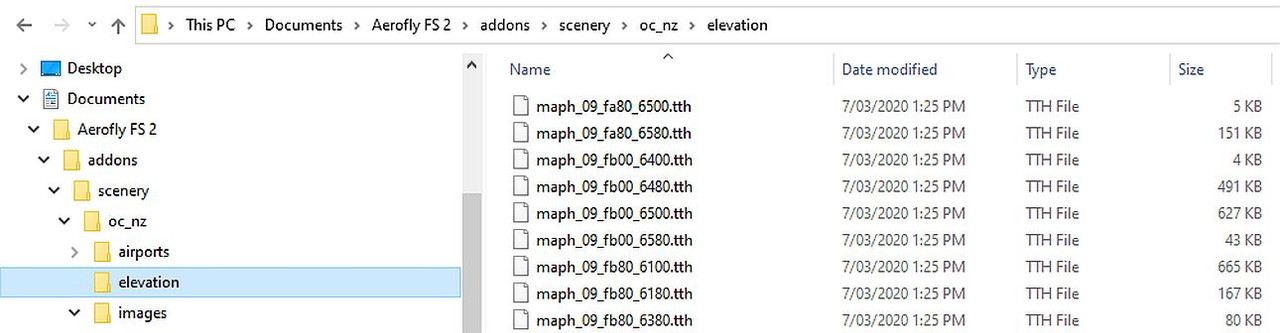
Elevation is what AFS2 calls terrain mesh and the filenames all start with maph.
Images are what AFS2 calls photoscenery tiles and the filenames all start with map. A map_09 covers roughly 50x50 nm. A map_10 has twice the resolution so it is a quarter the size of a map_09, a map_11 is a quarter of that again, and so on up to level 15.
Cultivation (=autogen) is buildings and trees. It uses map_09 filenames which cross-reference the scenery tile they belong on. This is gradually being replaced by the xref method, which calls 3-D models from an Object Library.
Image

Image

Image

Image

Image
MikeW
'Propliner' is actually short for 'Proper airliner, with big rumbly radials'

Image
User avatar
emfrat
NZFF Pro
 
Topic author
Joined: Sat May 07, 2011 7:41 pm
Posts: 4098
Location: 50 DME YBBN

Re: AFS2 NZQN to NZMC more or less

Postby Splitpin » Wed Jul 27, 2022 2:04 pm

Oh my goodness Mike, very detailed indeed ...I'll study, just a bit fuzzy in the old head at the moment, but great explanation sir :bow:
User avatar
Splitpin
NZFF Pro
 
Joined: Mon Aug 03, 2009 12:15 pm
Posts: 21332
Location: Christchurch NZ

Re: AFS2 NZQN to NZMC more or less

Postby Charl » Thu Jul 28, 2022 1:27 pm

Dear AFS2Guru Mike: you read us right.
Nothing less explicit would do.
Will save much time Fiddling with Folders and Fixiing erm, Mistakes. :D
User avatar
Charl
NZFF Pro
 
Joined: Mon May 01, 2006 8:28 am
Posts: 9691
Location: Auckland


Return to Screenshots

Who is online

Users browsing this forum: No registered users and 6 guests