Shader Mod

Read and report on flightsim developers progress of upcoming or completed products

Postby Rotordude » Fri Sep 09, 2011 12:55 pm

SHADE

Have been following this closely and it is now released through flight sim store http://www.flightsimstore.com/product_info...roducts_id=1894

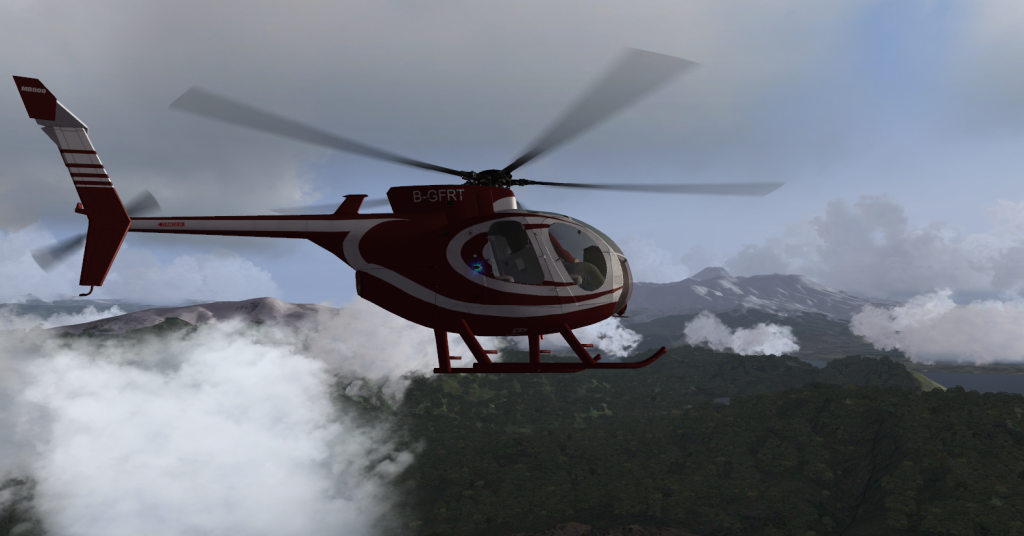
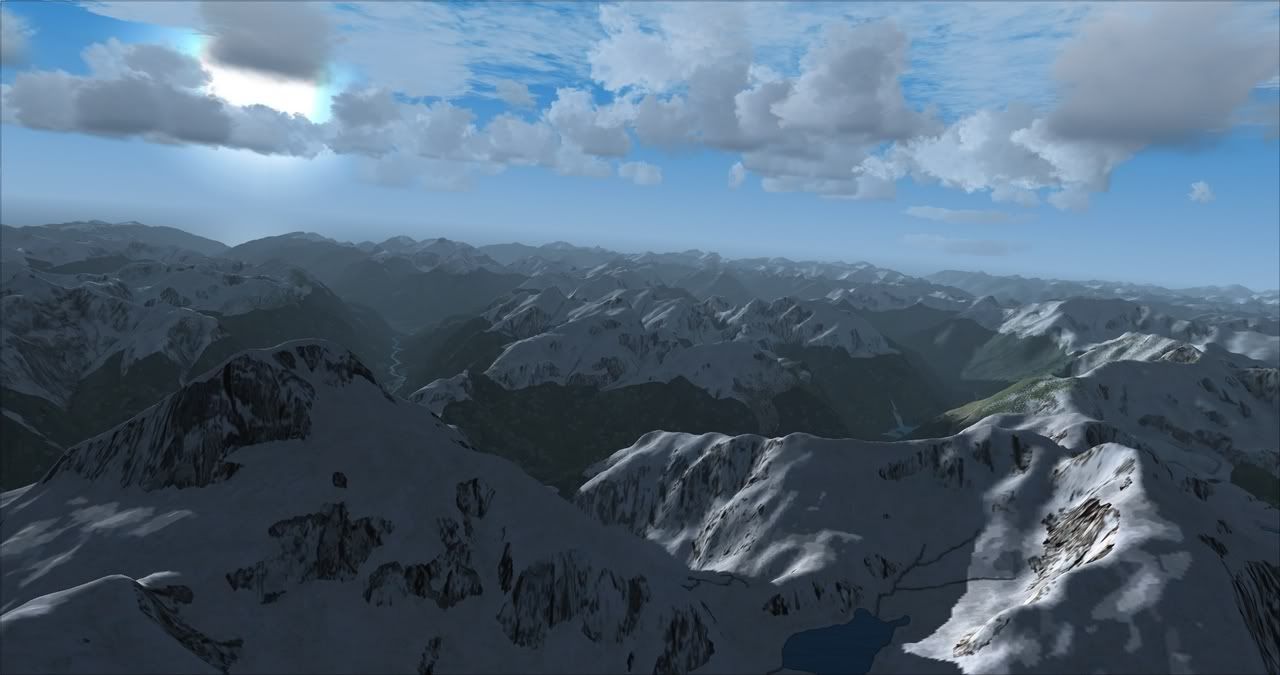
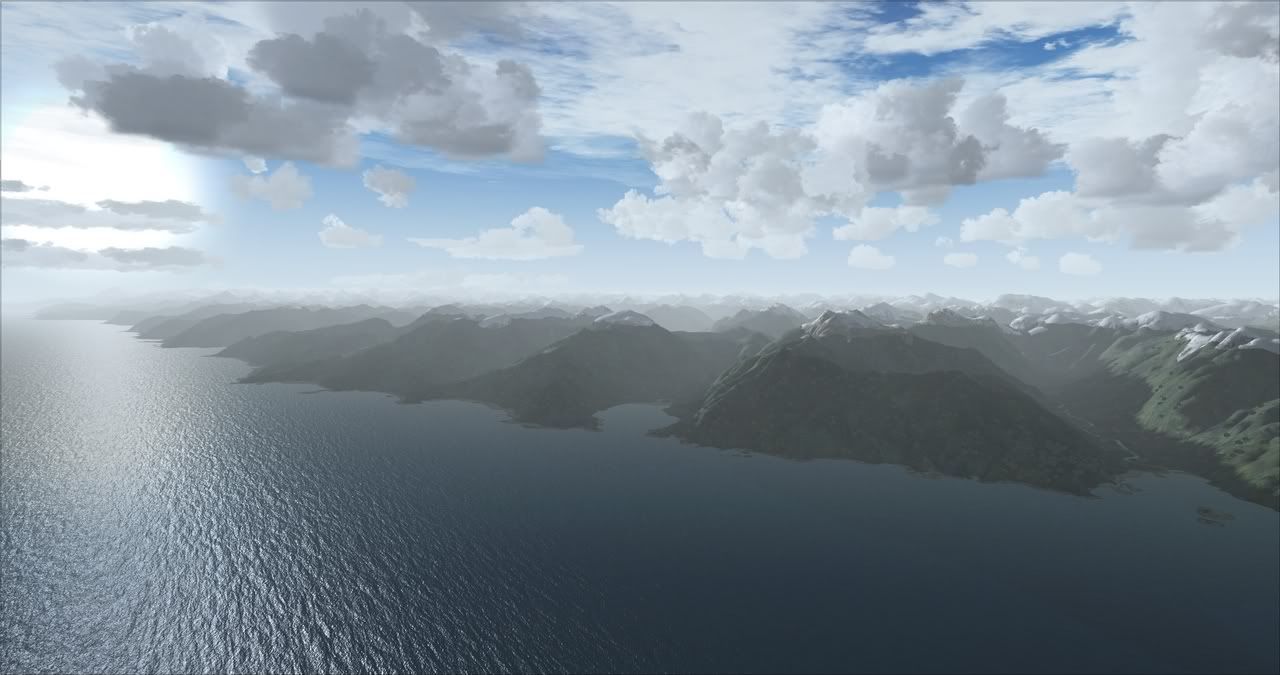
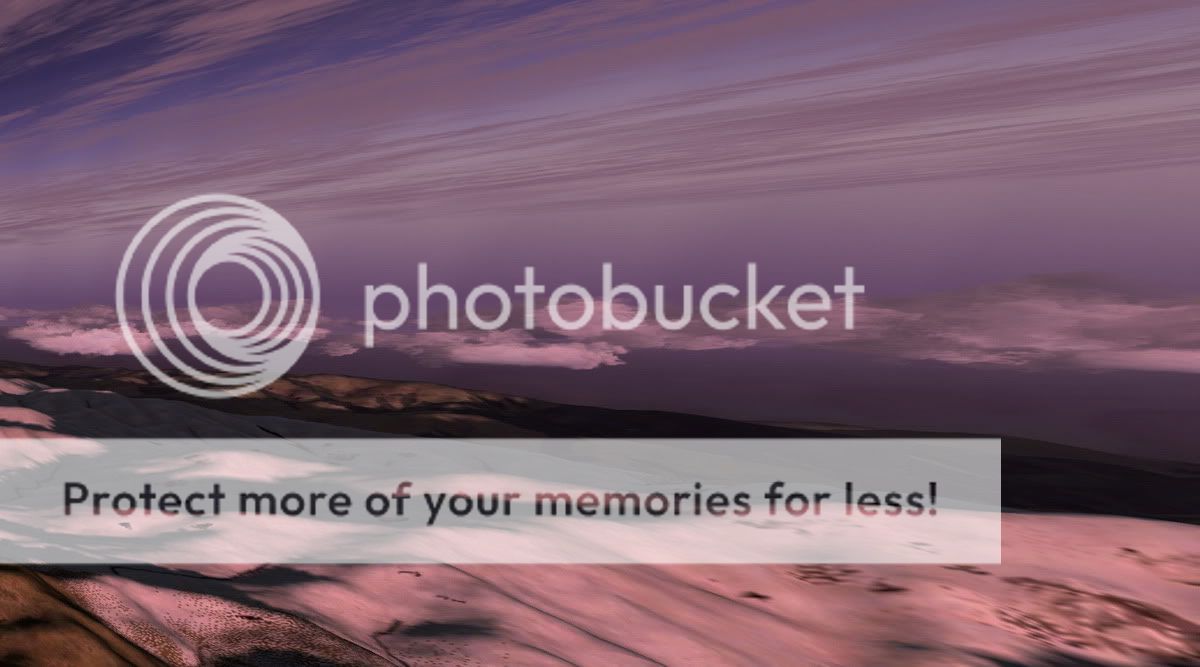
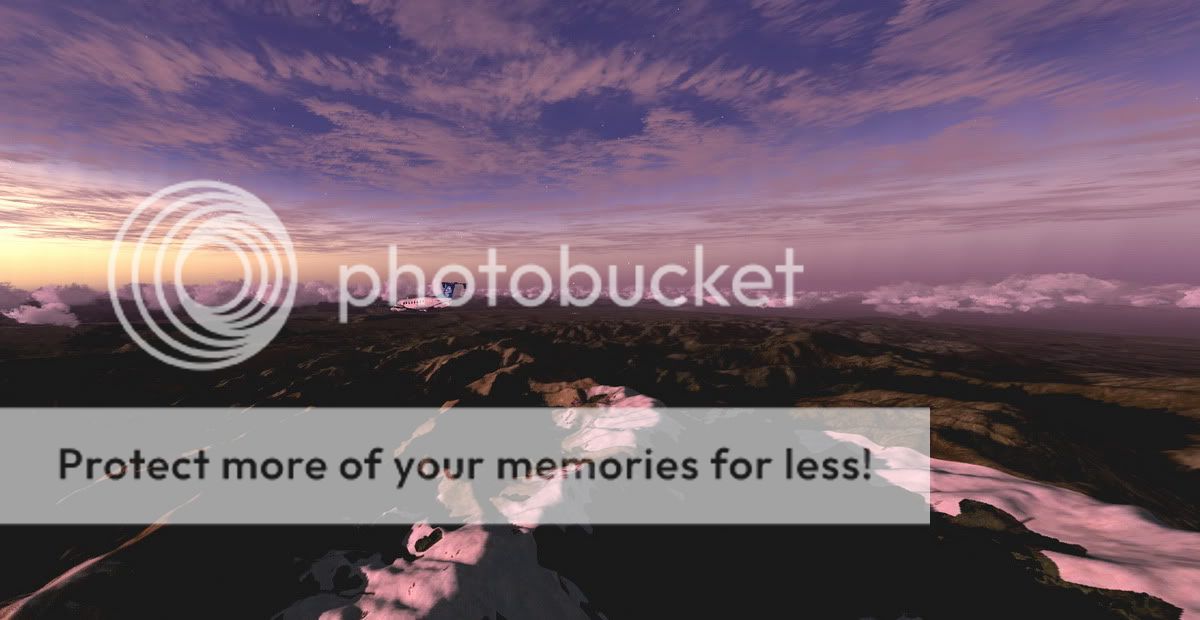
Bought it on the release have been running it with ENB and I am stunned to say the least, what it does to the terrain detail alone is brilliant. If you want to spend 13 bucks this is a winner. Two thumbs up from me.
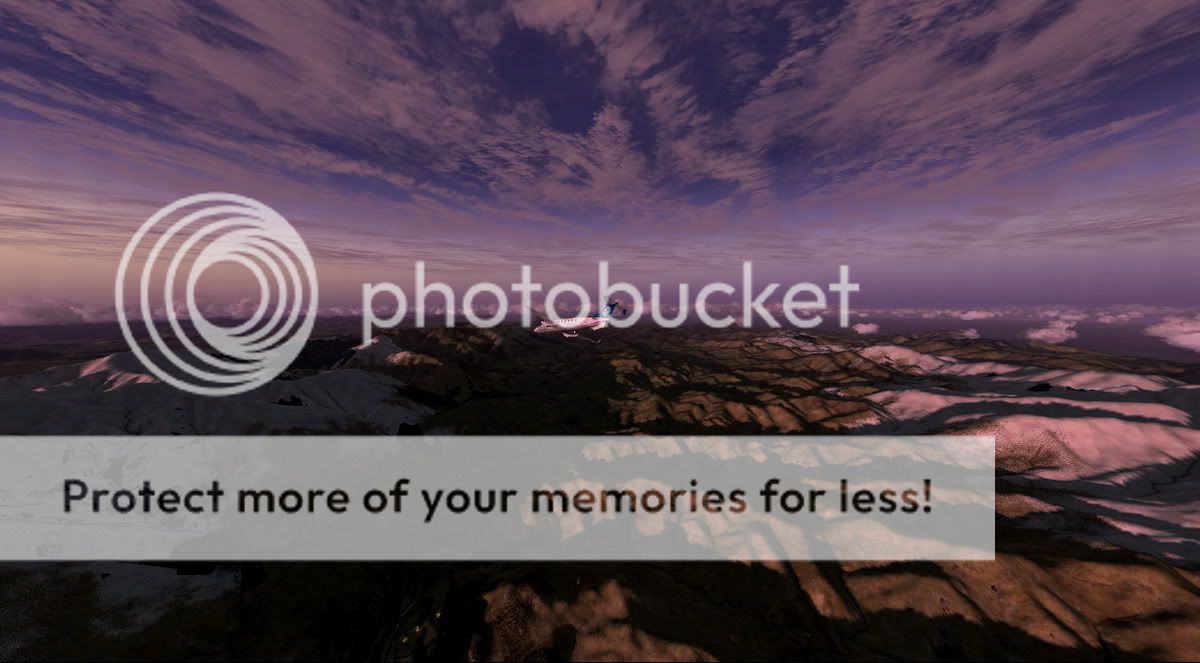
I will let a few screenies speak the rest of the story........ All raw captures, no editing, completely naked.

Enjoy....


Last edited by Rotordude on Fri Sep 09, 2011 2:00 pm, edited 1 time in total.
Regards always
Pete
Rotordude
Sim-holic
 
Topic author
Joined: Wed Mar 25, 2009 3:50 pm
Posts: 508
Location: Huntly, NZ

Postby SgtPepper » Fri Sep 09, 2011 1:17 pm

Looks good, is there much of a hit on frame rates? Are you running rex too? smile.gif
SgtPepper
Forum Addict
 
Joined: Thu Sep 16, 2010 11:13 pm
Posts: 272
Location: Cook Strait

Postby Rotordude » Fri Sep 09, 2011 1:41 pm

No FPS impact what so ever, for me I would say things have smoothed out a little more.

Yes REX textures, ASE live weather engine.
Regards always
Pete
Rotordude
Sim-holic
 
Topic author
Joined: Wed Mar 25, 2009 3:50 pm
Posts: 508
Location: Huntly, NZ

Postby Ian Warren » Fri Sep 09, 2011 2:10 pm

At 13 Bucks ... you want those very special shots , without a 'dout brussel sprout' has to be worth it cool.gif
Image
User avatar
Ian Warren
NZFF Pro
 
Joined: Fri May 05, 2006 5:23 pm
Posts: 41187
Location: AREA 51

Postby Naki » Fri Sep 09, 2011 3:14 pm

drool.gif
User avatar
Naki
NZFF Pro
 
Joined: Sat Aug 05, 2006 10:03 pm
Posts: 7170
Location: Tauranga

Postby Timmo » Fri Sep 09, 2011 7:03 pm

Looks pretty good but one thing I want to know is how does it work on default rendered terrain ( I.e not an aerial photo) - would you be able to chuck up a couple of pics with it turned on and turned off?
Timmo
NZFF Pro
 
Joined: Wed Oct 25, 2006 6:28 pm
Posts: 2056
Location: Tauranga

Postby creator2003 » Fri Sep 09, 2011 7:20 pm

Thanks for the heads up thumbup1.gif just went for it at that price and hope it makes a nice difference
User avatar
creator2003
NZFF Pro
 
Joined: Fri Jun 16, 2006 12:08 am
Posts: 4633
Location: Cant U C im LOCO

Postby Rotordude » Fri Sep 09, 2011 8:52 pm

Timmo wrote:
QUOTE (Timmo @ Sep 9 2011,7:03 PM) <{POST_SNAPBACK}>
Looks pretty good but one thing I want to know is how does it work on default rendered terrain ( I.e not an aerial photo) - would you be able to chuck up a couple of pics with it turned on and turned off?

Works a treat on default terrain. 2 pics 1st shot default fsx, you will see everything is pretty well lit up even the valleys considering that the sun is just peeking out over the horizon at 5:30am.
Second one is SHADE lighting up only the areas that actually can see the sun, the rest is still in semi darkness.


creator2003 wrote:
QUOTE (creator2003 @ Sep 9 2011,7:20 PM) <{POST_SNAPBACK}>
Thanks for the heads up thumbup1.gif just went for it at that price and hope it makes a nice difference

If you are a morning or evening flyer that is when you will see it really working. Only times I have noticed no big difference is between 11 and 1 but then that is when the suns at its highest.
Cockpit shading is fantastic.
Regards always
Pete
Rotordude
Sim-holic
 
Topic author
Joined: Wed Mar 25, 2009 3:50 pm
Posts: 508
Location: Huntly, NZ

Postby Ian Warren » Fri Sep 09, 2011 8:56 pm

Its going to be interesting to see your future screens as day progress,s and the the different weathers and terrain .
Image
User avatar
Ian Warren
NZFF Pro
 
Joined: Fri May 05, 2006 5:23 pm
Posts: 41187
Location: AREA 51

Postby AlisterC » Fri Sep 09, 2011 11:50 pm

Now that does look really cool. And a nice price. Thanks for pointing this one out.
Image
User avatar
AlisterC
NZFF Pro
 
Joined: Thu Jul 20, 2006 11:13 am
Posts: 2543
Location: Nelson, NZ

Postby AndrewJamez » Wed Sep 21, 2011 7:22 pm

bought it yesterday. Love it already. I haver only loaded the 1st preset shade setting. There are around 20 or so to choose from. I dont know why you would want to buggerise around with the settings to creat your own when there are plenty to choose from.
Using this gives a masssive increase in dynamic contrast against all terrain, clouds and aircraft. The clouds are bright on the sunward side as they should be and dark on the otherside and beneath. The difference is huge. Its like moving to REX or FEX. You'll never fly without it.

Last edited by AndrewJamez on Wed Sep 21, 2011 7:24 pm, edited 1 time in total.
AndrewJamez
Sim-holic
 
Joined: Sun Feb 14, 2010 5:04 pm
Posts: 766
Location: Hamilton

Postby kcgb » Wed Sep 21, 2011 7:37 pm

The new update was released today, v1.01 adds a set and forget feature and some more presets.
kcgb
Sim-holic
 
Joined: Sun Aug 30, 2009 7:44 pm
Posts: 679
Location: NZLX

Postby Nzeddy » Wed Sep 21, 2011 8:24 pm

VLC, REX2 + OD, ENB, FSWC, Shade 1.01


Last edited by Nzeddy on Wed Sep 21, 2011 8:25 pm, edited 1 time in total.
- Eddy
User avatar
Nzeddy
Sim-holic
 
Joined: Thu Jun 12, 2008 7:52 pm
Posts: 866

Postby zkcav » Wed Sep 21, 2011 9:10 pm

Sold! Going to the shopping now....

Couldn't help myself - walked away with Essendon and Fua'amotu International too...
Last edited by zkcav on Wed Sep 21, 2011 9:25 pm, edited 1 time in total.
Takeoff's are optional. Landings are mandatory.
User avatar
zkcav
Forum Addict
 
Joined: Fri Jul 30, 2010 8:58 pm
Posts: 401
Location: NZPM

Postby Ian Warren » Wed Sep 21, 2011 9:42 pm

Paul , you notice the last screen Eddie took , very similar heading south towards Kaikoura as the sea spray haze effect , looks brill think i may look at this shortly myself .
Last edited by Ian Warren on Wed Sep 21, 2011 9:43 pm, edited 1 time in total.
Image
User avatar
Ian Warren
NZFF Pro
 
Joined: Fri May 05, 2006 5:23 pm
Posts: 41187
Location: AREA 51

Postby AlisterC » Wed Sep 21, 2011 10:36 pm

Hey thanks for the heads up on the patch. 15 min of looking tonight for it will do for me... can you tell me where it is?
Cheers

PS Eddy.. shot two.. magic
Last edited by AlisterC on Wed Sep 21, 2011 10:36 pm, edited 1 time in total.
Image
User avatar
AlisterC
NZFF Pro
 
Joined: Thu Jul 20, 2006 11:13 am
Posts: 2543
Location: Nelson, NZ

Postby dbcunnz » Wed Sep 21, 2011 10:45 pm

AlisterC wrote:
QUOTE (AlisterC @ Sep 21 2011,10:36 PM) <{POST_SNAPBACK}>
Hey thanks for the heads up on the patch. 15 min of looking tonight for it will do for me... can you tell me where it is?
Cheers

PS Eddy.. shot two.. magic

Hi Alister if you got it at https://www.flightsimstore.com/login.php just go into your account there and download it again.
Image
OnlineUser avatar
dbcunnz
NZFF Pro
 
Joined: Thu Feb 21, 2008 12:56 pm
Posts: 4009
Location: Blenheim New Zealand

Postby AlisterC » Wed Sep 21, 2011 10:49 pm

Tried that... it's just trying to get me to buy it again? So confusing...

Edit: Nevermind! Found it... (not a frequent shopper obviously). Cheers Doug
Last edited by AlisterC on Wed Sep 21, 2011 10:51 pm, edited 1 time in total.
Image
User avatar
AlisterC
NZFF Pro
 
Joined: Thu Jul 20, 2006 11:13 am
Posts: 2543
Location: Nelson, NZ

Postby creator2003 » Thu Sep 22, 2011 7:45 am

Thanks for the heads up thumbup1.gif i didnt get my email on this one ,nether a mention of the patch download in my account or what its does to my working install etc .
anyway all sorted and in going there i brought weapons for X drool.gif ty again ...
User avatar
creator2003
NZFF Pro
 
Joined: Fri Jun 16, 2006 12:08 am
Posts: 4633
Location: Cant U C im LOCO

Postby dbcunnz » Sat Sep 24, 2011 5:56 pm

Four screens from an evening trip from NZCH to NZWB crossing over from the Awatere valley to the head of the Waihopi valley VLC REX2 and Shader 1.01


Image
OnlineUser avatar
dbcunnz
NZFF Pro
 
Joined: Thu Feb 21, 2008 12:56 pm
Posts: 4009
Location: Blenheim New Zealand

Next

Return to Announcements

Who is online

Users browsing this forum: No registered users and 8 guests