 ) in a full screen, but as it has gone through photobucket, it has since turned to shite. Speaking of which, what site do you all host pics on - Photobucket turns them into a mess.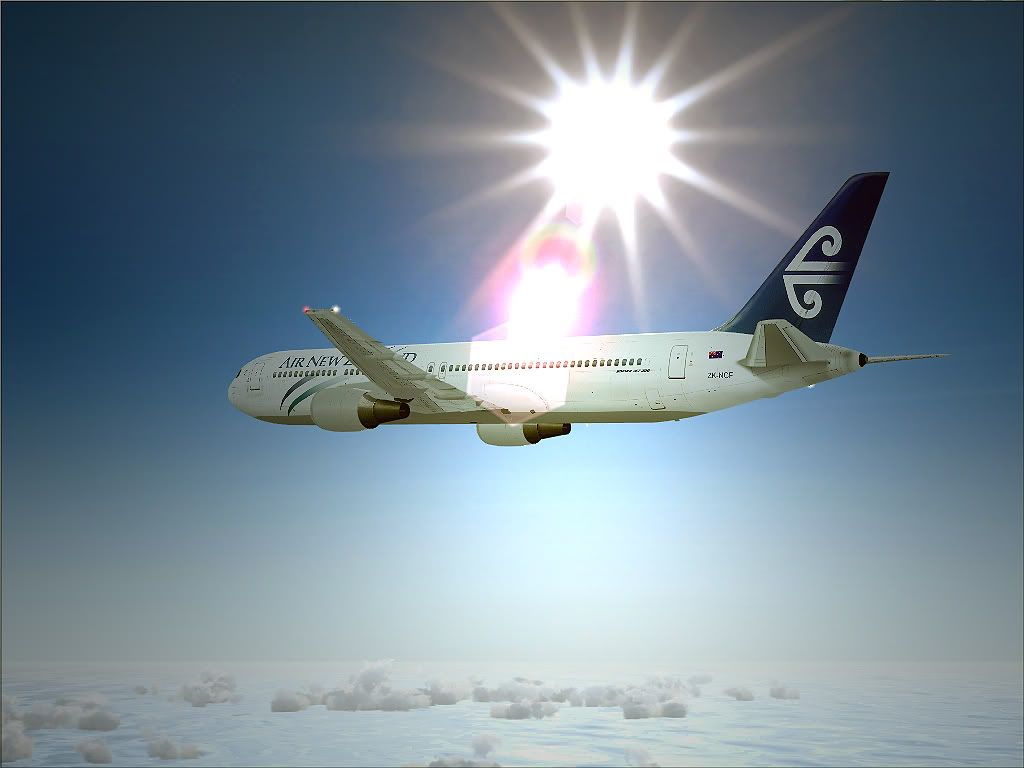
FS9, REX, LevelD 767
100% ad-free
 by ScottyB » Thu Jul 21, 2011 11:35 am
) in a full screen, but as it has gone through photobucket, it has since turned to shite. Speaking of which, what site do you all host pics on - Photobucket turns them into a mess.

by happytraveller » Thu Jul 21, 2011 1:26 pm
by AlisterC » Thu Jul 21, 2011 11:18 pm



by AndrewJamez » Sun Jul 24, 2011 12:41 pm
Users browsing this forum: No registered users and 21 guests


