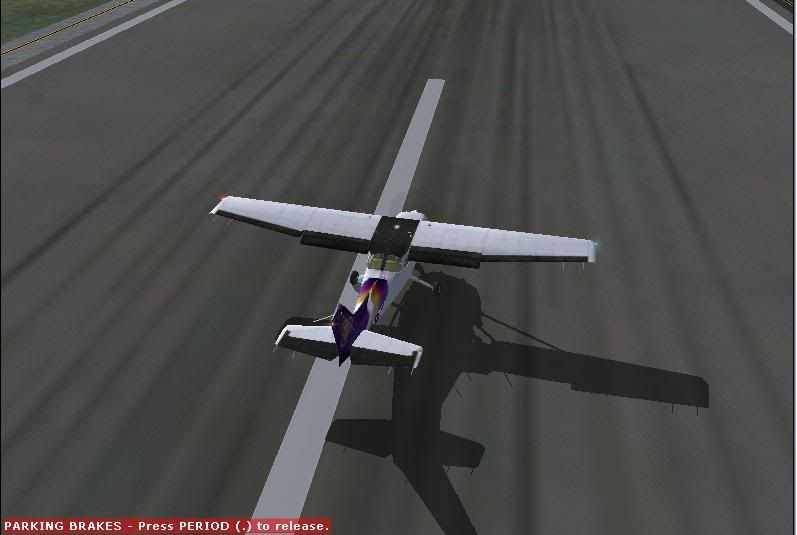
I was just loading up my sim to take a screenie for you BB when I saw Charl's reply- good timing lol

I think it depends what video card you are running, but some cards will give you better performance if you turn Antialiasing (AA)
on in the video card settings and
off in the simulator settings as shown in Charl's post above.

If you get even worse performance this way, try turning AA
on in the sim, and setting the video card settings to "application controlled" to get rid of the jaggie edges.
(I use the application controlled option as my GFX card is old, and if I turn it off in the sim then my 'select and aircraft' screen goes black and when loading a flight the screen flickers)

By the way, I have moved this topic to the technical issues forum to fit its appropriate category.

 by brownbox » Wed Jul 26, 2006 9:11 pm


 sis m661mx.

