
 Here's the guide to FSX display settings that shows you the effect that different display settings have on visual quality - not performance.
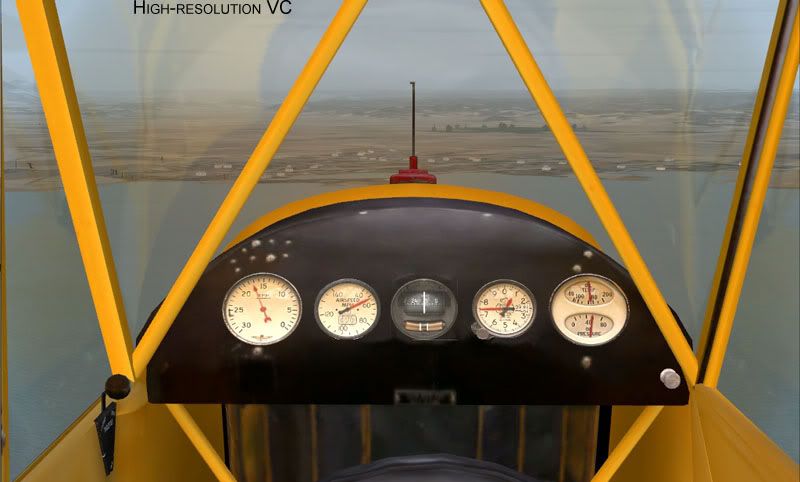
 High-resolution VC setting
High-resolution VC:
Low-resolution VC:
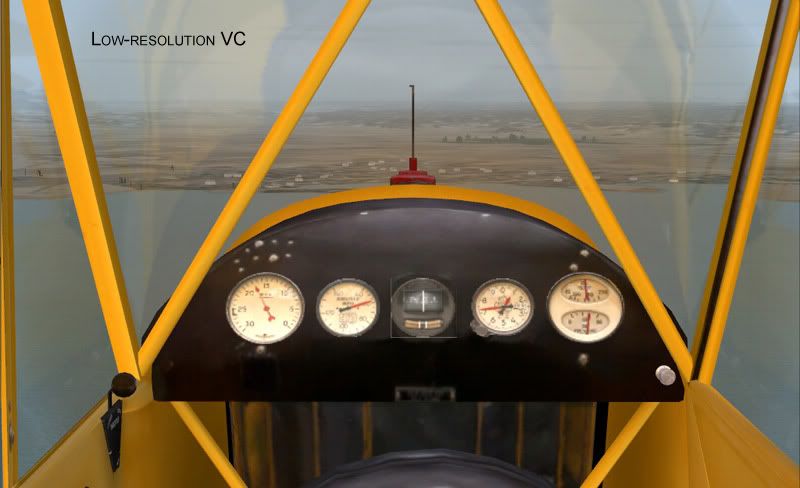
You will see that this setting affects the gauge quality.
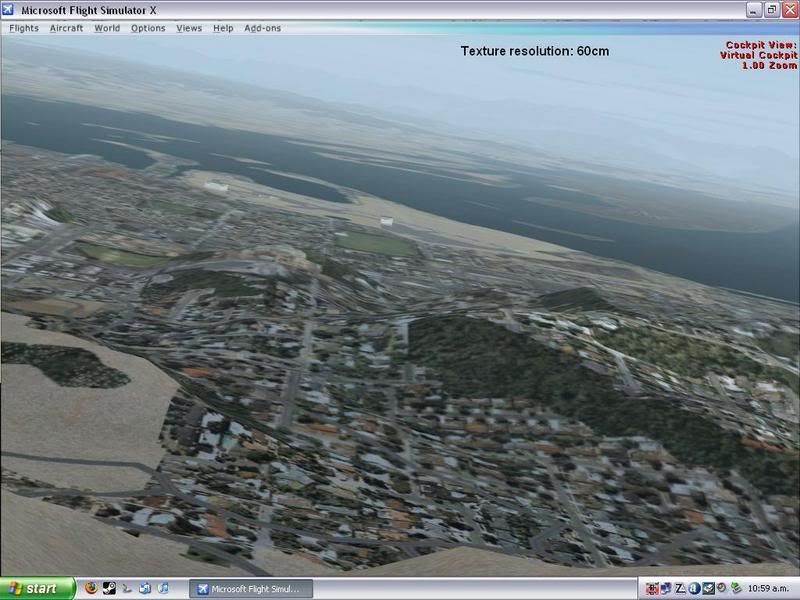
Texture Resolution
Resolution 60cm:
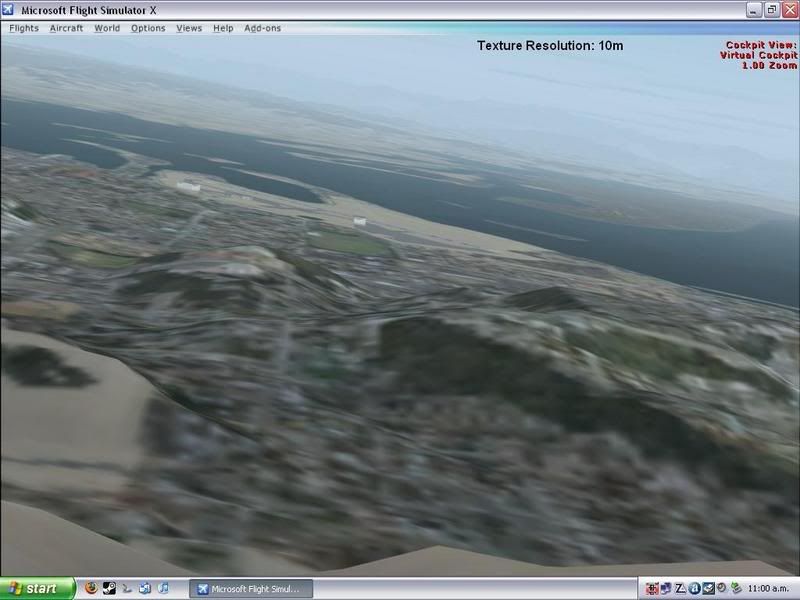
Resolution 10m (lowest possible setting):
Resolution 7cm (highest setting):
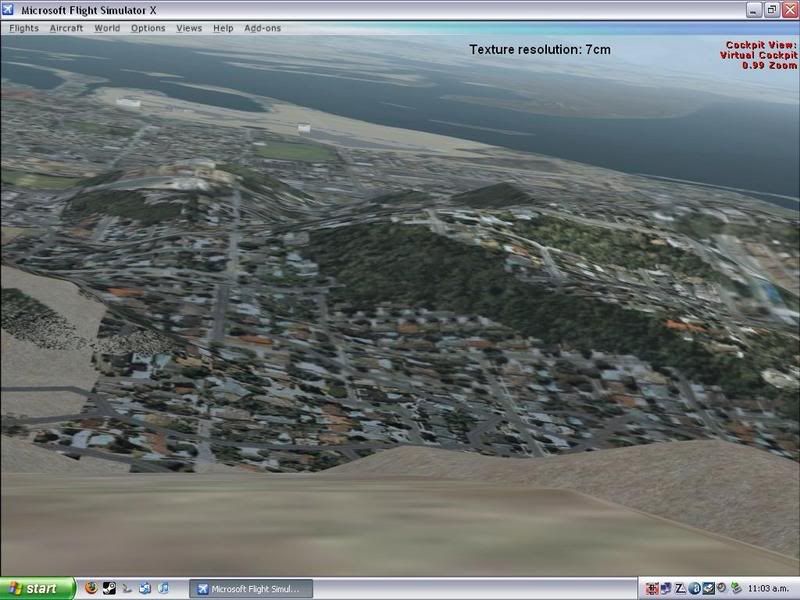
Obviously 60cm (or even 1m) is a good compromise.
Lighting
No lighting settings:
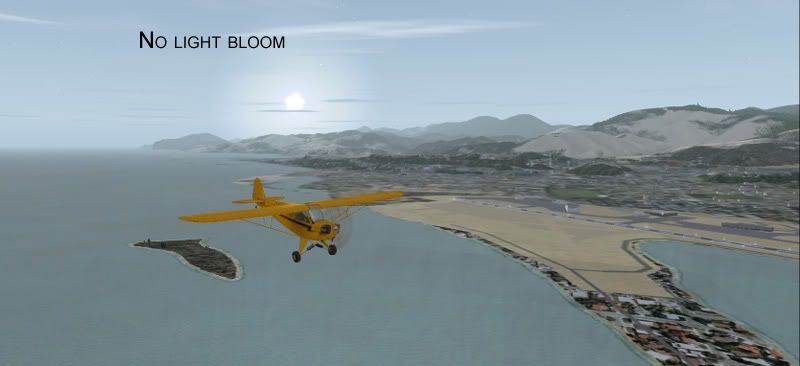
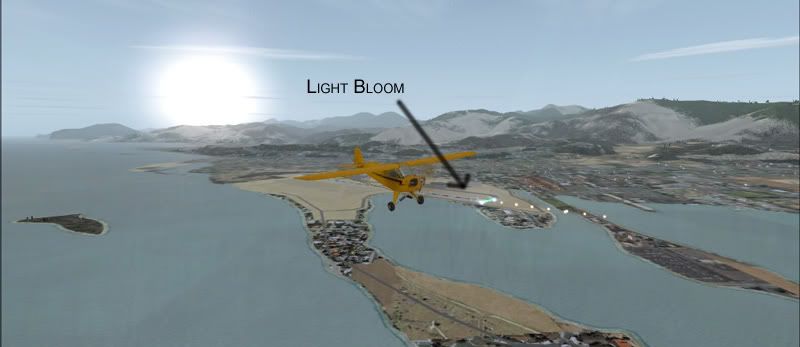
Light bloom
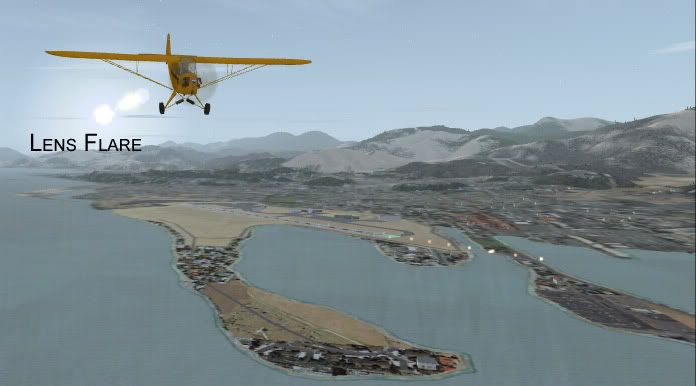
Lens flare
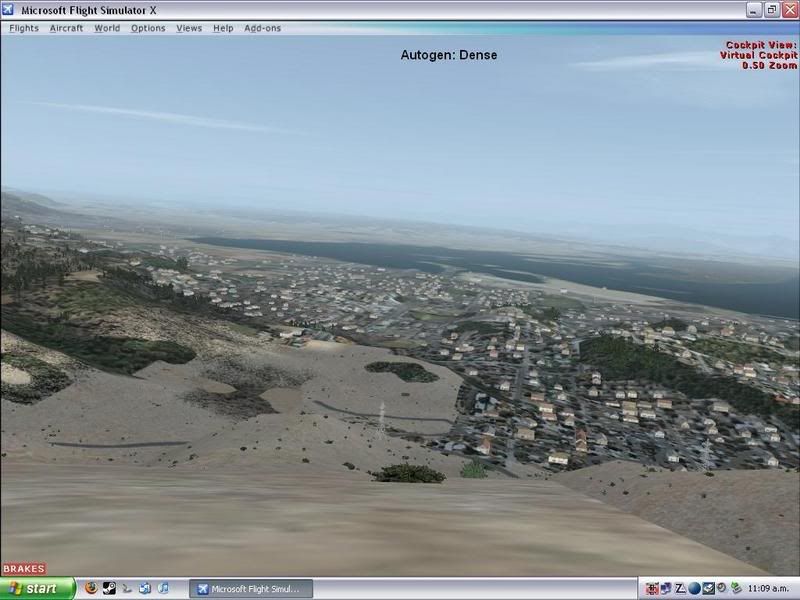
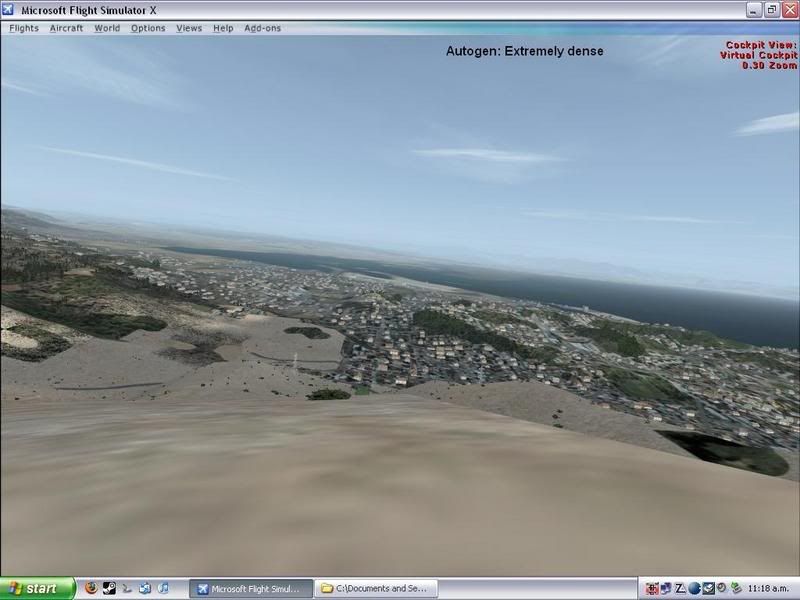
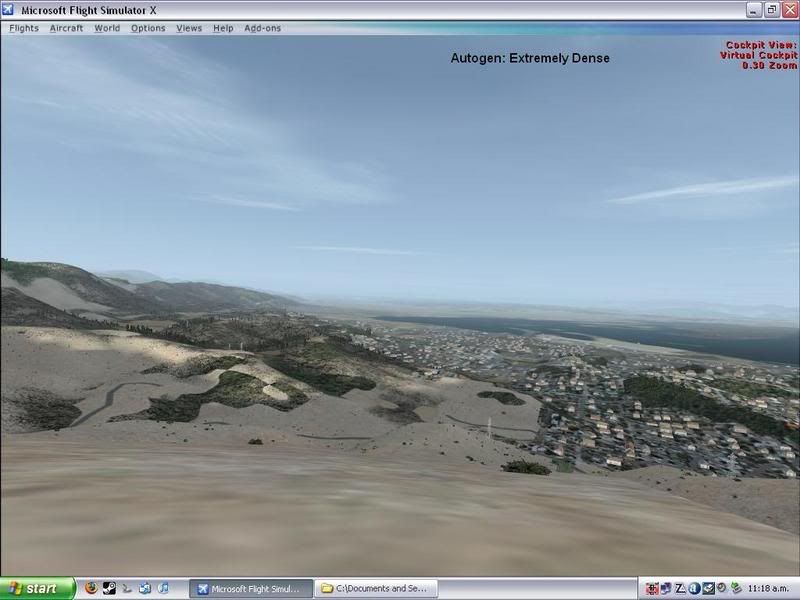
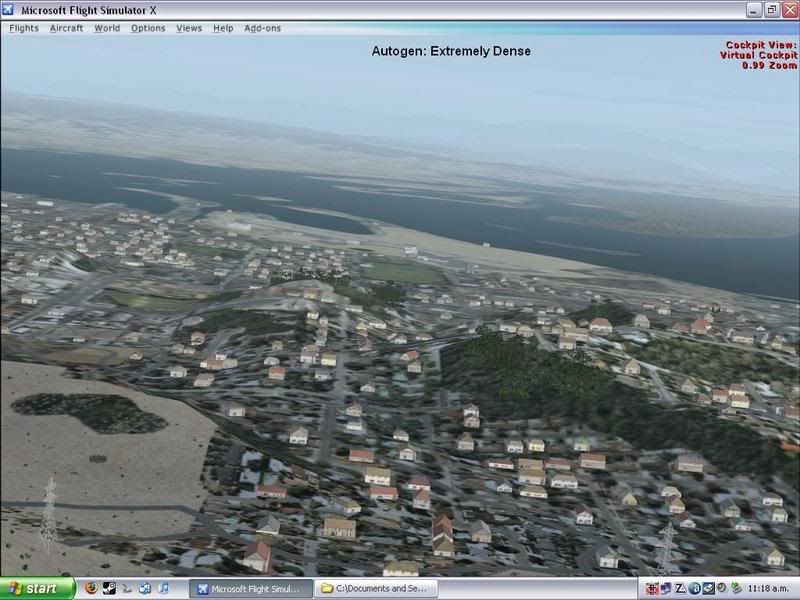
Autogen
Sparse:
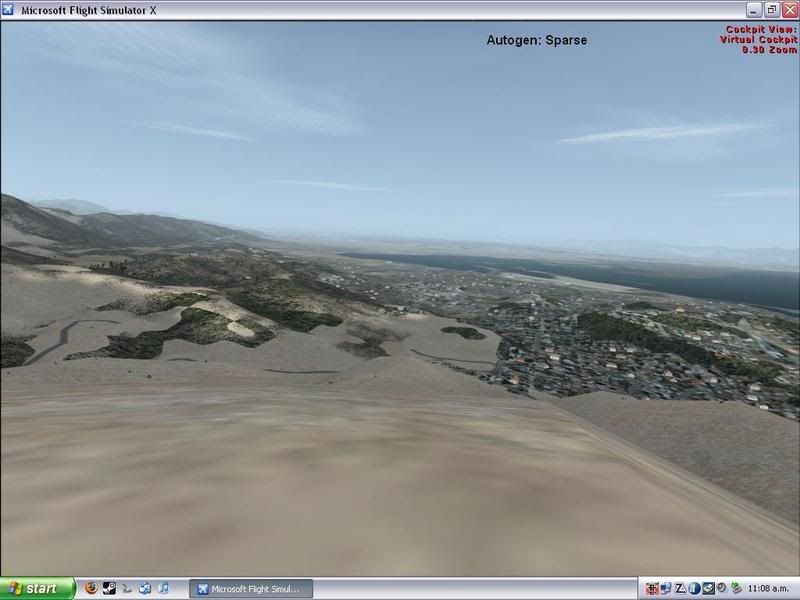
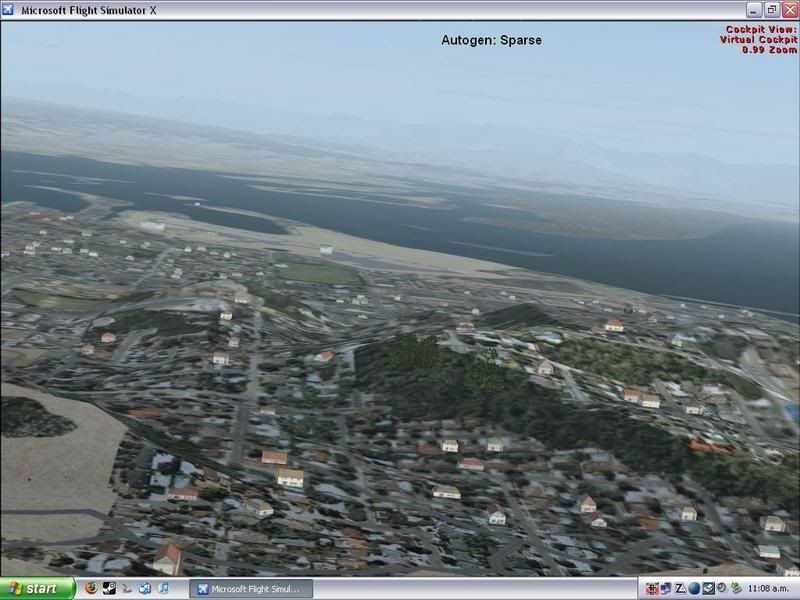
Dense:
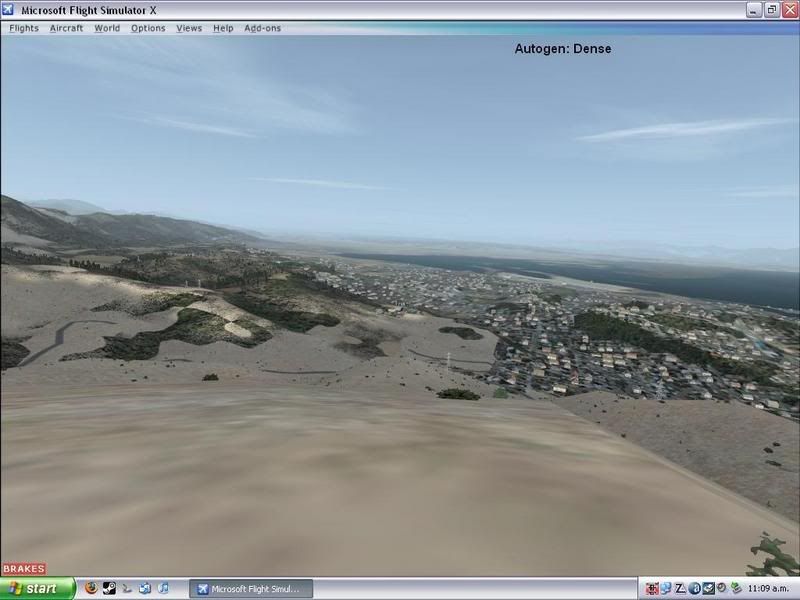
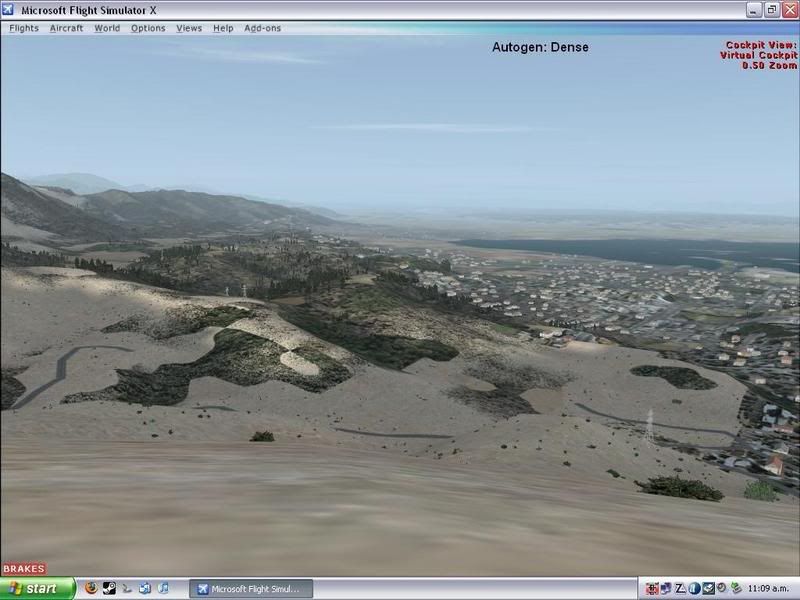
Extremely Dense:
Clouds
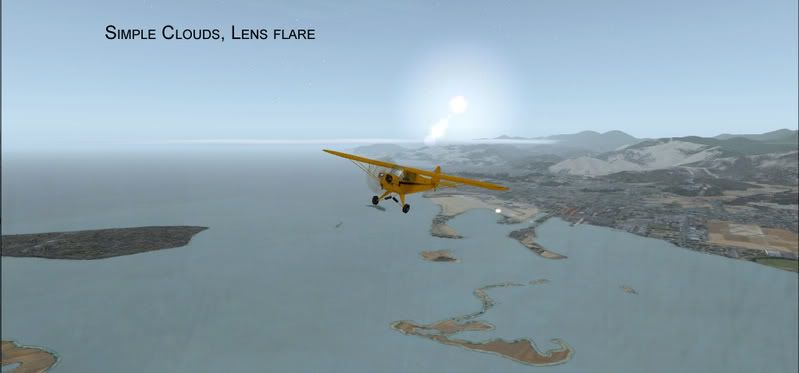
These are taken with a supposed 2000ft cloud base of Cumulus, set to 7/8ths.
Simple Clouds:
Detailed Clouds:
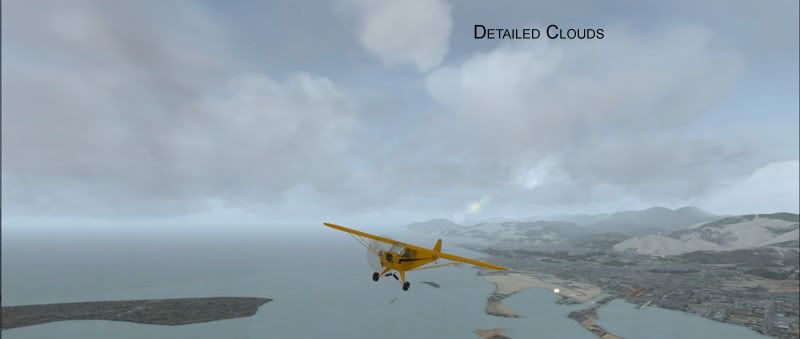
Obviously, if you want any real amount of clouds you need to check "detailed clouds"- even with a supposed 7/8ths sky coverage, there was hardly a cloud in sight with simple clouds

This concludes the guide, hopefully it will help some NZFFers. (And yip, it was done by me)
 ZK-Brock
 .
.

 ) loaded up the defualt flight straight away, fresh install just to see how it looked. Defualt settings were so yuk, open the disaplay settings have about 20second tweak and it looks incredible!