Q300
100% ad-free
 by Q300 » Thu Dec 13, 2007 10:33 pm
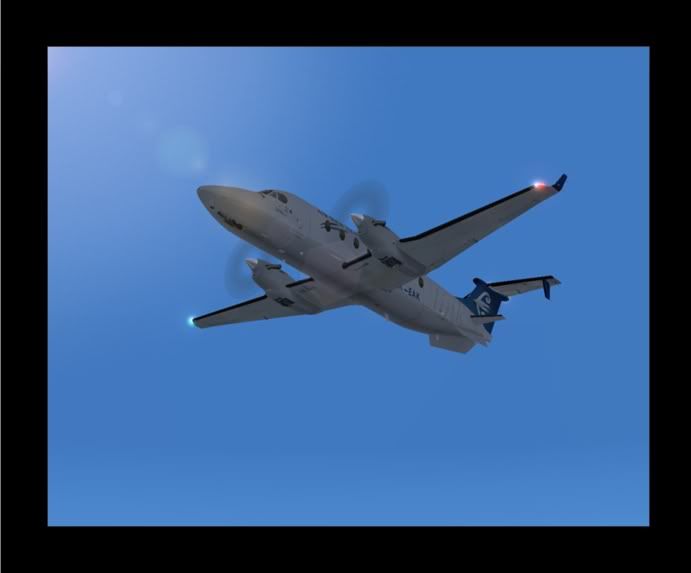
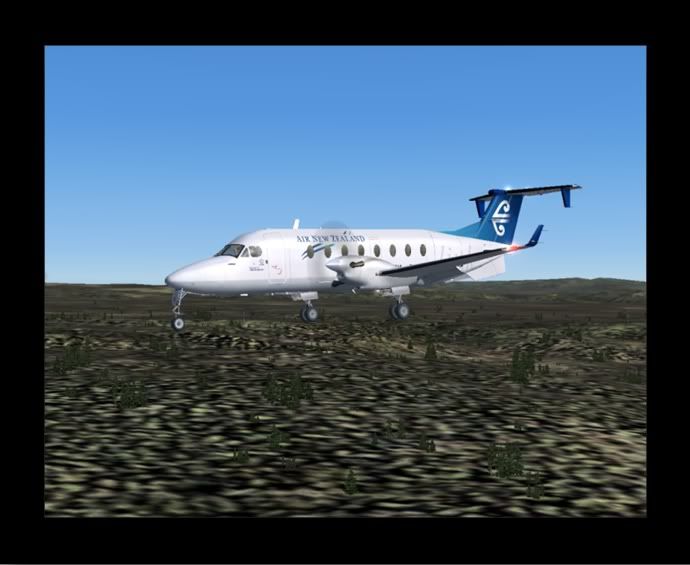
 ) and to top it off the handling is 'Wonderfully Fun'

by creator2003 » Fri Dec 14, 2007 6:47 am


by Q300 » Fri Dec 14, 2007 7:50 am
creator2003 wrote:QUOTE (creator2003 @ Dec 14 2007, 07:47 AM) <{POST_SNAPBACK}>i love that pmdg for landings it really has some nice controls as your on finals
Its great isnt it this is the best handling plane I have brought, the controls are realy smooth and makes approch and landing a breeze
by Kelburn » Fri Dec 14, 2007 9:04 am

by Q300 » Fri Dec 14, 2007 10:59 am
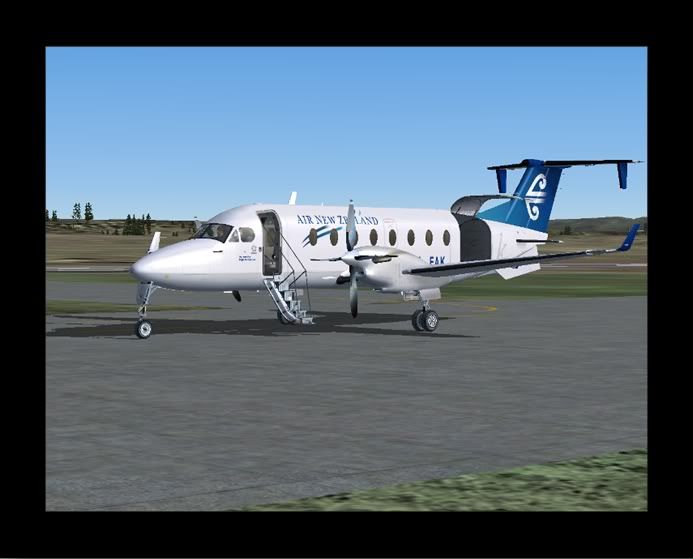
benwynn wrote:QUOTE (benwynn @ Dec 14 2007, 09:42 AM) <{POST_SNAPBACK}>Although, that repaint- The PMDG One on the site- its pretty crappy. Search on AVSIM for a much more realsitic one.
Lol yea the Lettering isnt even the right coulor
Ill download the ones by Matthew Dyer Kelburn wrote:QUOTE (Kelburn @ Dec 14 2007, 10:04 AM) <{POST_SNAPBACK}>what NZAP scenery are you using?
That there is default, carnt rember but it might have an updated AFCAD?
Q300- Sim-holic
- Topic author
- Joined: Wed Apr 25, 2007 4:41 pm
- Posts: 699
- Location: Auckland, ATM!
by Snowman » Fri Dec 14, 2007 12:21 pm




by victor_alpha_charlie » Fri Dec 14, 2007 12:38 pm
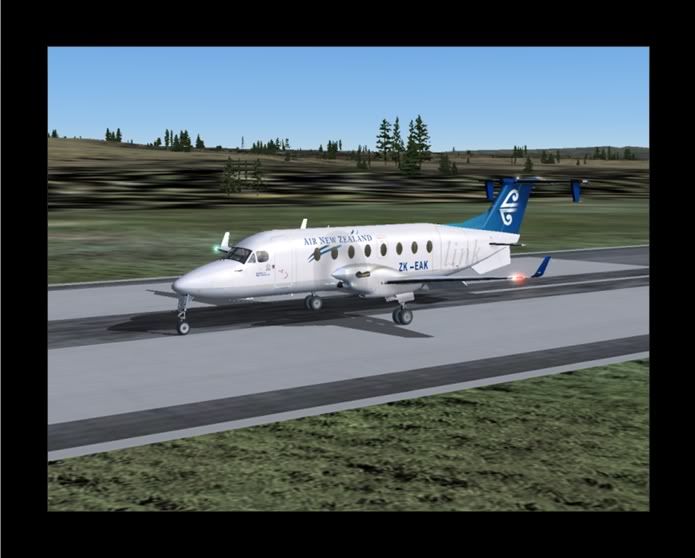
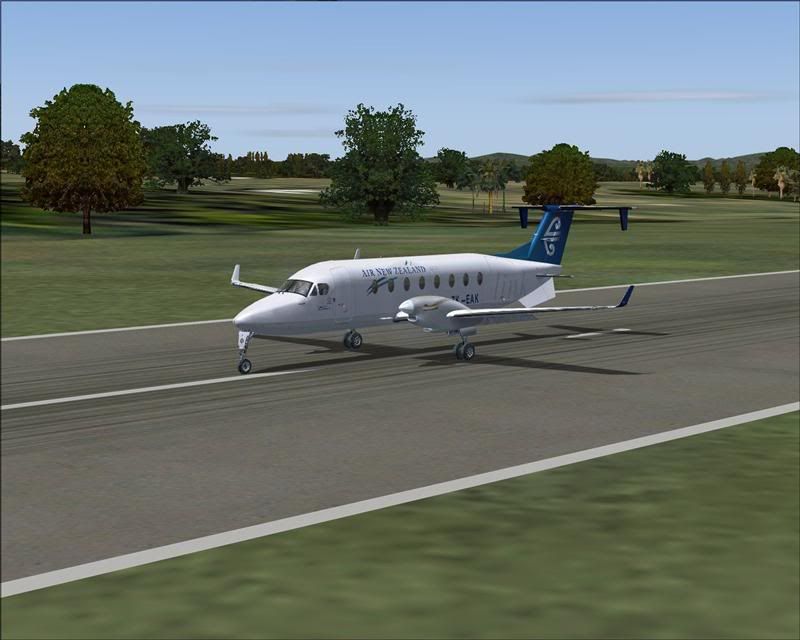
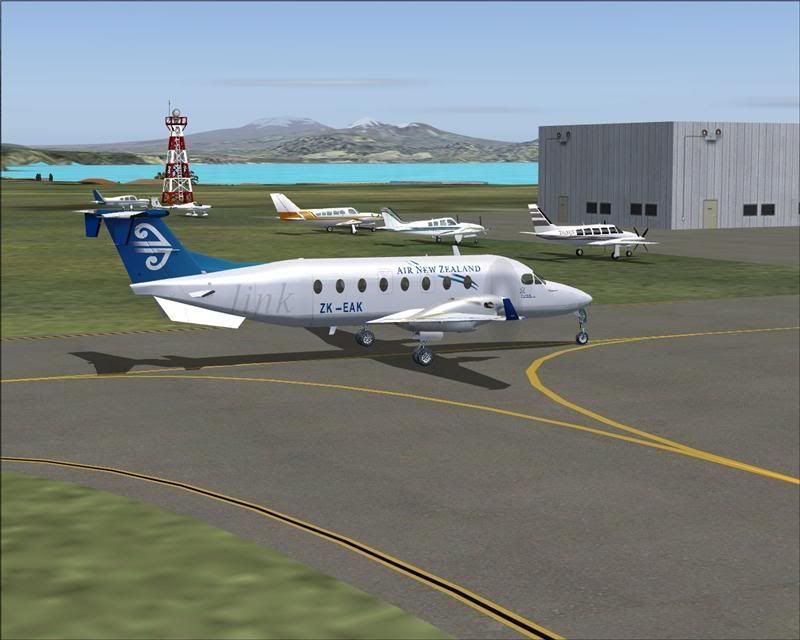
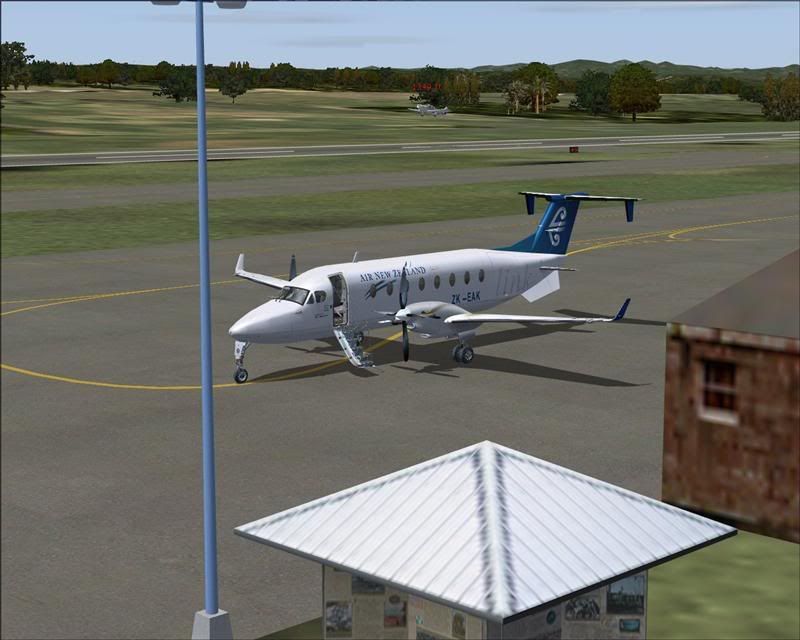
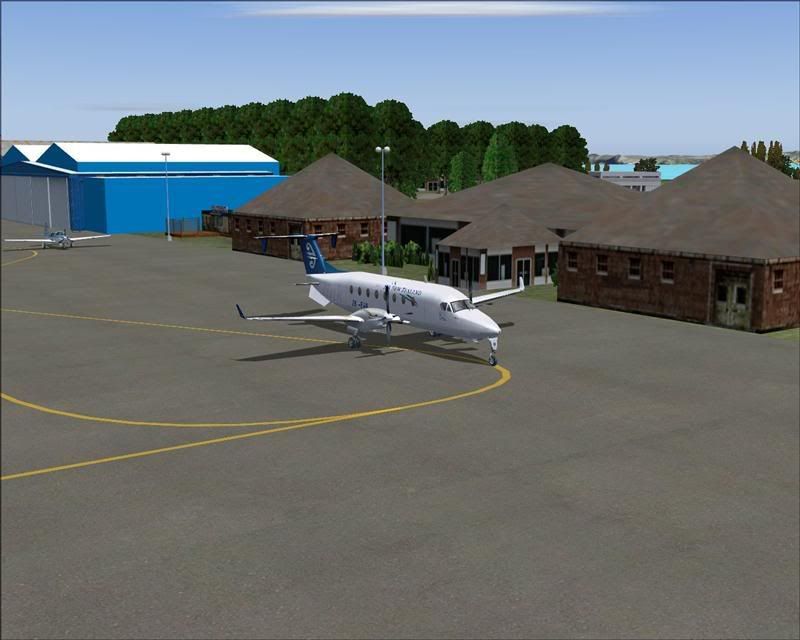
Snowman wrote:QUOTE (Snowman @ Dec 14 2007, 01:21 PM) <{POST_SNAPBACK}>Ahh yes,............ the PMDG B1900-D,...... one of my 3 most favourite twin turboprops.
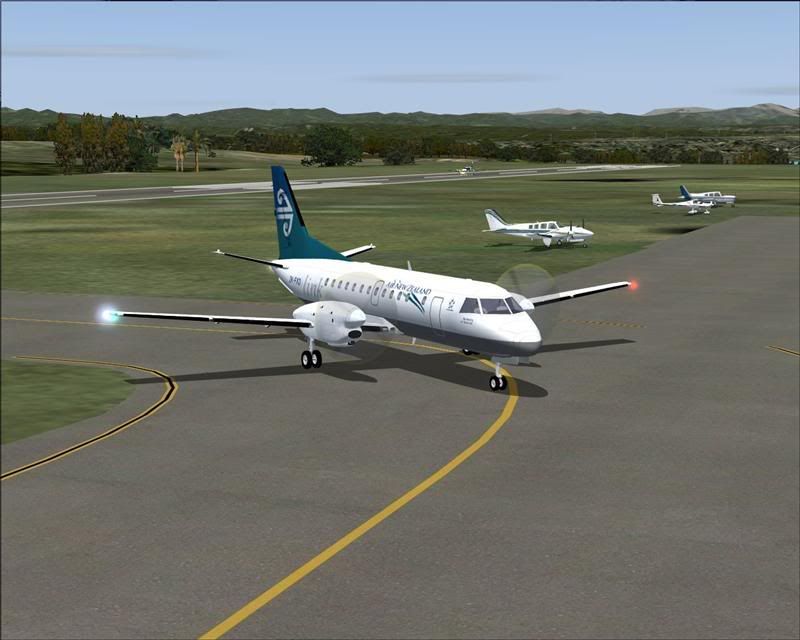
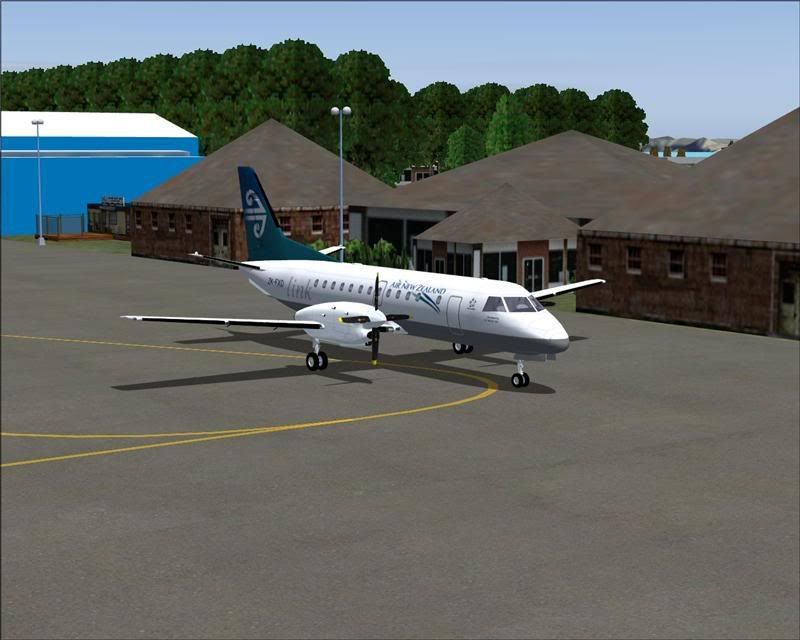
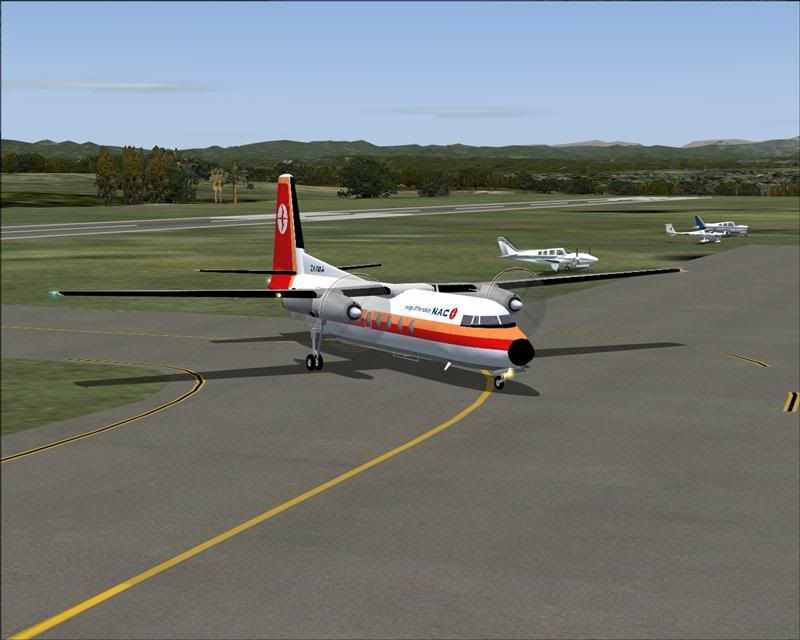
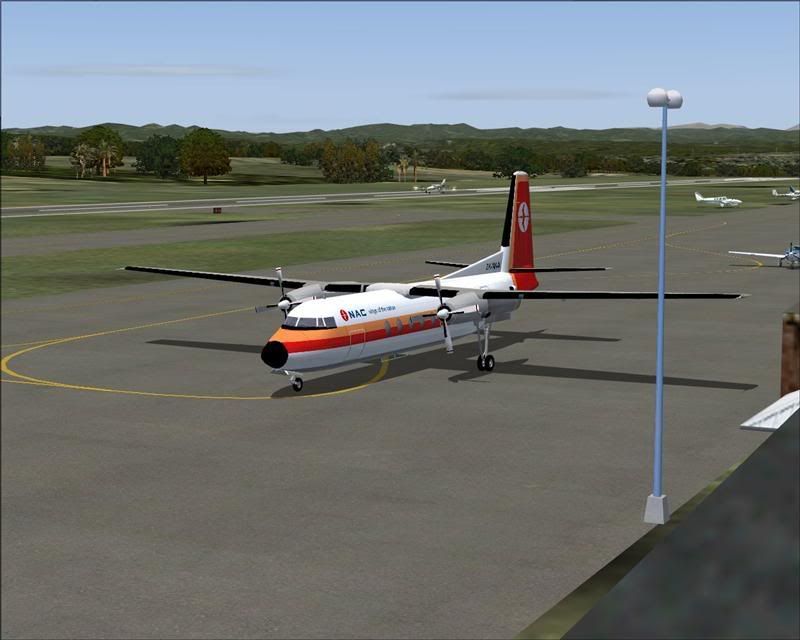
And at Taupo too......................
There you have it, my 3 most favourite twin turboprops.
And that B-1900-D,...... what an absolute dream to fly !!
Lawrie.
Grrr I wish I could figure out how to install your sceneries!!

by Snowman » Fri Dec 14, 2007 2:04 pm
victor_alpha_charlie wrote:QUOTE (victor_alpha_charlie @ Dec 14 2007, 01:38 PM) <{POST_SNAPBACK}>Grrr I wish I could figure out how to install your sceneries!!
Quite simple really....................
Lawrie.
by ZK-SDT » Fri Dec 14, 2007 2:16 pm
Snowman wrote:QUOTE (Snowman @ Dec 19 2007, 12:21 AM) <{POST_SNAPBACK}>
Hi, i think you need an update with taupo, the aircraft dont park at Southern end of the airport, they park inbetween the main runway 35/17 and the airport terminal, having flown in there quite alot you get use to where everything is.
BillLast edited by ZK-SDT on Fri Dec 14, 2007 2:17 pm, edited 1 time in total.
by Snowman » Fri Dec 14, 2007 2:25 pm
ZK-SDT wrote:QUOTE (ZK-SDT @ Dec 14 2007, 03:16 PM) <{POST_SNAPBACK}>Hi, i think you need an update with taupo, the aircraft dont park at Southern end of the airport, they park inbetween the main runway 35/17 and the airport terminal, having flown in there quite alot you get use to where everything is.
Bill
Yes, i know this,...................
The scenery in the pics is not one done by me.
It was done by Rob Diebold about 18 months - 2 yrs ago.
I was doing a new scenery for Taupo, but stopped work when Mike announced he was doing Photoreal version of it....
Lawrie.
by victor_alpha_charlie » Fri Dec 14, 2007 2:36 pm
Snowman wrote:QUOTE (Snowman @ Dec 14 2007, 03:04 PM) <{POST_SNAPBACK}>Quite simple really....................
Lawrie.
It's installing that RWY12 thing that confuses me. I'll try again
by Snowman » Fri Dec 14, 2007 3:15 pm
victor_alpha_charlie wrote:QUOTE (victor_alpha_charlie @ Dec 14 2007, 03:36 PM) <{POST_SNAPBACK}>It's installing that RWY12 thing that confuses me. I'll try again
You dont need to install the Runway-12 builder program, just the 3 main object sets.
Also, ALL the Matts Trees Libraries, amd Matts Oshkosh Objects. These are stanadalone Rwy-12 object
sets, separate from the 3 main object sets.
All the files ending with .txt .xml .mdl .bgl go in the "Scenery" folder of the "Static Objects Library".
All the files ending with .bmp go in the "Texture" folder of the "Static Objects Library".
Same with the EZ Scenery object sets..................
Activate the Static Objects Library in the sim, just the same as you would any other addon scenery.
Path for the object library should be FS9 / Addon Scenery / Static Objects Library.
Inside that "Static Objects Library" folder should be a folder named "Scenery", and a folder named "Texture".
In those folders should be the abovmentioned files...........................
Lawrie.
by victor_alpha_charlie » Fri Dec 14, 2007 4:50 pm
Snowman wrote:QUOTE (Snowman @ Dec 14 2007, 04:15 PM) <{POST_SNAPBACK}>You dont need to install the Runway-12 builder program, just the 3 main object sets.
Also, ALL the Matts Trees Libraries, amd Matts Oshkosh Objects. These are stanadalone Rwy-12 object
sets, separate from the 3 main object sets.
All the files ending with .txt .xml .mdl .bgl go in the "Scenery" folder of the "Static Objects Library".
All the files ending with .bmp go in the "Texture" folder of the "Static Objects Library".
Same with the EZ Scenery object sets..................
Activate the Static Objects Library in the sim, just the same as you would any other addon scenery.
Path for the object library should be FS9 / Addon Scenery / Static Objects Library.
Inside that "Static Objects Library" folder should be a folder named "Scenery", and a folder named "Texture".
In those folders should be the abovmentioned files...........................
Lawrie.
Thanks so much. I have now downloaded all your NZ sceneries and I think I should probably get GNZLAP too..
I couldn't find Matt's trees or Oshkosh objects on avsim. Do you have filenames? Also I am guessing you install the airports on top of the RWY 12 objects? Thanks again for your help, I think a round-NZ trip is in order!
EDIT:
Found all Matt's stuff, just search Matthew Tomkins.Last edited by victor_alpha_charlie on Fri Dec 14, 2007 4:57 pm, edited 1 time in total.
by Snowman » Fri Dec 14, 2007 11:37 pm
victor_alpha_charlie wrote:QUOTE (victor_alpha_charlie @ Dec 14 2007, 05:50 PM) <{POST_SNAPBACK}>Thanks so much. I have now downloaded all your NZ sceneries and I think I should probably get GNZLAP too..
I couldn't find Matt's trees or Oshkosh objects on avsim. Do you have filenames? Also I am guessing you install the airports on top of the RWY 12 objects? Thanks again for your help, I think a round-NZ trip is in order!
EDIT:
Found all Matt's stuff, just search Matthew Tomkins.
If you read the install Word document that comes with my sceneries, under the heading "PRE-INSTALL", there is a link to Avsim with about 6 or 7 pages of the Runway-12 stuff there. Just have to scroll through the pages to find all the stuff you require.
Lawrie.
Users browsing this forum: No registered users and 18 guests