Etihad 777

Post and comment on screen captures from the beautiful game here. Home of the monthly screenshot competition

Postby benwynn » Tue Jan 29, 2008 12:41 pm

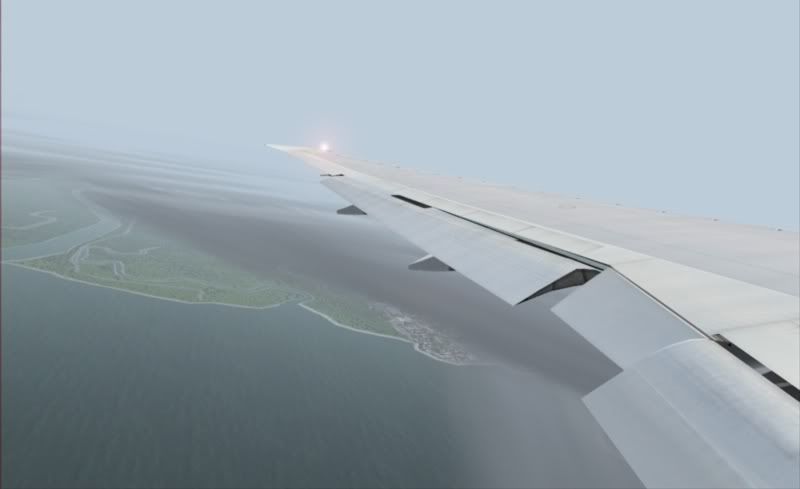
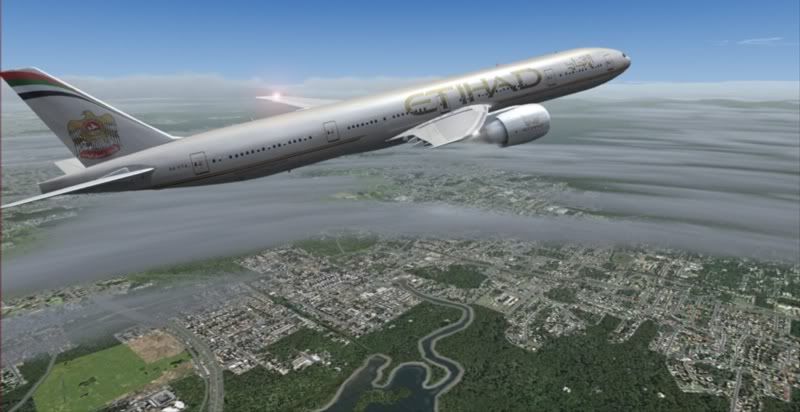
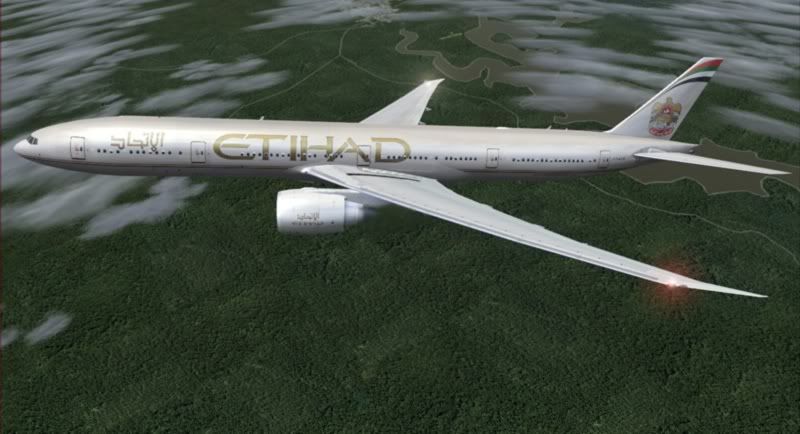
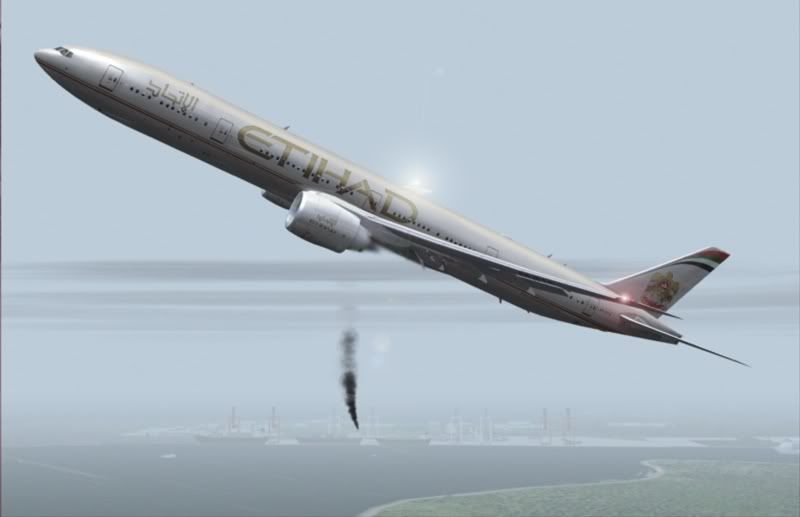
Etihad Airways 777-300ER Departing Brisbane for Singapore as EY473.

Overland 777-300ER Merged with PSS Panel
Vista OZ 1.6
Active Sky 6.5

On with the shots


:cheers: Ben
User avatar
benwynn
Senior Member
 
Topic author
Joined: Wed Apr 11, 2007 9:11 pm
Posts: 1433
Location: YBBN

Postby Q300 » Tue Jan 29, 2008 1:38 pm

Nice work Ben!
Just look at the size of those trents :plane:
Last edited by Q300 on Tue Jan 29, 2008 1:40 pm, edited 1 time in total.
User avatar
Q300
Sim-holic
 
Joined: Wed Apr 25, 2007 4:41 pm
Posts: 699
Location: Auckland, ATM!

Postby benwynn » Tue Jan 29, 2008 1:46 pm

GE90s Actually Sam :wink2:

From Memory- the 77W only supports the GE90
User avatar
benwynn
Senior Member
 
Topic author
Joined: Wed Apr 11, 2007 9:11 pm
Posts: 1433
Location: YBBN

Postby Q300 » Tue Jan 29, 2008 1:56 pm

benwynn wrote:
QUOTE (benwynn @ Jan 29 2008, 02:46 PM) <{POST_SNAPBACK}>
GE90s Actually Sam :wink2:

From Memory- the 77W only supports the GE90

Lol my bad :(
Some -300's have Trent 892's?
And I just realised this is an ER so yea thay only have GE90-115B's.
Last edited by Q300 on Tue Jan 29, 2008 1:57 pm, edited 1 time in total.

User avatar
Q300
Sim-holic
 
Joined: Wed Apr 25, 2007 4:41 pm
Posts: 699
Location: Auckland, ATM!

Postby Mattnz » Tue Jan 29, 2008 3:00 pm

Very nice shots, Ben :)
Image
Mattnz
Sim-holic
 
Joined: Sun Feb 25, 2007 6:13 pm
Posts: 810
Location: Dunedin

Postby benwynn » Tue Jan 29, 2008 4:12 pm

Thanks Matt!!

Sam,

the 200/200ER and 300 can have a selection of Different (Depending on it being 200/ER 300) of RR PW and GE. But the 777LR and the 300ER are specifically designed for the GE90-110/115B GE90-115B Respectivly.
User avatar
benwynn
Senior Member
 
Topic author
Joined: Wed Apr 11, 2007 9:11 pm
Posts: 1433
Location: YBBN

Postby ardypilot » Tue Jan 29, 2008 8:11 pm

Awesome aircraft, those Overland models really look top-quality!

What camera-angle package are you using again? The wings in shot #4 look a little zoom warped :blink:
User avatar
ardypilot
NZFF Pro
 
Joined: Wed Apr 26, 2006 10:01 am
Posts: 6802
Location: Auckland

Postby Q300 » Tue Jan 29, 2008 8:26 pm

benwynn wrote:
QUOTE (benwynn @ Jan 29 2008, 05:12 PM) <{POST_SNAPBACK}>
Sam,

the 200/200ER and 300 can have a selection of Different (Depending on it being 200/ER 300) of RR PW and GE. But the 777LR and the 300ER are specifically designed for the GE90-110/115B GE90-115B Respectivly.

Yup thats my knowledge of it.
Just dident realise the one you pictured here is an ER untill i went back through and read it...
Last edited by Q300 on Tue Jan 29, 2008 9:29 pm, edited 1 time in total.
User avatar
Q300
Sim-holic
 
Joined: Wed Apr 25, 2007 4:41 pm
Posts: 699
Location: Auckland, ATM!

Postby benwynn » Tue Jan 29, 2008 9:09 pm

Gidday Trolly,

Just Using Flight 1 Viewer. Very Handy freeware tool!
User avatar
benwynn
Senior Member
 
Topic author
Joined: Wed Apr 11, 2007 9:11 pm
Posts: 1433
Location: YBBN

Postby MentorMan » Fri Feb 01, 2008 2:30 am

Excellent ones.

My scenery in fs9 is really blurry at distances whereas yours is sharp - how can I correct this? I use a 512MB 8600GT card.
MentorMan
 

Postby benwynn » Fri Feb 01, 2008 6:27 pm

Metorman,

I have my FPS Target very low- Im talking about 17- So instead of my machine working overtime to keep the frame rate at 20-30- it uses all its oomph to keep the scenery sharp.

I could also be that I have an ATI card :D
User avatar
benwynn
Senior Member
 
Topic author
Joined: Wed Apr 11, 2007 9:11 pm
Posts: 1433
Location: YBBN

Postby Q300 » Fri Feb 01, 2008 6:53 pm

benwynn wrote:
QUOTE (benwynn @ Feb 1 2008, 07:27 PM) <{POST_SNAPBACK}>
I have my FPS Target very low- Im talking about 17- So instead of my machine working overtime to keep the frame rate at 20-30- it uses all its oomph to keep the scenery sharp.

Wow thanks so simple but i actuly notice a difference! I had mine set to 30 so I brought it down to 20,
I even notice the VC textures in the PMDG 747 show straight away insteed of 2-3 seconds after I toggle the VC view :bow:
User avatar
Q300
Sim-holic
 
Joined: Wed Apr 25, 2007 4:41 pm
Posts: 699
Location: Auckland, ATM!

Postby ardypilot » Fri Feb 01, 2008 7:29 pm

QUOTE
My scenery in fs9 is really blurry at distances whereas yours is sharp - how can I correct this?[/quote]
Find these lines in your FS9.cfg and change them to read:

TERRAIN_DEFAULT_RADIUS=9.000000
TERRAIN_EXTENDED_RADIUS=9.900000
TERRAIN_EXTENDED_LEVELS=4

And to get textures to load faster, find and edit:

TEXTURE_BANDWIDTH_MULT=
I use 400. You can try a higher or lower setting to see what gives the best performance on your system. The default setting is very conservative so don't be afraid to try high values. You'll likely get stuttering if you set it too high.
User avatar
ardypilot
NZFF Pro
 
Joined: Wed Apr 26, 2006 10:01 am
Posts: 6802
Location: Auckland

Postby benwynn » Fri Feb 01, 2008 8:33 pm

Hey Sam,

Thats excellent- Glad to hear its helped you.

Also Trollys fix is excellent. Forgot to mention I have that aswell :)
User avatar
benwynn
Senior Member
 
Topic author
Joined: Wed Apr 11, 2007 9:11 pm
Posts: 1433
Location: YBBN


Return to Screenshots

Who is online

Users browsing this forum: No registered users and 10 guests