ATR From Mount Cook to Queenstown

Post and comment on screen captures from the beautiful game here. Home of the monthly screenshot competition

Postby Daniel » Mon May 12, 2008 5:49 pm

Hey Guys

After a recommendation of turning the Anti Aliasing On i thought i would go on Flight Sim and try it. Does it look on?
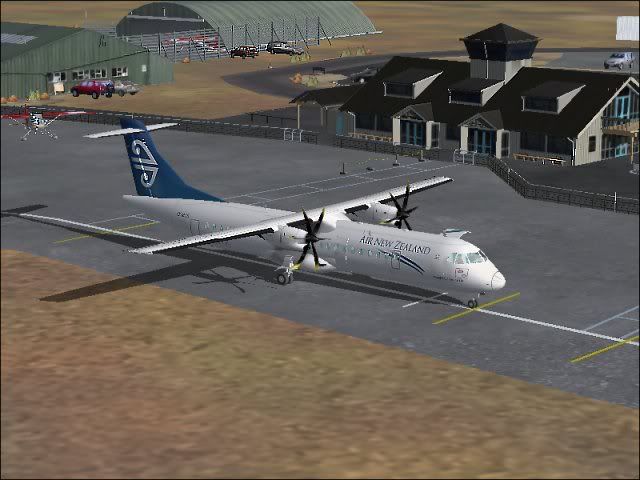
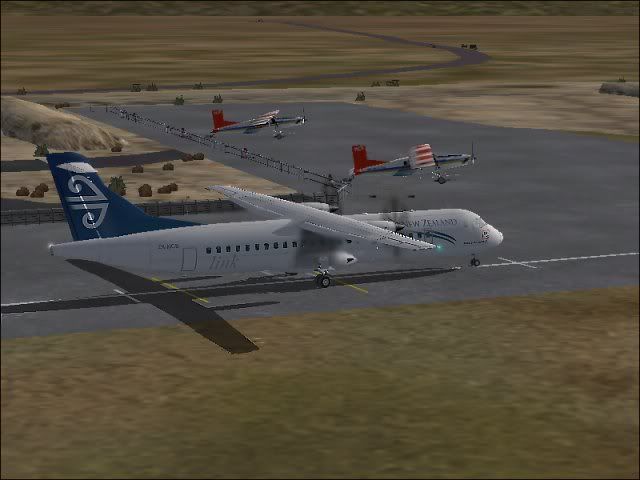
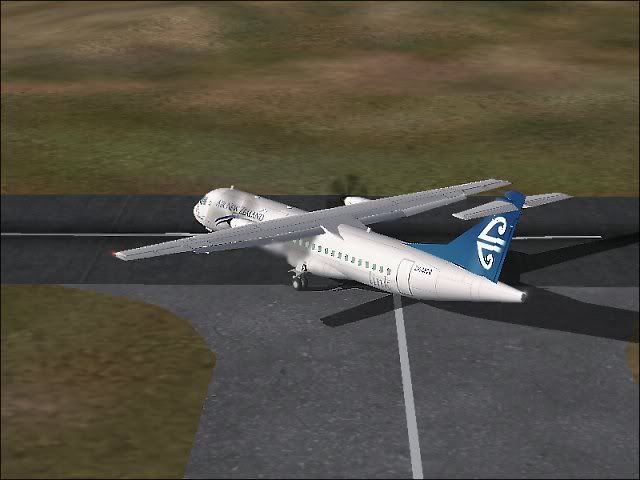
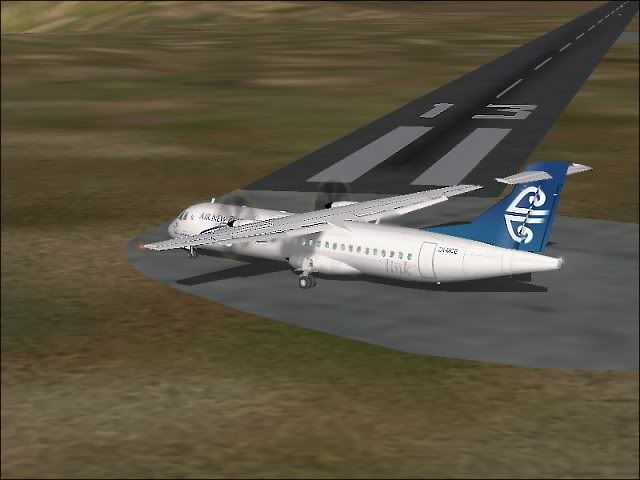
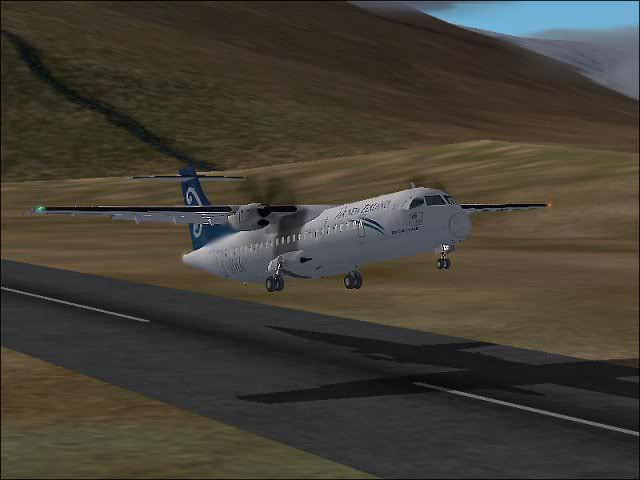
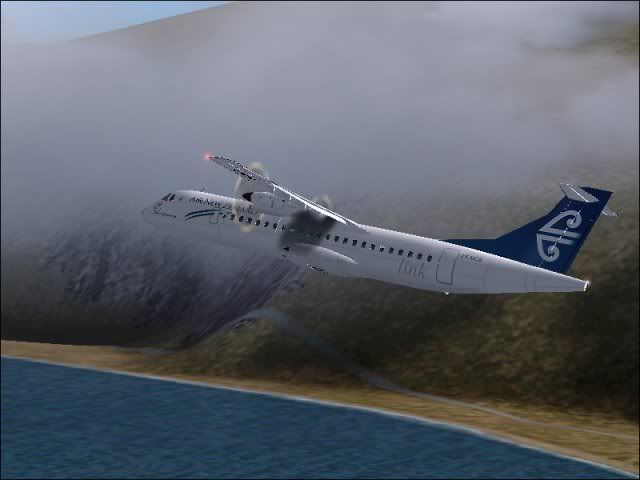
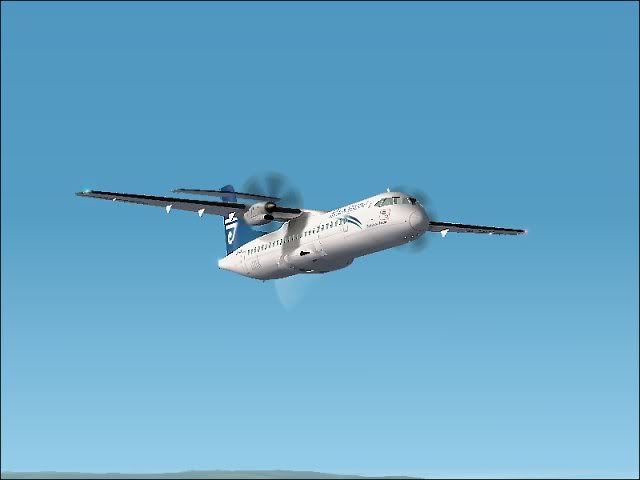
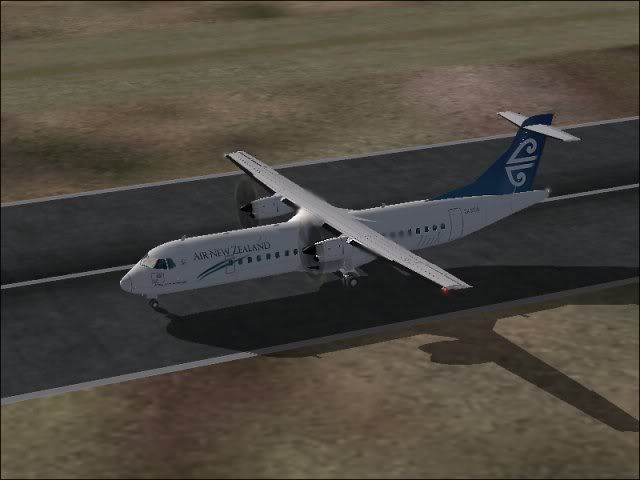
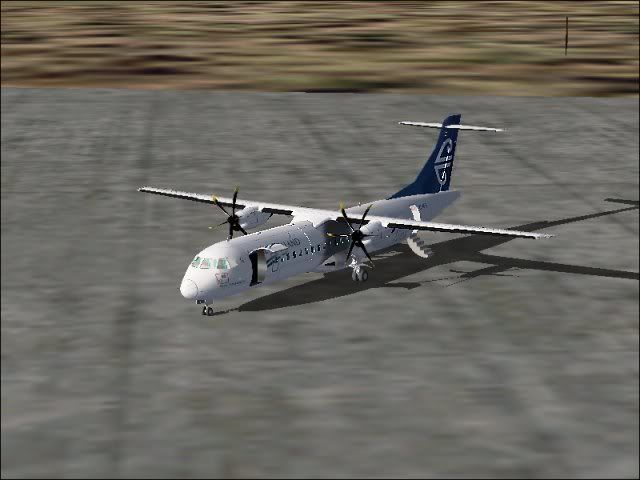
Anyway i did a short hop from Mount Cook to Queenstown in the ATR (this aircraft use to fly this route a few years ago! Enjoy :thumbup:

On the Ground at Mount Cook


Taxiing


Entering the Runway


Backtracking on the runway


Lift off!


Climbing out


Cruising at 12000 feet


Back on the Runway at Queenstown


Taxiing in


Shut down


Cheers
Daniel
Daniel
Sim-holic
 
Topic author
Joined: Tue Aug 28, 2007 9:42 pm
Posts: 946
Location: New Zealand

Postby Adamski » Mon May 12, 2008 5:59 pm

Daniel wrote:
QUOTE (Daniel @ May 12 2008, 05:49 PM) <{POST_SNAPBACK}>
After a recommendation of turning the Anti Aliasing On i thought i would go on Flight Sim and try it. Does it look on?


Nice pics! BUT ... doesn't look like your AA is working. You can see bad "jaggies" on the slightly off-horizontal lines.

You may need to set A/A in your main system control panel to "Application Controlled". If that doesn't work, try forcing it to on globally.
Image
User avatar
Adamski
NZFF Pro
 
Joined: Thu Nov 01, 2007 2:22 am
Posts: 5029
Location: Birkenhead, Auckland

Postby Alex » Mon May 12, 2008 7:28 pm

I find it's usually best to force it globally - for some reason FS doesn't like Anti-Aliasing by itself...

Nice shots as well Dan, looking back at a book (Conquering Isolation - Neil Rennie), you see a few routes that you'd imagine the demand would be staggeringly low for... :unsure:

Alex
Alex
NZFF Pro
 
Joined: Fri Jul 14, 2006 3:39 pm
Posts: 3620

Postby benwynn » Mon May 12, 2008 9:05 pm

Its odd that Mt Cook doesnt actually fly to Mt Cook ay :P

Awesome shots, thats a weird looking ATR. What model is it- Looks nothing like the flight 1 model
User avatar
benwynn
Senior Member
 
Joined: Wed Apr 11, 2007 9:11 pm
Posts: 1433
Location: YBBN

Postby Daniel » Tue May 13, 2008 7:30 am

benwynn wrote:
QUOTE (benwynn @ May 12 2008, 09:05 PM) <{POST_SNAPBACK}>
Its odd that Mt Cook doesnt actually fly to Mt Cook ay :P

Awesome shots, thats a weird looking ATR. What model is it- Looks nothing like the flight 1 model


They use to a few years ago with a rout from Christchurch to Mount Cook to Queenstown i think.
There still be enough demand for a Beech into Mount Cook? ;)
That ATR is the Francisco Sánchez-Castañer model. It has a great panel and virtual cockpit.
I will have to sort out that anti aliasing thing out. How exactly do i do it though? :unsure:

Cheers
Daniel
Daniel
Sim-holic
 
Topic author
Joined: Tue Aug 28, 2007 9:42 pm
Posts: 946
Location: New Zealand

Postby Anthony » Tue May 13, 2008 3:41 pm

Actually with in-gmae Anti-Aliasing, I think you will find it makes little difference on the sort of computer we have (meaning Daniel and me).
I have AA turned on in FS, and it makes only a little difference.

To turn it on globally, you'll have to find your graphics card settings.
On comps like ours, look by either the clock (hover your mouse over all the icons there until you see something with "Graphics" or "S3" in its name.
Or look in the actual control panel (Start > Control Panel).

On mine it was Display, Settings, Advanced. Then you get lots of options.
Also, in that same place, under "Troubleshoot" check that Hardware Acceleration is set to what it should be.

One more place I think I had a look in for mine, was under Control Panel, then System, then Advanced, then Performance, then Settings. But I can't 100% remember.

Cheers
Anthony
Last edited by Anthony on Wed May 14, 2008 3:38 pm, edited 1 time in total.
Image
User avatar
Anthony
Sim-holic
 
Joined: Mon Dec 03, 2007 4:07 pm
Posts: 947
Location: Rotorua

Postby ardypilot » Tue May 13, 2008 6:03 pm

Good job Daniel- looking much, much better than your last set!

QUOTE
Nice pics! BUT ... doesn't look like your AA is working. You can see bad "jaggies" on the slightly off-horizontal lines.[/quote]
Compared to his last screenshot post, yes I think he does have AA working- perhaps only set to 2x rather than 4x or 8x like most others have.

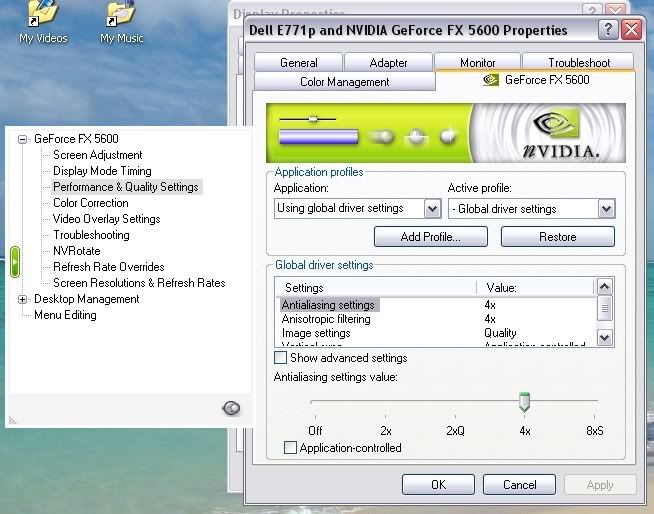
As others above have said- don't check the Anti-Aliasing in the fs2004 Graphics menu, instead, go to your display properties > settings > display > then click the tab with your graphics card name in it > you should then find a section named 'performance and quality' or something simular (as seen below > under that section, untick the application controlled box, and slide the bar up as far as it will go without you recieving display issues. Generally setting it to 4x will give you much sharper graphics in all your games :)

User avatar
ardypilot
NZFF Pro
 
Joined: Wed Apr 26, 2006 10:01 am
Posts: 6802
Location: Auckland

Postby Daniel » Tue May 13, 2008 6:21 pm

Trolly wrote:
QUOTE (Trolly @ May 13 2008, 06:03 PM) <{POST_SNAPBACK}>
As others above have said- don't check the Anti-Aliasing in the fs2004 Graphics menu, instead, go to your display properties > settings > display > then click the tab with your graphics card name in it > you should then find a section named 'performance and quality' or something simular (as seen below > under that section, untick the application controlled box, and slide the bar up as far as it will go without you recieving display issues. Generally setting it to 4x will give you much sharper graphics in all your games :)


Thanks very much. I finally think i have set it correctly with your helpful instructions :thumbup:
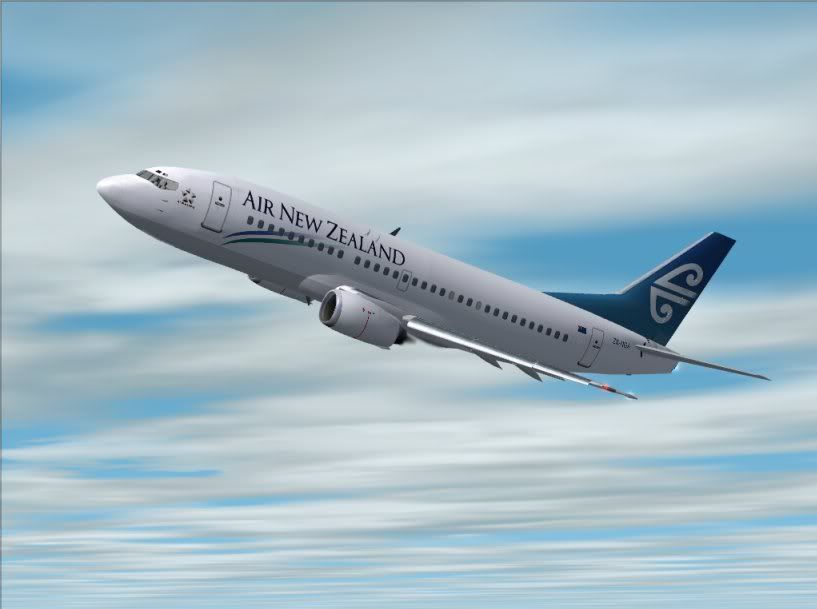
Now i can see what you mean. Here is a shot.


Cheers
Daniel
Daniel
Sim-holic
 
Topic author
Joined: Tue Aug 28, 2007 9:42 pm
Posts: 946
Location: New Zealand

Postby ardypilot » Tue May 13, 2008 6:23 pm

That's much better! Hope you enjoy flying in a much better looking sim now :clap:
User avatar
ardypilot
NZFF Pro
 
Joined: Wed Apr 26, 2006 10:01 am
Posts: 6802
Location: Auckland

Postby Adamski » Tue May 13, 2008 6:40 pm

Daniel wrote:
QUOTE (Daniel @ May 13 2008, 06:21 PM) <{POST_SNAPBACK}>
Thanks very much. I finally think i have set it correctly with your helpful instructions :thumbup:
Now i can see what you mean. Here is a shot.

Cheers
Daniel


Yes ... *much* better! It's best to experiment a bit - some AA settings are "overkill" ... and just make the whole image too soft for my liking. Also - it'll always be a trade off between smoothness and frame rate hit!
Image
User avatar
Adamski
NZFF Pro
 
Joined: Thu Nov 01, 2007 2:22 am
Posts: 5029
Location: Birkenhead, Auckland

Postby Alex » Tue May 13, 2008 7:14 pm

Superb Daniel - huge difference. :clap:

Alex
Alex
NZFF Pro
 
Joined: Fri Jul 14, 2006 3:39 pm
Posts: 3620


Return to Screenshots

Who is online

Users browsing this forum: No registered users and 13 guests