Hello all,
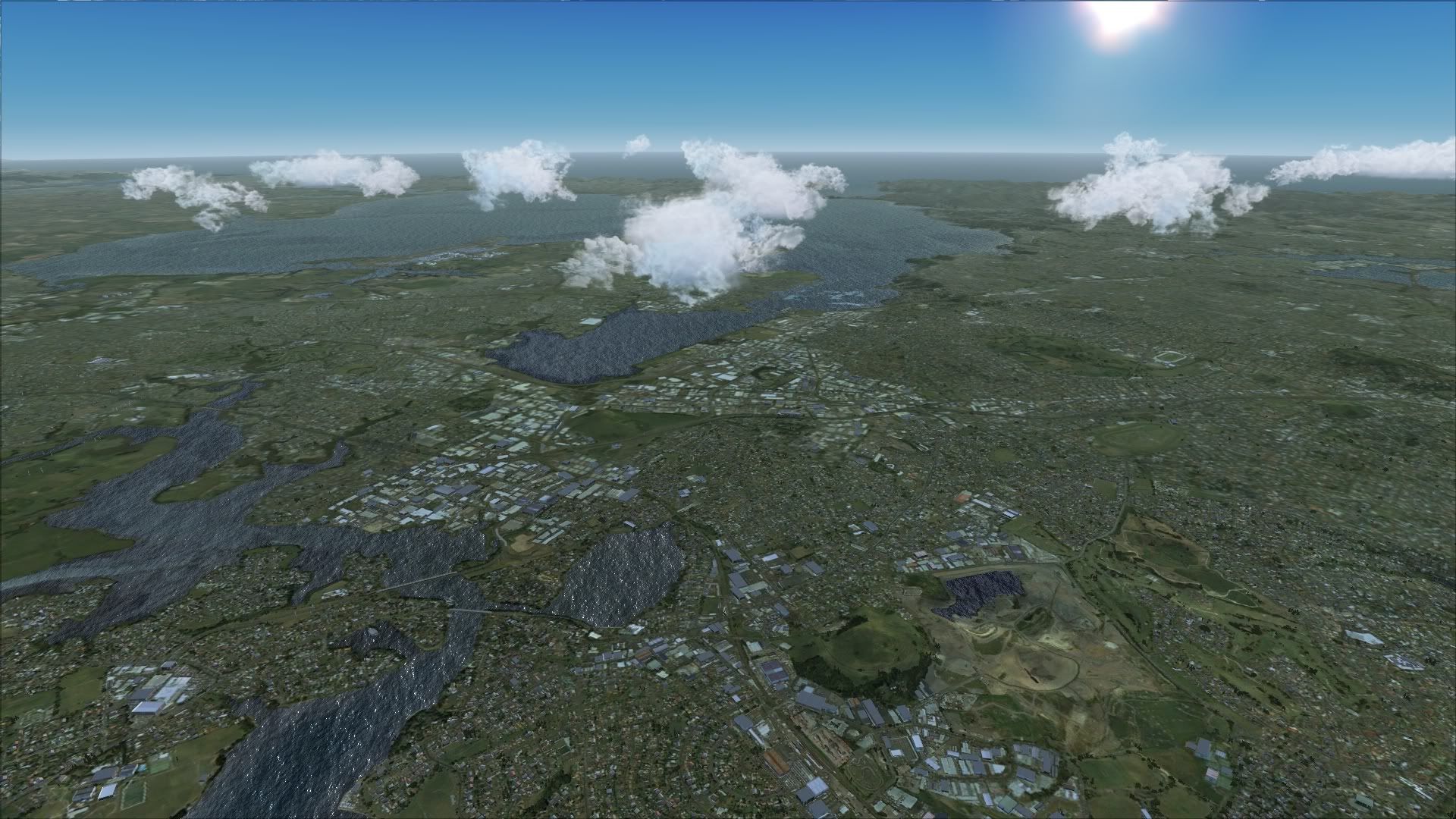
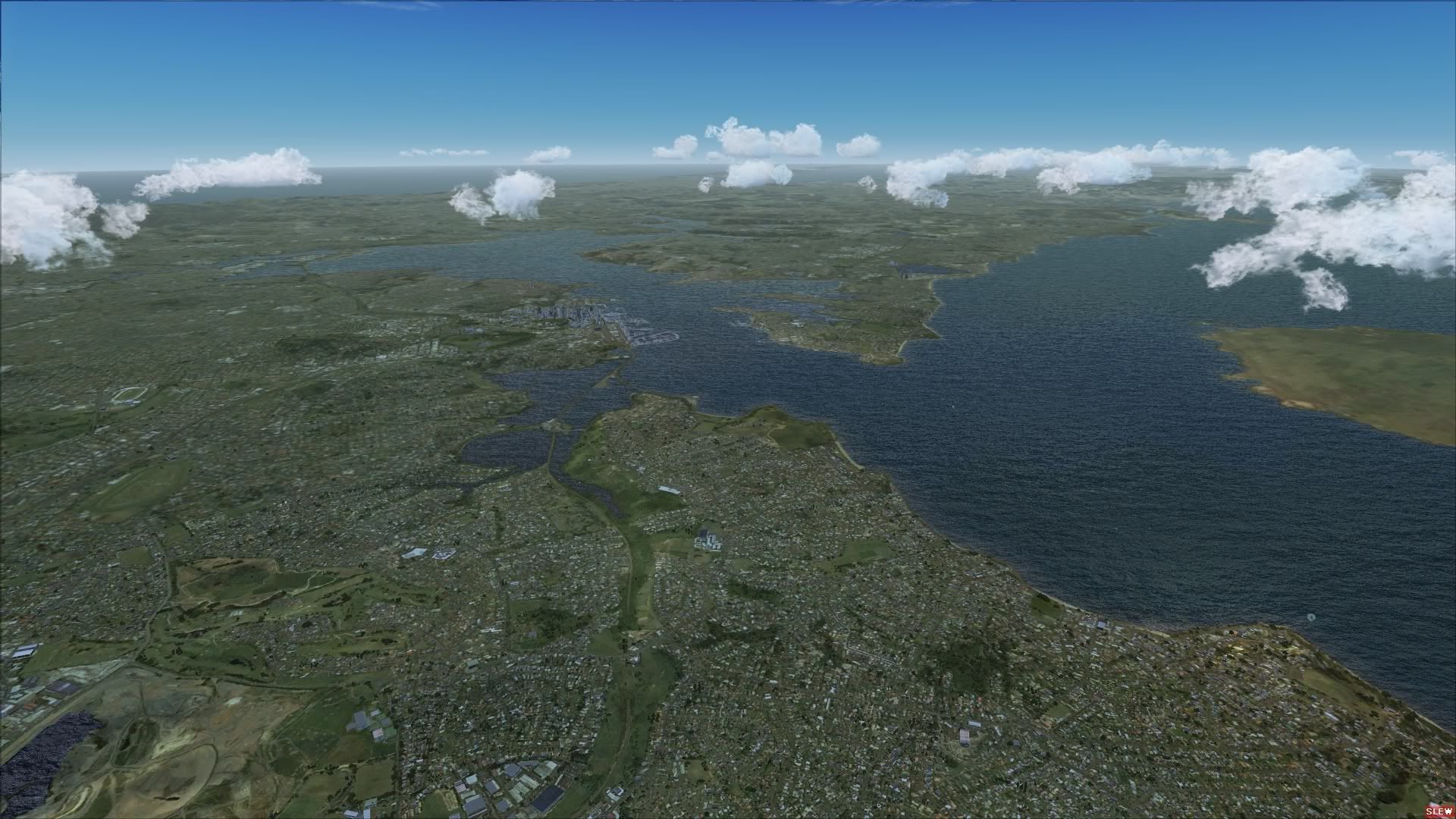
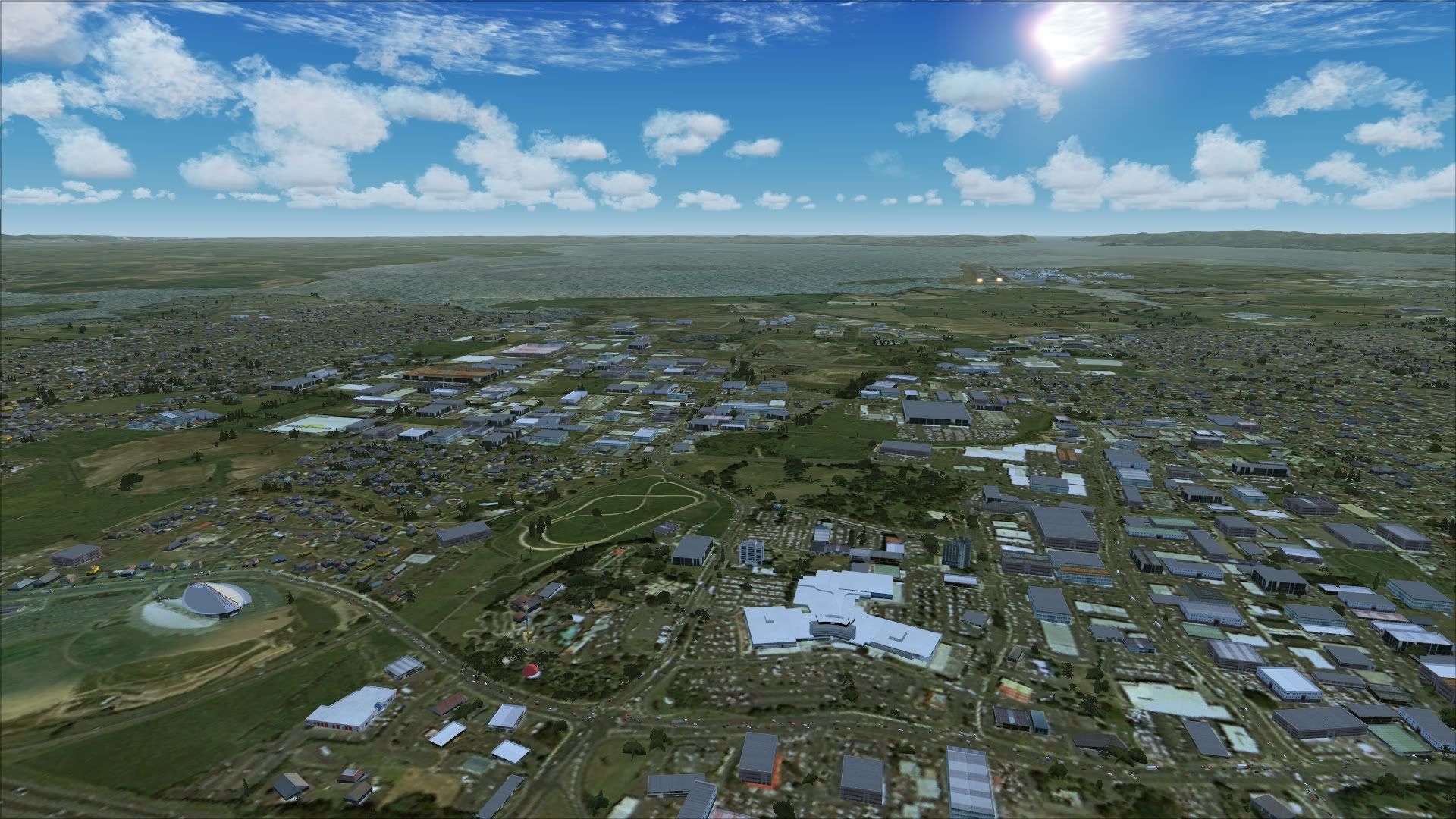
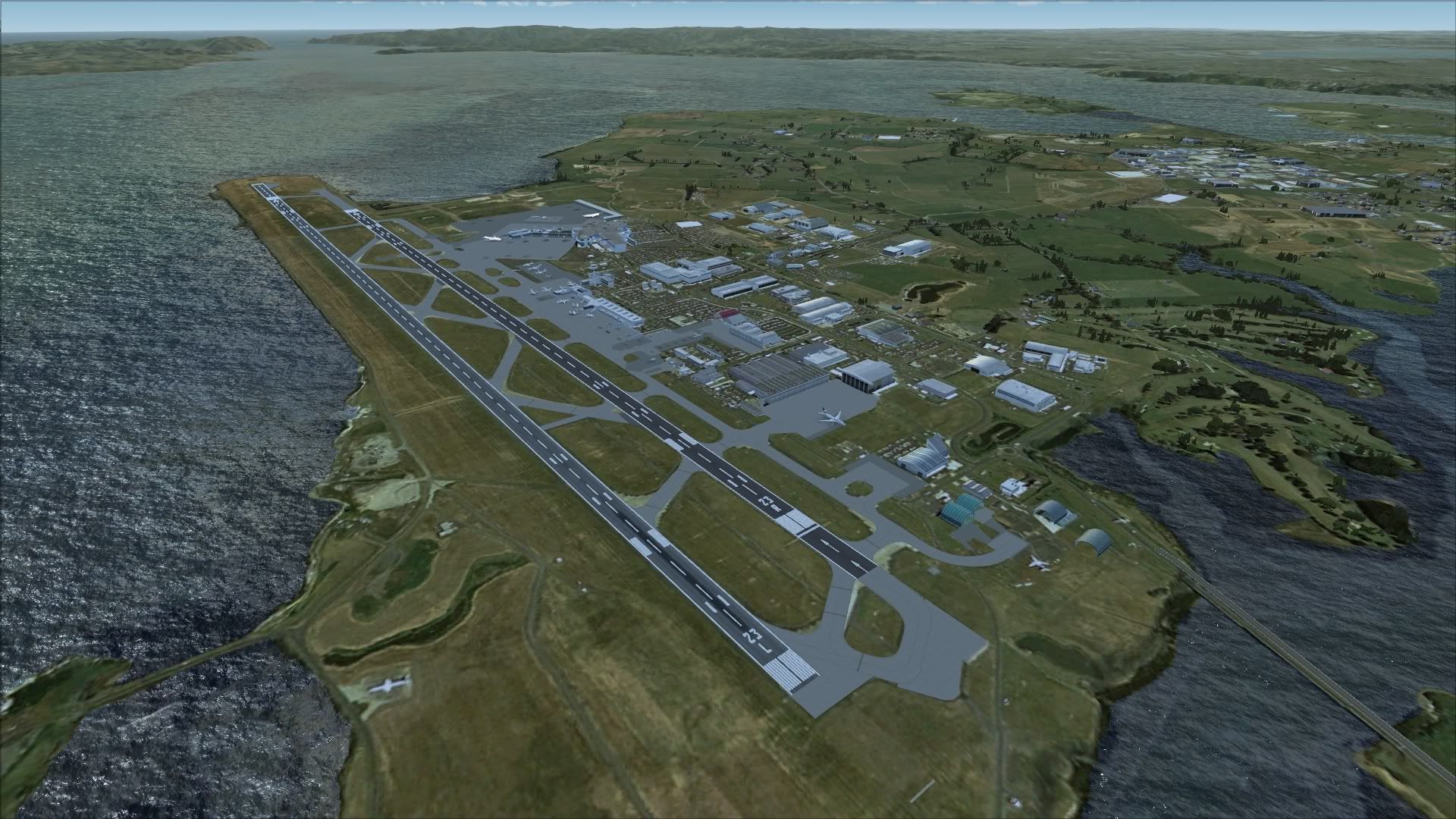
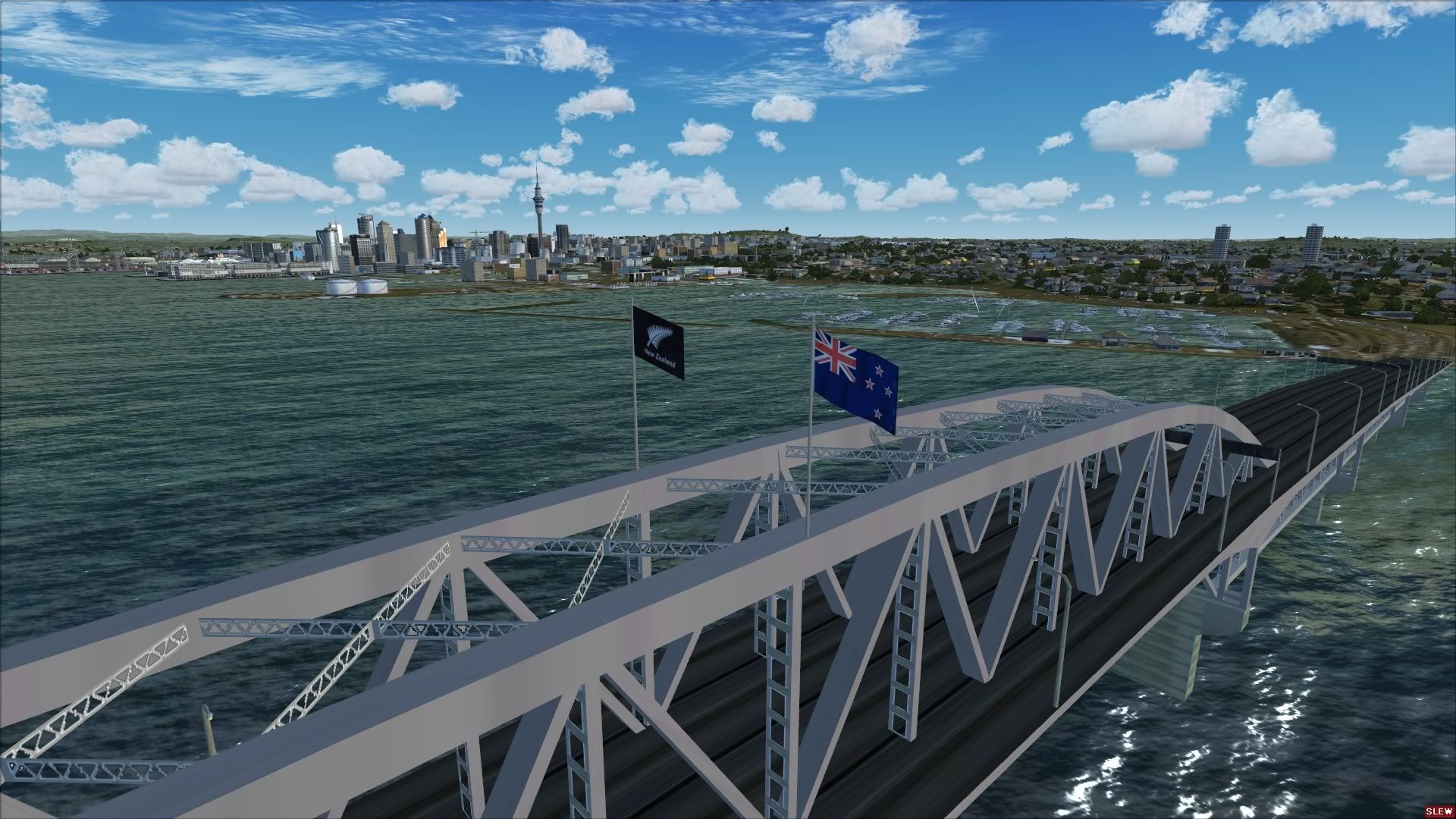
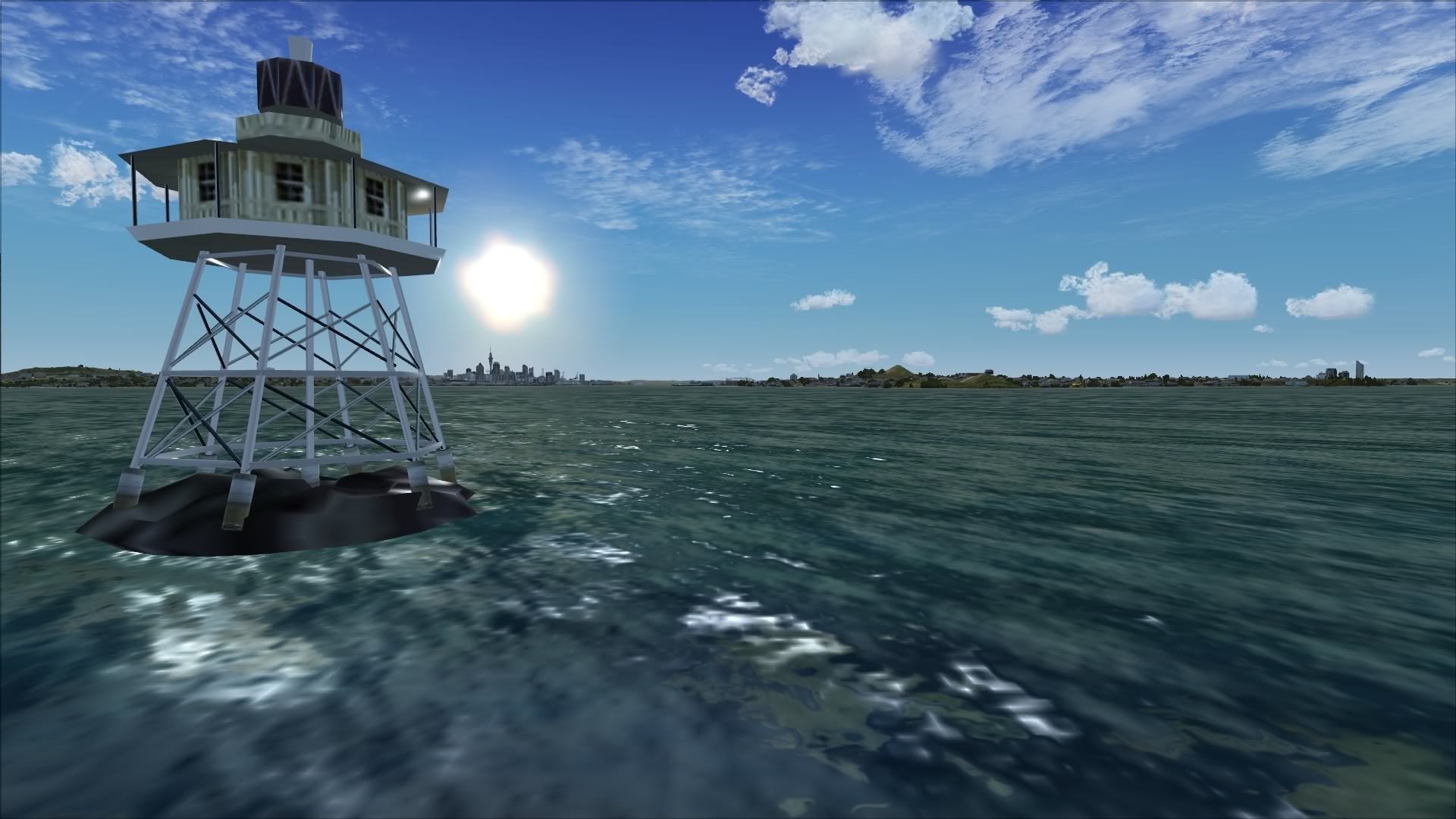
If you have got a copy of Auckland for FSX do you have any comments/feedback for people who are thinking of purchasing. Maybe a couple of screenshots
Comments or screenshots for Supercity X Auckland
14 posts
• Page 1 of 1

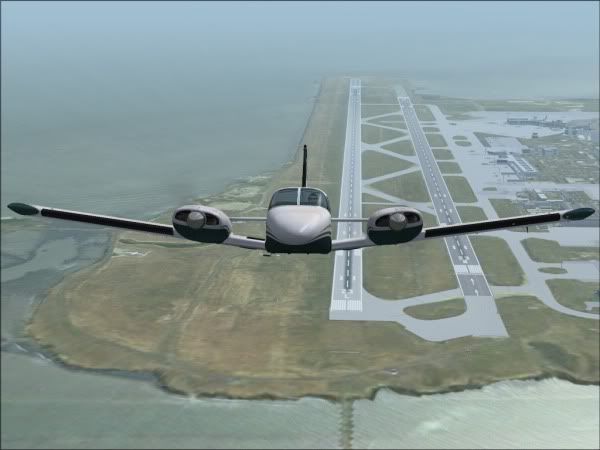
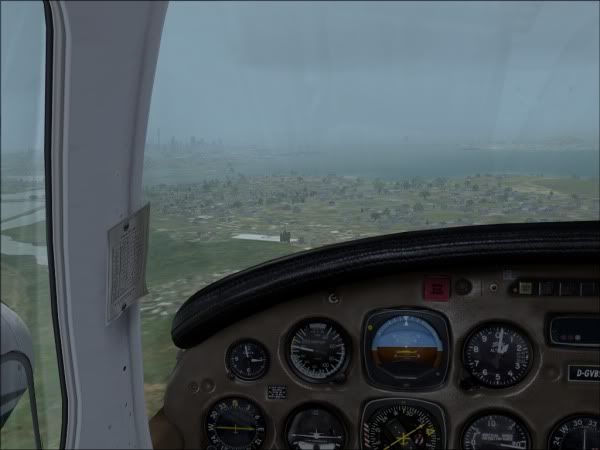
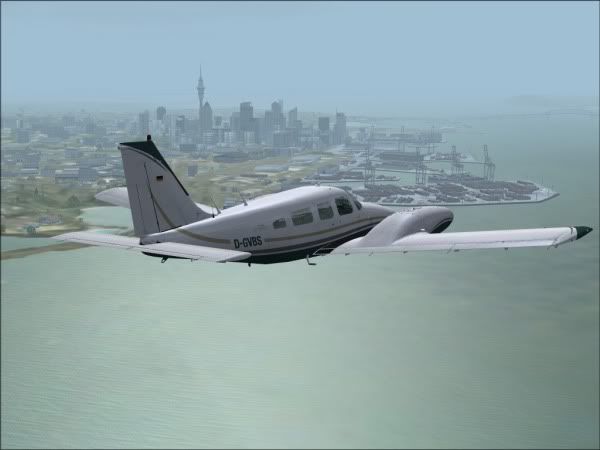
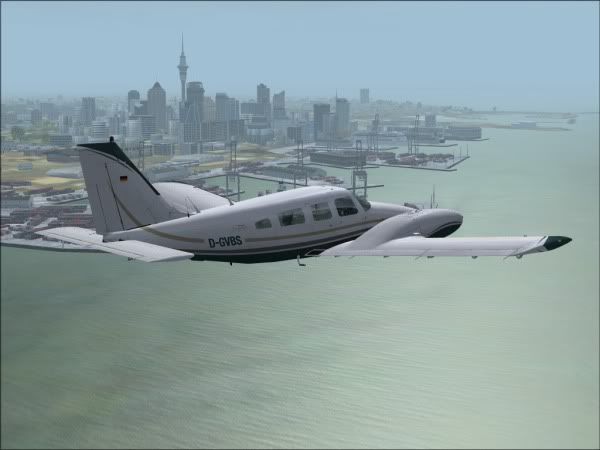
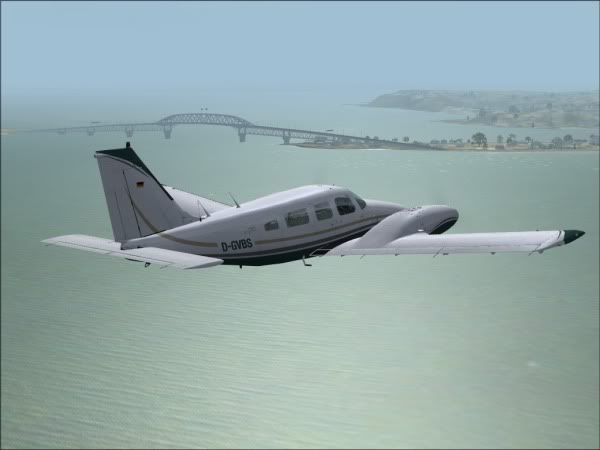
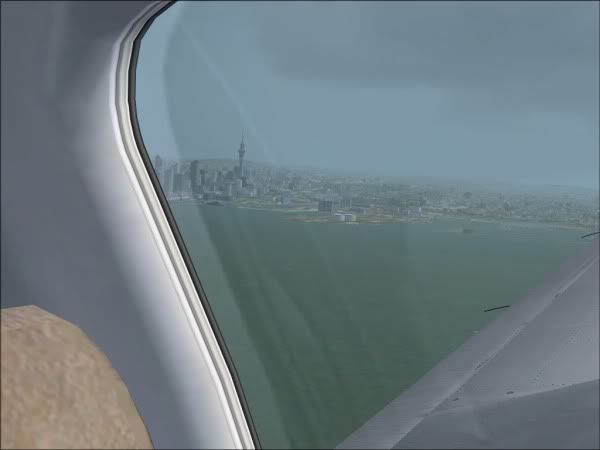
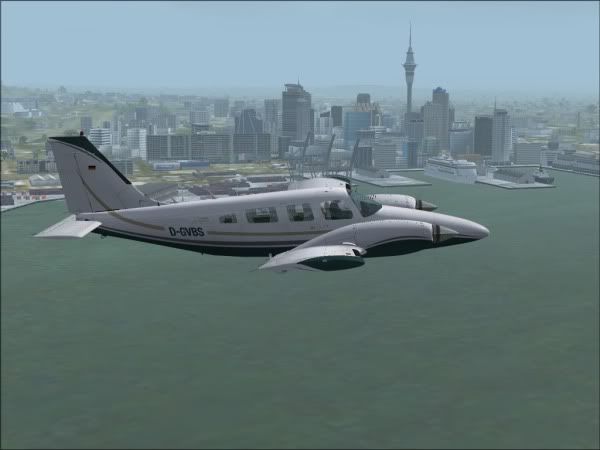
 by creator2003 » Wed Nov 11, 2009 10:02 pm
Cool shots mate 
Last edited by creator2003 on Wed Nov 11, 2009 10:28 pm, edited 1 time in total.
-

creator2003 - NZFF Pro
- Joined: Fri Jun 16, 2006 12:08 am
- Posts: 4633
- Location: Cant U C im LOCO
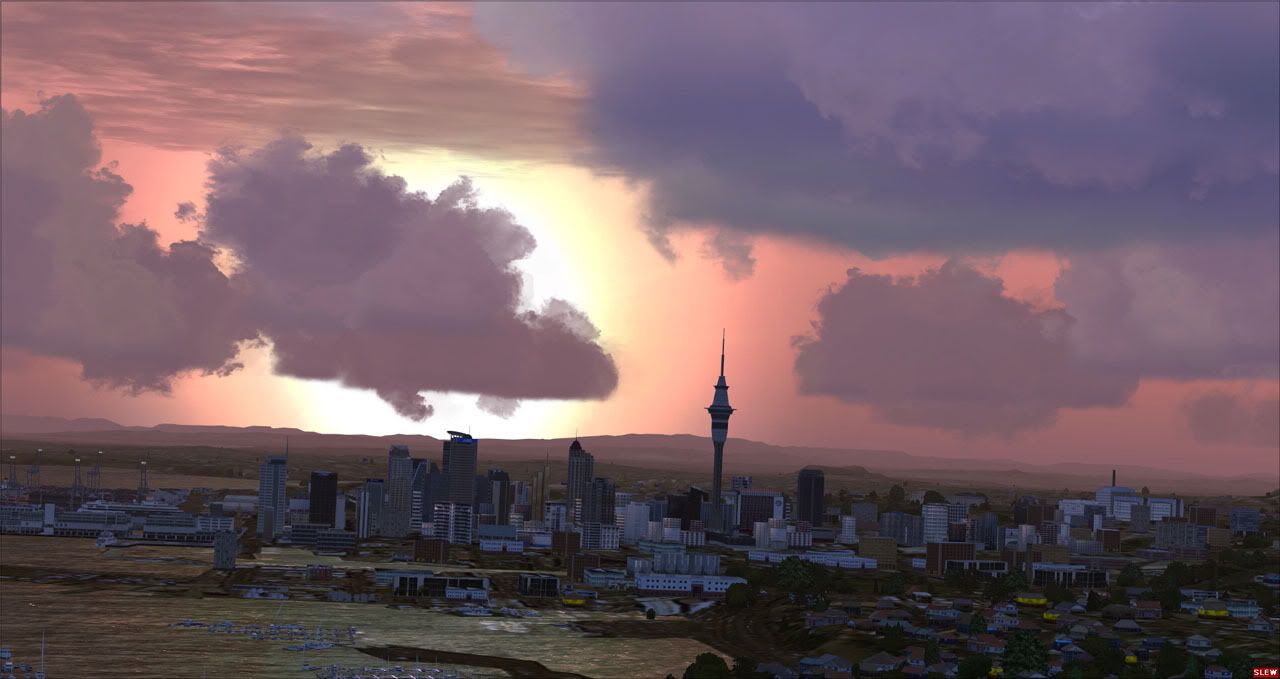
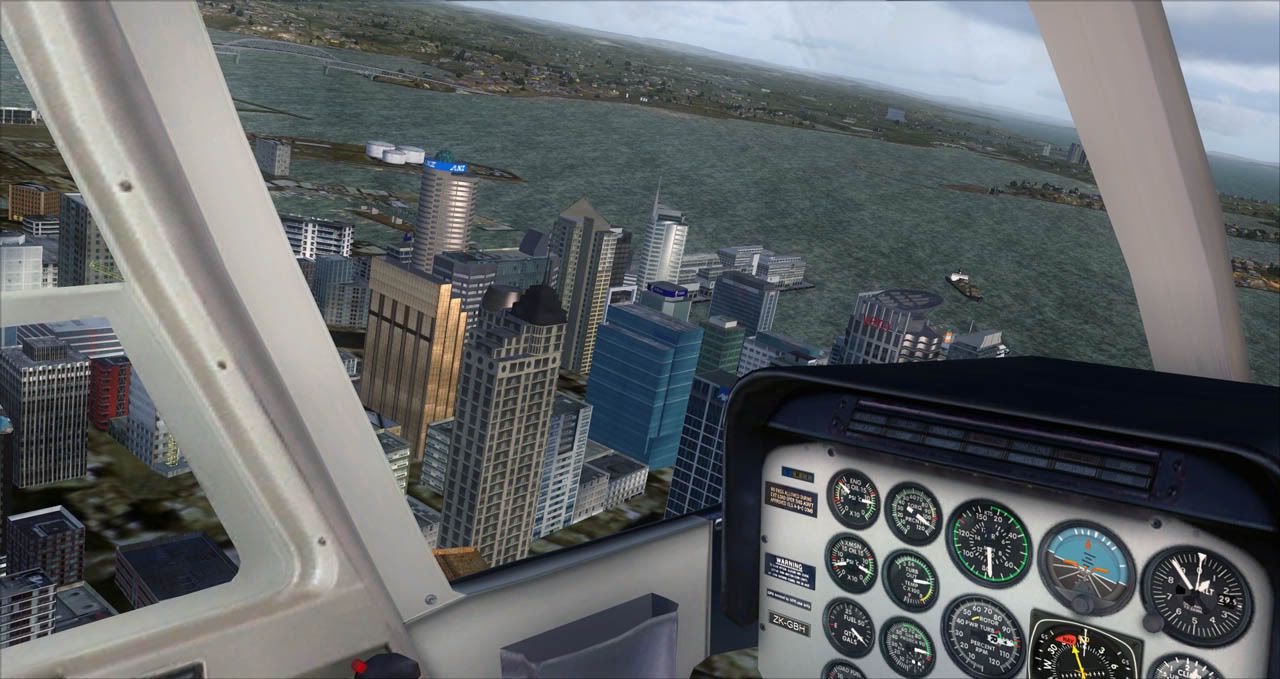
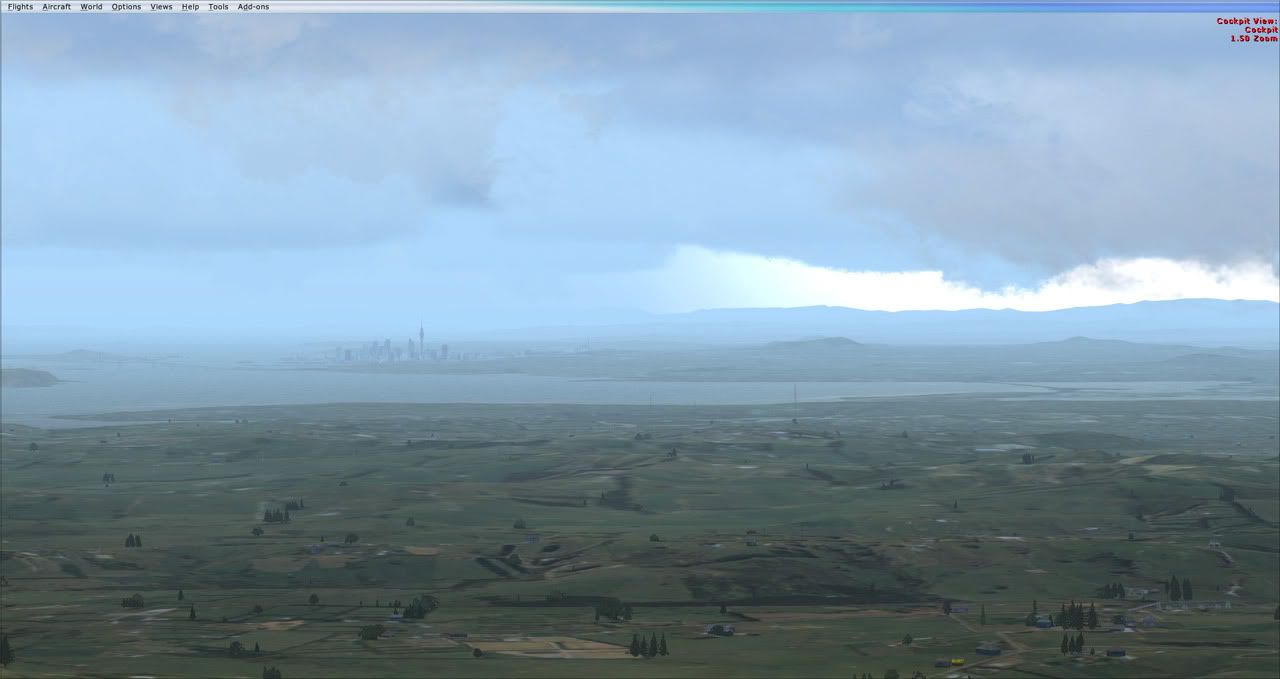
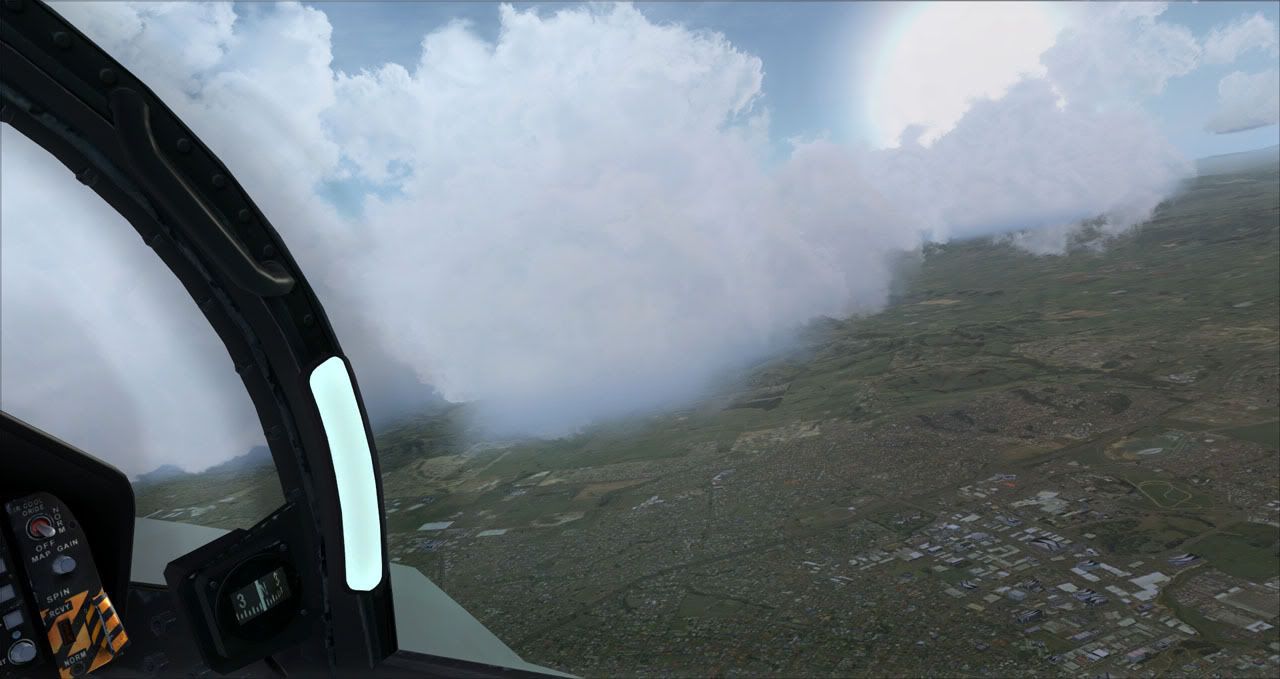
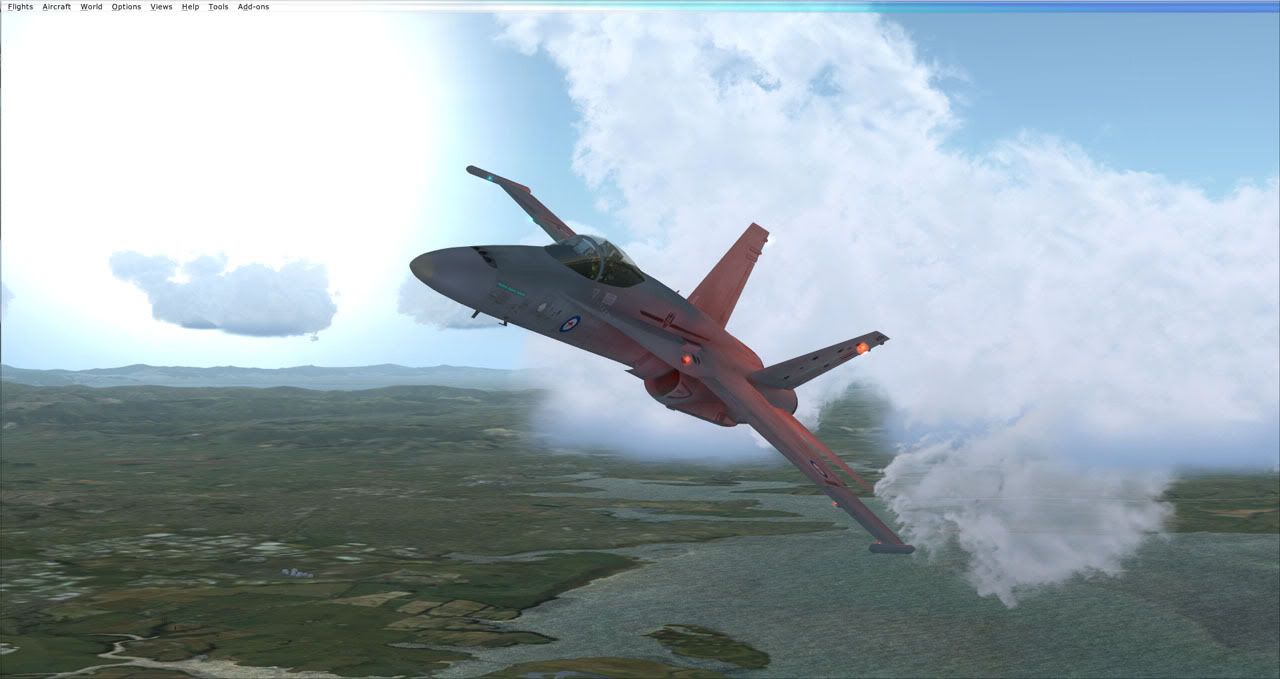
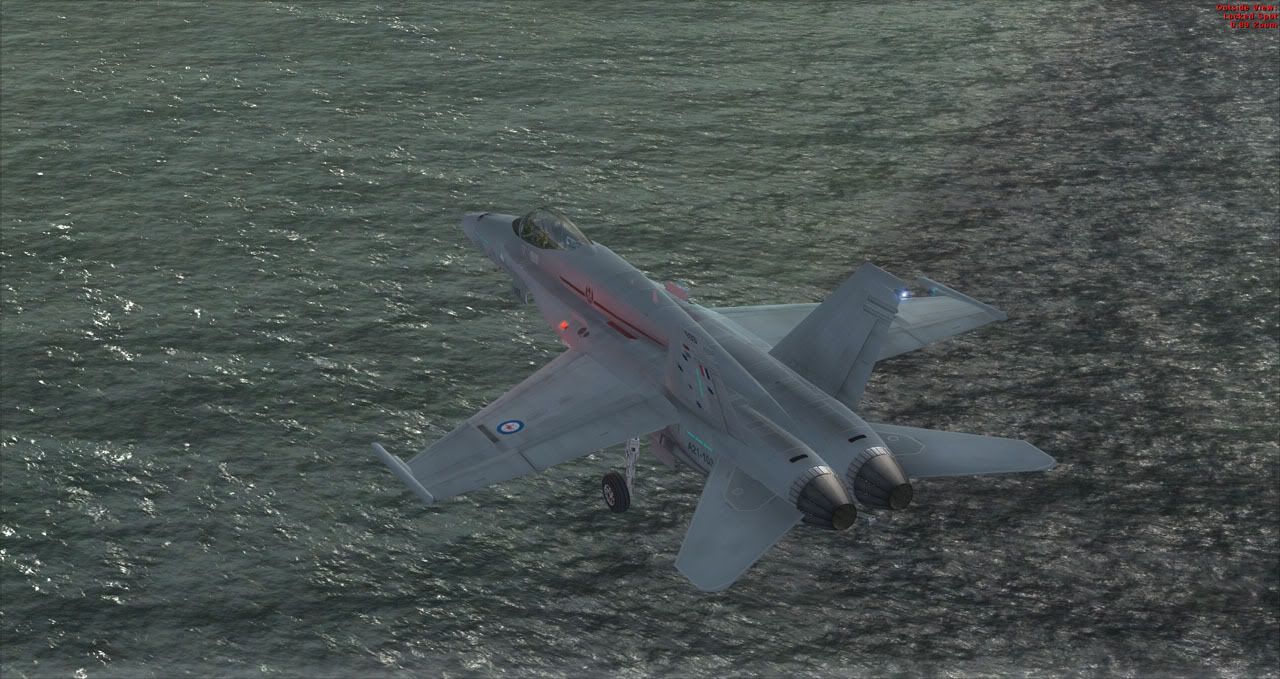
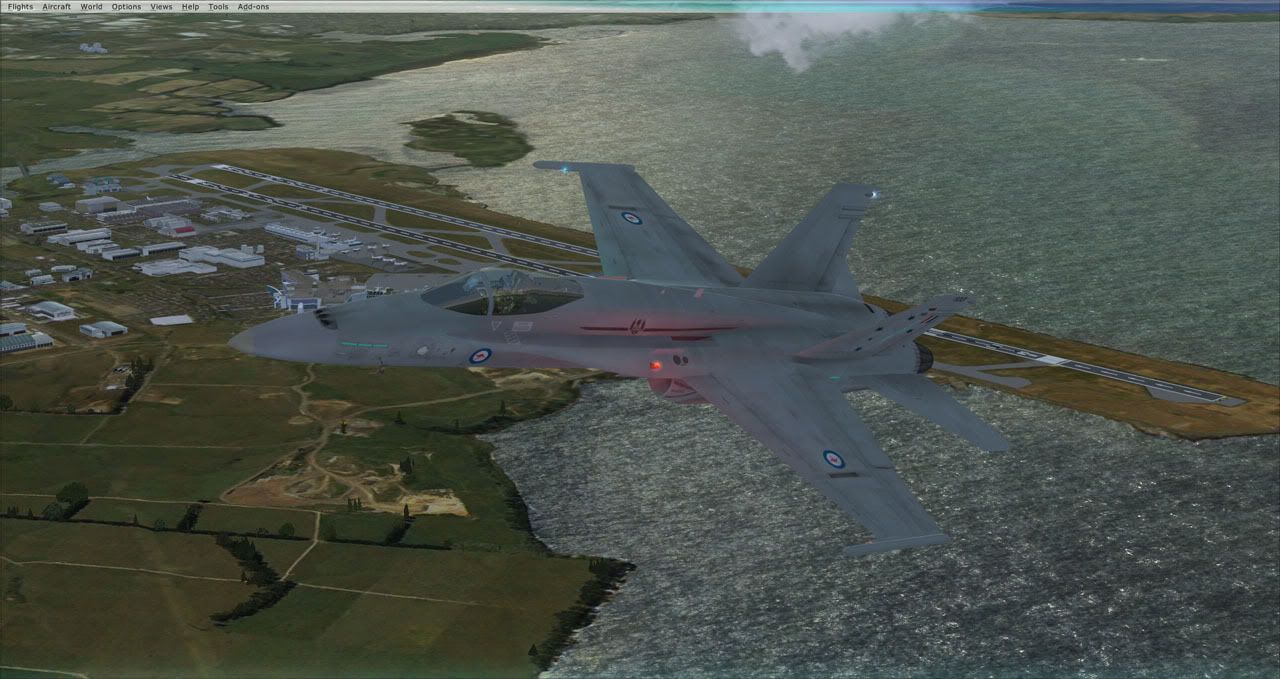
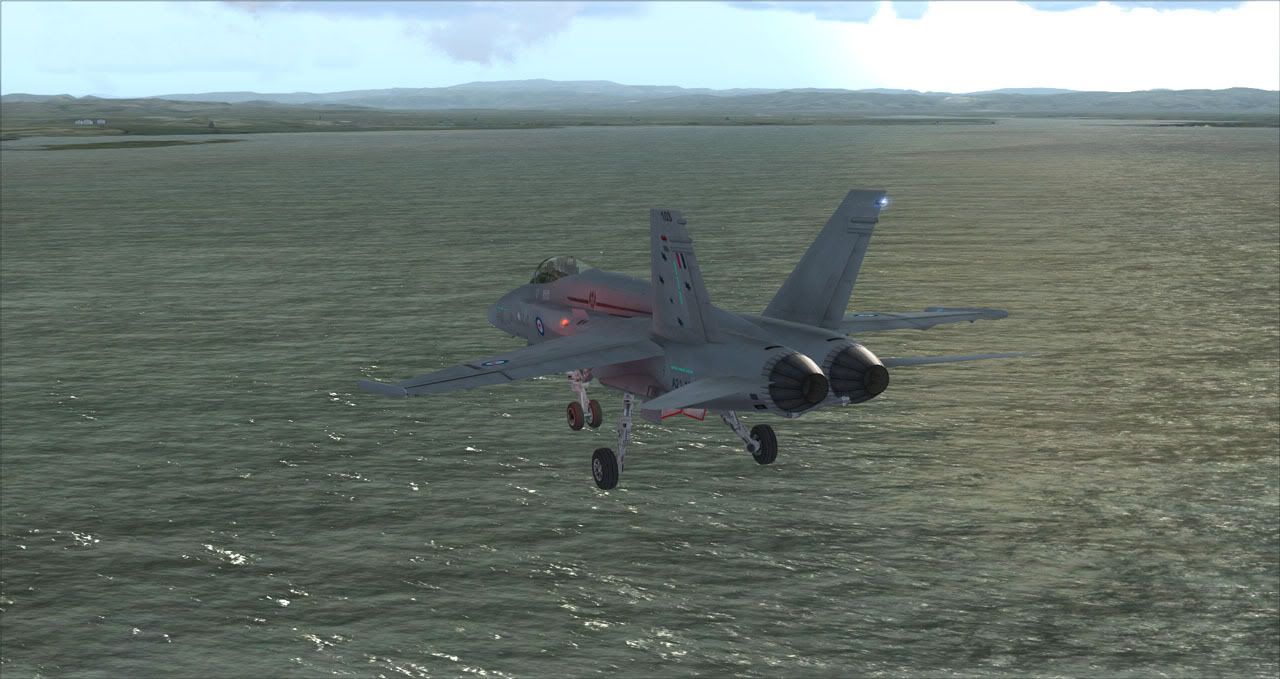

by creator2003 » Thu Nov 12, 2009 1:37 pm
Cheers from me ,the scenery of the city has always had performance in mind right from the beginning,im glad its working fine for you ,i have only a 3.0ghz single core 8800gts 320mb 3 gig ram and i get with dense settings 18 to 33 plus anywhere around the 7000sqkm or so ,that is awesome performance for any addon of this detail ..
thanks again
mike
thanks again
mike
-
creator2003 - NZFF Pro
- Joined: Fri Jun 16, 2006 12:08 am
- Posts: 4633
- Location: Cant U C im LOCO

by Ian Warren » Fri Nov 13, 2009 11:15 pm
currently the rules appear to be broken , but i would love to see your screens

-

Ian Warren - NZFF Pro
- Joined: Fri May 05, 2006 5:23 pm
- Posts: 41187
- Location: AREA 51
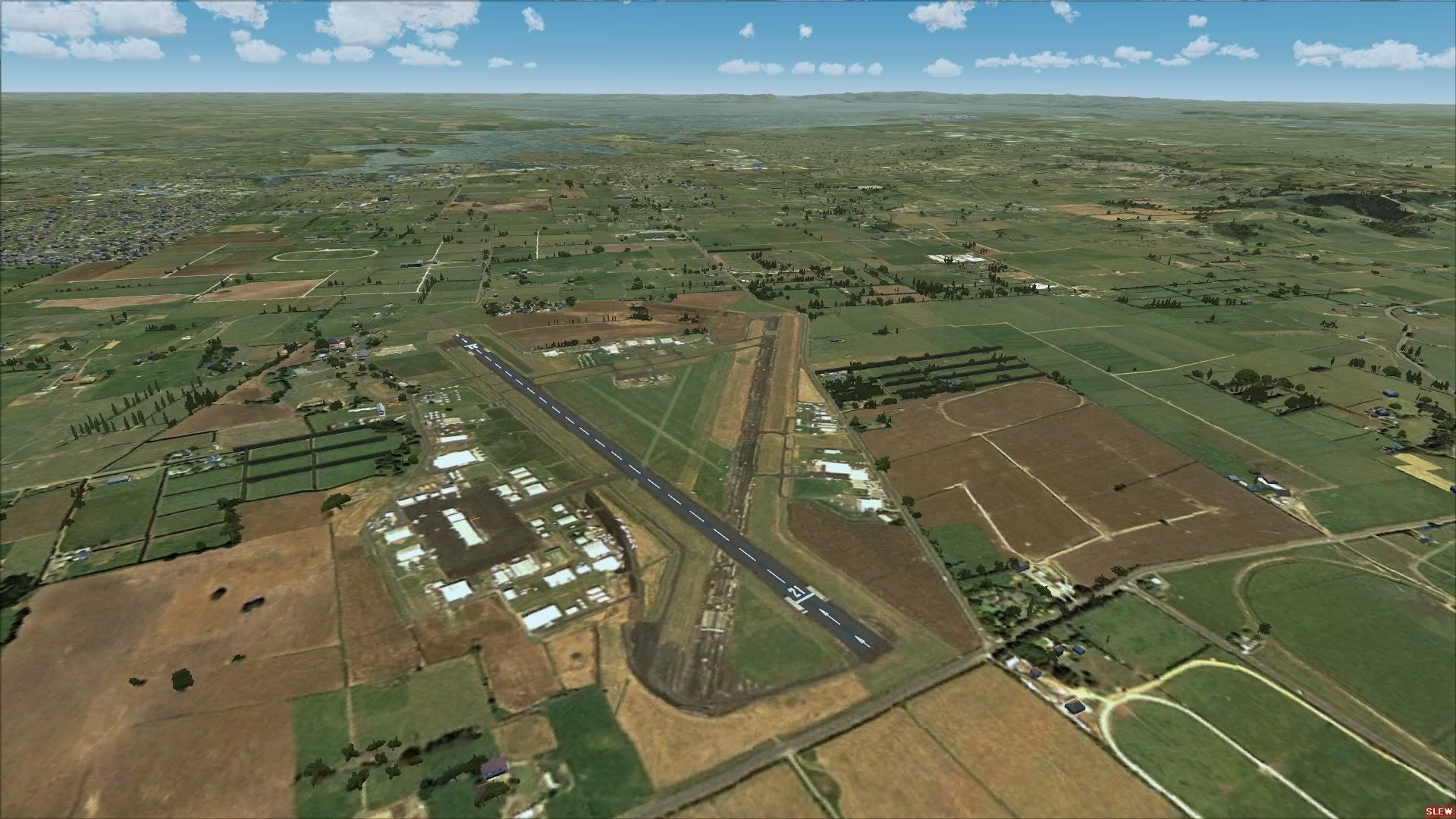
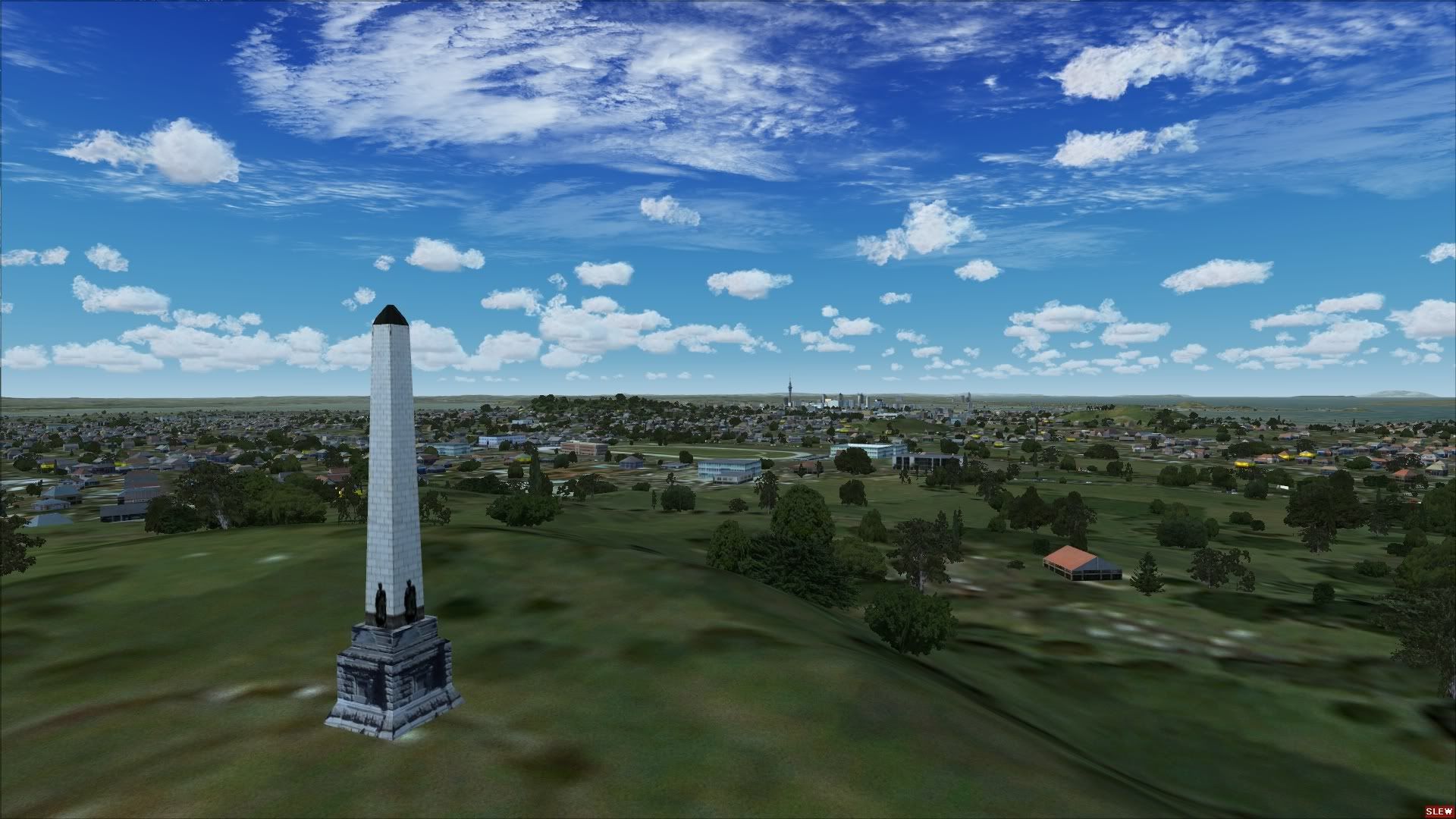
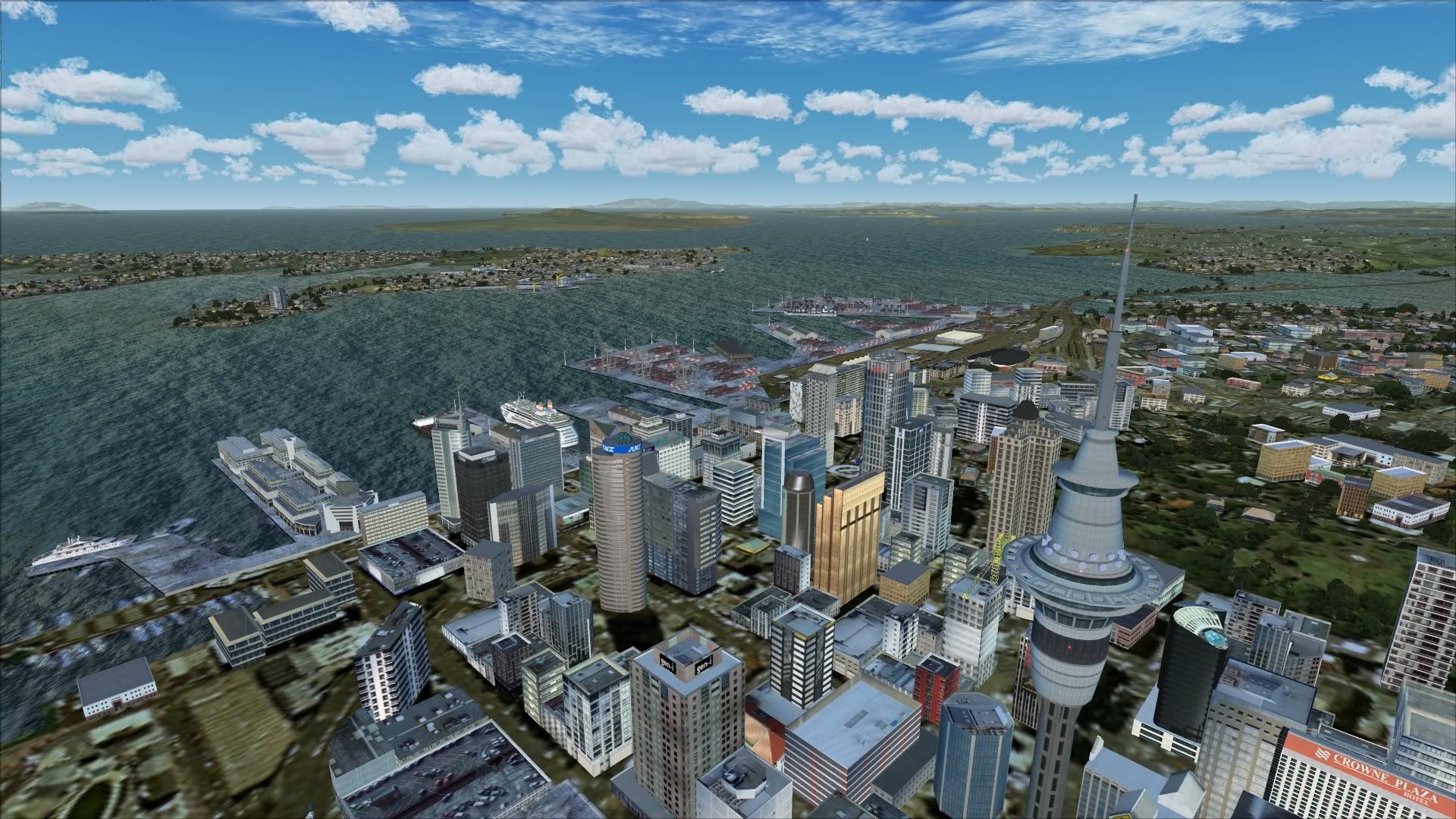
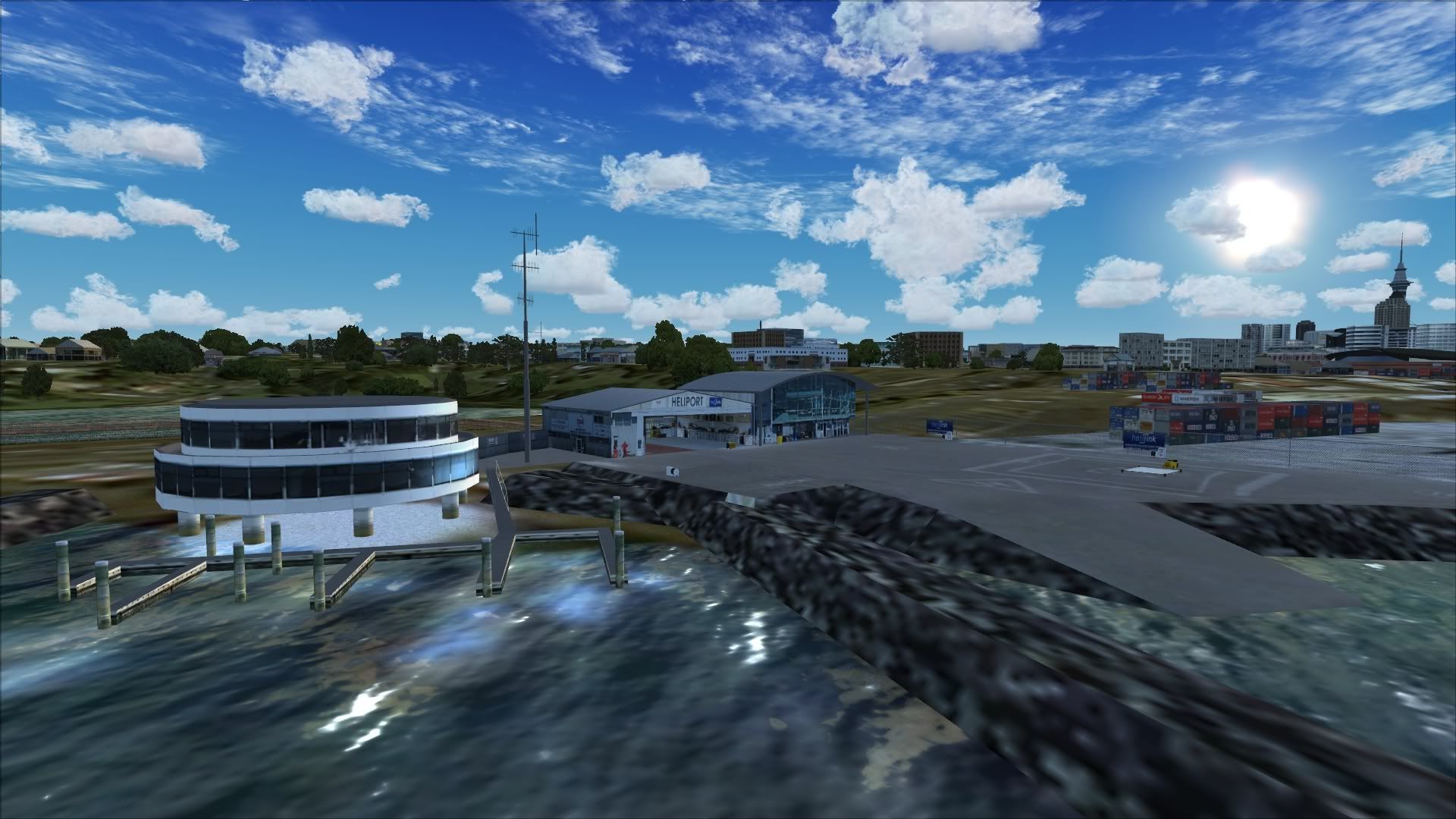
by Syncop8r » Thu Nov 19, 2009 11:59 am
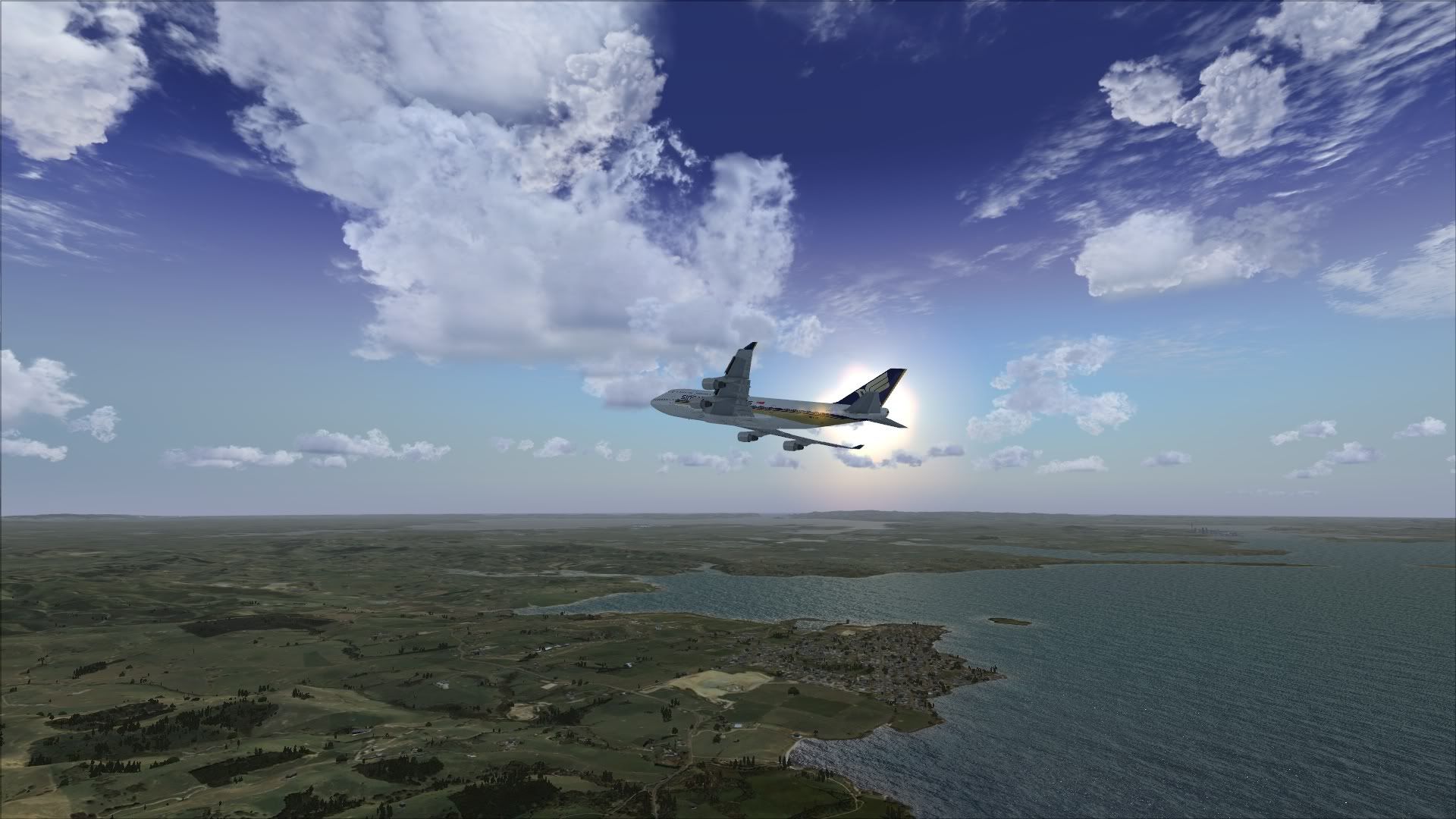
This may be down to individual settings rather than the Supercity scenery but some of those water textures, whilst they look amazingly realistic, are completely out of scale to everything else i.e looks too big and close for how far away it is.
- Syncop8r
- Forum Addict
- Joined: Sun Nov 11, 2007 11:28 pm
- Posts: 206
by Ian Warren » Thu Nov 19, 2009 12:44 pm
Syncop8r wrote:QUOTE (Syncop8r @ Nov 19 2009, 12:59 PM) <{POST_SNAPBACK}>This may be down to individual settings rather than the Supercity scenery but some of those water textures, whilst they look amazingly realistic, are completely out of scale to everything else i.e looks too big and close for how far away it is.
This will due to to much adjustment and personal settings and hardware ... compare the difference in this thread , http://nzff.org/forum/viewtopic.php?t=...p;#entry8251466
-
Ian Warren - NZFF Pro
- Joined: Fri May 05, 2006 5:23 pm
- Posts: 41187
- Location: AREA 51
by creator2003 » Thu Nov 19, 2009 4:44 pm
With the FEX addon from flight1 i use ,,you can change the chop of the seas etc make your own water and sky themes ,i guess this must be the case with REX ,the settings of the user would maybe like pacific/ocean seas in the inland waters ,yes this can be done with these addons ..
i havent modded my setup much and use orbx themes for inland water with a choppy chop animation and haze skys with gods clouds ,theses remind me of Auckland Harbour most days ..
these FEX/REX addons really do make a huge difference to FSX with HD textures and for some reason better frame rates for me ..
i havent modded my setup much and use orbx themes for inland water with a choppy chop animation and haze skys with gods clouds ,theses remind me of Auckland Harbour most days ..
these FEX/REX addons really do make a huge difference to FSX with HD textures and for some reason better frame rates for me ..
Last edited by creator2003 on Thu Nov 19, 2009 4:45 pm, edited 1 time in total.
-
creator2003 - NZFF Pro
- Joined: Fri Jun 16, 2006 12:08 am
- Posts: 4633
- Location: Cant U C im LOCO
14 posts
• Page 1 of 1
Who is online
Users browsing this forum: No registered users and 1 guest