FSX and DX10 - Trial and error

Post and comment on screen captures from the beautiful game here. Home of the monthly screenshot competition

Postby Alfashark » Thu Feb 25, 2010 8:09 pm

Freshly re-formatted the rig on Monday, FSX + Acceleration + REX went on that afternoon... Drip-feeding various addons back into service now.
Thought I'd have a crack at using DX10 for a while, using the built-in bloom. All sliders are pushed to the right apart from Autogen, that's set at "dense"

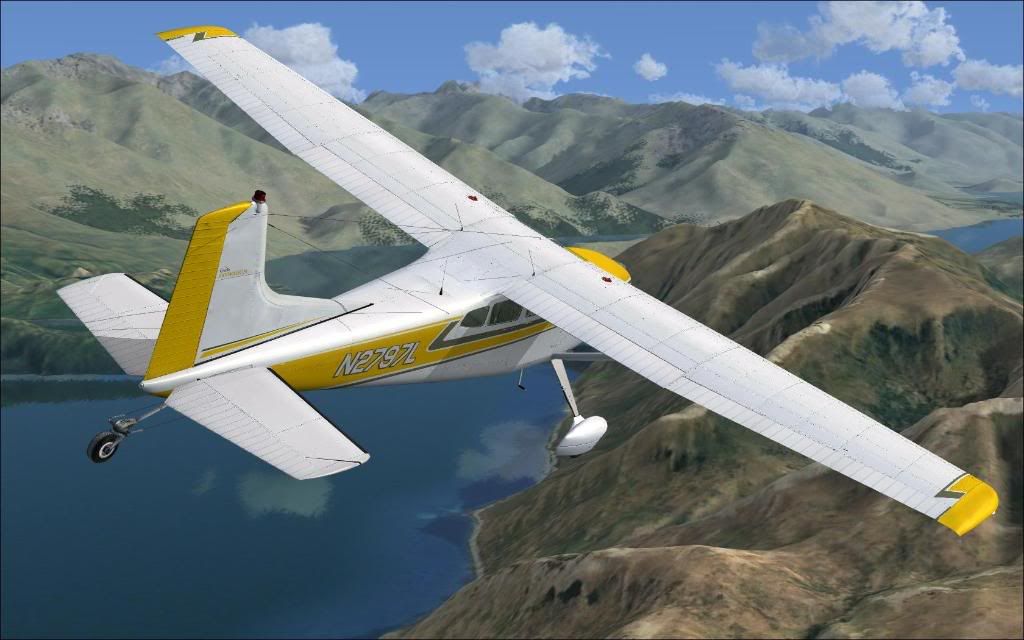
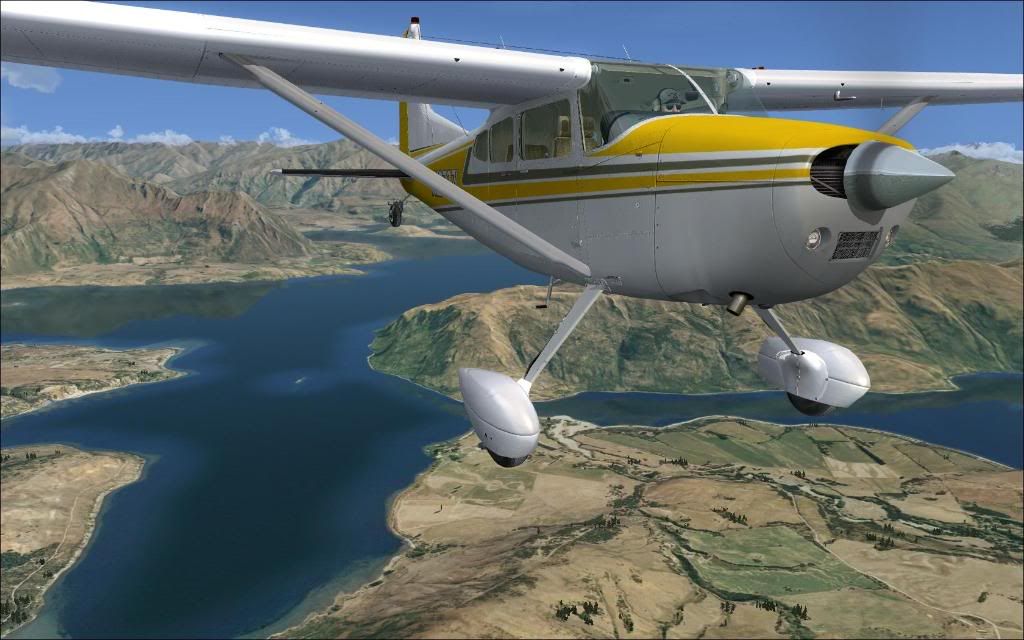
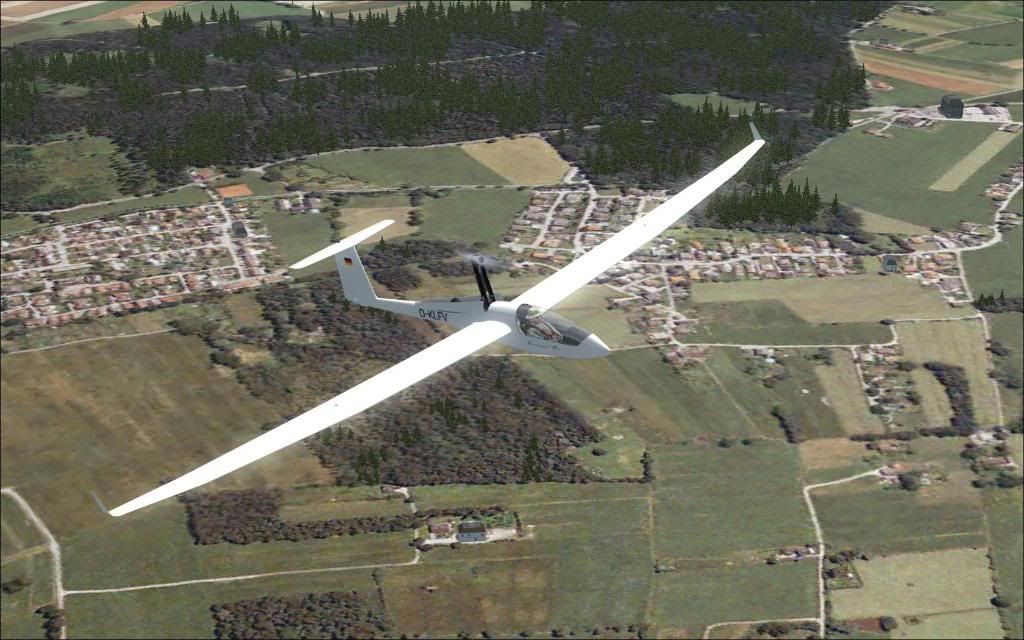
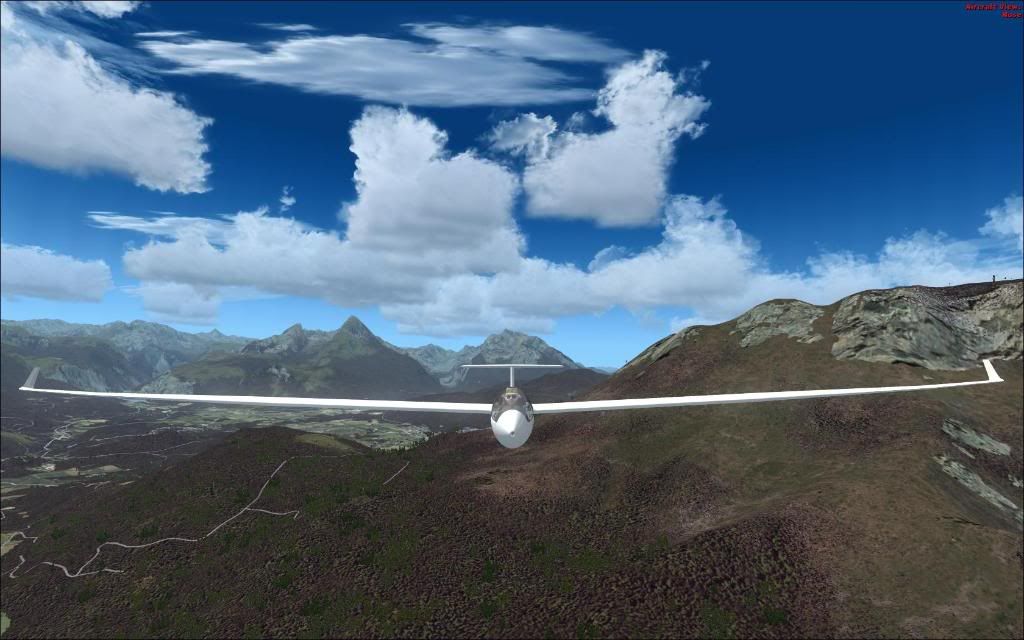
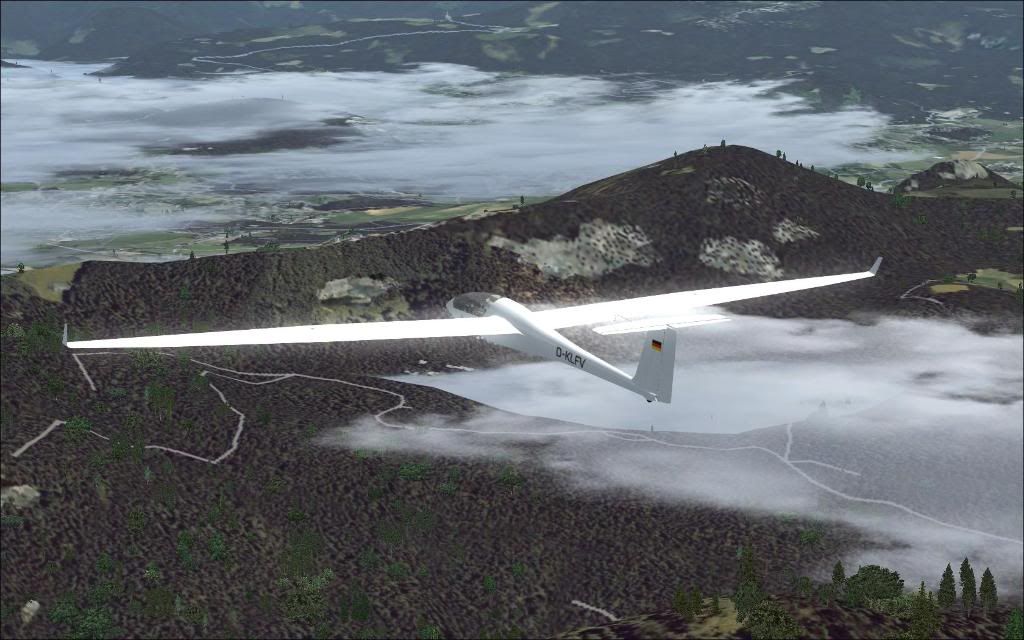
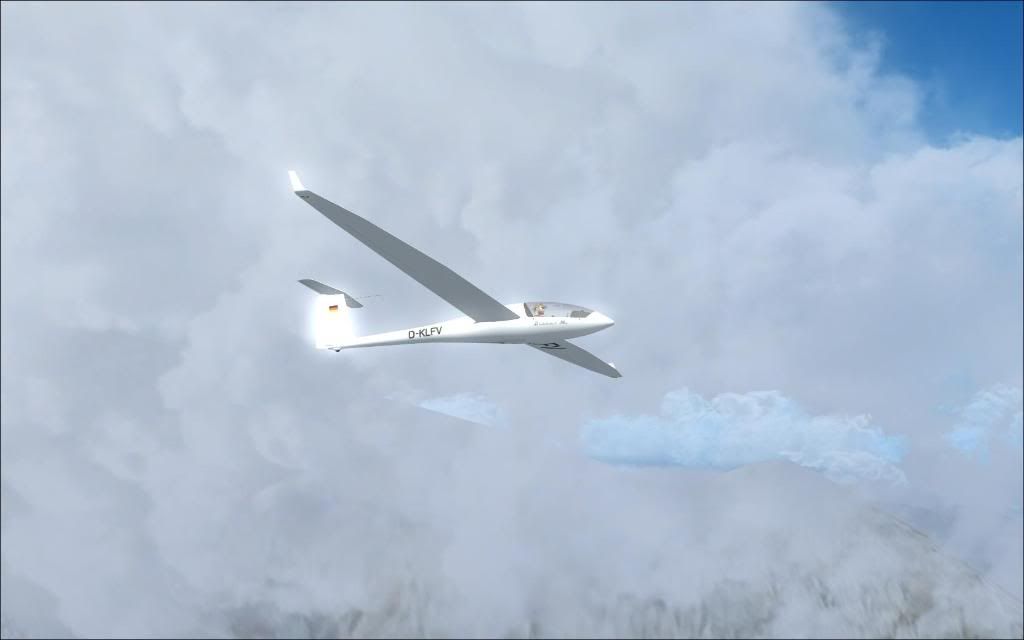
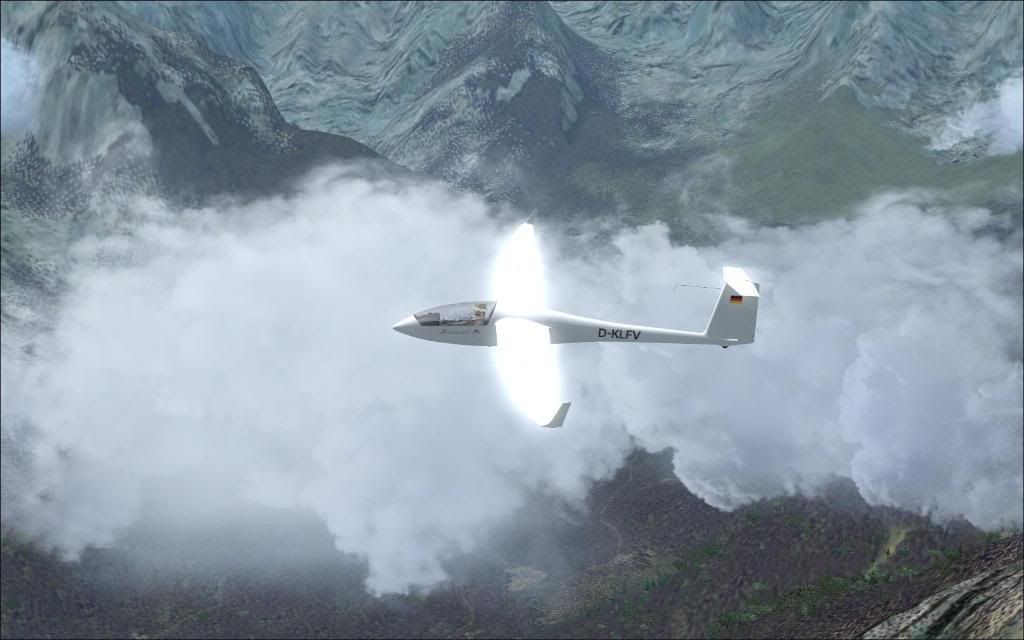
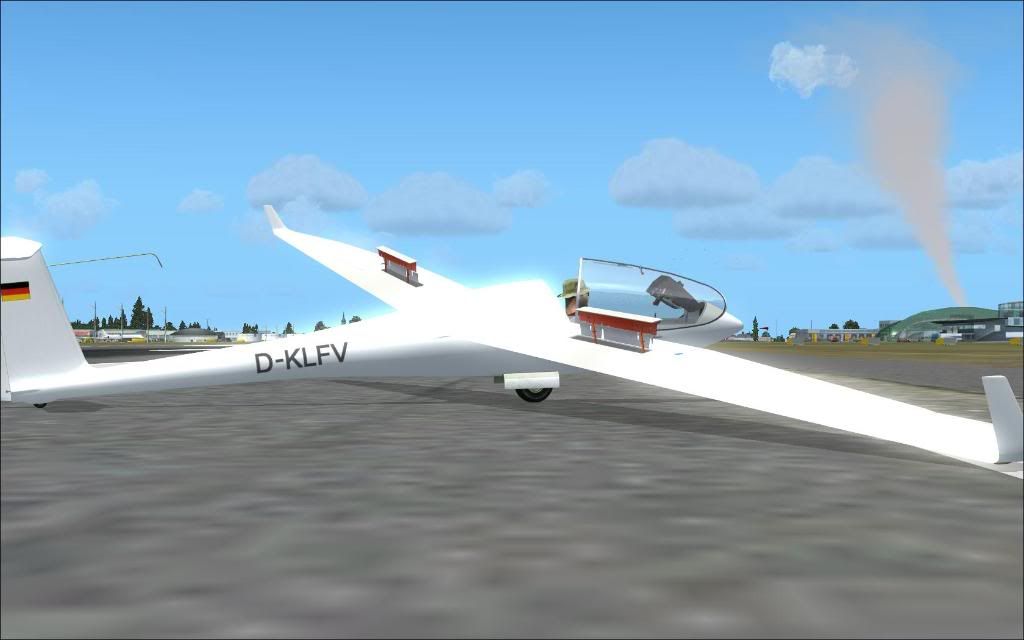
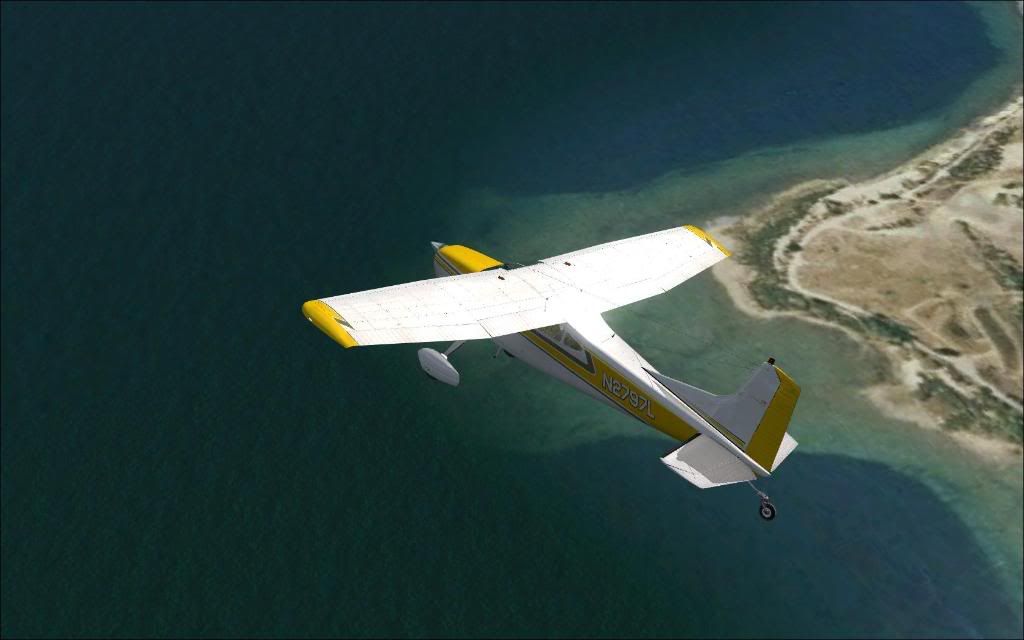
Awesome FPS (30+) and very little stutter, just sweet FA antialiasing going on... tweaked it up as high as I could with Nhancer and here's the results (C185/Wanaka was early in the testing, Discus/Salzburg the last) Gotta play around with the bloom some more... a bit over the top as you can see here rolleyes.gif The rest of the RealNZ sceneries to be installed, then the monster of Switzerland Pro... More tweaking:thumbup:


ImageImage
User avatar
Alfashark
Sim-holic
 
Topic author
Joined: Wed Jul 25, 2007 7:45 pm
Posts: 549
Location: Putaruru

Postby Ian Warren » Thu Feb 25, 2010 8:32 pm

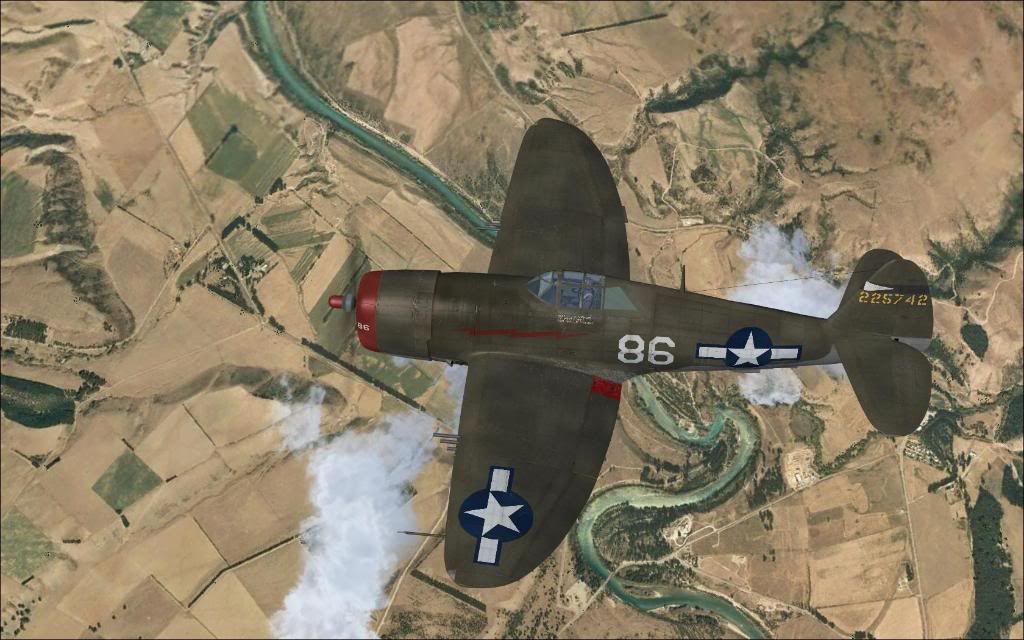
Looking good Steve , i do hate deleting the autogen , that sailplane over the non agn'd village .. Swiss ? .. you had to put the 47 in rolleyes.gif
Image
User avatar
Ian Warren
NZFF Pro
 
Joined: Fri May 05, 2006 5:23 pm
Posts: 41187
Location: AREA 51

Postby Alfashark » Thu Feb 25, 2010 8:43 pm

Ian Warren wrote:
QUOTE (Ian Warren @ Feb 25 2010, 09:32 PM) <{POST_SNAPBACK}>
Looking good Steve , i do hate deleting the autogen , that sailplane over the non agn'd village .. Swiss ? .. you had to put the 47 in rolleyes.gif

Nah, Austria Pro... Just to the North of Salzburg in that shot. Its a mixed bag of photo real and autogen around there rolleyes.gif
I have great memories of Switzerland/Austria and Germany - fantastic VFR country!

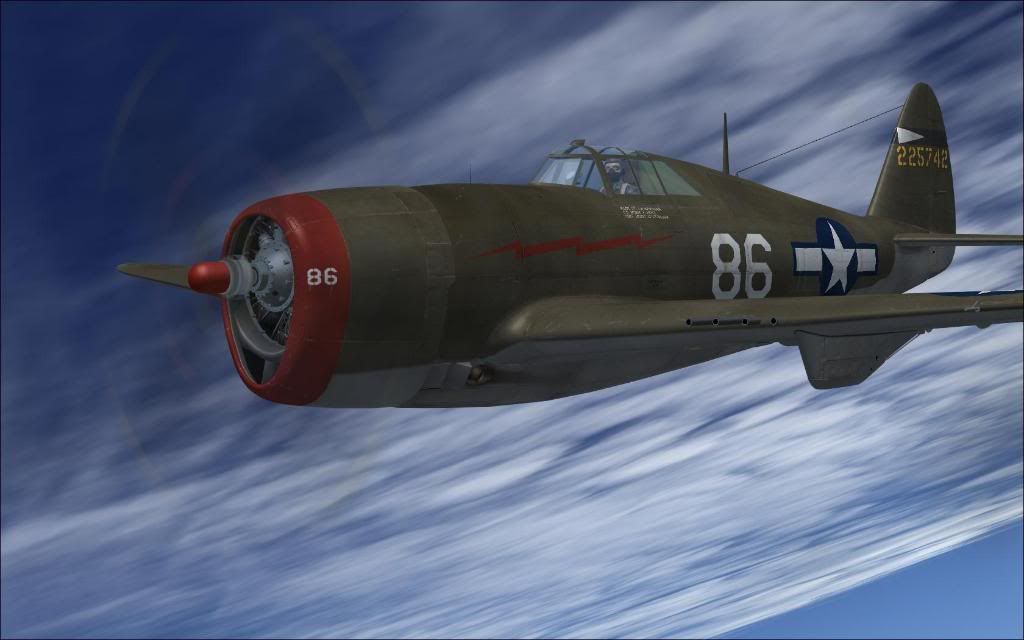
As for the 47, wanted to check for blurries at a high groundspeed/high alt without all that jet nonsense... Somewhere up there at FL350 with a ground-speed of roughly 400kts ninja.gif
ImageImage
User avatar
Alfashark
Sim-holic
 
Topic author
Joined: Wed Jul 25, 2007 7:45 pm
Posts: 549
Location: Putaruru

Postby Naki » Thu Feb 25, 2010 8:46 pm

Looking good...I am going through the exacty the same process at the moment. Had a graphics card failure and my HD also failed afew days later mad.gif . So I am left with one HD (I had two) and a new GPU. Remaining hard drive has been reformatted. Slowly installing things and nearly there. Still need some AI and few more a/c but with most sliders to the hard right including auotgen and I am averaging 20 FPS out of NZTG ...so I am pretty happy. Strange thing is that more auotgen I added the FPS went up??!! Sad thing is my huge FS9 install got destroyed and I just got it to where I wanted it sad.gif I dont have room to reinstall it and I cant be bothered ...good thing is that now I am really starting to like FSX with the new GPU (1mb 9800GT) and a bit more RAM.

Whats your system specs Steve?
User avatar
Naki
NZFF Pro
 
Joined: Sat Aug 05, 2006 10:03 pm
Posts: 7170
Location: Tauranga

Postby Ian Warren » Thu Feb 25, 2010 9:28 pm

Naks .. whack the ram up .. max with XP is 4Gig using a dual core , but Win7 im running 8Ghz but in general its not a race , you will get the required catch up as time go s bye and so will you all smile.gif
Image
User avatar
Ian Warren
NZFF Pro
 
Joined: Fri May 05, 2006 5:23 pm
Posts: 41187
Location: AREA 51

Postby Naki » Thu Feb 25, 2010 9:30 pm

I'm up to 3 gig of RAM...wanted 4 but I only have two slots and budget didnt stretch to two new sticks of RAM..I will get some more later
User avatar
Naki
NZFF Pro
 
Joined: Sat Aug 05, 2006 10:03 pm
Posts: 7170
Location: Tauranga

Postby Alfashark » Thu Feb 25, 2010 9:41 pm

Ouch! Thankfully I've never had any PC components spit the dummy... yet.

Running all this on a Q6600 2.4Ghz Quad, 4Gb RAM and a 8600GT 512mb card - The main bottleneck for me now is the CPU - realistically to run X at near it's potential 3.0Ghz is a starting point sleep.gif

Within the next 12 months, I have a very tech-savvy friend who is going to put together a ballbreaker of a rig for me... I don't have the time, patience or the brains to work out the "how to" in getting the components to talk nicely.
Watercooled, big clock speeds, as much DDR3 RAM as we can stuff into it (going 64bit this time round...) GPU to be confirmed closer to the final assembly ninja.gif

Funny you mention the FPS going up as you add autogen, I read somewhere a while ago that by having it turned down, it sucks up more juice as FSX actively loads it into the cache and then has to "hide" it. Same goes for the water/wave effects in my case - the jump from 1x to 2x was minimal, and the step up to 4x was barely noticeable but with far more eyecandy drool.gif
ImageImage
User avatar
Alfashark
Sim-holic
 
Topic author
Joined: Wed Jul 25, 2007 7:45 pm
Posts: 549
Location: Putaruru

Postby Naki » Thu Feb 25, 2010 10:46 pm

geeez I thought your bottle neck would be your GPU not your CPU.

6 gig of RAM for a 64 bit system I believe would be ideal for FSX- I don't think it would use anymore.

Must ramp up the water (i have it down a couple of notches) and see what it does to the FPS.
User avatar
Naki
NZFF Pro
 
Joined: Sat Aug 05, 2006 10:03 pm
Posts: 7170
Location: Tauranga

Postby Alfashark » Thu Feb 25, 2010 11:11 pm

That's what many people have said Paul, tried a swap around with a mates fresh 1Gb GPU but not a whole lot changed... after reading up a lot on peoples trials and disappointments... FSX is all about the CPU rolleyes.gif

Throw everything to the right (just drop the autogen down to dense though) and see what happens - I think you'll be surprised!

I got all of these results using none of the tweaks that people have posted here and there, just stock fresh FSX.cfg and running it in DX10 mode (kiss any older addons goodbye)
ImageImage
User avatar
Alfashark
Sim-holic
 
Topic author
Joined: Wed Jul 25, 2007 7:45 pm
Posts: 549
Location: Putaruru

Postby Ian Warren » Thu Feb 25, 2010 11:11 pm

One thing .. said this all along from many years back , its not a race , discussing this earlier tonight /whoops last night with Kelvin on 'TS' Team Speak , so easy to talk and adjust and compare .
Image
User avatar
Ian Warren
NZFF Pro
 
Joined: Fri May 05, 2006 5:23 pm
Posts: 41187
Location: AREA 51


Return to Screenshots

Who is online

Users browsing this forum: No registered users and 13 guests