100% ad-free
 by Naki » Sun Sep 26, 2010 8:08 pm

by Adamski » Sun Sep 26, 2010 8:14 pm
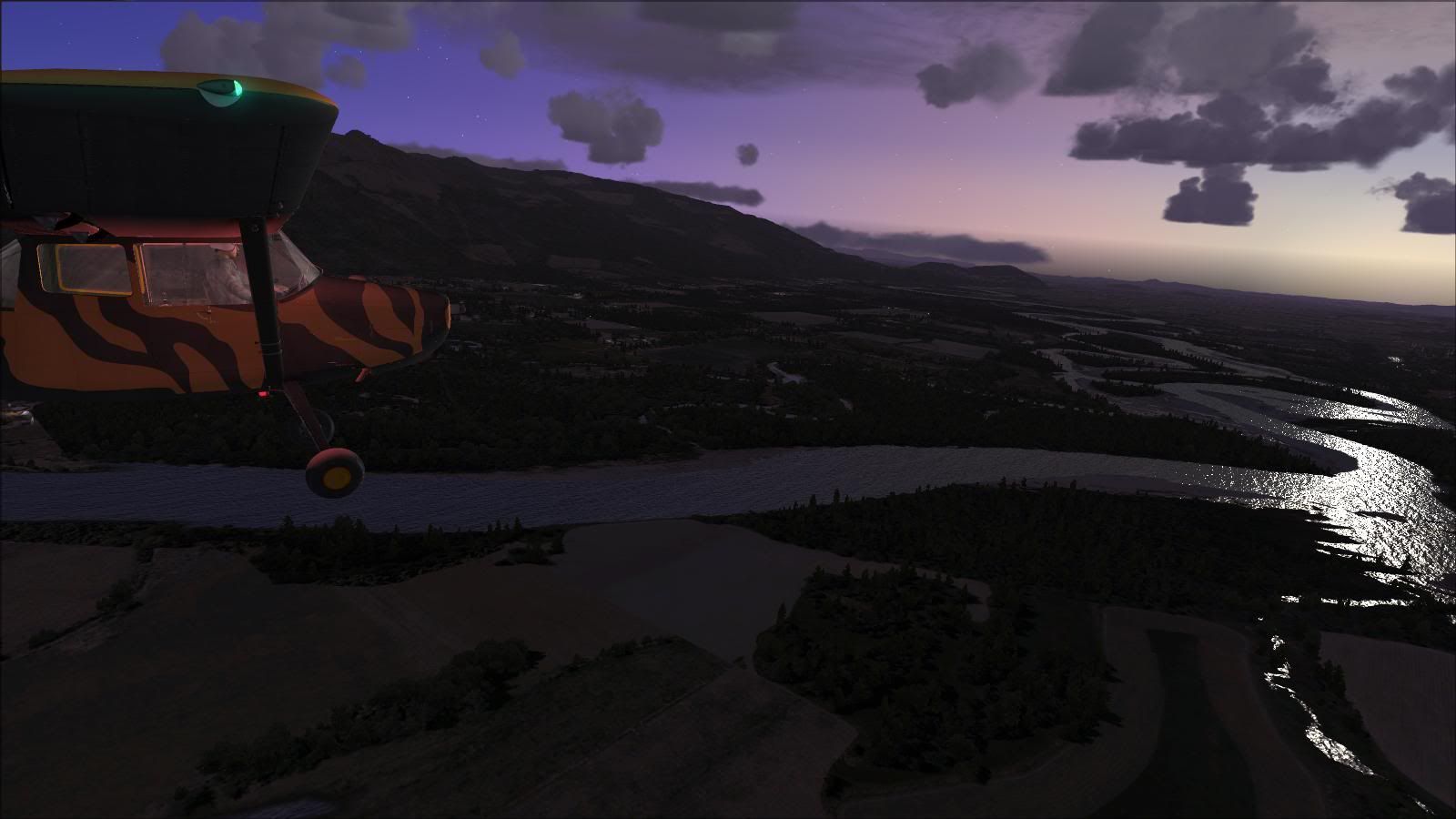
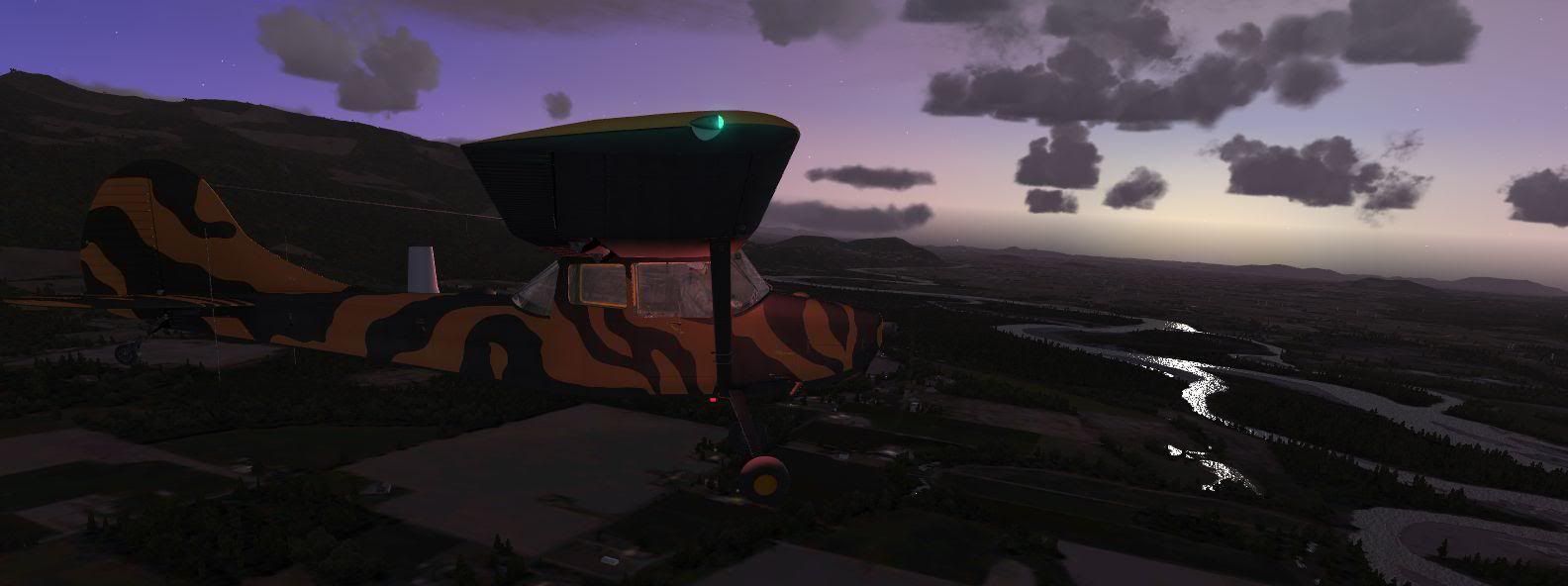
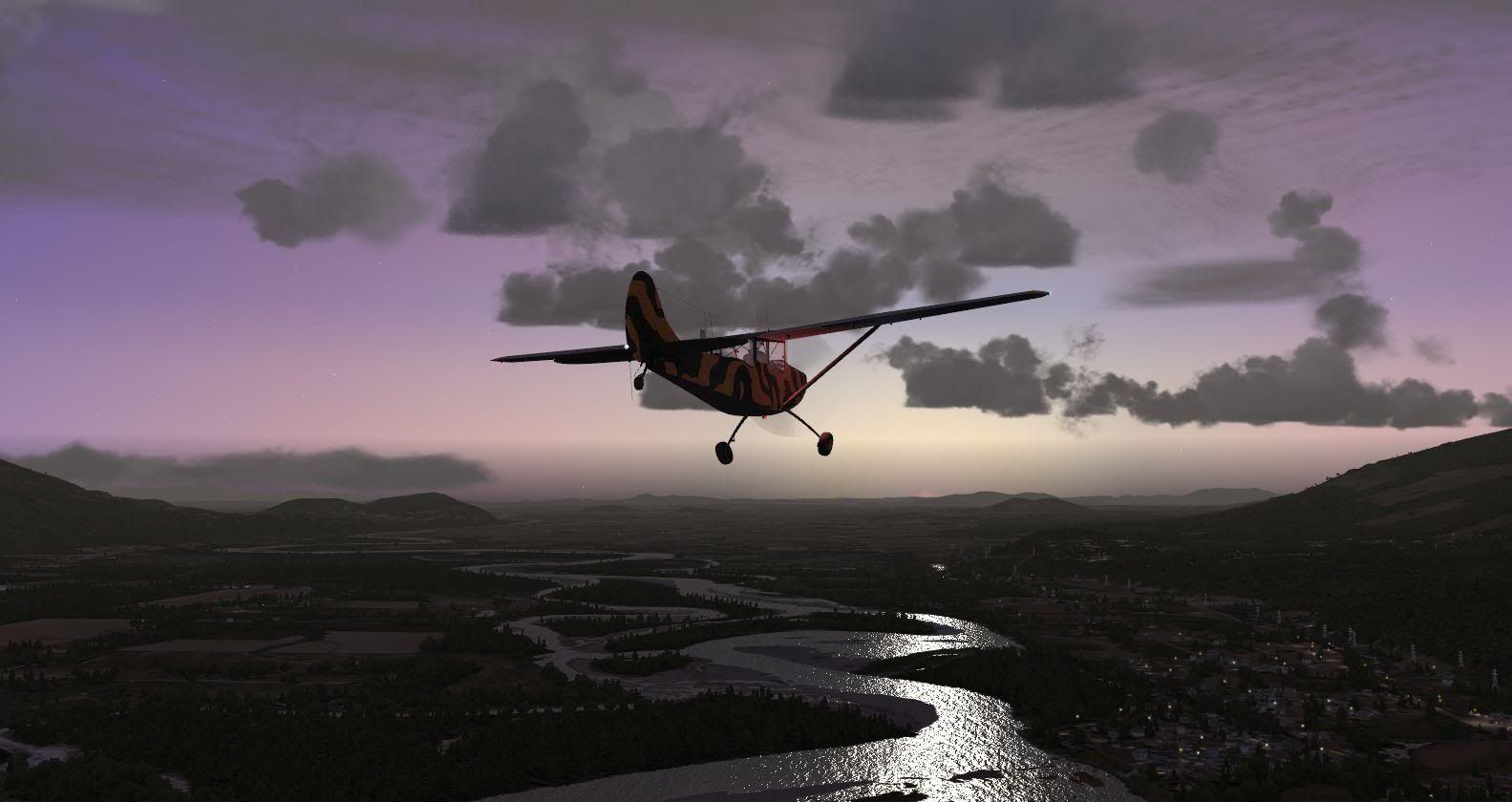
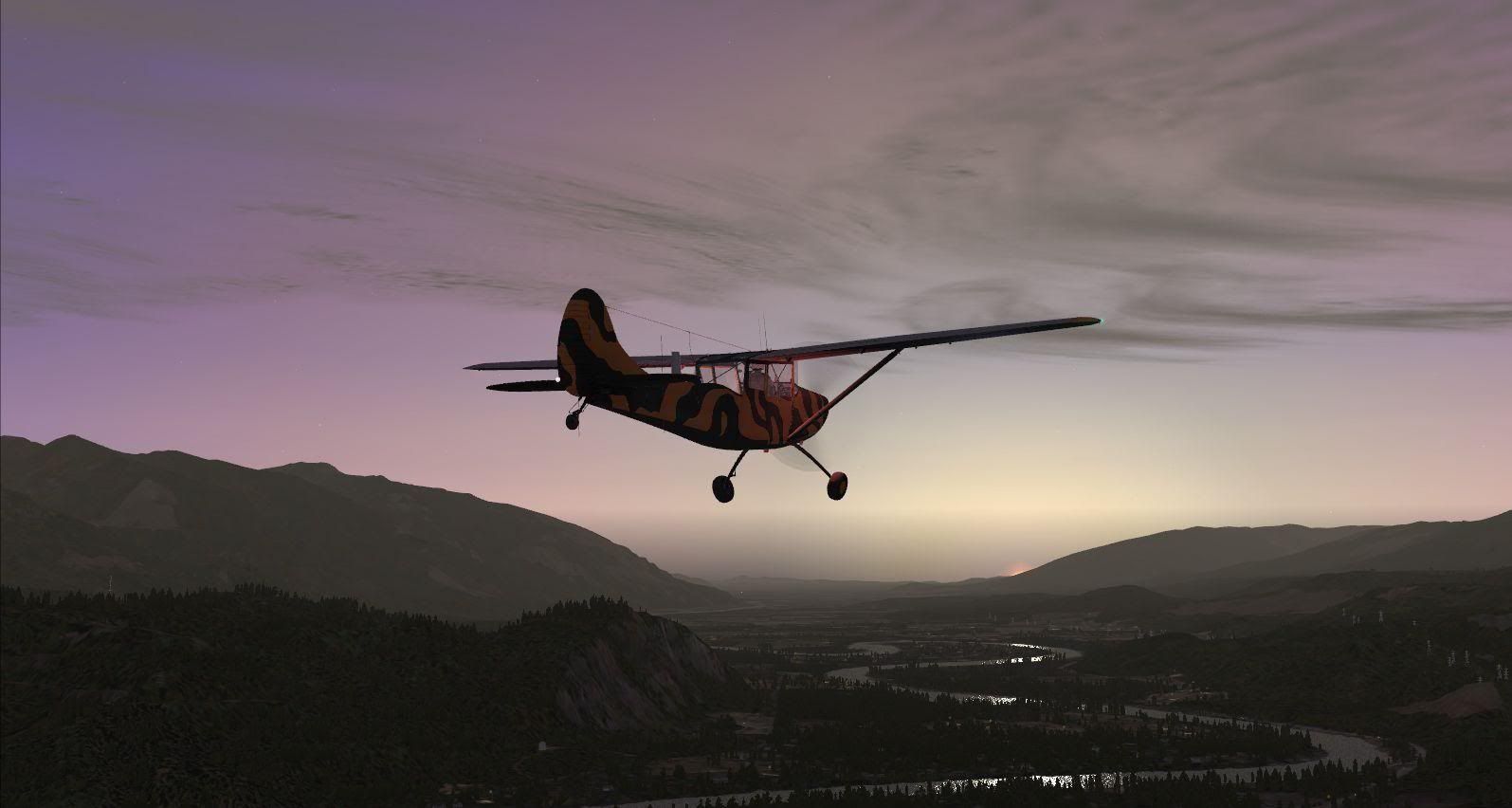
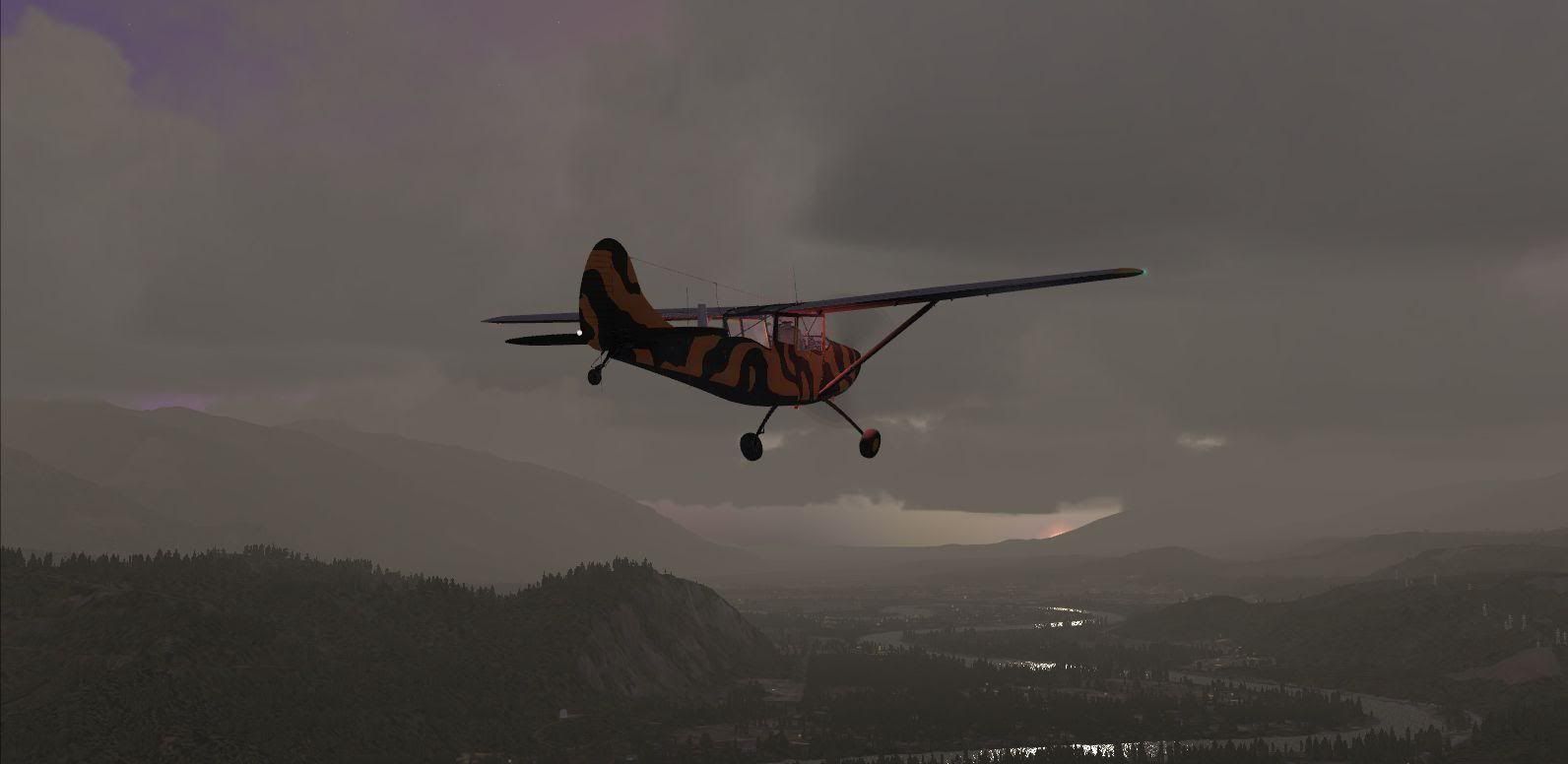
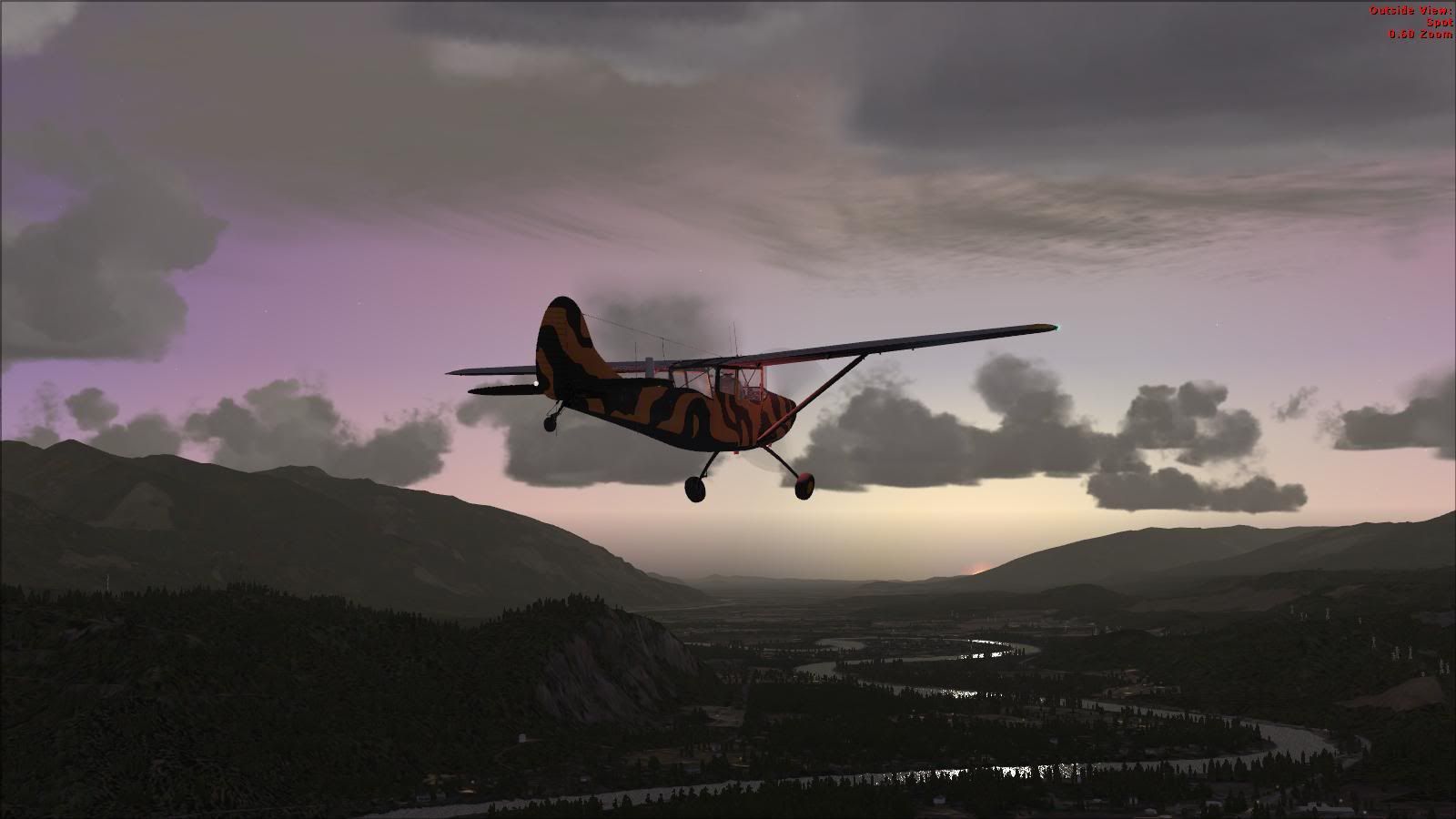
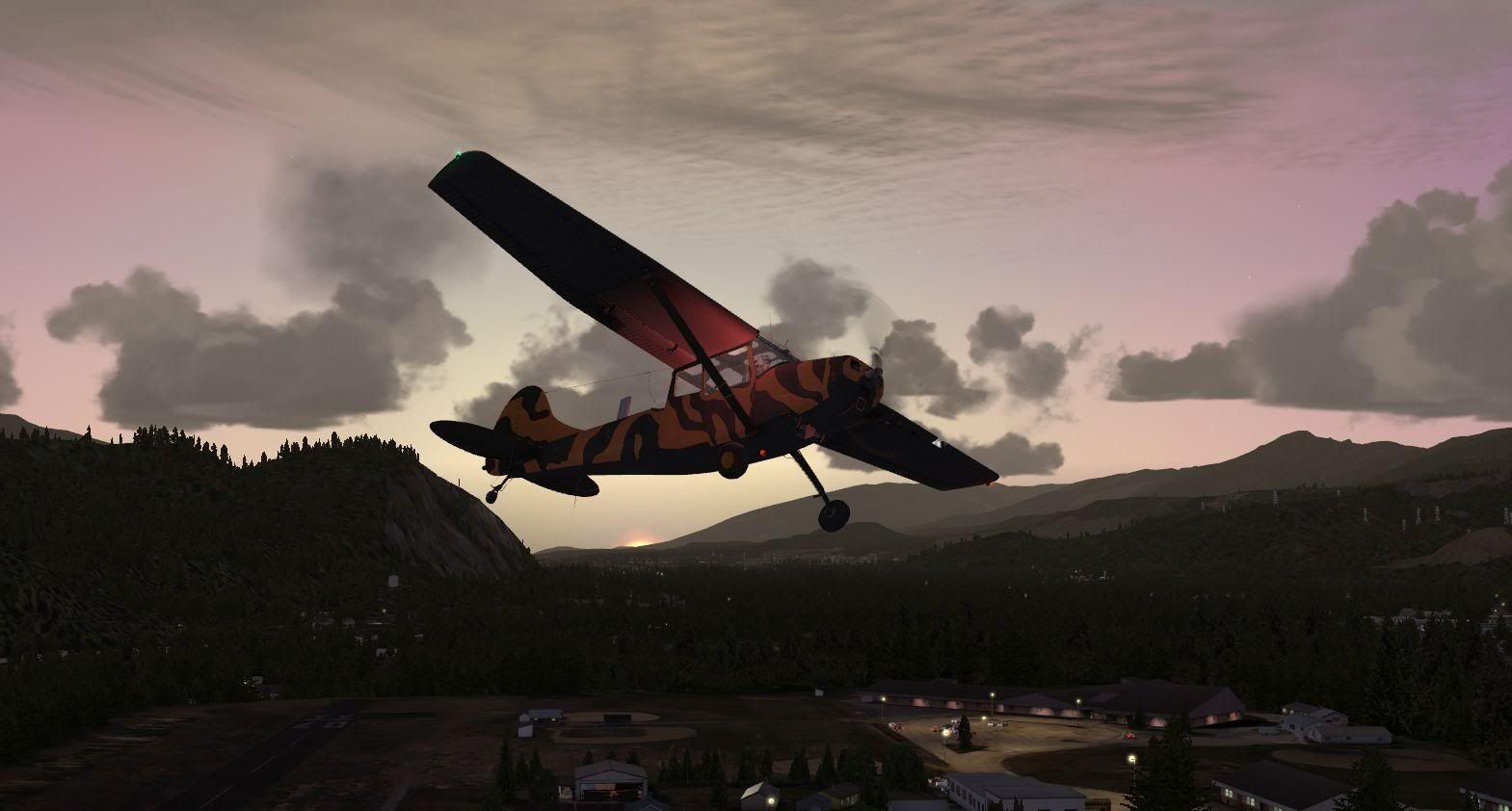
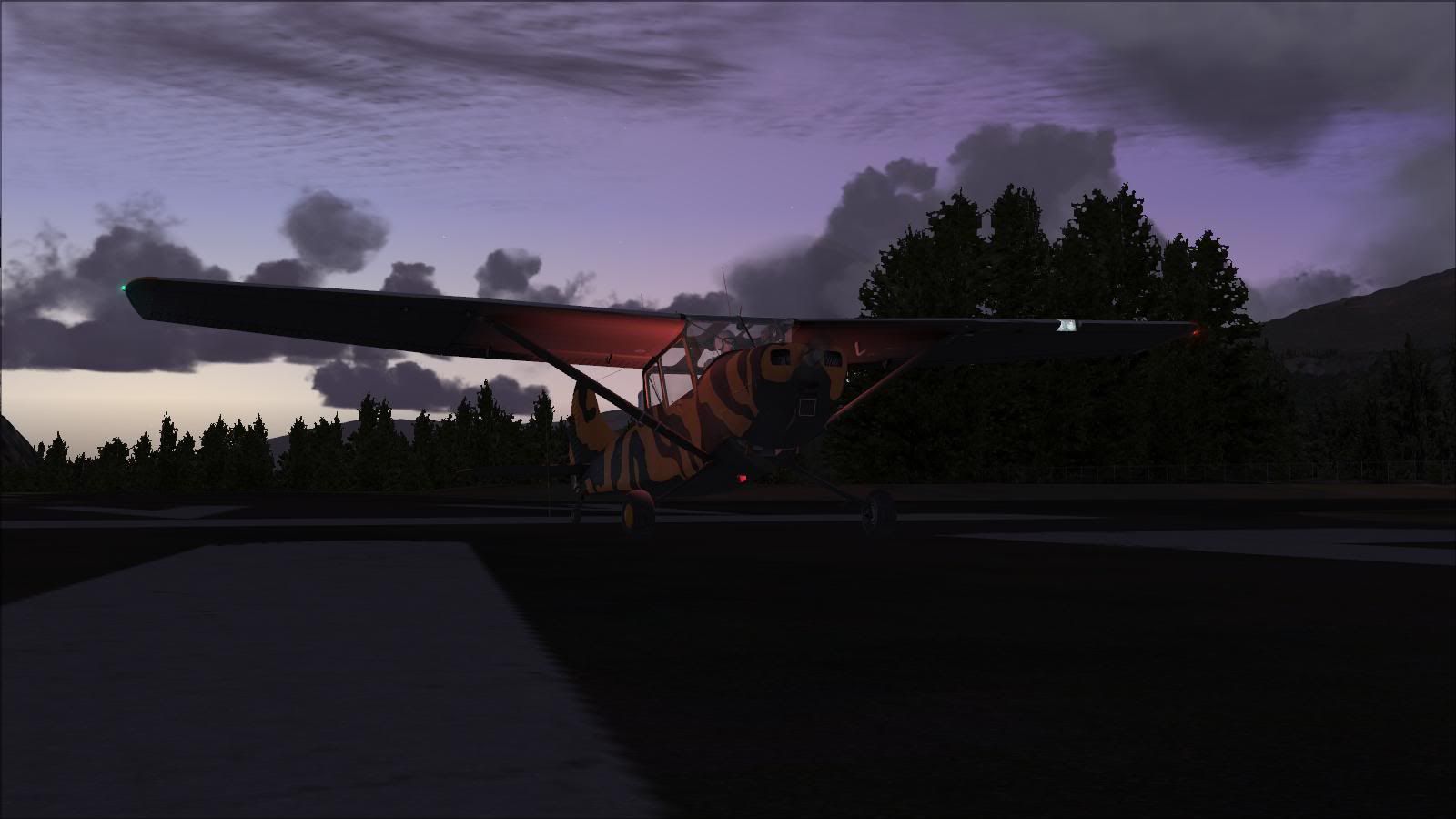
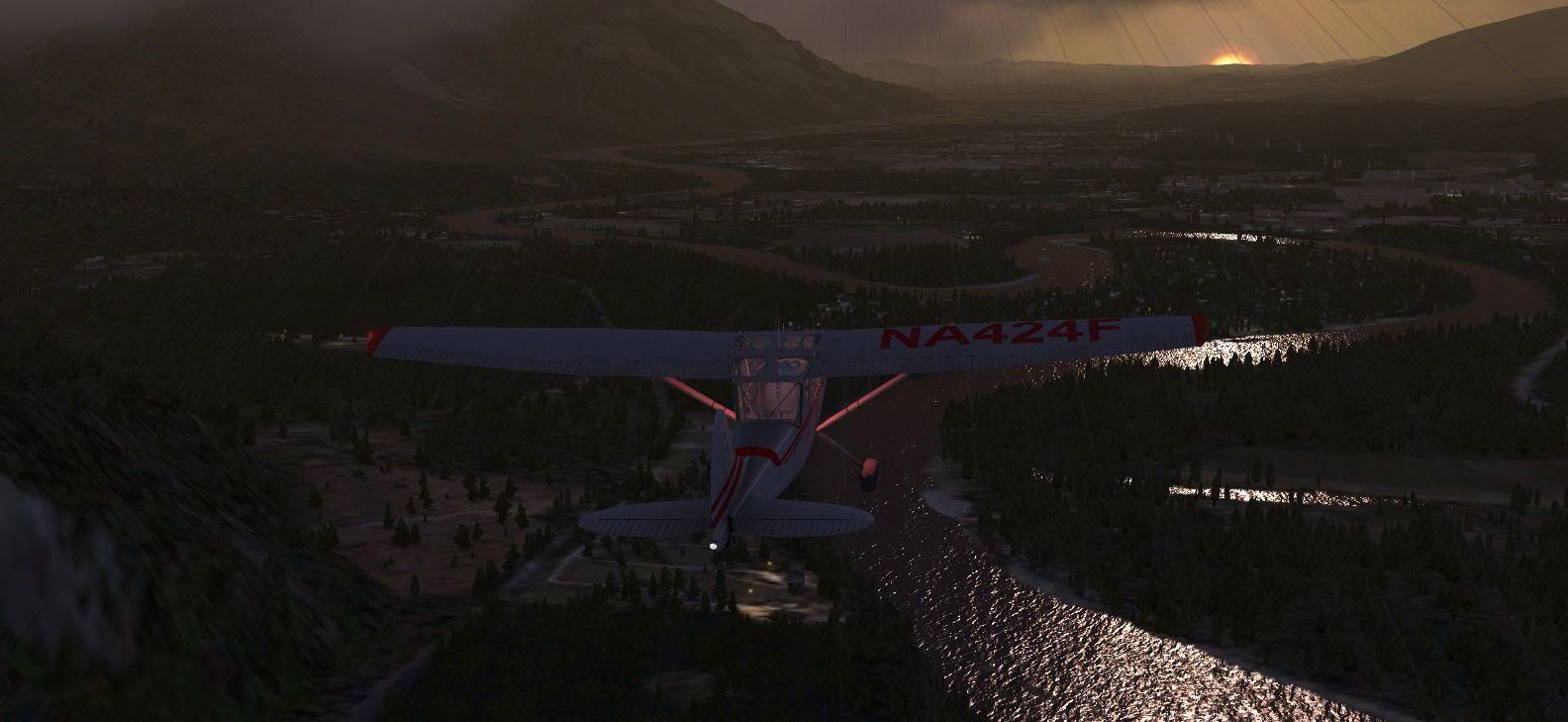
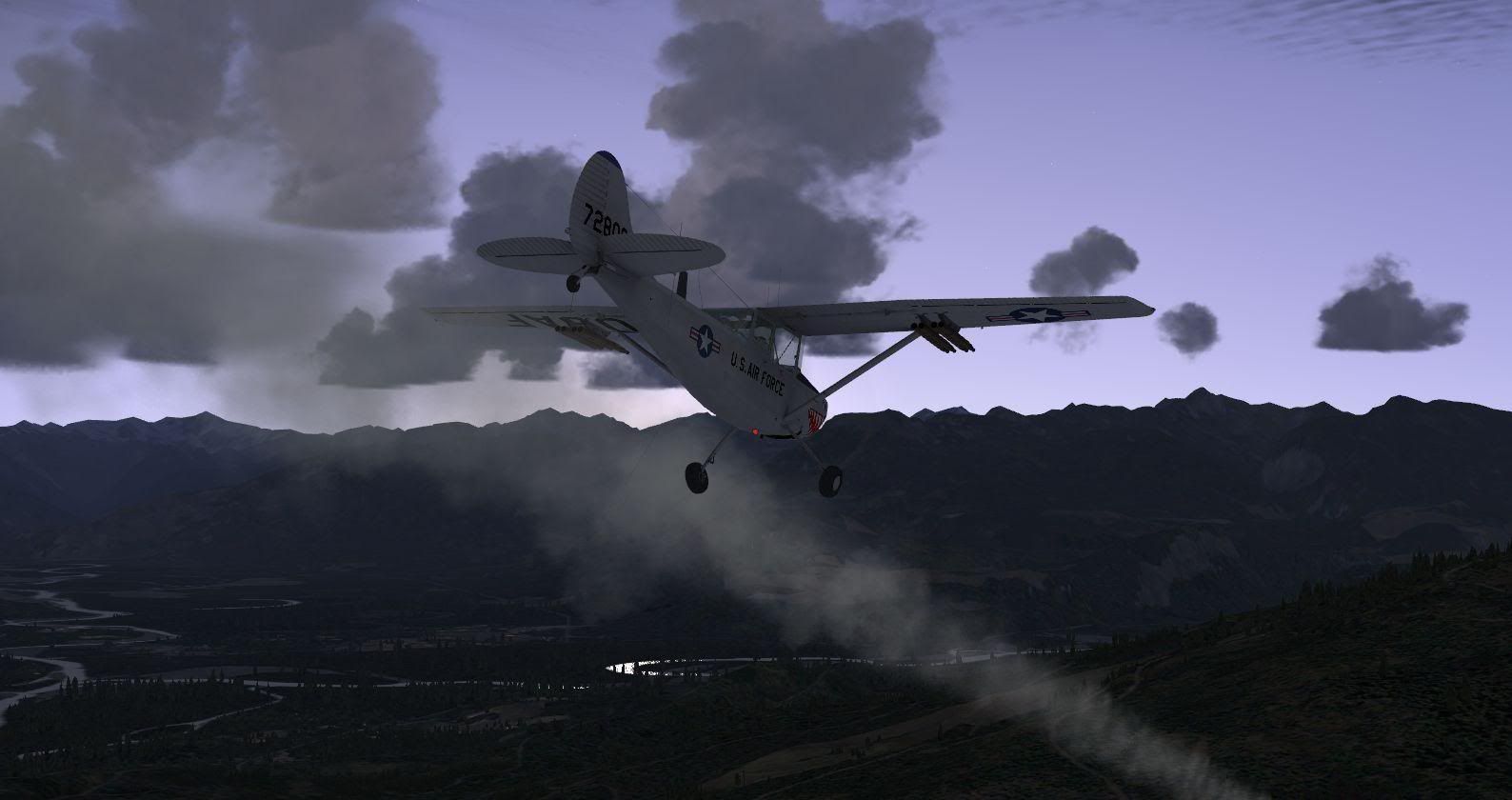
Naki wrote:QUOTE (Naki @ Sep 26 2010, 08:08 PM) <{POST_SNAPBACK}>There's a screenshot comp at http://www.sibwings.com/ ..has to feature a Sibwings Aircraft ..winner wins the new Sibwings Pitts Special when it's released..here are some of my attempts
I reckon one out of the 3,4,5,6 range - with the meandering river. I like the cloudy one the best!

by Ian Warren » Mon Sep 27, 2010 3:16 pm
 Rambo up to his tricks again in the PNW and your spotting for the Sheriff .


by Adrian Brausch » Tue Sep 28, 2010 5:58 pm


by Splitpin » Tue Sep 28, 2010 8:59 pm


by Cbris » Wed Sep 29, 2010 10:02 am


by Naki » Wed Sep 29, 2010 10:13 am
by Adamski » Wed Sep 29, 2010 11:15 pm
Naki wrote:QUOTE (Naki @ Sep 29 2010, 10:13 AM) <{POST_SNAPBACK}>Darn..put the worng one in!..but looking at them again I agree ...will change one of my shots but there are some excellent shots there...some of them lot crisper than mine..not sere how they do it so now that I have Photoshop reinstalled will try some experimenting
Select your area with the "polygon" tool - but with feathering set from 2px to 8px ... then try "Unsharp Mask" on that selection... generally around 50% at 0.5 radius.
That should pick out your aircraft (or whatever) ... leaving the background/scenery slightly soft in comparison. Lots of good P/Shop tutorials around if you Google for them.
by happytraveller » Thu Sep 30, 2010 9:08 pm
Users browsing this forum: No registered users and 16 guests

