Hi all
I have finally taking the Plunge into FSX. After getting FSX gold for fathers day I can see I have some work ahead of me to get it too run smooth enough to enjoy on my current home PC that I take for granted with FS9
Specs
Asus P4 3.4 Dual Core
2 gig ram
Asus 512 pci-e 7600 gforce silent
Windows XP service pack 3
I have looked at verious FSX tweak guides that have a general theme i e TEXTURE_BANDWIDTH_MULT= and rename default auto gen.
After reading the tweaks guide on this forum, I have couple of questions
Where can I find these lines in the fsx cfg file
TERRAIN_MAX_AUTOGEN_TREES_PER_CELL=900
TERRAIN_MAX_AUTOGEN_BUILDINGS_PER_CELL=1000
and
[Display]
MipBias=6
I have also noticed that some tweak guides are no longer available
Regards
Rhys
New to FSX
27 posts
• Page 1 of 2 • 1, 2
 by creator2003 » Sun Sep 12, 2010 4:26 pm
From memory i think you add those lines to the cfg but you would have double check that to make sure 100% ,i was trying to find my standard tweak guide,but are unable to track it down at the moment sorry ..
-

creator2003 - NZFF Pro
- Joined: Fri Jun 16, 2006 12:08 am
- Posts: 4633
- Location: Cant U C im LOCO
by deeknow » Sun Sep 12, 2010 5:26 pm
Nosecone wrote:QUOTE (Nosecone @ Sep 12 2010, 03:56 PM) <{POST_SNAPBACK}>Where can I find these lines in the fsx cfg file
TERRAIN_MAX_AUTOGEN_TREES_PER_CELL=900
TERRAIN_MAX_AUTOGEN_BUILDINGS_PER_CELL=1000
Hey Rhys,
You may have heard of this amazing tool called Google? :-) .. sorry mate, couldnt resist, there's a MS support article which mentions that top of the search results for "TERRAIN_MAX_AUTOGEN_TREES_PER_CELL", check it out...
http://support.microsoft.com/kb/555739
Here's the guts of the article in case it disappears on us (note to all tho, you should read the full article for more context about the problem it was trying to solve, also this suggestion is for lower-spec machines)...QUOTEOpen the FSX.CFG File (see more information re location).
Add this entry, just below the [TERRAIN] section in FSX.CFG
TERRAIN_MAX_AUTOGEN_TREES_PER_CELL=4500
TERRAIN_MAX_AUTOGEN_BUILDINGS_PER_CELL=3000
The figures above are the default and you should set them to a lower amount. Setting to 0 for instance will mean that you see no objects in the simulation. Please note that the maximum setting for each item is 6000 and it is suggested that you use a minimum of 10 to avoid issues within the game.
The suggested settings to set initially are:
TERRAIN_MAX_AUTOGEN_TREES_PER_CELL=1000
TERRAIN_MAX_AUTOGEN_BUILDINGS_PER_CELL=800[/quote]
BTW, I'm in the exact same position as you, have a virgin FSX install, and would really love to hear of any tweaks that work for you and others. Of course I guess its all subjective, and depending on how you use the sim, what and where you fly, what your hardware is like etc etc etc .. but if there are some generic things worth tuning then I'd love to hear about those tooLast edited by deeknow on Sun Sep 12, 2010 5:31 pm, edited 1 time in total.Deans repaints: http://www.deeknow.com/
X570 Mini-ITX m/b - Ryzen7 5700X3D (8c/16t) - RTX 2060-super - 32GB 3600MHz DDR4 - Win10 - P3Dv5.3
deeknow- NZFF Pro
- Joined: Tue Sep 18, 2007 10:15 pm
- Posts: 4484
- Location: NZHN
by AndrewJamez » Sun Sep 12, 2010 5:38 pm
Yes I can confirm that this is a must have tweak. It allows individual controll over Building autogen and tree autogen.
- AndrewJamez
- Sim-holic
- Joined: Sun Feb 14, 2010 5:04 pm
- Posts: 766
- Location: Hamilton
by ZK-MAT » Sun Sep 12, 2010 6:28 pm
How does this affect the autogen sliders setting in FSX - meaning if you alter your config then later on move the sliders does the setting in your cfg revert to the slider setting or is the overall slider setting dependent on the config value ... (sheesh I nearly confused myself there asking that).
Only one way to try I guess, and it's a tweak that appeals to me
Only one way to try I guess, and it's a tweak that appeals to me
-

ZK-MAT - Senior Member
- Joined: Sun Apr 30, 2006 11:41 pm
- Posts: 1690
- Location: Papamoa
by Nosecone » Sun Sep 12, 2010 7:23 pm
Thanks guys
QUOTE
You may have heard of this amazing tool called Google? :-) ..[/quote]  no worries mate
I don't expect to run fsx with the sliders turned up on my current system. Maybe down the track when the i7 chips become cheaper thats something to aim for but at the moment its way down on my list of things. Getting my helicopter sim project finished is high on my list of things 2 do ( plus, as I hear the rain in Upper Hutt the guttering )
)
Also Looking forward to Deaneb cresco and putting the fu24 through its FSX paces
Cheers
Rhys
no worries mateI don't expect to run fsx with the sliders turned up on my current system. Maybe down the track when the i7 chips become cheaper thats something to aim for but at the moment its way down on my list of things. Getting my helicopter sim project finished is high on my list of things 2 do ( plus, as I hear the rain in Upper Hutt the guttering
)Also Looking forward to Deaneb cresco and putting the fu24 through its FSX paces
Cheers
Rhys
Last edited by Nosecone on Sun Sep 12, 2010 8:16 pm, edited 1 time in total.
-

Nosecone - Forum Addict
- Topic author
- Joined: Thu Jan 31, 2008 9:22 am
- Posts: 234
- Location: Upper Hutt
by creator2003 » Tue Sep 14, 2010 12:31 am
QUOTE
How does this affect the autogen sliders setting in FSX - meaning if you alter your config then later on move the sliders does the setting in your cfg revert to the slider setting or is the overall slider setting dependent on the config value ... (sheesh I nearly confused myself there asking that).[/quote]
i think it will revert back like the other tweaks ive used ,when you change the value in the cfg then move the sliders it reverts to default values again so they suggest having multi cfg.bakup saved so if you do this it is simple to remember/swap the changes to how you like them again etc
i think it will revert back like the other tweaks ive used ,when you change the value in the cfg then move the sliders it reverts to default values again so they suggest having multi cfg.bakup saved so if you do this it is simple to remember/swap the changes to how you like them again etc
-
creator2003 - NZFF Pro
- Joined: Fri Jun 16, 2006 12:08 am
- Posts: 4633
- Location: Cant U C im LOCO
by Nosecone » Tue Sep 14, 2010 9:04 am
Hi all
After trolling through the various forums I came across an interesting tweak that replaced the default FSX CFG with this http://www.flightsimworld.com/forums/index...mp;st=120%20%20 one. It might be one that user here are already using, but I have to say I did see an improvement with fps. I might not be a magic bullet but has help with my system. I have still been modest with the sliders but its worth a try just, remember to back up your CFG file
Regards
Rhys
After trolling through the various forums I came across an interesting tweak that replaced the default FSX CFG with this http://www.flightsimworld.com/forums/index...mp;st=120%20%20 one. It might be one that user here are already using, but I have to say I did see an improvement with fps. I might not be a magic bullet but has help with my system. I have still been modest with the sliders but its worth a try just, remember to back up your CFG file
Regards
Rhys
-
Nosecone - Forum Addict
- Topic author
- Joined: Thu Jan 31, 2008 9:22 am
- Posts: 234
- Location: Upper Hutt
by Nosecone » Wed Sep 15, 2010 10:15 pm
Hi all
Seem the new cfg file I tried messed up acceleration to the point that when I went to run the acceleration disk it came up with 2 options "repair acceleration" or "remove acceleration"
So I have gone back to just a few simple tweaks. Have been following Spongebob206s topic about solid state drives with interest on the general forum, look forward to hearing his results
Rhys
Seem the new cfg file I tried messed up acceleration to the point that when I went to run the acceleration disk it came up with 2 options "repair acceleration" or "remove acceleration"
So I have gone back to just a few simple tweaks. Have been following Spongebob206s topic about solid state drives with interest on the general forum, look forward to hearing his results
Rhys
-
Nosecone - Forum Addict
- Topic author
- Joined: Thu Jan 31, 2008 9:22 am
- Posts: 234
- Location: Upper Hutt
by AdrianPetford » Thu Sep 16, 2010 8:09 am
I'm also new to FSX - sort of. I bought it when it came out and tweaked all the way through SP1 and SP2 but eventually gave up as I couldn't get acceptable performance from my system at the time. There also weren't that many addons available then, so I shelved FSX until I had a new system.
Last year I rebuilt my machine to a very high end spec with a view to giving FSX another go and reinstalled it last weekend. I gather that most of the original tweaks were rendered obsolete by SP2 so you should bear in mind the age of any reference material you may look at. I found Nick Needham's FSX tuning guide (I'm not sure whether I'm allowed to cross post a link to another forum but if you Google "nickn fsx tuning guide" you should get it) an absolute must as a starting point - it's fantastic stuff. I've used Nick's settings for nHancer successfully for years with FS9 and they totally revolutionised my simming experience and so far, it looks like his FSX settings have worked equally well for me.
With Nick's recommended settings, I found I could get consistently smooth flight with almost all of the sliders maxed out - the only change I had to make was to lock the framerate at 30fps. I found another tweak on a different site which made this even better:
[BUFFERPOOLS]
PoolSize=0
Once applied, incredibly this gave me smooth flight with the framerate set to unlimited, as apparently it addresses the entire video memory of the graphics card rather than a pre-defined size bufferpool. Previously, an unlimited framerate had stuttered so much it was unusable. Beware though that this tweak is only recommended for video cards of 1Gb and above. I don't know how well it would work for others but it seems to have worked for me. Nick's guide also mentions the [BUFFERPOOLS] setting with recommendations for various video cards on a try it and see basis.
A few days into my testing, I think I've got FSX as good as it's going to be. I have smooth flight in most areas (all default scenery only at present) at unlimited (which due to my monitor's refresh rate effectively means 60fps) but with microstutters when turning or panning around the aircraft. Although this is a step down from my FS9's performance, I think I'm going to have to get used to it unless I find that ever elusive "sweet spot"!
System spec:
Intel Core i7 920 D0 Stepping (SLBEJ) 2.66GHz (overclocked to 4.00 GHz) CPU
Noctua NH-U12P SE1366 CPU Cooler
Gigabyte GA-EX58-UD5 Intel X58 PCI-Express DDR3 Motherboard
Corsair XMS3 6Gb (3x2Gb) PC3-12800C9 DDR3 RAM
BFG GeForce GTX 295 1792MB GDDR3 PCI-Express Graphics Card
Although this is high, Nick's guide has lots of advice for low and medium spec machines as well.
Hope that helps - good luck from another novice!
Ade
Last year I rebuilt my machine to a very high end spec with a view to giving FSX another go and reinstalled it last weekend. I gather that most of the original tweaks were rendered obsolete by SP2 so you should bear in mind the age of any reference material you may look at. I found Nick Needham's FSX tuning guide (I'm not sure whether I'm allowed to cross post a link to another forum but if you Google "nickn fsx tuning guide" you should get it) an absolute must as a starting point - it's fantastic stuff. I've used Nick's settings for nHancer successfully for years with FS9 and they totally revolutionised my simming experience and so far, it looks like his FSX settings have worked equally well for me.
With Nick's recommended settings, I found I could get consistently smooth flight with almost all of the sliders maxed out - the only change I had to make was to lock the framerate at 30fps. I found another tweak on a different site which made this even better:
[BUFFERPOOLS]
PoolSize=0
Once applied, incredibly this gave me smooth flight with the framerate set to unlimited, as apparently it addresses the entire video memory of the graphics card rather than a pre-defined size bufferpool. Previously, an unlimited framerate had stuttered so much it was unusable. Beware though that this tweak is only recommended for video cards of 1Gb and above. I don't know how well it would work for others but it seems to have worked for me. Nick's guide also mentions the [BUFFERPOOLS] setting with recommendations for various video cards on a try it and see basis.
A few days into my testing, I think I've got FSX as good as it's going to be. I have smooth flight in most areas (all default scenery only at present) at unlimited (which due to my monitor's refresh rate effectively means 60fps) but with microstutters when turning or panning around the aircraft. Although this is a step down from my FS9's performance, I think I'm going to have to get used to it unless I find that ever elusive "sweet spot"!
System spec:
Intel Core i7 920 D0 Stepping (SLBEJ) 2.66GHz (overclocked to 4.00 GHz) CPU
Noctua NH-U12P SE1366 CPU Cooler
Gigabyte GA-EX58-UD5 Intel X58 PCI-Express DDR3 Motherboard
Corsair XMS3 6Gb (3x2Gb) PC3-12800C9 DDR3 RAM
BFG GeForce GTX 295 1792MB GDDR3 PCI-Express Graphics Card
Although this is high, Nick's guide has lots of advice for low and medium spec machines as well.
Hope that helps - good luck from another novice!
Ade
Adrian Petford
West Midlands, UK
I spend eleven months of the year in the UK and one in NZ. I'm hoping to improve that... ;-)
West Midlands, UK
I spend eleven months of the year in the UK and one in NZ. I'm hoping to improve that... ;-)
-

AdrianPetford - Sim-holic
- Joined: Wed Apr 02, 2008 1:28 pm
- Posts: 510
- Location: West Midlands, UK
by Nosecone » Thu Sep 16, 2010 10:02 am
Thanks Mate
Makes for a good read. I downloaded nHancer sometime ago but never used it, seemed too complicated for me given I am a novice regarding video settings. I wouldn't even know how to over clock my system.
Regards
Rhys
Makes for a good read. I downloaded nHancer sometime ago but never used it, seemed too complicated for me given I am a novice regarding video settings. I wouldn't even know how to over clock my system.
Regards
Rhys
-
Nosecone - Forum Addict
- Topic author
- Joined: Thu Jan 31, 2008 9:22 am
- Posts: 234
- Location: Upper Hutt


by deeknow » Mon Sep 27, 2010 6:49 pm
Albatross wrote:QUOTE (Albatross @ Sep 27 2010, 07:41 PM) <{POST_SNAPBACK}>Hi guys, this is probably the FSX tweak guide you are looking for. I am sharing it via google docs for anyone who wishes to view it. (I am not the author - all credit to him of course)
I note that copy Alastair was last updated in 2006. Here's another version last updated by Greg Germanowski in 2008, looks like a bunch of updates including stuff to account for Accelleration and SP2...
http://www.docstoc.com/docs/7273407/Micros...nd-Config-GuideDeans repaints: http://www.deeknow.com/
X570 Mini-ITX m/b - Ryzen7 5700X3D (8c/16t) - RTX 2060-super - 32GB 3600MHz DDR4 - Win10 - P3Dv5.3
-

deeknow - NZFF Pro
- Joined: Tue Sep 18, 2007 10:15 pm
- Posts: 4484
- Location: NZHN
by ZK-MAT » Mon Sep 27, 2010 8:16 pm
Just did some tweaking as per Alister's first doc (will now have to look at Deans!) and so far so good.
Bearin in mind my system is AMD 2600 with 2 gig RAM and kerosine powered. Don't normally have frames unlocked but for this test I did, and there were no stutters at all. AA and WN shots
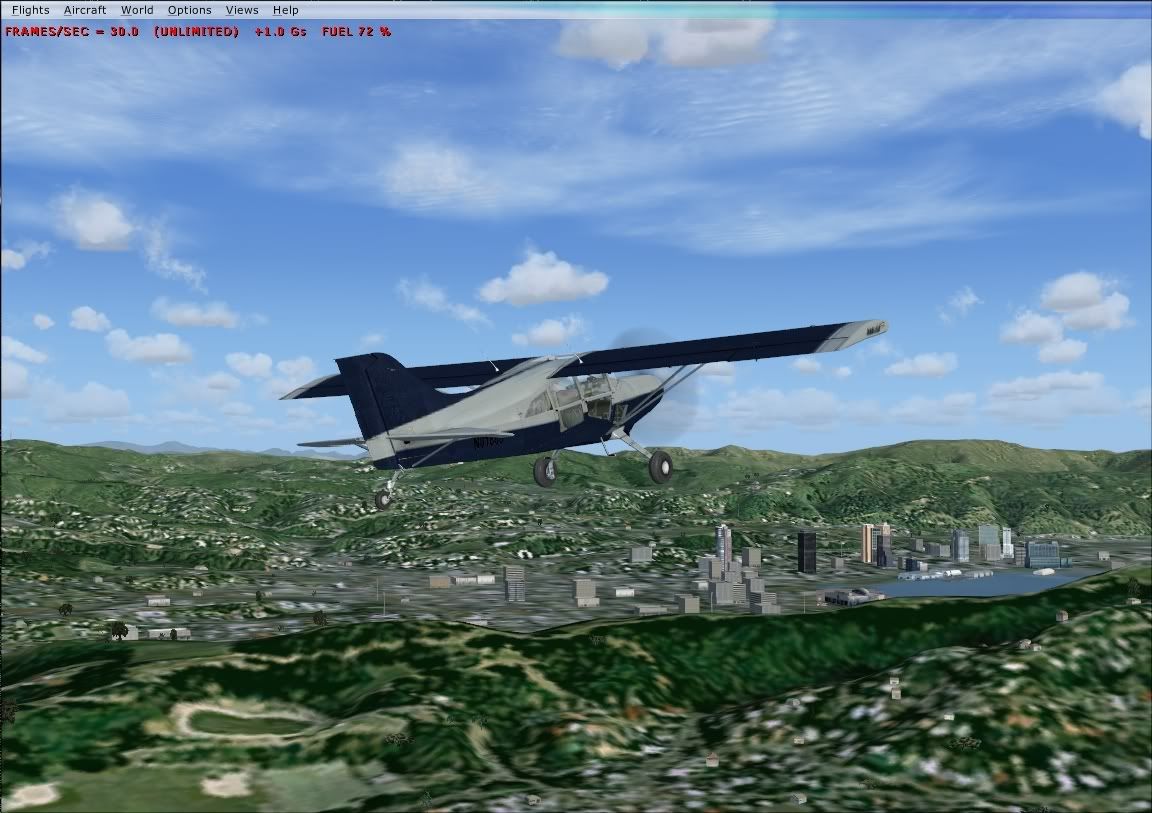
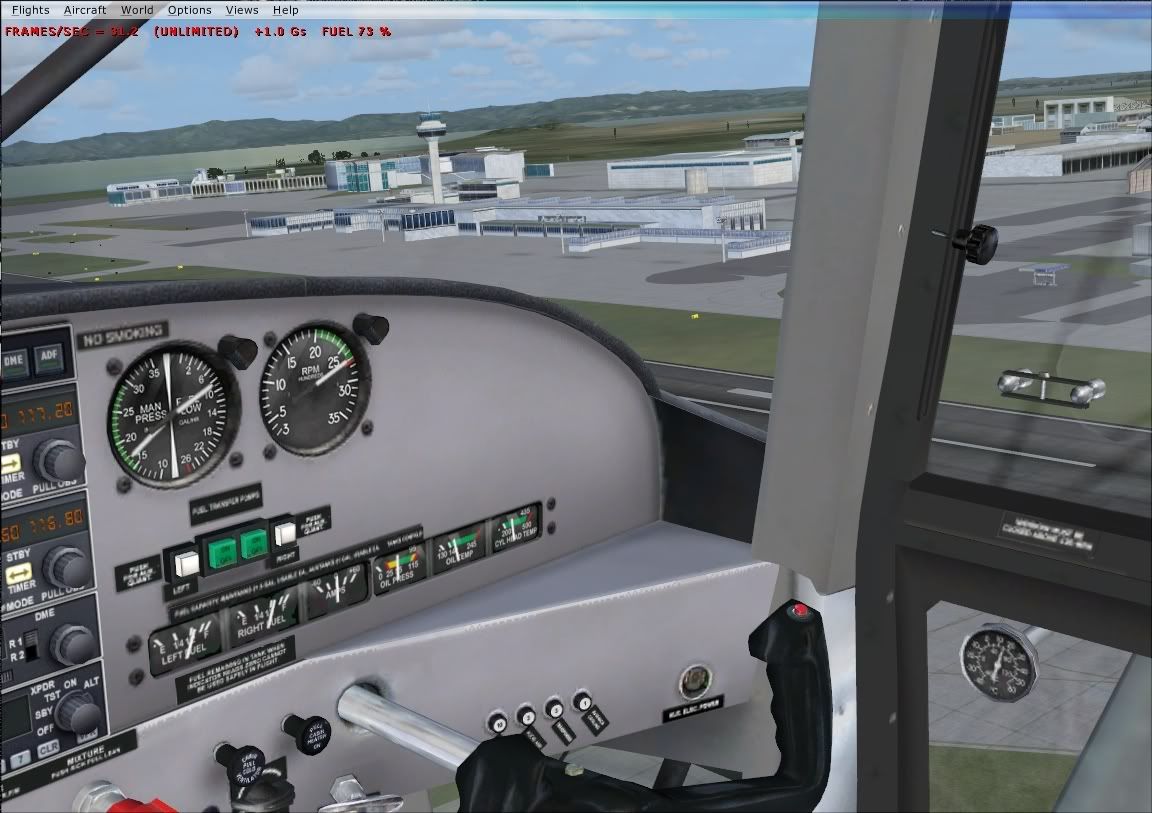
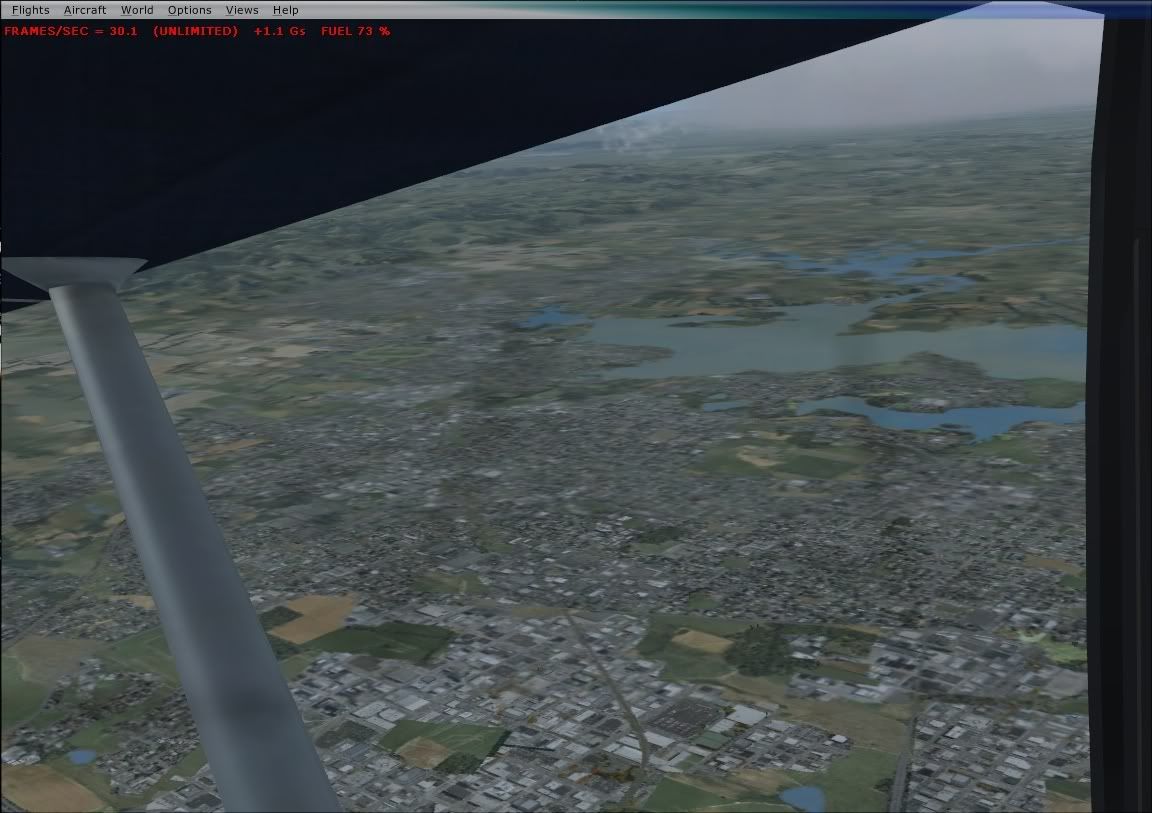
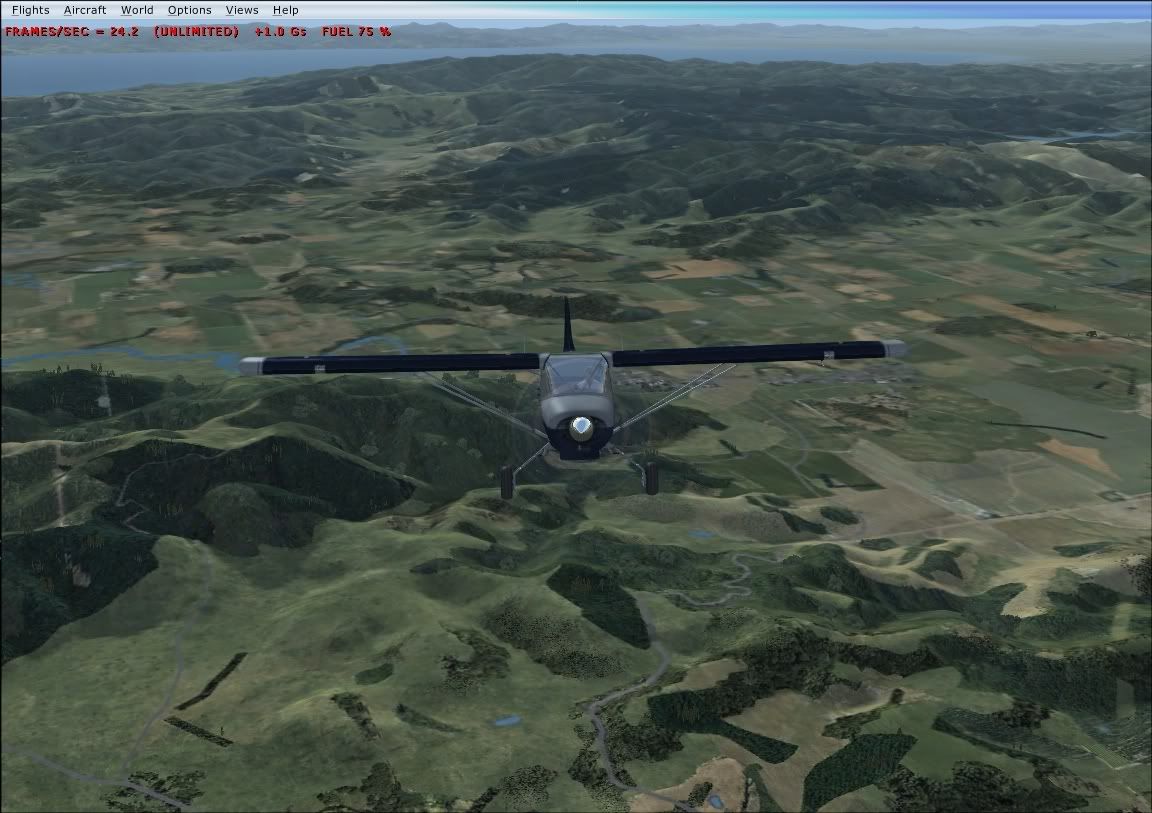
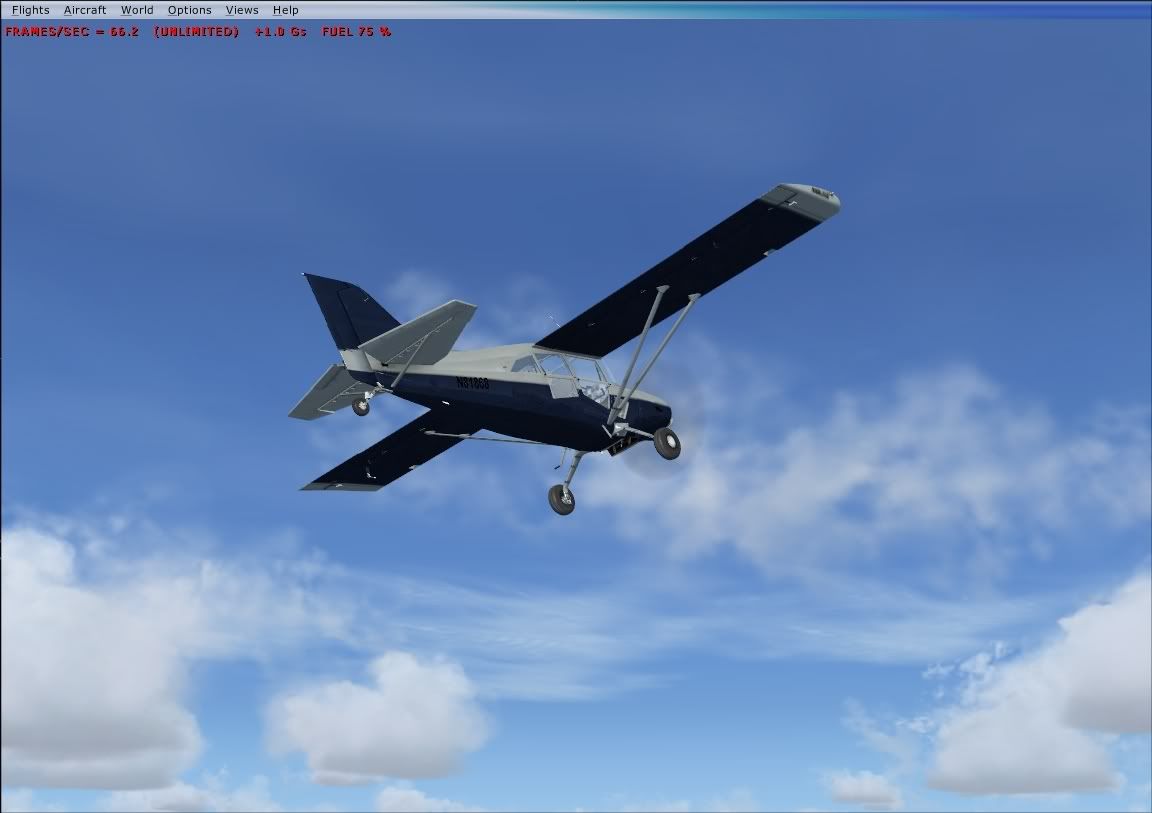
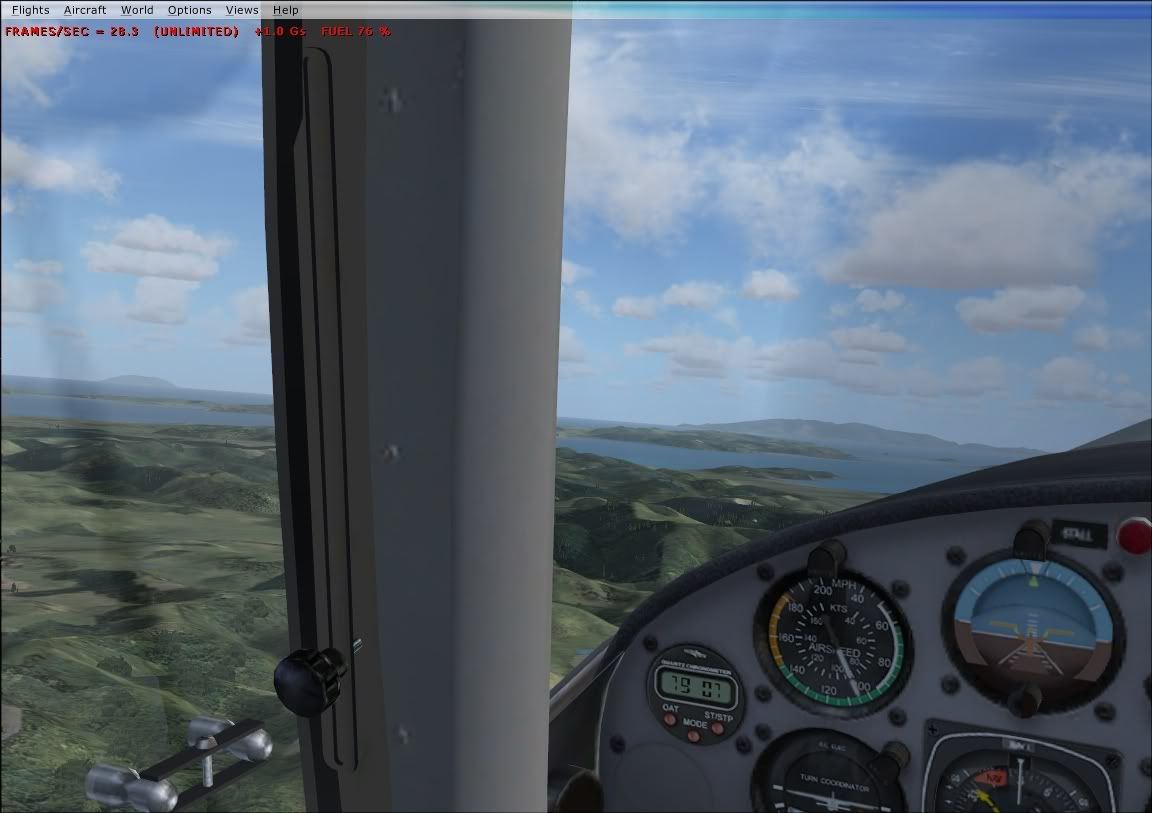
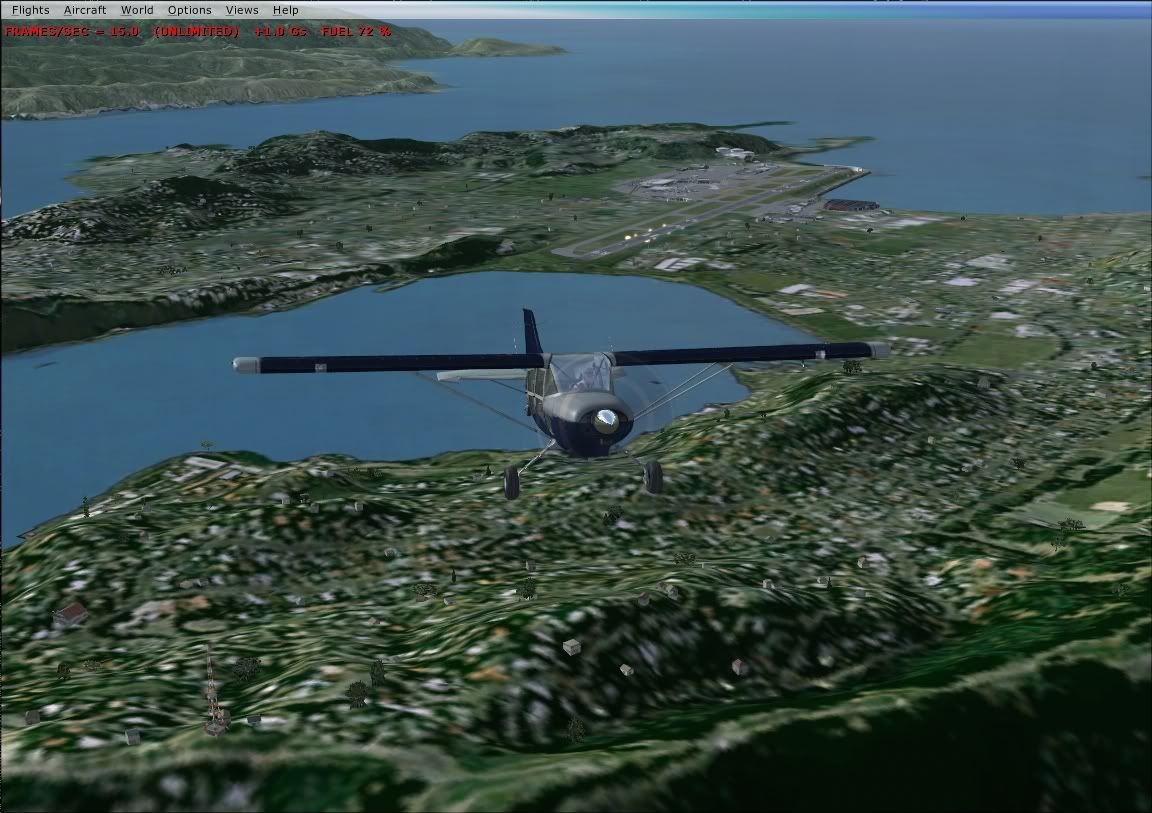
Bearin in mind my system is AMD 2600 with 2 gig RAM and kerosine powered. Don't normally have frames unlocked but for this test I did, and there were no stutters at all. AA and WN shots
-
ZK-MAT - Senior Member
- Joined: Sun Apr 30, 2006 11:41 pm
- Posts: 1690
- Location: Papamoa
by IslandBoy77 » Mon Sep 27, 2010 8:59 pm
deeknow wrote:QUOTE (deeknow @ Sep 27 2010, 07:49 PM) <{POST_SNAPBACK}>I note that copy Alastair was last updated in 2006. Here's another version last updated by Greg Germanowski in 2008, looks like a bunch of updates including stuff to account for Accelleration and SP2...
http://www.docstoc.com/docs/7273407/Micros...nd-Config-Guide
Is there a better place to get this? Couldn't be fagged with the drawn-out process at Doc Stoc all for just a single download...
-

IslandBoy77 - Senior Member
- Joined: Tue Feb 03, 2009 2:23 pm
- Posts: 1020
- Location: Napier, New Zealand
by ZK-MAT » Mon Sep 27, 2010 9:36 pm
All I did was link it to Facebook and it came thru no problems, but if you like pm me your email and I'll send it
Edit. I've uploaded it to my website.
Right click and save as
Edit. I've uploaded it to my website.
Right click and save as
Last edited by ZK-MAT on Mon Sep 27, 2010 9:40 pm, edited 1 time in total.
-
ZK-MAT - Senior Member
- Joined: Sun Apr 30, 2006 11:41 pm
- Posts: 1690
- Location: Papamoa
by IslandBoy77 » Tue Sep 28, 2010 7:47 am
ZK-MAT wrote:QUOTE (ZK-MAT @ Sep 27 2010, 10:36 PM) <{POST_SNAPBACK}>All I did was link it to Facebook and it came thru no problems, but if you like pm me your email and I'll send it
Edit. I've uploaded it to my website.
Right click and save as
Thanks - I appreciate that. I didn't want to link them to my FB either - don't want any old "hobble-de-hoy" having access to my FB stuff...

-
IslandBoy77 - Senior Member
- Joined: Tue Feb 03, 2009 2:23 pm
- Posts: 1020
- Location: Napier, New Zealand
27 posts
• Page 1 of 2 • 1, 2
Return to All Flight Simulators
Who is online
Users browsing this forum: No registered users and 24 guests