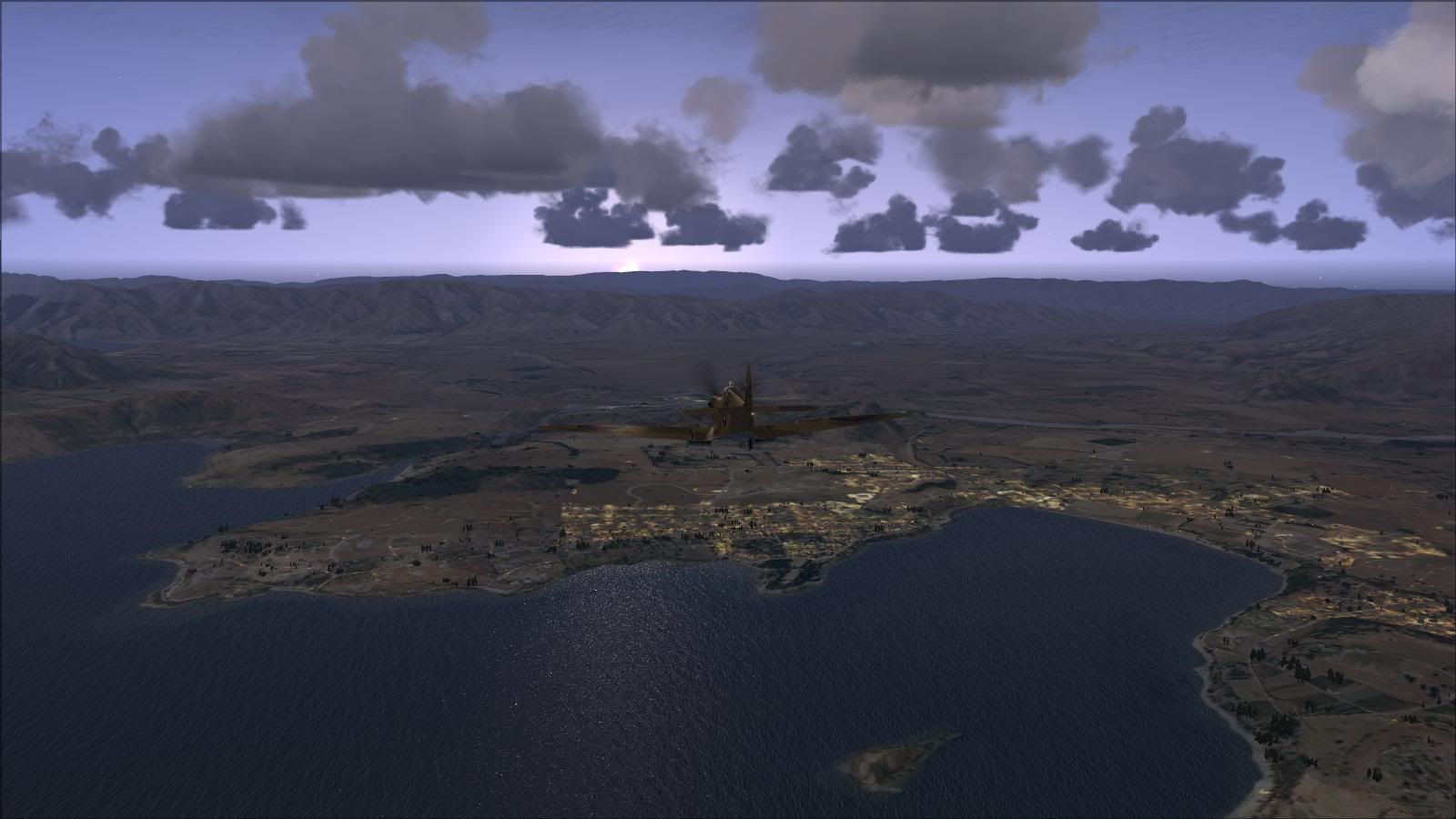
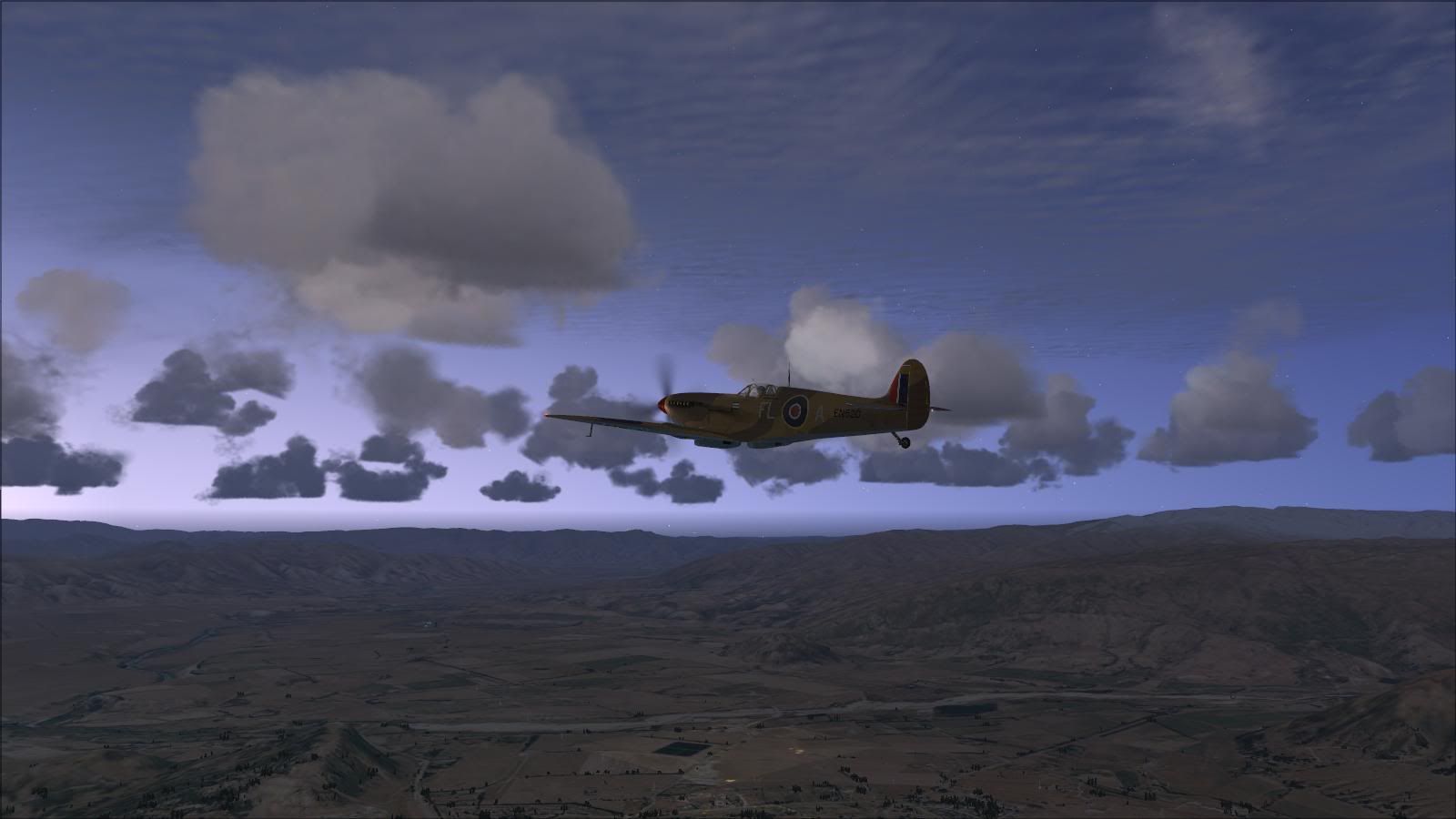
Dawn Patrol

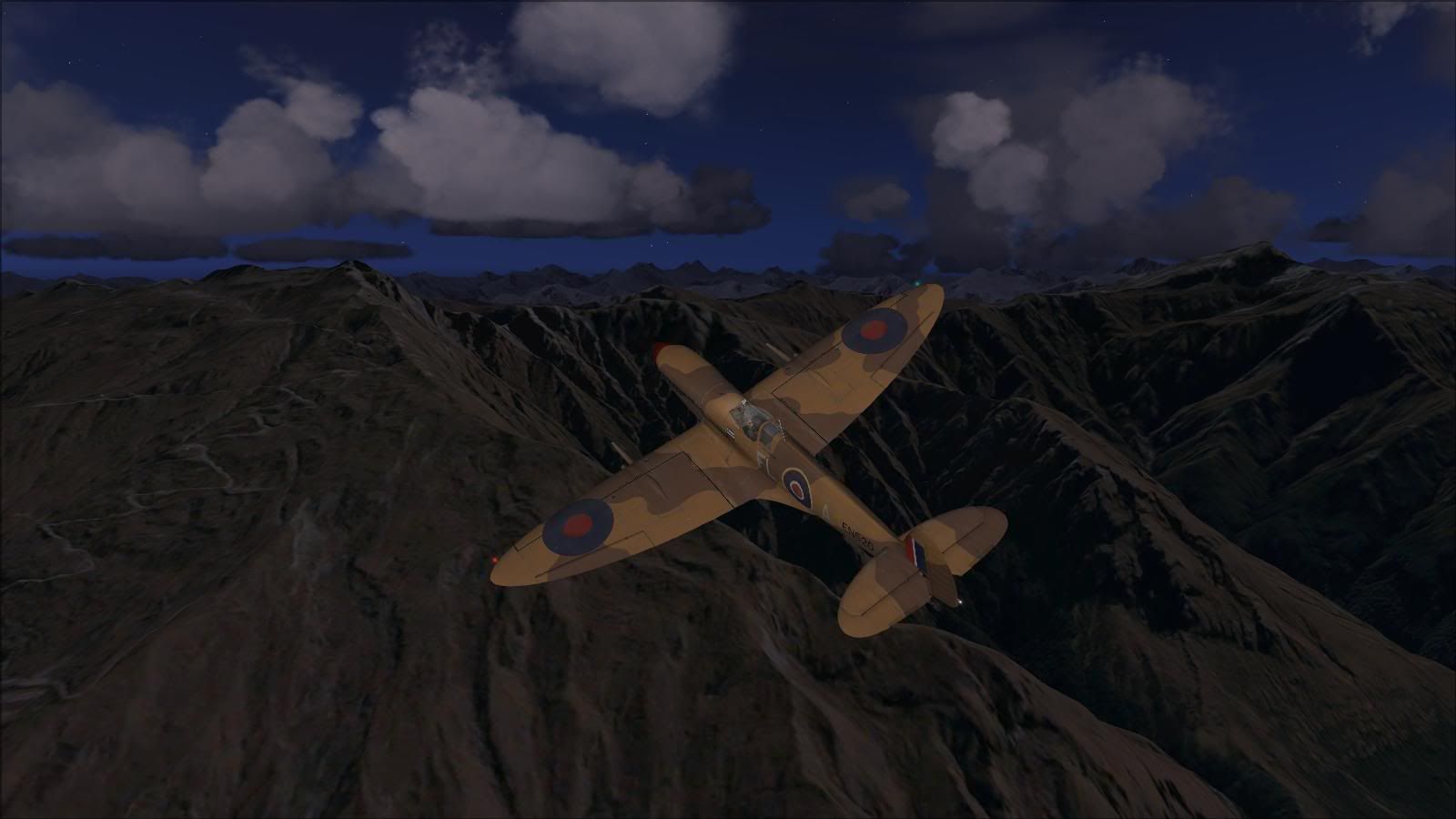
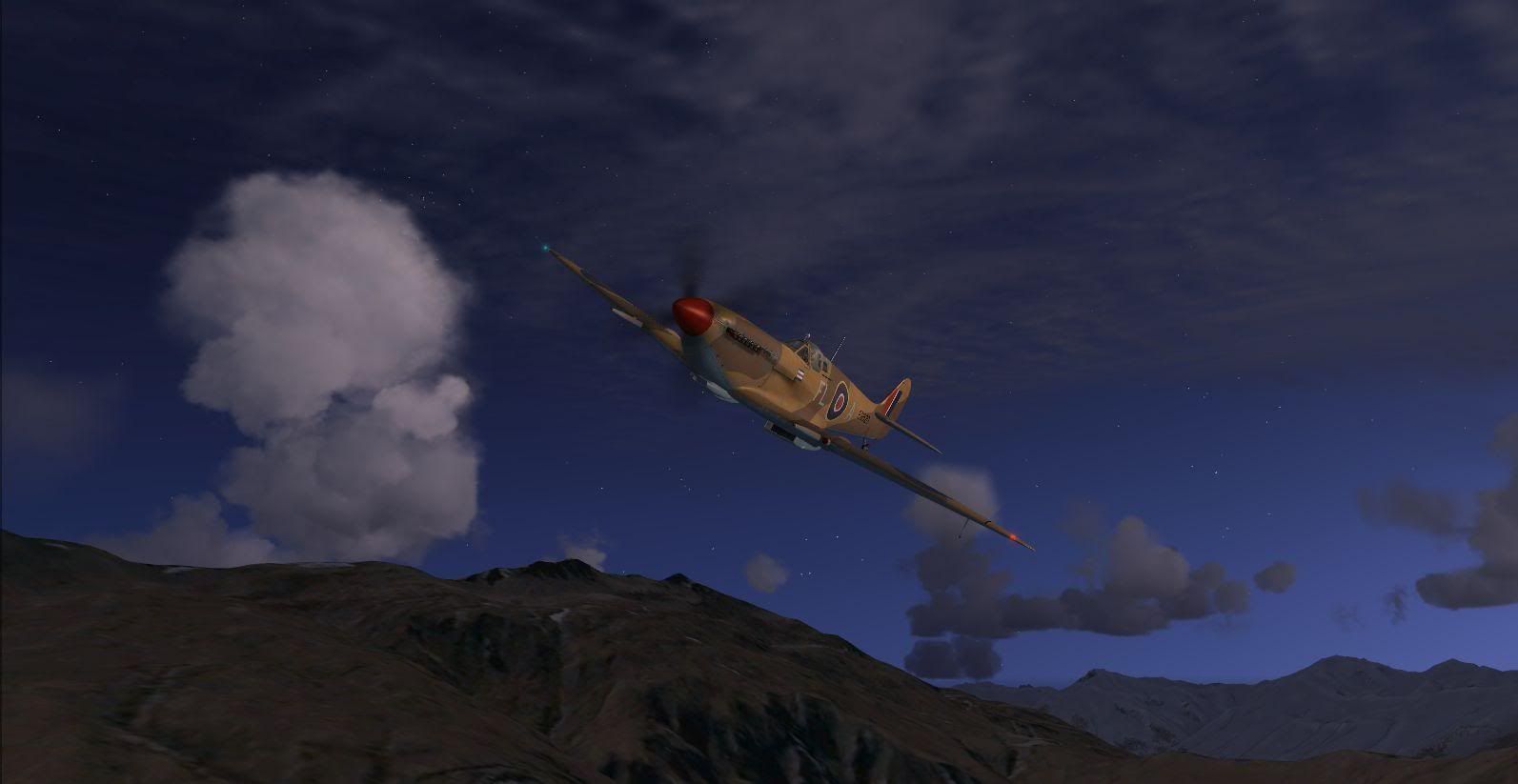
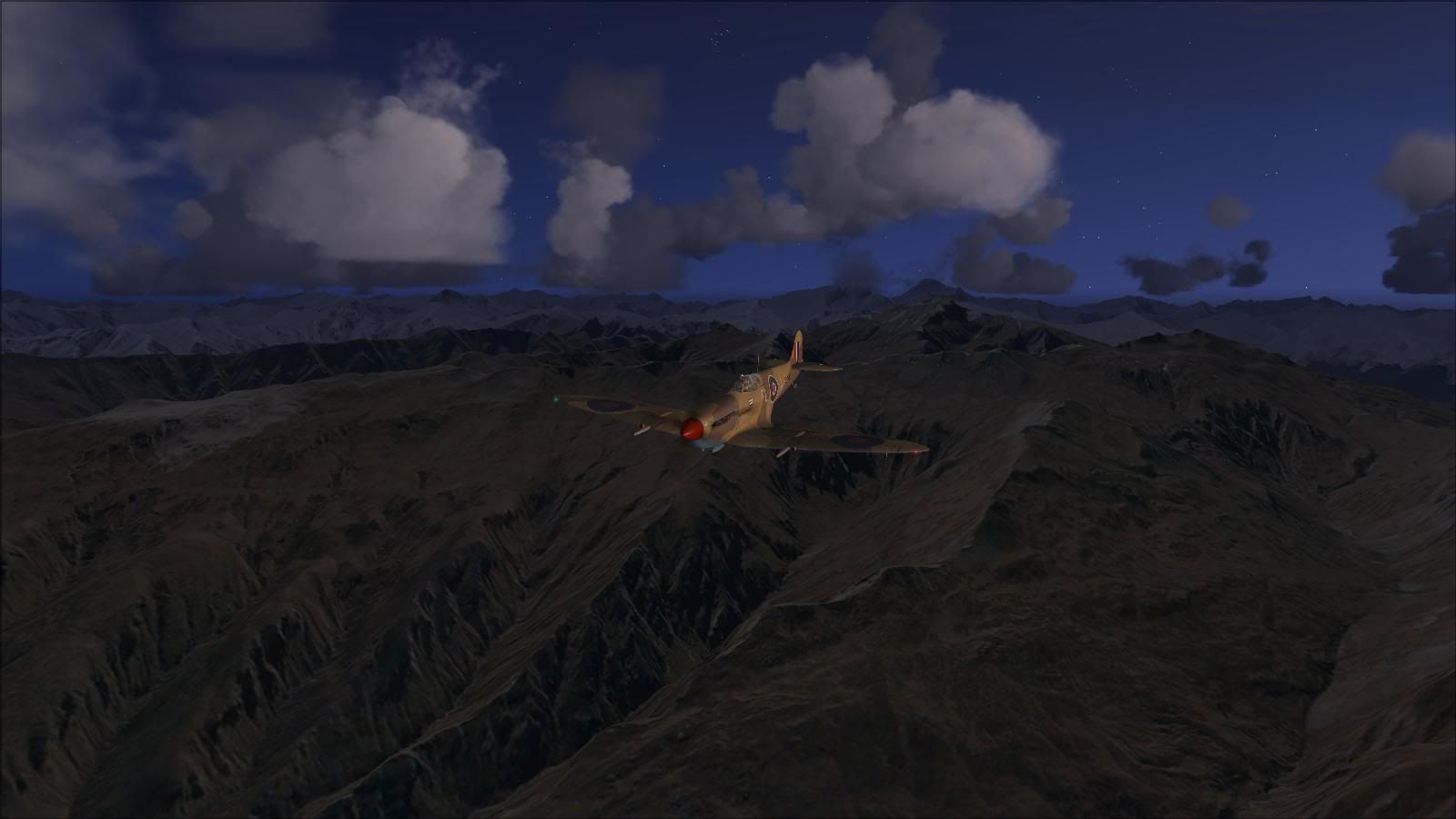
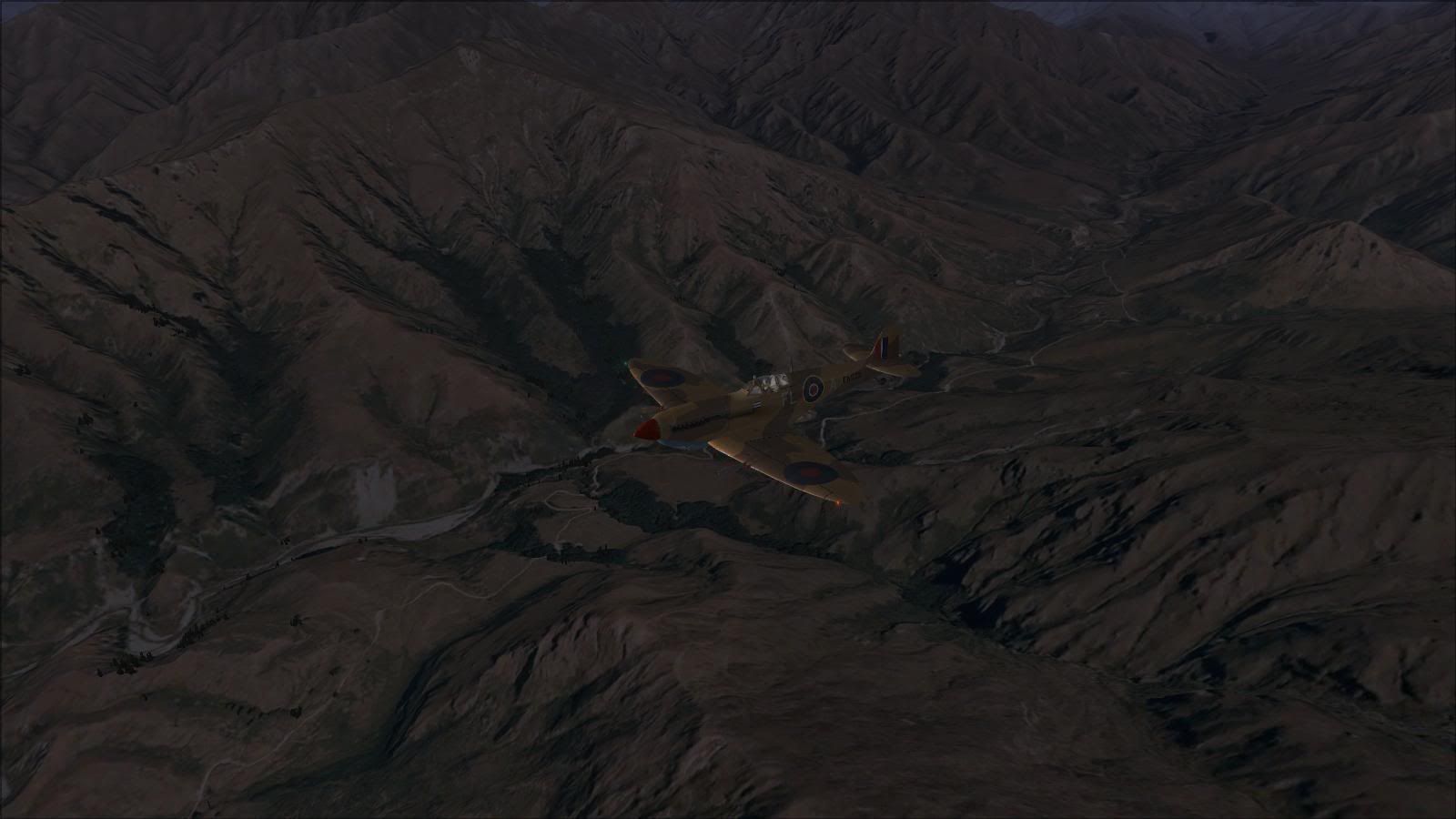
Post and comment on screen captures from the beautiful game here. Home of the monthly screenshot competition

Postby Naki » Sun Sep 26, 2010 7:35 pm


User avatar
Naki
NZFF Pro
 
Topic author
Joined: Sat Aug 05, 2006 10:03 pm
Posts: 7170
Location: Tauranga

Postby Ian Warren » Sun Sep 26, 2010 7:43 pm

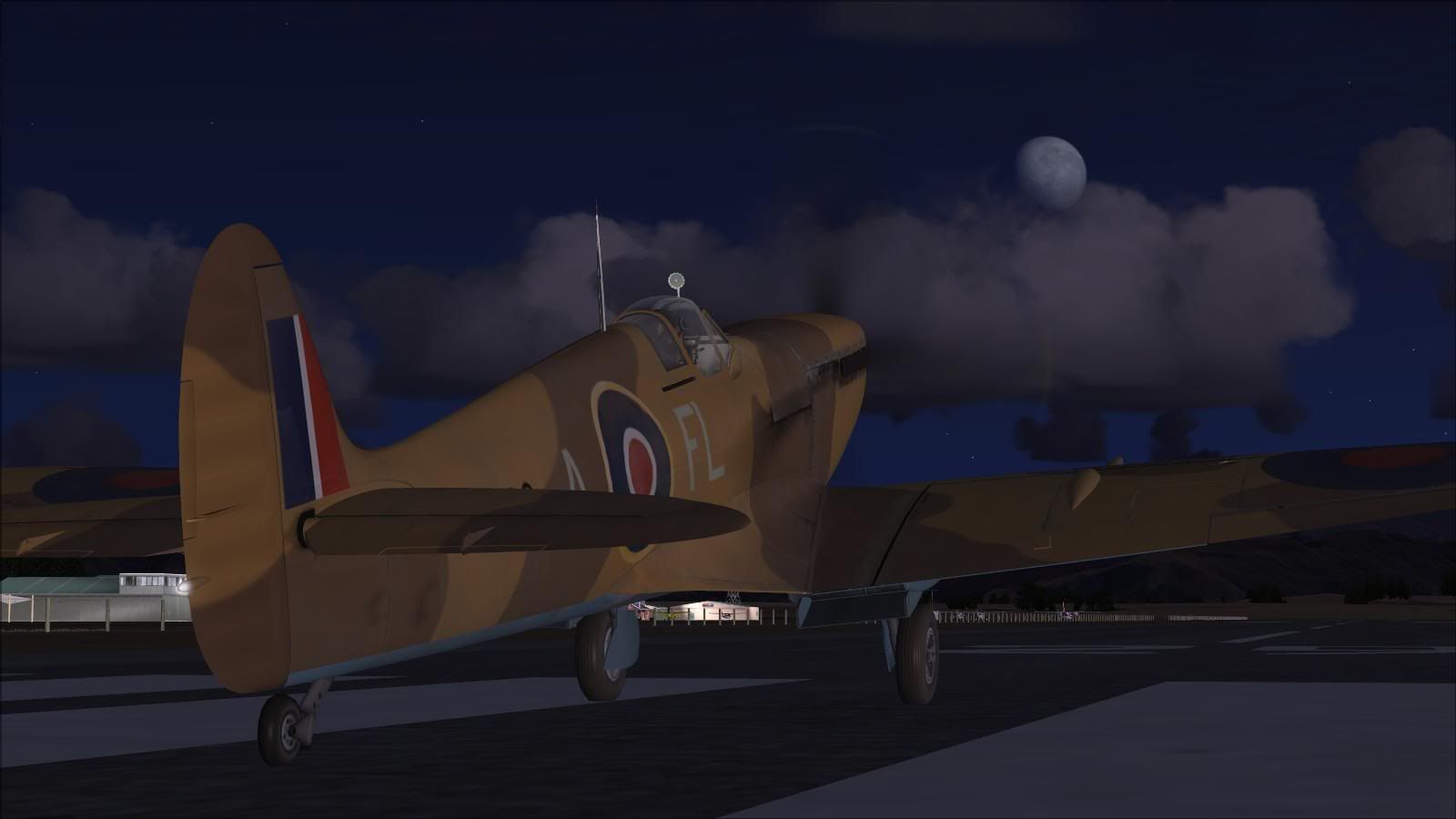
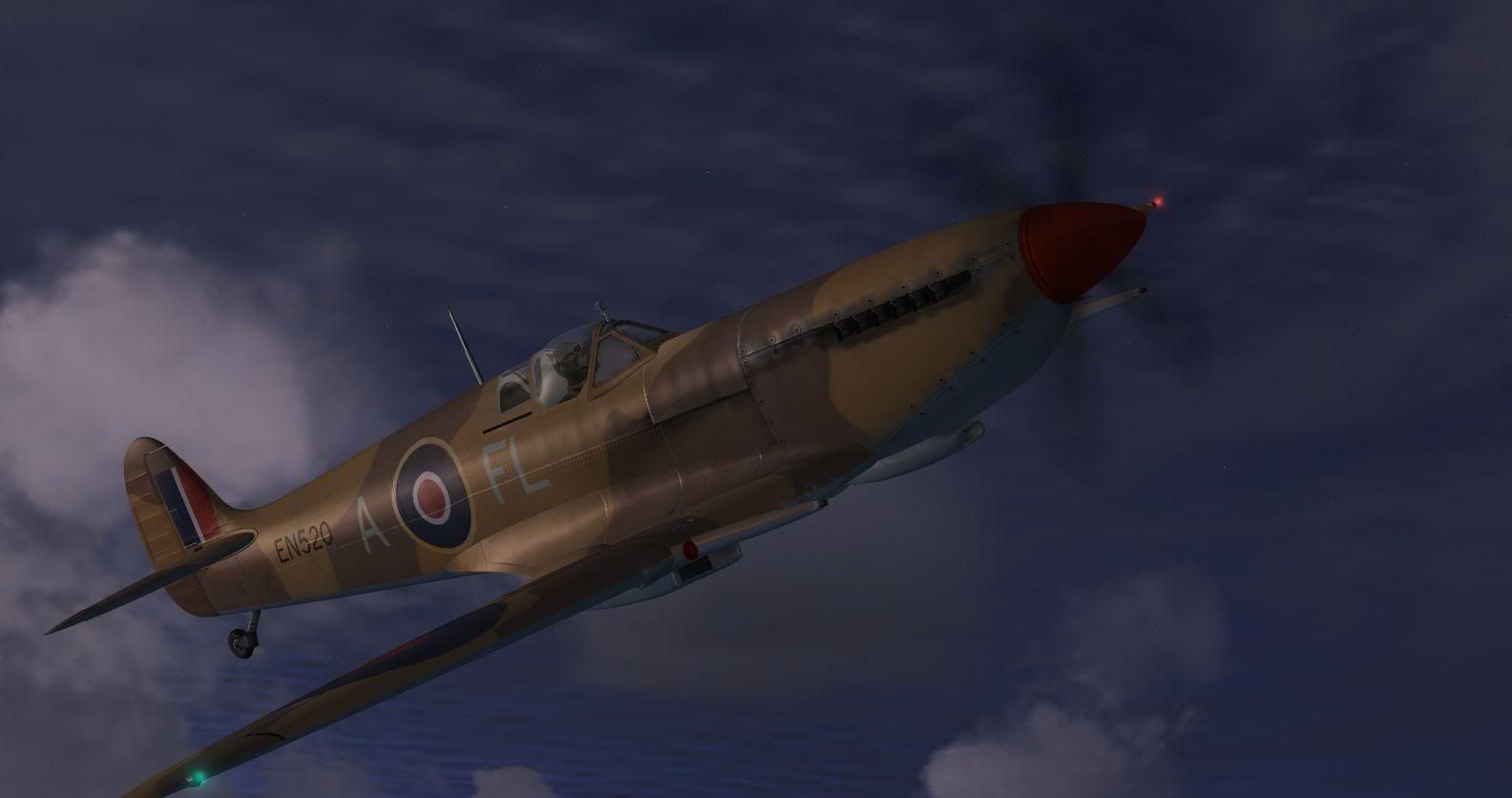
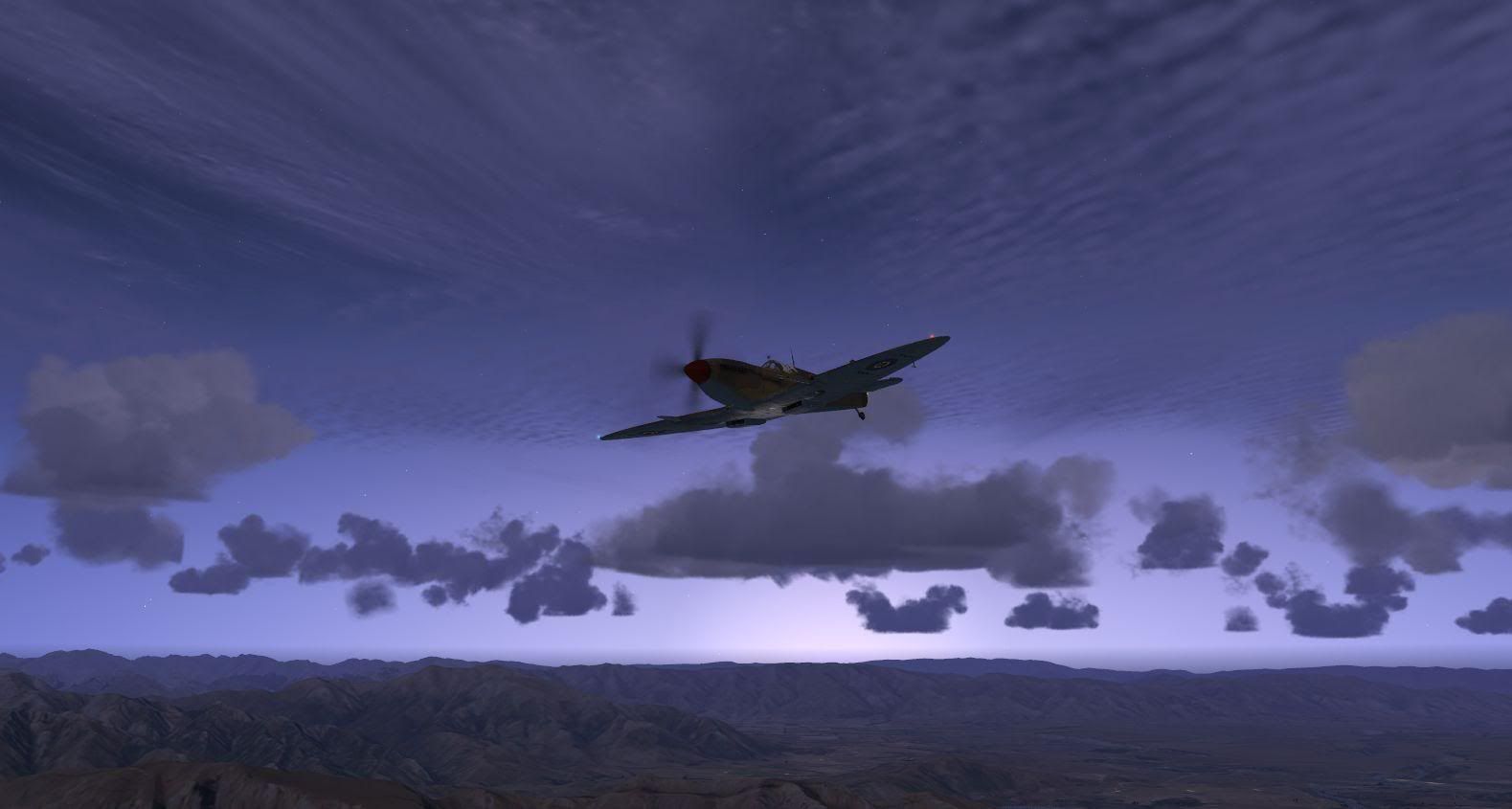
Pleased to see getting a taste of a Warbird cool.gif
Image
User avatar
Ian Warren
NZFF Pro
 
Joined: Fri May 05, 2006 5:23 pm
Posts: 41187
Location: AREA 51

Postby markll » Mon Sep 27, 2010 9:21 pm

Nice screens Paul!
Image Image
User avatar
markll
Forum Addict
 
Joined: Wed Jun 04, 2008 6:19 am
Posts: 345
Location: Whitby

Postby ZK-MAT » Mon Sep 27, 2010 9:41 pm

Very cool pictures!!!

clapping.gif cheers1.gif
User avatar
ZK-MAT
Senior Member
 
Joined: Sun Apr 30, 2006 11:41 pm
Posts: 1690
Location: Papamoa

Postby Splitpin » Tue Sep 28, 2010 8:55 pm

:thumbup:Beautiful shots Naki man.... thumbup1.gif
User avatar
Splitpin
NZFF Pro
 
Joined: Mon Aug 03, 2009 12:15 pm
Posts: 21333
Location: Christchurch NZ

Postby Ian Warren » Tue Sep 28, 2010 8:59 pm

Nak's ans Splits .. come on guys ... Guys we all have the Spit ... Commmmmooon , must be a TS-MP shortly
Image
User avatar
Ian Warren
NZFF Pro
 
Joined: Fri May 05, 2006 5:23 pm
Posts: 41187
Location: AREA 51

Postby Splitpin » Tue Sep 28, 2010 9:09 pm

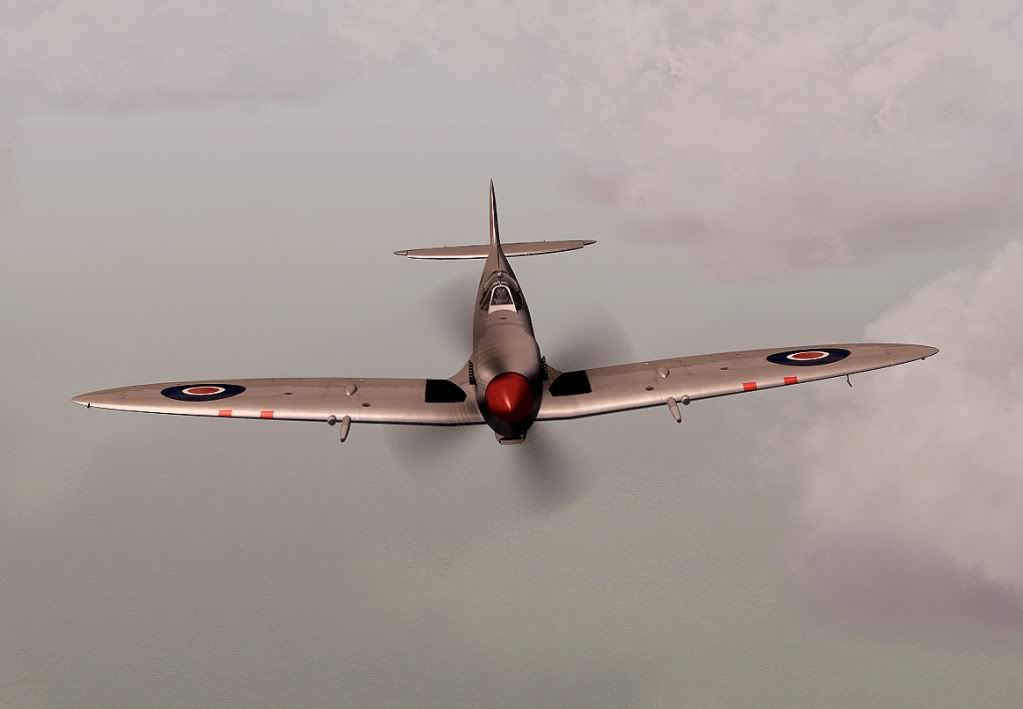
This is the ONLY screen shot that was saved off my my hard drive (odd) .....thank god i saved a few to disc.......and a heap on photo bucket.

Will start reloading the sim in the morning....trying to get a lot of the direct downloads back again......some of the places just about need a birth certificate from me before they resend the link dry.gif The are a lot quicker at taking your money.....oh well....back up... back up and keep all the docs....lesson learnt


Cheers
Marty no wings sad.gif sorry Paul, i didnt mean to add another to your post huh.gif
Last edited by Splitpin on Tue Sep 28, 2010 9:10 pm, edited 1 time in total.
User avatar
Splitpin
NZFF Pro
 
Joined: Mon Aug 03, 2009 12:15 pm
Posts: 21333
Location: Christchurch NZ

Postby pilotgallagher01 » Tue Sep 28, 2010 11:04 pm
Naki, they are awesome shots, tell me ( i've probs asked this heaps of times) how do I upload a screenshot to say photobucket and keep it that big size?
And what key do I need to press to keep the shot the size of my whole screen?

Sorry to hear your FSX went on you Split Pin, I remember the days..So far on W7 I have had no issues but yea I know the feeling.
Image
pilotgallagher01
Forum Addict
 
Joined: Fri Jul 10, 2009 1:54 pm
Posts: 317
Location: Tauranga

Postby Naki » Wed Sep 29, 2010 10:07 am

Thanks guys...no problems with multiple Spitfire shots on this thread ..the more then merrier!

Marty...have my eyes on the Vertigo MkV Spitfire when that is released as I am a sucker for Spitfires..if only Vertigo did a P-40E as well. Sorry to hear about your FSX woes ...been through it many times myself.

PG..the size of the pic from Photobucket can be changed by clicking the "more options" button under the "upload images" button. I use the max 1mb option for the bigger pics (maybe too big?).

Ian, MP bit difficult for me most of the time as I have 3 young kids and my PC is right near their bedrooms (and mine) but I need to get windows live up and running again and make a time...I am away for the next few days so maybe next week
Last edited by Naki on Wed Sep 29, 2010 10:09 am, edited 1 time in total.
User avatar
Naki
NZFF Pro
 
Topic author
Joined: Sat Aug 05, 2006 10:03 pm
Posts: 7170
Location: Tauranga

Postby Ian Warren » Wed Sep 29, 2010 3:31 pm

That,s a roger on that Paul , you don't need Windows live for a MP , but handy to have a desk top Mic and TS3 .
Image
User avatar
Ian Warren
NZFF Pro
 
Joined: Fri May 05, 2006 5:23 pm
Posts: 41187
Location: AREA 51


Return to Screenshots

Who is online

Users browsing this forum: Google Adsense [Bot] and 12 guests