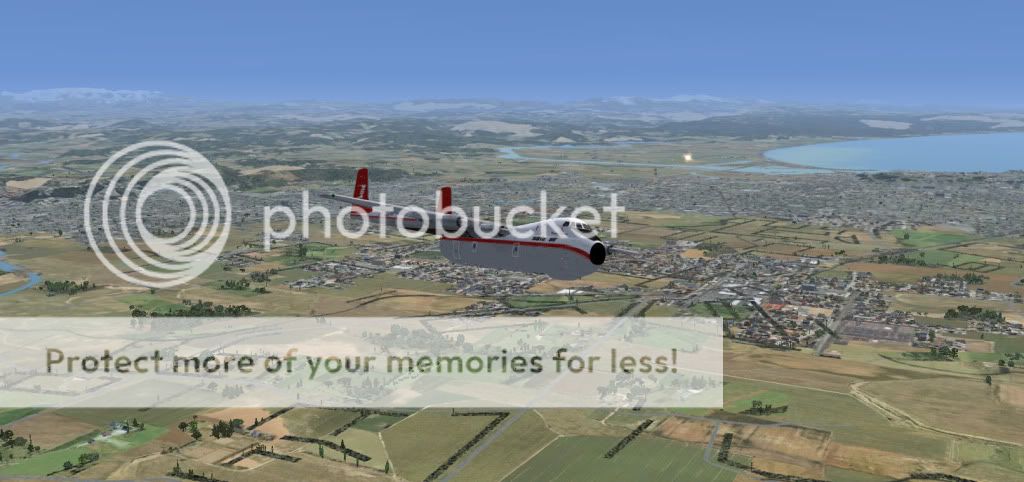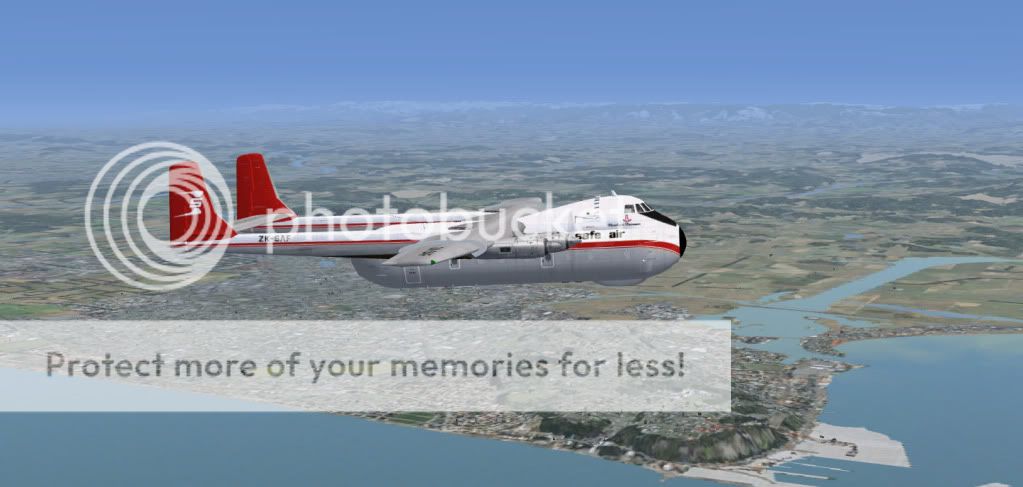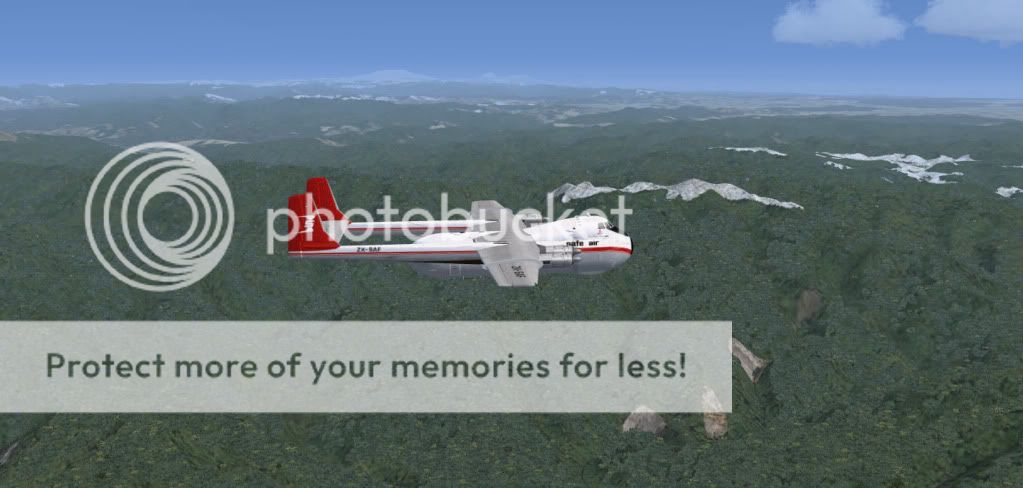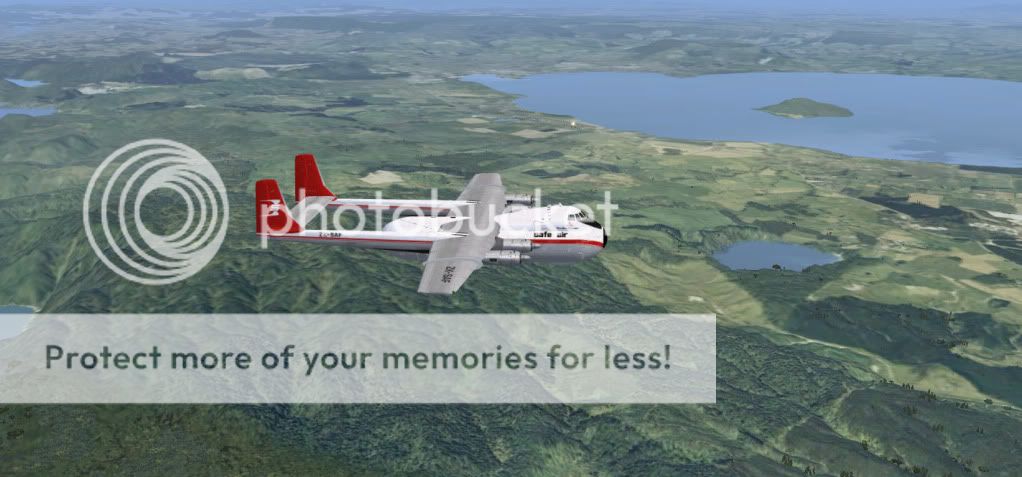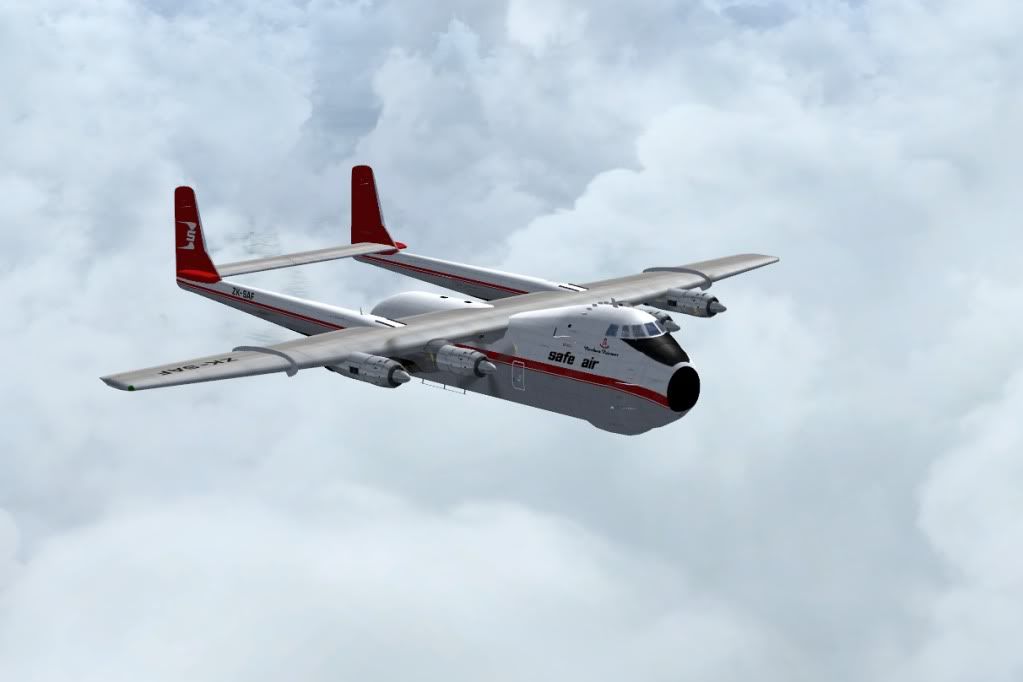
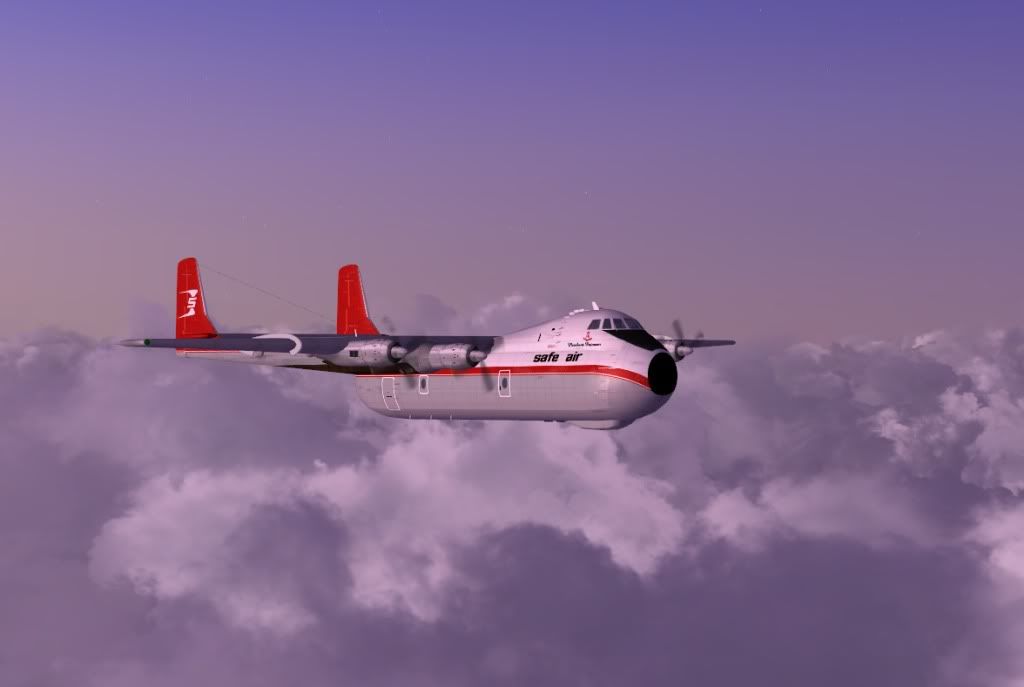
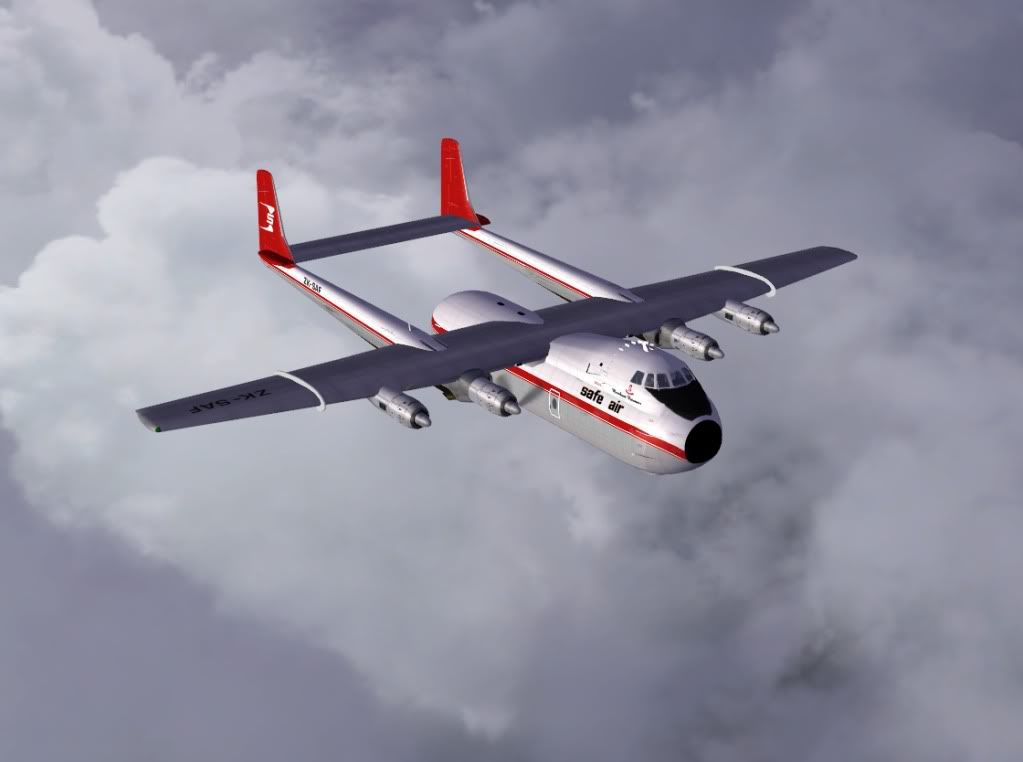
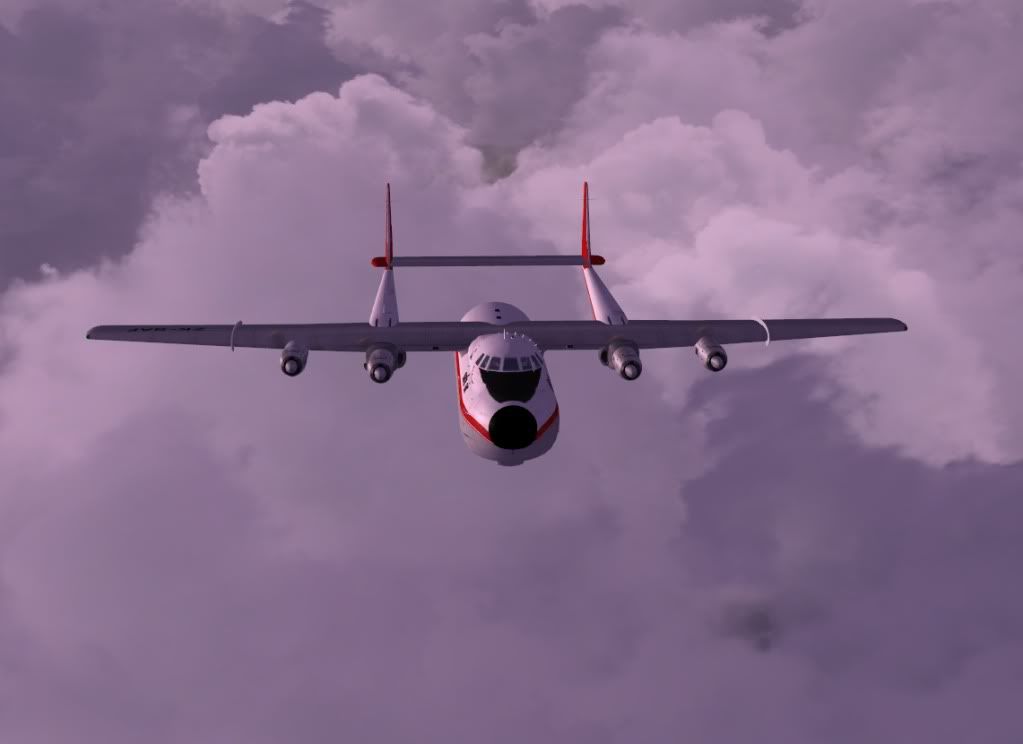
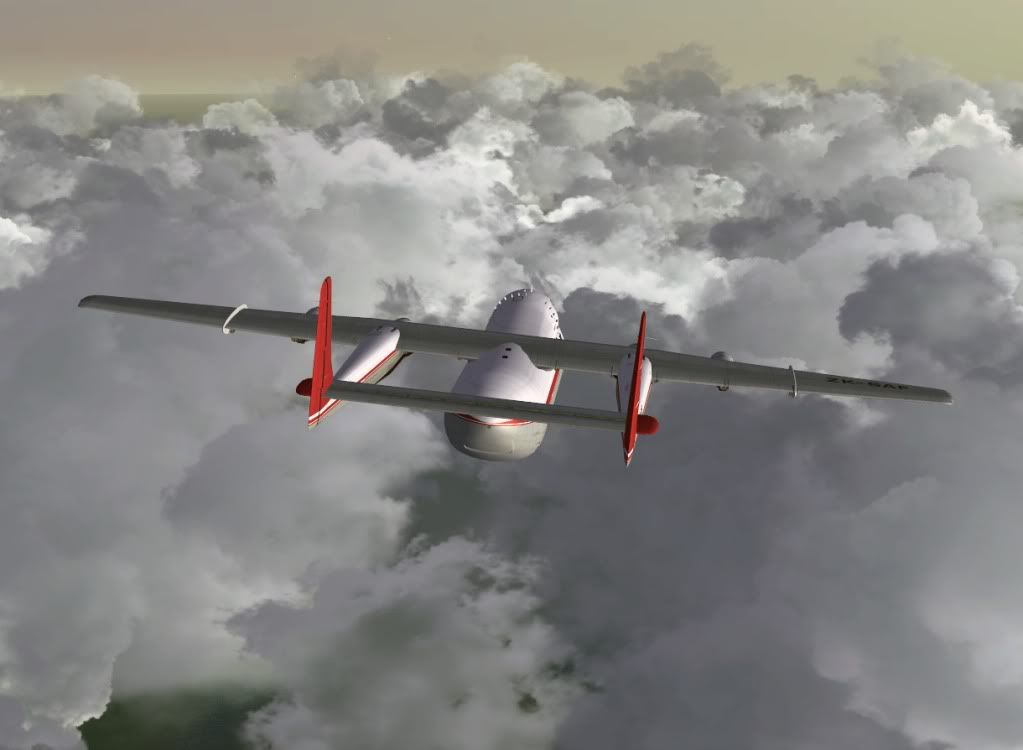
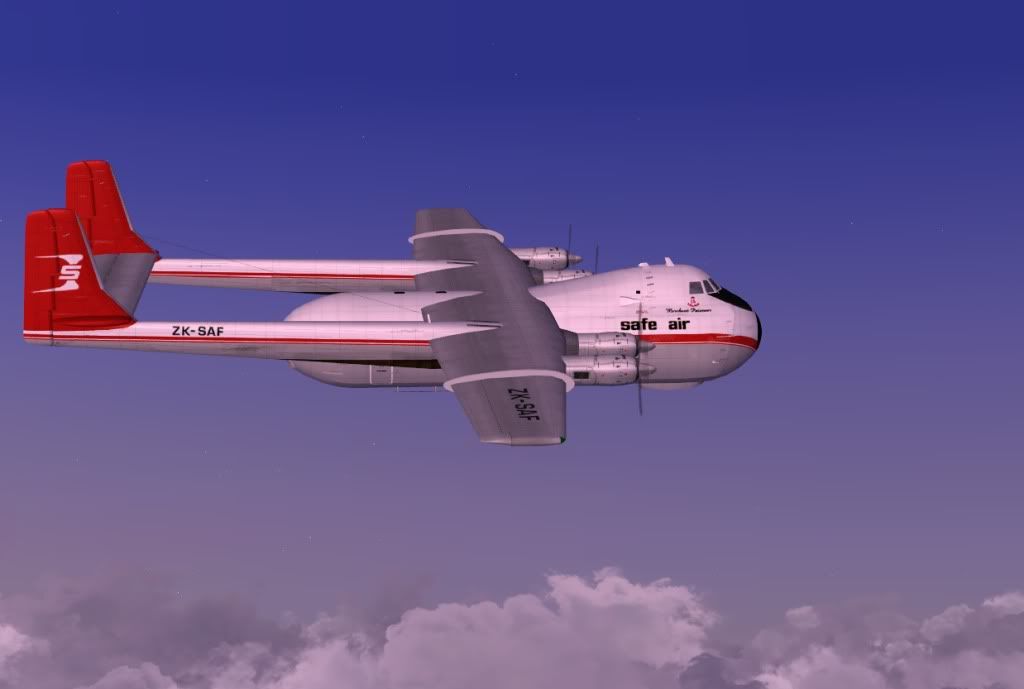
Marty
100% ad-free
 by Ian Warren » Thu Nov 25, 2010 3:33 pm
 and oh by the way for misbehaving you can wash and polish it !


by Splitpin » Thu Nov 25, 2010 7:00 pm
dbcunnz wrote:QUOTE (dbcunnz @ Nov 25 2010, 04:24 PM) <{POST_SNAPBACK}>Marty you didn't ask me if you could take my Argosy out
Please ask for permission before you take it out again
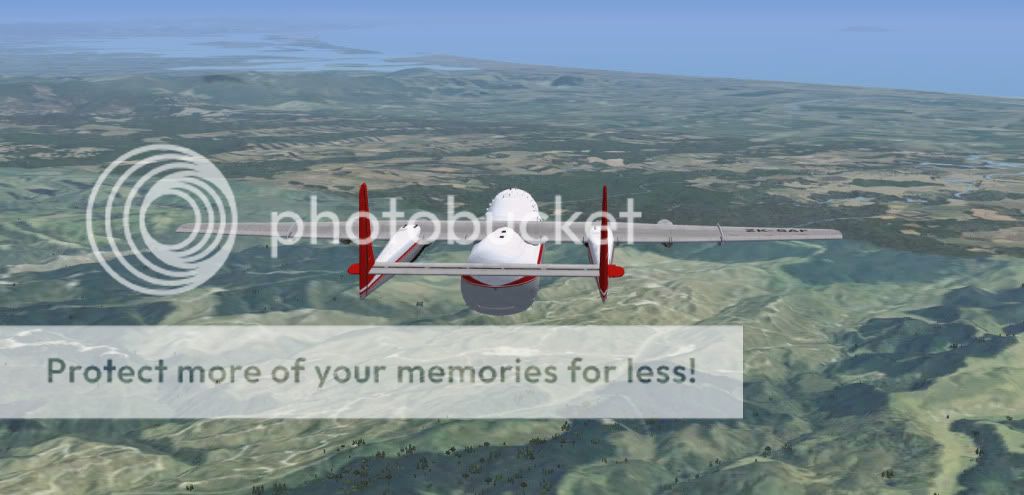
Marty Great pics of a great aircraft
Doug
sorry Doug....you were somewhere else...and i just kind of.....what a doll
Ian Warren wrote:QUOTE (Ian Warren @ Nov 25 2010, 04:33 PM) <{POST_SNAPBACK}>Marty! ... I agree , its rude not to ask , now put it back were you found it and with full tanks
All gassed up,..... nice and shiny.....you have to admit, she makes a nice screen shotAdamski wrote:QUOTE (Adamski @ Nov 25 2010, 04:13 PM) <{POST_SNAPBACK}>Great pics (again!). Some of those clouds look solid enough to land on! I also got Doug's "Old Gal" ... must take her out more often, if you know what I mean,
Thanks Adam......i know what you mean, i have a lot of neglected "old gal's" waiting to go for a spin.....thanks for looking
Splitpin- NZFF Pro
- Topic author
- Joined: Mon Aug 03, 2009 12:15 pm
- Posts: 21393
- Location: Christchurch NZ
by Ian Warren » Fri Nov 26, 2010 10:36 am
Jamessx wrote:QUOTE (Jamessx @ Nov 26 2010, 09:37 AM) <{POST_SNAPBACK}>Really nice shots guys,
James , http://classicbritishfiles.com/index.php?o...by=2&page=2
by dbcunnz » Fri Nov 26, 2010 3:18 pm
Jamessx wrote:QUOTE (Jamessx @ Nov 26 2010, 09:37 AM) <{POST_SNAPBACK}>Really nice shots guys,
Jamessx
Hi Jamessx
Have a look at http://nzff.org/forum/viewtopic.php?t=...y+andover+hs748
Doug

by Splitpin » Fri Nov 26, 2010 3:57 pm
 Doug....great screens, great scenery.......and thanks for the help with setting the old wheel barrow up....just wish Id "screened" her before....but the hanger is so full i cant keep up with them all, but i think this( Argosy) will become a regular ride from now on....
by dbcunnz » Fri Nov 26, 2010 4:05 pm
Splitpin wrote:QUOTE (Splitpin @ Nov 26 2010, 04:57 PM) <{POST_SNAPBACK}>
Marty are you using FS9 or FSX?
Doug
by Adamski » Sat Nov 27, 2010 12:13 am


by Ian Warren » Sat Nov 27, 2010 12:56 am
by Splitpin » Sat Nov 27, 2010 8:38 am
dbcunnz wrote:QUOTE (dbcunnz @ Nov 26 2010, 05:05 PM) <{POST_SNAPBACK}>Marty are you using FS9 or FSX?
Doug
FSX at the moment....have to put FS9 back in.
by Ian Warren » Sat Nov 27, 2010 12:16 pm
Splitpin wrote:QUOTE (Splitpin @ Nov 27 2010, 09:38 AM) <{POST_SNAPBACK}>FSX at the moment....have to put FS9 back in.
Marty , it is best to put the two simulation on seperate hard drives or you will end up with all sorts off problems .
by Splitpin » Sat Nov 27, 2010 1:47 pm
Ian Warren wrote:QUOTE (Ian Warren @ Nov 27 2010, 01:16 PM) <{POST_SNAPBACK}>Marty , it is best to put the two simulation on seperate hard drives or you will end up with all sorts off problems .
ive only got one hard drive
by dbcunnz » Sat Nov 27, 2010 9:39 pm
Adamski wrote:QUOTE (Adamski @ Nov 27 2010, 01:13 AM) <{POST_SNAPBACK}>Doug, I was going to PM you on this, but then thought your reply might help others ....
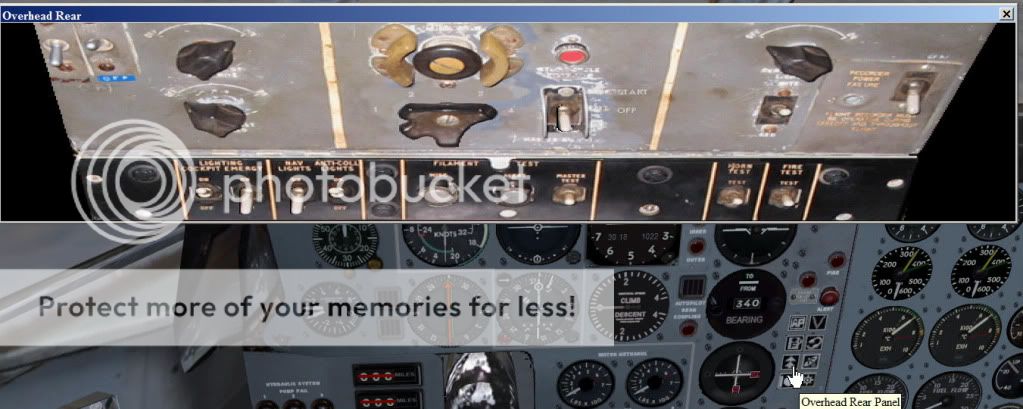
I noticed a very recently polished Argosy in my hangar and decided to see it it went any faster. For my sins, my default C-172 setup is "Cold and Dark" (I'm an inveterate button pusher!). Jumping into my Argosy, I can't see any way of starting her up. Yes, I did RTFM - it mentions a STARTER BUTTON but omits to tell you where it is - or even what it looks like. I expect it's round and red, but I've tried all them!
Admitting defeat, I tried CTRL-E, but that only started No.1 (for which the sounds are amazing, I have to add). I searched for a startup guide, but everything points me back to the manual.
Is this where you tell me you forgot to put the starter button in the panel?
H-E-L-P!
OK for Adam and all you guys and gals who want to start up MY

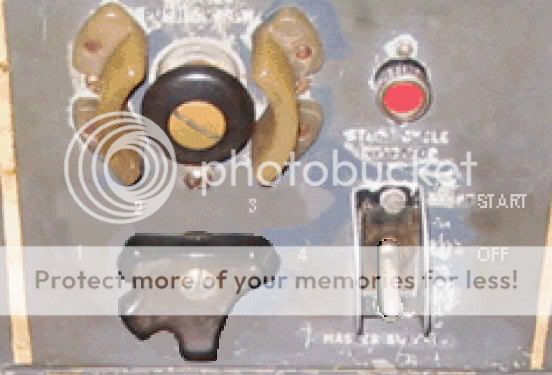
Make sure the engine fuel cutoff slides are all set to full open then in the overhead panel (shown below) you have the engine select switch select the engine you want to start No 4 engine is selected in the pic, the off start switch has 3 settings on it set it to start then press the Starter button it will stay in until the engine starts you may have to play around with the off start switch as it has the 3 settings can be a bit frustrating as the engines sometimes can take a little time to start.
Edit If you can't start it using the above try Ctrl+E+1 then Ctrl+E 2 then 3 then 4 the engines will start but there is a lag of up to about half a minute before they fire up you will also need to have about a quarter throttle on when starting up. and yes it does take a bit of fiddling time and patience to get them up and running you must remember that they are not new engines
DougLast edited by dbcunnz on Sun Nov 28, 2010 1:19 pm, edited 1 time in total.
Users browsing this forum: No registered users and 58 guests