
In ASN you can decide what kind of weather you want to fly in and then it will tell you where you can find that weather right now. I wanted low clouds and it just happened that they were available at Fort Worth, Texas, which is where I learnt to fly, so I set up a flight to Austin, where the clouds looked thicker on the ASN weather map. I made a flight plan in ASN and loaded it in P3D2.
The first pic (click for full-sized jpg) shows a good overcast. In the default P3D2 there was always a blue strip (no cloud) on the horizon and that was always quite irritating to me.

After take-off there was low cloud or rain over part of the city.

Breaking through the stratus: I've always wanted to see this in my flightsim but had never managed it until now:

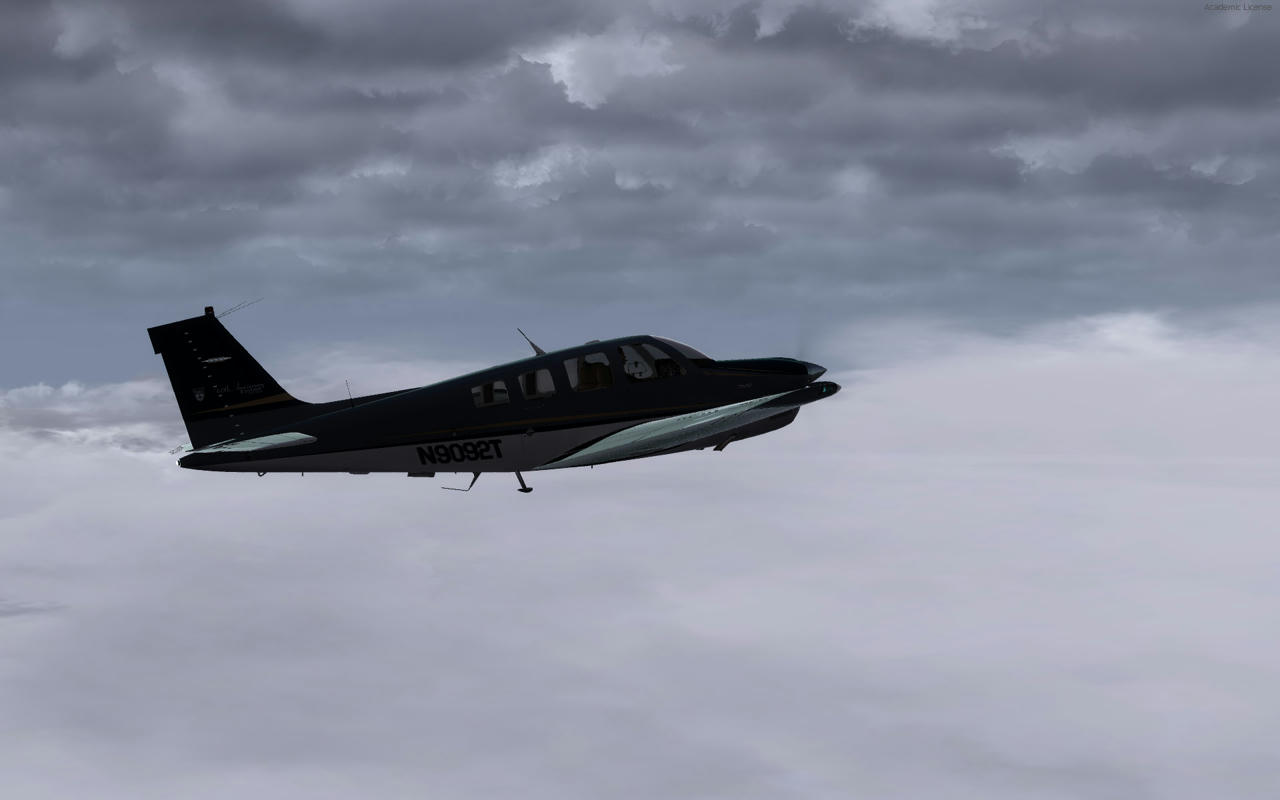
Still climbing, - to me this is very realistic. Combined with the high frame rates of P3D2 and the good lighting, it hits the spot.


Then a break in the clouds and some Texas scenery. This is OrbX Global with Vector, which incidentally has just issued a major patch.

Back into the cloud layer approaching Austin...

...and a nice approach thanks to some good vectoring. Again, the overcast is far more convincing than I've ever had, and this is my best experience in a flightsim of breaking through clouds and seeing the runway lined up in front....


I'd say ASN is definitely worth the money, especially if you've never had a third party weather engine. There is a problem at the moment with NZ weather stations though: - there are so few free ones that if you fly out over the Tasman there is currently *no* weather (i.e. clear skies always). Seems they are trying to make some kind of work-around to fix this soon, but it's something to bear in mind. I guess if you were to set the weather manually that wouldn't happen.
Dave.






 .
.
 .. looks very what it looked like here in Christchurch early morning today


 .
.


