The only thing I have done before this happened was reset the CMOS
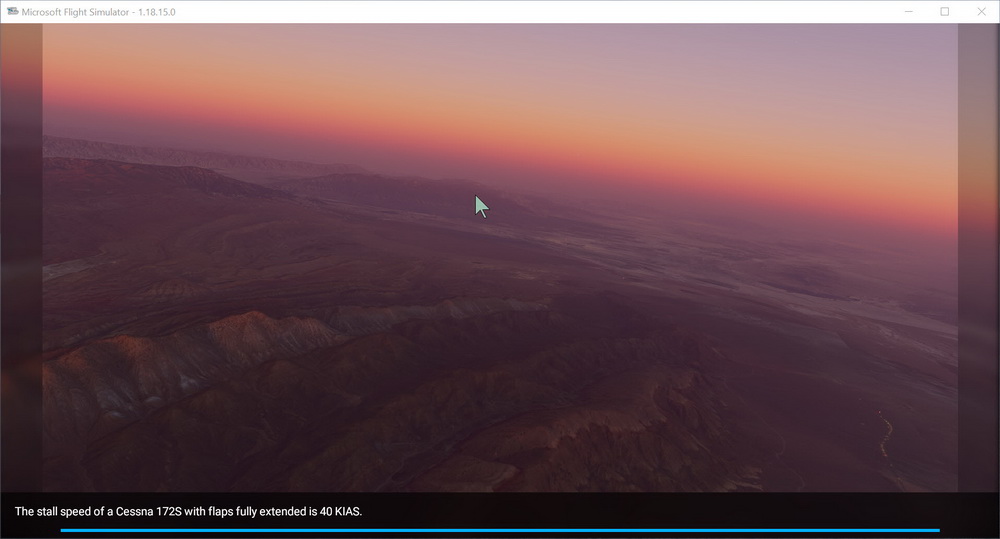
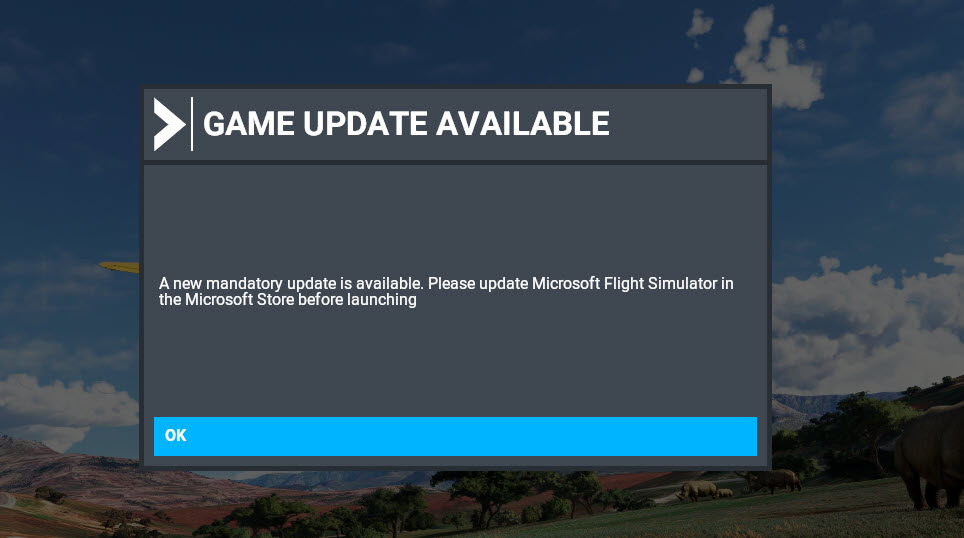
Anyone got a fix for this?
100% ad-free
 by dbcunnz » Mon Sep 06, 2021 5:38 pm


by NZ255 » Mon Sep 06, 2021 6:35 pm

by deaneb » Mon Sep 06, 2021 7:58 pm

by NeilF » Tue Sep 07, 2021 10:10 am
by NeilF » Tue Sep 07, 2021 10:18 am

by dbcunnz » Tue Sep 07, 2021 7:39 pm
by cowpatz » Wed Sep 08, 2021 9:54 am

by dbcunnz » Wed Sep 08, 2021 4:31 pm
by toprob » Wed Sep 08, 2021 5:12 pm

by Radar88 » Wed Sep 08, 2021 6:01 pm

 Watch on youtube.com
by dbcunnz » Wed Sep 08, 2021 6:35 pm
by deaneb » Wed Sep 08, 2021 7:04 pm
by dbcunnz » Wed Sep 08, 2021 7:32 pm
by iwik » Wed Sep 08, 2021 8:25 pm
Users browsing this forum: No registered users and 43 guests