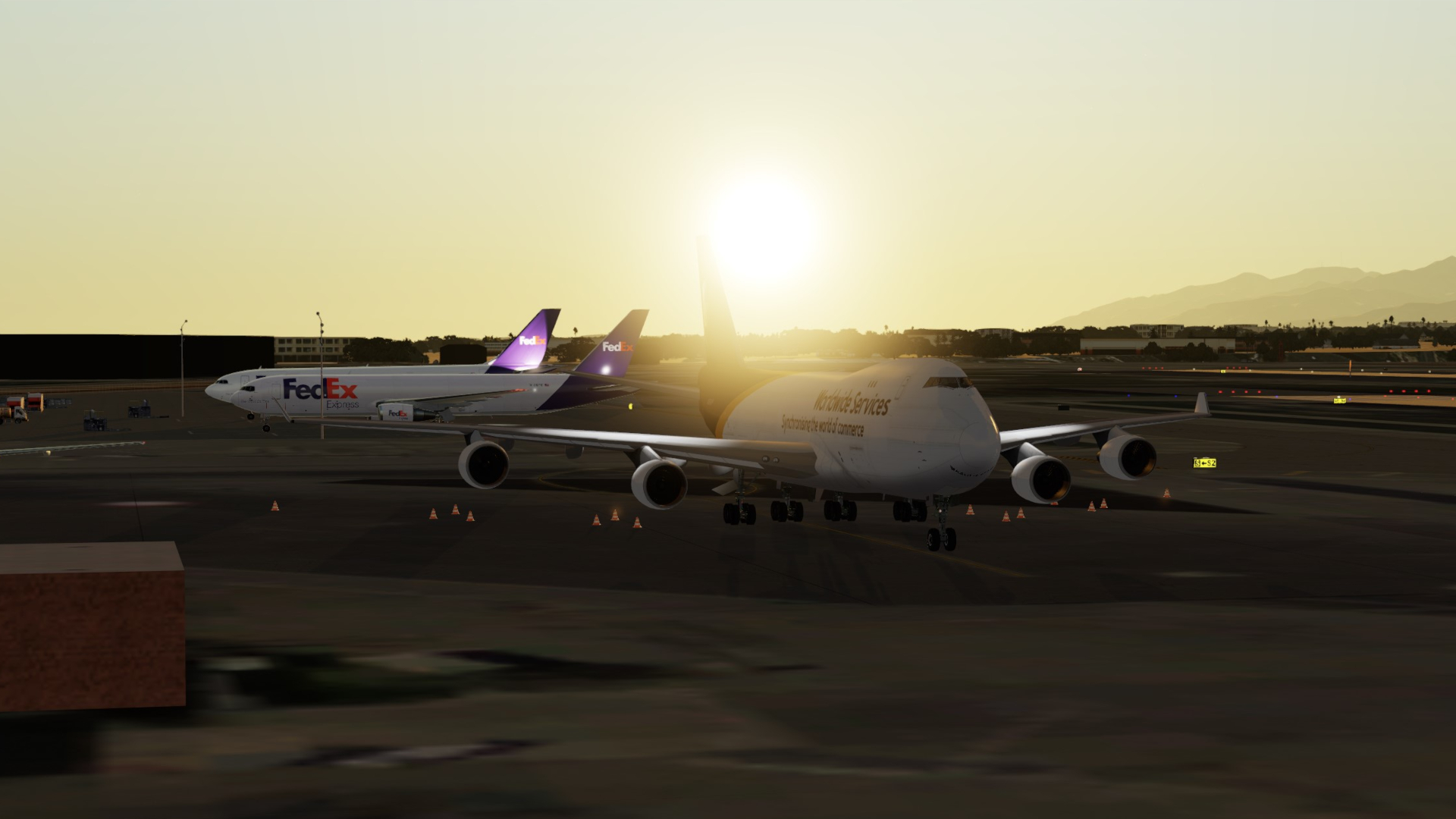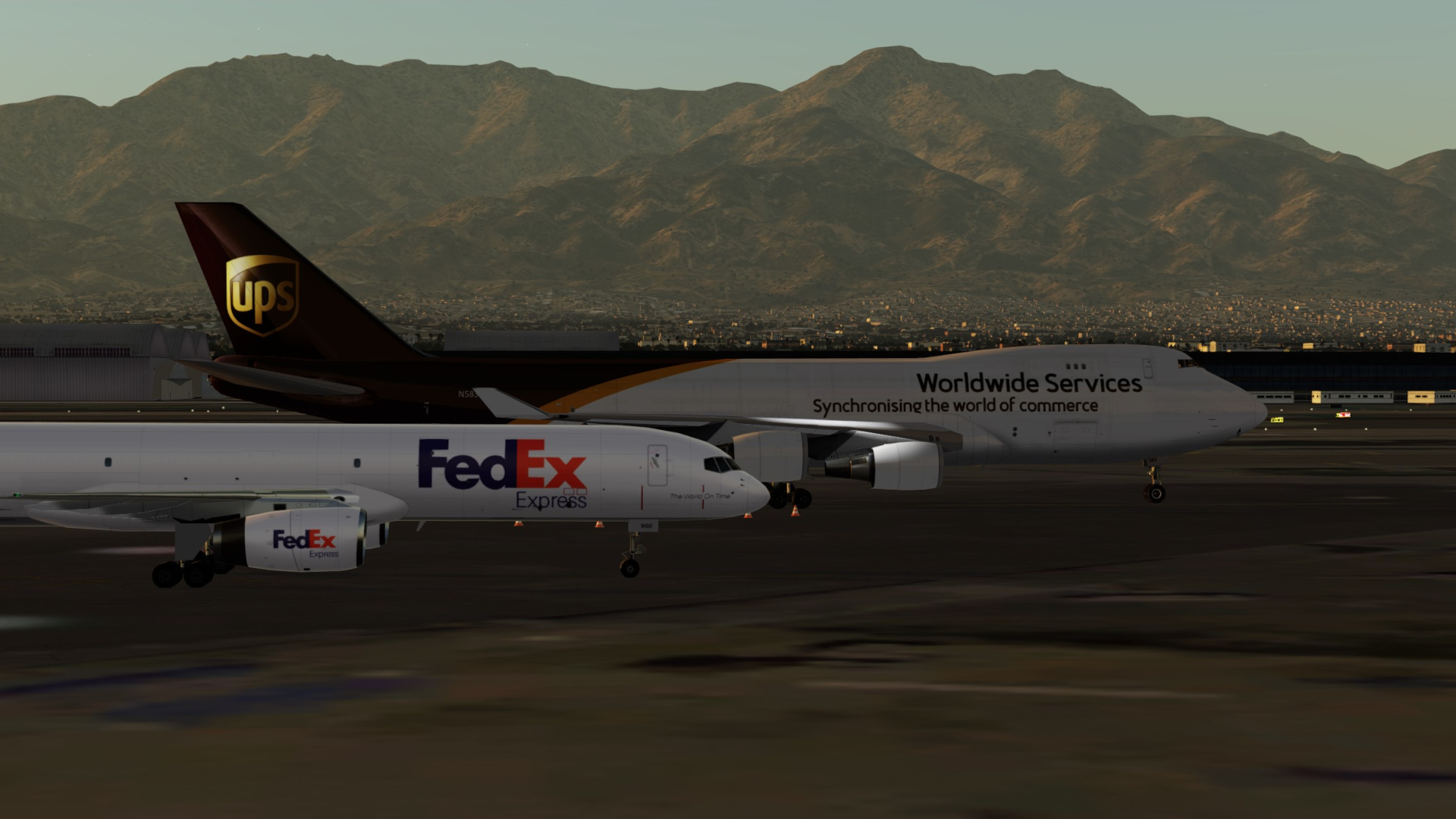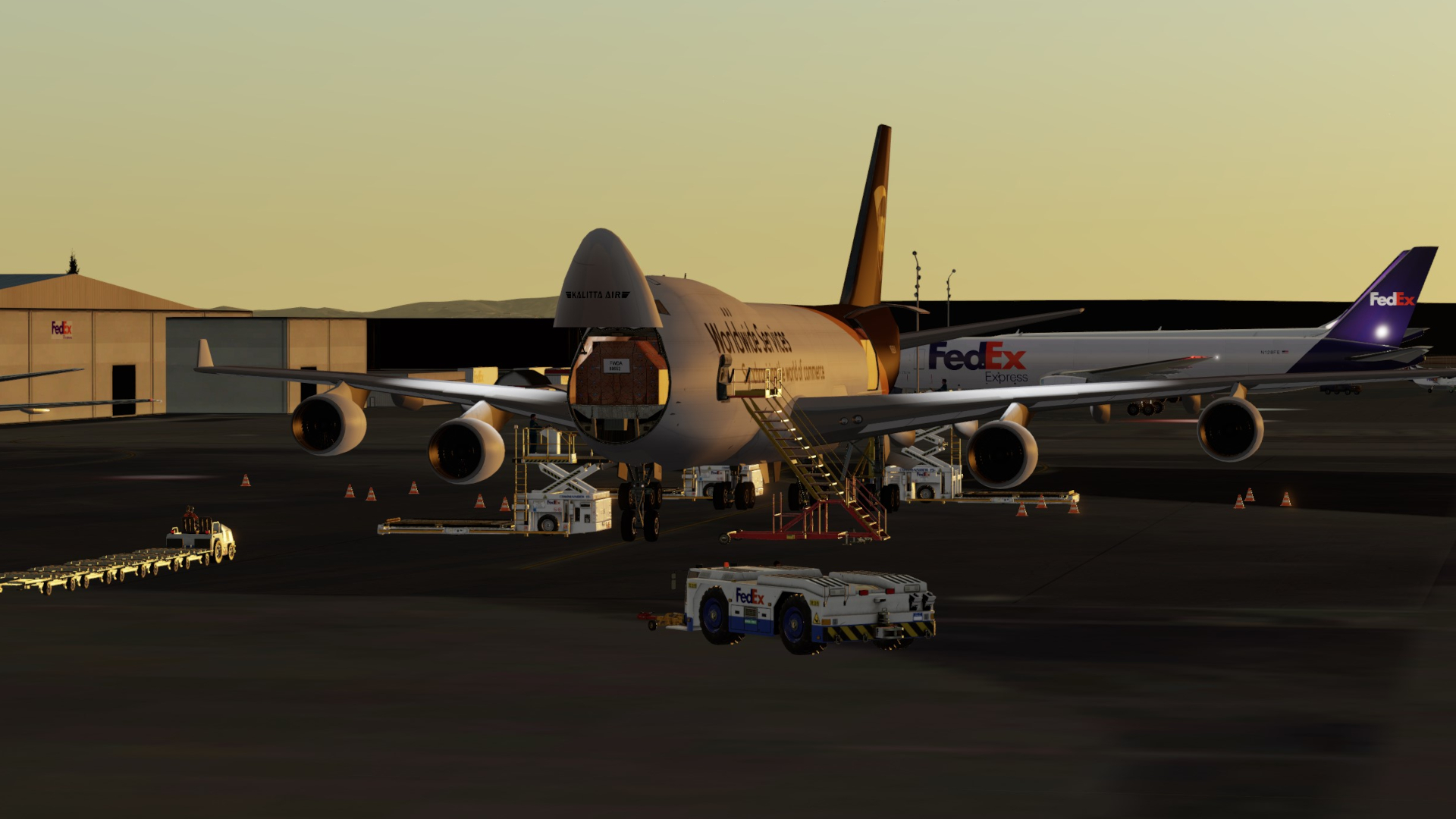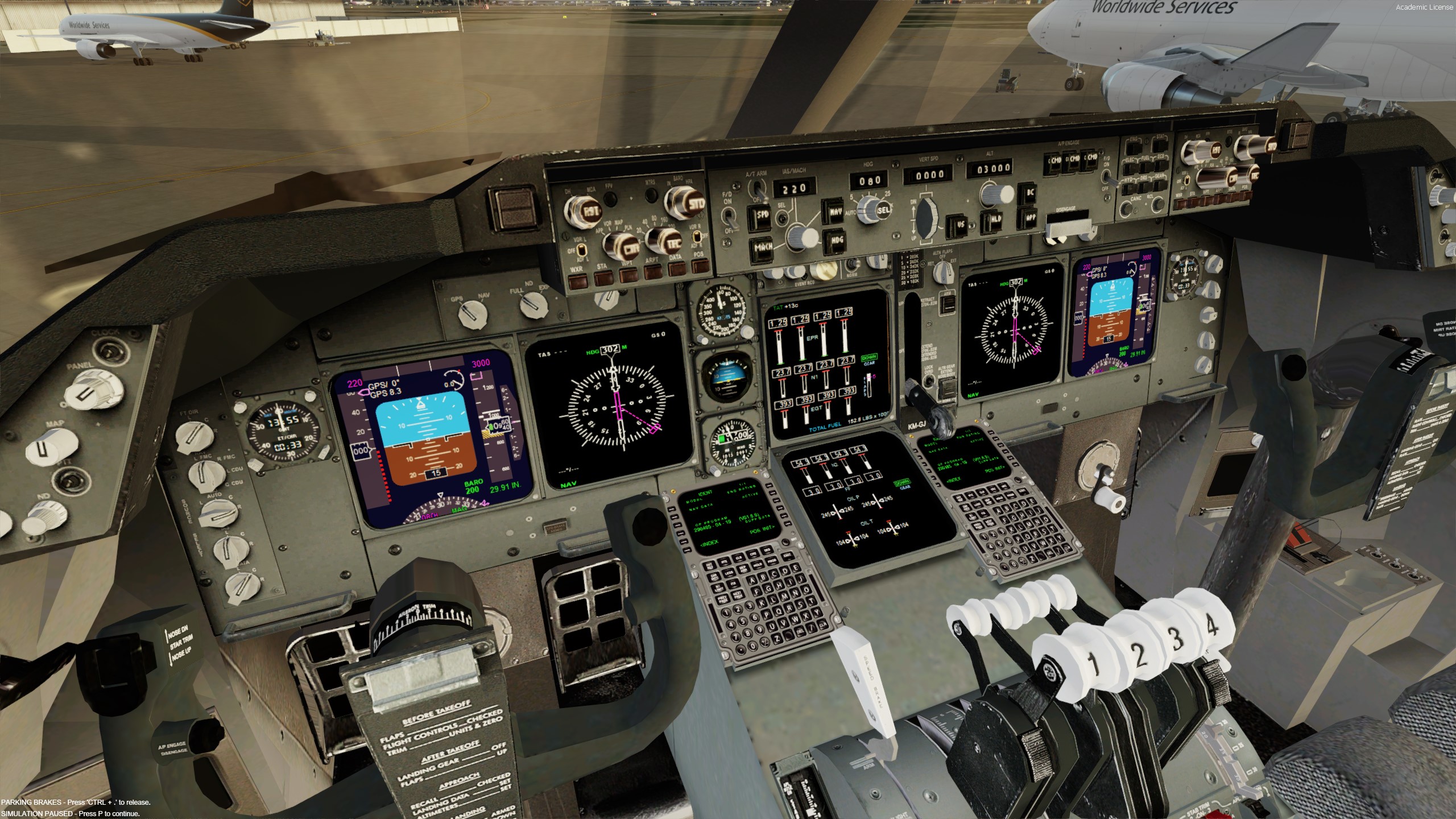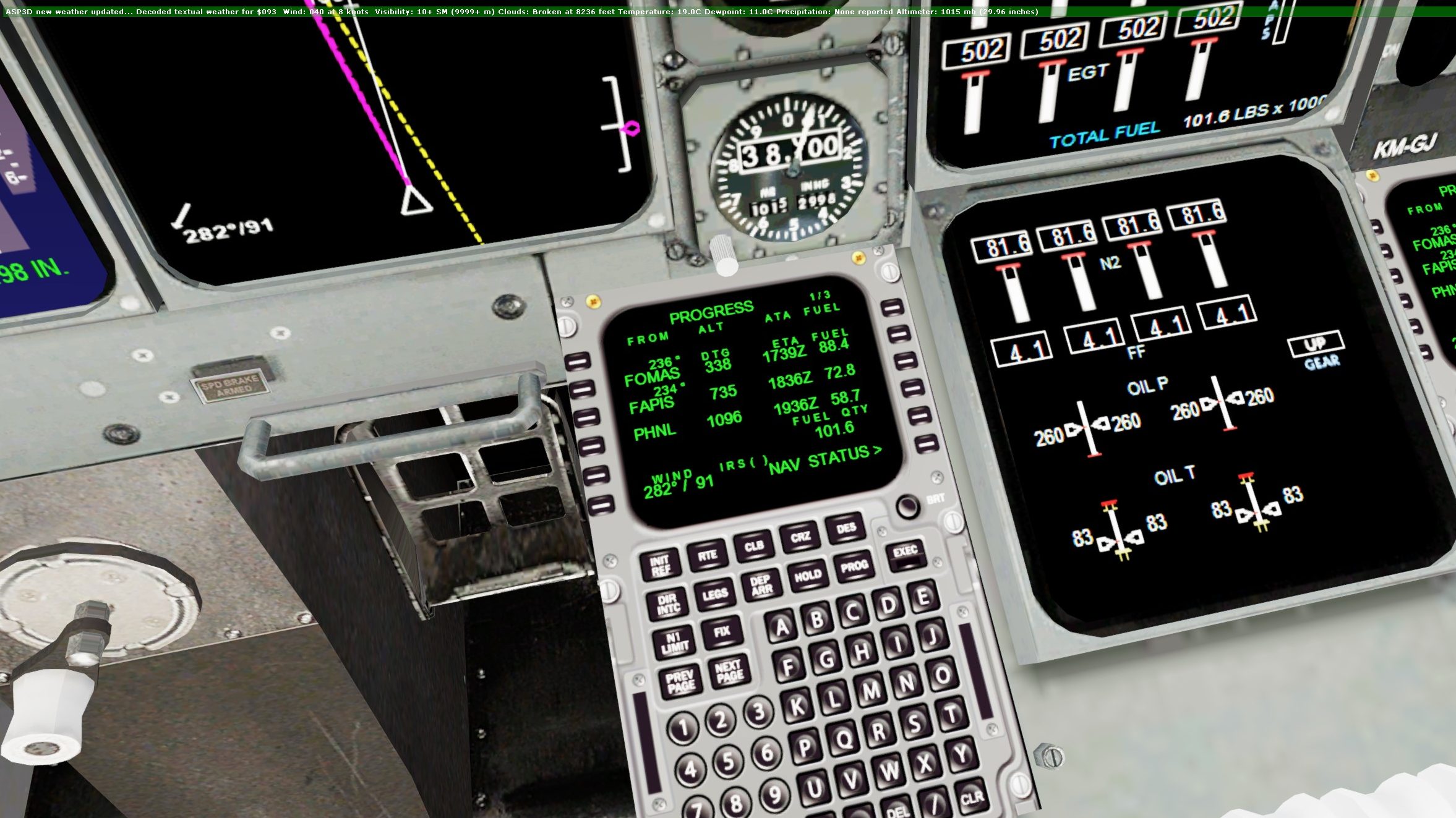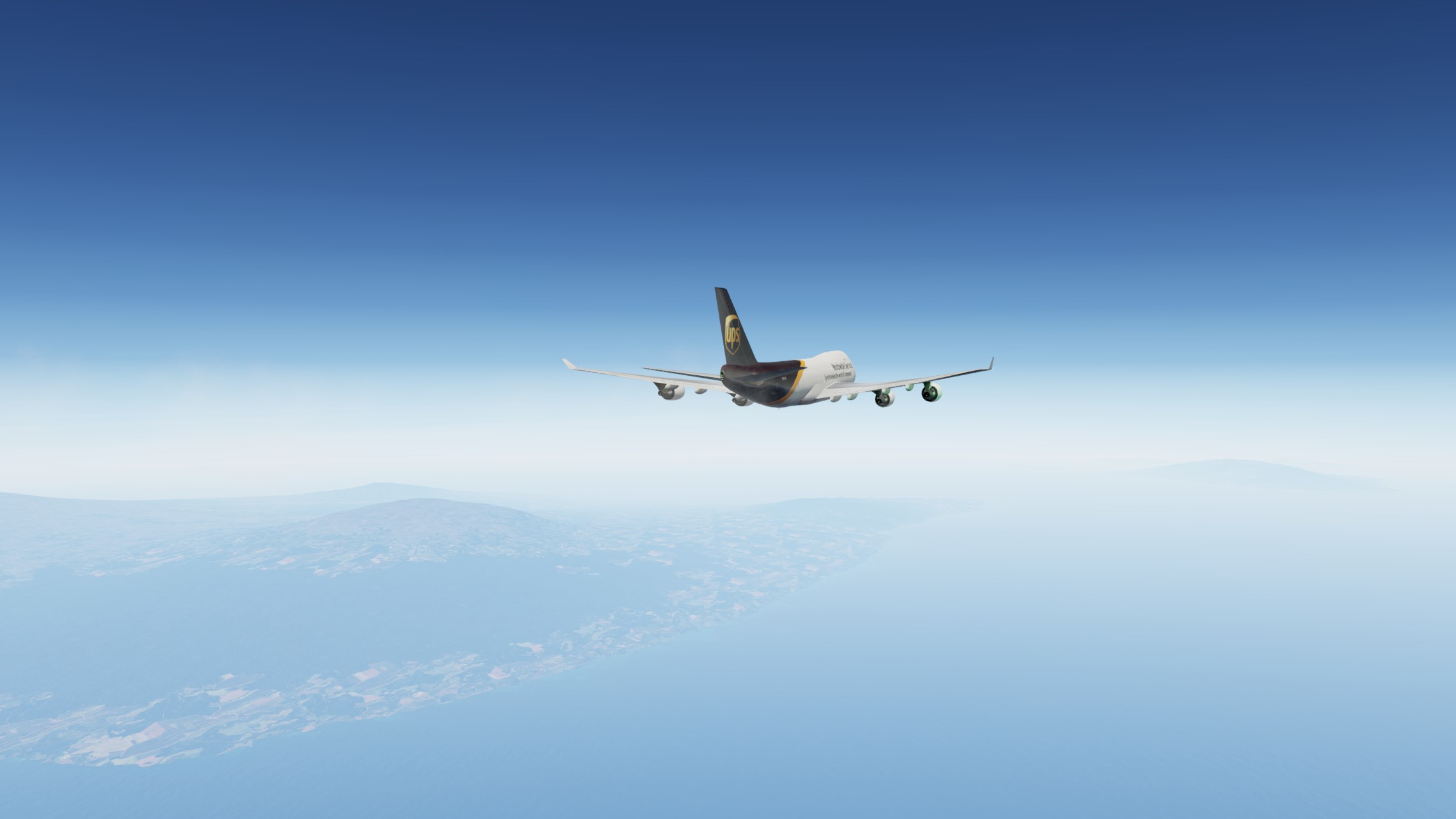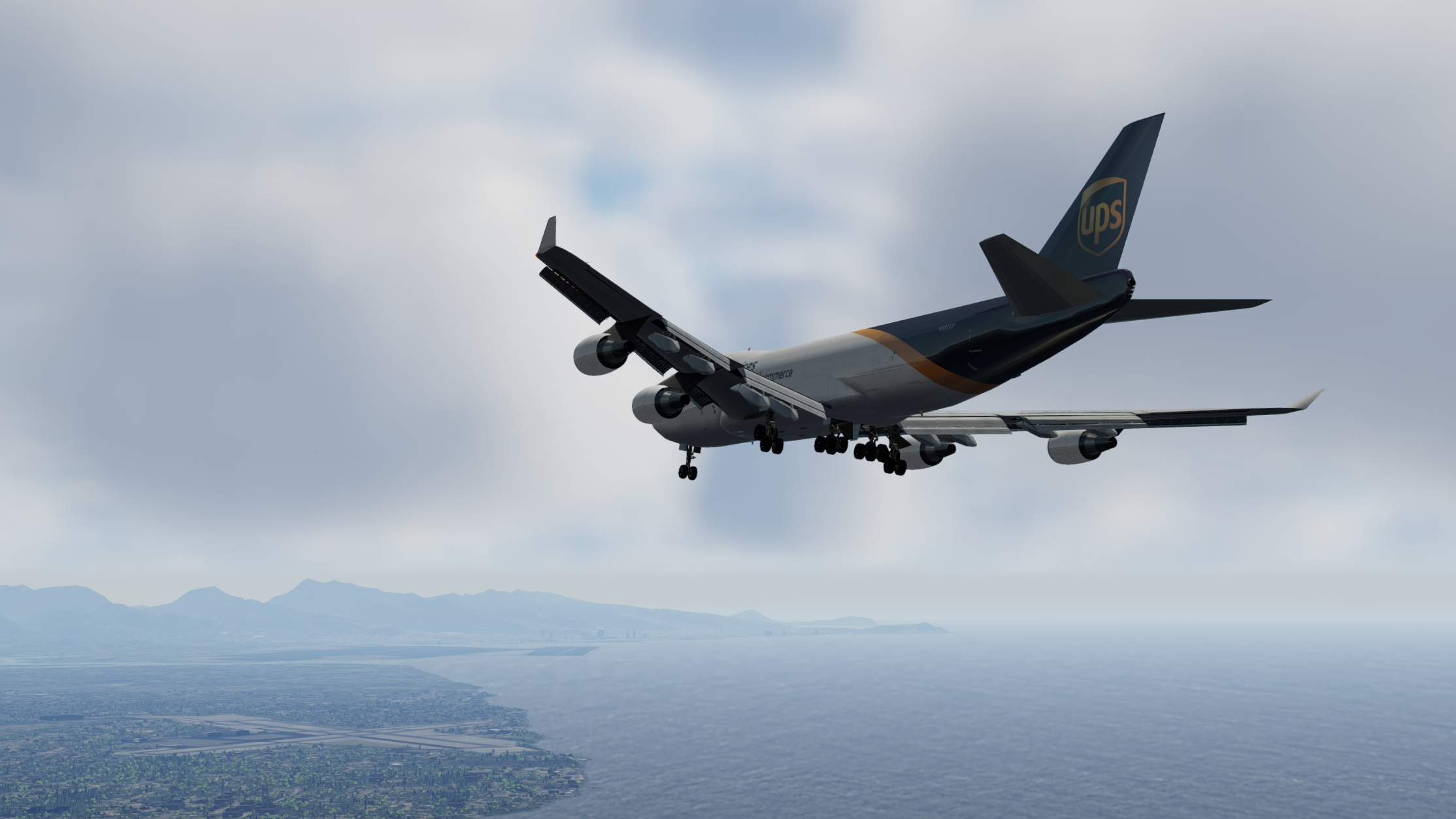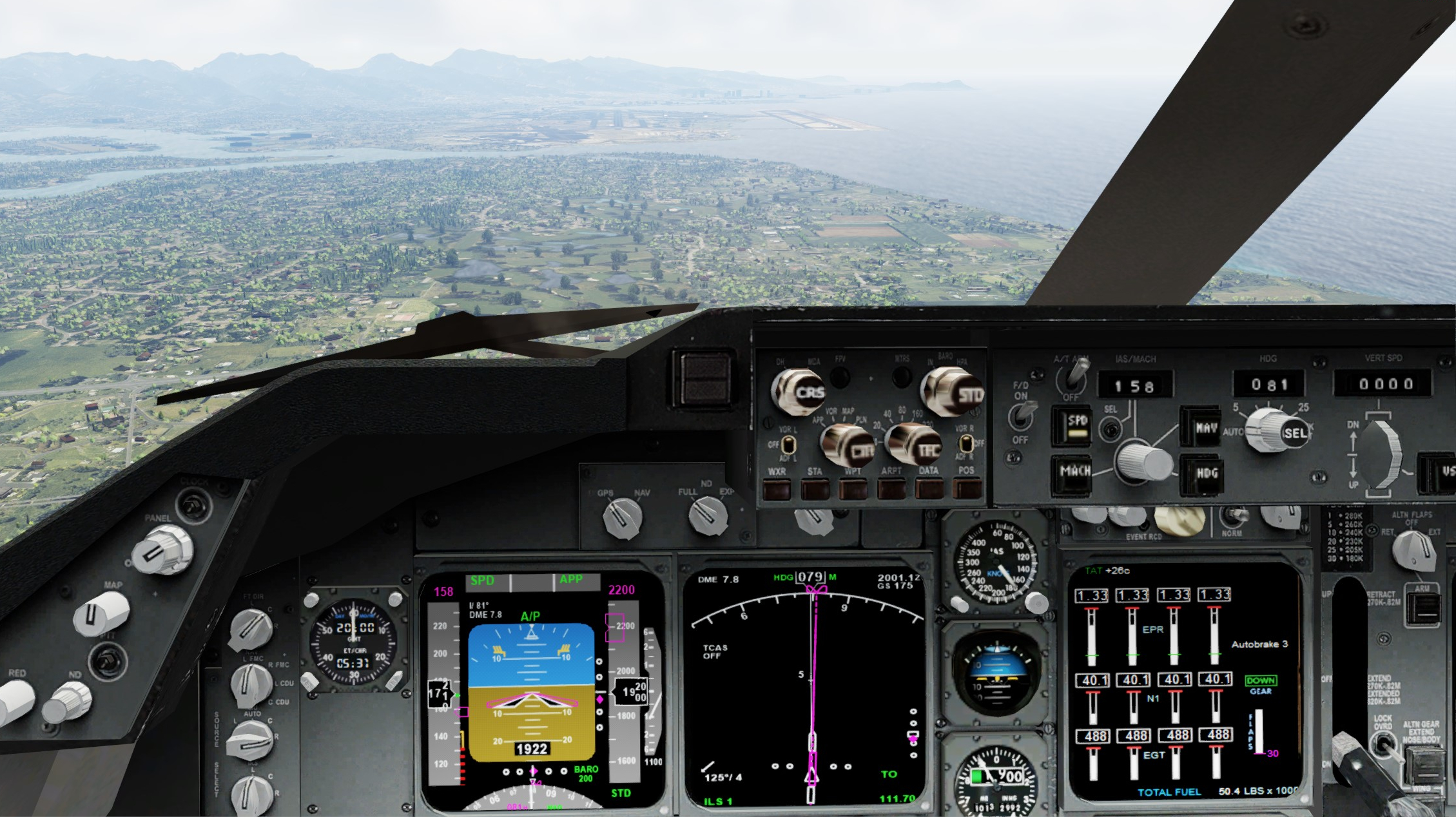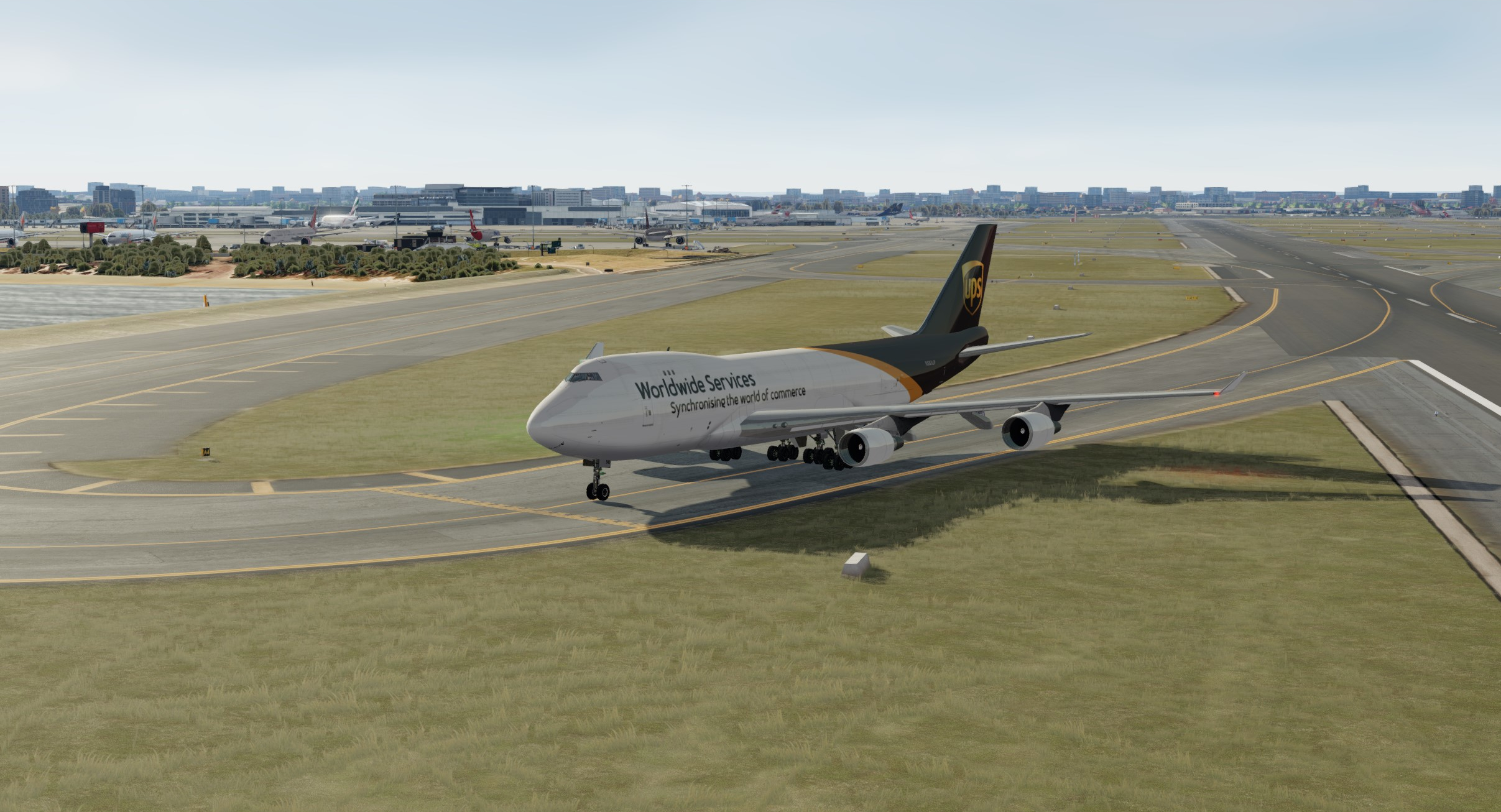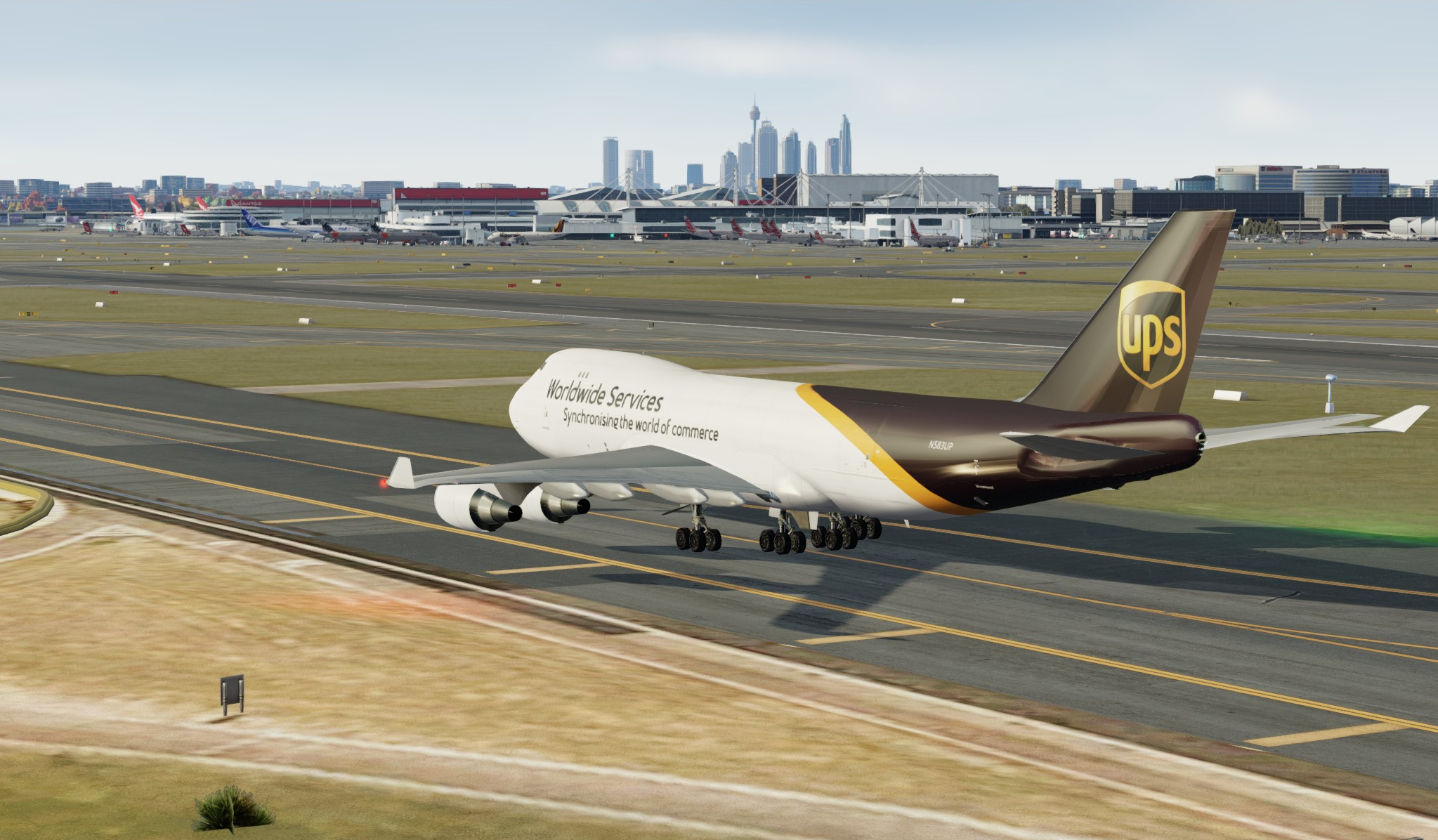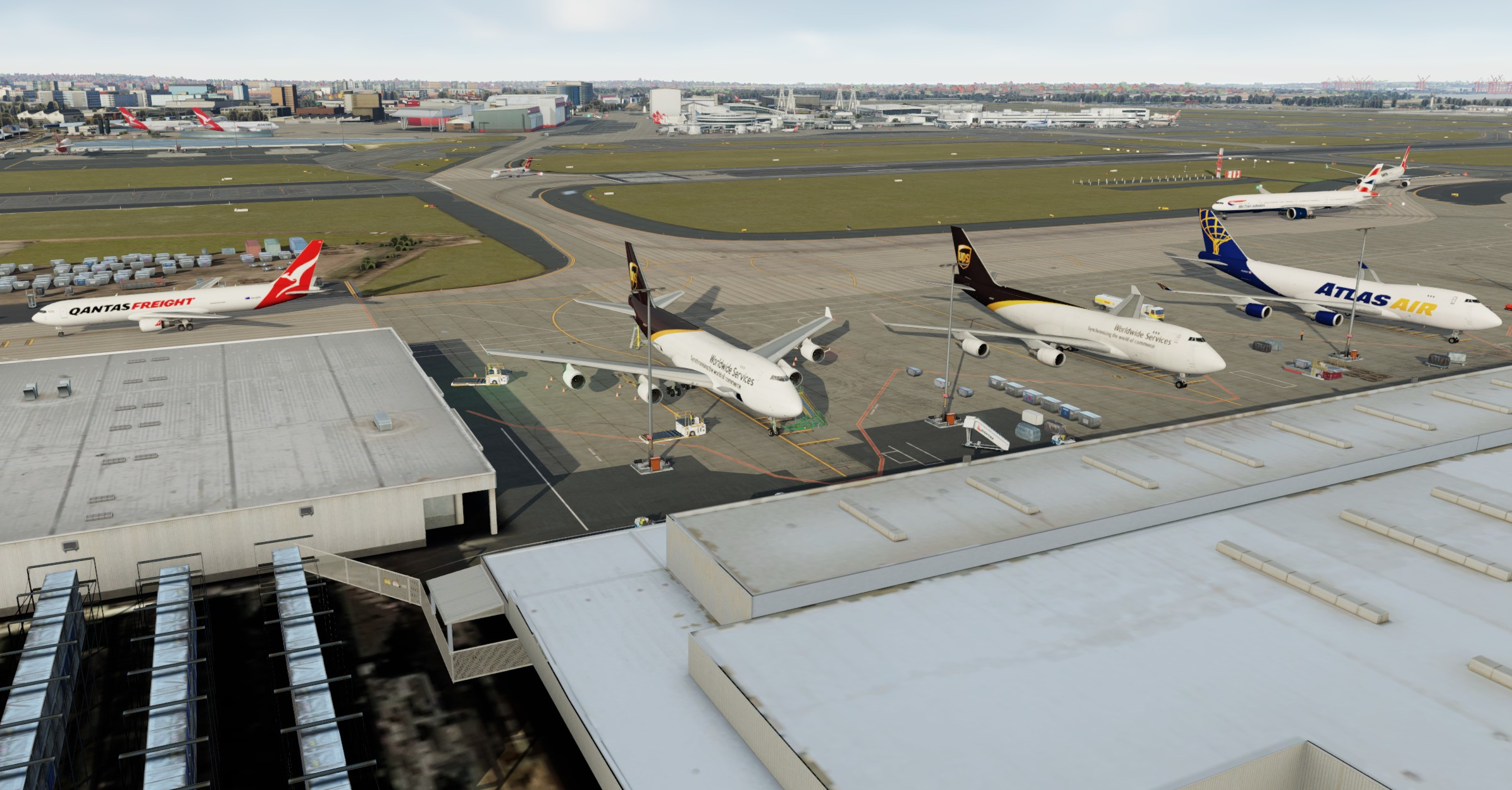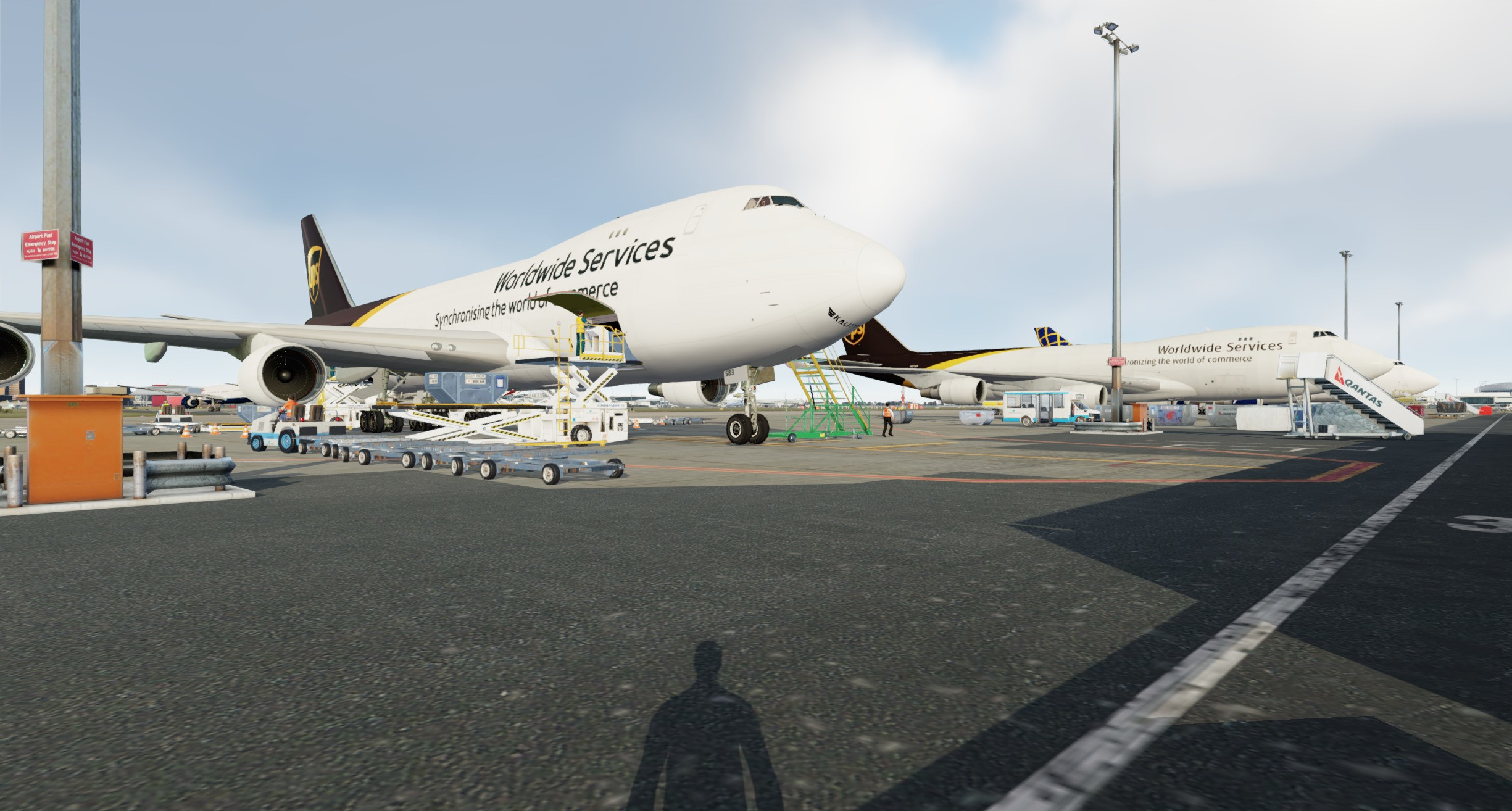
Back to the future. A review of the Project Opensky 747 for use in P3D in the 2020's

Discuss aircraft addons and repaints for Flight Simulator here

Back to the future. A review of the Project Opensky 747 for use in P3D in the 2020's

Postby deeknow » Sun Jan 15, 2023 10:41 pm

Image

It's one thing to fly an older freeware airframe for nostalgic reasons and put up with it's niggles to simply enjoy the experience, but its another to fly something that looks the part but its systems, performance or stability are so bad the experience turns out to be frustrating or disappointing enough you vow to never do it again.

One such aircraft for me is the Queen of the skies for which we have a couple of marvellous payware offerings, but I've never felt the desire to shell out that sort of money when I'm not sure I'll actually fly the airframe a great deal. I like to fly real world shorter distance cargo routes using small to medium sized freighters like the 737 classics, 757s and 767s. However over xmas I developed a mysterious hankering for some long haul action, so here I am revisiting the Project Opensky (POSKY) Boeing 747-400 as a freeware wide-body option in P3D.

Post table of contents

want a quick link to a specific topic?


Project Opensky?

The POSKY 747-400 series models were originally released in 2001 for FS9/2004 soon after the groups initial 767 models (which I still fly in P3D today). Freighter models came out in 2002 along with bug fixes and various improvements to all models for the 2nd generation. The 3rd generation came out in 2003, and an SP model in 2006. In 2007 the fourth and final generation for the 747-400s was released by the team with XML gauges and other changes that make it more performant and ultimately more compatible with P3D. Then in 2011 the team released a 747-800 Freighter and Intercontinental model pair under the project moniker SkySpirit.

Downloads and numerous repaints are available from the usual sites for the 400F (front-end nose loading), converted freighter 400BCF, and 747-800F models, along with passenger variants of each. There is also an active offshoot project with a Facebook page that is continuing to develop and support the 400 classic series (100-300) for FSX and P3D.

The 747 models were originally created by talented and prolific freeware modellers like Hiroshi Igami and were certainly some of the best freeware FDE's and models of their time. They have been tweaked and reconfigured since by Hiroshi and others to run in FSX and most recently Prepar3d.

Along the way the team have also produced models for the 757, 767 and 777 including some military variants. Initially these came out under the POSKY project with models for FS9 and then generally as SkySpirit project models updated or recreated specifically for FSX. Each of these has been well received and supported and are still in common use across the virtual flying world. There's even a 747-400LCF (Dreamlifter) and an 747SP model specifically for the Stratospheric Observatory for Infrared Astronomy (SOFIA) aircraft which will please NZFFer Marty :-)

There are various built-in animations in the models, loads of great 3rd party liveries, paint-kits, 2D and VC panels available as well as sound pack options for the GE, P&W and RR power-plants used to power these beasts.

Some of the talented members of the SkySpirit and POSKY projects have since gone on to form the Tenkuu Developers Studio (TDS) group which have produced some excellent freeware 737 and 787 models for FSX and P3D.

These guys seem to have a thing for Boeings :)

the Review?

Anyway, enough of the history lesson. Lets get back to the B744F.

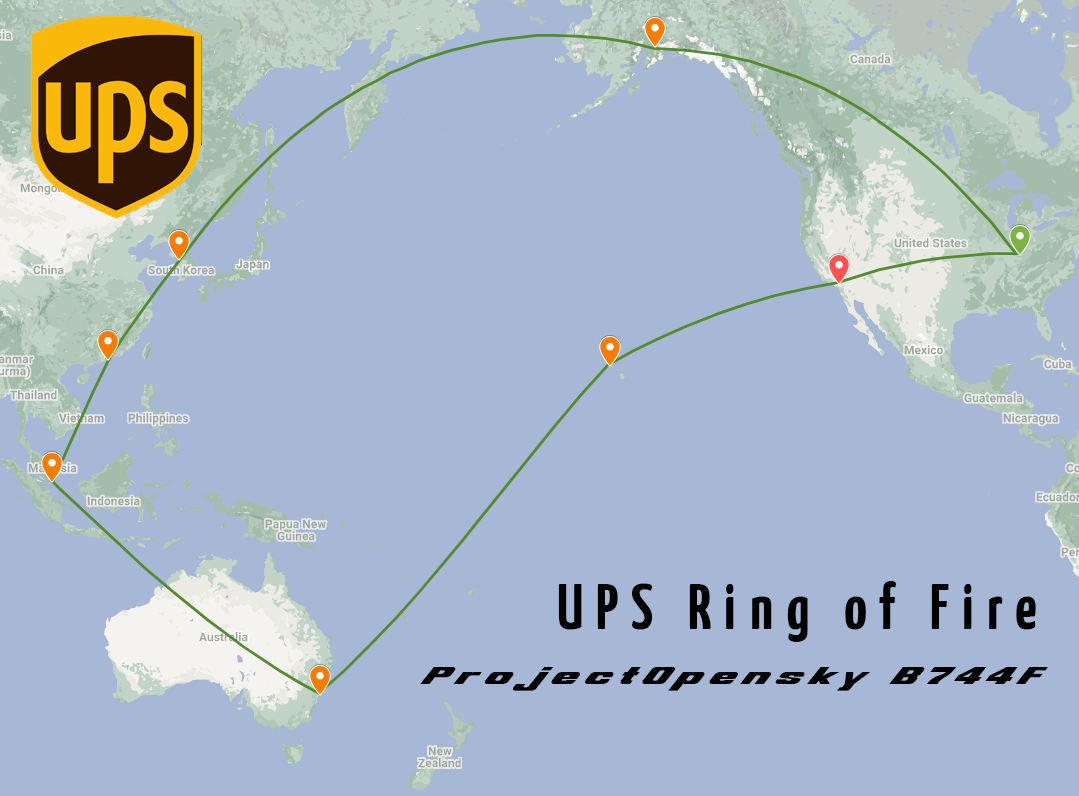
In a johnny-come-lately kinda fashion I'm gonna review the POSKY model over the course of a few posts in the next month or so and see how it stacks up in the 2020's. I'll do that whilst emulating a real world multi-hop ring of fire Pacific flight sequence as operated by UPS using the 744F. This airframe can be seen running these legs in real life, although the B748 is more commonly seen lately and formerly the MD11 was used.

As I fly each leg over coming weeks I'm going to cover the flight itself briefly, share a few screenies and then focus on one area of review for the model at a time, beginning with external modelling and finishing with conclusions. By the last leg (but probably before) I expect I'll have a good idea of whether this famous but now ageing model is still worth the effort and patience to fly given the sophisticated competition out there for those with deeper pockets.

The flight sequence will begin at Louisville Muhammad Ali intl. in Kentucky, an airfield also known as UPS Worldport. I may have a guts full mid way but will at least get 3 or 4 of these legs done during the review, and who knows I might actually struggle masochistically all the way back to UPS Worldport.

Here are the planned flights:
  • 5X916 : Louisville (SDF/KSDF) to Ontario (ONT/KONT), Southern California
  • 5X56 : Ontario to Honolulu (HNL/PHNL)
  • 5X34 : Honolulu to Sydney (SYD/YSSY)
  • 5X35 : Sydney to Singapore Changi (SIN/WSSS)
  • 5X99 : Singapore to Seoul Incheon, Korea (ICN/RKSI)
  • 5X99 : Seoul to Anchorage, Alaska (ANC/PANC)
  • 5X99 : Anchorage back to Louisville

Image

System wise: I'll be running P3D v5.3 on a Windows 10 machine with an AMD Ryzen5 3600 CPU (6c/12t) and an RTX 2060-super GPU. Have a PCIe4 supporting X570 Mini-ITX motherboard fitted with 32GB of 3600MHz DDR4 RAM and a combo of NVMe and SSDs for storage. Nothing is overclocked and it's all mounted in a compact ITX case with an AIO cooler and radiator for the CPU and a 600W SFX PSU.

Add-ons wise: I'll detail what scenery is in use on each leg separately but common stuff I'll use throughout includes Orbx Global Landclass, Vector, Mesh and Trees, AlphaIndia's AIG-OCI for AI traffic. I use Simbrief for flight planning, Navigraph for charts and waypoint database updates and ActiveSky P3D for live weather and atmospherics. In the cockpit am also using EZDoc to switch between VC views. I also use GSX for ground services which you will see in various screenshots. You may be wondering why I've splashed out on all these pay-ware addons but not for an aircraft, but none of these is necessary to test the model itself, they just make for nicer screenies and a more enjoyable and realistic flight.

TRIGGER WARNING - if you're a happy customer of one of the pay-ware 744 offerings on any platform please don't get triggered by the low-fi screenshots and short-comings of the POSKY model you'll see here. We know your model is great, and the rest of us are jealous, no need to boast. The POSKY has its place for some of us and may do for some time until FSX/P3D are gone forever.

Having said that please feel free to comment along the way if you have experience w this model or have tips to share. Would also love to hear any feedback from IRL captains, yes I'm looking at you CP :P

I'll update entries in this top post to deep link to each detailed leg report as I go over coming weeks.

Further info...

tags for the site search: opensky projectopensky posky boeing review freeware skyspirit
User avatar
deeknow
NZFF Pro
 
Topic author
Joined: Tue Sep 18, 2007 10:15 pm
Posts: 4447
Location: NZHN

Re: Back to the future. A review of the Project Opensky 747 for use in P3D in the 2020's

Postby Aharon » Mon Jan 16, 2023 6:50 am

This is GREAT GREAT GREAT post. You are right about the group called Project Opensky 747 Classic V4 FSX/P3D Native Conversion Hangar that specializes in use of POSKY 747s for P3D

Regards,

Aharon
Aharon
Senior Member
 
Joined: Sun Jul 23, 2017 11:39 am
Posts: 1996

Re: Back to the future. A review of the Project Opensky 747 for use in P3D in the 2020's

Postby Aharon » Mon Jan 16, 2023 6:58 am

deeknow wrote: TRIGGER WARNING - if you're a happy customer of one of the pay-ware 744 offerings on any platform please don't get triggered by the low-fi screenshots and short-comings of the POSKY model you'll see here. We know your model is great, and the rest of us are jealous, no need to boast.


mmmm I am not jealous and have no fear considering the fact viewers always mistake my screenshots of my POSKY 757s as Captain Sim and Quality Wings 757 or my TinMouse 737-200v2 as Captain Sim 737-200 or my Skyspirit 767s as LDS 767s or my Vistaliners L1011s as Aerosim L1011s or so on. It is quality of screenshots that make people think the freeware add on planes are expensive payware planes :)

Regards,

Aharon
Aharon
Senior Member
 
Joined: Sun Jul 23, 2017 11:39 am
Posts: 1996

Re: Back to the future. A review of the Project Opensky 747 for use in P3D in the 2020's

Postby deeknow » Mon Jan 16, 2023 8:07 am

Aharon wrote:It is quality of screenshots that make people think the freeware add on planes are expensive payware planes :)


yeah nice one Aharon, that's true :rockon:
User avatar
deeknow
NZFF Pro
 
Topic author
Joined: Tue Sep 18, 2007 10:15 pm
Posts: 4447
Location: NZHN

Re: Back to the future. A review of the Project Opensky 747 for use in P3D in the 2020's

Postby deeknow » Mon Jan 16, 2023 9:49 am

Review part one: External modelling

The most obvious thing to start with when looking at a new-to-you aircraft is the external modelling and any animations etc. so that's what this post will look at.

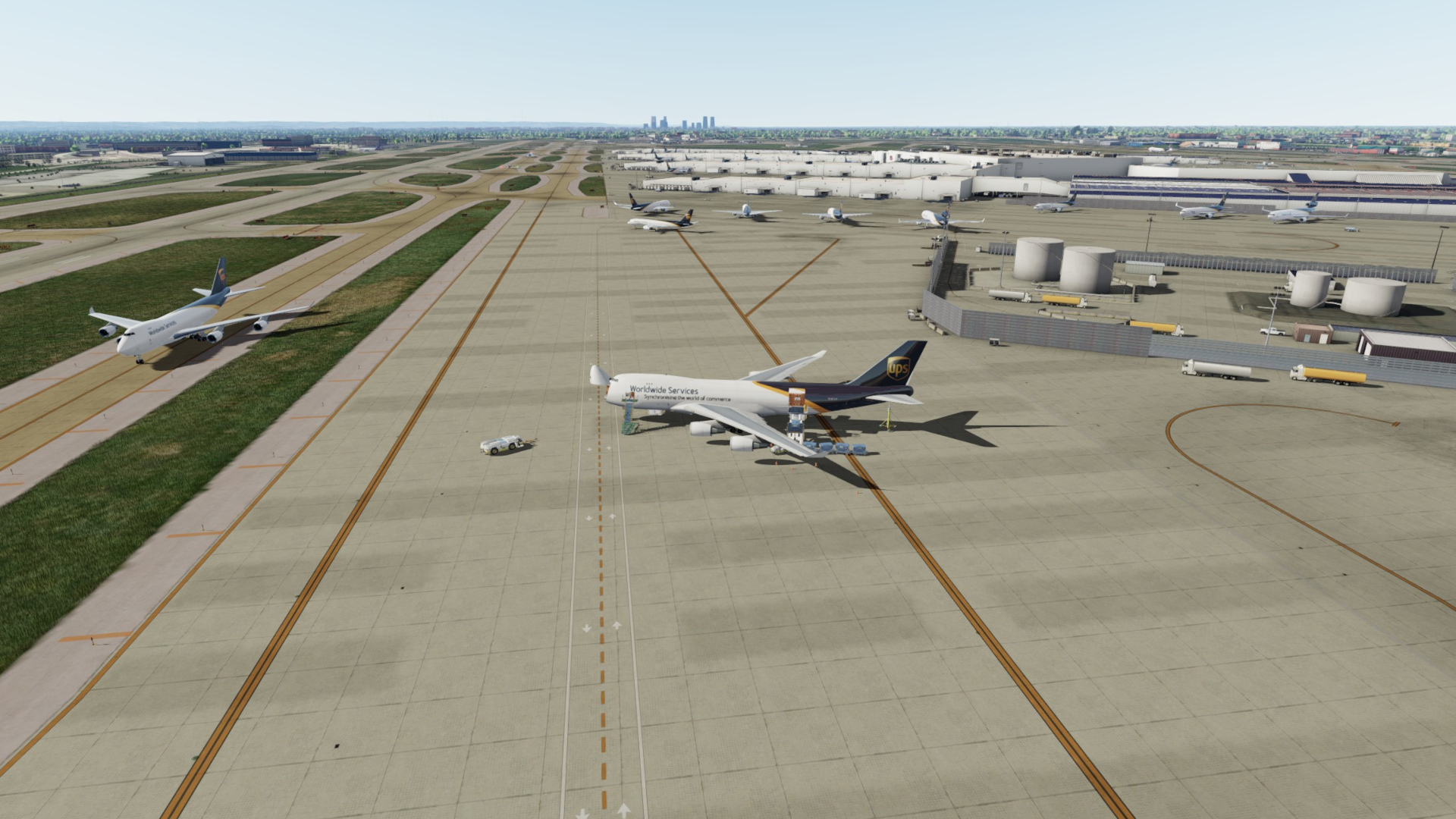
Louisville is UPS's main hub and sees them operate huge numbers of flights in and out each day. They fly B752, B763, MD11, B744F and B748 airframes from here pretty much dominating movements at the airfield, along with a relatively small number of commercial flights from the adjacent passenger terminal.

Image

The scenery I'm using here is from FSDreamTeam. I'm not intending to review scenery add-ons in these posts other than a brief mention and summary, this however is a typical high quality and decent value offering from FSDT with loads of modelling coverage, lovely textures, nice surrounds blending and some cool animation features that let you control the cargo building doors from GSX

Now onto the aircraft modelling...

The available textures in the repaints I've downloaded so far typically have a reasonable level of detail re rivets, metal joints, weathering, windows and door surrounds etc. Texture sets are limited somewhat by their 1024x1024 32bit size and BMP (not DDS) format so we're not talking super high resolution. There were also very few alpha layers in any of the repaints apart from the 748F liveries.

Image

The texture sets include separate details for each engine variation depending on the model flown (GE-CF6, PW4000 and RB211 are available, more on those in later post) and logo light files for areas like the tail, wings and fuselage for night time display. The night time textures work well and let's face it these machines (esp. the UPS fights out of KSDF) are typically early morning or evening movements, so if you like to fly real world schedules you should be happy with that.

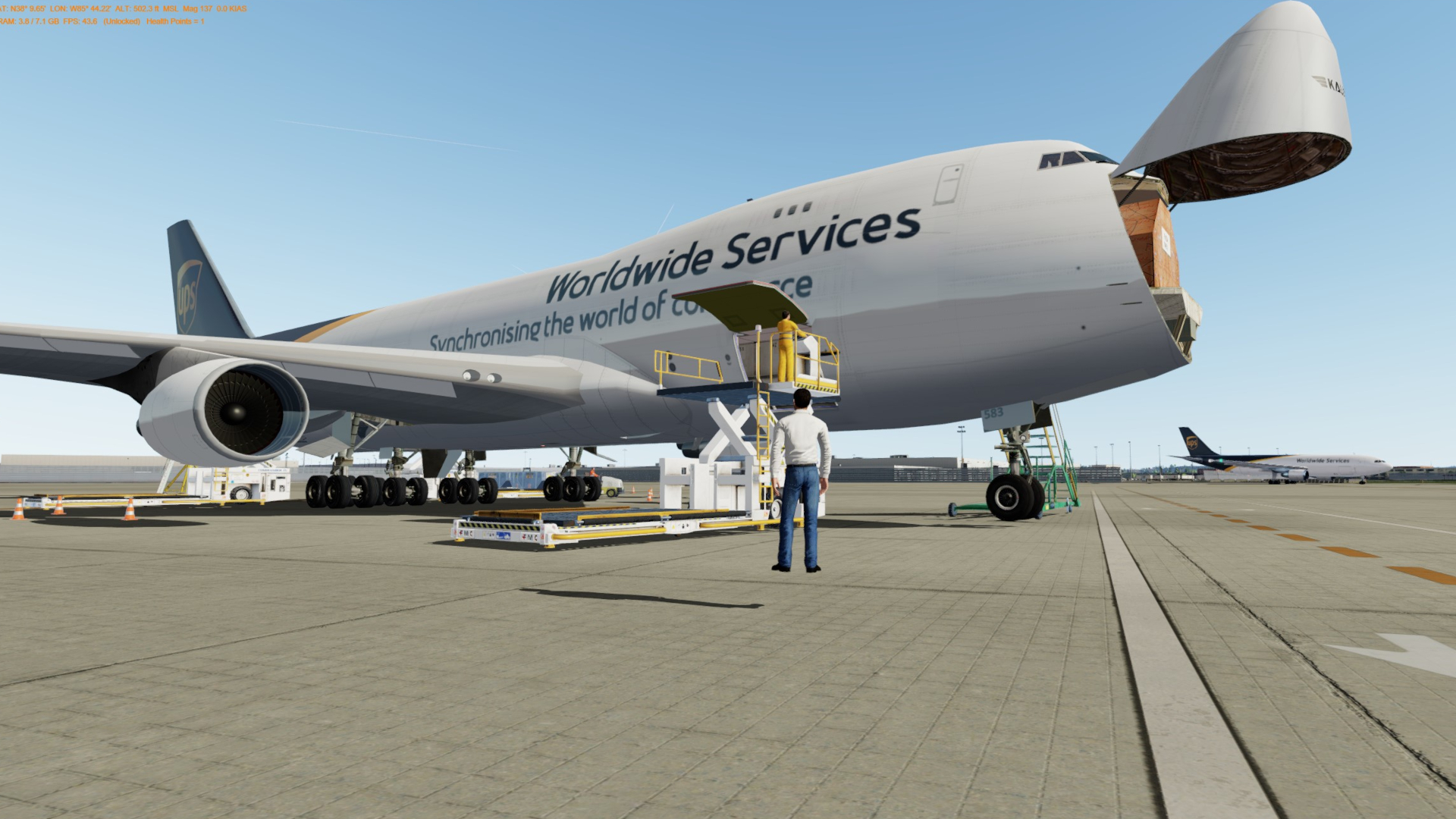
The fuselage interiors of these cargo variants also have some low resolution linings and cargo pallet and container texturing but you won't want to look too closely at those. The default texture set also seems to have Kalitta container labels and numbers, so I ended up tweaking those in Photoshop to show UPS logos and numbers (lemme know via IM if you want a copy of those).

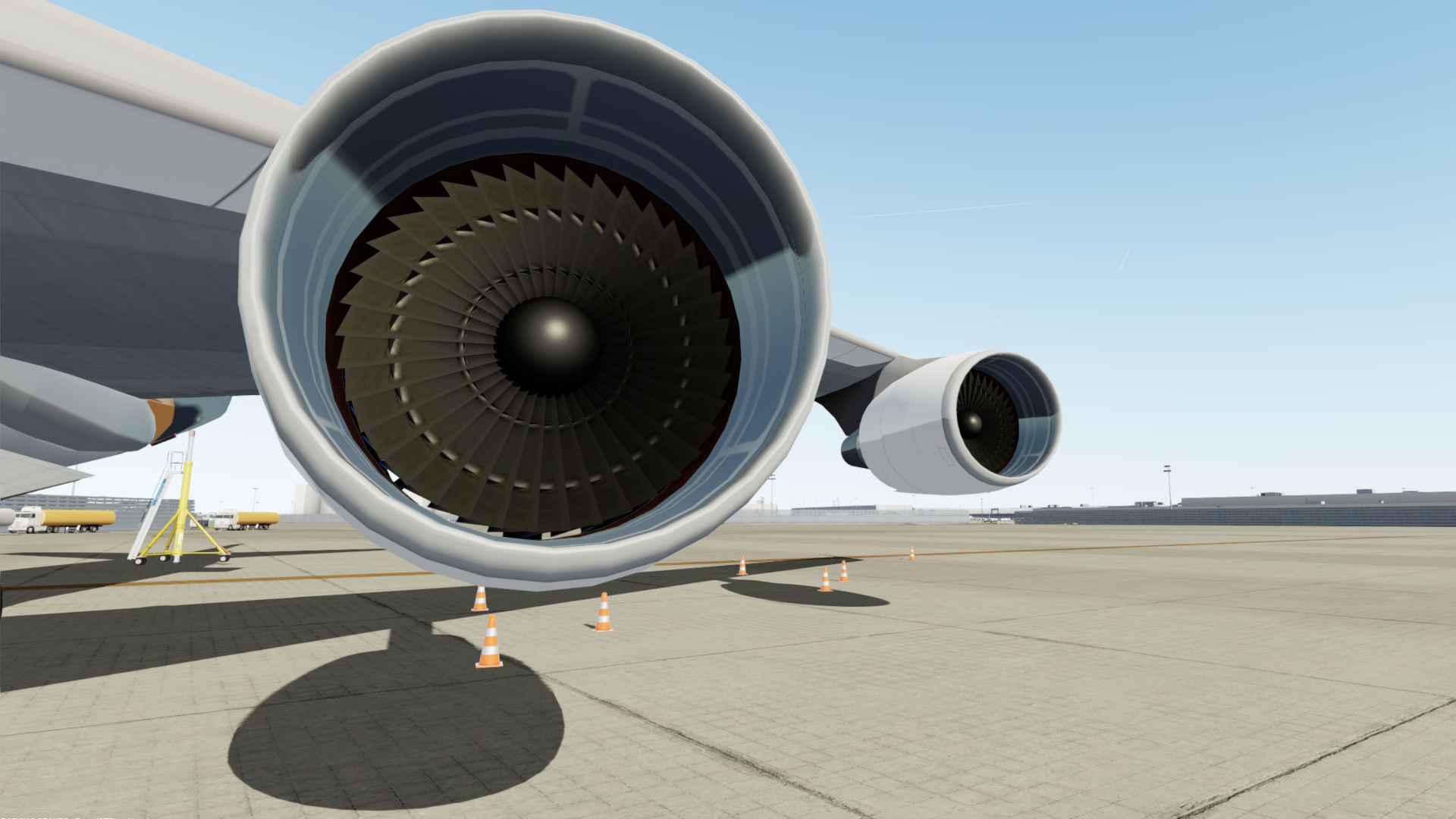
Turbine blades and engine shrouds are limited by texture resolution but to my eye don't look too bad and once again at a distance are liveable, and a lot better than AI models as you'd hope. Leading edge slats on the wings are animated and there's also an animated fan spinner when the engines are starting up which is simple but effective.

Image

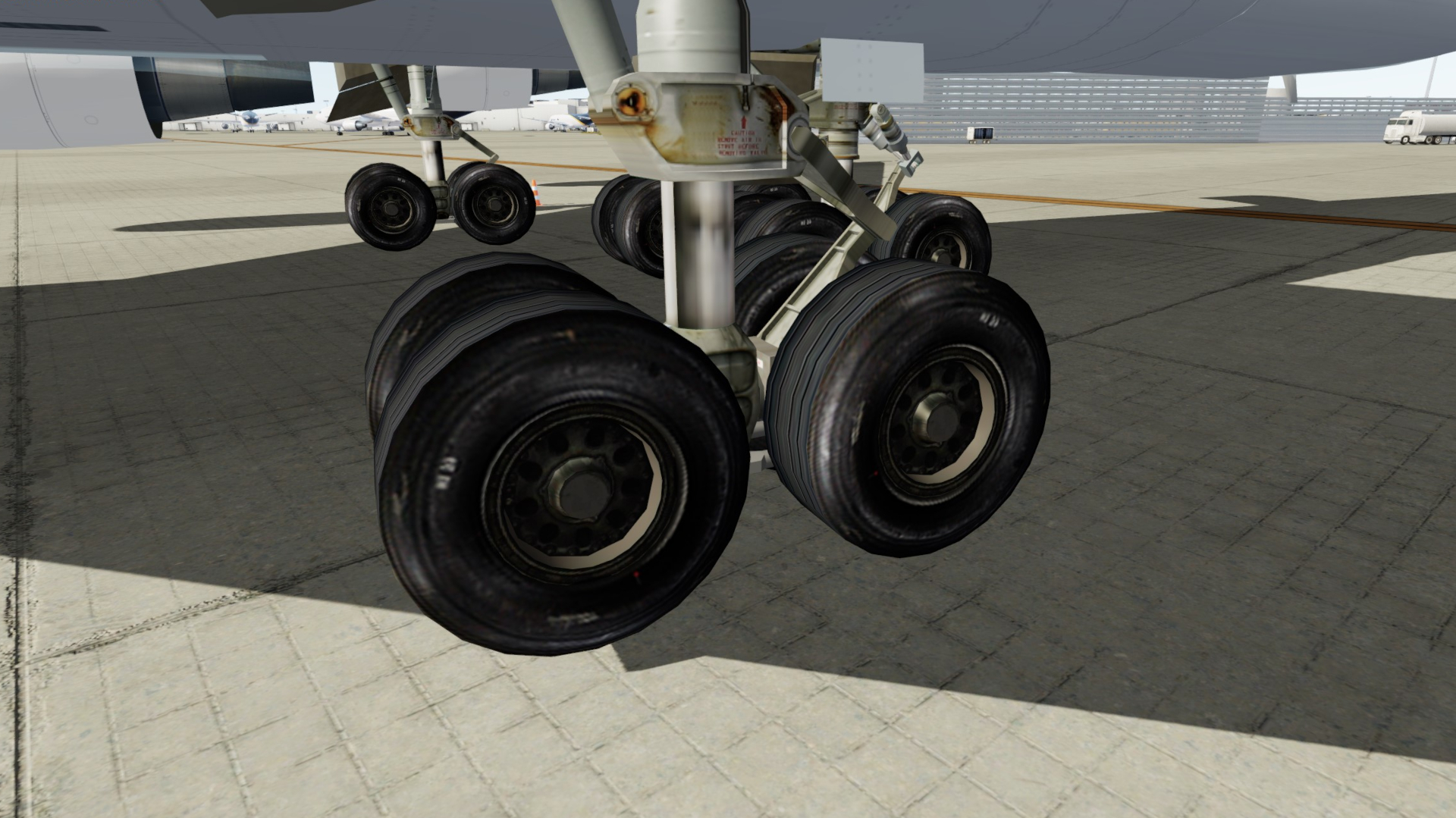
The undercarriage detailing once a gain is pretty low res and if your are the type who likes to do a walk-around then you might want to look elsewhere, but at a distance and certainly in spot view during taxi there is plenty of detail here really. The tilting wheel bogies are animated on landing as can be seen in this video which also shows the cowling animations when reversers are deployed

Image

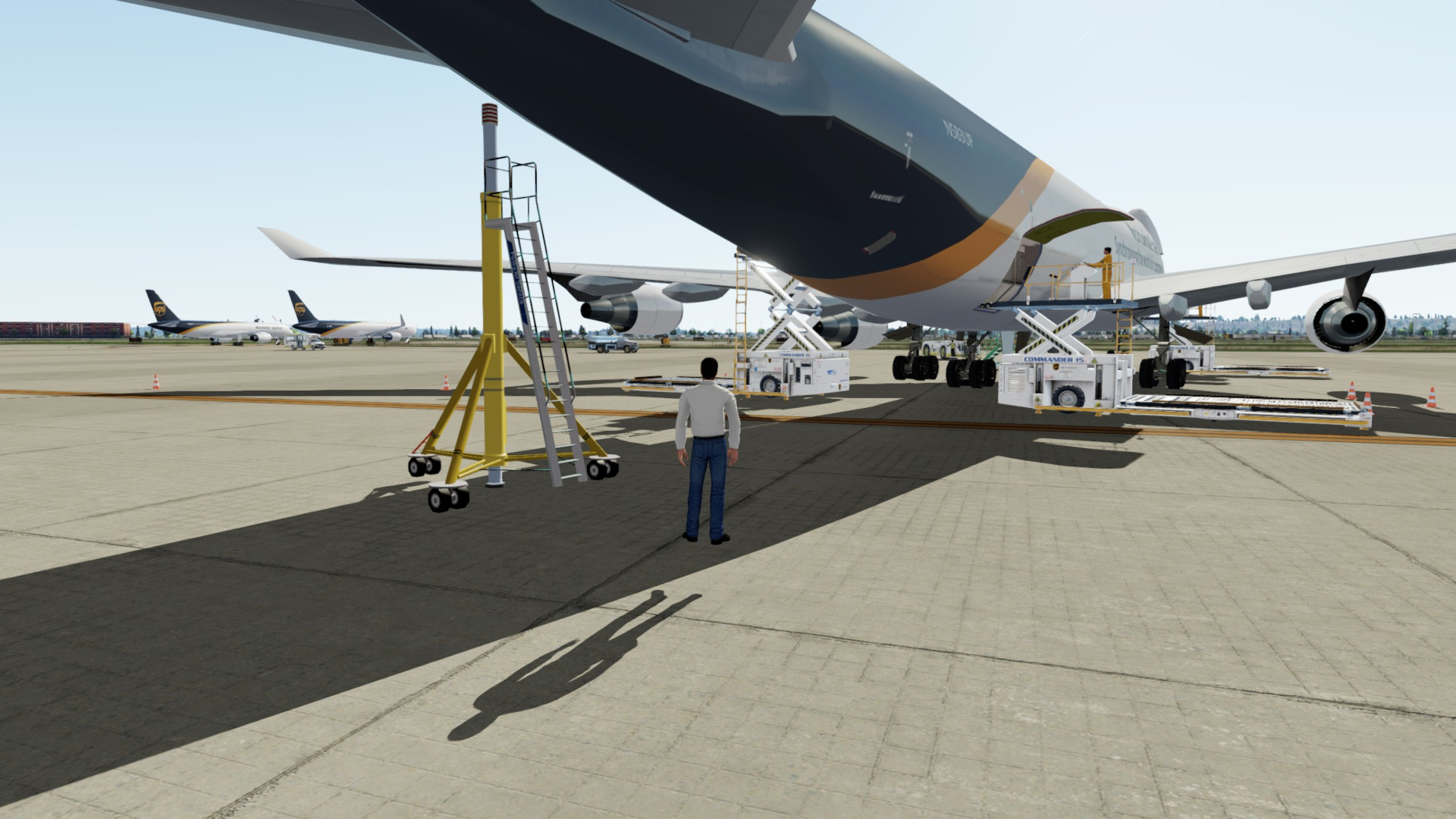
There's a rear fuselage stand to protect against the tail hitting the dirt if your load manager isn't on the ball, this is a pretty cool detail and pops up and away anytime the rear cargo doors are open. There are also loaders for containers on the sides and pallets for the nose, but in my case as using GSX these are hidden. They look pretty good tho if you're not running GSX.

Image

There are a couple of repaint kits available for all the models in the range so fill you're boots if keen, however you'll be hard pressed to find a livery that hasn't already been covered and available for download from avsim.net, flightsim.com or simviation.com. I've downloaded a dozen or so (from Simviation which have the best range of pre-packaged texture and model sets) and a lot of them ship with FSX or P3D models and air files (more on those in a future post) as well which makes installation easier.

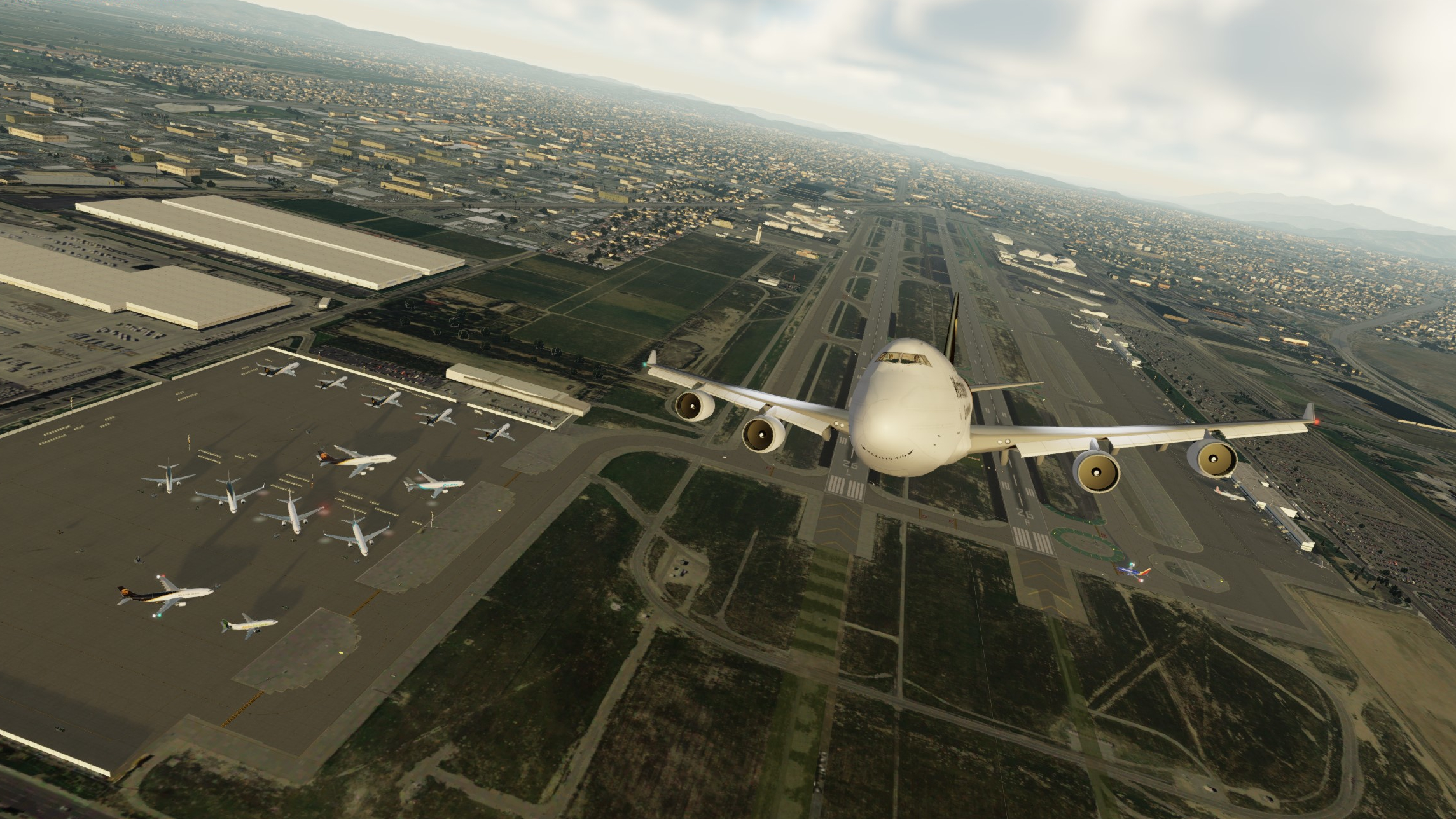
This post's flight is #5X916 : Louisville (SDK/KSDF) Kentucky to Ontario (ONT/KONT) Southern California
Image

Flight time for this short leg not including taxi at each end was about 3:45 (I forgot to stop the clock on landing). I flew with 100t of cargo (max is about 115t) and departed with about 40t of fuel for a modest take-off weight of 255t (MTOW for this bad girl is ~395t)

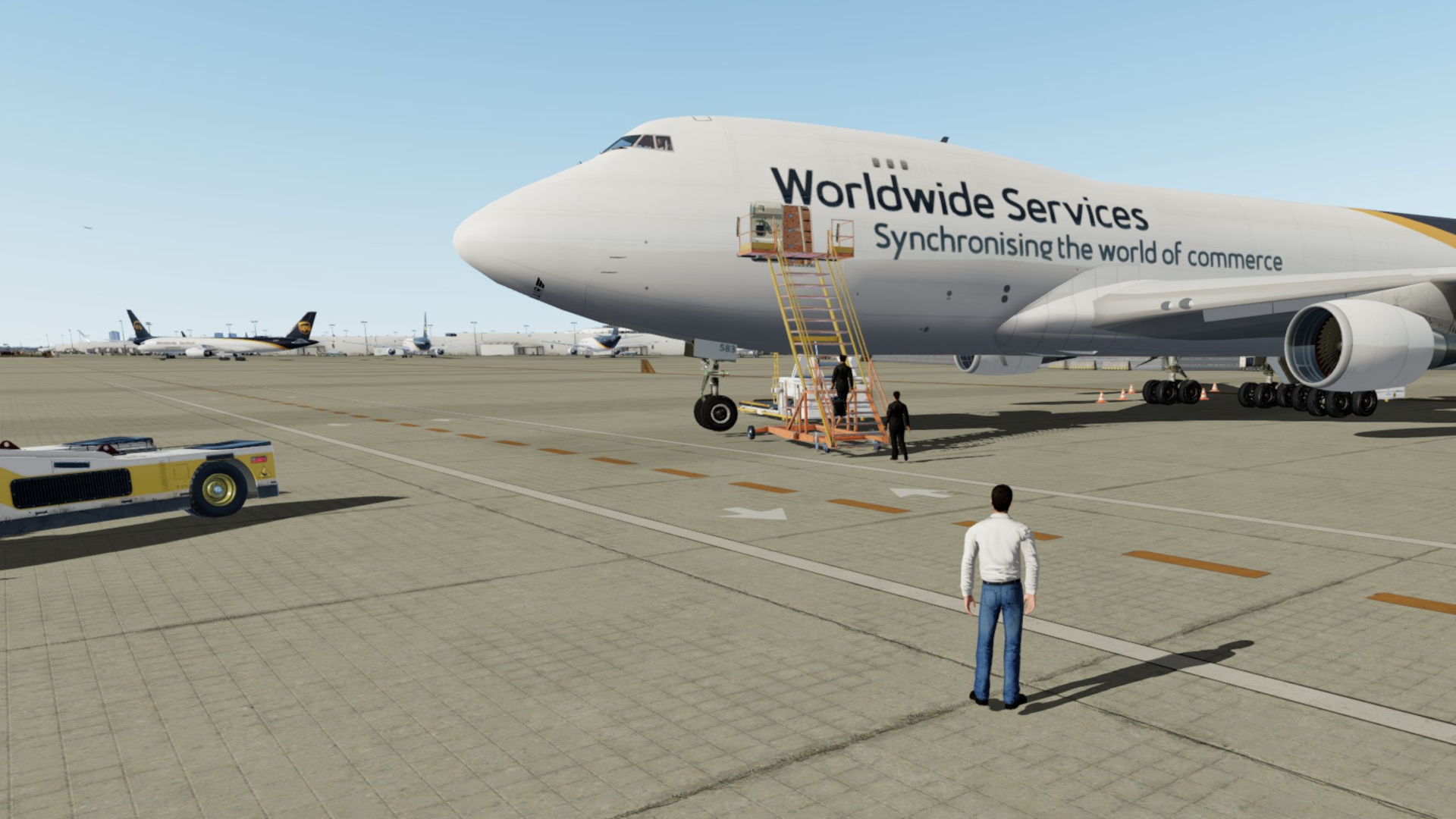
The crew arrive just after loading has completed (conveniently) and the nose returned to horizontal, be tricky to fly with it open I guess :P
Image

Time to load the flight plan and perform flight deck preparation, do fuel, weight and balance checks and briefings before departure. Will be going into more detail on the panel and interior details in the next post. This VC is one of the many freeware options available and you are required to add one as the POSKY team did not provide VC panels themselves.
Image

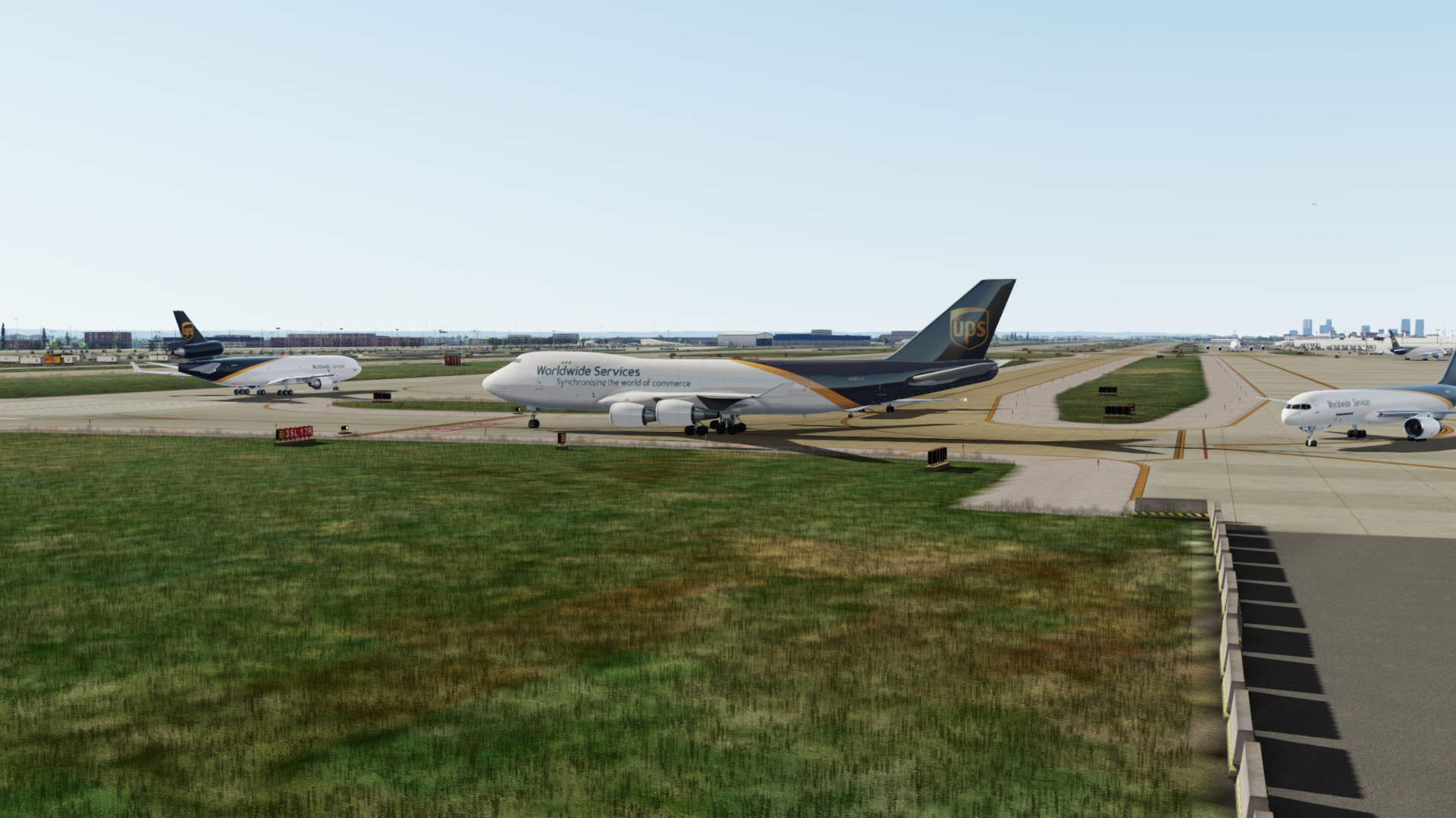
Nice short taxi from our cargo stand out to RWY 35L for departure. You can see this place gets very busy with UPS traffic, fascinating place to do some plane spotting.
Image

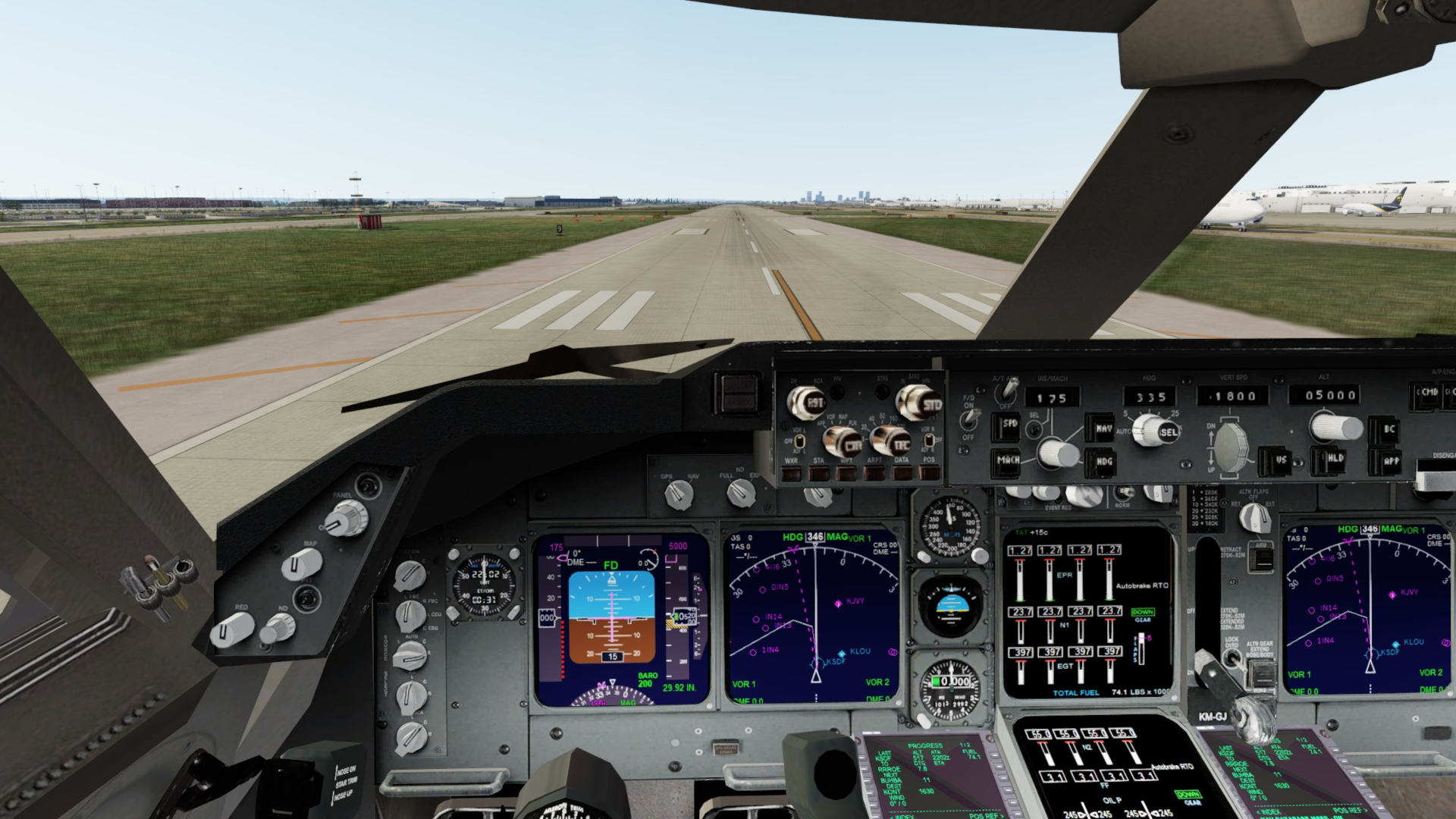
Lined up and ready to go. As I mention will review the panel options in the next post but this 3rd party one has basic functionality and quite usable with the custom CDU/FMC and Nav displays it ships with
Image

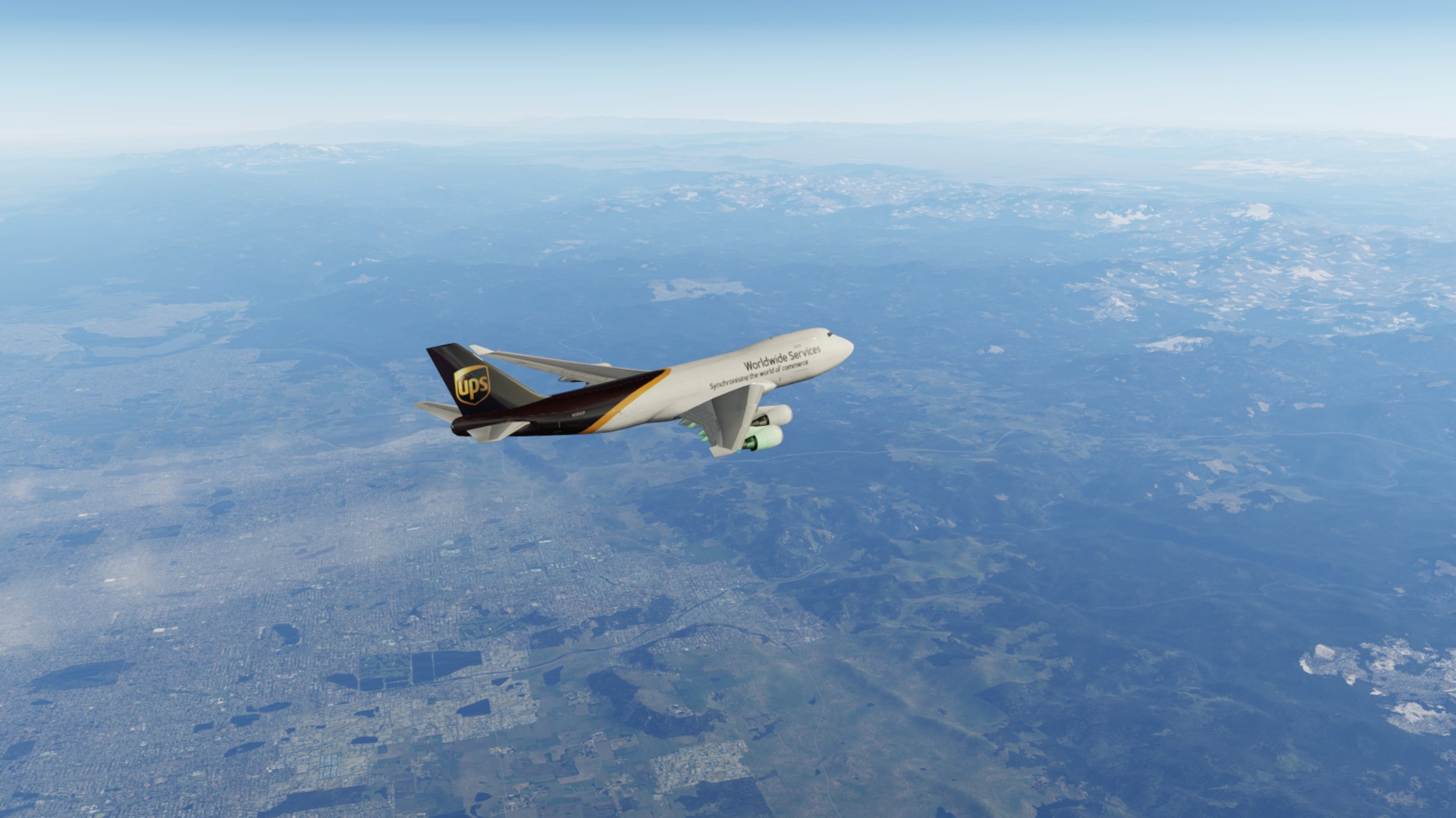
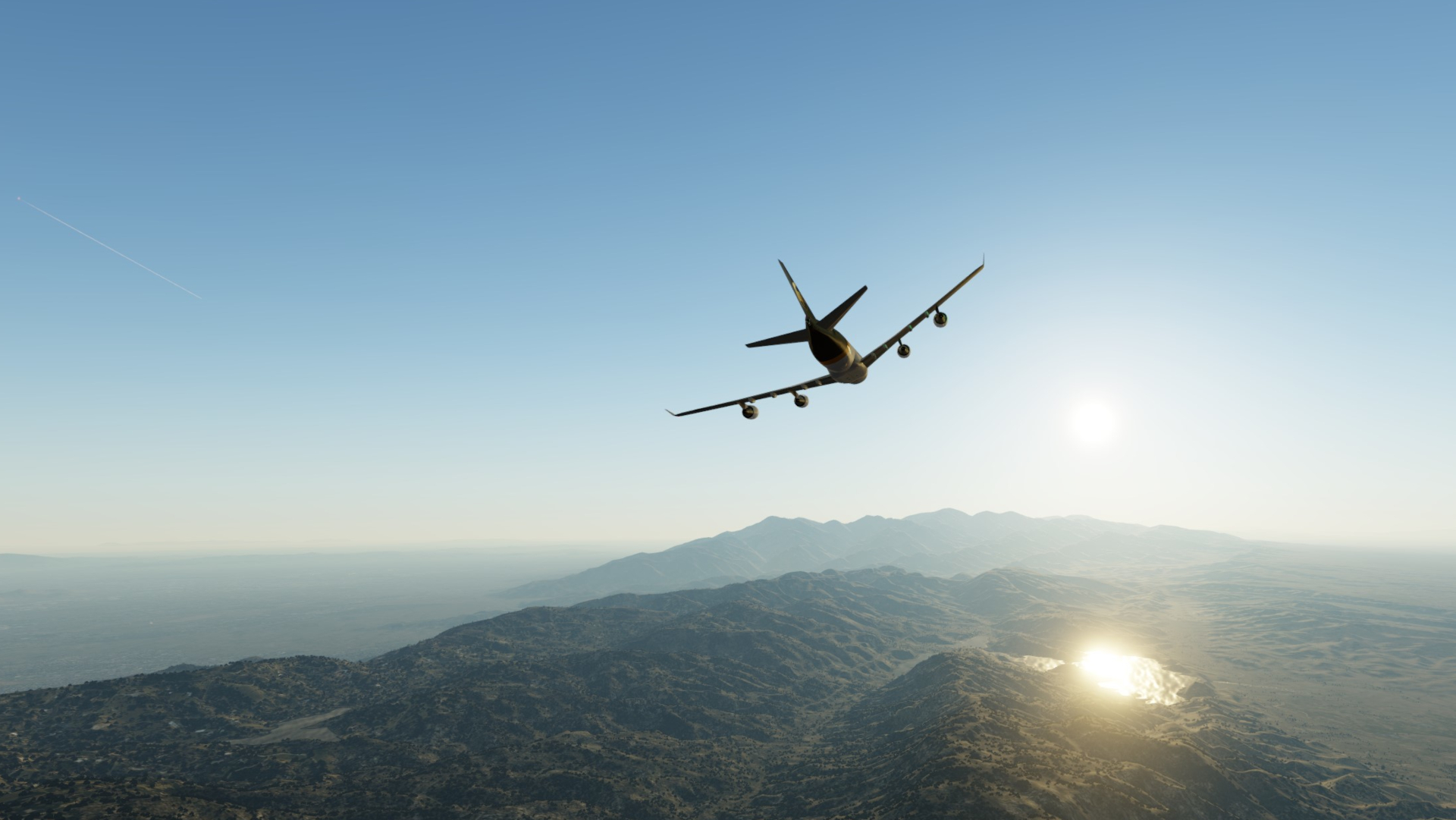
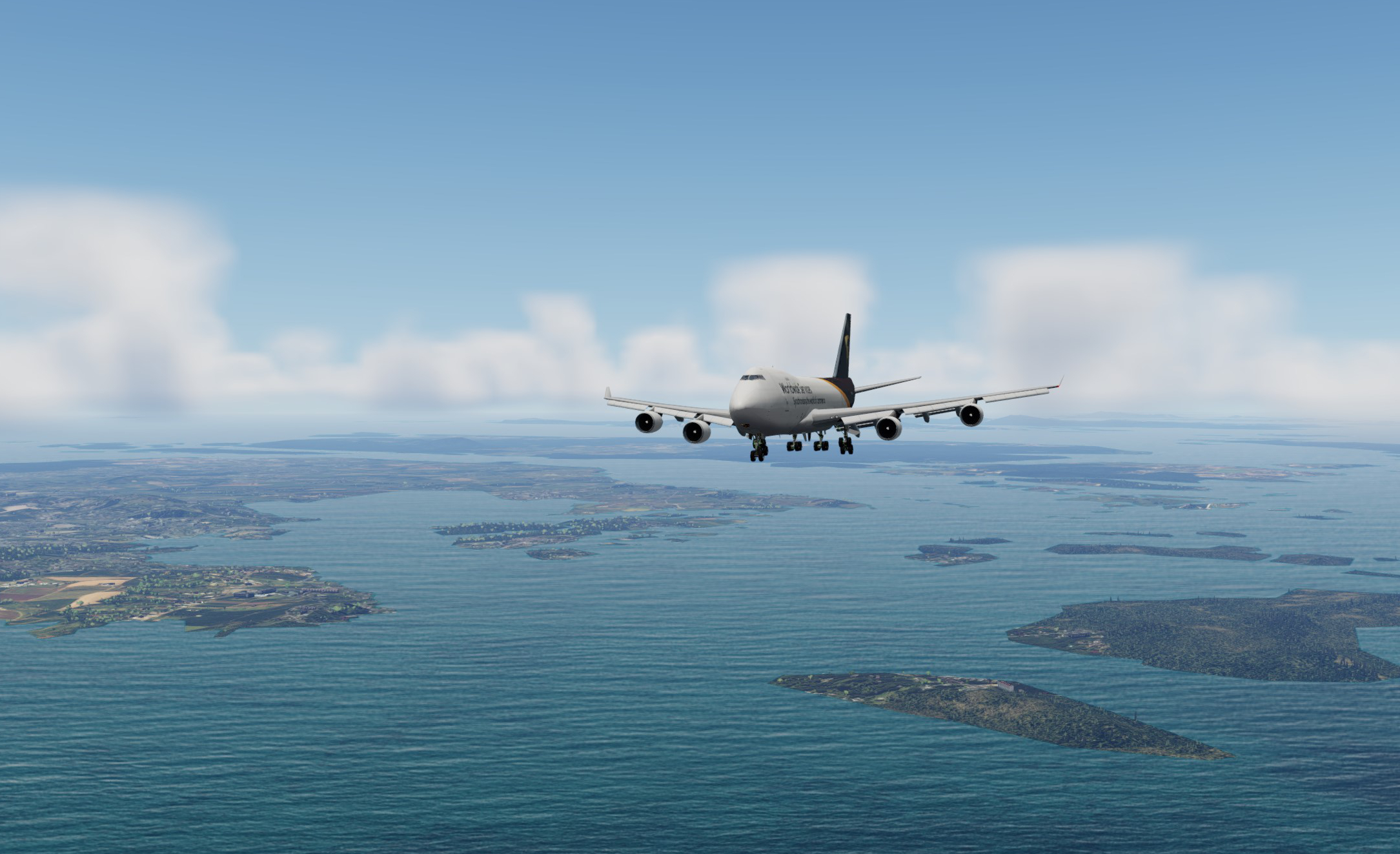
Mid flight now passing over Denver city and heading into the Rockies at FL360. The exterior is very passable as you can see, and I do love this UPS livery for screenshots :wub:
Image

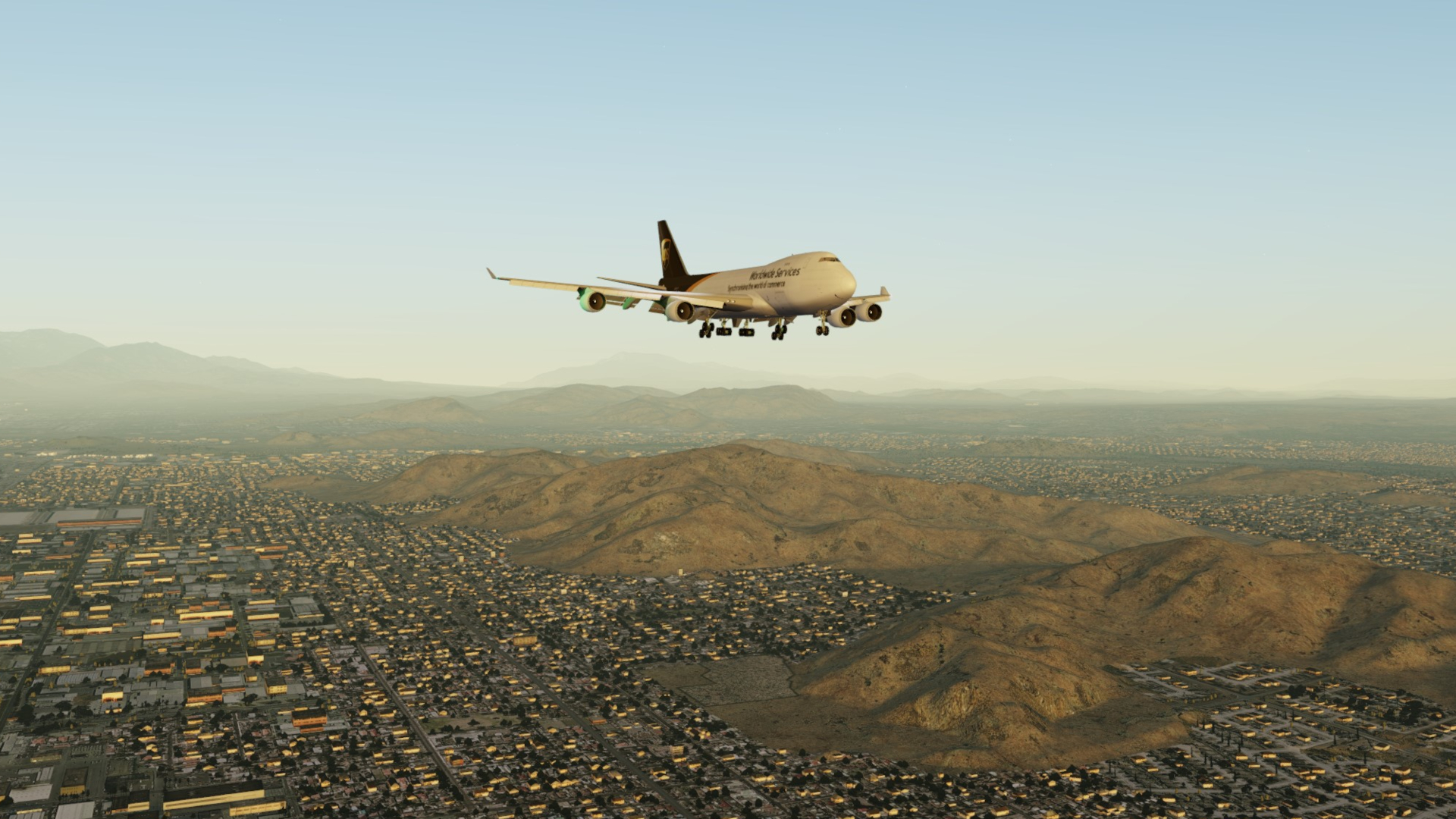
FMC commanding a banking turn as we follow the lateral and vertical profile down into the San Bernardino Valley for our approach to Ontario International. KONT is an alternate for heavies if unable to land at KLAX which only 50km or so to the West. The airport is also a cargo focus for Fedex and UPS for the region
Image

Established on finals now for 26L at KONT. This area is very densely populated, so many people living in the nooks and crannies of these valleys.
Image

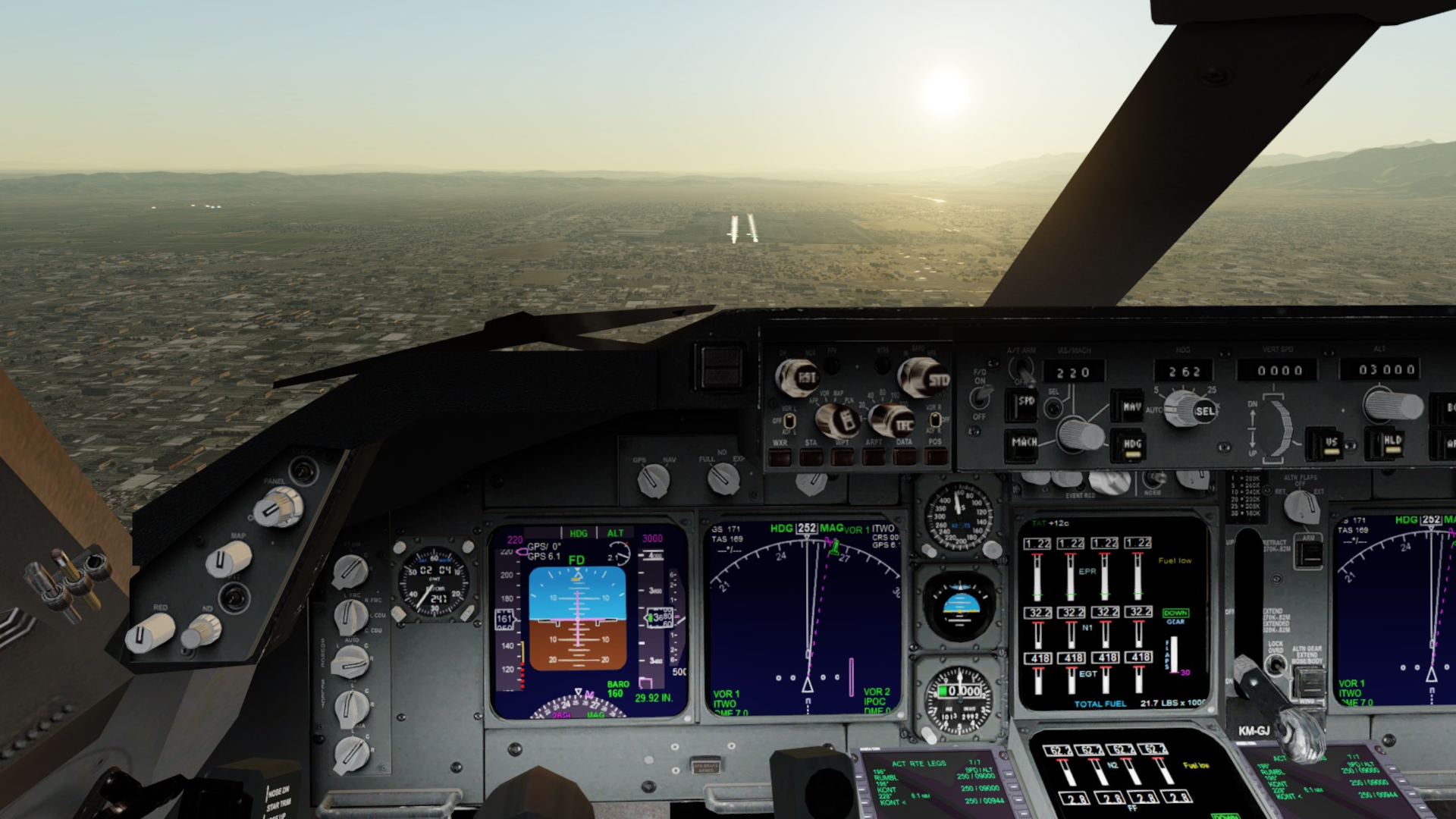
Screwed up the ILS capture here so reverted to hand flying the landing, will cover the systems and nav features and issues in a coming post
Image

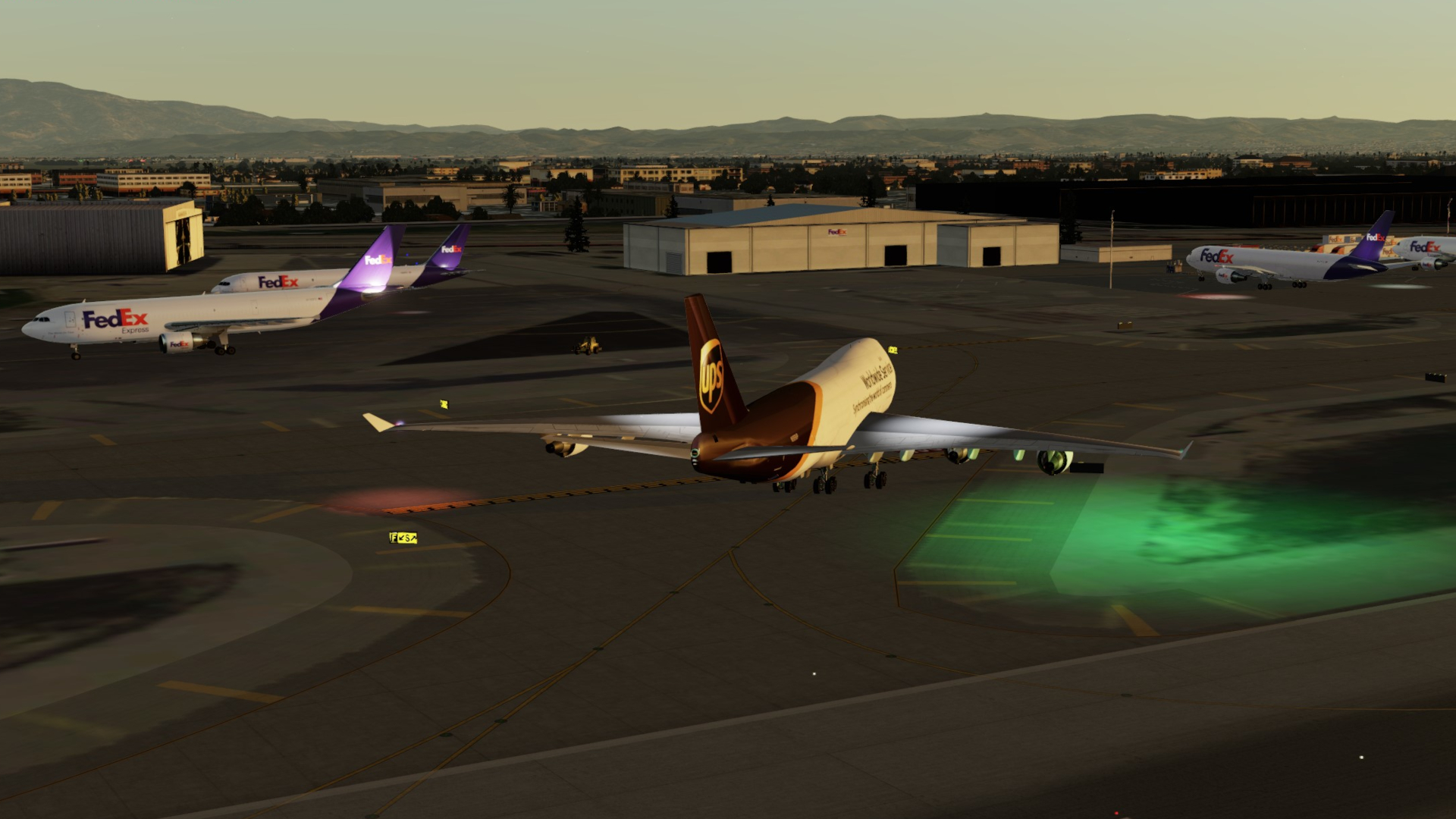
Exiting 26L and looking for a park. Fedex are at the south-western end of the airfield and UPS at the south-east. Not quite sure why the green nav lights are so bright on the model, could be a fix avail for it but not too bothered
Image

What an evening, time for shut down.
Image

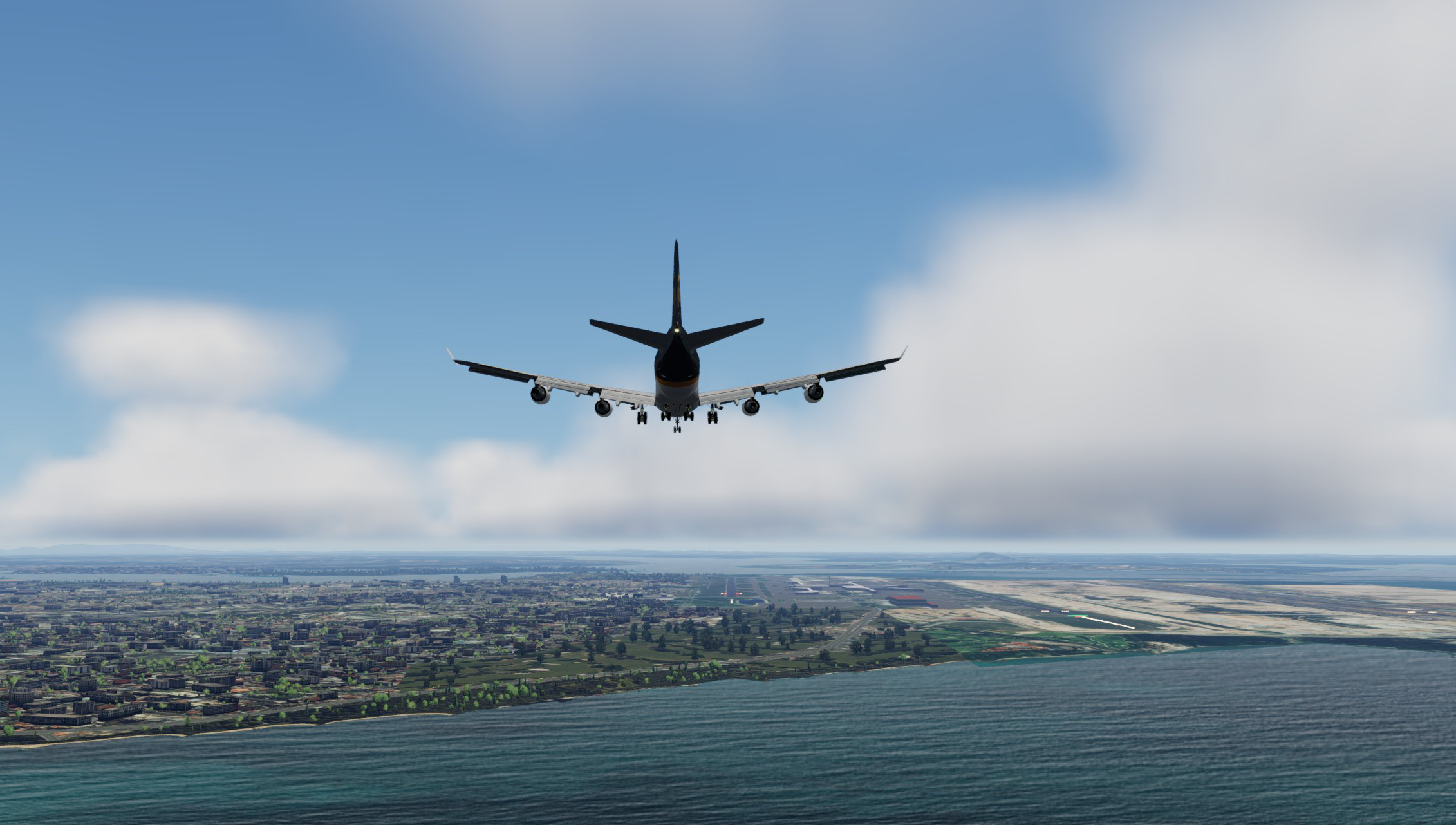
Included this shot to show how close and tight this approach is into the airfield nestled amongst the San Bernardino Valley walls
Image

Time to unload. Turns out I parked at the wrong end of the airfield and will need to get a tow in the morning before departure. The boss isn't gonna be too happy with that :lol:
Image

So, have I sold you yet? Hopefully not coz as mentioned am hoping to dive a little deeper on this machine in future posts. Could turn out to be a lemon, but could be worth the trade-offs in the long run if you're short on $$$ or don't have a machine to run more complex offerings. Stay tuned pilots :-)
User avatar
deeknow
NZFF Pro
 
Topic author
Joined: Tue Sep 18, 2007 10:15 pm
Posts: 4447
Location: NZHN

Re: Back to the future. A review of the Project Opensky 747 for use in P3D in the 2020's

Postby Aharon » Tue Jan 17, 2023 6:39 am

Great flight report posting :groupwave: :groupwave: :clap: :clap: :clap: :clap: :clap: :clap: :clap:
Aharon
Senior Member
 
Joined: Sun Jul 23, 2017 11:39 am
Posts: 1996

Re: Back to the future. A review of the Project Opensky 747 for use in P3D in the 2020's

Postby deeknow » Wed Jan 18, 2023 12:17 pm

Review Part 2: the VC / Panel

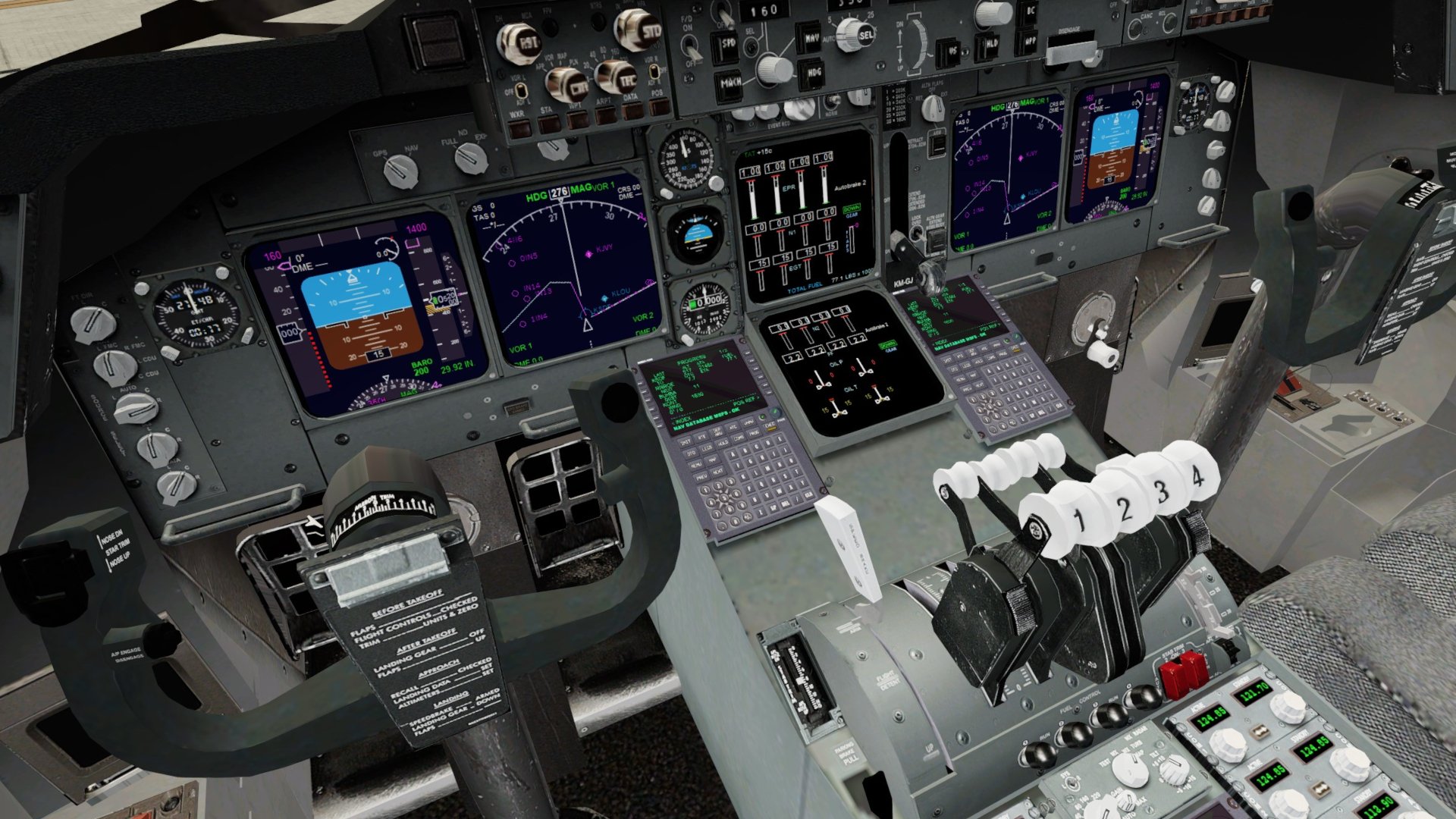
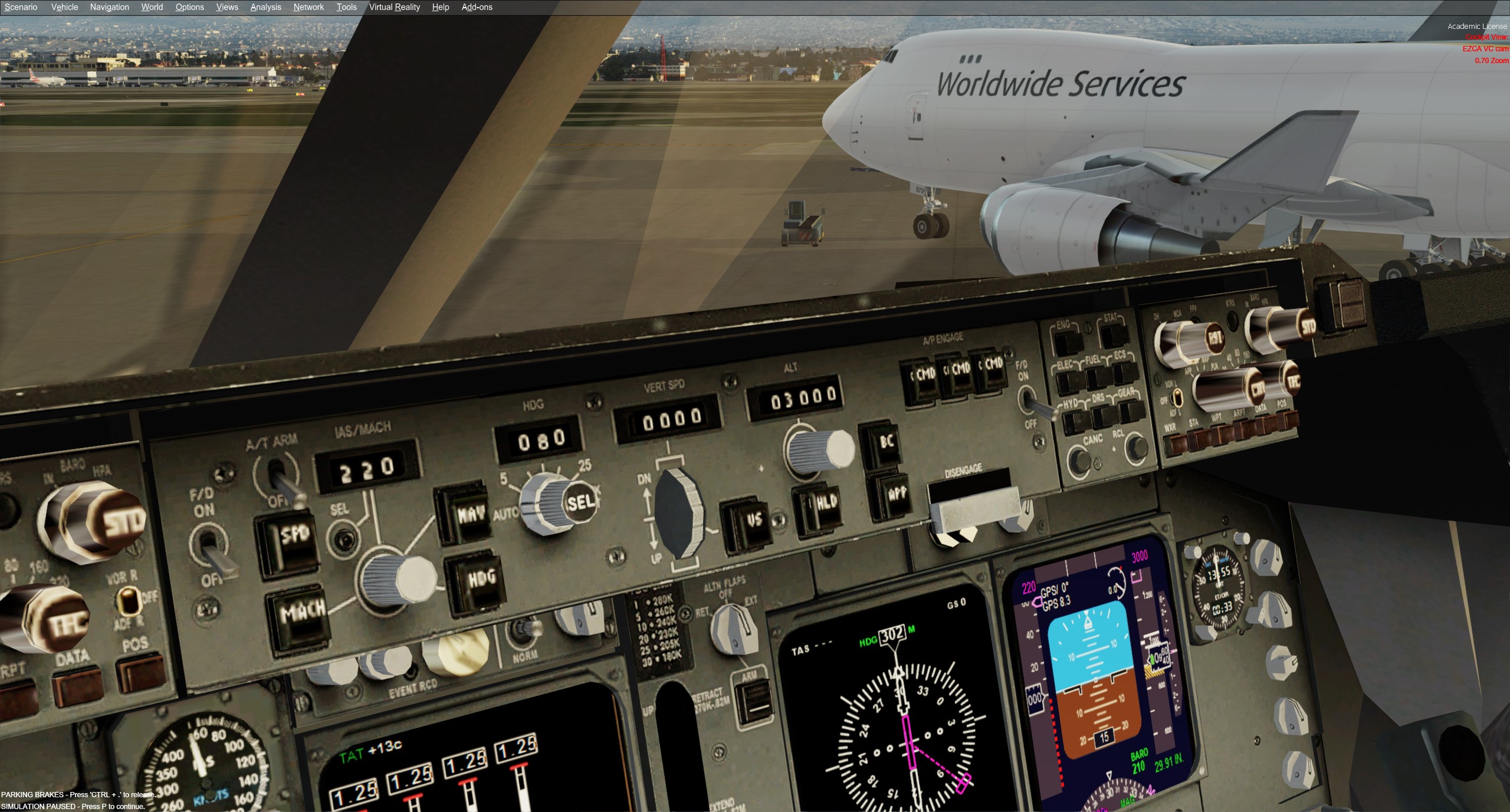
Here's a screenie of the virtual cockpit (VC) panel I'm using at present for the review flights. I've gone for VC only and dropped the 2D views as I just haven't used them in any aircraft since I've gotten used to EZCA for view switching. No more desperate dragging the mouse around hoping to find the right view.

Image

And for the time-poor here's a quick video panning around in the panel as configured in my machine now
Watch on youtube.com


In this post I'm only gonna look at the general appearance and interactivity of the panel features. In the next post I'll explore how, or if, these actually work when used in flight and take a look at the FMC options as these can be critical to make the flight more realistic.

Sourcing a panel?

It's surprisingly tricky finding a VC panel that works in P3D out of the box, and that may turn out to be a show-stopper for some who don't like to fiddle with config files. This is partly related I suspect to the license agreement (however binding that actually is) that the POSKY models were originally released under. It states more or less (I'm paraphrasing) that the models must be distributed on their own without any other custom add-ons and from a limited number of approved sites.

This hasn't seem to have stopped folks distributing whatever they like. To be fair it can be a right royal pain to find panels, gauges, sounds and textures that all work happily together with any aircraft in P3D especially as xml gauges are usually the order of the day and legacy items from FSX just flat out sometimes don't work. So I understand why people tend to build a working bundle and share it so it's easier for others to install.

I've chosen a base panel I like the look of and slapped that together with a few other compatible gauges and their associated textures and sound effect from various sources. This means I have a specific panel.cfg file and a wee collection of dependencies from other sources that must be placed in the right folders. Feel free to IM me for info on how to tweak your own config, I can also provide pointers to where the dependencies can be found the usual sites. I wont be sharing the panel, files or models though as they aren't mine to share.

I believe the base model is a dual effort with VC itself a modification of the old FSX 747 VC by Alejandro Rojas Lucena and texture upgrades by Enrique Cornejo. The reason I say believe is because the original creators of items in bundles are not always credited. Seems it was originally created for use in FSX with XML gauges and reuses a bunch of FSX 737-800 and 747-400 default gauges. I'm also using the GPWS (ground proximity warnings) gauge by Rob Barendregt.

Before I launch into critiquing it I just have to say this is a freeware panel, these guys have crafted it in their own time out of a love of the aircraft. We all appreciate the effort folks like this go to so I don't want to sound like I'm being too harsh. It's certainly not perfect, but nothing is even at payware level. And also note this panel has been around for awhile and depends on other gauges from way back to it's unfair to compare it directly to newer P3D and in particular MSFS or XP12 etc. I'm giving it some cheeky scores following just for relativity.

General modelling

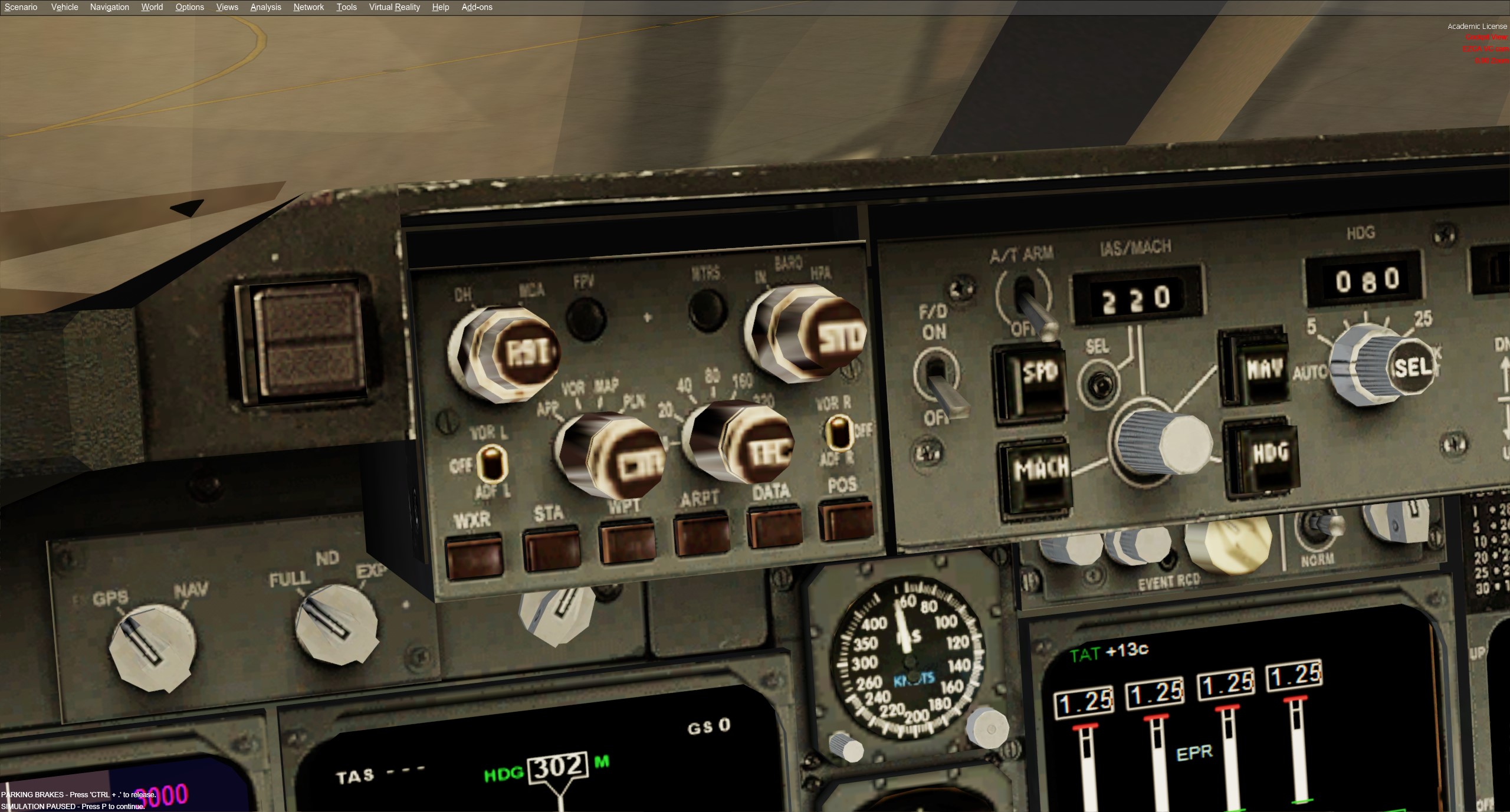
The modelling itself actually looks OK, certainly by FSX standards. Not super high-res vertices, faces or texture wise but actually looks the part at a seated distance. The closer you zoom in the grainer things get and the weirder the geometry of some the 3d buttons becomes. One clanger of note is the EFIS panel on the glare-shield which just looks weird and out of sync with the style of the other elements. May have been a customisation.

Image

There really isn't anything better freeware wise and there are no pay-ware VC panel add-ons available for the B744 that work in P3D, and not likely to be now that devs have moved on to MSFS. Also, P3D doesn't ship with any Boeings (Lockheed are the competition after all) so there are no native panels available to merge with the POSKY, that would usually be the go to and pretty simple to do.

One money saving option I thought might work would have been to buy the iFly 747 (a pax only model) for P3D but it's not v5 compatible and doesn't look like (as of Jan/2023) that the developers will be adding support, given their focus on their new 737Max release
http://ifly.flight1.net/forums/ifly-737 ... 18247.html

So, the panel LOOKS OK but how's the interaction? Well, the out of the box experience is what you'd call "semi functional".

Starting at the rear and working up...

Centre pedestal

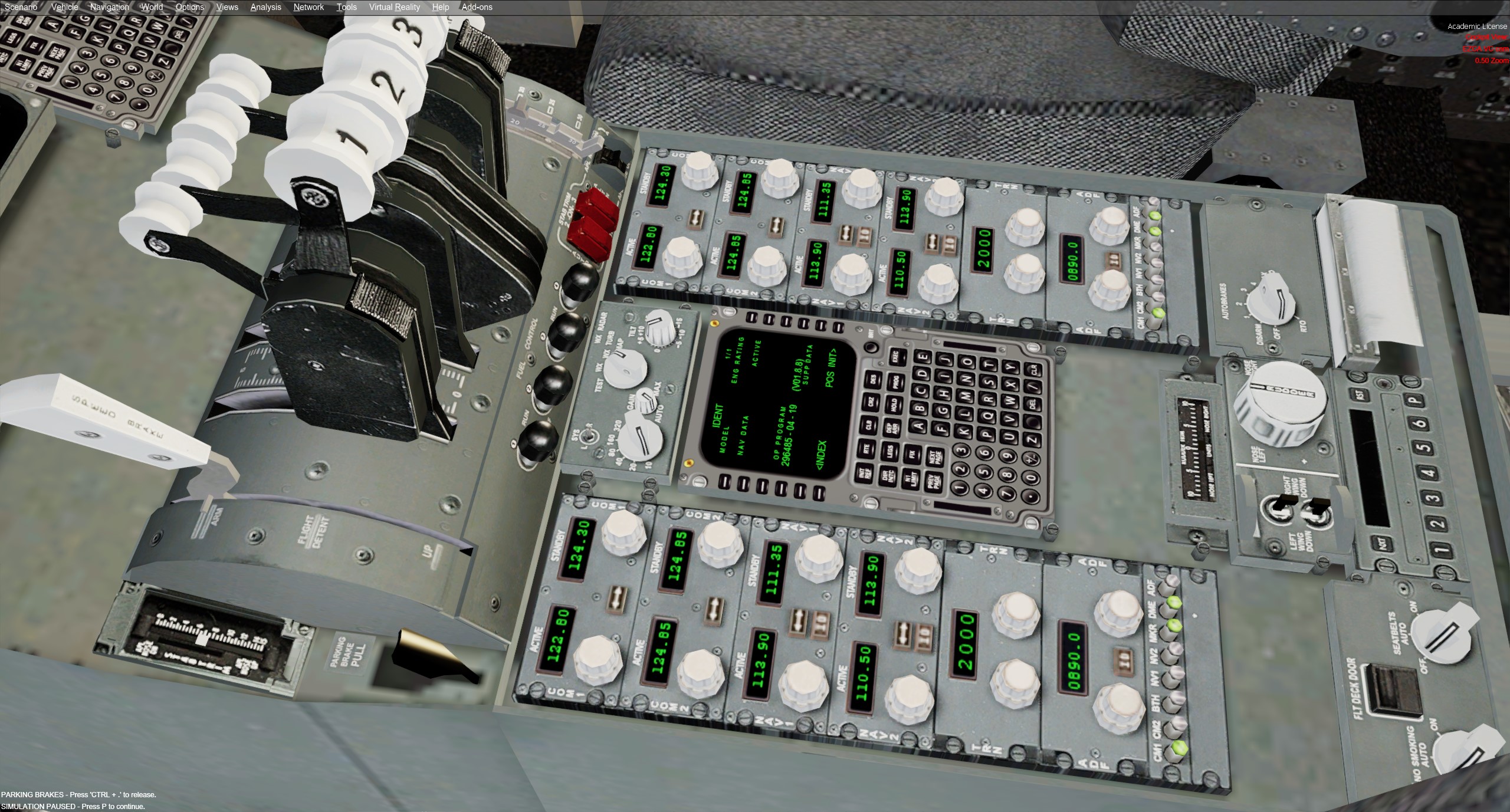
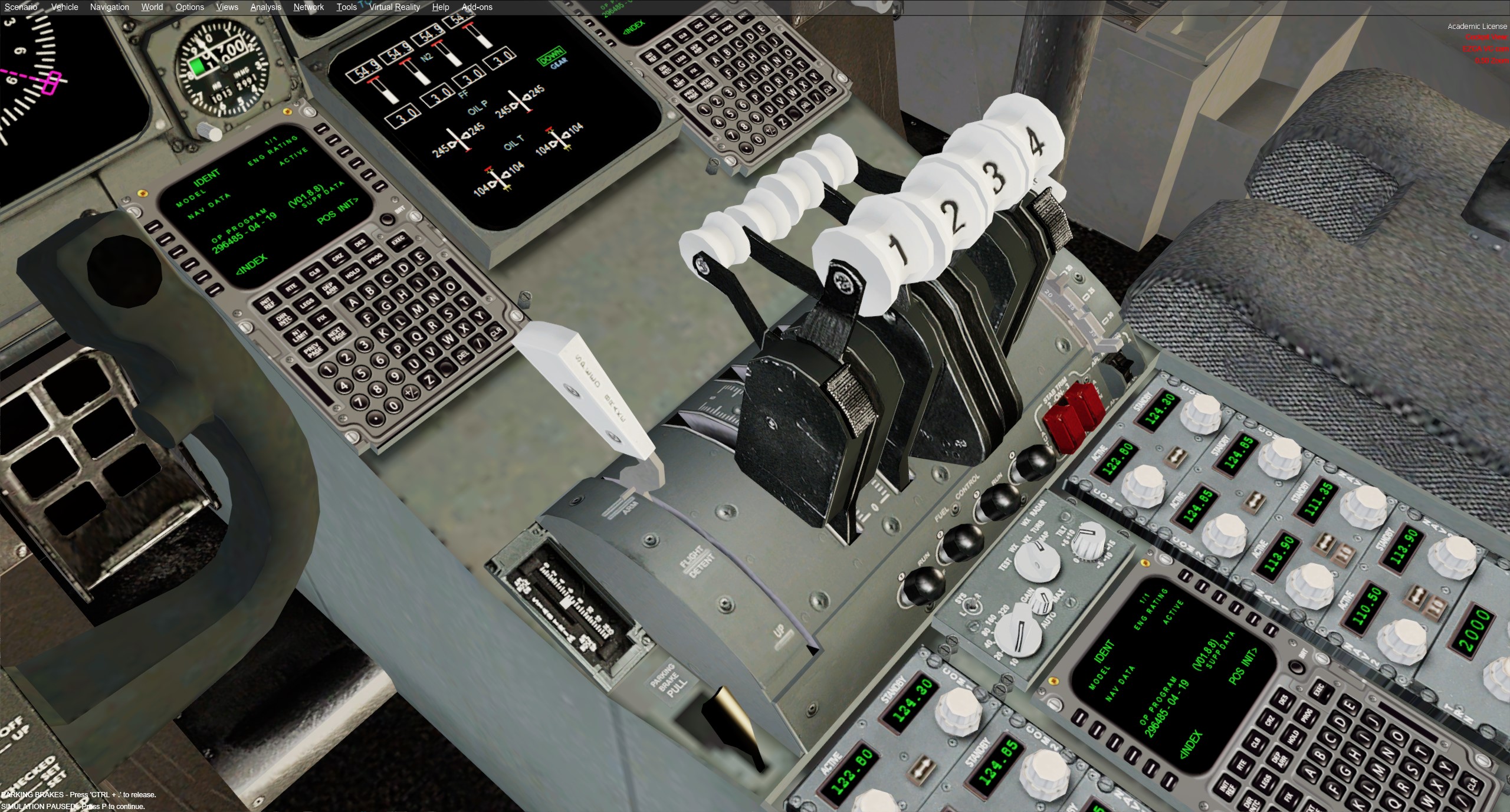
Most of the centre pedestal is nicely done. The coms panel state is replicated over to the 1st officer side which is fine w me. The CDU (more on this later) is also a mirror of the captain and FOs which is also sweet (we're not likely to be flying shared cockpit with this one).

Image

Throttle quadrant, spoiler and flaps arms, fuel control switches, auto-brake and stab and rudder trim, seat belts, no smoking switches and parking break lever are all functional and animated. There's also a modelled weather radar panel and an ACARS unit and printer but these aren't functional. The detail and functionality here is a 3/5 if I had to score it.

Image

Forward panel

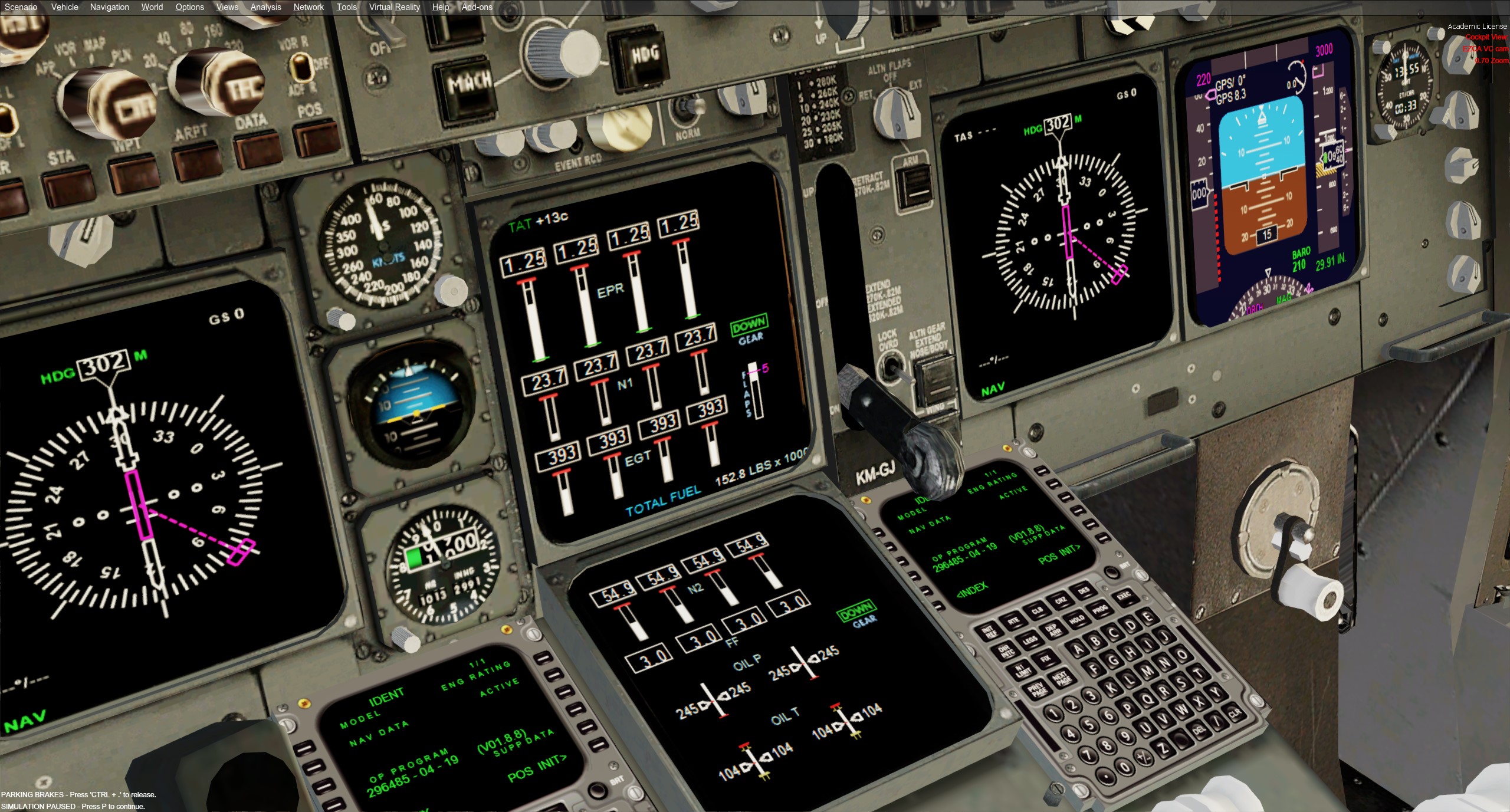
Moving to the main forward panel things are also pretty good. PFD and MFD are linked to a 737 gauge which is close enough. The two EICAS panels show engine status, fuel flow, temps, flap and gear position but that's about it. No APU, hydraulics, fuel, flight controls or checklists pages here sorry. There's a switch to toggle the position of what's displayed on which CRT on the main panel, e.g. you can swap the inboard/outboard positions of the PFD and ND, but the real world source selector knobs on the left are modelled but not functional. There's another knob to flip A/P source between GPS and NAV sources.

Image

The standby instruments weren't animated initially out of the box but I sourced an XML gauge update from a 3rd party which sorted that. Gear lever is ok but doesn't have the mid point "Off" position and there is an oxygen mask area and window lever modelled but they're not functional. The Yoke is animated of course but none of the switches on it are operable.

The clock seems to behave fine with the usual start, stop, reset modes although interestingly not triggered by the buttons on the edge of the clock but via a hotspot just inside the top left edge of the clock face. I ended up adding a 2D popup clock which is nicer to use and the buttons are functional. I reckon this area is a 3/5 score wise.

MCP and glare-shield

Heading up to the MCP and glare-shield things are getting a little rough around the edges.

As mentioned the EFIS looks ghastly and it's a little tricky to hit the hotspots on the knobs but the basics do work. You can switch the ND sources (VOR/ILS/MAP etc), map zoom range and set the barometric pressure and decision height. You can also filter what's displayed on the map selecting one or more of waypoints, airports and data but as discussed there's no weather panel built in (there may be a 3rd party gauge out there). There's also no Meters/Feet toggle (for those flying across China/USSR etc). Would have to score a 2/5 for the EFIS.

One interesting omission in the CDU (either of the ones I've tried) is any way to set the VOR/ILS course. In the B744 there is no CRS button on the MCP usually its all managed thru the CDU. As there's no way to modify the CDU gauge itself I ended up tweaking the EFIS panel XML gauge files and replaced the script and bitmap of the decision height button with the course selection equivalents. Not super realistic but means I can now set CRS on approach quite easily.

The main MCP functions all work as expected except the interaction is a bit weird where instead of twiddling the knobs for airspeed, HDG, VS etc you mouse over the numbers in the LED are next to the knob and scroll the mouse wheel or click + and -. It works though once you're used to it. The FD buttons move in tandem, not independently but that's not a biggie, and the EICAS source selectors are modelled but not active. The MCP is OK, I'd give it a 3/5.

Image

Overhead

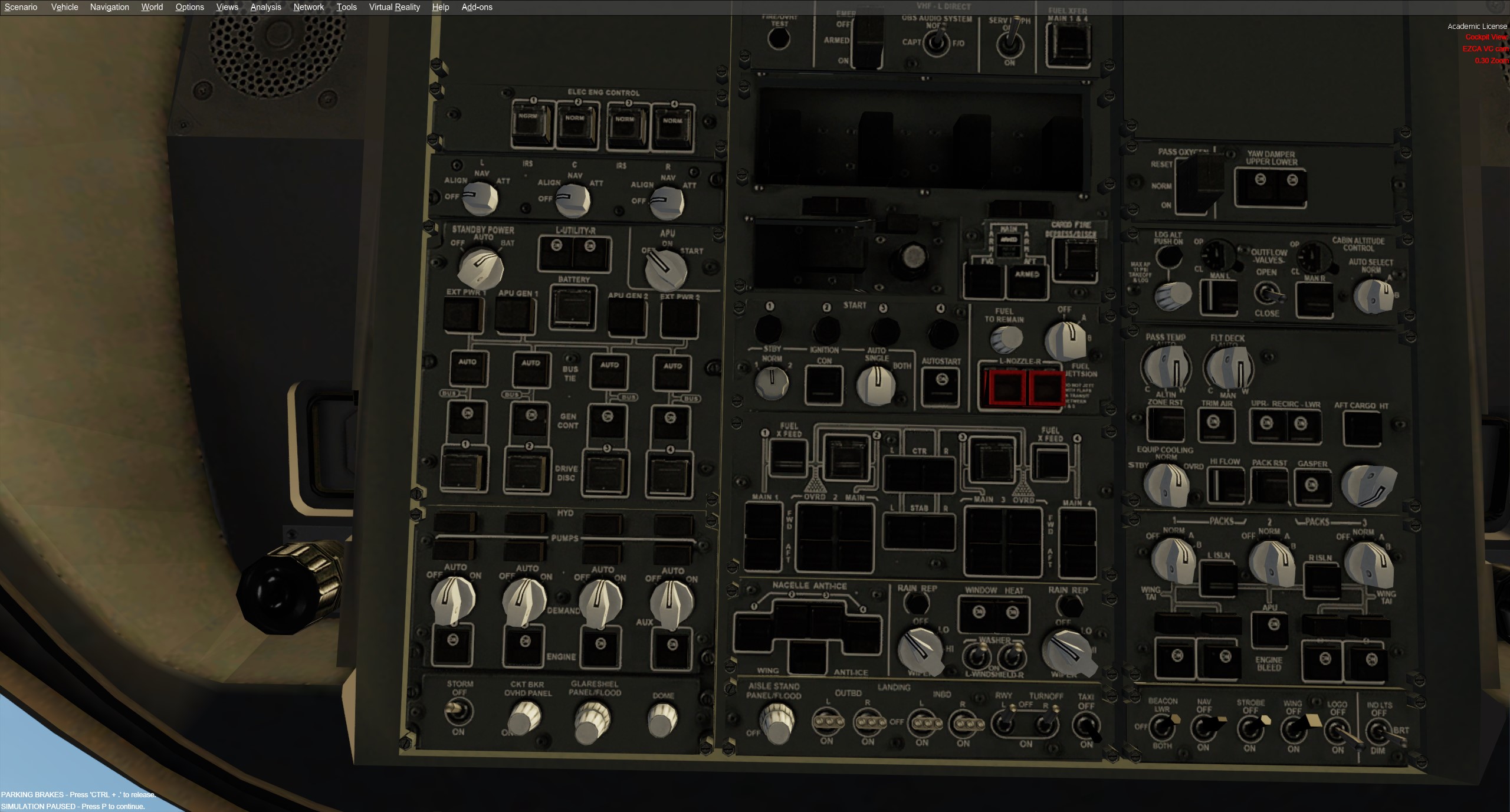
Now heading up to the overhead. Saved the worst for last I'm afraid. Let's just say it's gonna be easier to explain what IS working than to list what isn't. There is some 3D modelling on most switches and knobs but very few have any movement or annunciations and even fewer are actually interactive at all.

Image

Sweeping from top-left across to bottom right you get... standby power and APU (fake) selectors, battery switch, independent generator switches, hydraulic pump on/off/auto selectors, panel lights on/off toggle, fuel pump switches, starter switches, anti-ice switches, wiper controls and lights (no RWY turnoff though) and yaw damper switches.

And that's about it. Nothing for ADIRU, external power, fire tests, air-conditioning, packs, cabin pressure, fuel jettison, oxygen or window heat, and to be fair these aren't modelled anyway. The overhead then is a 2/5 if I'm being generous, looks OK but incomplete.

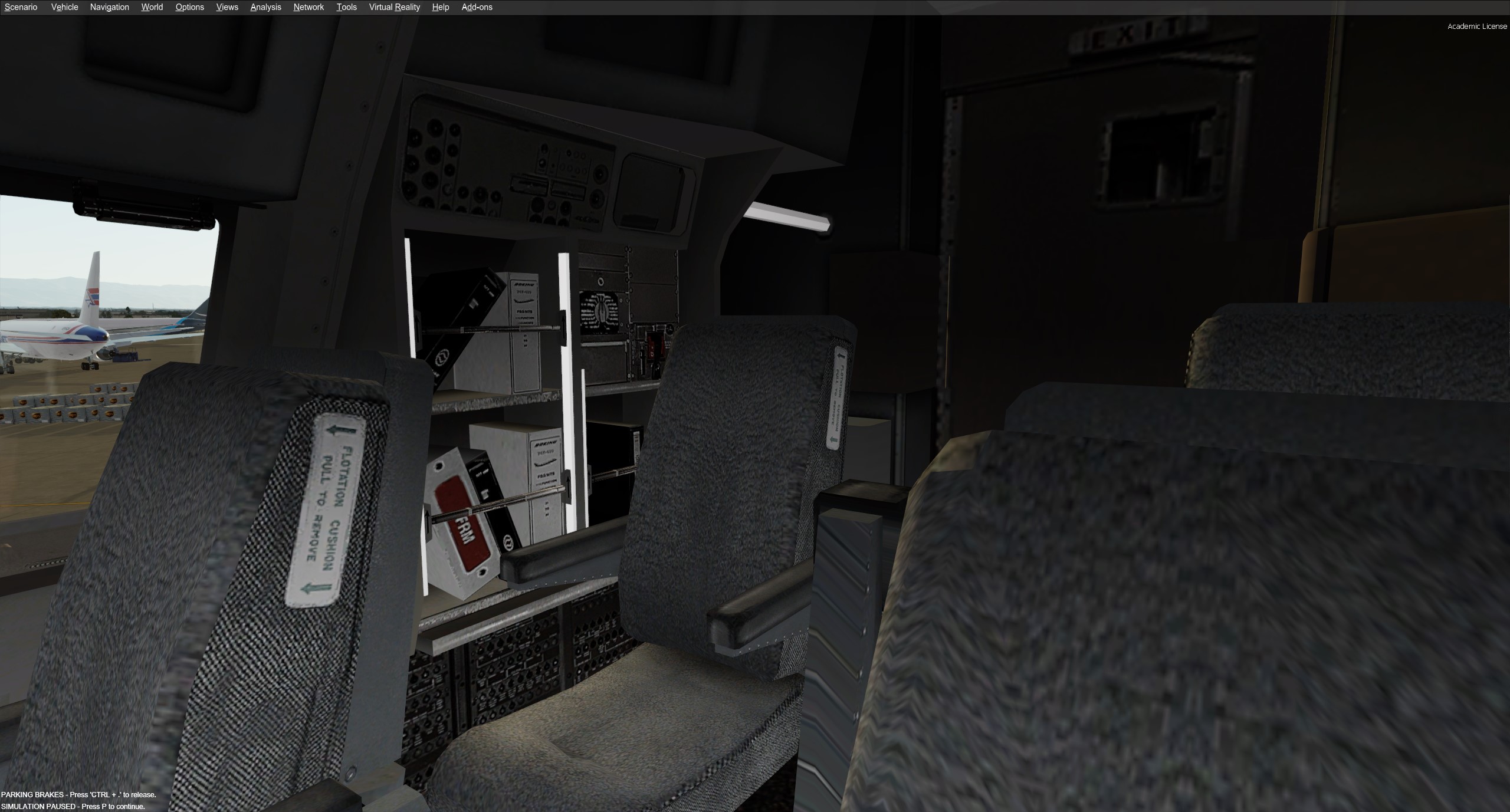
Apart from that we have the high overhead area which is inop, jump-seats and cabin door, and manual/documentation shelf on the FO side.

Image

Summary?

So that's about it for the look and feel. Next post will look into how or if these things work in-flight and I'll grab some detailed shots of the CDU capabilities both of the one that ships with this P3D panel and the ISG one I use which is a payware option that's been around for many years and has served me well.

But just in case there are some 2D stalwarts around here's a shot of the 2D panel in all its glory, uses all the 737 and 747 gauges from FSX and will look familiar to anyone who flew the 747 back in the day on that platform. Seems to work fine but I'm not using it myself

Image

Hope that was helpful. See ya in the next post :rockon:
User avatar
deeknow
NZFF Pro
 
Topic author
Joined: Tue Sep 18, 2007 10:15 pm
Posts: 4447
Location: NZHN

Re: Back to the future. A review of the Project Opensky 747 for use in P3D in the 2020's

Postby Aharon » Thu Jan 19, 2023 5:18 am

Great review To tell you truth, the VC cockpit panel looks nice to me. The only missing is moveable sunglass shield to shield away direct sunlight when you are approaching runway in front of sun :D :D :D :D

Regards,

Aharon
Aharon
Senior Member
 
Joined: Sun Jul 23, 2017 11:39 am
Posts: 1996

Re: Back to the future. A review of the Project Opensky 747 for use in P3D in the 2020's

Postby deeknow » Thu Jan 19, 2023 11:01 pm

Review Part 3: Flight and Navigation

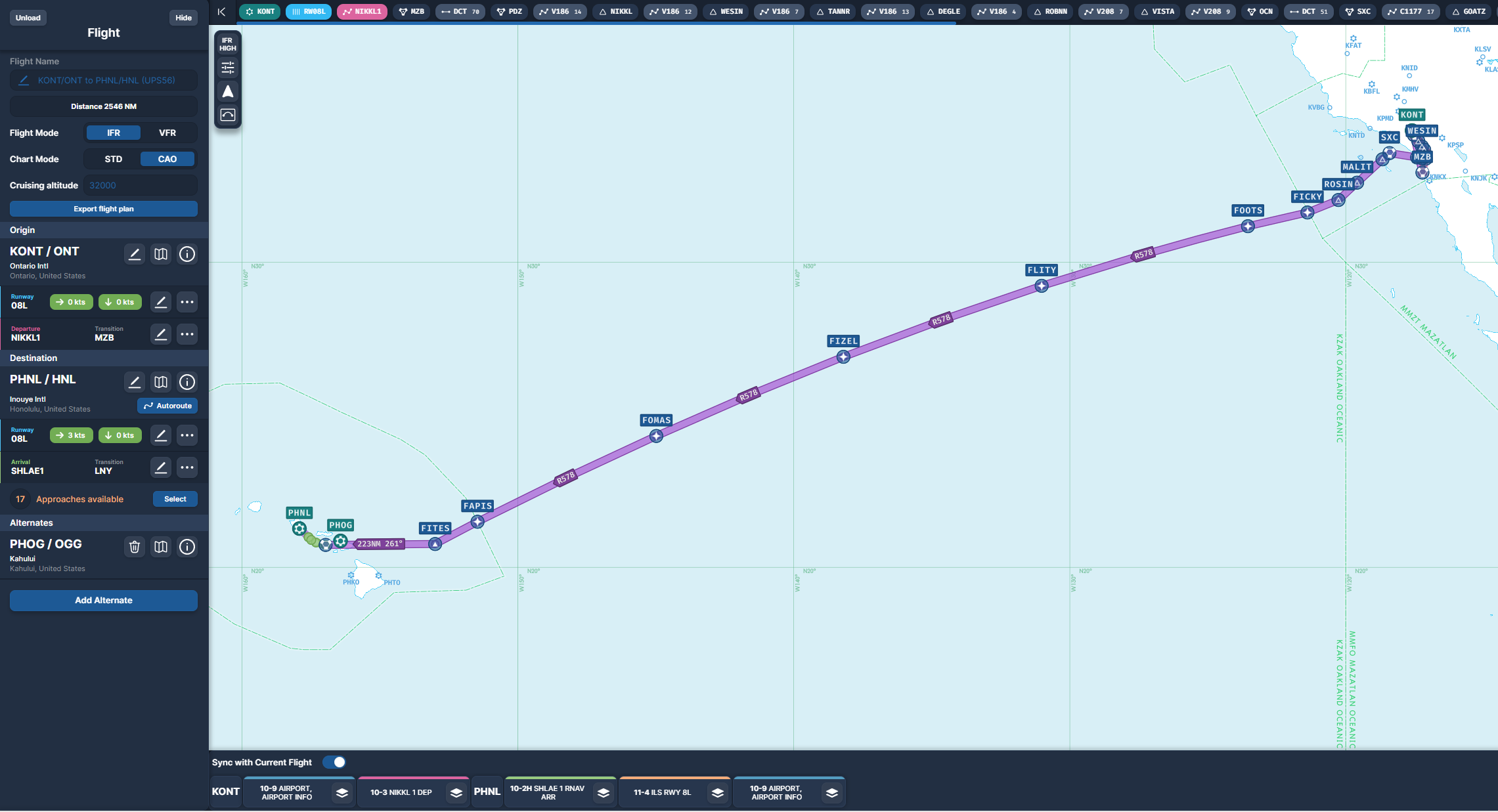
Have looked so far at external modelling of the POSKY aircraft, and internal modelling of the 3rd party VC. This post will explore how these work together re actually flying one of the routes in this UPS ring-of-fire. We'll pickup from where we parked at the end of the first leg in Ontario and fly Leg 2 from there to Honolulu. It's real world flight #5X56 and typically flown by a B744 or B748 these days.

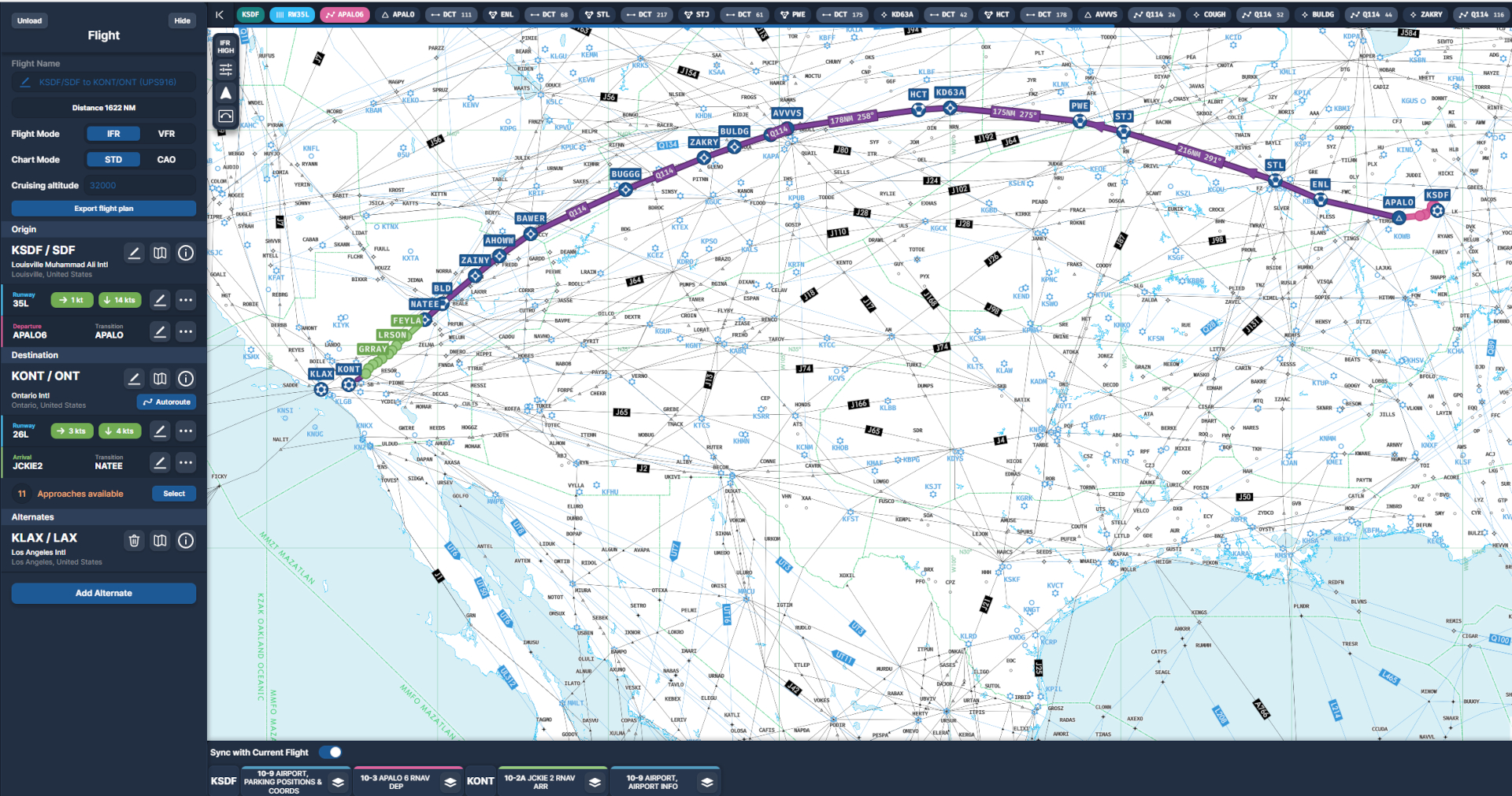
Here's the route in Navigraph

Image

Given the panel detail we know we're NOT aiming for study level here, so cockpit and flight prep is really focused more on planning, FMC setup, loading the flight plan, setting the FMC for departure and matching config in the MCP before we actually depart. There's nothing modelled for ADIRU, APU start-up, packs, arming doors, EICAS control checks, etc etc. so most of the fun here is in the fight planning and execution really. If that floats your boat, as it does mine, then your in the right place.

Flight planning

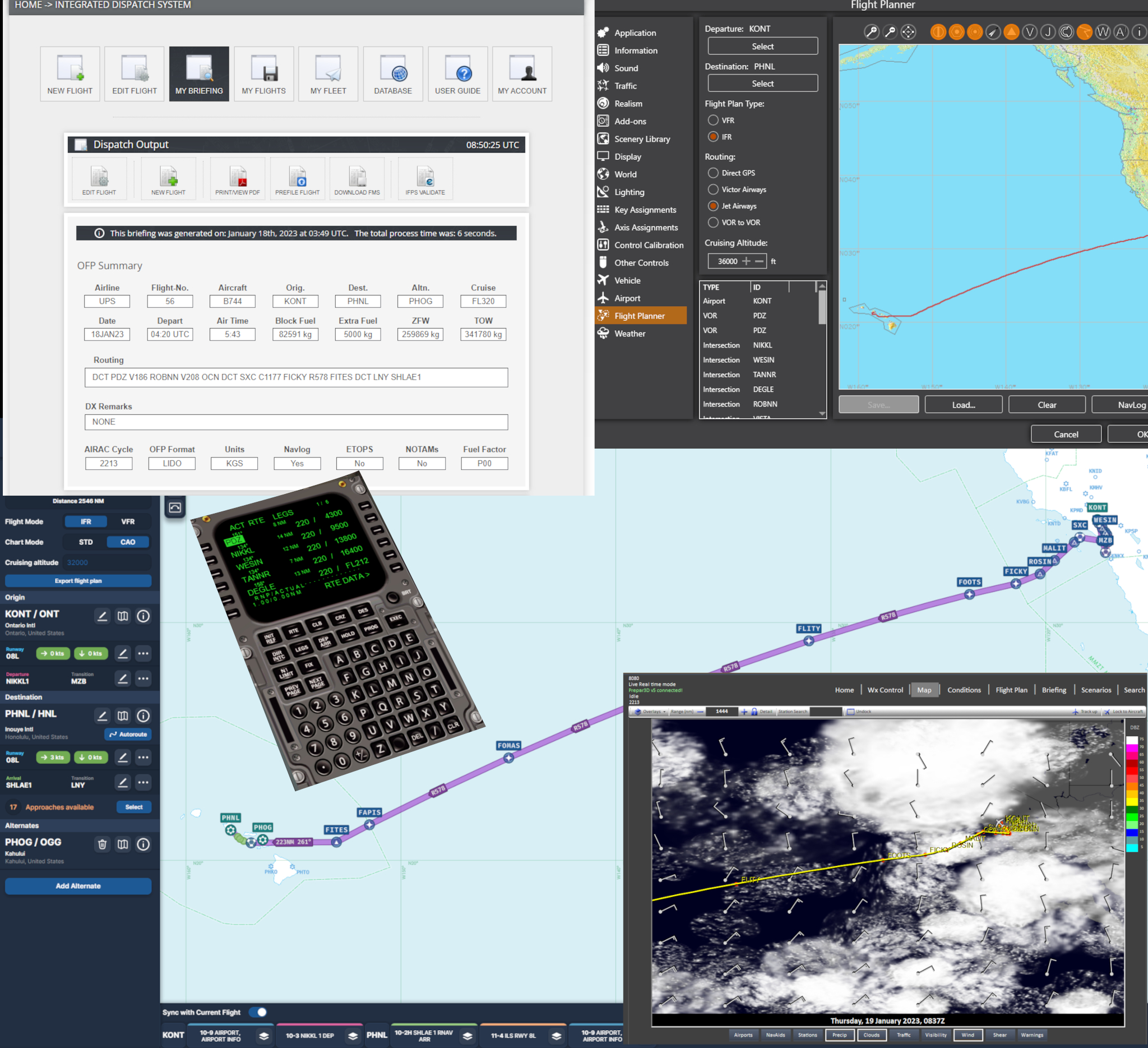
My typical planning cycle is to check the weather/METAR for departure and destination, use SimBrief to select a route and prepare a detailed flight plan, import that flight plan into ActiveSky so we can track winds aloft, and import the same plan into Navigraph so we can browse the relevant charts along the way.

To setup the FMC I'd typically use the same flight plan in a format that suits the vendor/model but in this case we need to use the generic MS/P3D flight plan format. That format doesn't always play nicely with SIDS and STARS so in this case I've opened that generic flight plan and added a few manual waypoints here or there to make the departure and arrival match more closely the SIDS/STARS appropriate for this flight and conditions.

Here's a screenie of all the moving parts....

Image

CDU/ND/PFD gauges

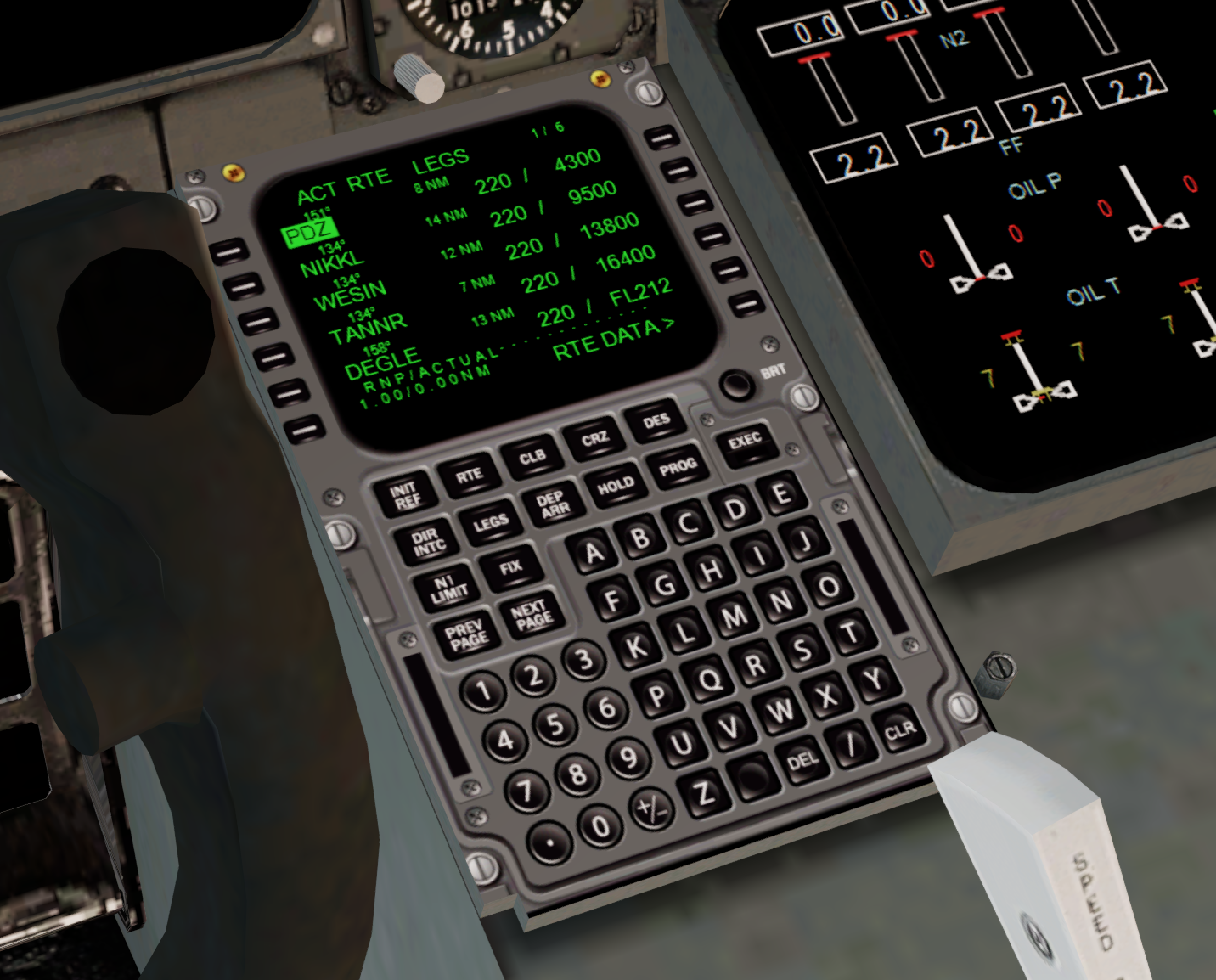
I haven't mentioned this yet but I'm actually using the awesome and modestly priced gauge pack from legendary 3rd-party commercial developer Ernie Alston. The Integrated Simavionics (ISG) gauge pack includes amongst other things a CDU and matching ND/PFD. You'll see a few pics showing those. There is a freeware CDU and default ND/PFD from FSX that you'll find bundled with most POSKY B744s they work reasonably well but nowhere near as polished as the ISG combo. Definitely recommend you look at that if you like to fly and tweak freeware aircraft to suit yourself. I'll probably do a post comparing the two but for now that's what you're gonna see.

Speaking of which, here's the plan loaded up and ready to go.

Image

Departure

We're getting away early this morning from Ontario to beat the rush. Conditions are mild, some broken cloud at 6000ft, cool temps and a slight cross-wind which we can handle a departure on 08L for. Lights on and off at appropriate times, manually set take-off thrust (there's no TOGA button), gear up, flaps retracted on schedule and all worked fine. There's no TCAS to tweak unfortunately. We're on the NIKKL1 departure which sees us make an immediate right turn, then head south along the valley as we climb, before another right turn to pass over Santa Catalina island, then westward on to Hawaii for a few hours.

Image

Scenery is a freeware KONT from Shehryar 'Shez' Ansari, available at avsim. Filename: ont2012x.zip

The plan loaded nicely into the ISG gauge, all the waypoints and altitudes there, even some of the constraints (e.g. above or below or at). I even tried some imaginary ATC calls to "direct XYZ" to shorten the departure a little moving a few waypoints up the list. Hand flew the initial departure and the aircraft kinda felt nice and stable and heavy (not that I would know what a B744 flies like but from what I understand the POSKY team did have a lot of technical input to refine the AIR file).

Used VS and HDG modes during the early manoeuvring which worked nicely then tried flicking to NAV but for some reason it just wouldn't track LNAV reliably. There's not really a VNAV mode as such but the combo of VS/ALT kinda works that way except that any time you alter ALT it will immediately start climbing or descending rather than waiting for a suitable point based on the legs profile in the flight plan.

En-route

ActiveSky had forecast some stiff winds and they weren't wrong. From about FL300 up to final cruise there was a pretty punishing headwind just off the nose, guess it was the sub-tropical Jetstream? It let up a few knots when I did a step change from FL360 to FL380 which was via an ALT change. There's no FLCH button in the baby so the model chooses V/S (which you can override) until you get to the new target ALT, it's kinda like a hybrid VNAV.

Image

I experienced some weirdness re speed management in the default CDU on my first test. It had an annoying habit when in CRZ of reverting speed back to knots set in the flight plan legs even if you had switched to Mach speed mode which you would usually. I eventually realised it was doing this every time it passed a flight plan waypoint. I resorted to leaving it in SPD mode rather than Mach otherwise it would try and match the current ground speed (e.g. 420) as an IAS which it just couldn't. The ISG CDU however has no such issues and left it in managed Mach speed, e.g. Mach 0.85, and it would stay there for the whole flight.

I also flirted with the Simulation Rate which I'm usually nervous to do, even in payware. Things went well, no issues at all when running in the CRZ at 4xspeed. I think you could quite happily do that on longer flights. I always fly departure and approach/landing at 1x and I never tend to go faster than 4x in the cruise as you're just asking for trouble.

Approach and Landing

Land ahoy !!! It's quite a long approach over the neighbouring islands when descending down to Honolulu from the East. As there's no real VNAV feature I selected the target altitudes for the various constraints using the human-powered computer to work out timings/distance and let the AP descend as it saw fit. Usually this was a little too slow so I'd override the V/S and keep an eye on airspeed myself.

Image

I'd given up on LNAV being tracked properly early on so stuck with HDG mode to fly the STAR and final approach. This works fine, the ND map display shows where you should be and you're simply tuning the HDG bug to follow the path, winding back the airspeed as you go. This wasn't a hassle at all and I guess like being vectored in for finals by ATC anyway.

Image

Capturing the ILS and glide slope I had practiced earlier as it didn't seem reliable the first few times I tried it. The ILS display when swapped for map does show your deviation accurately and the glideslope is bang on on the PFD, so what I ended up doing was getting myself to the FAF height, and using NAV mode to get close to where ILS alignment would be and THEN engage APP mode via the button on the MCP. This works fine and tracks the G/S all the way to the runway. If you try to capture either too far out the AP just clean flies past them an never engages. It's a bit of trial and error but it works.

Image

Landing and Taxi

Landing went well, the GPWS callouts kicked in nicely, killed the AP at 1000ft, hand flew the landing whilst disconnecting the A/T at about 500ft. She was pretty slow to respond to correct the runway heading but I guess this is the thing w heavies you get them established nicely up front and not throw them around at the last minute? Anyone care to share whether thats the case?

Image

Exit to the right near the far end of RWY08L, pause before crossing 08R and over to the cargo ramp which is a conveniently short taxi away. Nothing special to note here, flaps up, landing lights off, no APU to fire up or monitor really and no external GPU to wait for. The size of these B744s is so impressive, you do get a feel for it in this VC view and of course need to be careful not to cut corners and bury yourself in the grass. Handing on the ground feels solid, heavy and purposeful just like in the air.

Image

Time to park at the ramp, shut the machine down, and pretend it's in a healthy handover state. This is a busy wee ramp what with UPS, Fedex, Amazon/ABX/ATI, NAC, ANA and Aloha cargo all frequenting Honolulu with their wide-body freighters. Time to hit that mini-bar.

Image

PHNL scenery is from FSDreamTeam. Was created originally for FS9/X so is showing its age these days but worth a look on sale.

Summary

OK so there's some good and bad here right. On balance I think this is worth persevering with and with some practice (let's call it "sim time") I think you can get your head ahead of the game with this panel/gauge/air-file combo and actually fly this baby quite happily. Sure it's not a PMDG experience but so far so good from my point of view. Just don't expect to engage LNAV + VNAV modes and head away to the rest area. You are gonna need be hands-on. Not such a bad thing?
User avatar
deeknow
NZFF Pro
 
Topic author
Joined: Tue Sep 18, 2007 10:15 pm
Posts: 4447
Location: NZHN

Re: Back to the future. A review of the Project Opensky 747 for use in P3D in the 2020's

Postby Aharon » Fri Jan 20, 2023 6:48 am

Beautiful flight report I wish everybody does the same thing that you are doing!!!

Regards,

Aharon
Aharon
Senior Member
 
Joined: Sun Jul 23, 2017 11:39 am
Posts: 1996

Re: Back to the future. A review of the Project Opensky 747 for use in P3D in the 2020's

Postby deeknow » Fri Jan 20, 2023 8:29 am

Awww ... thanks buddy :wub:
User avatar
deeknow
NZFF Pro
 
Topic author
Joined: Tue Sep 18, 2007 10:15 pm
Posts: 4447
Location: NZHN

Re: Back to the future. A review of the Project Opensky 747 for use in P3D in the 2020's

Postby deeknow » Mon Jan 23, 2023 10:42 pm

Review part 4: More model discoveries

Leg 3 sees us head down-under operating real world UPS flight #5X34. We get super close to NZ but not close enough coz AFAIK there are no current UPS B744/8 flights operating here (lemme know if you know otherwise). We fly from Honolulu where we left off last time to Sydney, total distance 4489nm as the Boeing flies.

This is gonna be less of a review flight and more of an experience and flight pics one. Reason being I had a few more issues along the way which I'll cover briefly, but in a nutshell there are some clangers and if I cant sort them out soon on P3D then this show is gonna grind to a halt pretty quick.

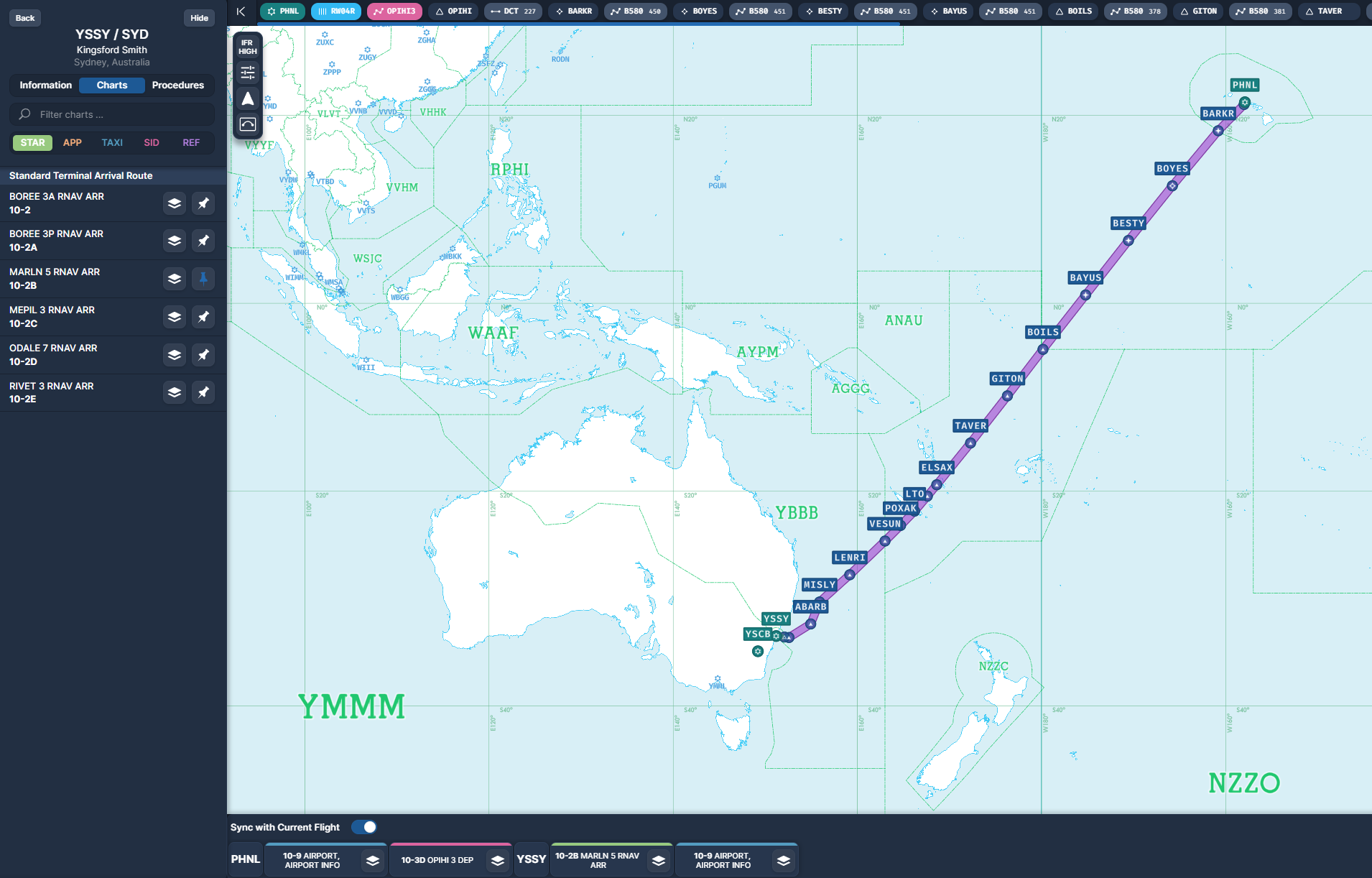
There are loads of feasible routes I just randomly picked one in SimBrief that used named waypoint names rather than lat/lon pairs as it's a bit easier to read and enter

Image

Prep and Taxi

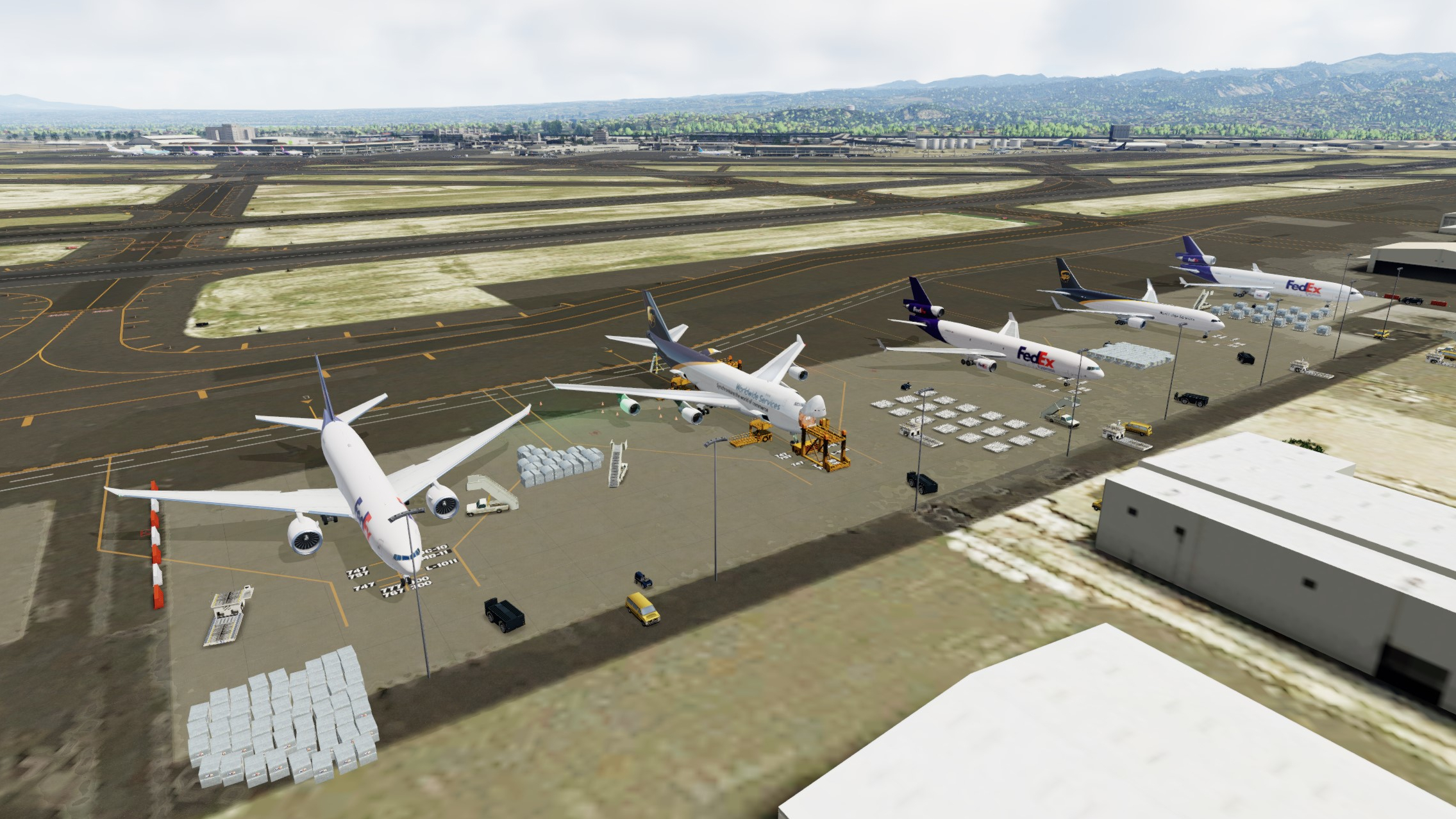
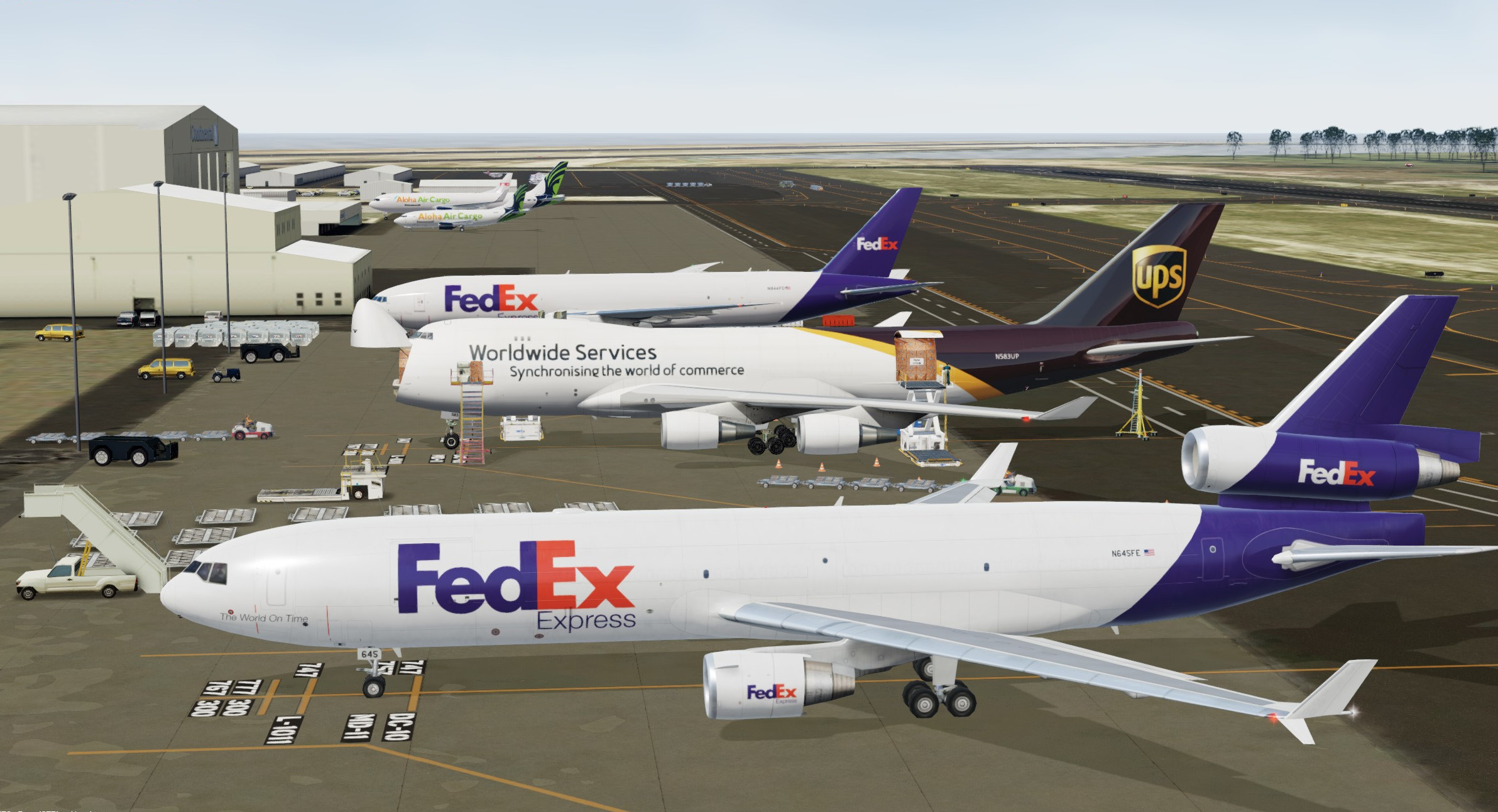
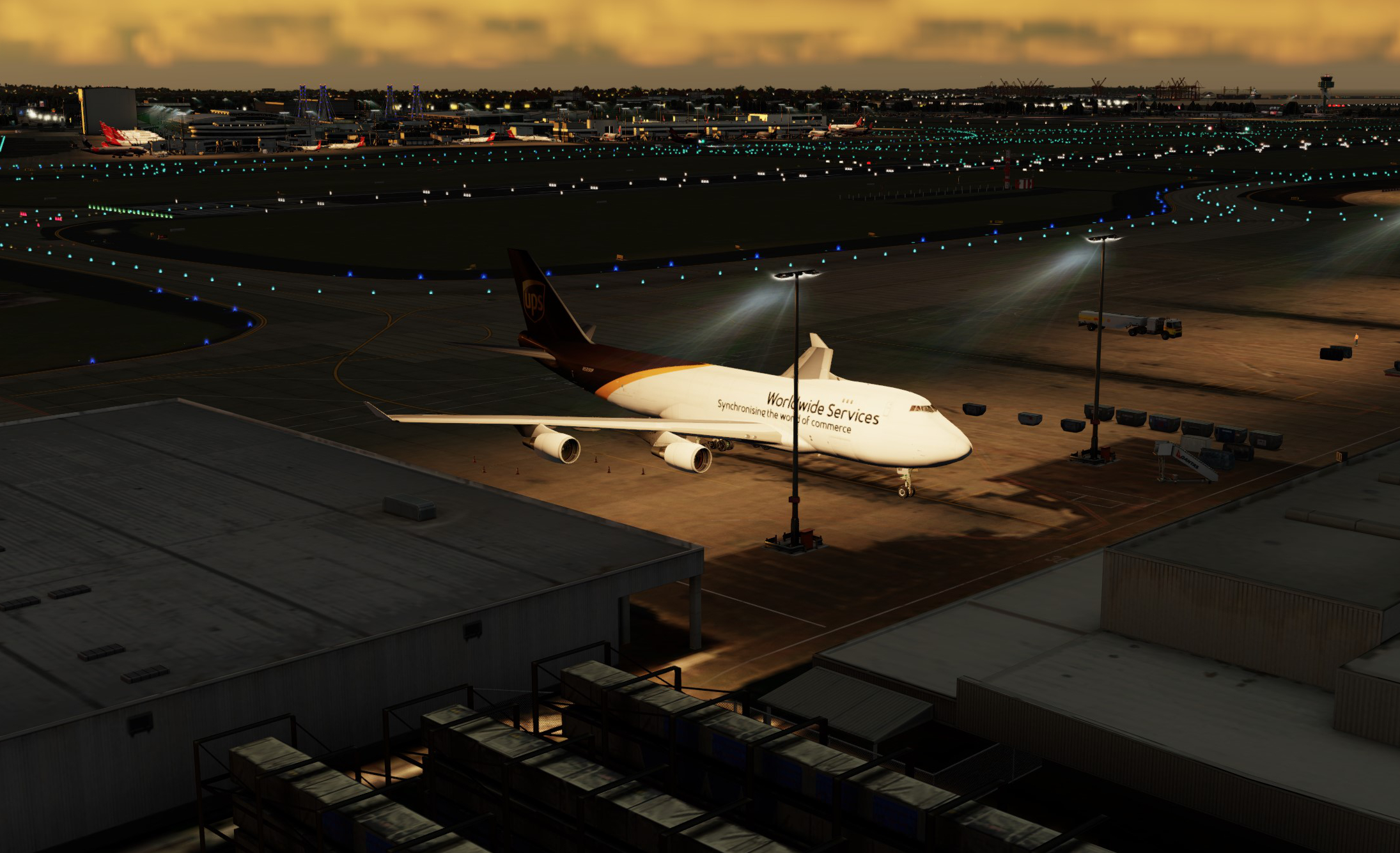
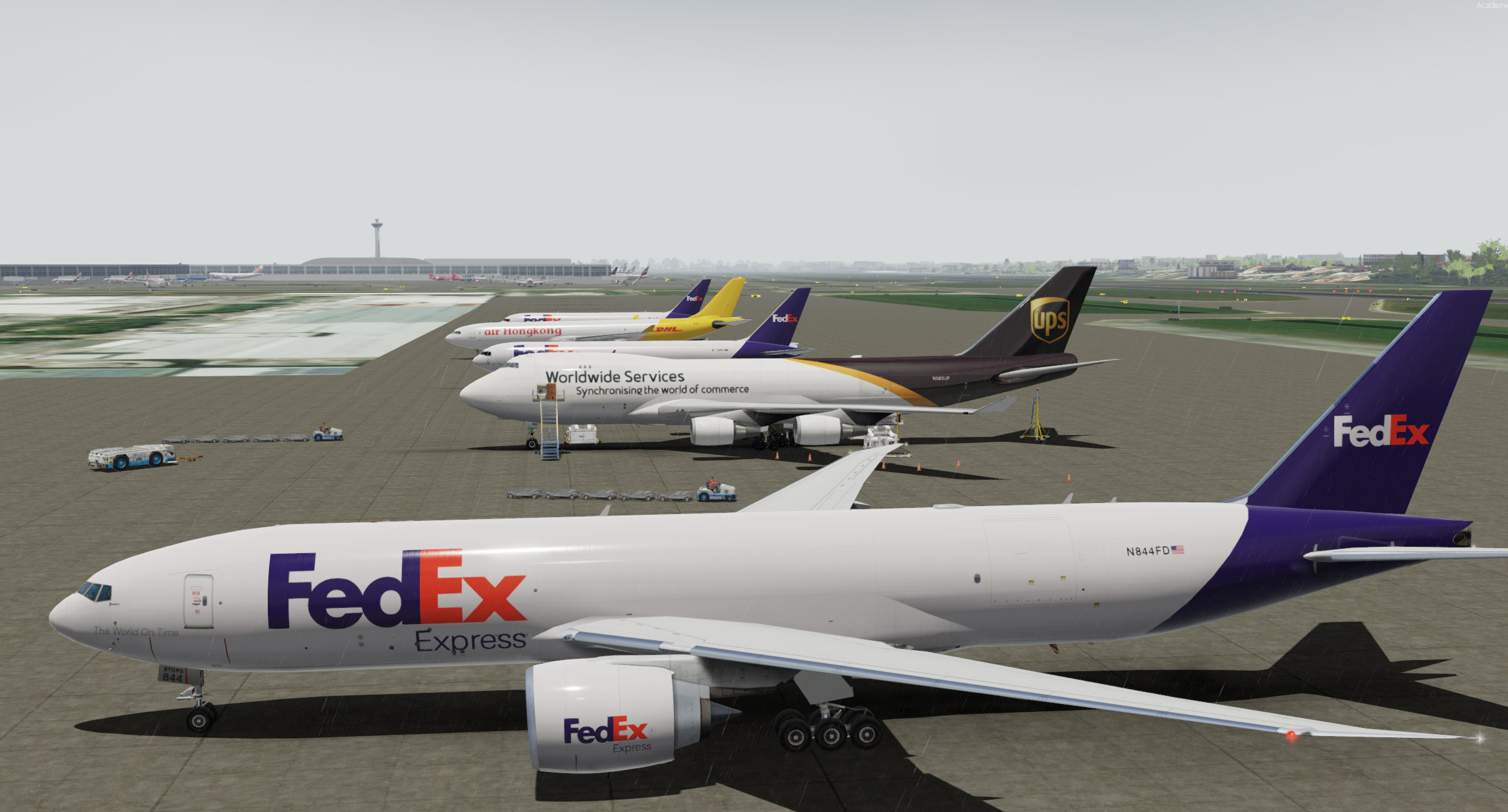
The old girl is still parked where we left her, bit of a Fedex sandwich going on by the looks. 5 different cargo airframe types here if you include the Aloha guys in the back, 4 types of wide body even. Ramp guys are wrapping up loading and we'll soon be good to go

Image

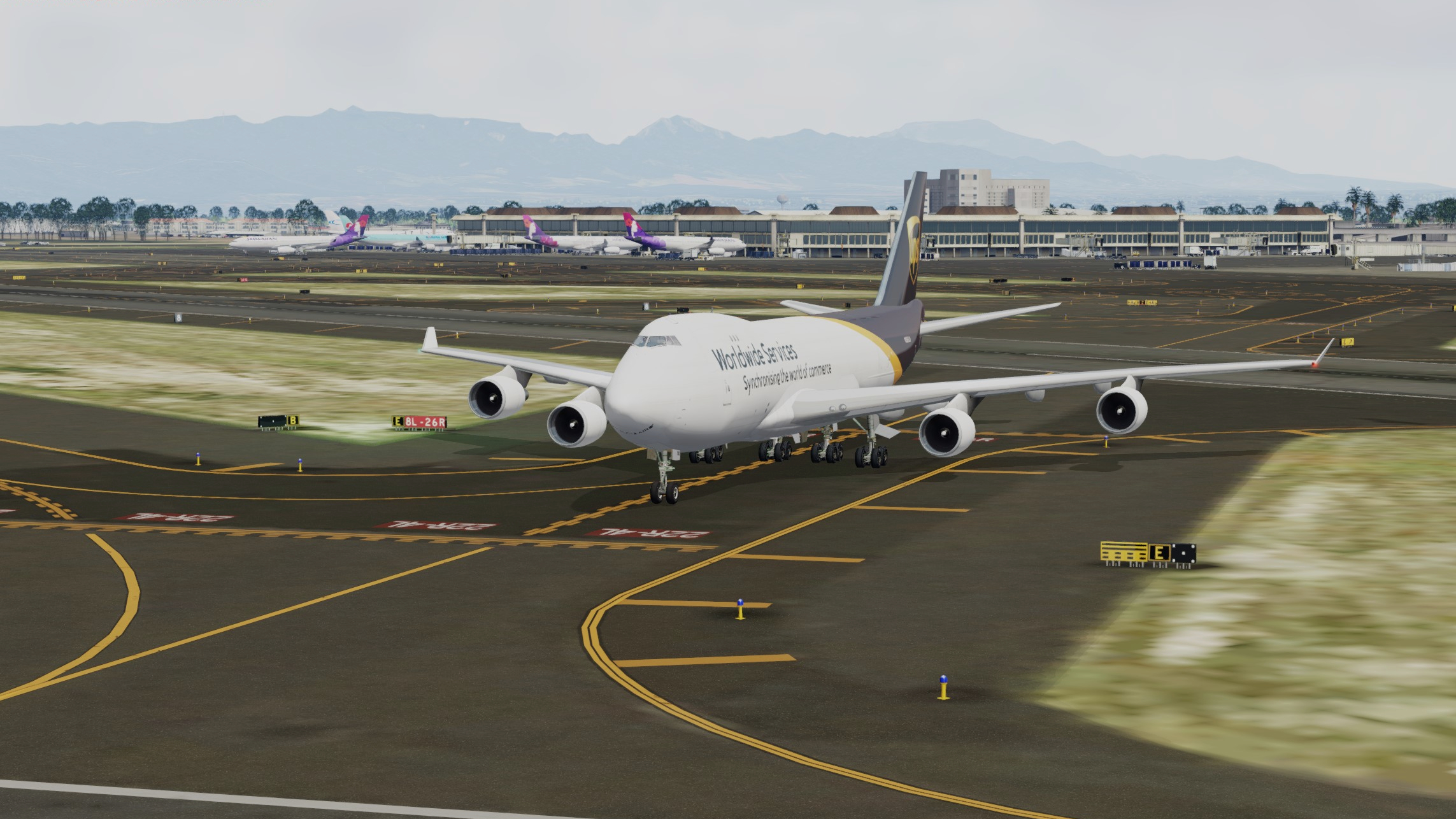
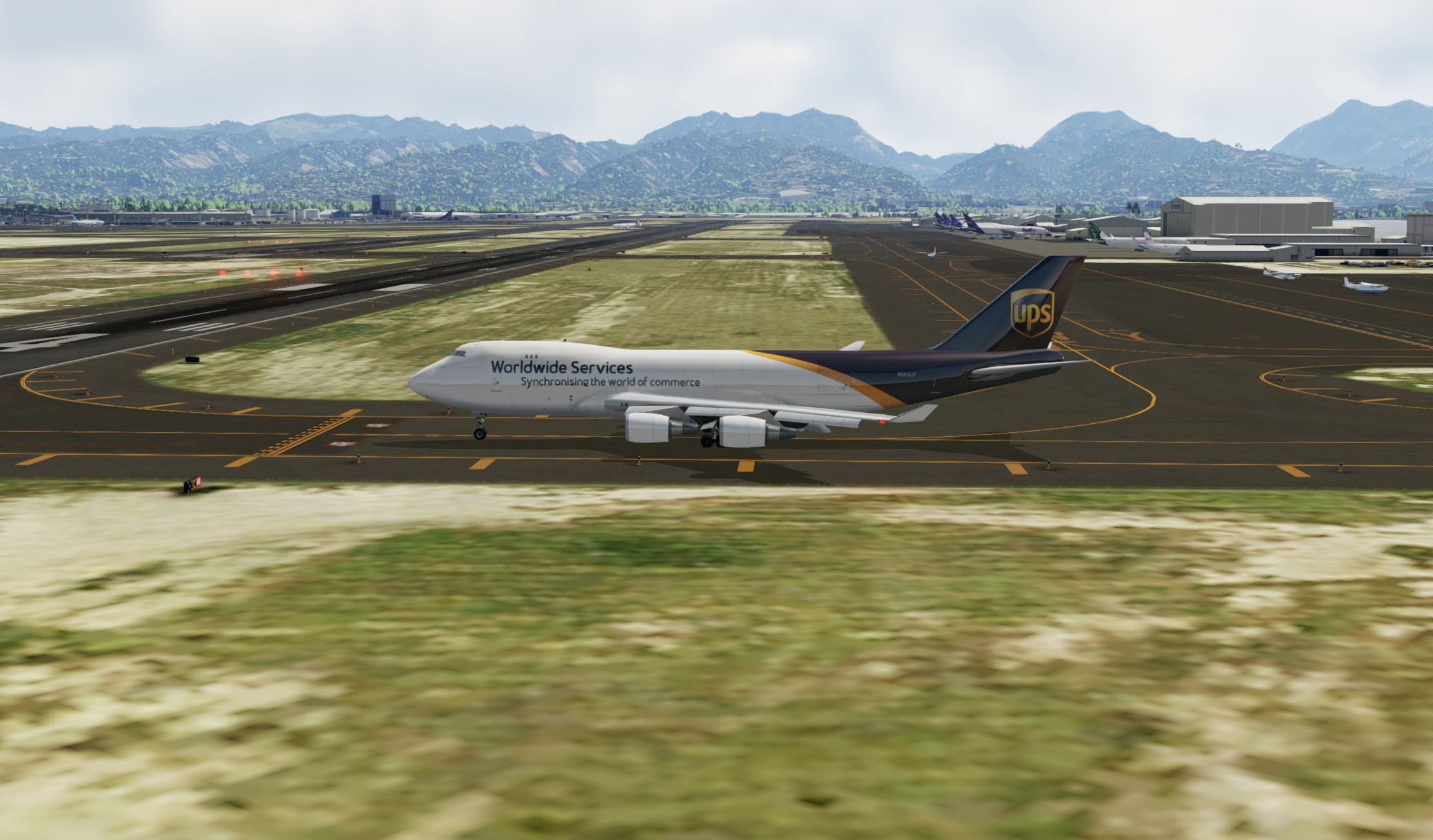
Honolulu is spread over quite a large area with its 4 runways and some of the taxis can be pretty long time and fuel wise, with light winds coming from the NE we are taking 04R so a nice simple and short taxi from the cargo apron alongside the runway. If there's one thing I'm really enjoying w the Posky it's the ground handling

Image

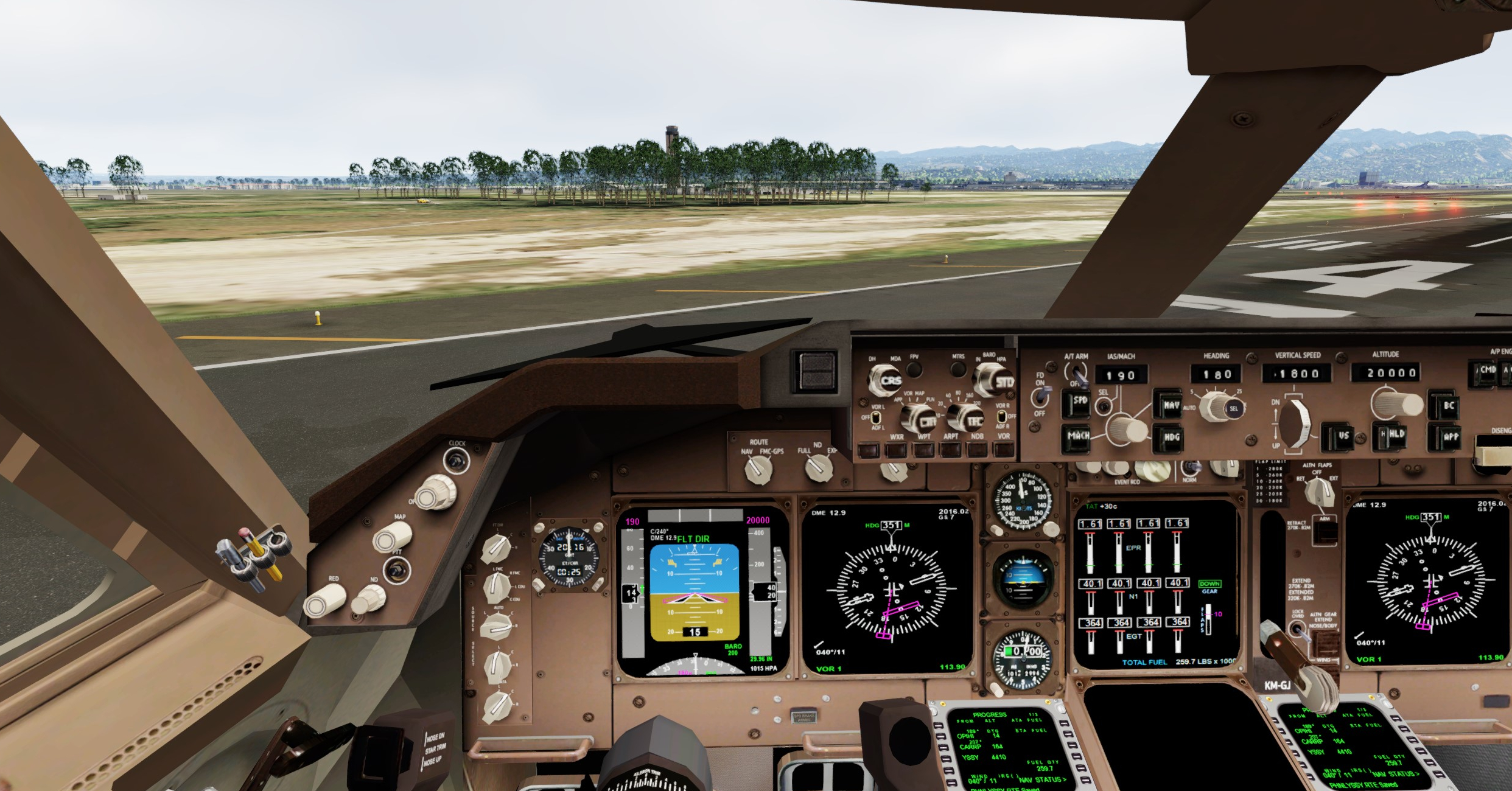
Keen observers, i.e. not me :rolleyes: may have noticed my VC panel in the first couple of legs is a dark grey sorta colour, turns out that was a texture set to be used w the B748 which has had a makeover tones wise, you'll be pleased to see this has magically righted itself now with a quick respray in Boeing Brown
Image

Depature

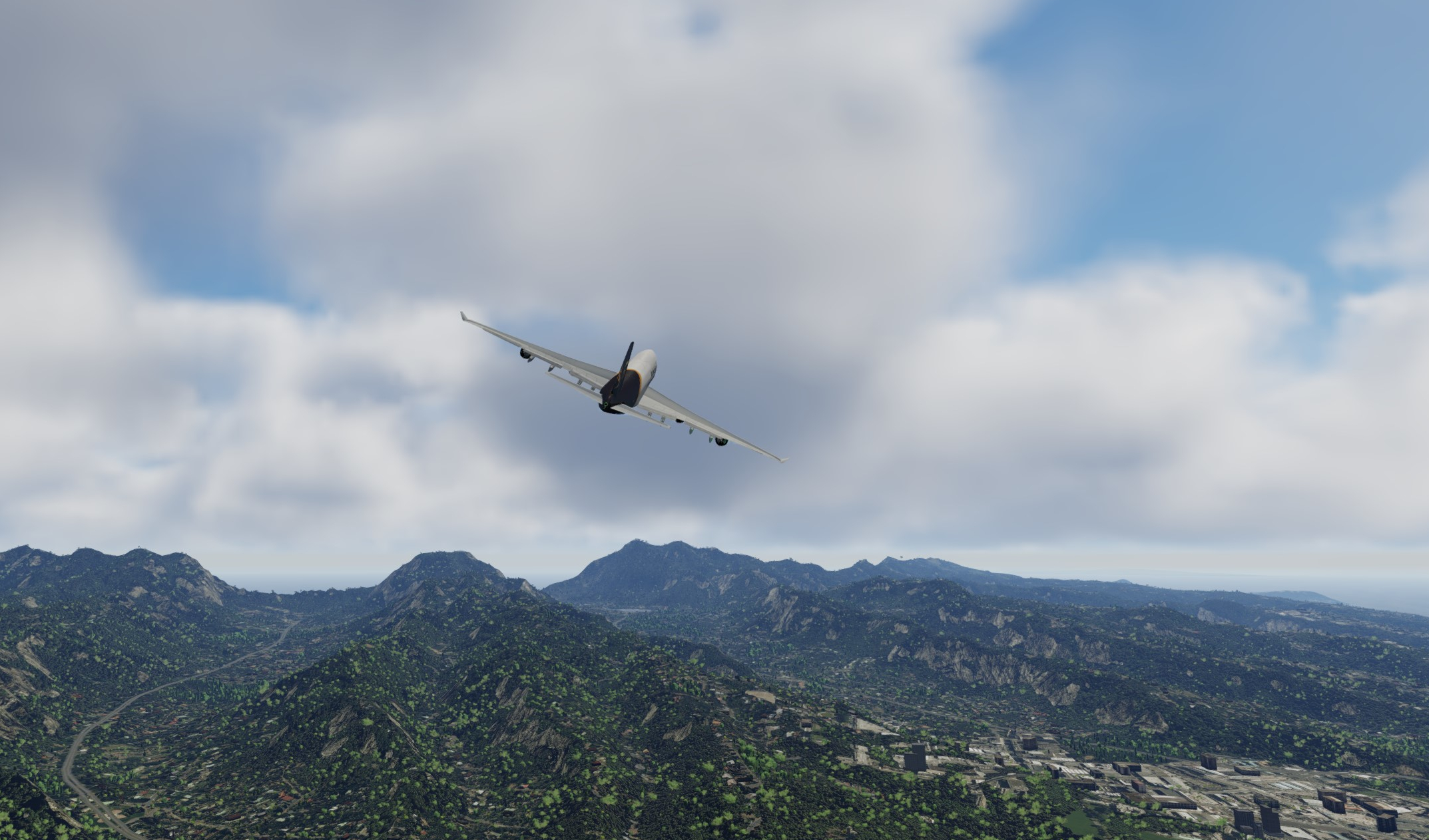
This 04R departure is pretty exciting. You face a menacing wall of mountains in the centre of the island as you look north, the procedure has you do an immediate right turn at 500ft to intercept an outbound radial from a nearby VOR at a certain altitude and then proceed on your SID. This is definitely a fun one to hand fly, and the Posky seems to handle that nicely. We're super heavy today at 10t under the MTOW with 95t of cargo and 120t of fuel, however didn't seem to have any issues maintaining an initial ~190kts in the climbing turn.

Image

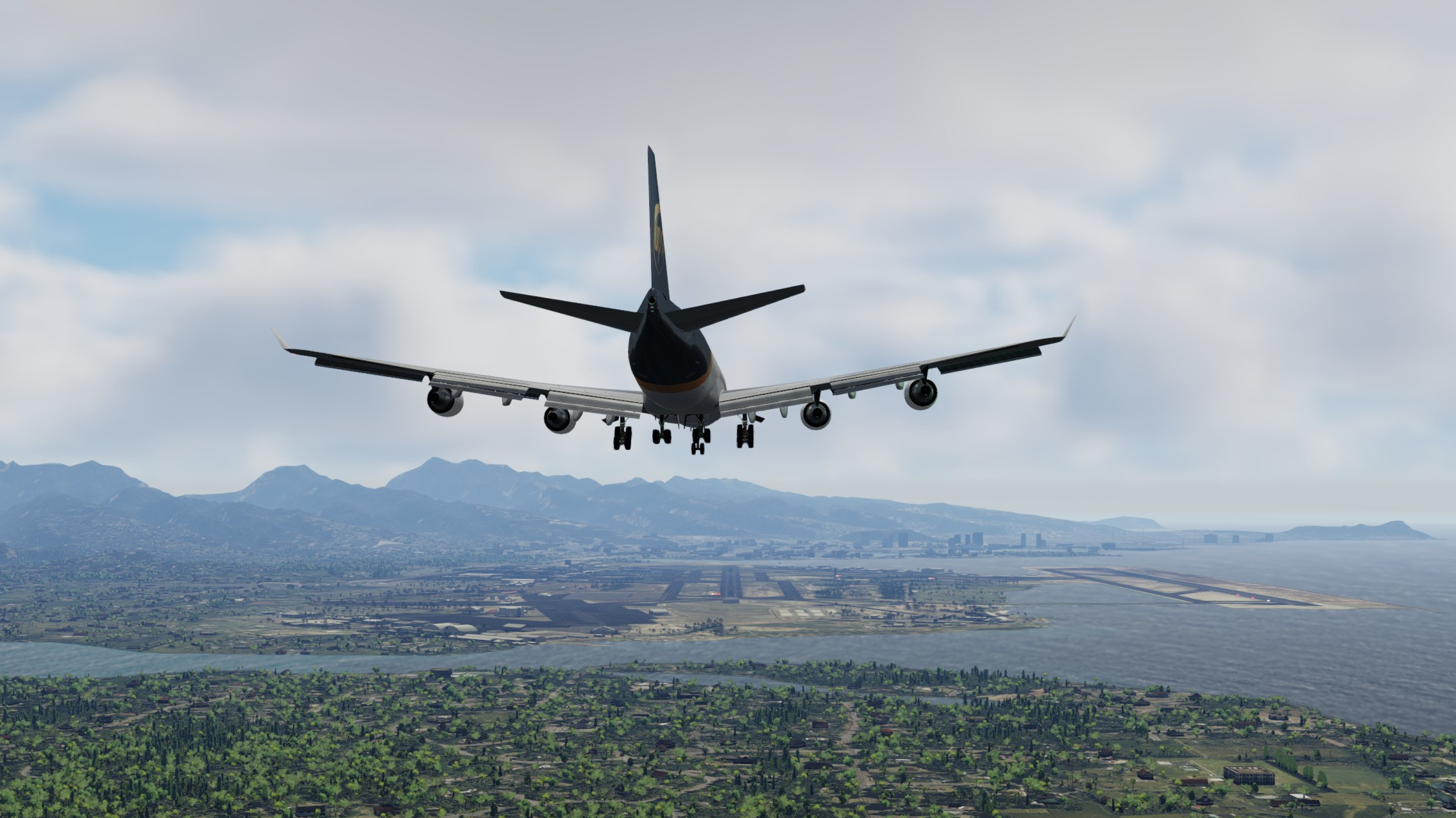
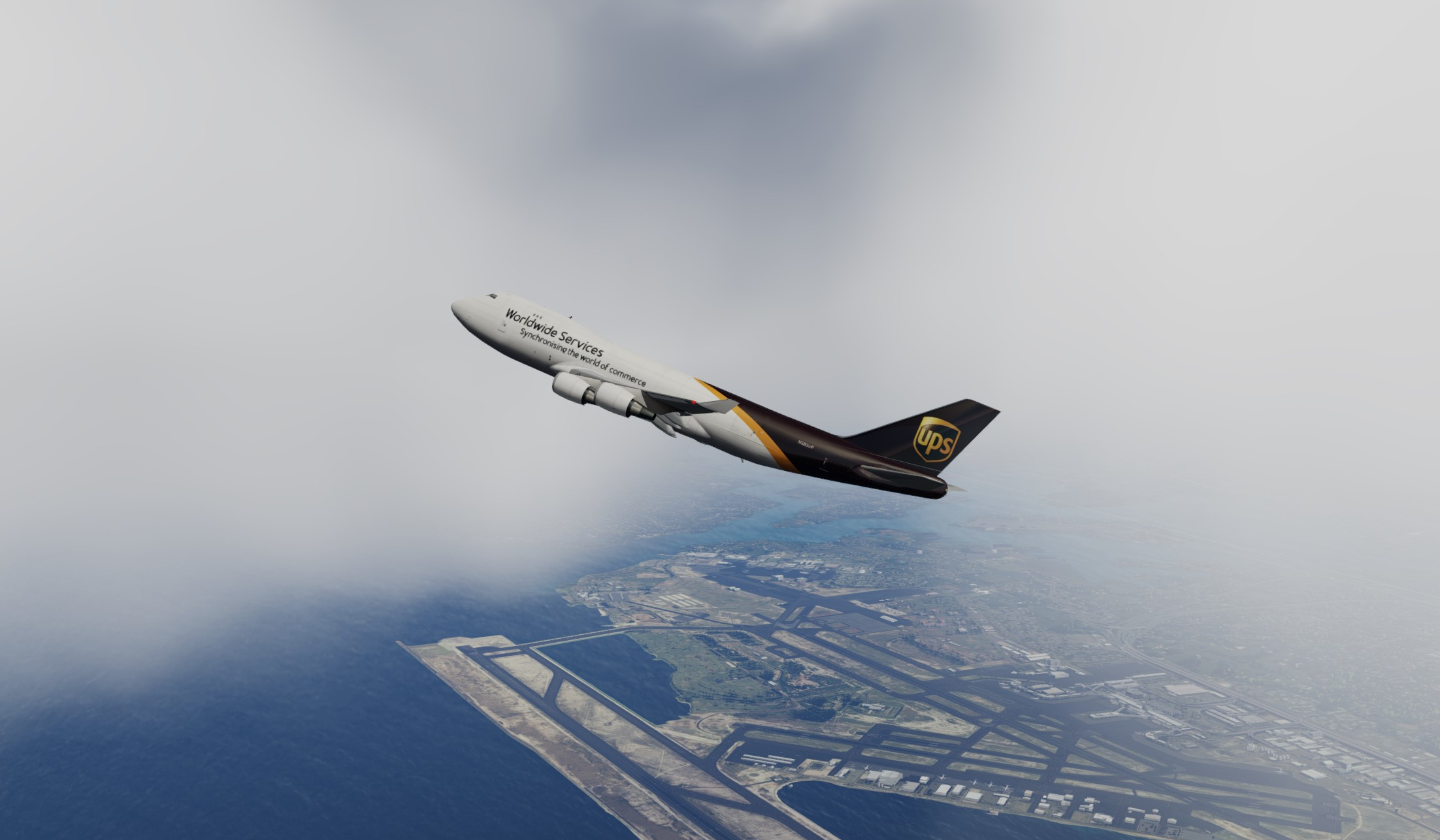
It's a fabulous view of the airfield down through the clouds as we climb out. The cloud layer is thin and clear blue skies above with very little wind pretty much all the way to Sydney. Not gonna bore you with details of the cruise coz it's a fairly direct route and not much to do unless you're online and doing oceanic procedure calls. Once again sadly I wasn't able to trust the AP/FMC combo to maintain the lateral nav so used the HDG bug in conjunction with the map view. It did however maintain airspeed ok at the mach setting I chose. Most of the cruise was at 4x simulation rate so the miles fly by pretty quick with the occasional HDG tweak a degree or two here or there

Image

Unfortunately the SPD mode just cant be trusted during climb. Works OK in cruise and in descent but it just behaves oddly during climb. Drops the engine power levels right off for no apparent reason which means you have no way of managing the climb rate or speed. If you don't disengage the A/T and power up manually you will just end up stalling. I'm thinking this is prolly something to do with the Cost Index in the CDU but I've tried low and high levels and get the same behaviour. Not a massive thing as you usually are monitoring the climb anyway pretty closely but to have to hand set power levels is a bit of a pain. -_-

Descent and Approach

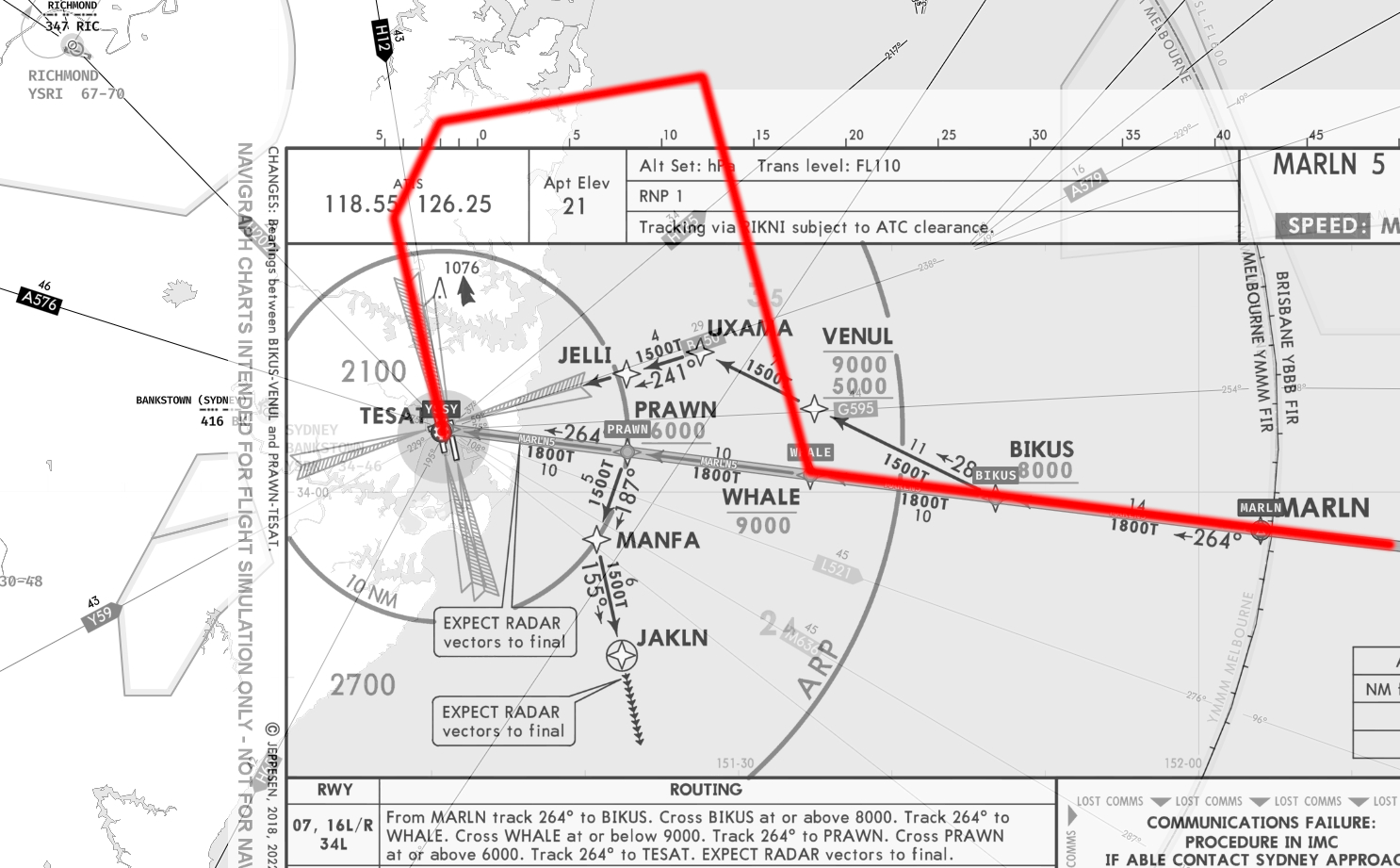
Approach is setup for MARLN5 and we'll be landing RWY16R due to the mild southerly. I've flown trans-Tasman flights dozens of times but I think this is the first time I've had to land from the north. Am getting nervous at this point w the Posky as a little unsure exactly what's gonna happen re the AP. I ended up using the same strategy I did on the last leg which was to manage the speed and flight levels myself by disconnecting the A/T and using ALT and the "auto-pilots" odd vertical profile feature to handle the vertical speed rate which it seemed to do ok

Image

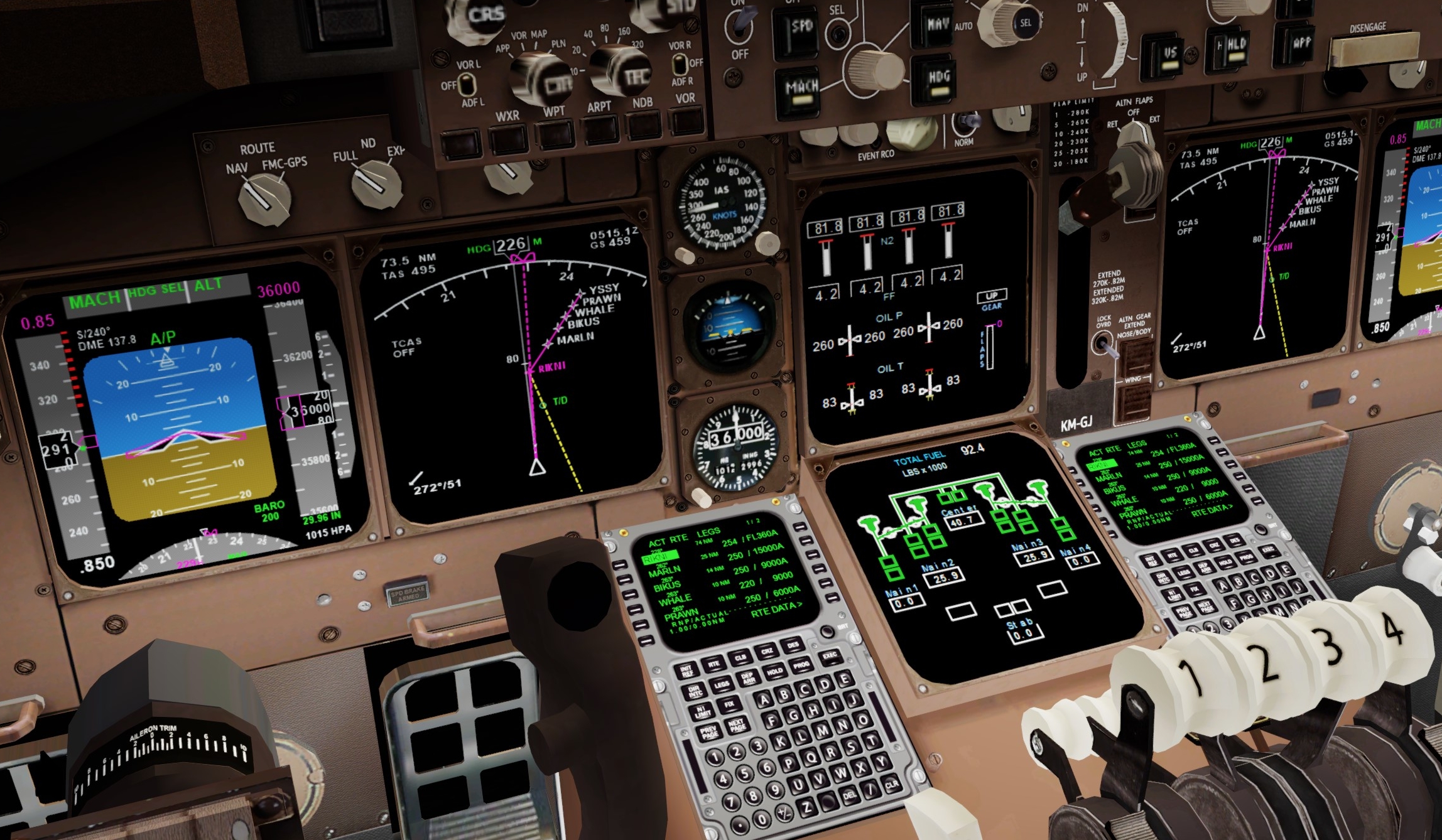
The ISG CDU didn't handle entering the STAR waypoints at all when I selected RWY16R/ILS so I ended up faking an imaginary ATC vectors sort of approach where I broke off at WHALE, headed parallel w the runway north, then a left to to eventually intercept the ILS down at the final approach height. Thought about doing an ILS/DME approach on the 10nm circle you can see there, which you could easily do as the ND rose does show the pointer and offset OK enough to lead you in.

Image

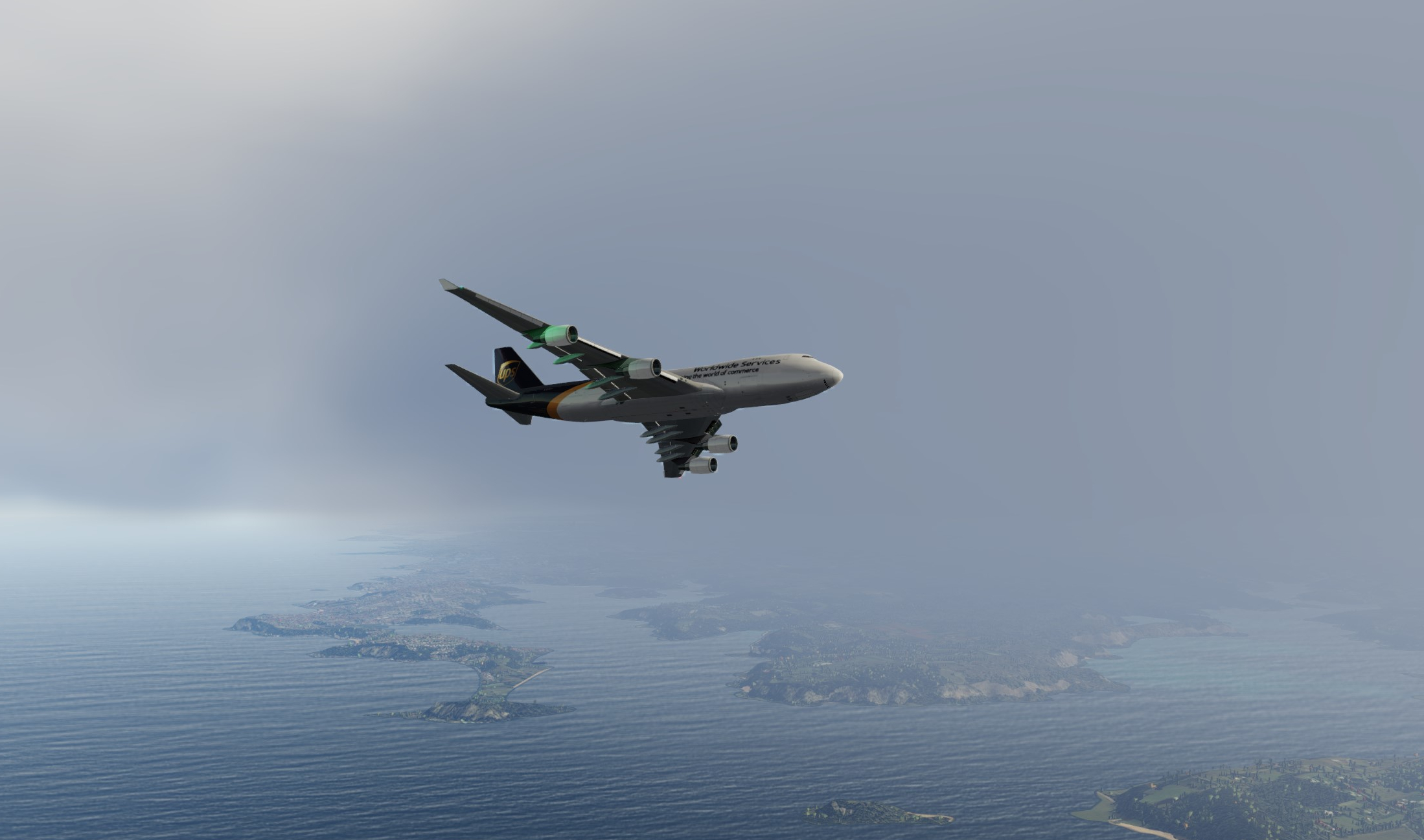
Back into the low cloud, very similar to Hawaii, Sydney is down there somewhere...

Image

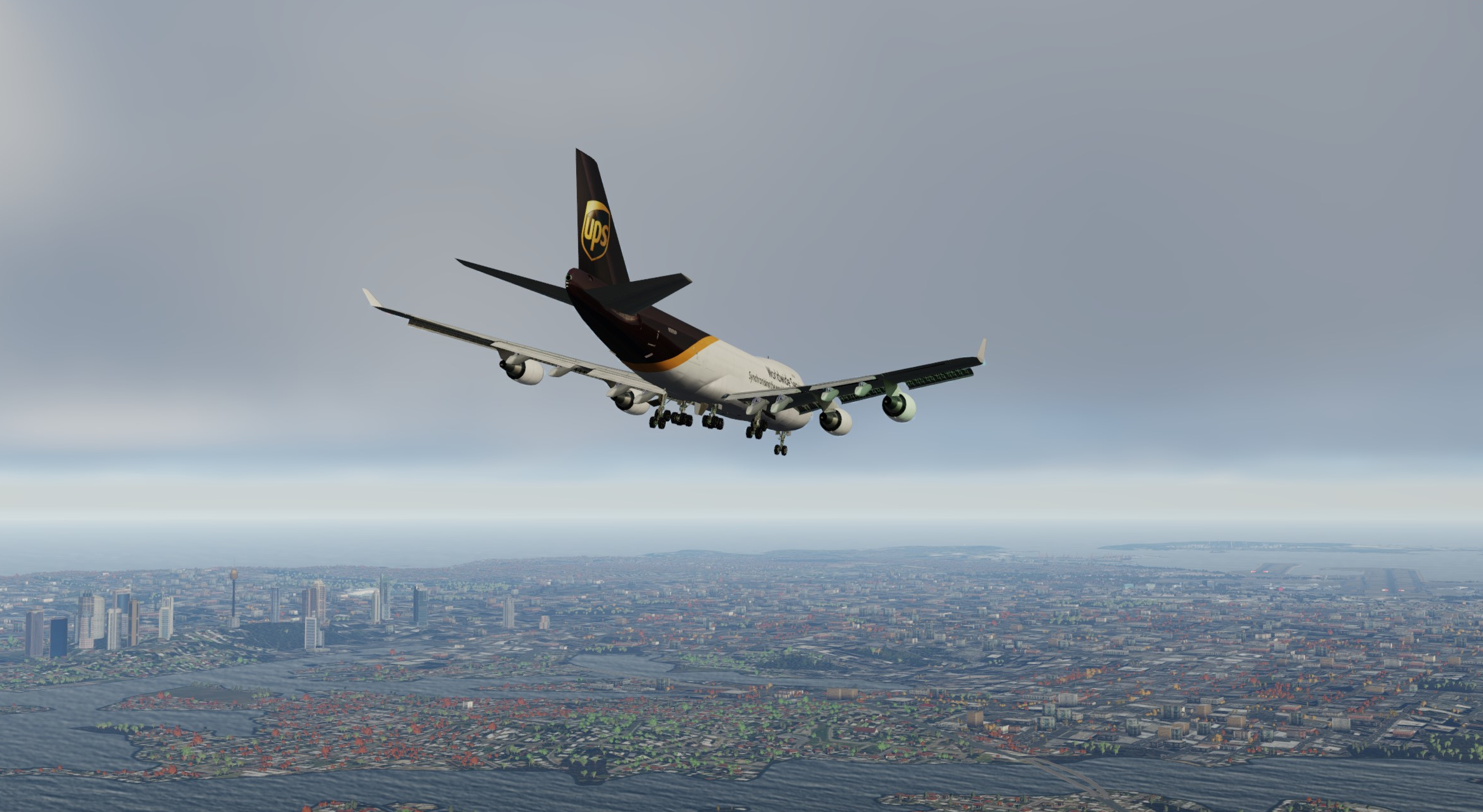
There it is. Once again getting nicely inside the ILS cone before engaging AP mode meant the A/P seemed to do a good job of capturing then following the slope down towards the runway. I didn't mention in the last post but the ISG CDU lets you enter V-speeds for both departure and approach which it displays nicely on the PFD speed ribbon. The standard gauge combo that ships with the Posky does allow you to enter them but doesn't display them on the ribbon which is a shame.
Image

Greased the landing and jumped off nice and short at A4. Tower will be pleased.
Image

Nice view of the city looking over at the domestic terminal. This particular screenie isn't particularly flattering but the airport scenery from FlyTampa really is superb. You never regret buying a title like this and for anyone flying around the Pacific this is a MUST BUY for sure. It's one I picked up on sale just before xmas this last year.
Image

If you're a fan of the SydSquad YouTube channel you'll most likely recognise this view. I THINK it's a carpark they use that looks down over the cargo apron, although they are usually a little further to the right. Some amazing footage from there, do check them out.
Image

And that's it, shut down and time to hit the mini bar again (where are those berocca though?)
Image

We're almost half way round the ring-of-fire now, as mentioned above I've encountered a few clangers re the AP/FMC behaviour and until I can sort them out I'm gonna hold off on posts. Could be I just need to find the right AIR file and Model combo, just not sure really but it's certainly frustrating. Hope ya enjoying the journey so far, even if just for the pics
:thumbup:
User avatar
deeknow
NZFF Pro
 
Topic author
Joined: Tue Sep 18, 2007 10:15 pm
Posts: 4447
Location: NZHN

Re: Back to the future. A review of the Project Opensky 747 for use in P3D in the 2020's

Postby Aharon » Tue Jan 24, 2023 6:09 am

Great report and great AI activity. I also own FlyTampa YSSY scenery too that I bought on sale but have NOT yet used it although it is already installed into my laptop hhahahahahah

Thanks for showing us view of cargo apron at YSSY. That will help me find that in my payware scenery.

Regards,

Aharon
Aharon
Senior Member
 
Joined: Sun Jul 23, 2017 11:39 am
Posts: 1996

Re: Back to the future. A review of the Project Opensky 747 for use in P3D in the 2020's

Postby deeknow » Tue Jan 24, 2023 7:58 am

Cheers Aharon. If you're flying some cargo then check out this video which has a good view of movements from this corner of the airfield

Watch on youtube.com


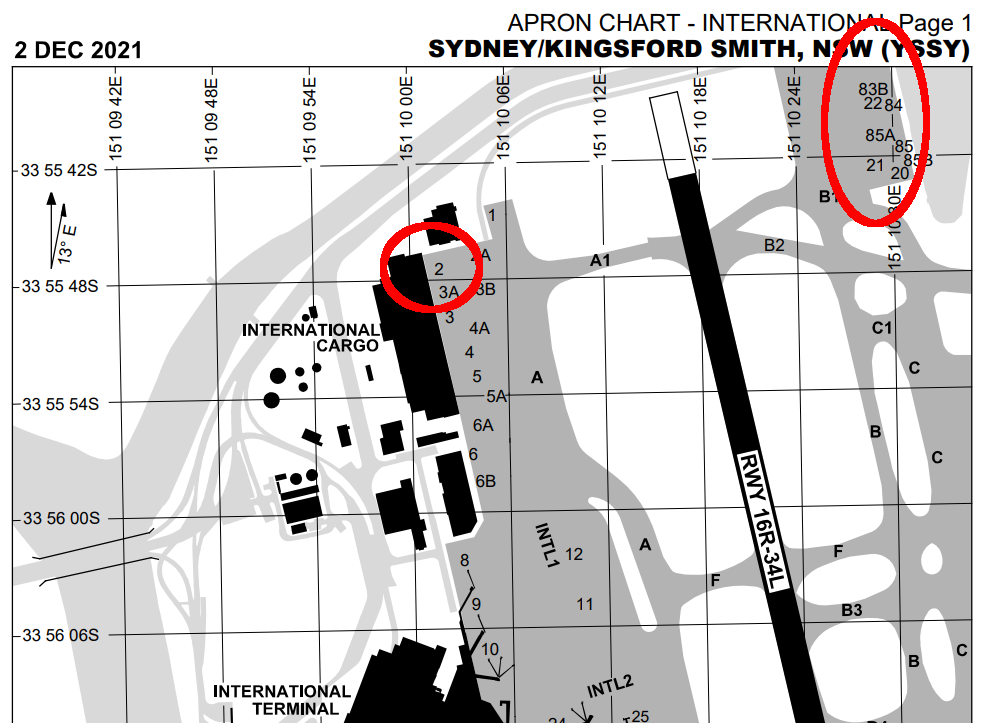
In my screenshot in the post above I'm parked in the International Cargo terminal at position 2, circled on the left following. This is where most of the big boys park (777s/747s/MD11s from Atlas, Cathay, Fedex, DHL, MasKargo, Polar, UPS etc) along with the Qantas 767 which is usually at stand 1 and/or 2A beside them. Note though (which you can see in the video I link above) there's also a cargo ramp on the other side of RWY16 top right circled following. Often see the trans-tasman DHL 767s parking over there, as well as the DHL A330s on occasion.

Image
User avatar
deeknow
NZFF Pro
 
Topic author
Joined: Tue Sep 18, 2007 10:15 pm
Posts: 4447
Location: NZHN

Re: Back to the future. A review of the Project Opensky 747 for use in P3D in the 2020's

Postby Aharon » Tue Jan 24, 2023 10:03 am

Thanks for great explanations accompanied by great video link and awesome airport chart.

Too bad there is no local New Zealand cargo planes flying between NZ and YSSY.

Regards,

Aharon
Aharon
Senior Member
 
Joined: Sun Jul 23, 2017 11:39 am
Posts: 1996

Re: Back to the future. A review of the Project Opensky 747 for use in P3D in the 2020's

Postby deeknow » Tue Jan 24, 2023 1:35 pm

Aharon wrote:Too bad there is no local New Zealand cargo planes flying between NZ and YSSY


ahh .. but there is :D AirWork, NZ company, fly in NZ and Aussie, including the odd hop trans-Tasman...
https://www.flightradar24.com/data/aircraft/zk-fxk

and Tasman Cargo Airlines operate trans-Tasman w a 767 freighter
https://www.flightradar24.com/data/aircraft/vh-xqu
User avatar
deeknow
NZFF Pro
 
Topic author
Joined: Tue Sep 18, 2007 10:15 pm
Posts: 4447
Location: NZHN

Re: Back to the future. A review of the Project Opensky 747 for use in P3D in the 2020's

Postby Aharon » Wed Jan 25, 2023 6:12 am

Thanks for answers

I know about Tasman Cargo Service using DHL 767s doing cargo hauling between New Zealand and Australia. I have DHL repaints with Tasman markings for Skyspirit 767s. But Tasman Cargo Service is based in Australia.

However, I did NOT know about AirWork being the only New Zealand based airline doing cargo runs between New Zealand and Australia. Thanks for cool fact.

What about past history or history of New Zealand aviation? Were there any other local based New Zealand cargo planes doing cargo hauling between the two countries?? Unless I am mistaken, I can imagine that Air New Zealand DC-8 cargo planes were one of the examples in the past history. What about others?? What about the yellow 737 that you painted the livery on Vistaliners 733?

Regards,

Aharon
Aharon
Senior Member
 
Joined: Sun Jul 23, 2017 11:39 am
Posts: 1996

Re: Back to the future. A review of the Project Opensky 747 for use in P3D in the 2020's

Postby deeknow » Thu Jan 26, 2023 6:22 pm

Review part 5: Panel setup and gauges

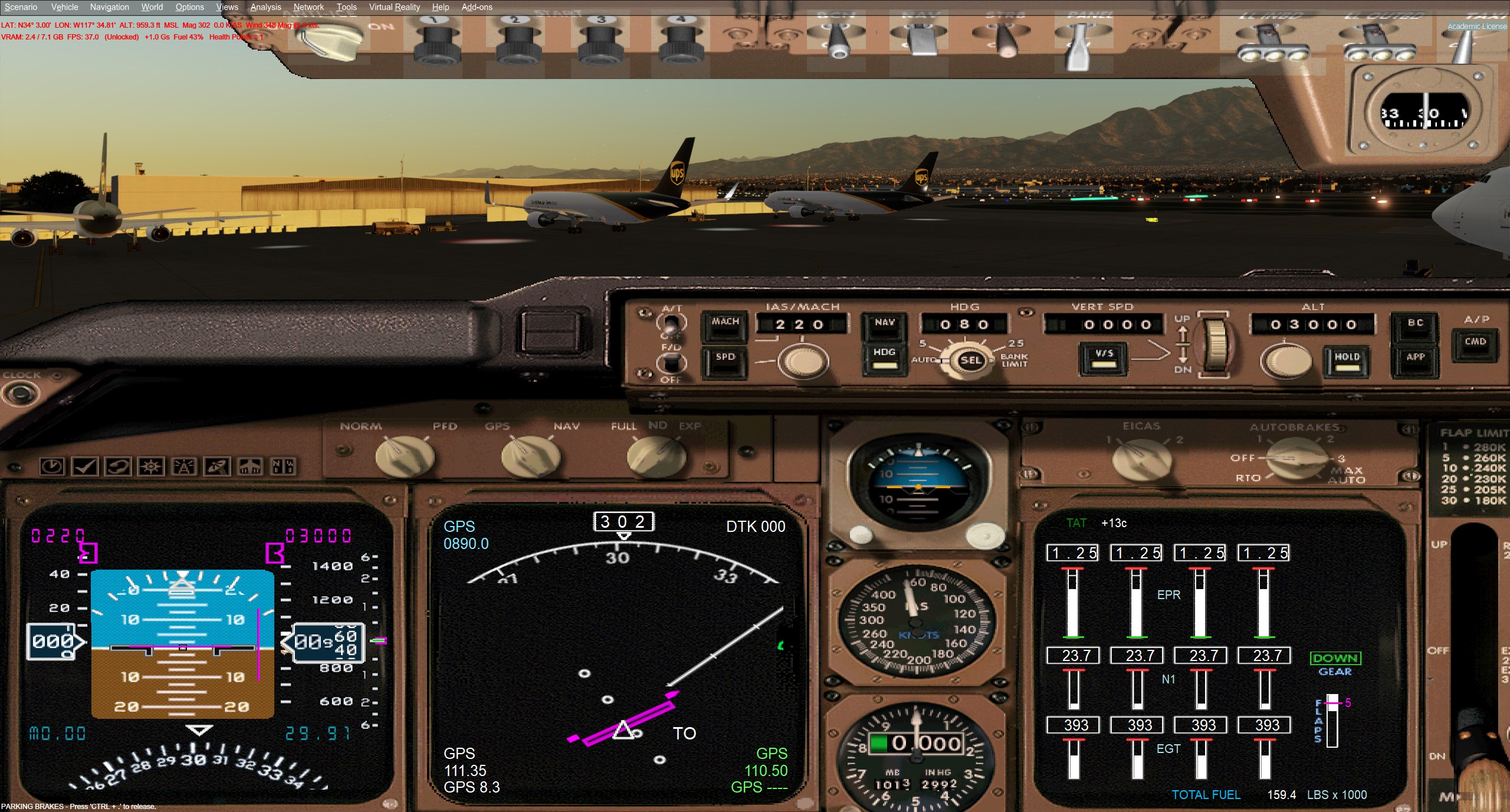
OK no flying this post but last few evenings have been playing with the panel setup. As mentioned in the last post I eventually discovered there were older classic Boeing Brown textures and newer Grey options for the VC so I've setup two different panel.cfg setups for each, w the only diff a separate folder for the VC texture includes.

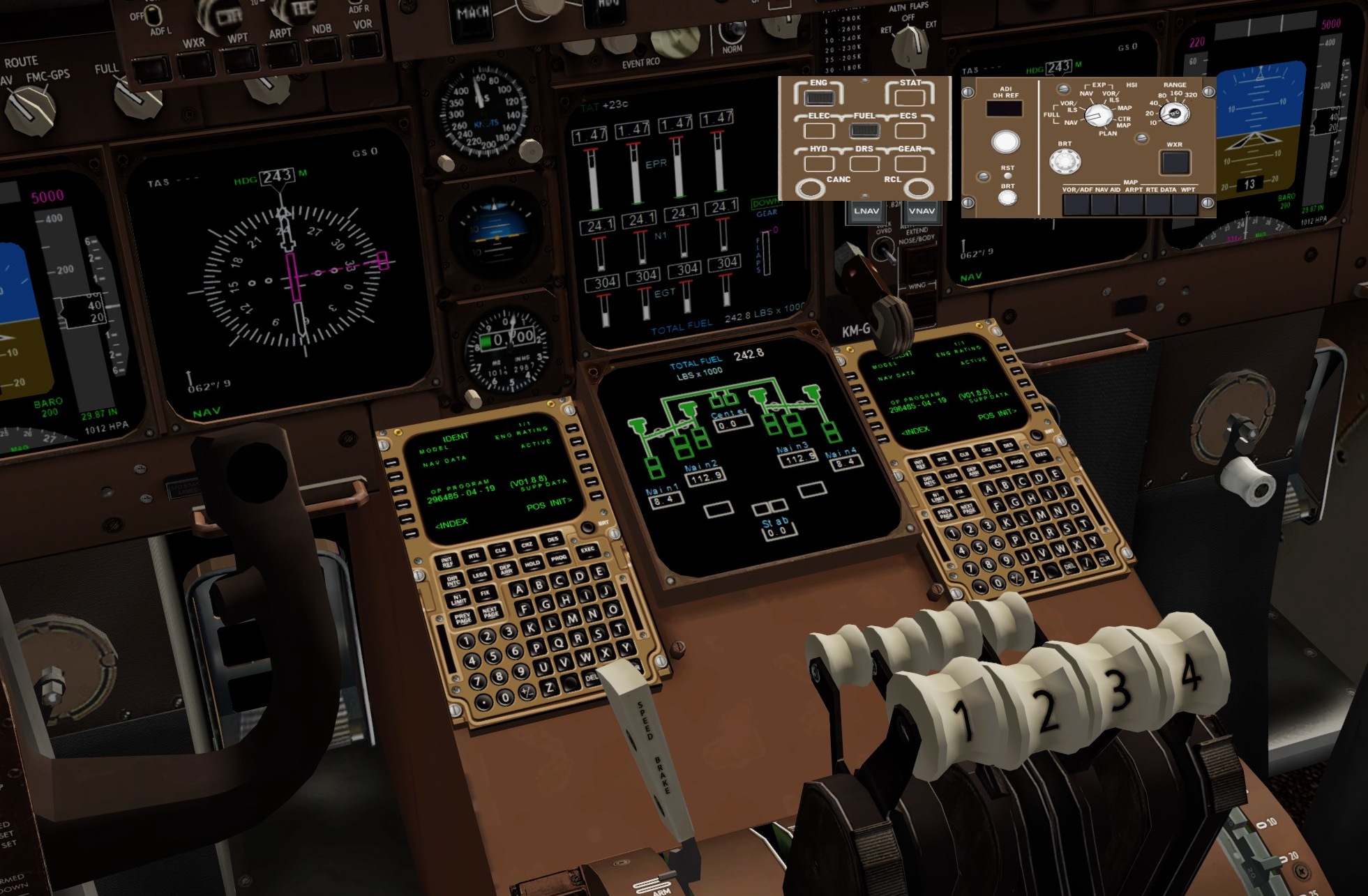
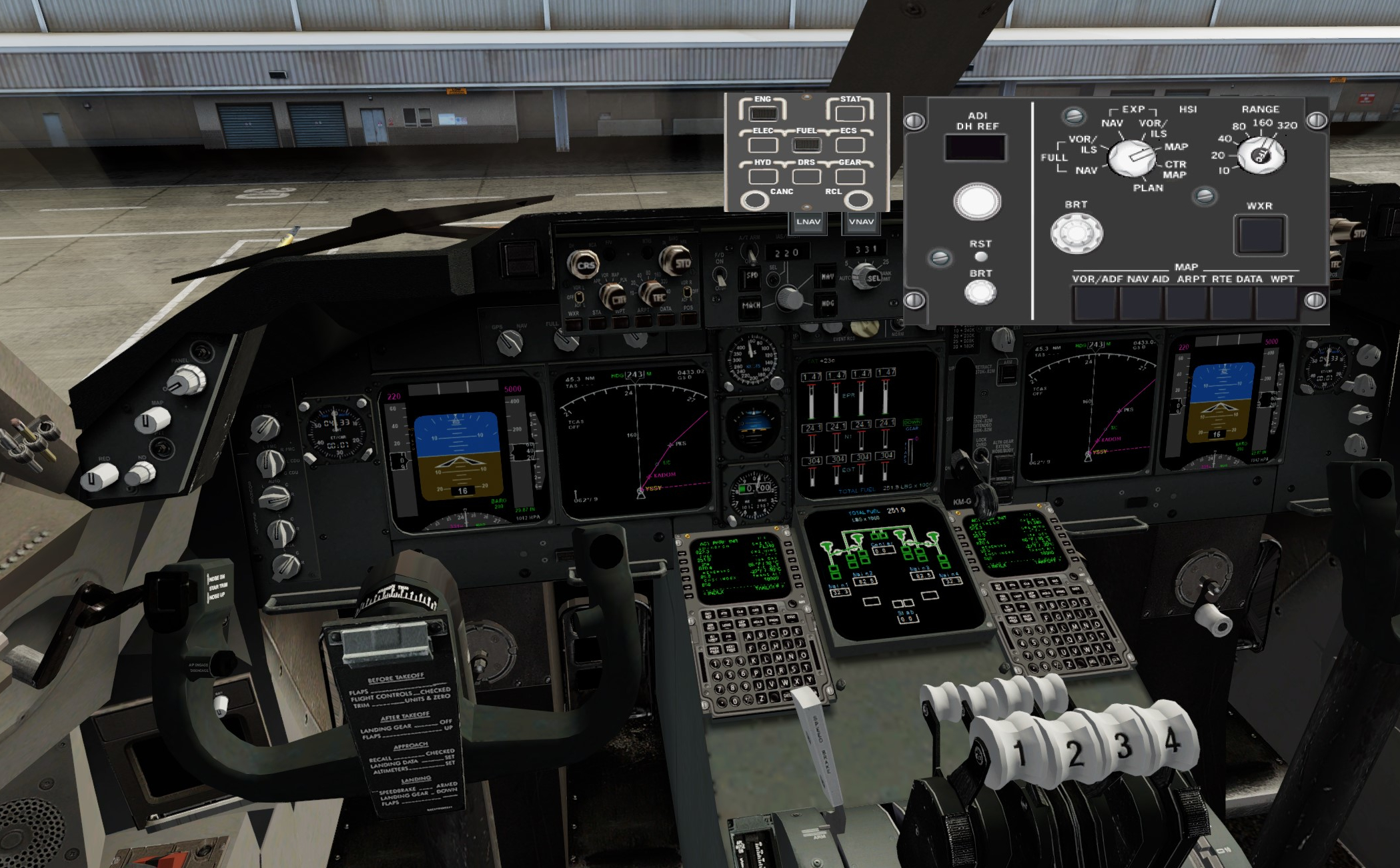
Another bonus though which I only worked out last night was there are also brown and grey options for the Simvionics/ISG gauges so have tweaked the panels for the EFIS selector as a popup panel and the CDU on the VC.

Brown for the OGs
Image

and Grey for the B748...
Image

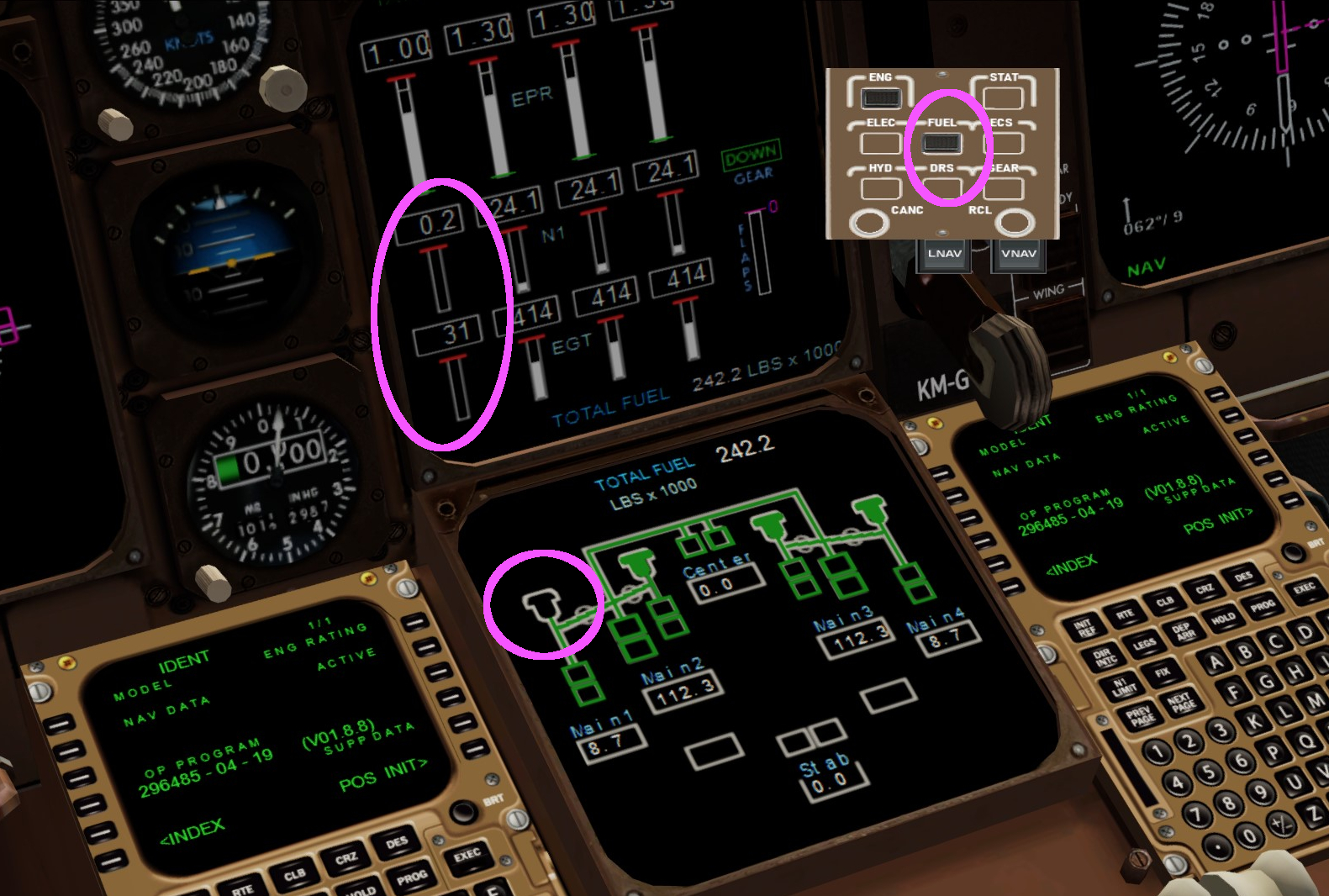
I also brushed off my old FSX XML Gauge skills (which are minor) and created a new popup panel with some buttons that trigger replacement of the content on the lower EICAS screen. The VC I'm using only has a dummy EICAS selector panel. I added a mouse click event on the new popup to set content from a custom gauge I created that displays fuel tanks, levels, pumps, cross-feeds and flows on the lower LED (I guess its a CRT on the B744?)

Image

The VC I'm using doesn't surface the pump states so I'm assuming if the all pumps selector is on (which it is on this VC, you cant turn the pumps off) then all the cross feed lines are shown in green, and if any individual engine has a turbine rotation percentage of over 1% then it's probably consuming fuel so I show the green background beneath the engine. You can see in the screenie engine 1 has been shutdown.

Will go into this in more detail maybe in a separate post, and may go on and add a DOOR panel and STATS and prolly Electrical and Hydraulics page if can extract the metrics out of the model. Air conditioning and gear/wheels page will prolly have to be faked tho
User avatar
deeknow
NZFF Pro
 
Topic author
Joined: Tue Sep 18, 2007 10:15 pm
Posts: 4447
Location: NZHN

Re: Back to the future. A review of the Project Opensky 747 for use in P3D in the 2020's

Postby deeknow » Sat Jan 28, 2023 10:15 pm

Review part 6: Trusting/sourcing the models/FDEs

The aim of the game with this whole thread is to work out if this model is worth any effort required to get it to a playable state in P3D, vs splashing out $$$ for a pay-ware model, all the while considering how often I'm likely to actually fly the QoS. Also is this particular model trust-worthy coz if it's not and the frustrations are too great, or there are actual show stoppers then it's game over.

This is Leg four and I thought by now I'd know either way, but am happy to say that trust levels are improving the more tweaking is done along the way so I'm going to continue for a few legs and reserve judgement. Have had a couple of critical improvements this leg so this post will look at those, and the general performance of the model as we continue on our way with UPS flight 5X35 from Sydney to Singapore Changi (SIN/WSSS)

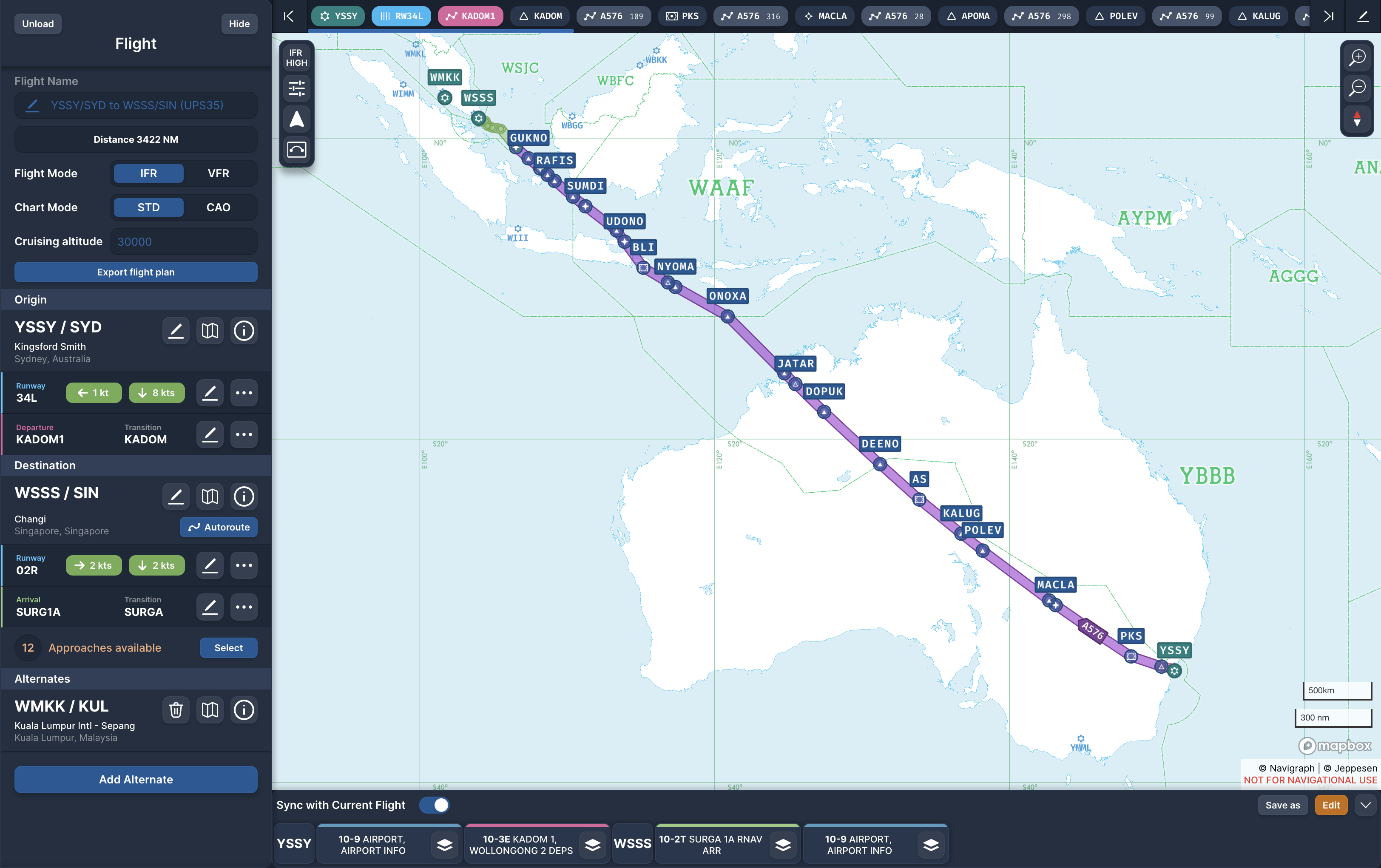
Image

Nice morning for a flight, early cockpit prep going on before our 7:40-ish departure a little later
Image

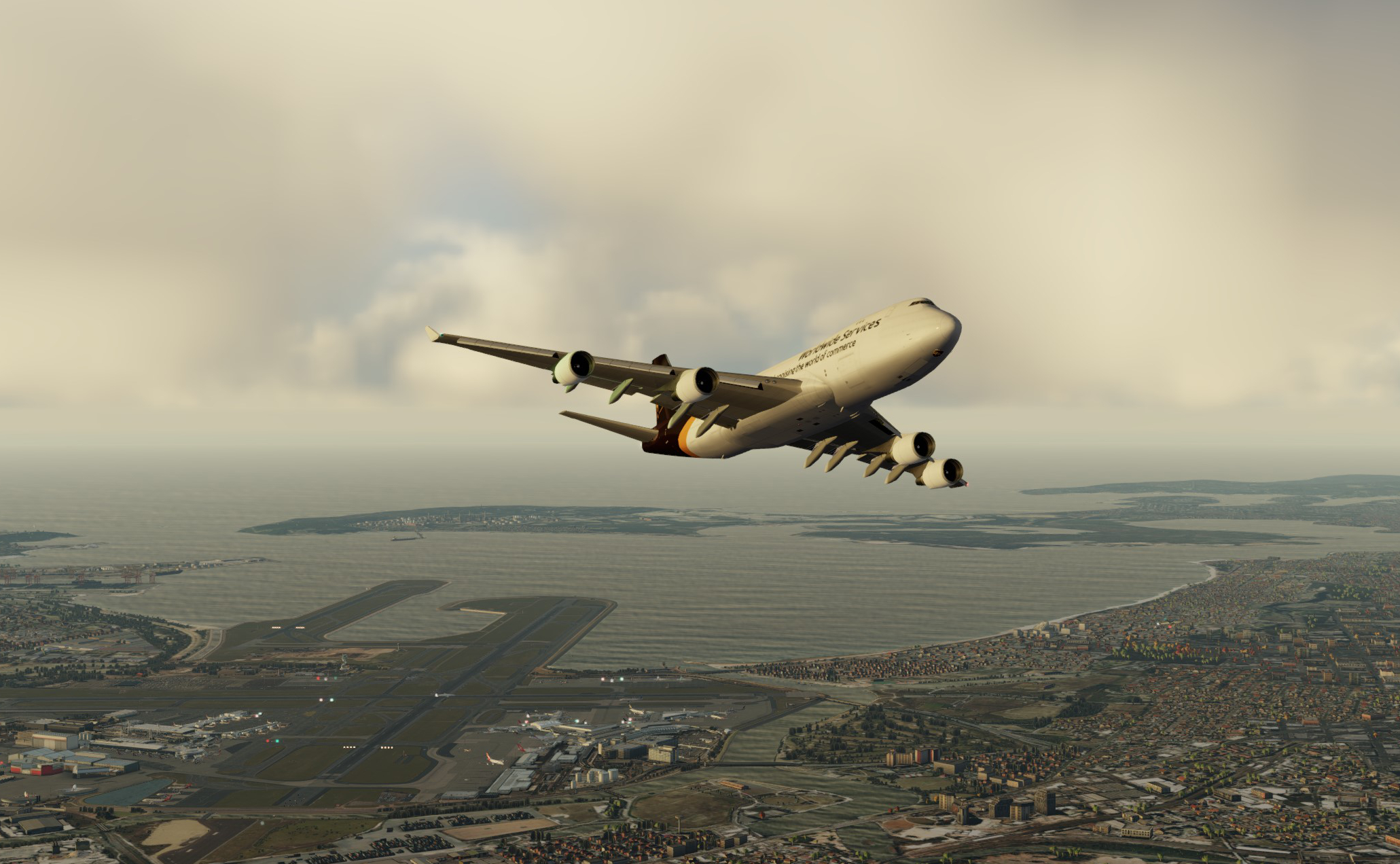
No dramas with prep, ground handling or taxi, or departure, this is all pretty sweet now. Sydney looking grand this morning. KADOM1 departure off 34L today, quick turn to the left at 800 to intercept KADOM then off on the generally northerly trip across the centre of this massive continent
Image

First improvement (and I can thank Mark/aerofoto for this, amongst his many other excellent pointers) was to source and switch to the original AIR/FDE and model files direct from the Posky/TDS team for the each of the engine variants (GE/PW/RR). Previously I'd been using files that shipped with various texture/panel/model/sound packs. The air file in particular was the same across many of them, has been renamed and I believe tweaked in some way. I've been toying around w the BCF and PAX variants in other liveries in between the UPS flights and seeing some of the same odd issues covered earlier.

So I ended up swapping the air files to the originals and I believe this at least corrected the modest fuel burn, and possibly resolved the weird A/P and pitch control issues I had on the first couple of legs.

Fuel previously seemed OK on initial climb but in cruise was only burning about 5 metric tonne / hour where according to various posts I've seen it looks like it should be more like 10t / hour. Would love to know if anyone can verify whether this is more realistic but so far I think it is. Even SimBrief is estimating similar levels for long haul.

These are the sorts of burns I'm seeing now:

OFF: ~37 t/hr initial CLB
(settled back to 21 t/hr)
CRZ: 11.5 t/hr
FLCH: ~14 t/hr
CRZ: 9 t/hr @ 5hrs in (weight reducing)
CRZ: 8 t/hr @ 8hrs in
DES: 4.5 t/hr


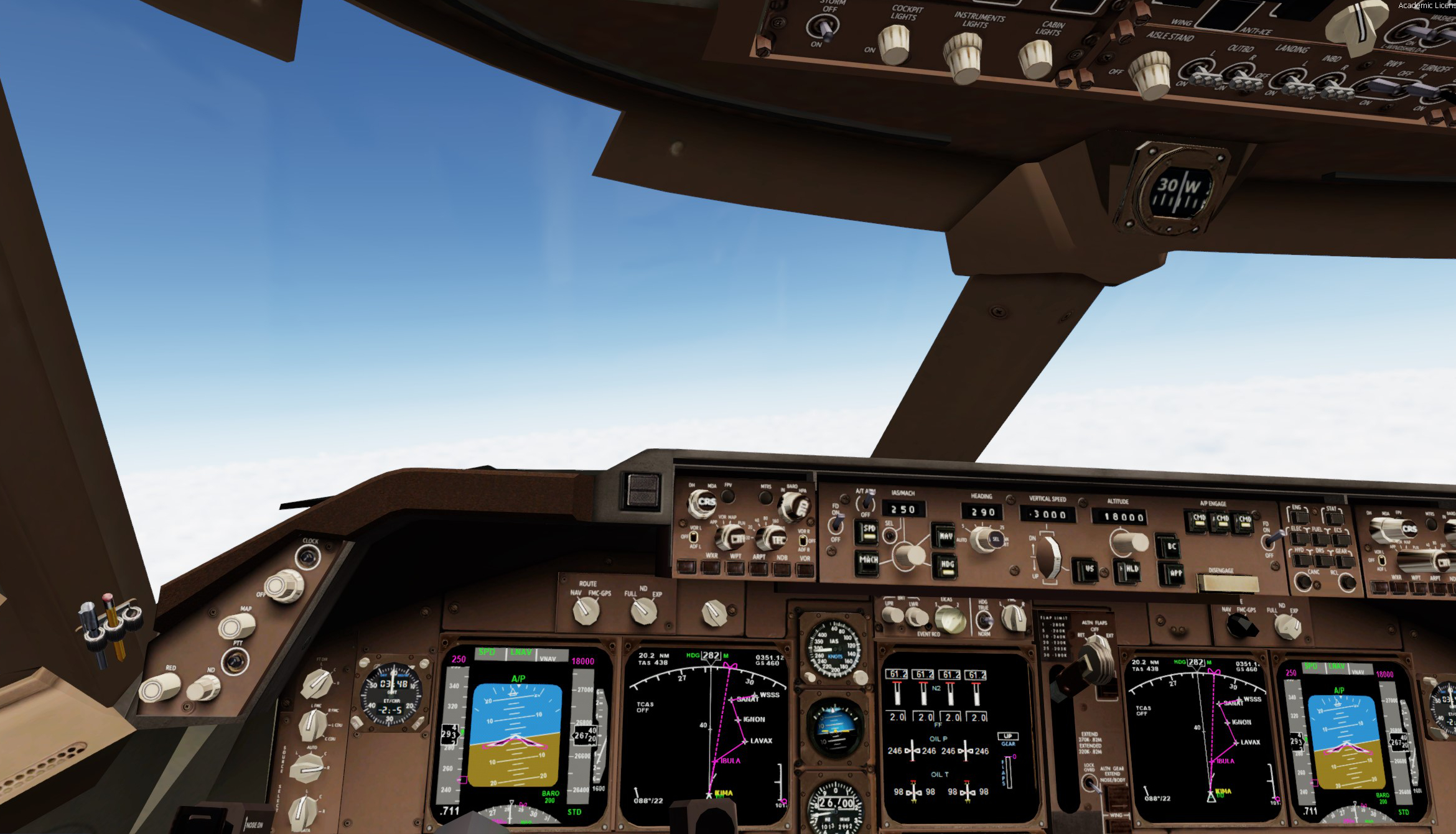
Re the A/P and pitch this last leg was seamless. LNAV tracked perfectly all the way and speed control in VNAV mode was also bang on. Admittedly this may be related to use of the ISG gauges and engaging LNAV/VNAV properly. I may check this by swapping the original CDU/gauges back in for defaults in a future leg. Here we are tracking the descent into Singapore, taking the SURGA1A arrival aiming for an ILS approach to 02L at WSSS

Image

Okay, it's probably about time cover the tricky subject of where to actually source these model and air/FDE files from?

The original Project Opensky team dispersed long ago. Seems that like many groups, they had a few "governance" issues along the way and the key members ended up fragmenting into the SkySpirit 2010/2011/2012 and TDS teams, and others no doubt. As I covered in Post 2 the B744 which I'm most interested in is from the Posky era and the website and official sources for those files are also gone.

There is however this post on fs2000 from Yosuke Ube who along with Hiroshi Igami was one of the key project members. It has a link to a ZIP download (filename: posky_747_fsx_p3d_base_models.zip) which includes original models, FDEs, liveries, paint-kits, panels etc all in one bundle. The liveries are mainly for the pax variant but it does include the models/FDEs for the others
https://www.fs2000.org/2019/05/26/fsx-p ... y-package/

And there's another similar mega pack available at https://flyawaysimulation.com/ with the freighter variants and liveries (filename: 747f-cargo-freighter-fsx-p3d.zip). As of 2023/Jan I've checked these downloads and the date-stamps do line up with the originals. In the Simviation README they state they are distributed with the blessing of the creators. Whether that is true or not I cannot say.

Of course you CAN grab a texture set from your favourite distribution site (avsim.com, flightsim.com etc) but you want to make sure that the model files in the folders you download are named like this (note the "X" in the name), which is the FSX convention and plays fine in P3D...
OSX744FV4_CF6-80.MDL

and not this which is the earlier FS9 model
OS744FV4_CF6-80.mdl

Regarding the air files there are specific files for each variant and each engine. That adds up to a lot of combos to source. E.g. for the B744F alone we have...
  • 747-400ERF-GE-CF6-80C2B5F
  • 747-400F-GE-CF6-80C2B5F
  • 747-400F-PW-PW2040
  • 747-400F-RR-RB-211-524HT

And that's excluding the BCF, PAX and LCF variants!!

In my experience you also want to be checking the date stamps of those files. The last release of the original V4 model files was in 2019 and they should be dated "22/12/2019". The air files are older and dated "23/12/2017". You might see other dates, and filenames, but in those cases you will have a file modified by someone other than the core team. Your mileage may vary.

There are also updated models for each engine variant with PBR texture support available from the TDS.Lounge community page on Facebook if you have an account there
https://www.facebook.com/groups/TDS.Lounge

If you fancy a dabble with the SkySpirit team's 747-800 models you can get them direct from the team themselves following, along with the 777 and 767 models and associated files. And once again if you have a Facebook account join the official SkySpirit2011/12 community page:

Another helpful suggestion from Mark was to grab the FS9/X P&W 4060 sound pack for the B744 series by FS sound engineer Benoit Plamondon. As Mark pointed out to me these sound packs work best when tuned to work well with aircraft itself and this one from Benoit is a cracker, works well with P3D and sounds fabulous. There is also a great CF6-80C2B pack by Emil Serafino Jr. (often bundled with the GE 747s) which you can find most places, and an assortment of Rolls Royce RB211s (I happen to be using one from TurbineSoundStudios). Have tried an assortment of options, there are plenty out there, and these seem to balance the right vibe inside and out from start-up to taxi, take-off, idle and shutdown. Don't seem to be any specific cockpit sounds which I guess are related to the model itself.

So, gonna wrap this post up with some flying. Landing went well taking the approach I did last time of getting inside the ILS cone before engaging APP mode. This worked perfectly right down to A/P and A/T disconnect before landing. Have flown into Singapore as a passenger IRL a few times, its a fascinating place and if the weather is fine you can get some amazing views of the Singapore Strait and its busy shipping lanes (I should have turned on shipping AI, dang it)

Image

Landing now. This airport is massive, three parallel runways and a cargo apron at the northern end which I conveniently rolled straight off the runway and in to for a nice short taxi.
Image

I don't really have ground shots to share. Sadly this is one mega airport I don't have a decent addon for, although the ImagineSim P3D release does look good. Lot's of the usual suspects on the apron though.
Image
User avatar
deeknow
NZFF Pro
 
Topic author
Joined: Tue Sep 18, 2007 10:15 pm
Posts: 4447
Location: NZHN

Re: Back to the future. A review of the Project Opensky 747 for use in P3D in the 2020's

Postby Aharon » Sun Jan 29, 2023 6:52 am

deeknow wrote:I'm most interested in is from the Posky era and the website and official sources for those files are also gone.


Great shots

I checked Posky Archive website and yes indeed it is gone now. It was working 2 months ago. BTW, you can get plenty of sources and files from Avsim and flightsim.

Try this: https://web.archive.org/web/20161206003 ... om/boeing/

Regards,

Aharon
Aharon
Senior Member
 
Joined: Sun Jul 23, 2017 11:39 am
Posts: 1996

Next

Return to Aircraft

Who is online

Users browsing this forum: No registered users and 17 guests