Fletcher model is being uploaded to Avsim.com and Flightsim.com as I type this.
Keep an eye out for it over the next few days.
FU24_950.zip approx 37 MB
Deane
Fletcher released
39 posts
• Page 1 of 2 • 1, 2


 by Snowman » Sat Apr 21, 2007 12:08 am
Wow, and double wow !!! 
Thanks Deane, wanna get in on this action
Now all we need is a good Wanganui Airport Scenery to go with it...........
Lawrie.
Thanks Deane, wanna get in on this action
Now all we need is a good Wanganui Airport Scenery to go with it...........
Lawrie.
Last edited by Snowman on Sat Apr 21, 2007 12:18 am, edited 1 time in total.


-

Snowman - NZFF Pro
- Joined: Wed Jul 26, 2006 3:52 pm
- Posts: 2427
- Location: Tauranga, NZ.

by K5054NZ » Sat Apr 21, 2007 1:59 am
Snowman wrote: Now all we need is a good Wanganui Airport Scenery to go with it...........
Sentiment seconded!
Now, once we've all trained up on this luvly, hows about we organise a formation team?

I know how I'm spending my Saturday morning....and lunch...and afternoon....
-

K5054NZ - Senior Member
- Joined: Sun Jul 30, 2006 4:53 pm
- Posts: 1063
- Location: NZOM
by deaneb » Sat Apr 21, 2007 9:03 am
hinch wrote: umm...in fs9:
so i read the read me and even tried moving the cab file
looks and sounds beautiful mind.
Do not know the fix for this. My FS9 is not working so I have not been able to test how the new cab files and XML gauges should be set up in FS9.
Oh the joys of plane design !!!
If anybody knows why some gauges show and some don't then I'd be keen to hear.
Deane
Last edited by deaneb on Sat Apr 21, 2007 9:34 am, edited 1 time in total.

-

deaneb - Senior Member
- Topic author
- Joined: Sat Aug 12, 2006 4:40 pm
- Posts: 1565
- Location: Blenheim
by ardypilot » Sat Apr 21, 2007 2:52 pm
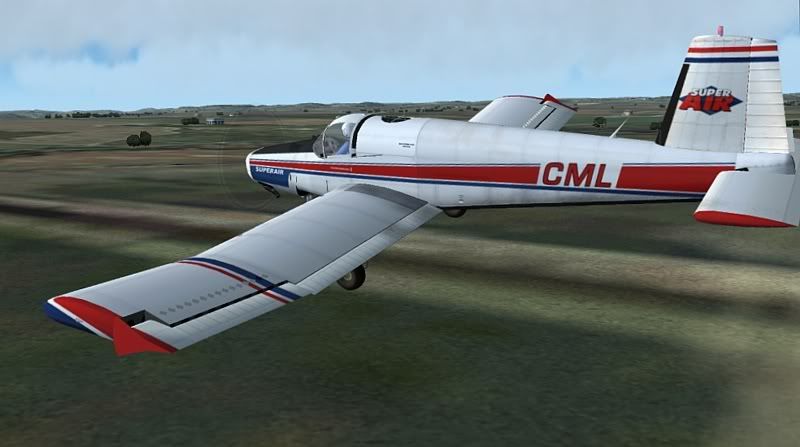
People may call me weird for liking planes such as the 1900d and 737 nose, but man I really love the shape of this one. Those bent wings remind me of a Corsair, and you're model looks brilliant in my FS9 sim! Thanks Deane
The VC is incredable too (apart from the missing guages which hopefully somone will point out a fix for). I really like how smooth it is on FPS.
Just two questions for you before I go back to flying- 1) What altitude are you meant to crop dust from? and 2) When I bought the Fletcher into land on a sealed runway, with one notch of flap, the wheels sunk below the ground and it bounced and flipped around all over the place- how can I stop this?
Cheers again for such a brilliant addon

Last edited by ardypilot on Sat Apr 21, 2007 2:53 pm, edited 1 time in total.
-

ardypilot - NZFF Pro
- Joined: Wed Apr 26, 2006 10:01 am
- Posts: 6802
- Location: Auckland
by Charl » Sat Apr 21, 2007 3:57 pm
Deane
Congratulations, that must be a weight off your shoulders!
Like everyone else in NZ I've been cropdusting, still looking out for the scenery area which hits the sweet spot.
The FSX model really does it from the pilot's seat, and well done with that amazing hopper mass gauge
The plane becomes a veritable aerobat on an empty tummy.
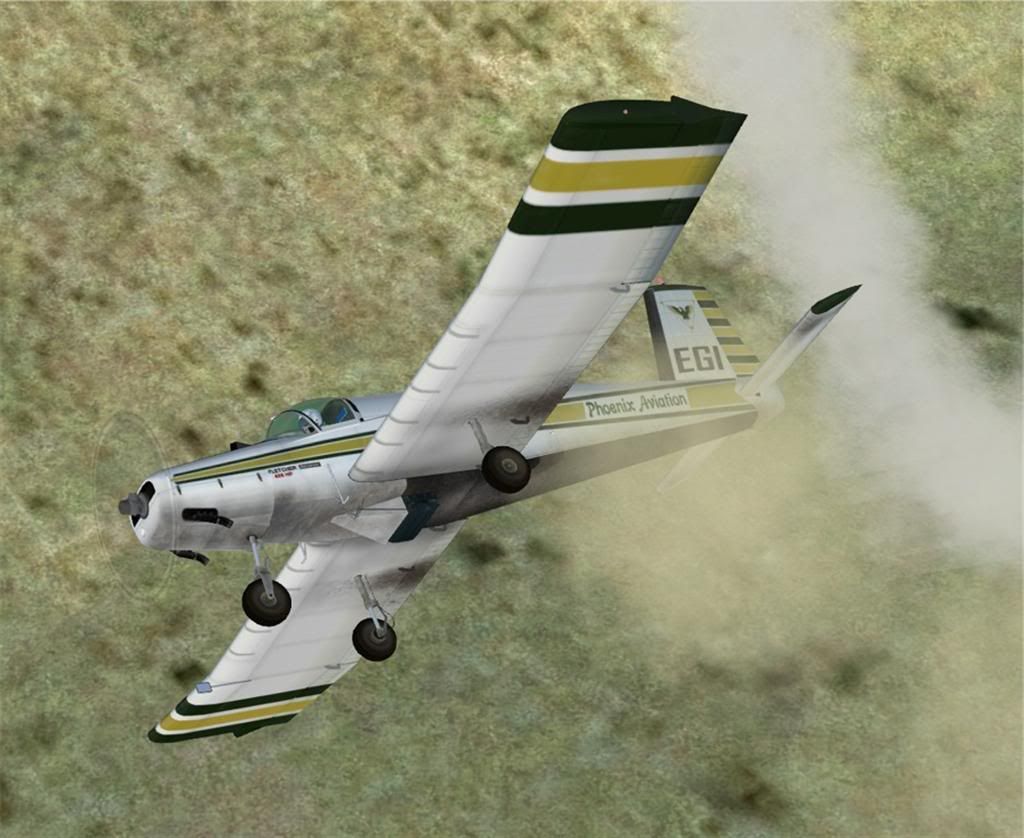
But of course when you are flying spot view at zero altitude you want a bit of scenery, and my FS9 custom installation knocks the spots off the stock FSX one.
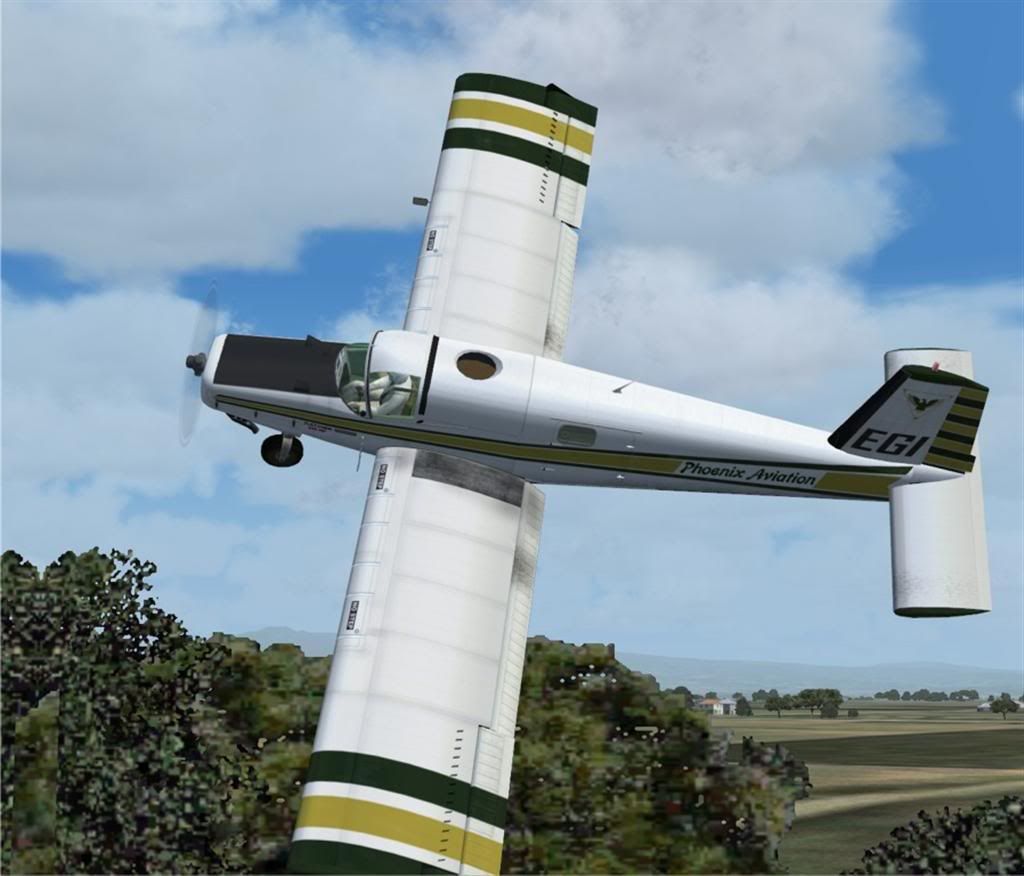
Hope you find a fix for the FS9 gauges, becauase that's my model of choice for the foreseeable future.
Oh, and lest we forget, I hope you haven't forgotten the AI model which was the first we heard of the Fletcher Project, all those months ago
Congratulations, that must be a weight off your shoulders!
Like everyone else in NZ I've been cropdusting, still looking out for the scenery area which hits the sweet spot.
The FSX model really does it from the pilot's seat, and well done with that amazing hopper mass gauge
The plane becomes a veritable aerobat on an empty tummy.
But of course when you are flying spot view at zero altitude you want a bit of scenery, and my FS9 custom installation knocks the spots off the stock FSX one.
Hope you find a fix for the FS9 gauges, becauase that's my model of choice for the foreseeable future.
Oh, and lest we forget, I hope you haven't forgotten the AI model which was the first we heard of the Fletcher Project, all those months ago
-

Charl - NZFF Pro
- Joined: Mon May 01, 2006 8:28 am
- Posts: 9801
- Location: Auckland
by Ian Warren » Sat Apr 21, 2007 4:17 pm
Travel'd half the country today ,  .. DEANE , Love it in X

Playin around with gauge files in 9 ... FSX winner BUT

ripping around old established FS9 scenery .. ARRRrrrHH .. . another thought ..AGplane's , HELLS .. .. half them had there gauges ripped out in the Earlier days startin out
Brilliant Deane , THANX
.. DEANE , Love it in X Playin around with gauge files in 9 ... FSX winner BUT
ripping around old established FS9 scenery .. ARRRrrrHH .. . another thought ..AGplane's , HELLS .. .. half them had there gauges ripped out in the Earlier days startin out
Brilliant Deane , THANX

-

Ian Warren - NZFF Pro
- Joined: Fri May 05, 2006 5:23 pm
- Posts: 41187
- Location: AREA 51
by ZK-KAG » Sat Apr 21, 2007 4:43 pm
Damn!!! Congratulations Deane!!! I downloaded today and had a great amount of fun doing aeros on an empty stomach. You have to watch your speed when its empty!
~ZK-KAG~
~ZK-KAG~
"ZK-KAG"
"We who fly do so for the love of flying. We are alive in the air with this miracle that lies in our hands and beneath our feet"
Check out all the multiplayer action @ ARNZX "FNF"
"We who fly do so for the love of flying. We are alive in the air with this miracle that lies in our hands and beneath our feet"
Check out all the multiplayer action @ ARNZX "FNF"
- ZK-KAG
- Sim-holic
- Joined: Sun Oct 01, 2006 8:20 pm
- Posts: 729
- Location: Palmerston North / Auckland
by Christian » Sat Apr 21, 2007 5:08 pm
Hi Deane
Congratulations. Great plane, love it. Had a great time taking it for a spin!
My eagle eyes did notice a small bug (maybe it's not, not sure), the kollsman window in the altimeter is empty in FSX.
I haven't flown any freeware planes lately (to be honest, I haven't flown many addons at all), but this surely must be up there with the very best. I hope you rake in some awards with this one. Well done!
Now back to FS and explore the 3500 farm strips of mine
Cheers,
Christian
Congratulations. Great plane, love it. Had a great time taking it for a spin!
My eagle eyes did notice a small bug (maybe it's not, not sure), the kollsman window in the altimeter is empty in FSX.
I haven't flown any freeware planes lately (to be honest, I haven't flown many addons at all), but this surely must be up there with the very best. I hope you rake in some awards with this one. Well done!
Now back to FS and explore the 3500 farm strips of mine
Cheers,
Christian
Last edited by Christian on Sat Apr 21, 2007 7:09 pm, edited 1 time in total.
Breathtakingly gorgeous FS landscapes for New Zealand.
Visit Sim Pilot Experience now:
http://www.simpilotexperience.com
Follow me on twitter:
http://www.twitter.com/ChristianStock
Visit Sim Pilot Experience now:
http://www.simpilotexperience.com
Follow me on twitter:
http://www.twitter.com/ChristianStock
-

Christian - Forum Addict
- Joined: Sun Apr 30, 2006 12:03 pm
- Posts: 426
- Location: melbourne
by Timmo » Sat Apr 21, 2007 5:50 pm
Thanks Deane!
Lots of people are downloading this by the looks.....
I thought id make the most of the high resolution capabilities of FSX in order to do some low flying...
Full thread here http://z11.invisionfree.com/nzff/index. ... topic=3109
Sample
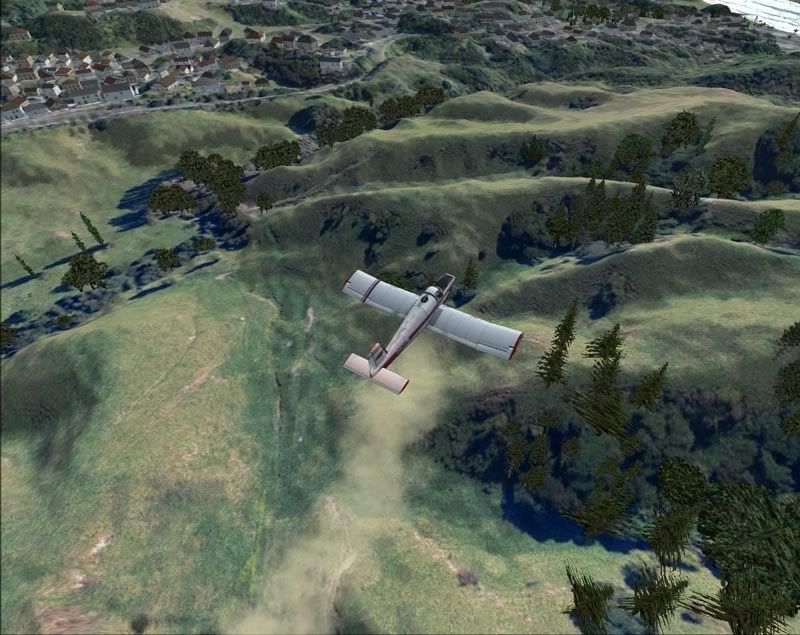
Lots of people are downloading this by the looks.....
I thought id make the most of the high resolution capabilities of FSX in order to do some low flying...
Full thread here http://z11.invisionfree.com/nzff/index. ... topic=3109
Sample
- Timmo
- NZFF Pro
- Joined: Wed Oct 25, 2006 6:28 pm
- Posts: 2056
- Location: Tauranga
by hinch » Sat Apr 21, 2007 9:56 pm
Timmo wrote: Gauge problem: Dont quote me on this....but arent gauges for FS9 stored in the Gauges folder whereas the gauges for FSX can be stored with the aircraft in its own a/c folder?
no, gauges will work fine in the panel folder - i only put them in the gauges folder if they are used by multiple aircraft.
'<SimBase.Document Type="AceXML" version="1,0" id="ASI">
<Descr>AceXML Document</Descr>
<Filename>ASI.xml</Filename>
<SimGauge.Gauge id="ASI" ArtDirectory=".">'
i think that's FSX syntax. I can certainly try to fix them (since you have already made a complete plane, it's the least i could do!), all the gauges that aren't working are simple enough (i hope) and just made of a background and rotating needle. These are the gauges that i don't think are FS9 ready:
- ammeter
- stall light
- ASI
- CHT
- fuel quanitity
- manifold pressure
- Oil pressure
- RPM
- compass
...all gauges i've made before for FS9

so yeah, if you want me to i'll sort it out
Last edited by hinch on Sat Apr 21, 2007 10:03 pm, edited 1 time in total.
- hinch
39 posts
• Page 1 of 2 • 1, 2
Who is online
Users browsing this forum: No registered users and 18 guests