Ummmm.... which bit is the Registry?[/quote]

Okay (working with XP here; should be reasonably similar for Vista or Win 7).
Anywho, go to: Start > Run > type in "regedit" (in lower case and without the quote marks) and hit Okay. That brings you into your Registry Entry. There are two entries for FS contained in here. First entry, look for: HKEY_CURRENT_USER > Software > Microsoft > Microsoft Games > Flight Simulator > 9.0. Make sure the Exe Path points to your current install. (As you say the uninstall.exe looks to have been overwritten, there should be an entry in here.)
Next, look for: HKEY_LOCAL_MACHINE > Software > Microsoft > Microsoft Games > Flight Simulator > 9.0. Do the same as above (just check the Exe Path is where FS is installed).
If there are no entries in either USER or MACHINE, then FS is no longer registered and you can simply consign the entire folder to the Trash Can.
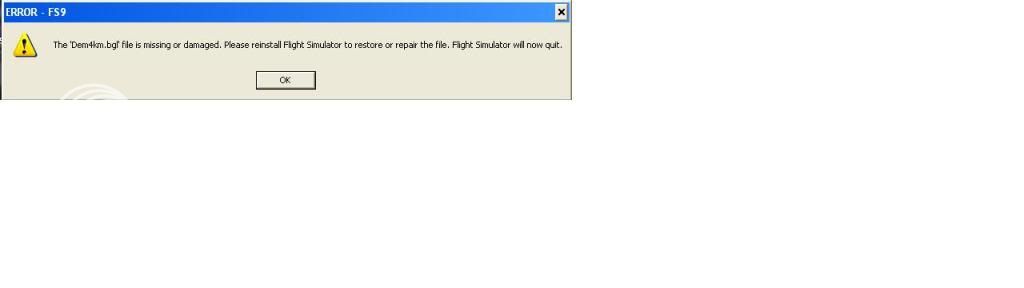
If there are entries, you may consider renaming your original FS9 (something like FS9.original) and reinstall from the disks again. Then copy (or add) whatever you had installed in your original install over to the new copy. Remember to save things like your fs9.cfg, scenery.cfg, et cetera before reinstalling.
With luck, going down this road may provide you with the FS9 repair option (but I don't think so, unfortunately).
Good luck.

 by ZK-MAT » Sun Mar 28, 2010 11:22 am


